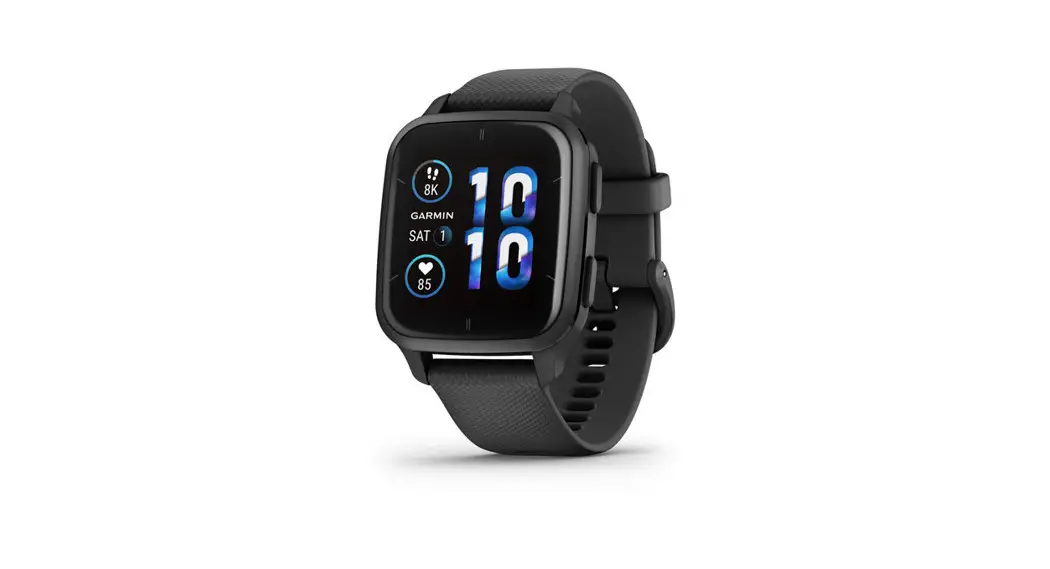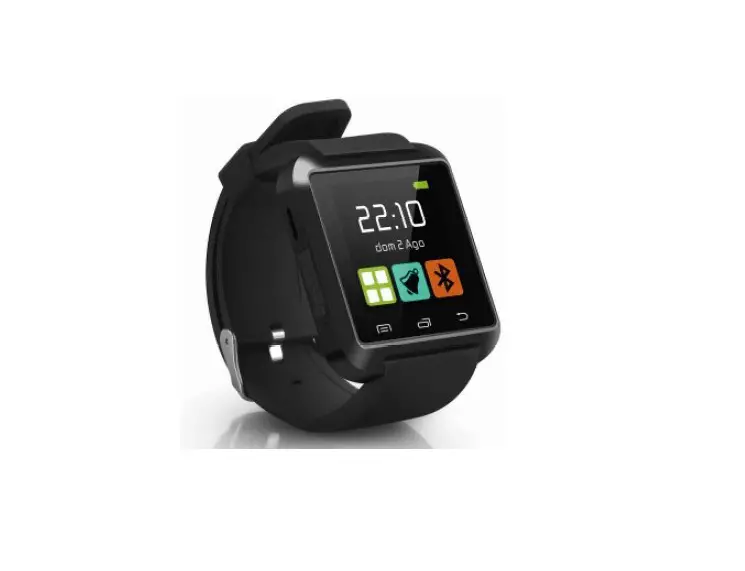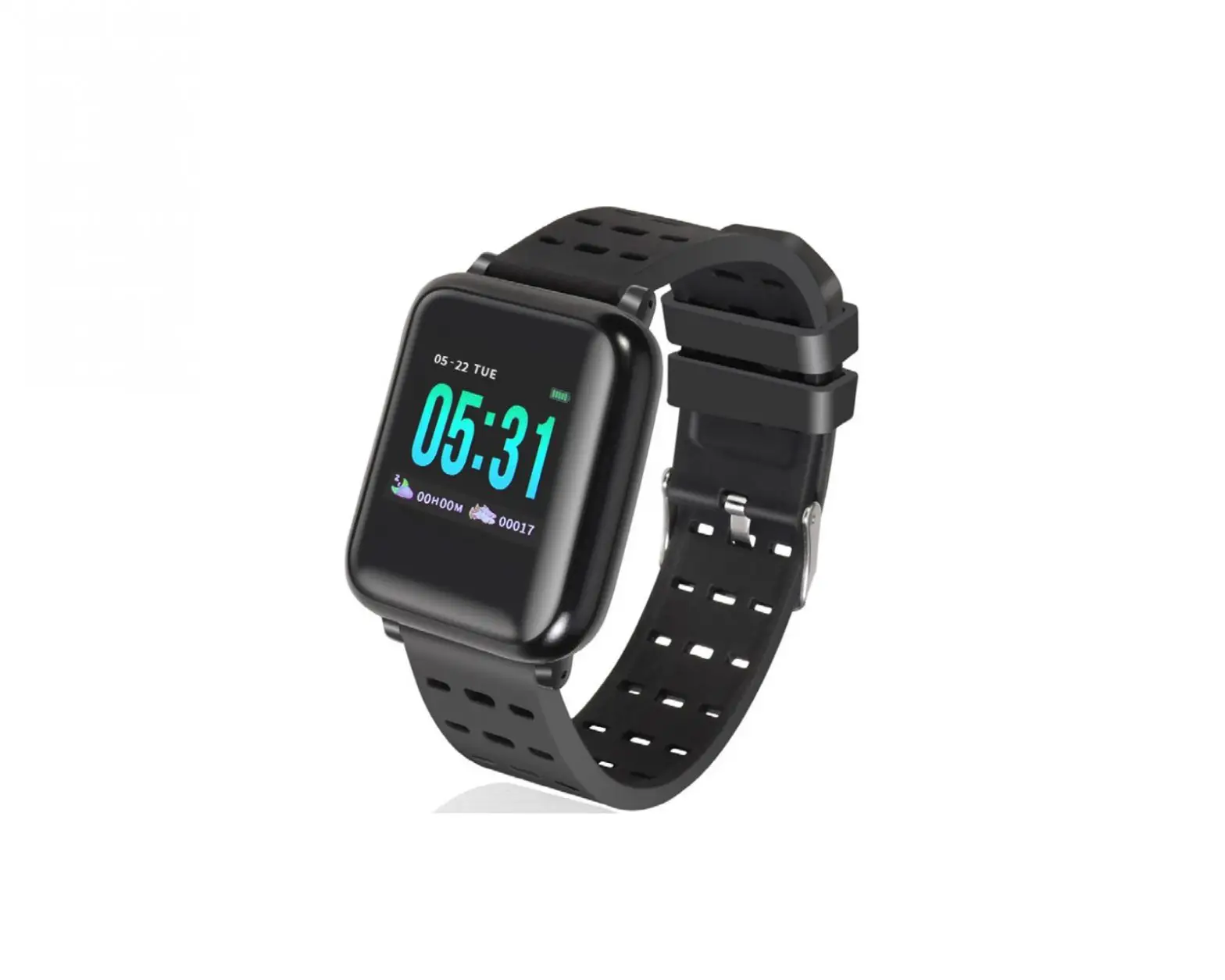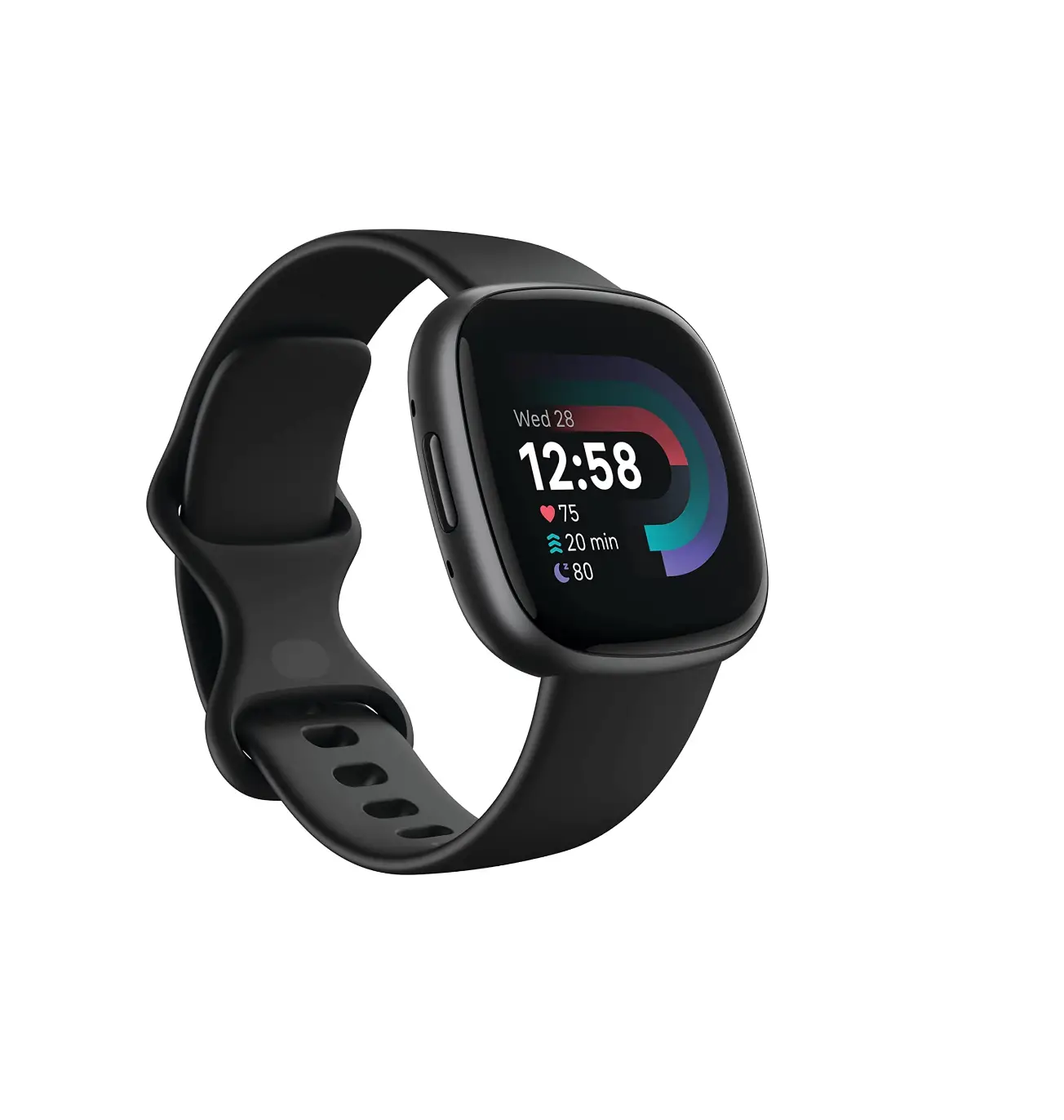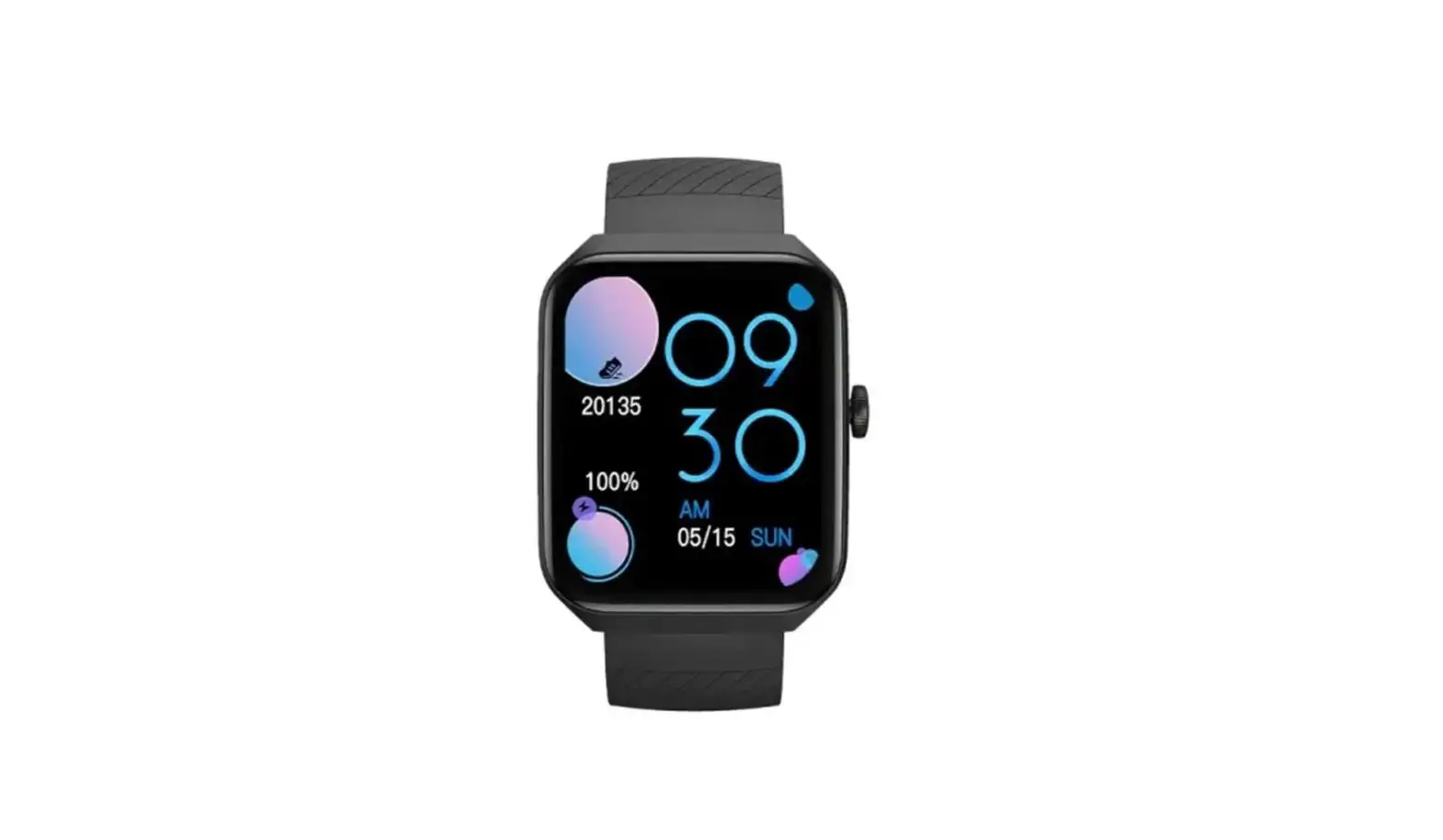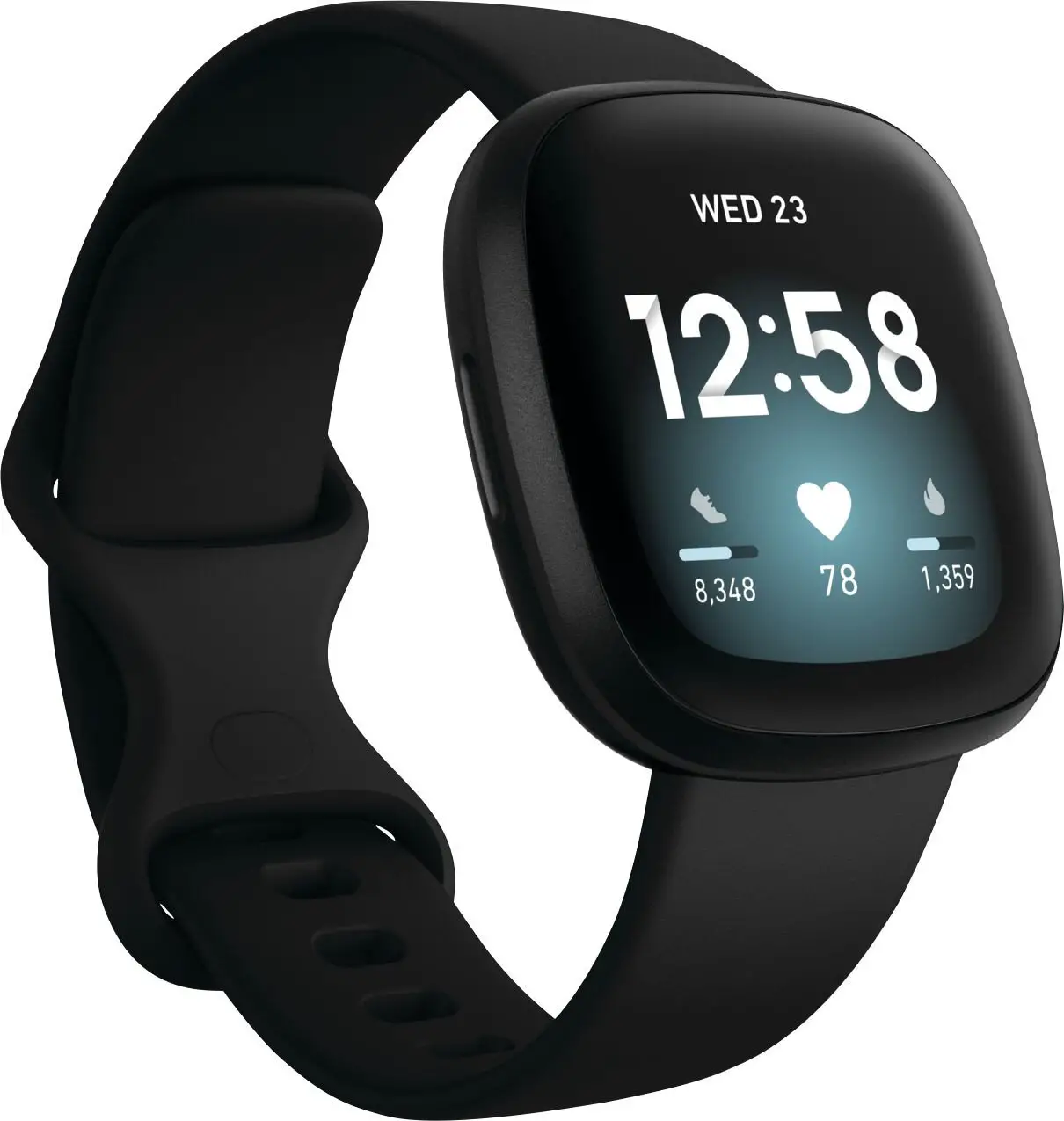

permobil PushTracker E2 – Wear OS by Google set-up 
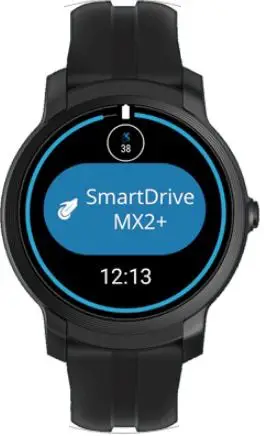
PushTracker E2 & Wear OS by Google
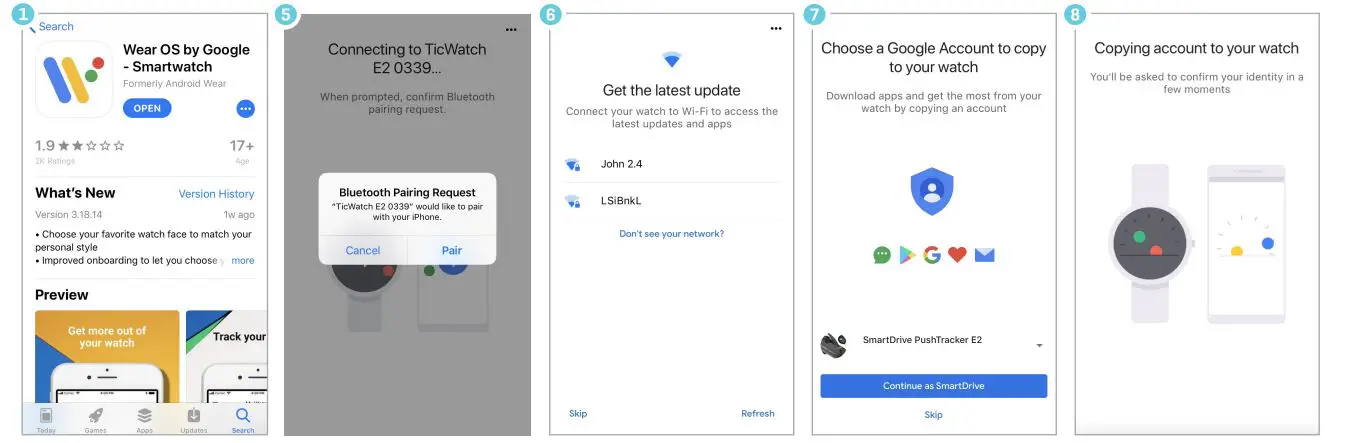
- Download Wear OS by Google on your Android or Apple phone

- Read/accept Google terms of service & enable Bluetooth® sharing
- Turn on watch, select language
- Read/accept Mobvoi policy
- Pair/connect PushTracker E2 to phone
- Connect your watch to Wi-Fi
- Choose/sign in/create Google account
- Initialization
- Wear OS tutorial

NOTE: Wi-Fi is required for Wear OS by Google set-up. If doing a Wear OS by Google set-up on a PushTracker E2 that was preconfigured by Permobil, you must do a factory reset first.
Download SmartDrive MX2+ app
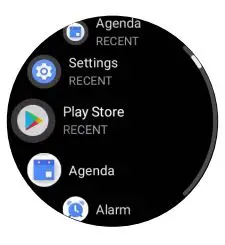
- Go to Google Play Store on PushTracker E2

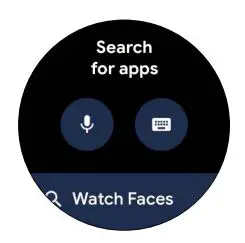
- Search for “SmartDrive MX2+”

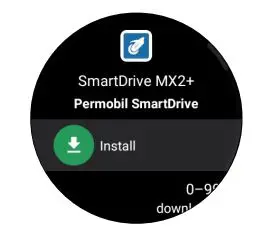
- Install & launch SmartDrive MX2+ app

Pair & go
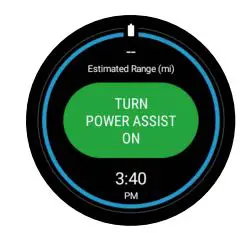
- With your SmartDrive MX2+ unit turned on, launch the SmartDrive MX2+ app and touch “TURN POWER ASSIST ON”

- Pair with SmartDrive MX2+ by selecting the number listed on the screen. You can only pair when one SmartDrive MX2+ is present

- You are now paired & connected!

- With your SmartDrive MX2+ unit turned on, launch the SmartDrive MX2+ app and touch “TURN POWER ASSIST ON”
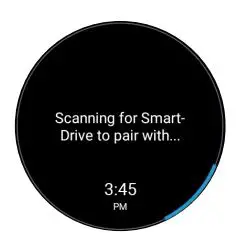
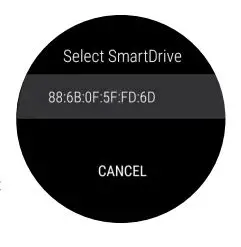
NOTE: You can also pair to your SmartDrive MX2+ through the settings menu within the app For more instructions check out the PushTracker E2 how-to videos at permobilus.com/howtosmartdrive Wear OS by Google, iPhone, Android, Bluetooth and Google Play are trademarks or registered trademarks of their respective owners
LINK
 Permobil
 Reach for More - Permobil Permobil Search