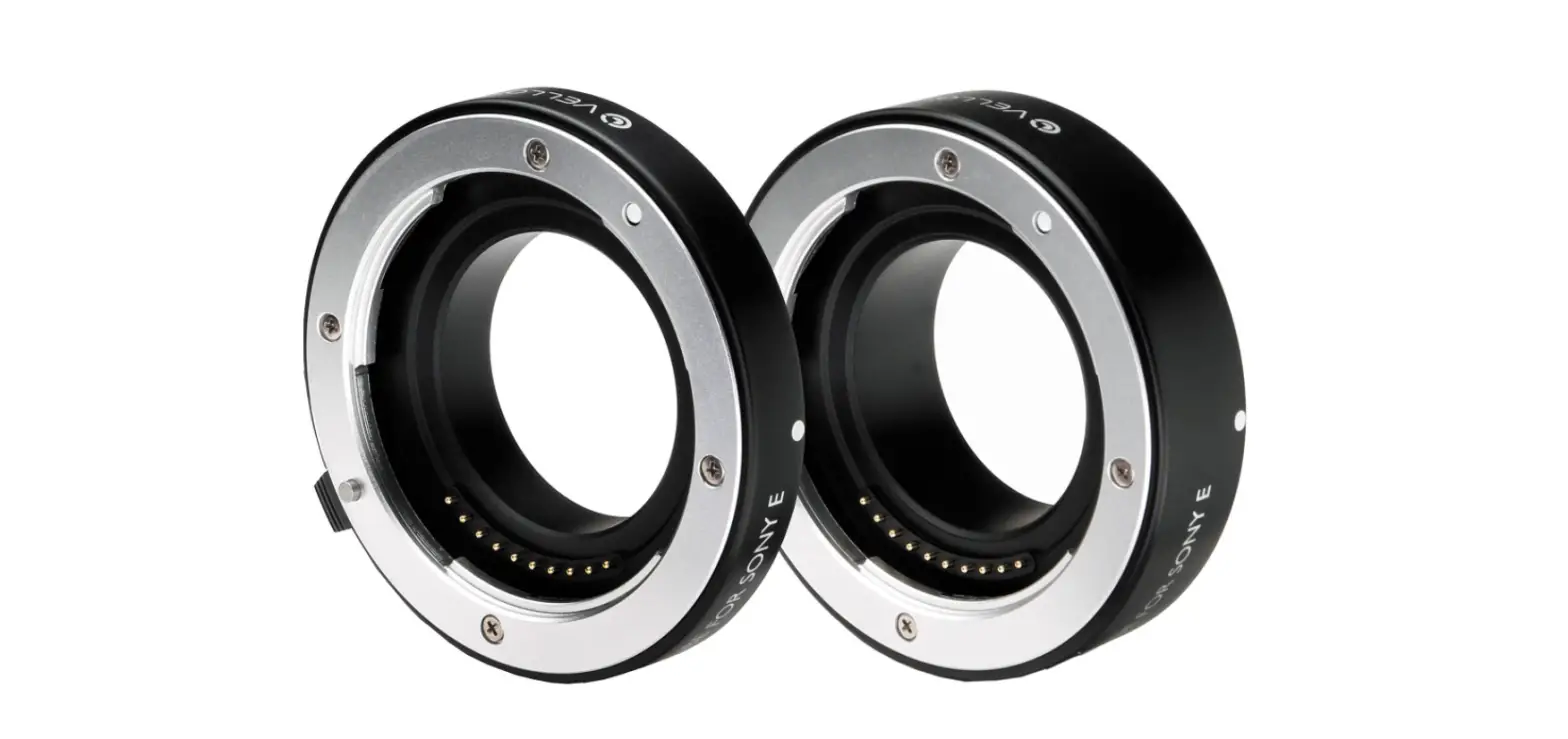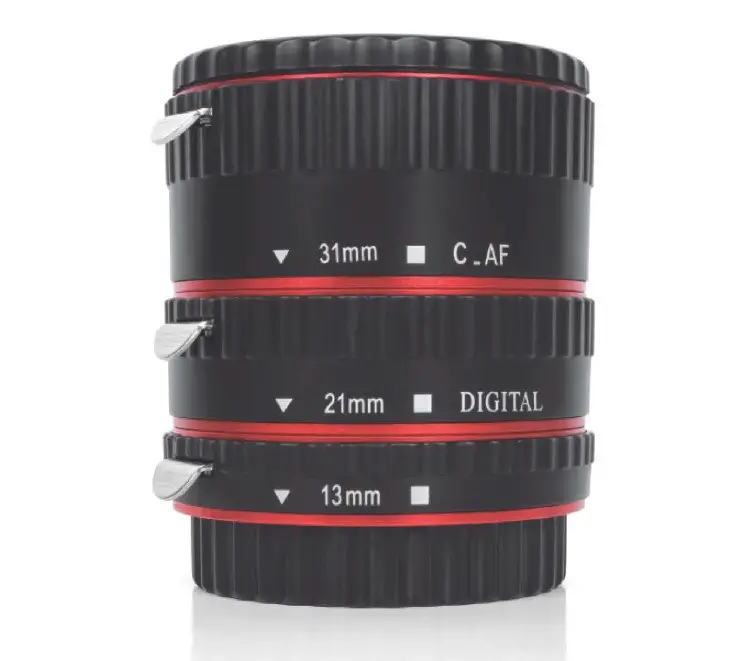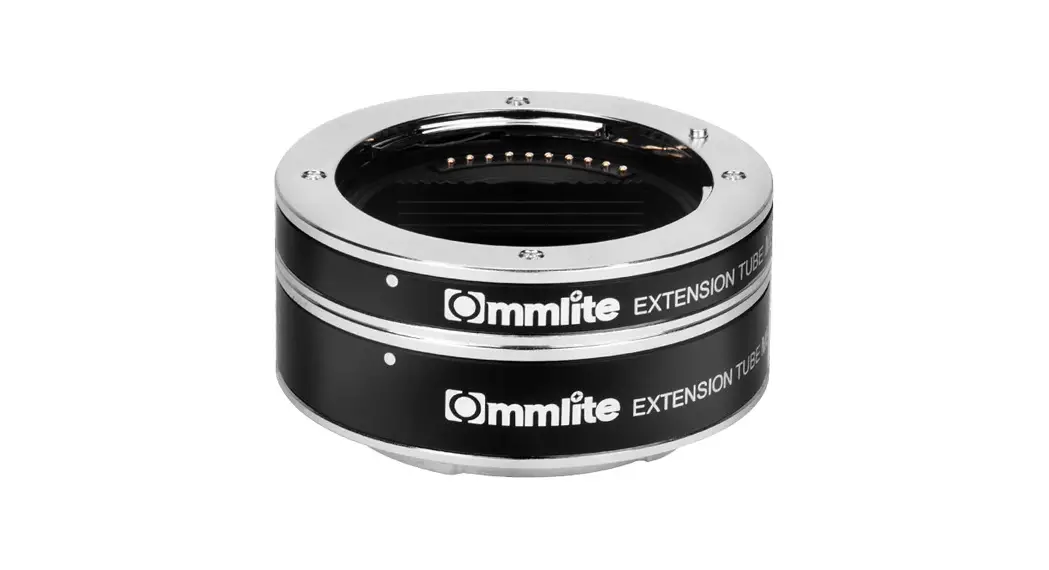

 Automatic Macro Extension Tube Set for L-Mount CM-DG-L
User Manual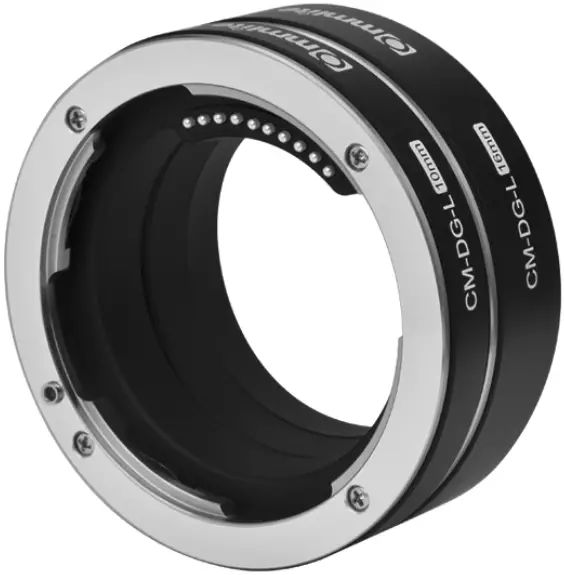
Description
Thanks for purchasing COMMLITE CM-DG-L
Notice The extension tube is only suitable for macro shooting and can not focus infinitely after being installed The focusing distance is limited after installing the extension tube, and the focusing range is different with different focal lengths so you can adjust the focal length by changing the distance between the object and the camera or by operating the zoom device of the main lens The exposure needs to be increased after the extension tube is installed (It is recommended that you use it with an external flash and tripod) Support Auto-focus, but if the depth of the subject is very shallow and the focus is not accurate, it is recommended to switch to manual focus mode
Main Features
- Focus on Exact Macro Shooting
- Support Exact TTL Exposure and Auto-focus
- Support Electronic Aperture Control and EXIF INFO. Transmitting
- Two Ring Designs(10mm/16mm), Three Di¬fferent Combinations
- Compatible with All Panasonic/Leica/Sigma L-mount Cameras
- All Aluminum Alloy Material, Stable and Durable
Components
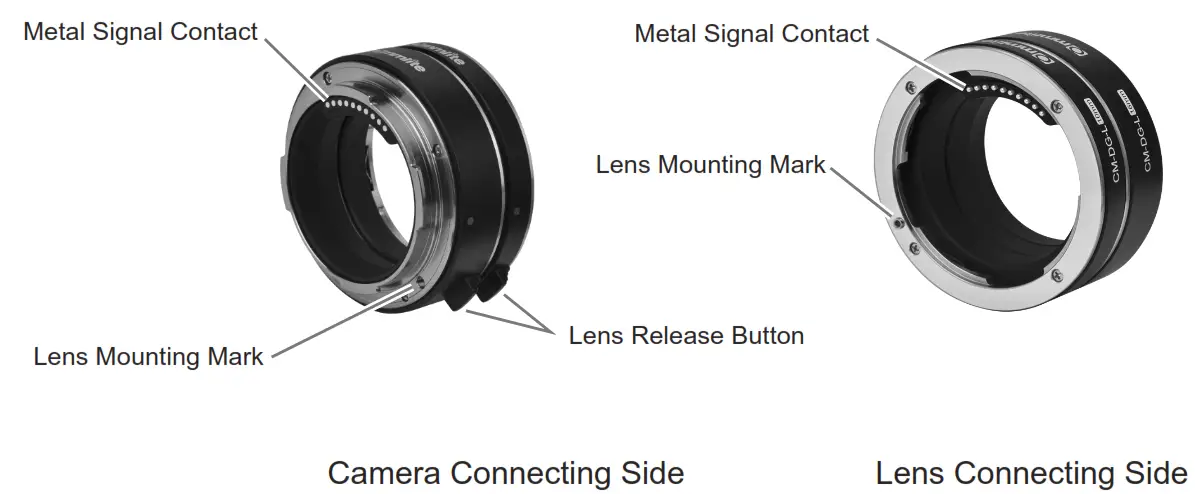
Assemble and Disassemble
- Assemble
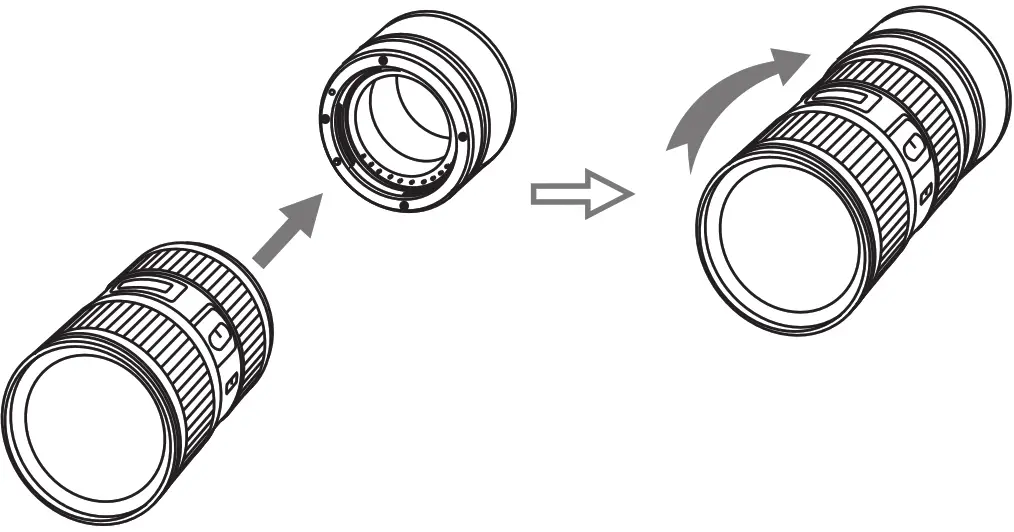
Step 1. Connect the L-Mount lens to CM-DG-L Extension Tube
Refer to the following illustration, press down the ‘lens release button’ of the Extension Tube, align the red mark on the L-Mount lens to the corresponding mark on the Extension Tube, and turn clockwise until tightened Step 2. Connect the Extension Tube to the L-Mount camera
Refer to the following illustration, press down the ‘lens release button’ of the L-Mount camera, align the red mark on the Extension Tube to the corresponding mark on the camera, and turn clockwise until tightened
- Disassemble
Step 1. Turn off the camera power, then take off the Extension Tube which is connected with the L-Mount lens from the L-Mount camera
Refer to the following illustration, press down the ‘lens release button’ of the L-Mount camera, and turn counterclockwise the Extension Tube which is connected with the L-Mount lens until it can be easily taken off Step 2. Take off the L-Mount lens from the L-Mount Extension Tube
Refer to the following illustration, press down the ‘lens release button’ of the Extension Tube, and turn counterclockwise the L-Mount lens until it can be easily taken off
 Step 2. Connect the Extension Tube to the L-Mount camera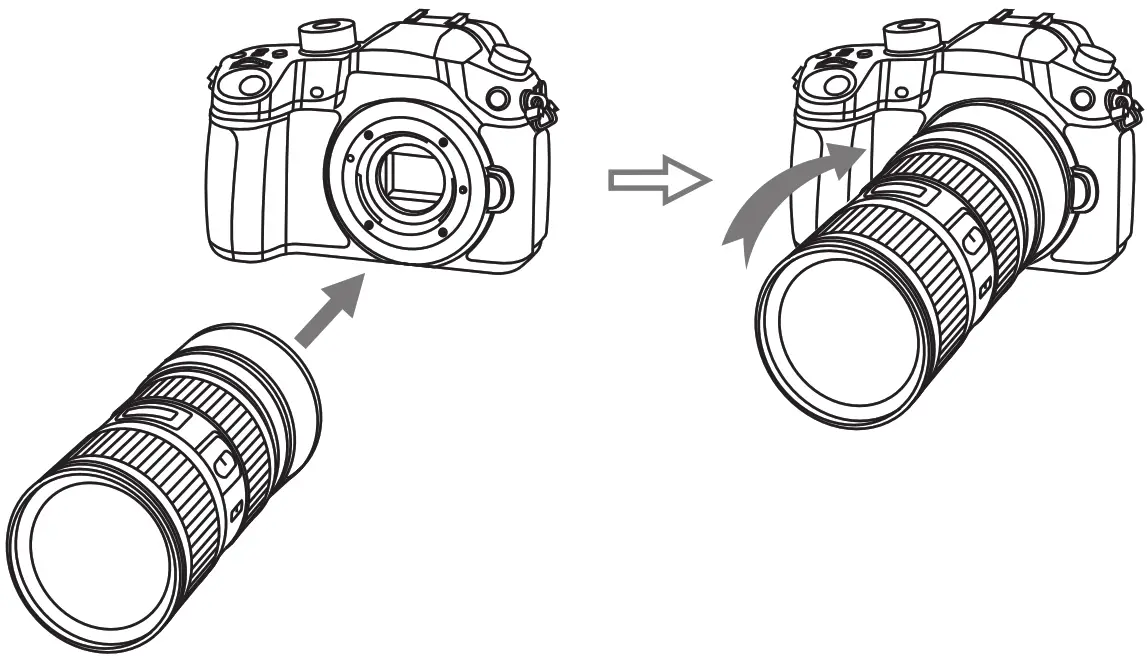
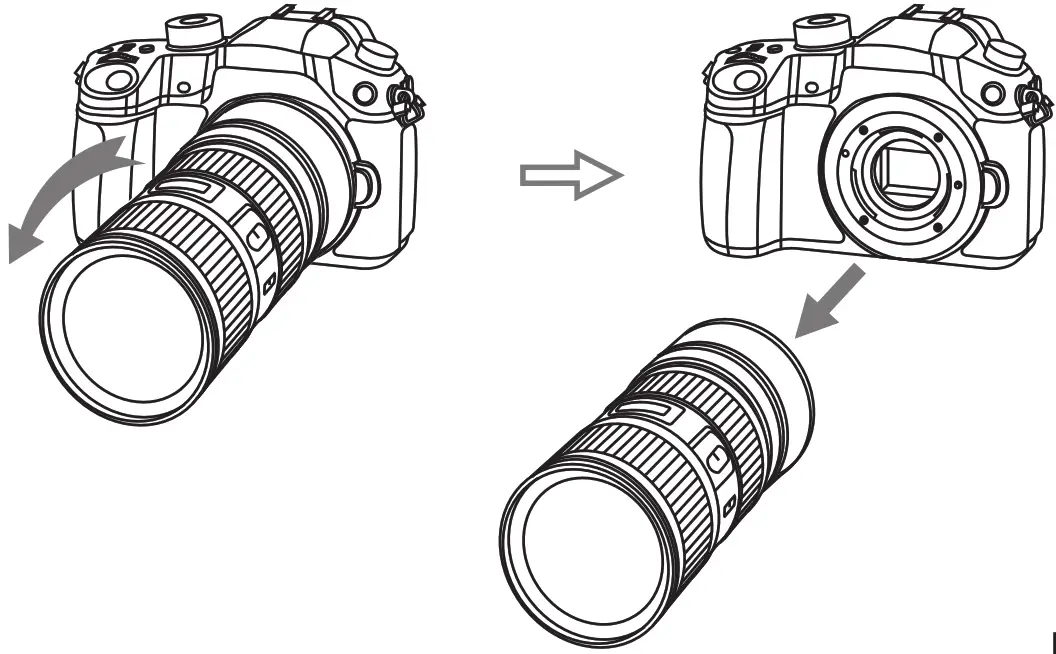 Step 2. Take off the L-Mount lens from the L-Mount Extension Tube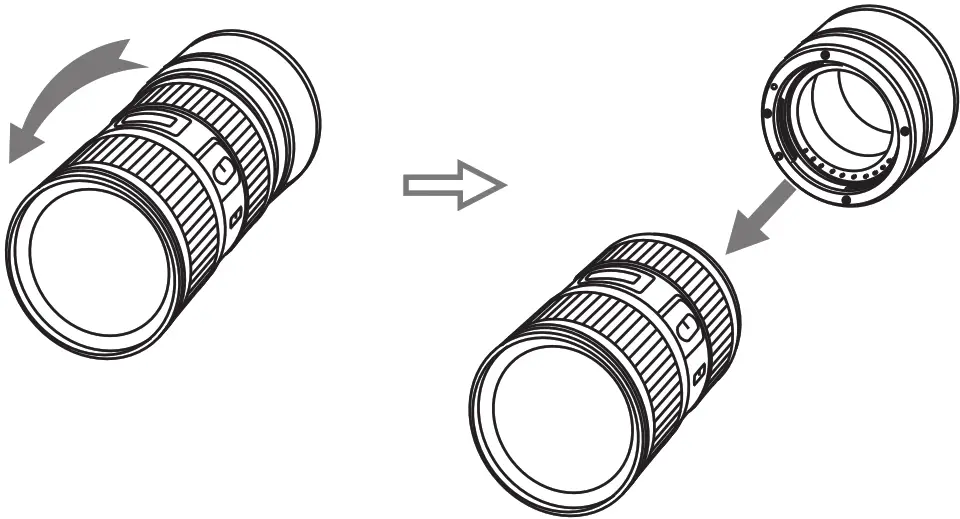
Specifications
| Compatible Lens | L-Mount Lens |
| Compatible Camera | L-Mount Camera |
| Front Installation | L-Mount Lens |
| Rear Installation | L-Mount Camera |
| Camera-Mount Outer Diameter | 61mm |
| Lens-Mount Outer Diameter | 63mm |
| Length | 32mm |
| Net Weight | 81g |
 http://www.commlite.com/
ShenZhen Commlite Technology Co., LTD
Email: [email protected]
Web: www.commlite.com