
Peace of Mind Through Insight
User Manual
Overview
PacSana is designed to provide peace of mind that your loved one is active within the home. You can be notified too of unusual events such as a button press to provide additional reassurance.
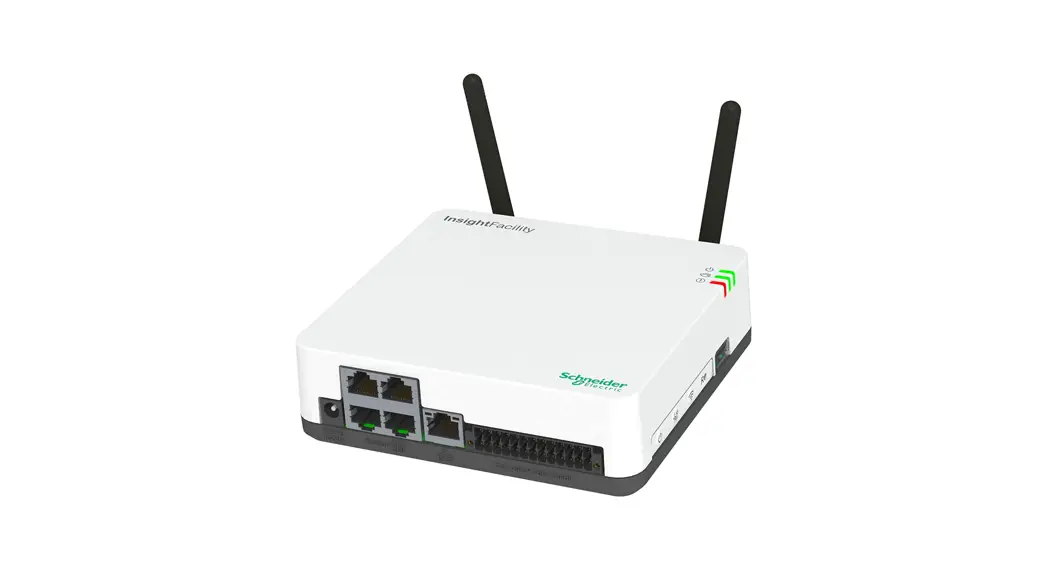
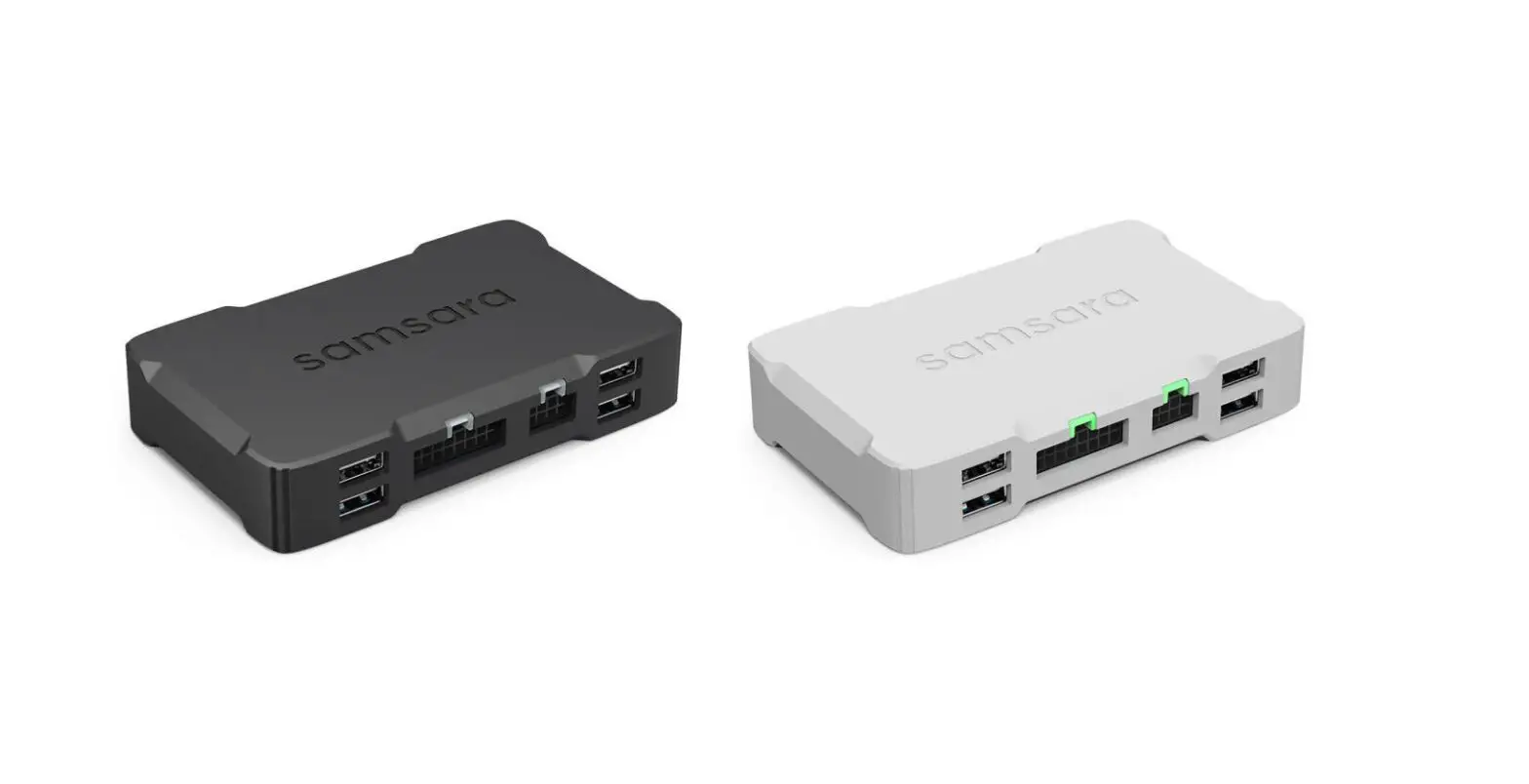
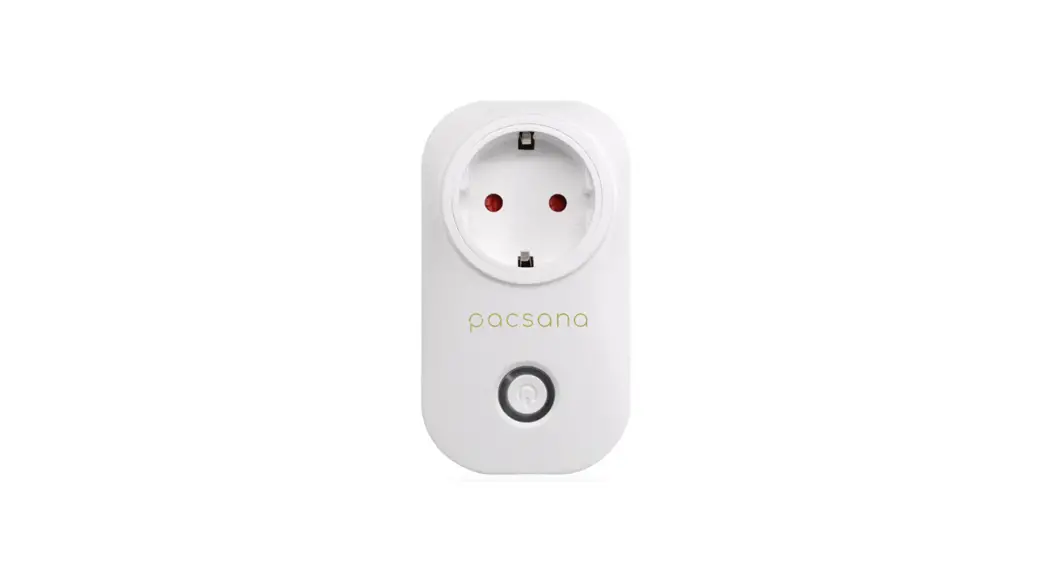
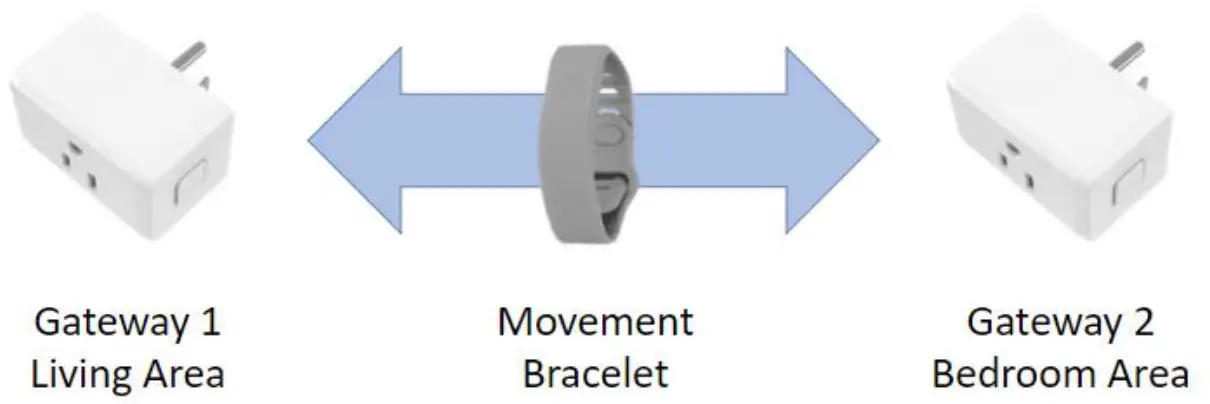
A bracelet, worn by the elder, sends data to two gateway devices within the home.
Installation
The instructions below will guide you through the installation process. Check the Troubleshooting below if you have problems.
- Login to the PacSana mobile app using the instructions sent by email.
- Plug in the gateway marked Bedroom where the elder sleeps. The LED will flash blue and then turn off.
Tip: Position away from outside walls to maximize coverage within the home. The socket on the rear can be used for any other electrical device. - Plug in the gateway marked Living Area in the room most used by the elder. The LED will flash blue and then turn off.
- In large homes, add the second Living Area gateway, if included, in another room to improve coverage. Again, the LED will flash blue and then turn off.
- Visit each room used by the elder and activate the bracelet button. An app notification will be sent within 5 minutes.
Note: This step is needed to ensure that each room is within range.
Movement Dashboard
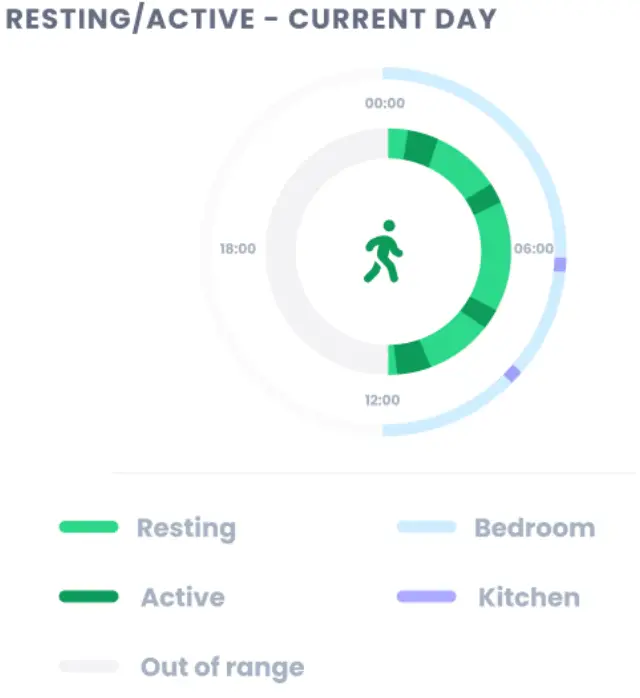
The daily movement can be viewed in the PacSana mobile app or on a PC.
The dashboard shows a 24-hour clock with the outer circle showing approximately where the elder is spending their time, typically the bedroom, living area, or outside the home.
The inner circle shows whether the person is active or resting at that time.
Ideally, your loved one will spend 8 hours or more resting in the bedroom at nighttime. The daytime should show movement activity including leaving the home (shown as out-of-range).
Historical Information
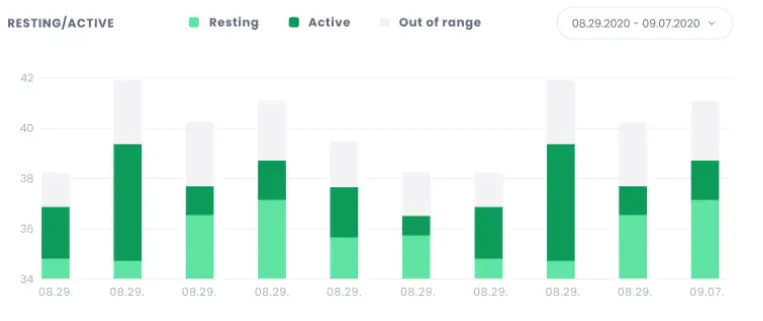
Historical information can also be viewed.
Simply select the date(s) of interest.
Note: This step is needed to ensure that each room is within range.
Notification Alerts
Below are the notifications you can receive if enabled by your supplier.
| Notification | Description |
| Activated the bracelet button | The elder has pressed the alert button on their bracelet to request support or flag an event. |
| Gateway, loss of connectivity | Either the home broadband is no longer working, or a gateway has been plugged out. Simply plug it back in again. A blue LED will flash while it tries to reconnect. |
| Bracelet is inactive | The bracelet has been inactive for 4 hours and is probably not being worn. |
| User is inactive | No use movement has been detected in the last hour. |
| 24-hour absence | The eldei has been out- of-iange foi 24 houis. Suggests that either the user has been outside the home for that time or that the bracelet’s battery is depleted. The typical battery life is 6 months. |
| 24-hour bedroom alert | The eldei has spent ovei 24 houis in theii bedioom. This may also signify that the bracelet was moved. |
| Staying at best | The elder has been testing continuously for the last 12 hours. |
| Left the house at nighttime | Since going to bed, the eldest has been out of range for 30 minutes between 23:00 and 06:00. For dementia patients, this might be of concern. |
| Reduced nighttime rest | Nighttime is 50% below historical records, 00:00 to 06:00. Either sleep has reduced or the elder is sleeping in the living area of the home. |
| Increased daytime iest | An elder’s testing time is 50% above historical records, 10:00 to 18:00 |
Instructions for the Elder
The bracelet is waterproof with 6-month battery life, so they just need to keep wearing it. Everything else is handled automatically.
Frequently Asked Questions
– Yes, simply ask your supplier for an additional bracelet.
– Yes, just provide contact details to your supplier, name, and email address.
– The portal can be viewed at https://portalPacSana.azurewebsites.net/ or using the PacSana app which is available in the App and Play Store. Your supplier will select which elders you can view and provide you with a login.
– Individual notifications can be disabled within the app. Click on Menu > Notifications to select. To block notifications for an individual elder, contact your supplier.
– To protect the elder’s privacy, only movement within the home is captured and displayed.
Troubleshooting
The bracelet battery is designed to last 9 months. No charging is needed. You’ll get a notification before it expires.
Contact your supplier for a free replacement, remove the old module from the back of the bracelet and insert the new one. Return the old module to your supplier for recycling.
The gateway is not sending data successfully. If the home broadband is working, then consider moving the gateway closer to the router. Simply plug it in at the new location. It will reconnect automatically. If the problem persists, consider adding a Wi-Fi extender.
Check that each gateway is plugged in and operating correctly. See above. Also, check that the PacSana alert button notification is enabled. If the problem persists, consider ordering an additional gateway from your supplier.
This is the same cause as above – the gateways may not be positioned correctly, or an additional gateway may be needed. Also, the gateways need to be in the high-traffic areas used by the elder.
FCC Compliance Statement
This device complies with part 15 of the FCC Rules.
Operation is subject to the following two conditions:
- This device may not cause harmful interference, and
- this device must accept any interference received, including interference that may cause undesired operation.
§ 15.19 Labelling requirements. This device complies with part 15 of the FCC Rules. Operation is subject to the following two conditions:
- This device may not cause harmful interference, and
- this device must accept any interference received, including interference that may cause undesired operation.
§ 15.21 Information to the user. Any Changes or modifications not expressly approved by the party responsible for compliance could void the user’s authority to operate the equipment.
The device has been evaluated to meet the general RF exposure requirements. The device can be used in portable exposure conditions without restriction.
V1.2
 Loading...