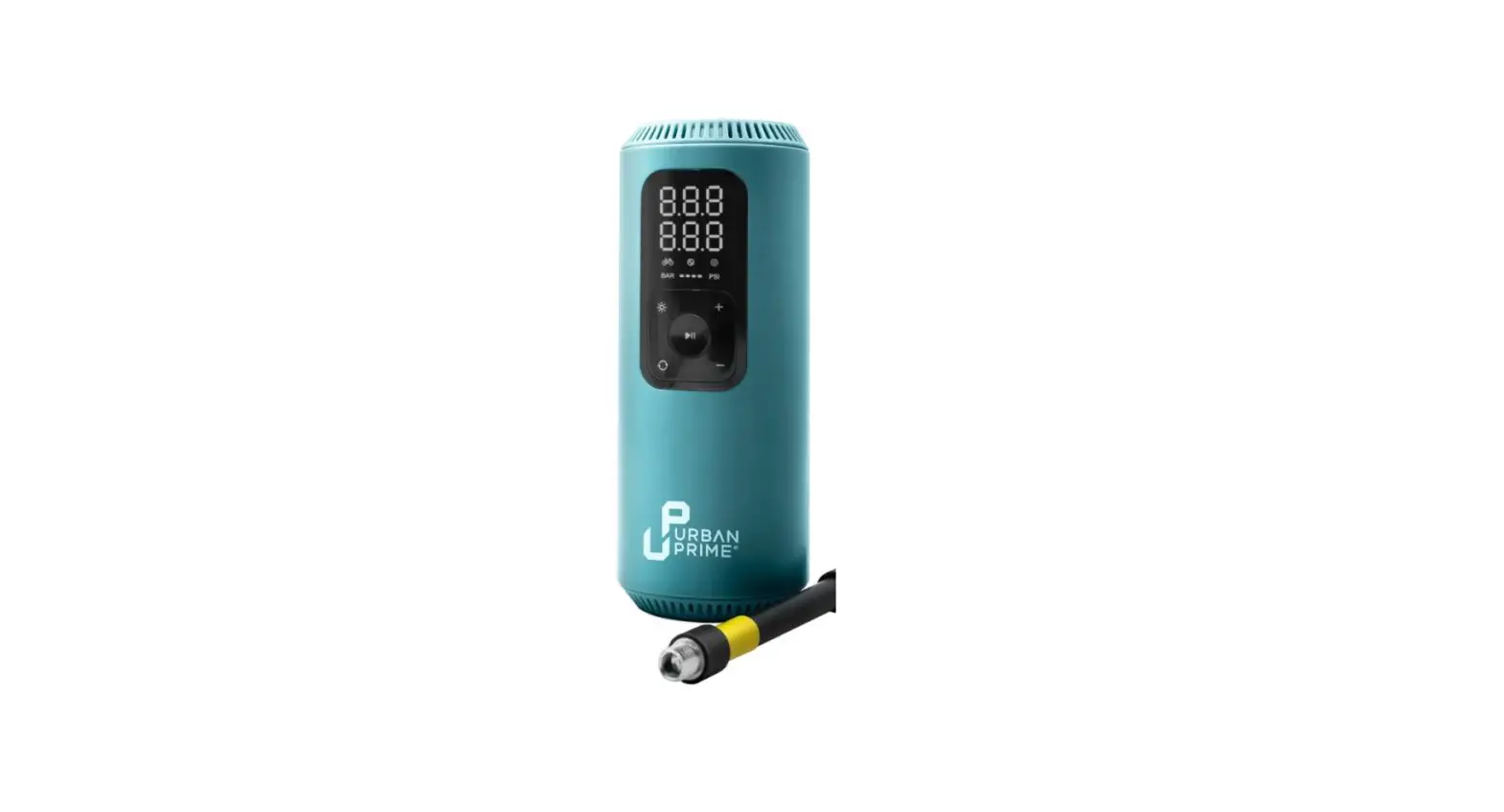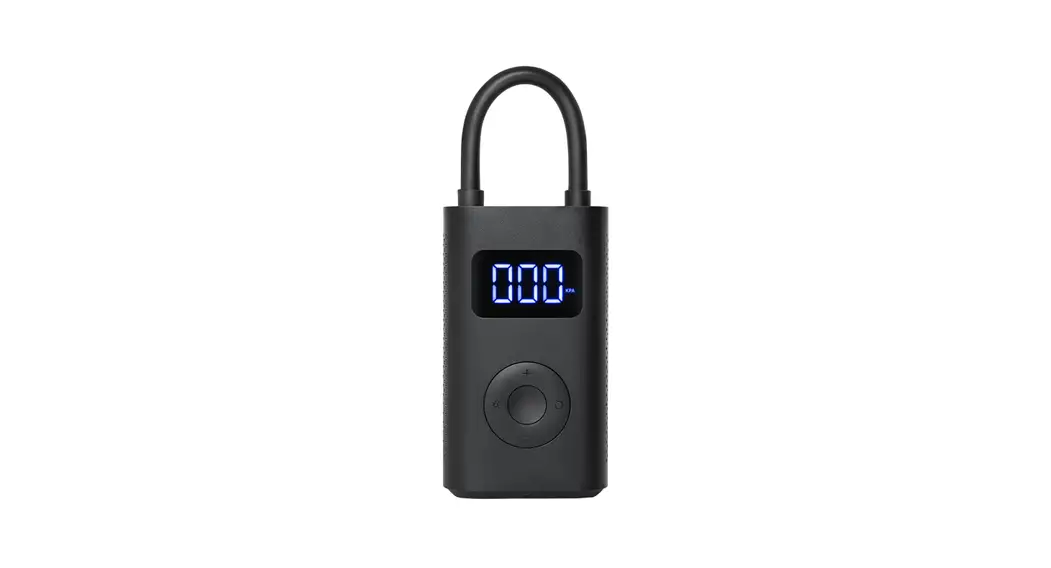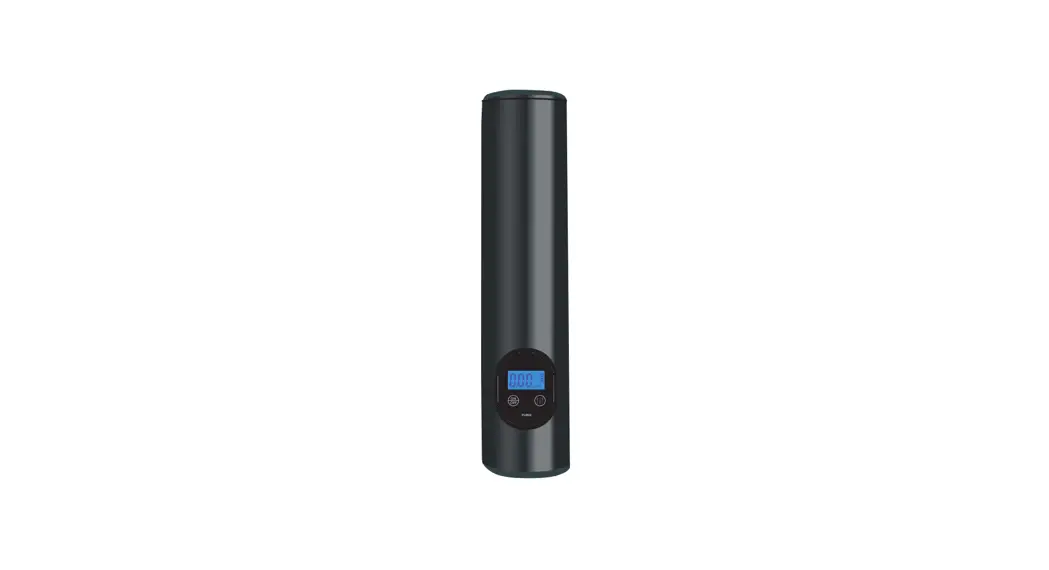
ThiEYE AirKit Cordless Portable Air Compressor User Manual
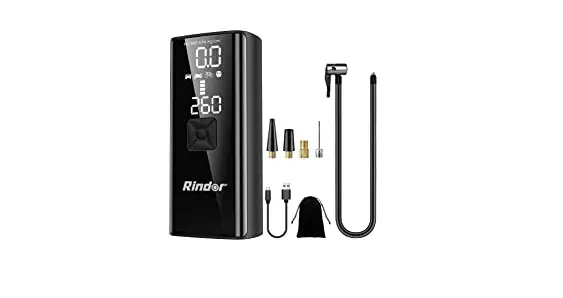
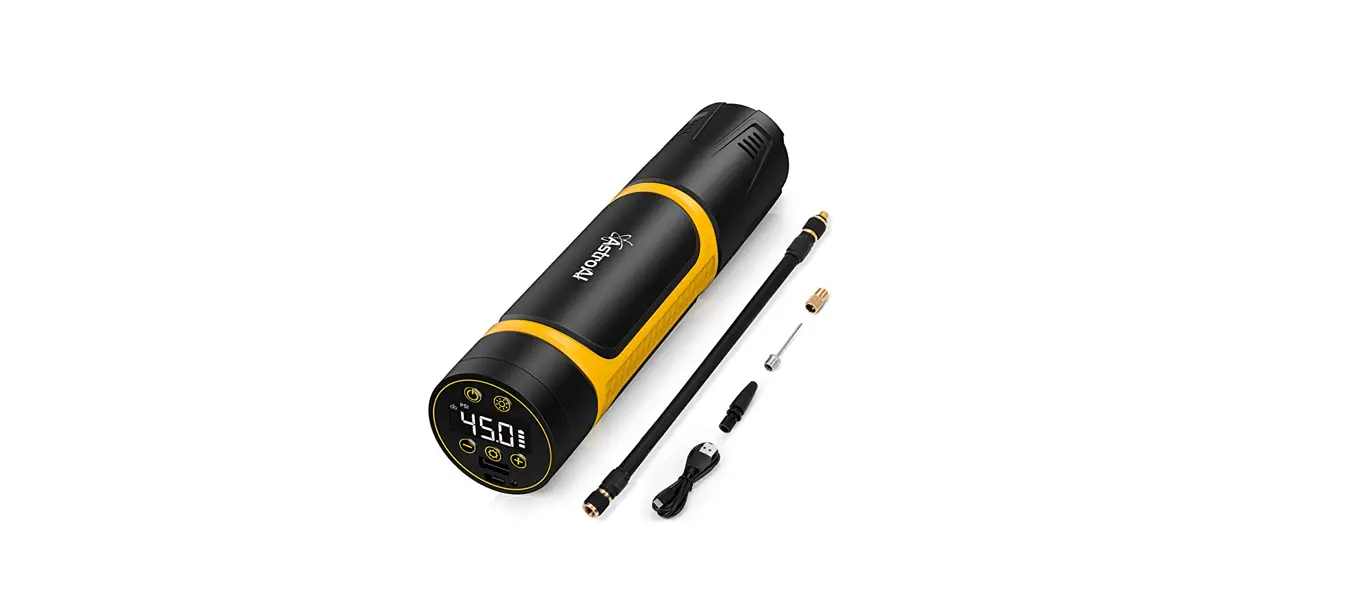
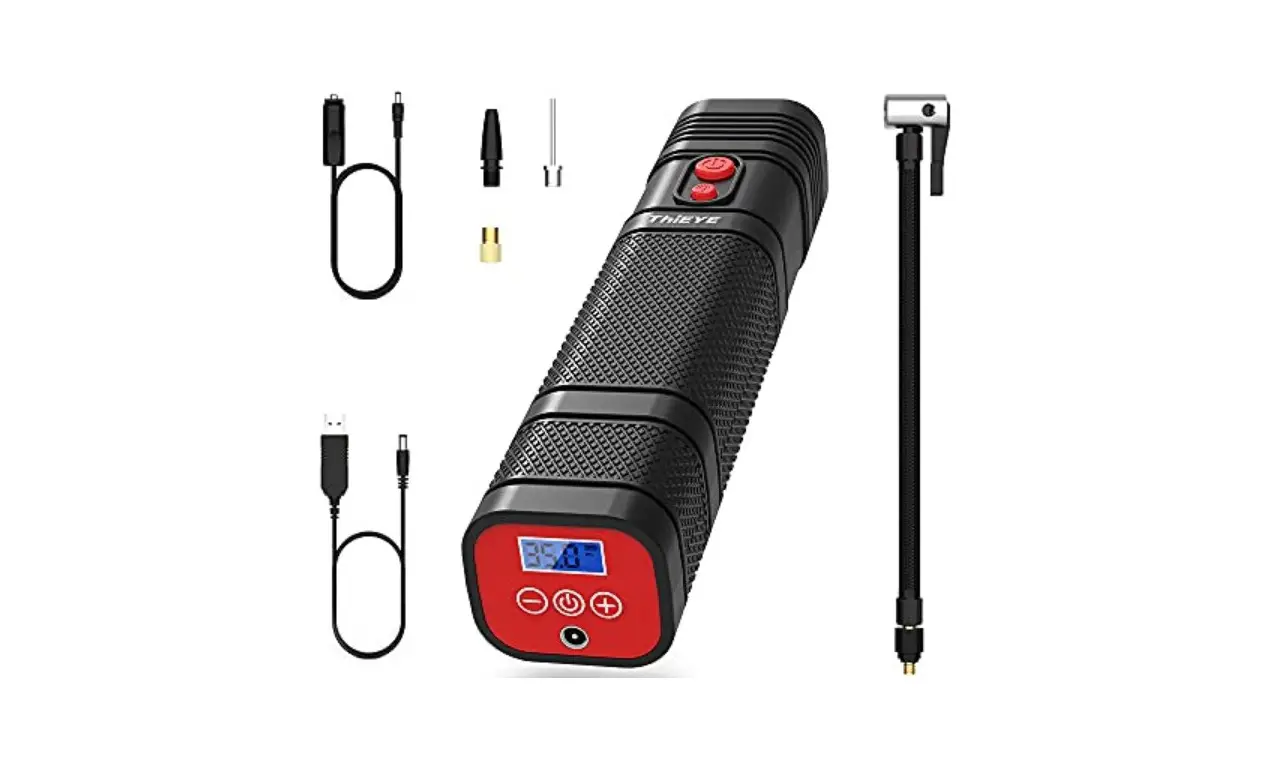
Packing List
- AirKit

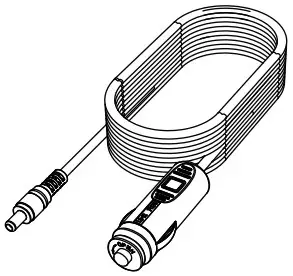
- Car Adapter Cable

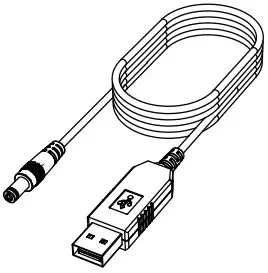
- USB Charge Cable

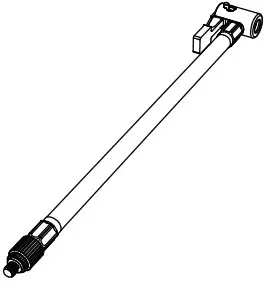
- Air Hose

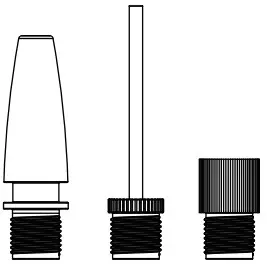
- Valve Adaptor x 3

- Storage bag

- User Manual

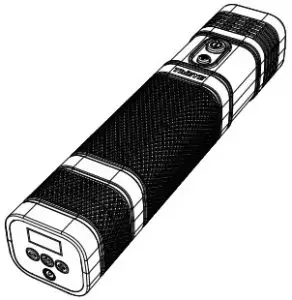
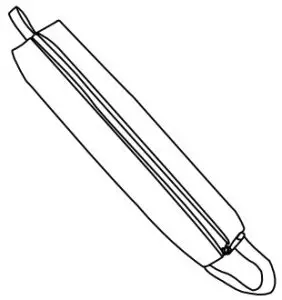
Layout
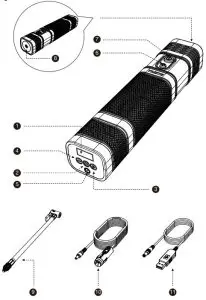
| – | Function | Instruction |
| 1 | LCD Display Screen | Show the battery level and air pressure |
| 2 | Power Button | Turn on / off AirKit |
| 3 | Preset Pressure “+” | Pressurize |
| 4 | Preset Pressure “2 | Decompress |
| 5 | Charging Port | Charge the AirKit |
| 6 | LED Switch | Turn on / off the LED light |
| 7 | Inflate Switch | Start / Stop inflating |
| 8 | LED Light | Illumination |
| 9 | Air Hose | Connect car tires |
| 10 | Car Adapter Cable | Charge the AirKit |
| 11 | USB Charge Cable | Charge the AirKit |
Specification
| Max Air Pressure | 120PSI & 8.25BAR & 8.25kg/cm2 |
| Battery Capacity | 2000mAh, 22.2Wh |
| DC Input | 12V |
| Operating Voltage | 12V |
| Working Current | 510A |
| Rated Power | 596W |
| USB Charge Cable Length | 1m |
| Car Adapter Cable Length | 3m |
| Air Hose Length | 26cm |
| Air Pressure Unit | PSI, BAR, kg/cm2 |
| Inflation Speed | 20L/min |
| Charging time | 9 hours or more |
| Inflation Time | 6min (Tire Specification: 185/70R14) |
| Dimension | 56mm*49mm*262mm |
| Weight | 0.62kg |
| Operating Temperature | 0 C -60 C |
Operation Guide
How to Inflate Tires
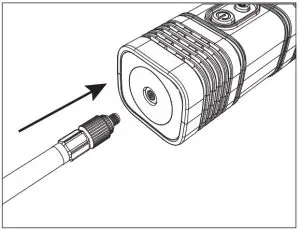
- Step 1 : Connect the air hose to the AirKit.

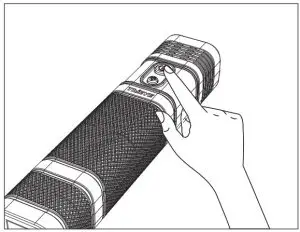
- Step 2 : Press Power Button to turn on the AirKit . The display screen will show the current pressure. You can press the Power Button to switch the pressure unit.

- Step 3 : Use the preset pressure “+” and preset pressure “-” to set the desired pressure. Make sure the preset pressure is higher than the current pressure of your tire. When the air pressure is set, the air pressure numbers will flash 3 times and then display as “0”. This means the air pressure preset is successful.
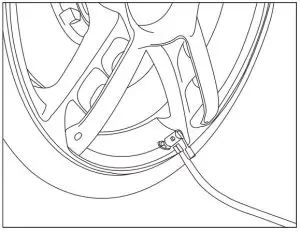
- Step 4 : Connect the air hose to your car tire or other inflatable products. Please make sure the connection is firm.
- Step 5 : Press the Inflate Switch to start inflating. It will automatically shut off when it reaches the preset pressure.

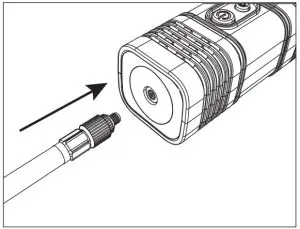
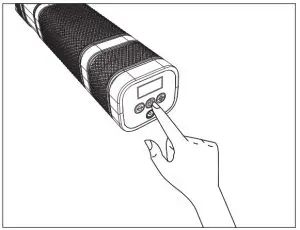
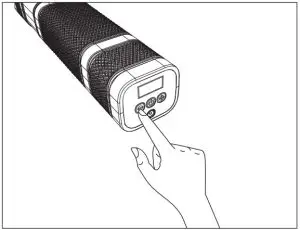
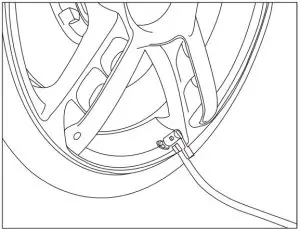
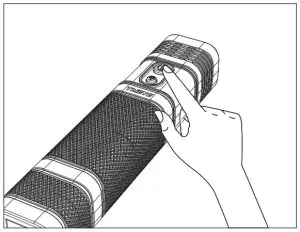
* When using the car adapter cable to charge the AirKit , you can inflate your tire at the same time. * Operation generates heat, when using AirKit uninterruptedly for 10 minutes, please stop it for at least 15 minutes.
How to Detect Tire Pressure
- Step 1 : Connect the air hose to the AirKit.

- Step 2 : Connect the air hose to the car tire.
- Step 3 : Press Power Button to turn on the AirKit. The current tire pressure will show on the display screen.
Charging the AirKit
Charging With USB Charge Cable
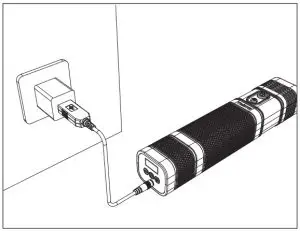
- Plug the USB charge cable into the wall adaptor or USB charging output.
- Connect the DC port into the AirKit.
* Red Light: Charging, Green Light: Fully Charged.
Charging With Car Adapter Cable
- Plug the car adaptor into the socket.
- Connect the DC port into the AirKit.
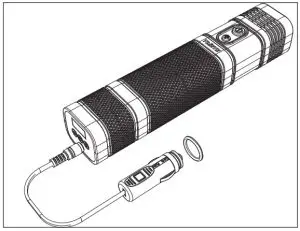
In order to extend the battery life, it’s recommended to use the USB charge cable for daily charging. It’s recommended to use the car adapter cable only in emergency situations.
LED Light
Press the LED switch to turn on / off the LED light.
Attention
Read and follow all instructions before use. Don’t use this product for applications outside of its intended use.
- Forbid children to use AirKit, put AirKit in a safe place where they can’t touch it. Don’t insert the air hose into the mouth, ears and eyes, don’t be regard it as a toy.
- Forbid using AirKit close to flammable and combustible, such as gas station.
- Three kinds of valve adaptors making it compatible with cars, small trucks, SUVs, motorcycles, bicycles, balloons and other inflatables.
- Operation generates heat, when using AirKit uninterruptedly for 10 minutes, please stop it for at least 15 minutes.
- If the operation generates an abnormal sound or the temperature is too high, please stop it for at least 15 minutes.
- Don’t put AirKit where there is water or rainy, don’t strike it.
- Store AirKit in a dry place.
- Please check the battery level before you use it.
- In order to extend the life of the battery, when not in use, charge the device every 3 months.
CUSTOMER SUPPORT
If you meet any questions, please feel free to contact us by email anytime, we will try our best to help you as soon as possible.
Contact Us By Email
- US Marketplace: [email protected]
- UK Marketplace: [email protected]
- DE Marketplace: [email protected]
- FR Marketplace: [email protected]
- IT Marketplace: [email protected]
- ES Marketplace: [email protected]
- JP Marketplace: [email protected]
Find News, Deals, Events, Videos on our official website and social medias. You can also download Electronic User Manual on our official website!
- Official Website: www.thieye.com

- Facebook: @thieyecam
- Youtube: ThiEYE Company