
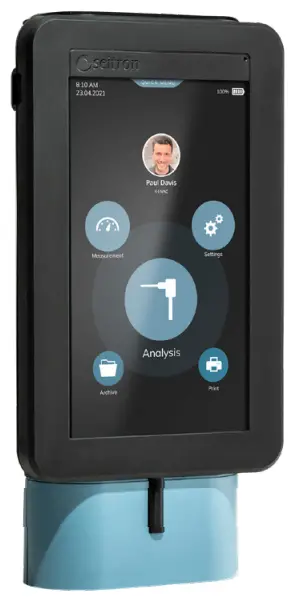
Quick Guide
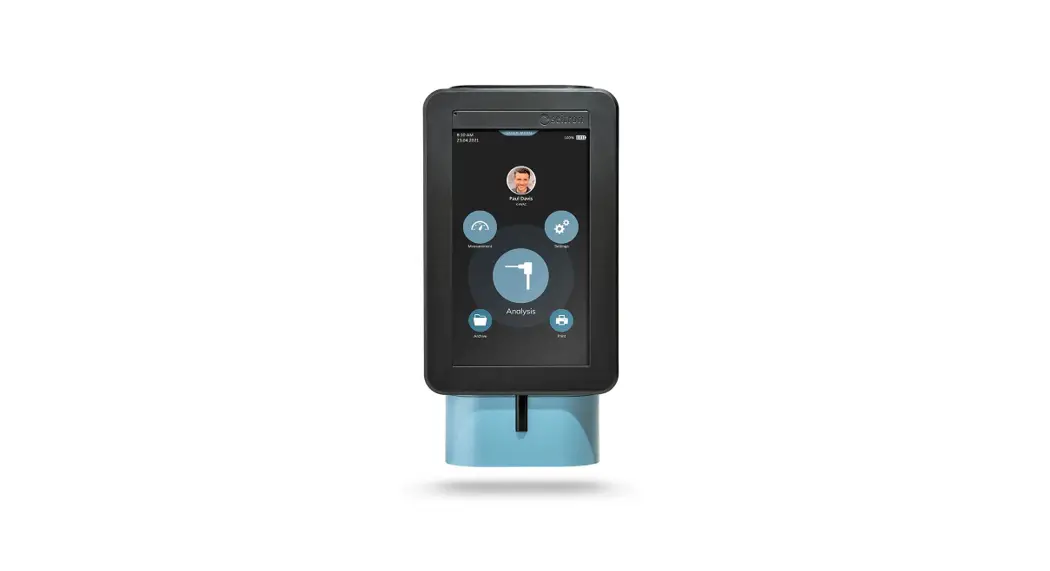
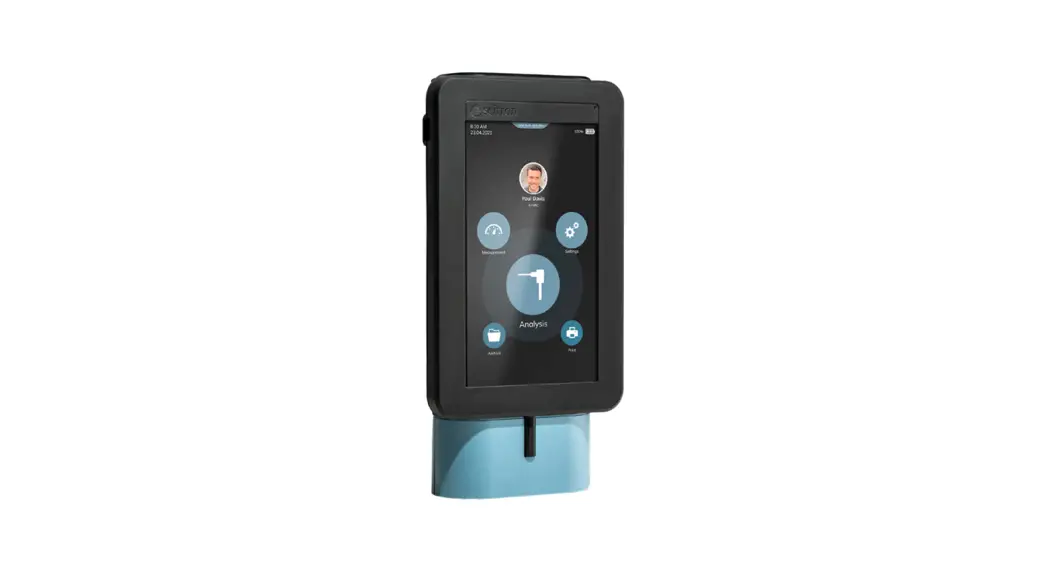
NOVO
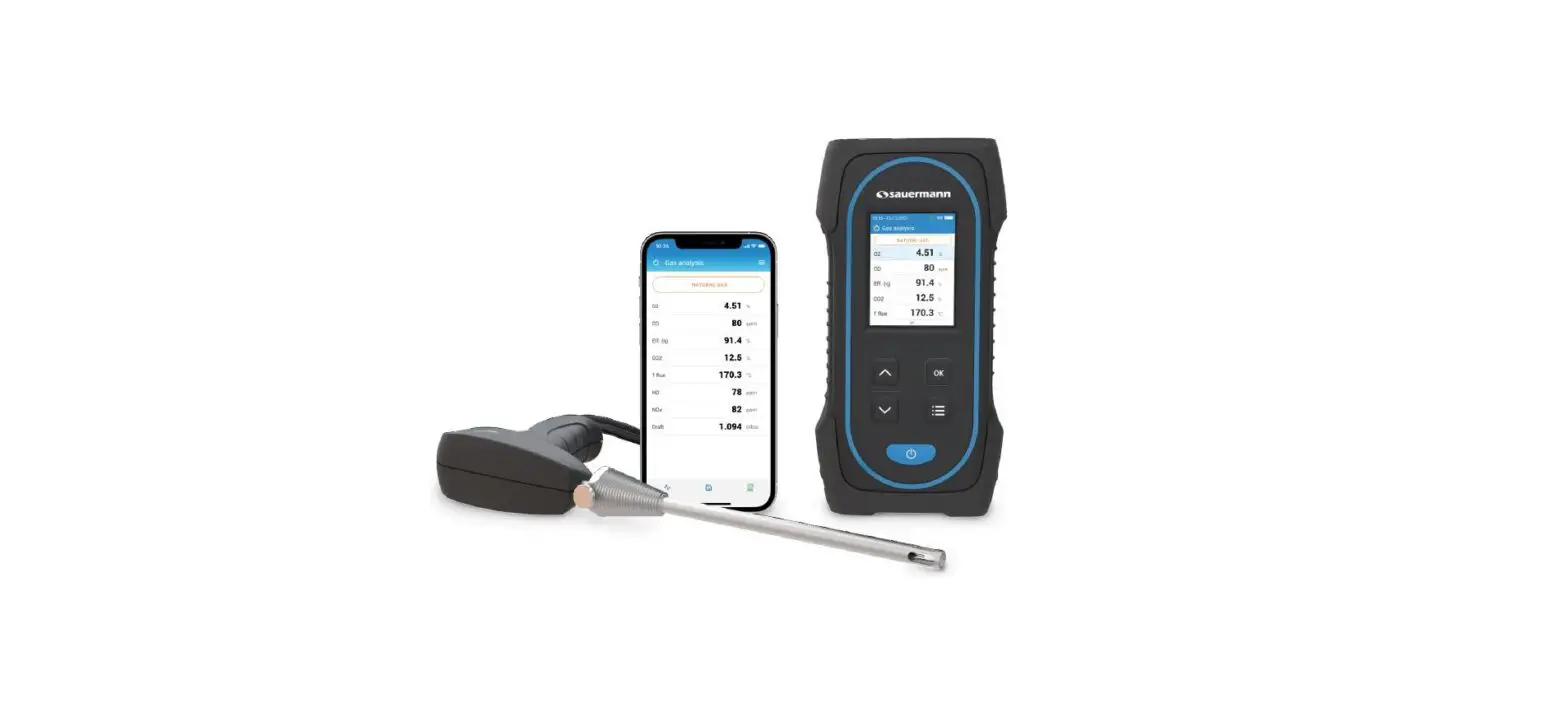
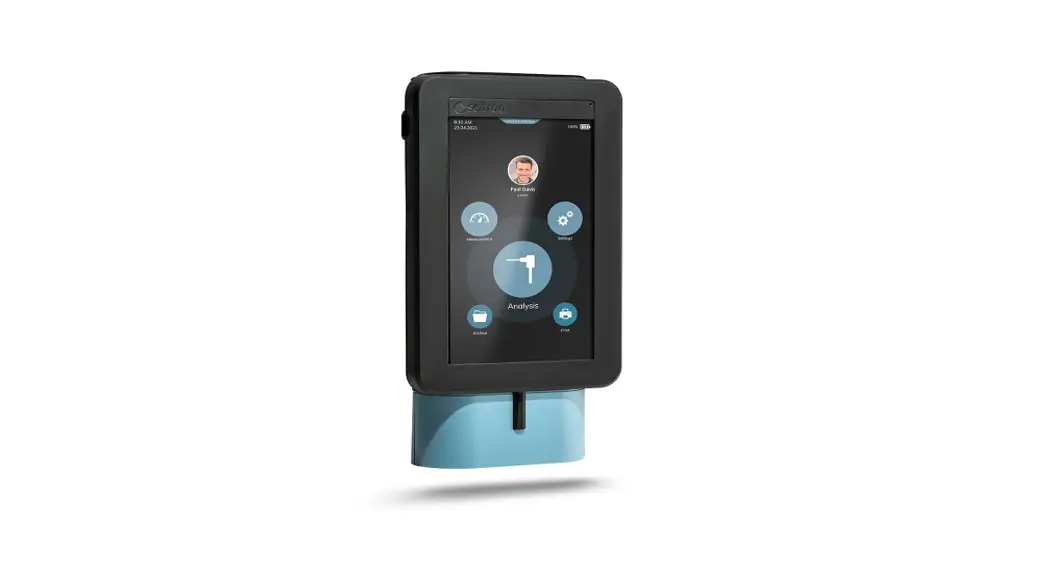
Combustion analyzer
Compliant with: EN 50379-1, EN 50379-2
FEATURES:
– Flue gas analysis
– Calculating stack heat loss and efficiency
– Ambient CO measurement
– Measuring differential pressure
– Draft measurement
– Pressure measurement in the gas supply pipe
– Tightness test
– Black smoke test and average value calculation
– QR code display visualization in order to download the data of the acquired measurements
– Ticket printing with the measurements data using a built-in printer (if provided) or using the optional Bluetooth® printer
 WARNING!
The magnets in the back of the instrument can damage credit cards, hard drivers, mechanical watches, pacemakers, defibrillators, and other devices that are proven sensitive to magnetic fields. It is recommended to keep the instrument at a distance of at least 25cm away from these devices.
Section respects nature and the environment, therefore, provides this quick user guide of the Novo analyzer. You can download the PC software “CHEMIST SMART ANALYSIS” and the complete user and maintenance manual from our website www.seitron.com. Respect your environment: think before printing the full manual on paper.
 https://seitron.com/en/analyzers-service/
OPERATION
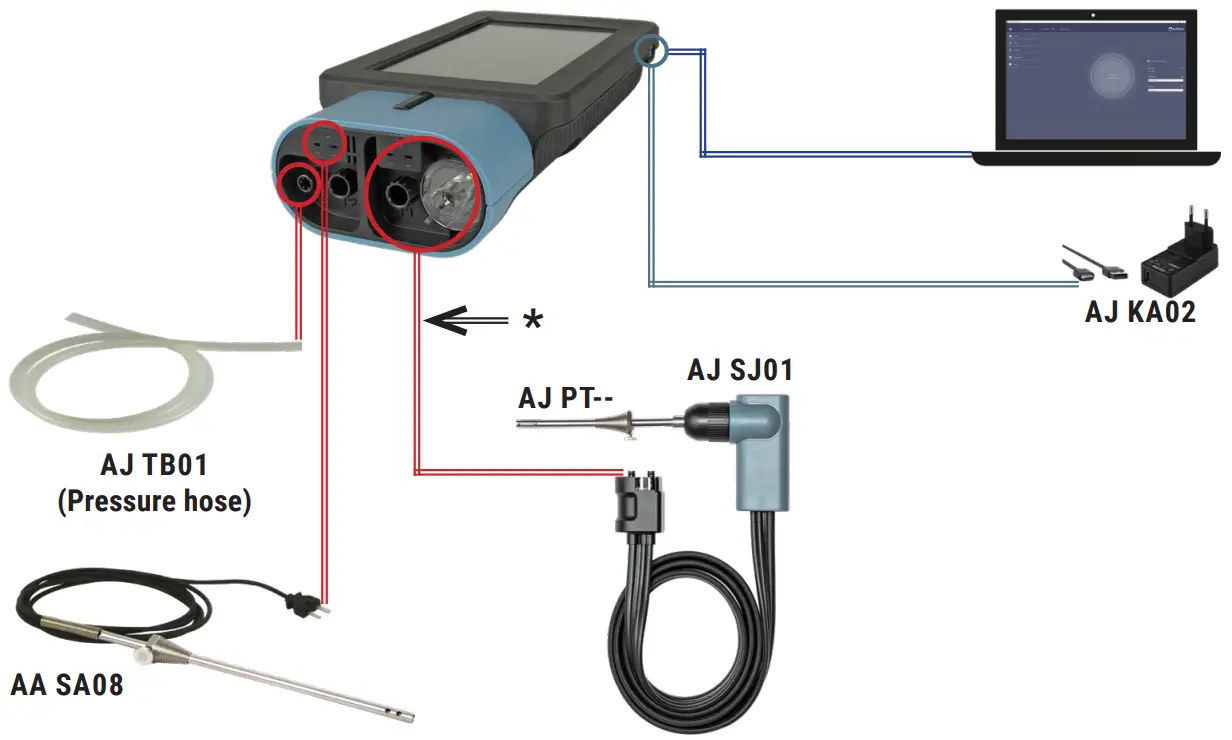
* Between these inputs and the smoke probe there can be up to a maximum of three extension cords, with a total length of 3 meters each.
The suggested connections are used for the following measures:
– O2 – Gas: CO – NO – SO2 – CxHy – NO2 – H2 – CO2 – NH3
– Efficiency calculation
– Combustion analysis
– Simultaneous measurement of gas pressure at the burner
POWER ON / POWER OFF
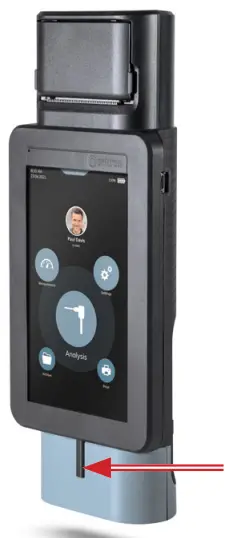
| INSTRUMENT CONDITION | ACTION | FUNCTION |
| OFF (powered off) | Press and hold the key indicated by the arrow for a long time (> 3sec.) | The instrument powers on and starts the automatic auto-zero phase |
| ON (powered on) | Press and hold the key indicated by the arrow for a long time (> 3sec.) | The instrument turns off after completing the cleaning cycle for the set time. |
*: At the first start, the instrument will guide the user step by step to the first configuration.
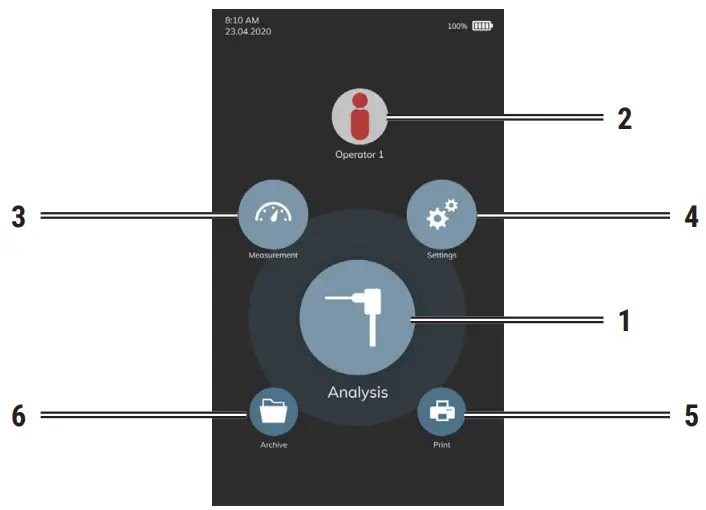
| 1 | Performs the complete combustion analysis; moreover, it accesses the analysis configuration menu; the user can set every single parameter of the instrument to perform the combustion analysis. |
| 2 | Enters the Operator menu; it is possible to select the name of the operator performing the analysis, which will be printed on the analysis report. |
| 3 | Access the Measurements menu; the user accesses all the accessory measurements that the instrument can perform. |
| 4 | Access the configuration menu; the user can set the different reference parameters of the instrument. |
| 5 | Accesses the Print menu. |
| 6 | Access the Archive menu; the user displays the measurements stored in the memory. |
BLUETOOTH® PRINTER ASSOCIATION (PAIRING)
In order to pair the Bluetooth® printer with the instrument, access the “Pairing” parameter accessible via the Print menu and proceed as follows:
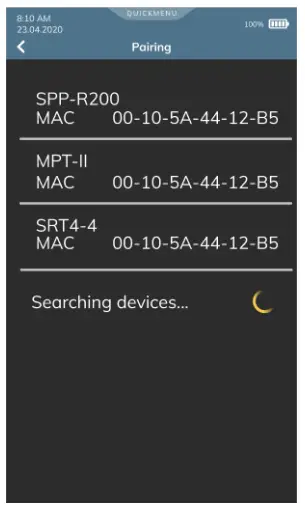
| 1 | Once in the Print menu, enable the external printer. |
| 2 | Turn on the Bluetooth c printer to be paired with the instrument. |
| 3 | Access the Pairing BT parameter. |
| 4 | Wait for 10 s and select the line corresponding to the MAC address of the Bluetooth – printer to pair. |
| 5 | The instrument automatically associates the selected printer. The analyzer does not give any message. |
| 6 | Return to the previous screen. |
ATTENTION!
– It is possible to pair multiple Bluetooth® printers with the instrument.
– If you have multiple Bluetooth® printers associated with the instrument, you must select the printer that will be used to print the tickets.
COMBUSTION ANALYSIS
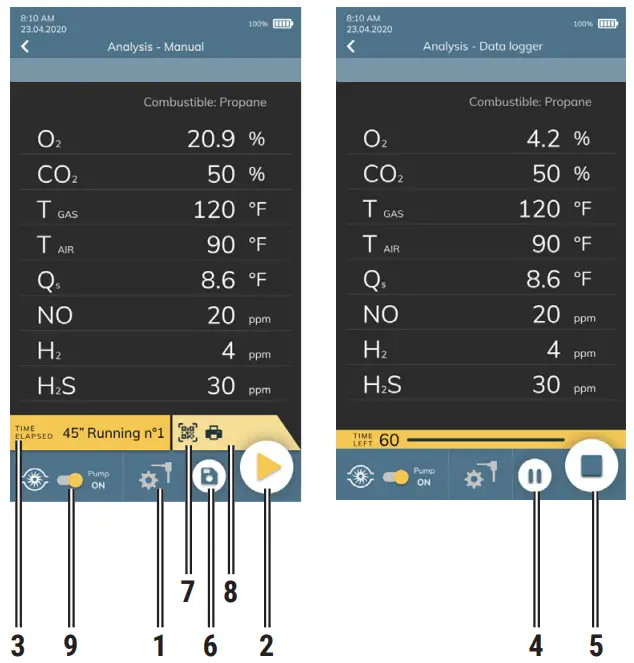
| 1 | Configuration of the main analysis parameters. |
| 2 | Acquires current measure. or Starts the combustion analysis according to the set parameters. |
| 3 | TIME ELAPSED: Time elapsed from the last acquired measure. Running n°-: it is the number of acquired measures. or TIME LEFT: Time left for the acquisition of a new sample. Or LAST ANALYSIS: Date and time of the last analysis performed. |
| 4 | Puts on hold the current combustion analysis. |
| 5 | Interrupts the analysis and goes back to starting phase. |
| 6 | Stores the acquired measures. |
| 7 | Shows on the display the QR code related to the performed analysis. |
| 8 | Starts the current analysis printing phase, according to the printing settings accessible from the home page. |
| 9 | turns on / off the smoke pump. If the smoke pump is off, the current measures refresh is stopped. |
Seitron S.p.A. a socio unico
Via del Commercio, 9/11 – 36065 – MUSSOLENTE (VI) ITALY
Tel. 0424.567842 – [email protected] – www.seitron.com