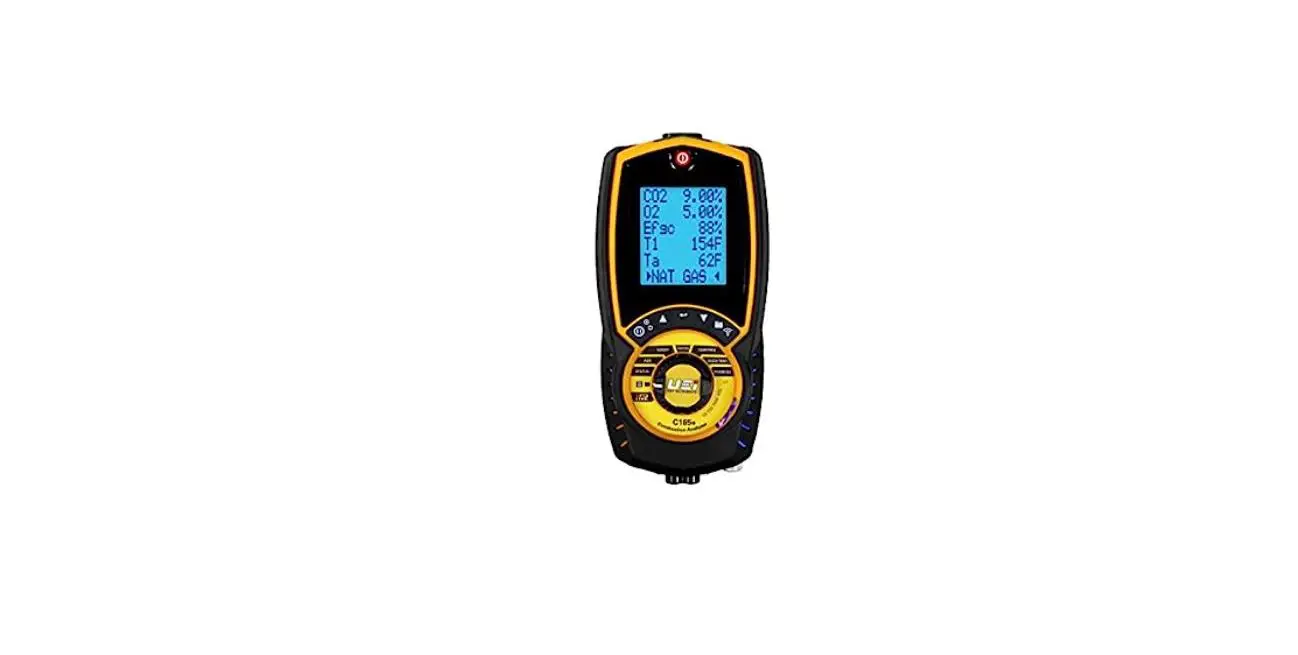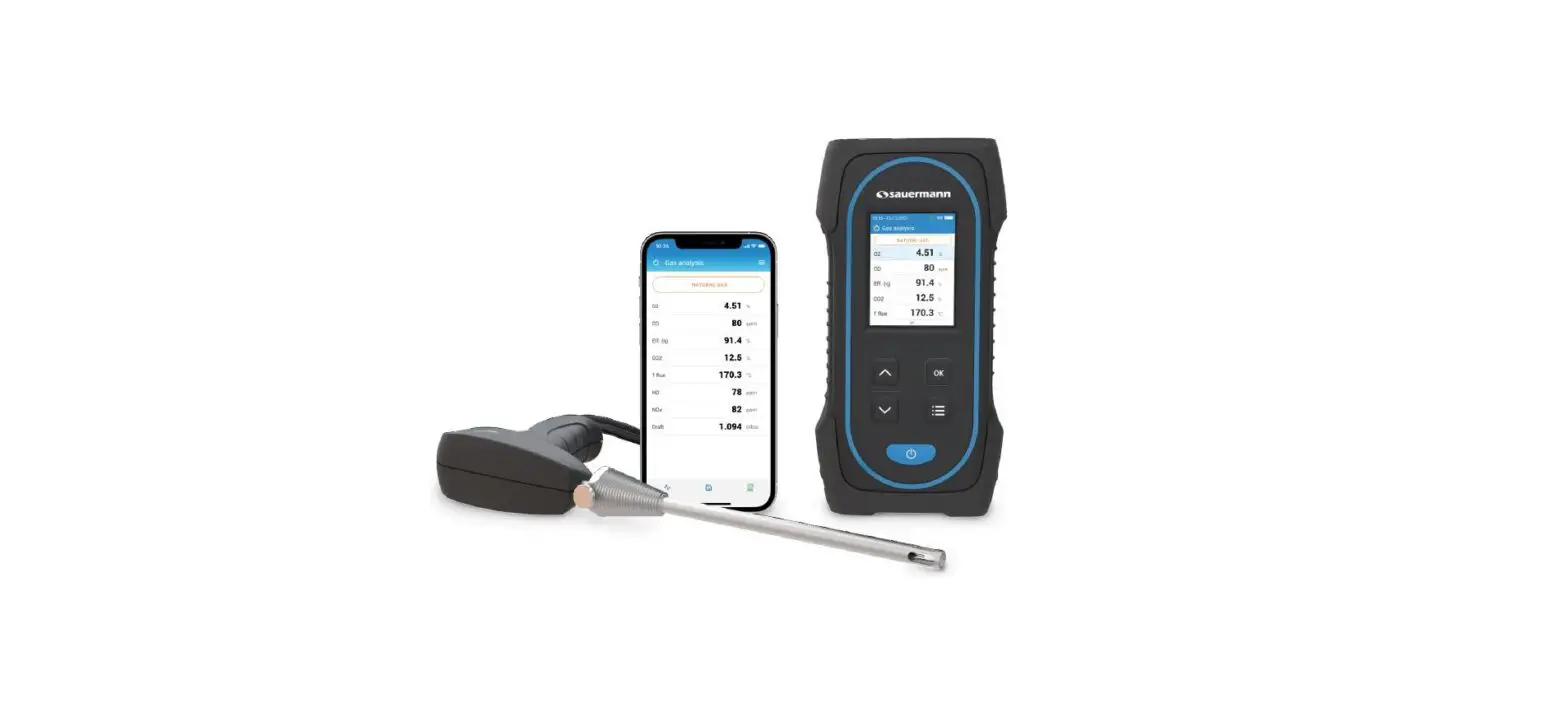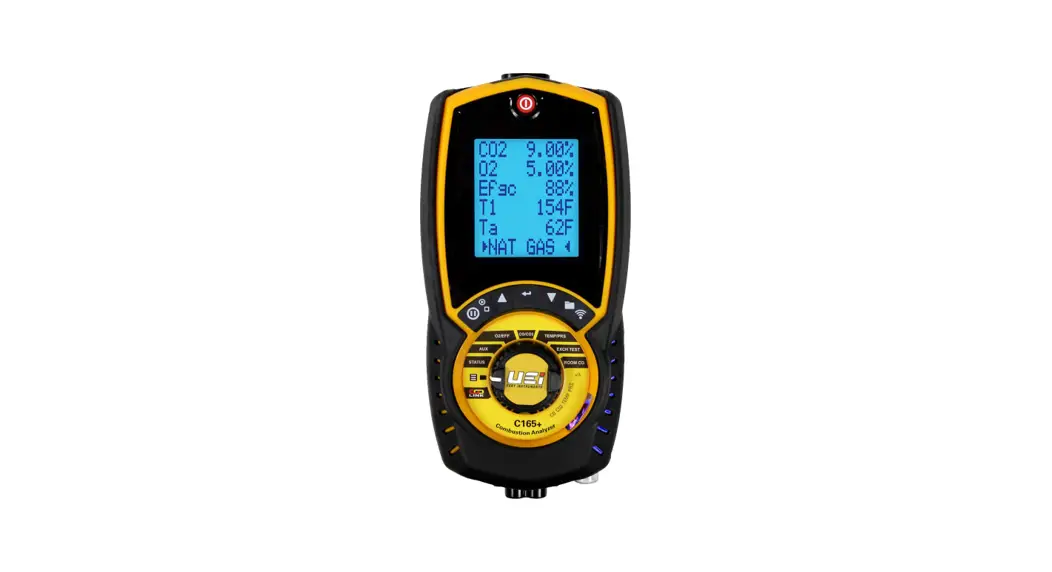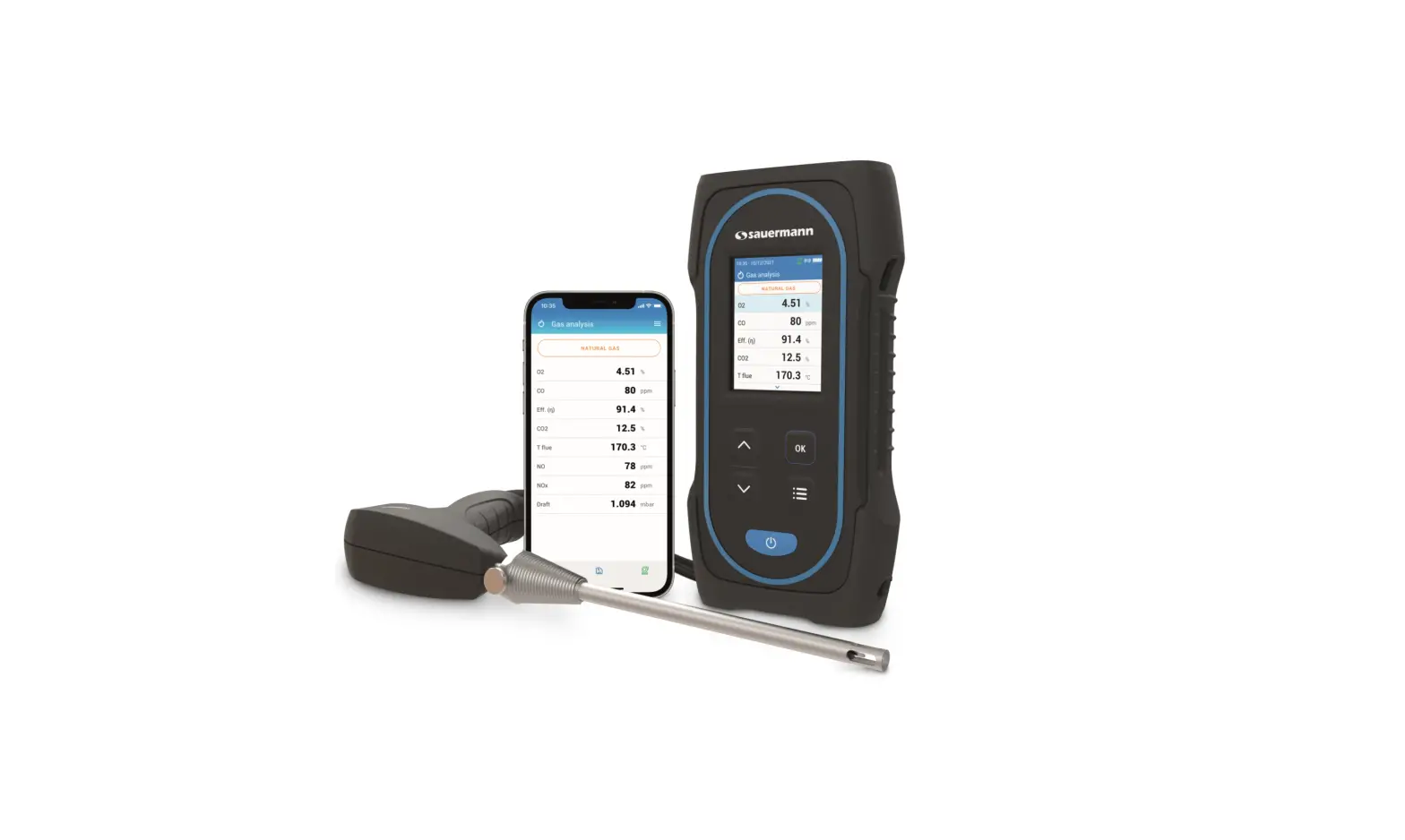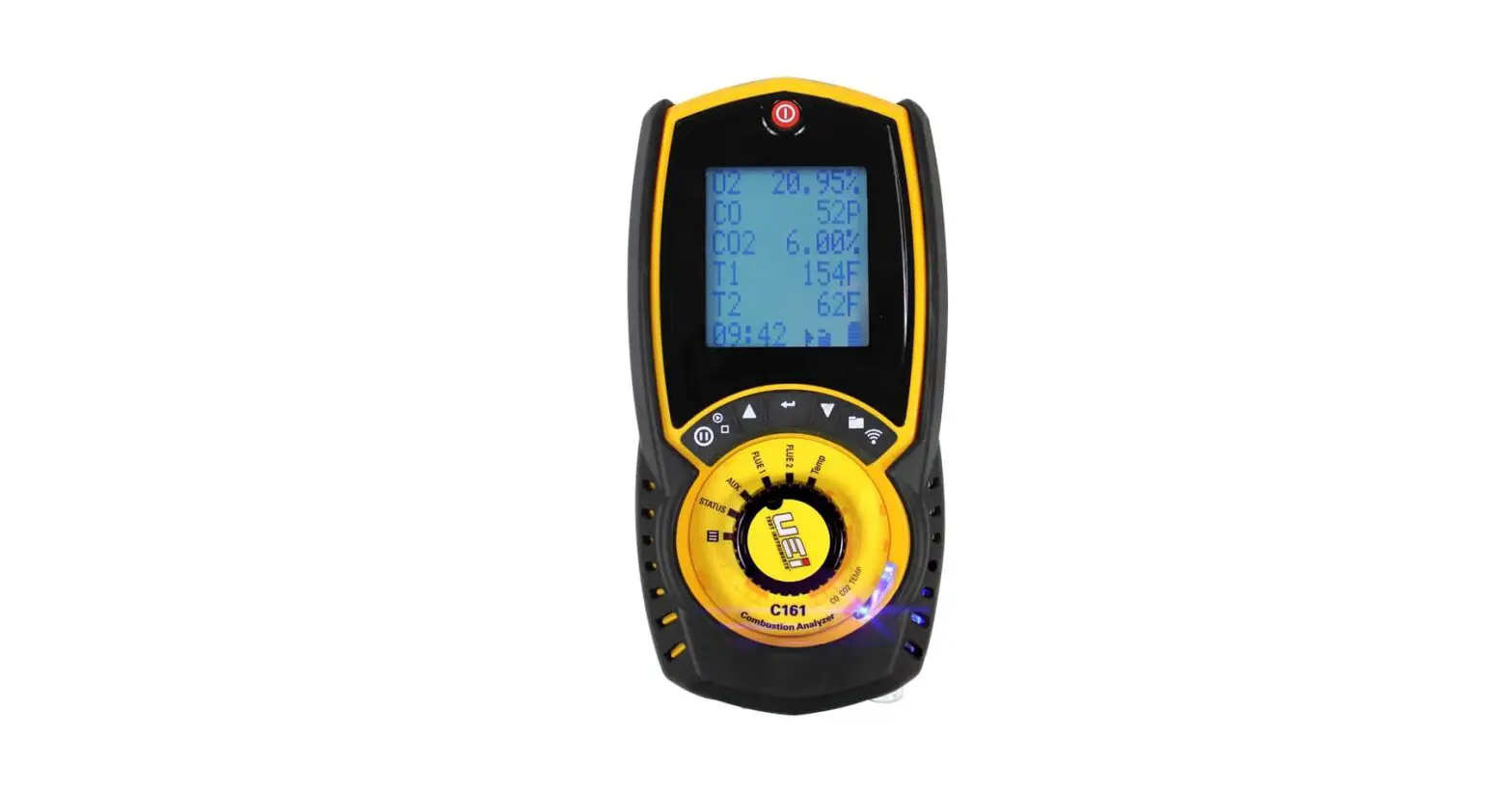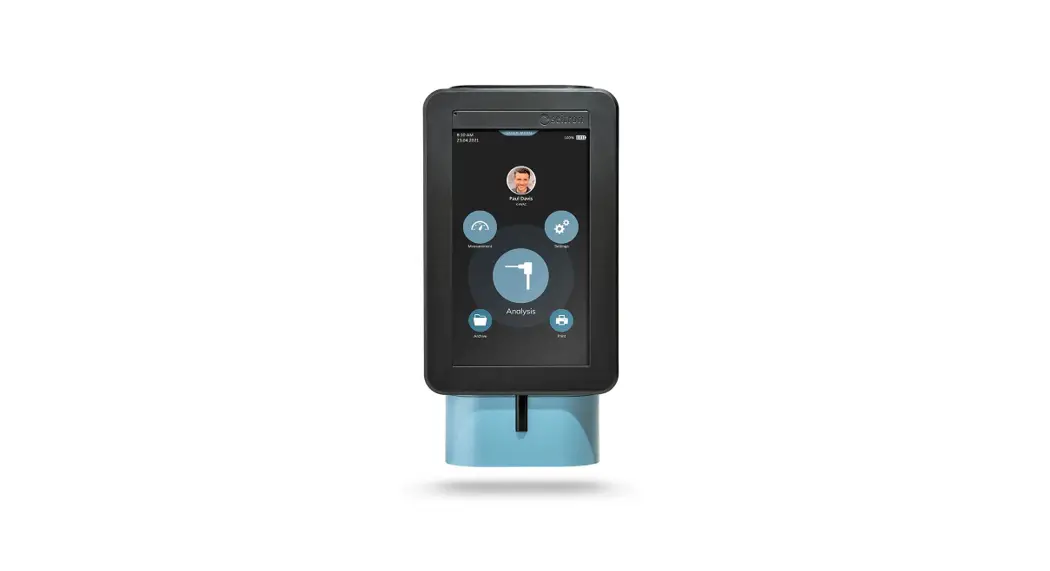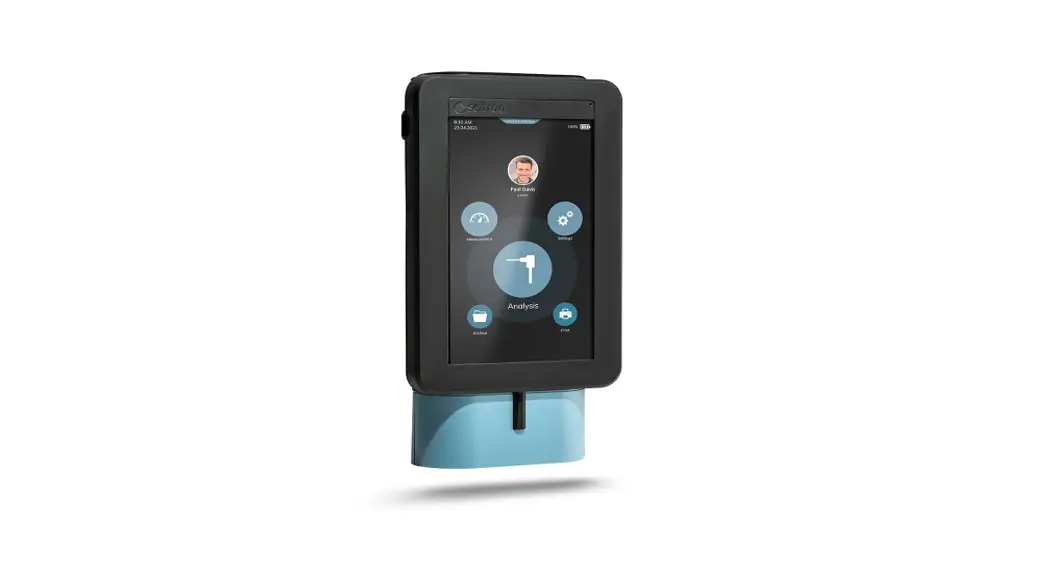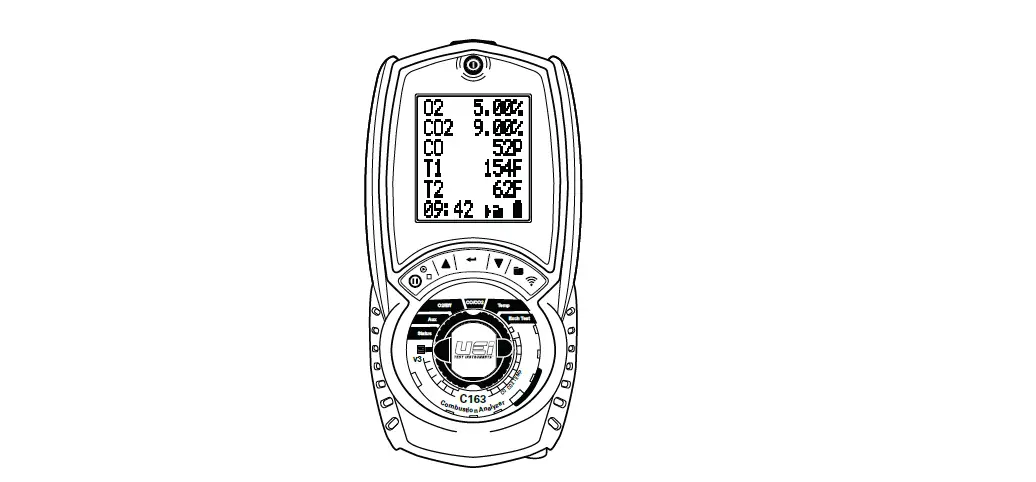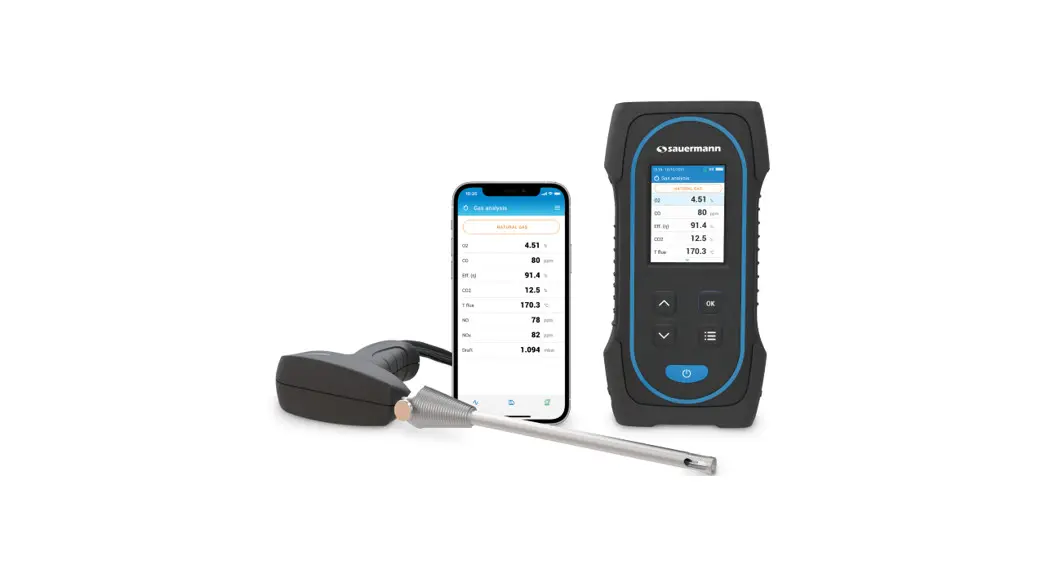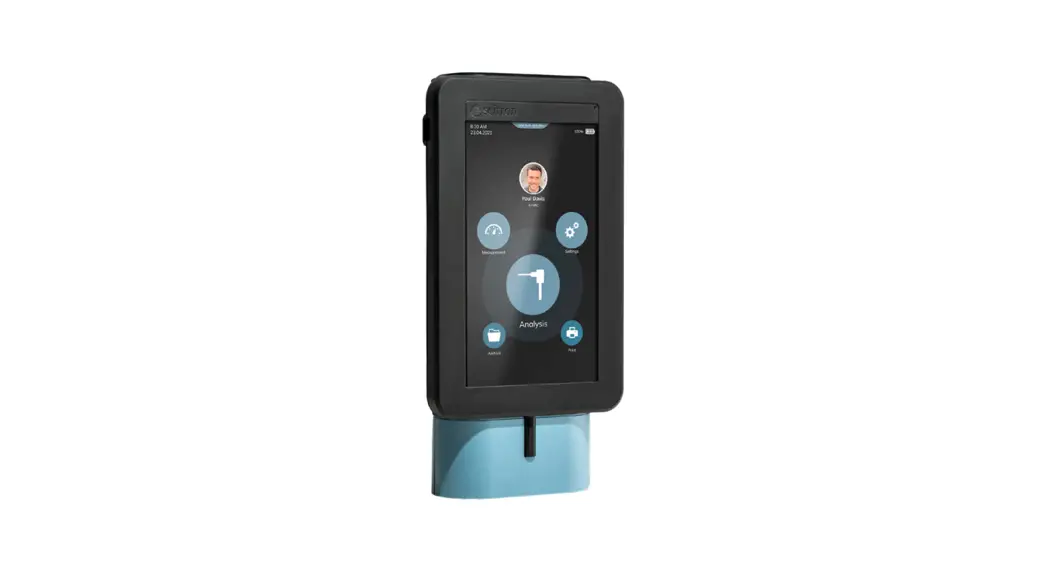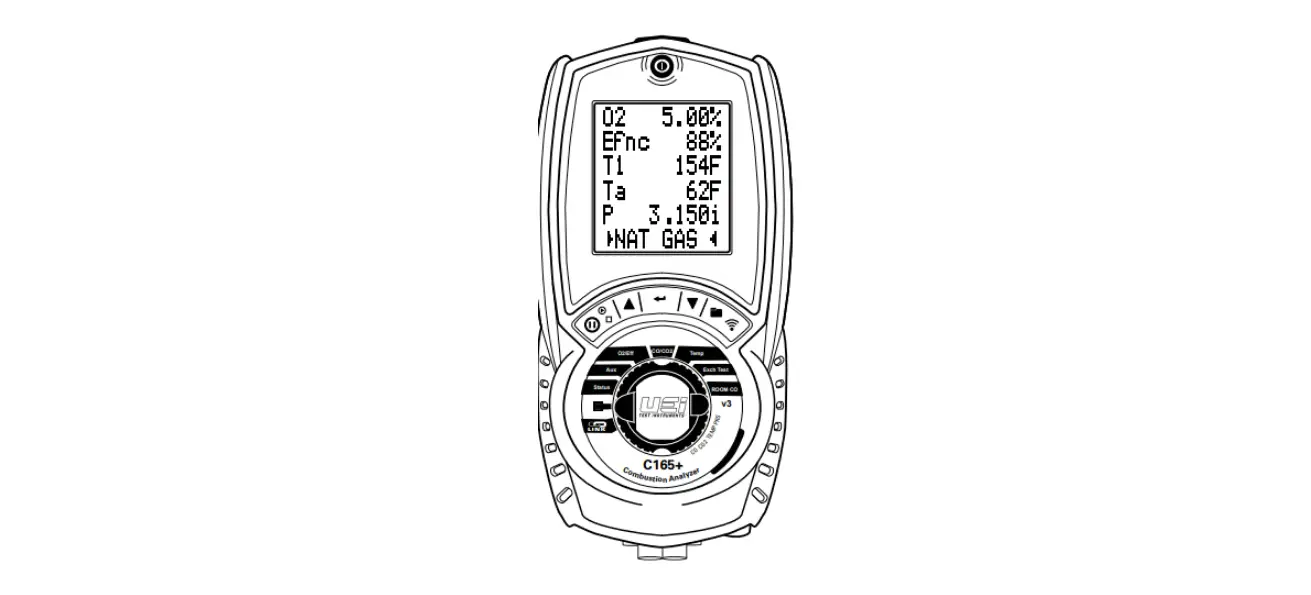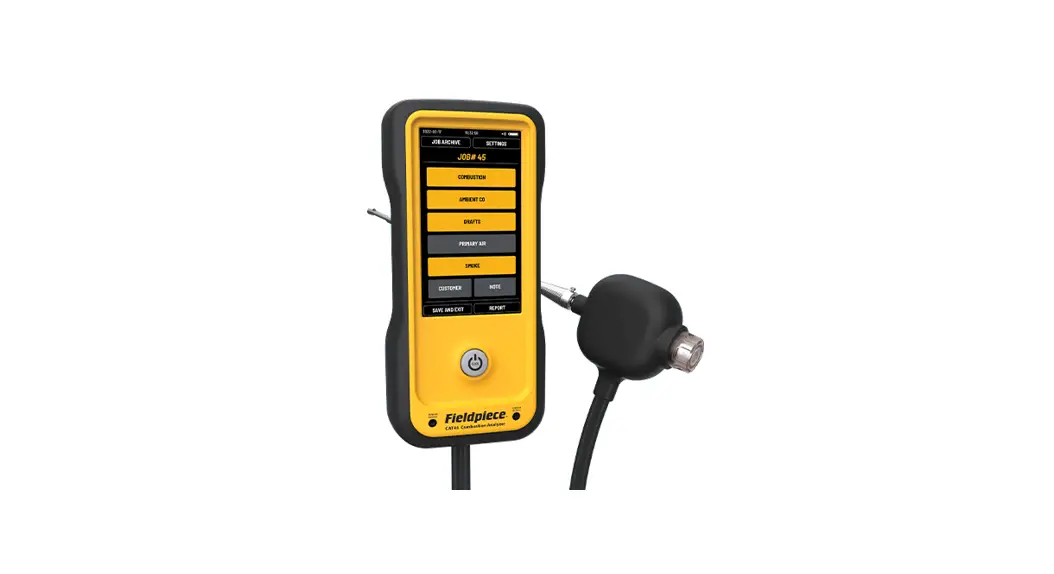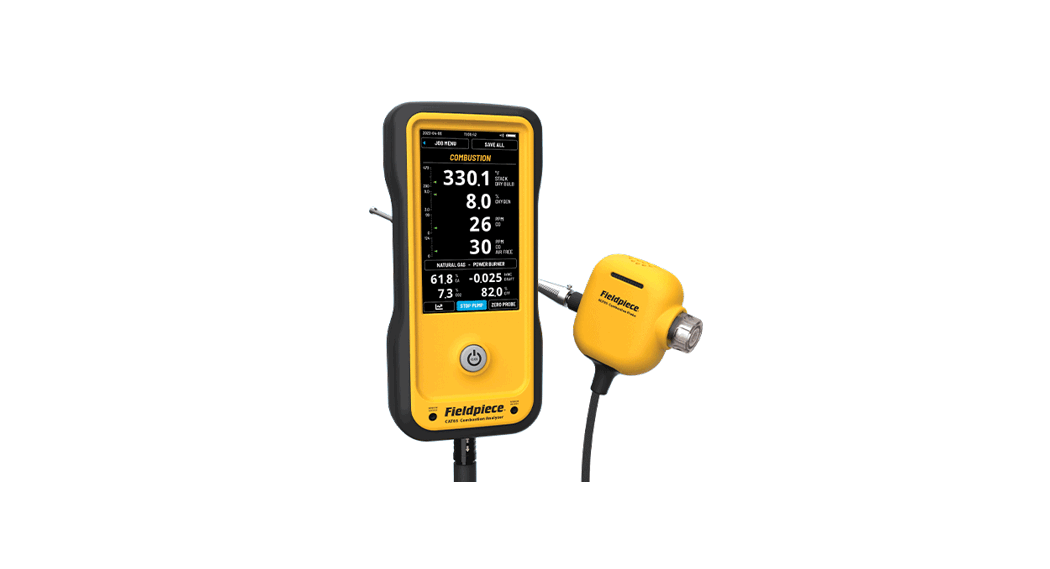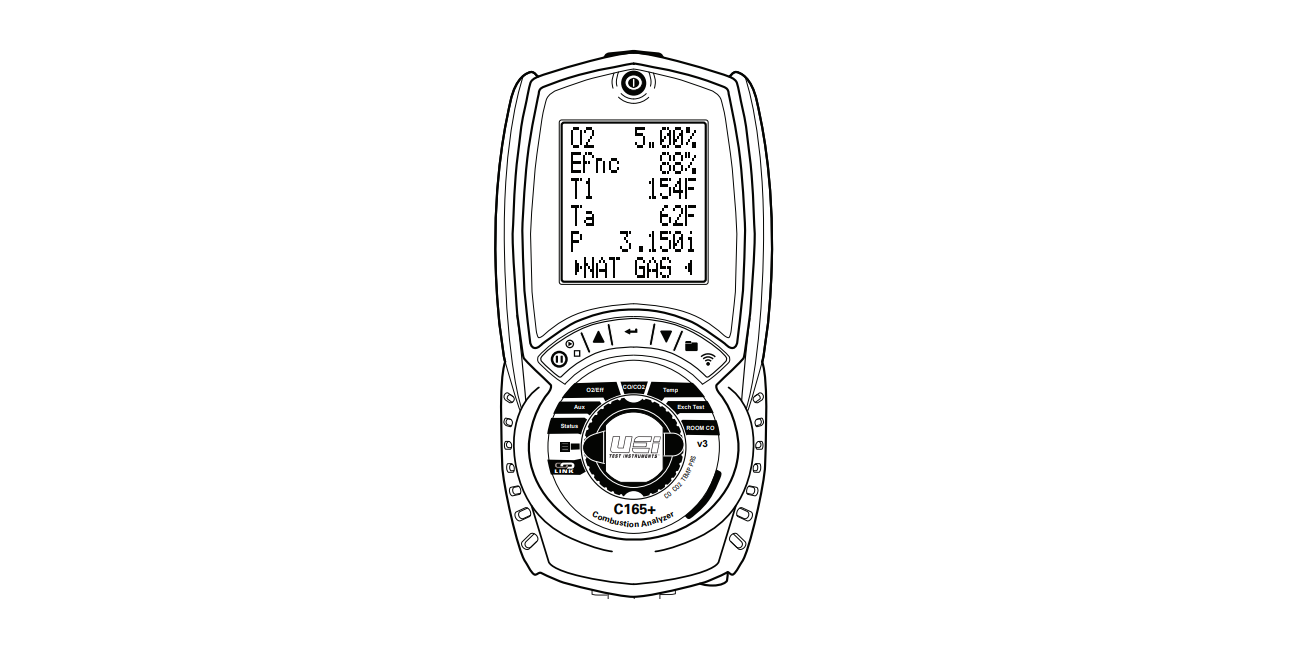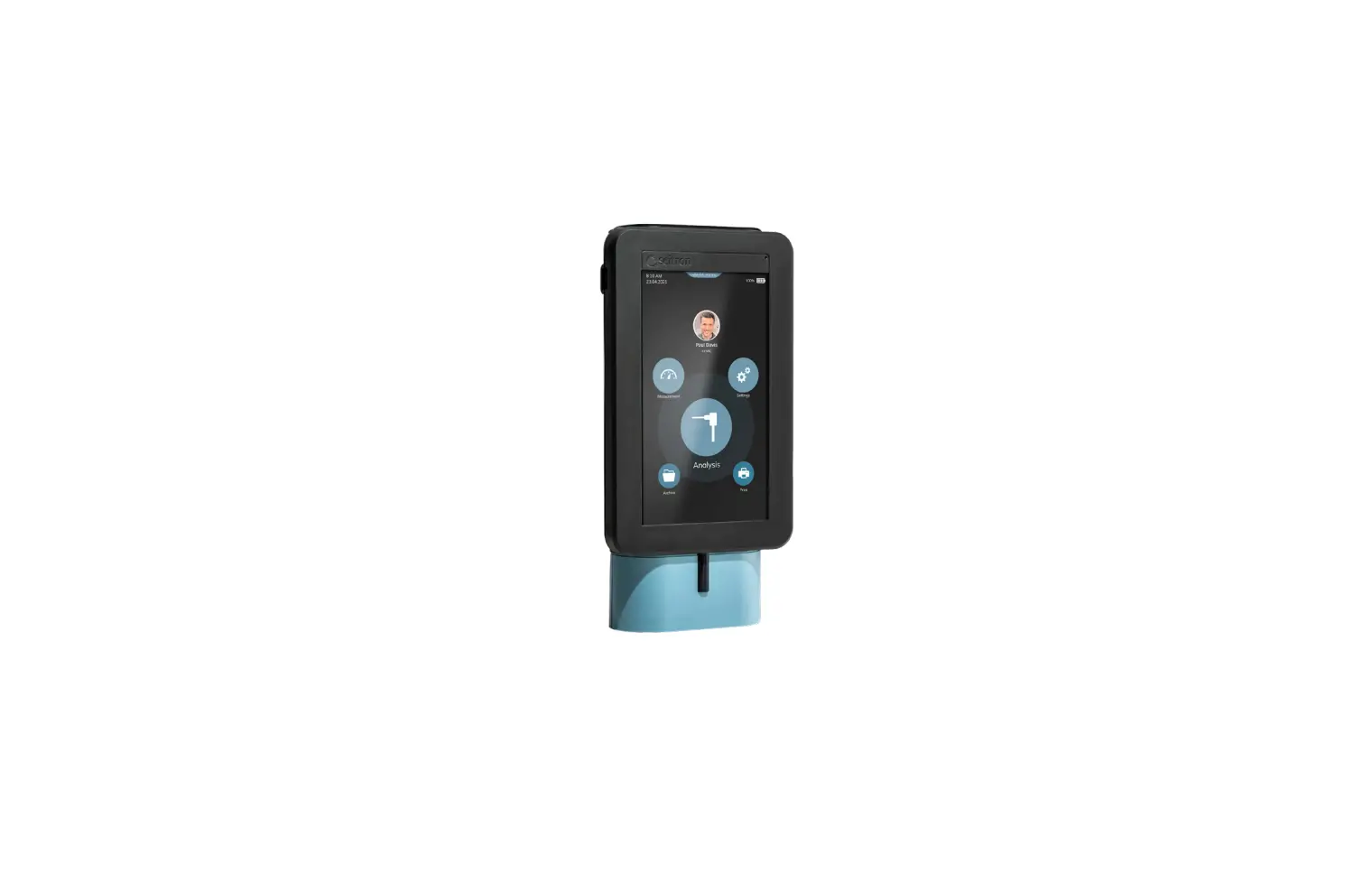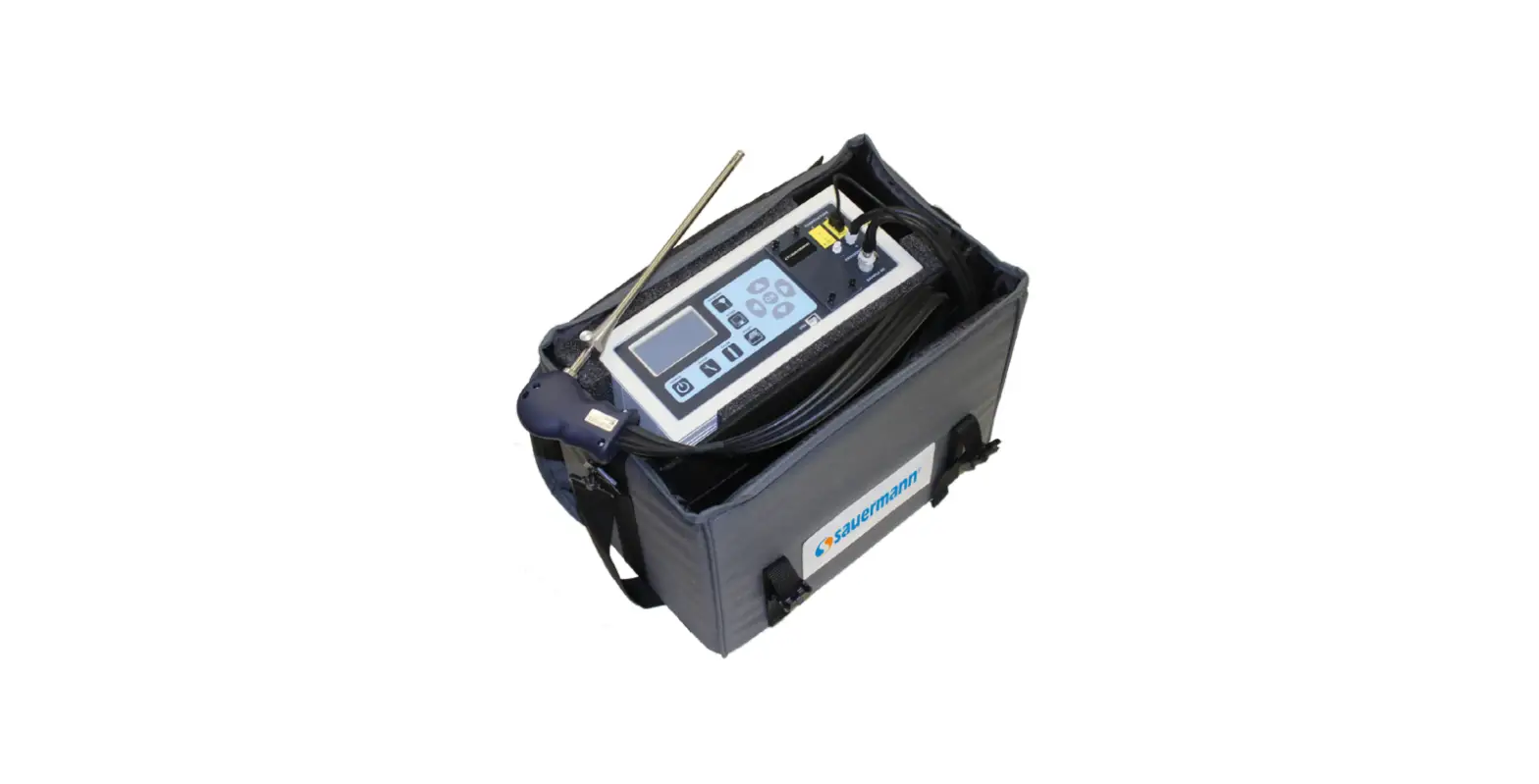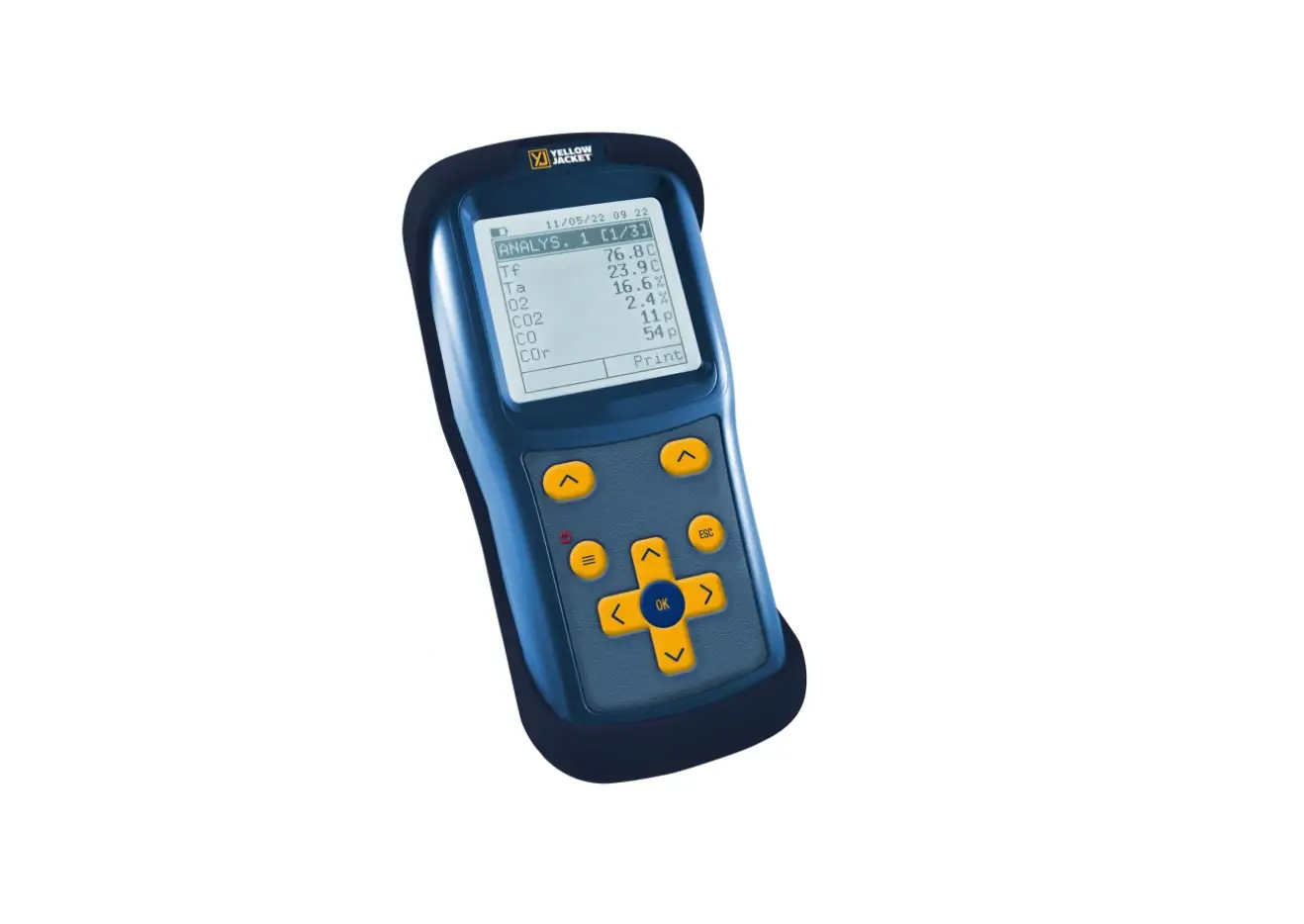
YELLOW JACKET CA502 Combustion Analyzer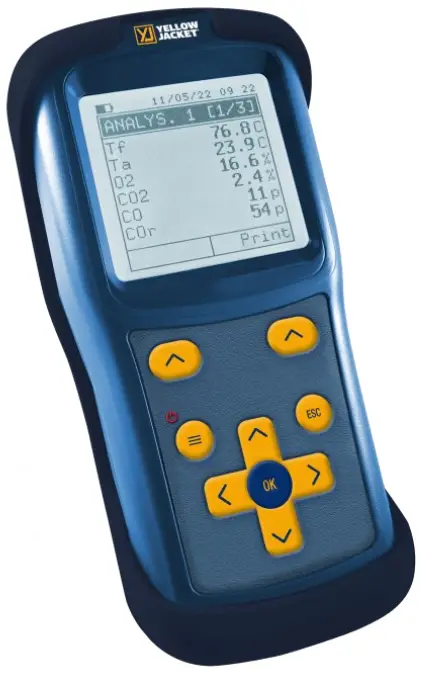
FEATURES:
- Combustion analysis in Auto or Manual Mode
- Calculation of stack heat loss and efficiency
- CO environment measurement
- Measuring differential pressure
- Draft measurement
- Pressure measurement in the gas supply pipe
- Generation and display of a QR Code for downloading the data of the analyses
- Possibility to print on ticket the analyses and the performed measures with a Bluetooth® printer (optional)
 The magnets in the back of the instrument can damage credit cards, hard drives, mechanical watches, pacemakers, defibrillators and other devices proven sensitive to magnetic fields. It is recommended to keep the instrument at a distance of at least 10″ away from any of these devices.
KEYBOARD FUNCTIONS
| KEYS | FUNCTION |
 | Activate the context keys shown on the display. |
 | Turns on and off the instrument.
|
 | Exits the current screen. |
 | Confirm settings. |
 | Select and/or Modify. |
CONTEXT KEYS
| CONTEXT KEY | FUNCTION |
 | Saves the data in the instrument memory. |
 | Display the printing options screen and consequently, execute it. |
 | From the main screen erase, the memory. From every measure or analysis screen, erase the single data. |
 | Proceed with the combustion analysis. |
 | Repeat the autozero phase. |
 Before starting the combustion analysis, select the utilized fuel.
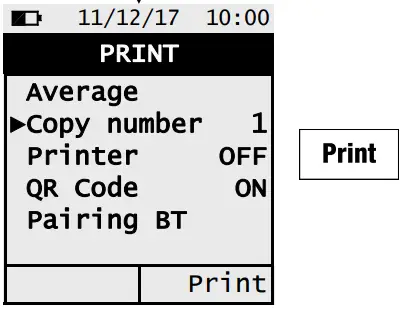
- If it is desired to print the ticket of the average analyses and the additional measures enable the printer in the “PRINT” menu.
- If it is desired to print the complete analysis and the performed measures, it will be necessary to enter the memory menu “MEMORY,” select the related memory number and push the “PRINT” interactive function button.
- To download the data of the single performed analyses, it’s necessary to enter the “MEMORY” menu, select the memory number used to save the analyses and the measures and select one at a time the single rows.
USING THE FLUE GAS ANALYZER
- Be sure all connections are tight to assure accurate sampling.
- When conducting measurements, the water trap/filter assembly MUST be in a VERTICAL position to prevent damage from moisture & particles to sensors.
- When testing is completed, always drain the water trap.

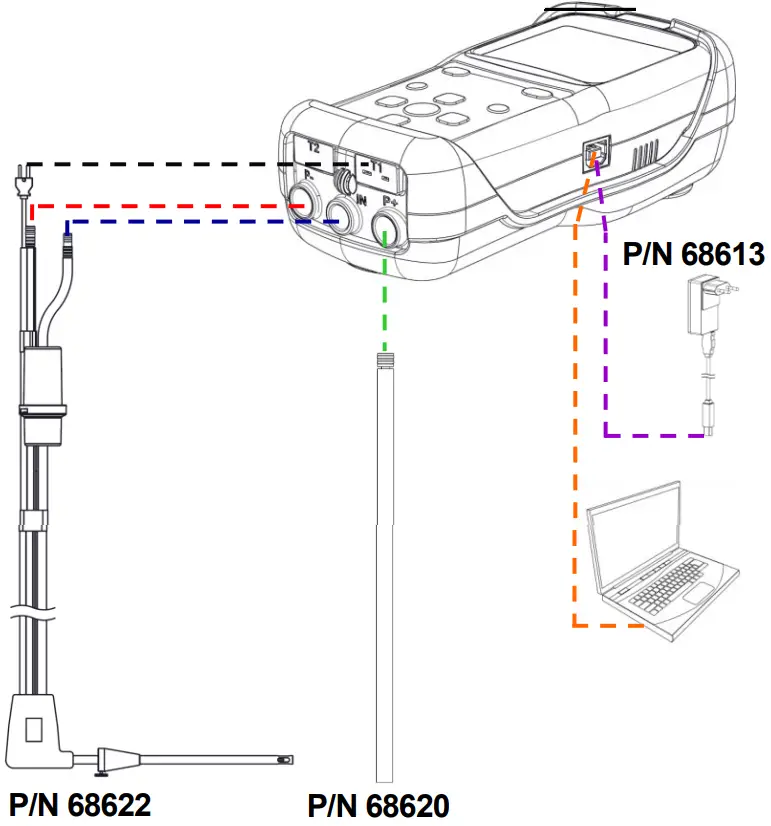
| P/N | DESCRIPTION |
| 68601 | Combustion Analyzer (CA502) |
| 68602 | Combustion Analyzer with Printer (CA502P) |
| 68611 | Combustion Analyzer Printer |
| OPTIONAL ACCESSORY | |
| 68620 | Combustion Analyzer Manometer Hose |
| REPLACEMENT PARTS | |
| 68612 | Combustion Analyzer Filters 5 PK |
| 68613 | Combustion Analyzer AC Charger Kit |
| 68614 | Combustion Analyzer USB Cable for Charge |
| 68615 | Combustion Analyzer Carrying Case |
| 68616 | Combustion Analyzer Printer Paper 5 PK |
| 68617 | Combustion Analyzer Water Trap ASM |
| 68618 | Combustion Analyzer 0-Ring for Water Trap |
| 68619 | Combustion Analyzer 02 Sensor |
| 68621 | Combustion Analyzer POSG Cone for Probe |
| 68622 | Combustion Analyzer Flue Gas Probe |
| 68623 | Combustion Analyzer Battery |
| 68624 | Combustion Analyzer Rubber Probe Cover |
ON/OFF
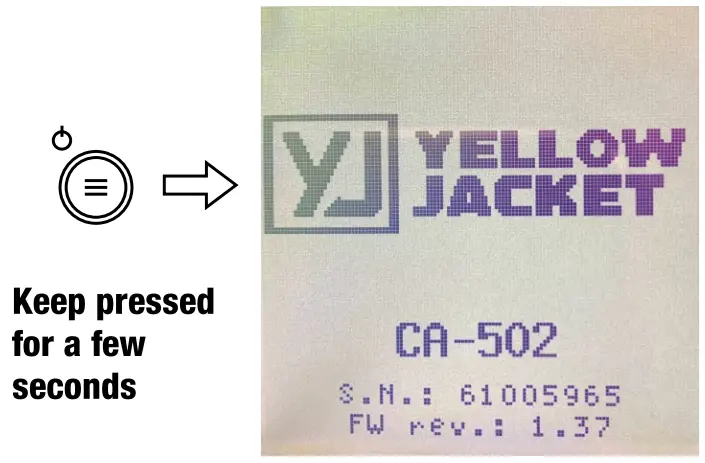
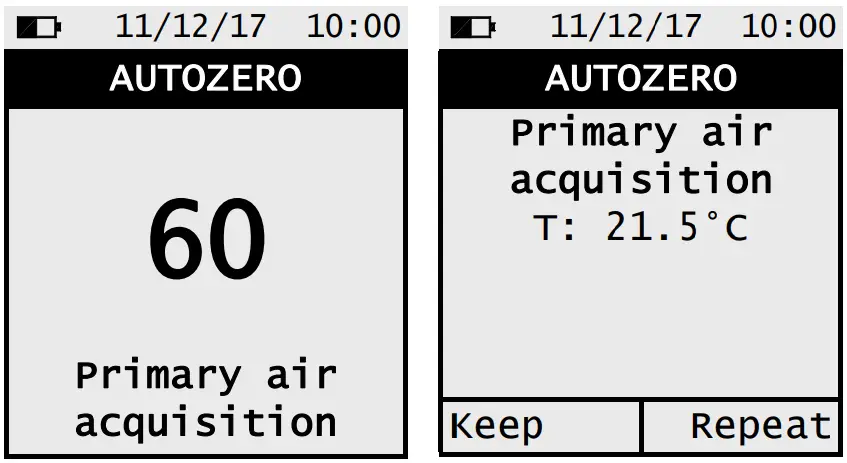
- Before switching on the instrument, insert the Tc-K connector of the smoke probe to the instrument for primary air acquisition.
- Perform the Zero phase of the instrument in fresh clean air.
- When the Zero phase is over, push the button related to the interactive function “Keep” to store the acquired temperature value.


MEMORY
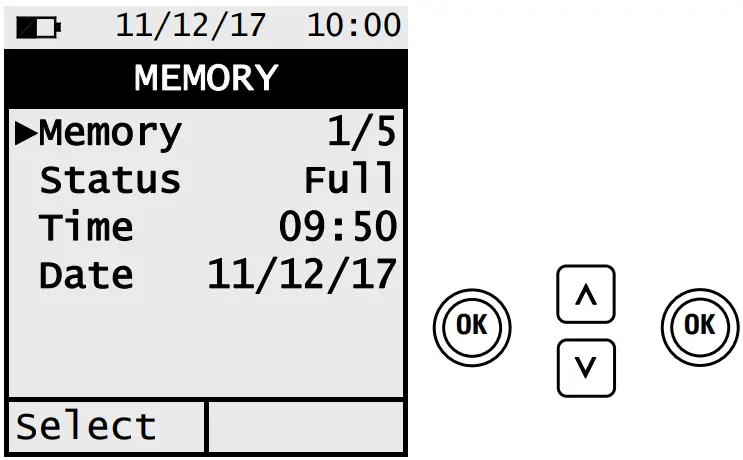
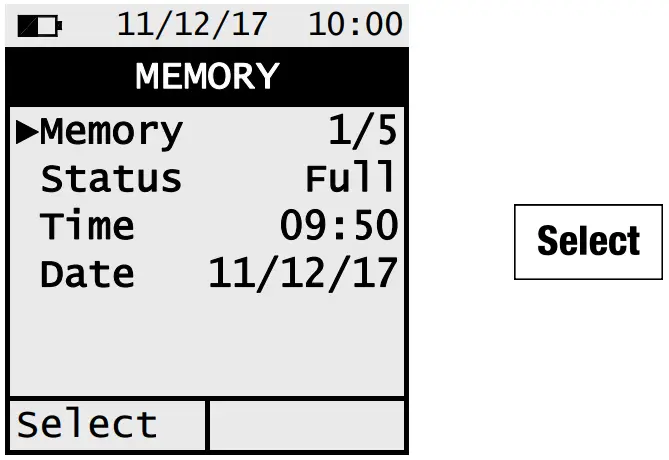
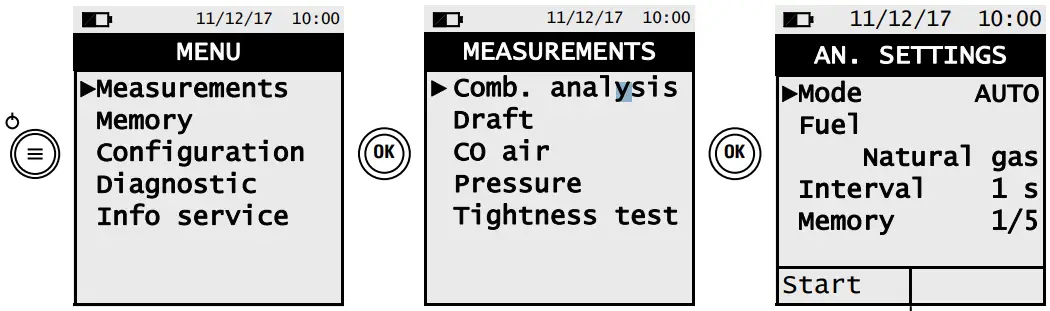
Menu→Memory
- Procedure to set the memory number where it will be possible to store the analyses/measures

- Procedure to visualize the content of a memory

DRAFT MEASUREMENT
Menu→Measurements→Draft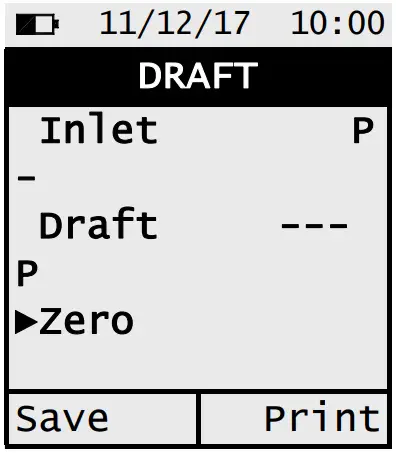
Procedure to Perform the Draft Measurement:
- Perform the Zero phase of the pressure sensor: Select “Zero” => push.
- Connect the pressure output of the probe with the P- inlet of the instrument.
- Insert the tip of the smoke probe in the stack.
CO AIR MEASUREMENT
Menu→Measurements→CO air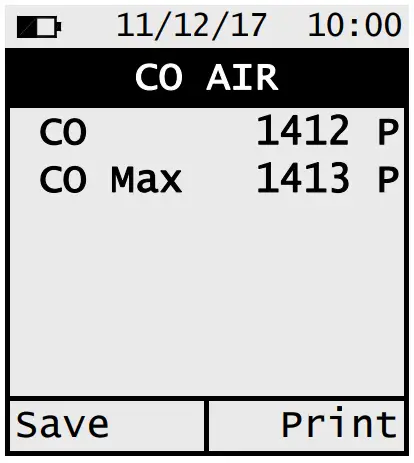
WARNING
It is compulsory to perform the Zero phase in clean air, so that the environment CO measurement results correct. It is advisable to turn on the instrument and wait for the Zero phase completion outside the area where the test is being performed.
Menu→Configuration→Print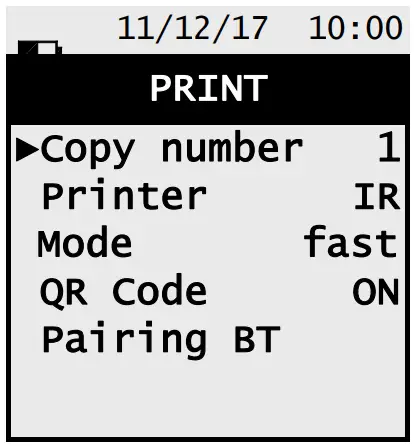
Ticket Print
Set the parameter “Copy number”
Set the parameter “printer” on BT or IR
Only if the printer is set on IR:
Set the parameter “Mode” on fast or slow
Only if the printer is set on BT:
Associate the instrument to the BT printer through the parameter Pairing BT (only for the first time)
QR Code Generation
Set the parameter “QR code” on ON
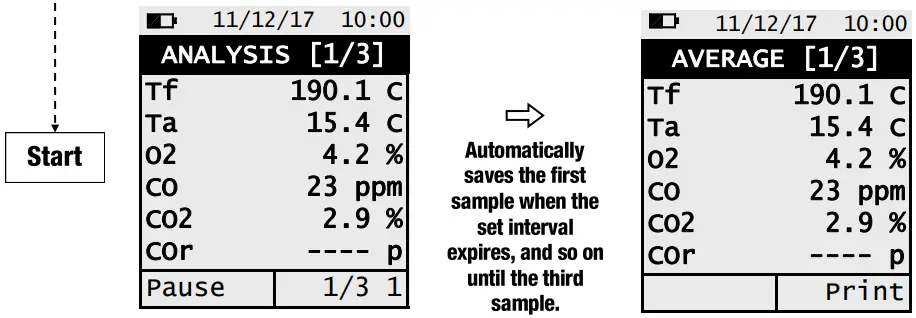
COMBUSTON ANALYSIS AUTO MODE
For additional information, please scan the QR code to the left for the digital CA502 user manual or go to: www.yellowjacket.com.
Visit the app store to download the free “VJ Combustion” App.