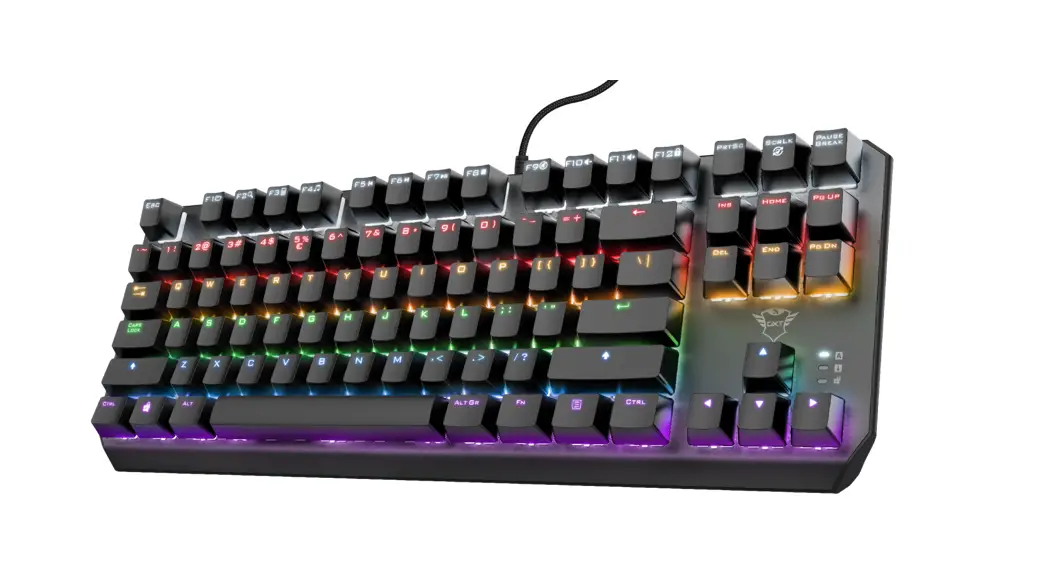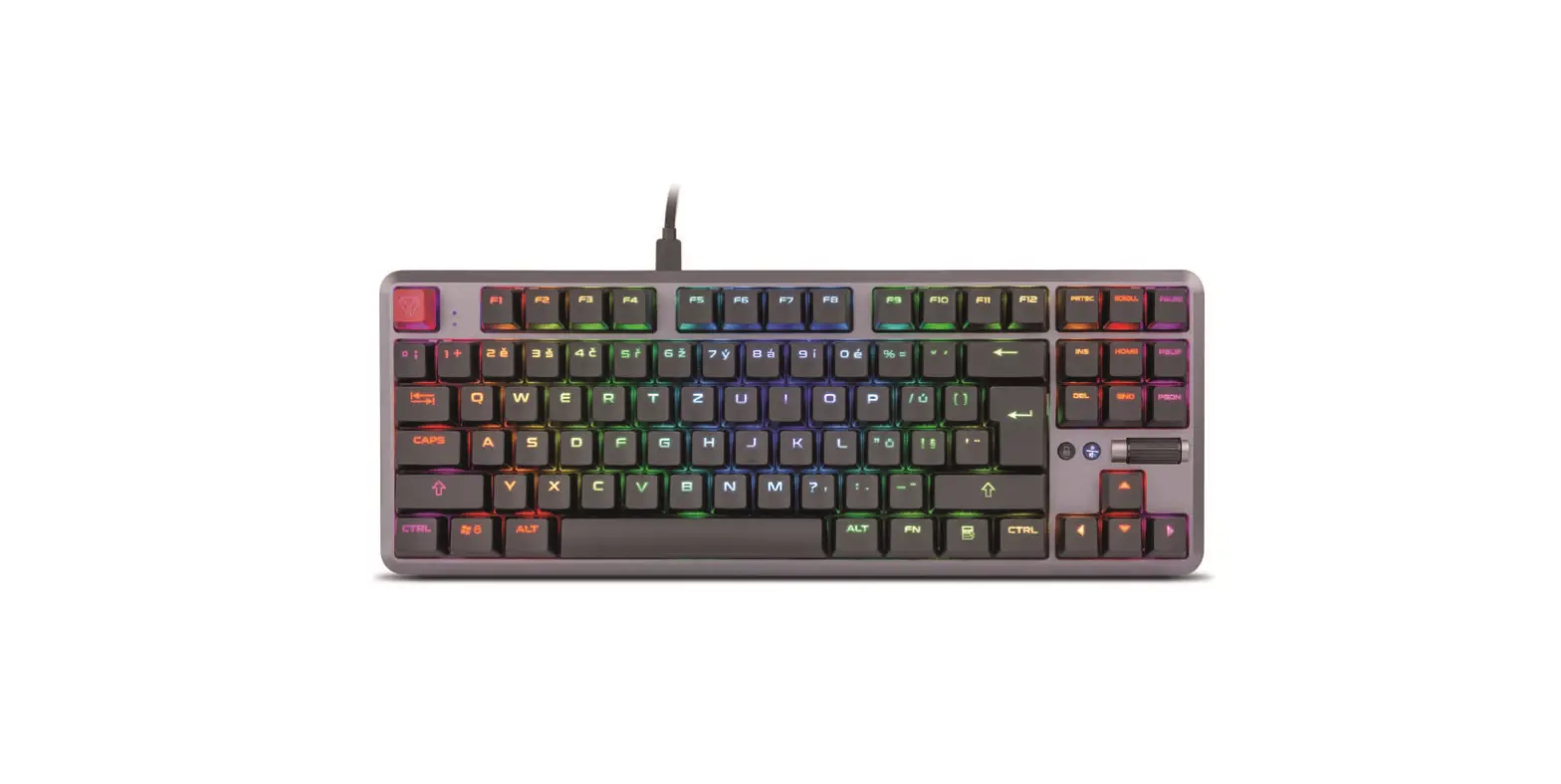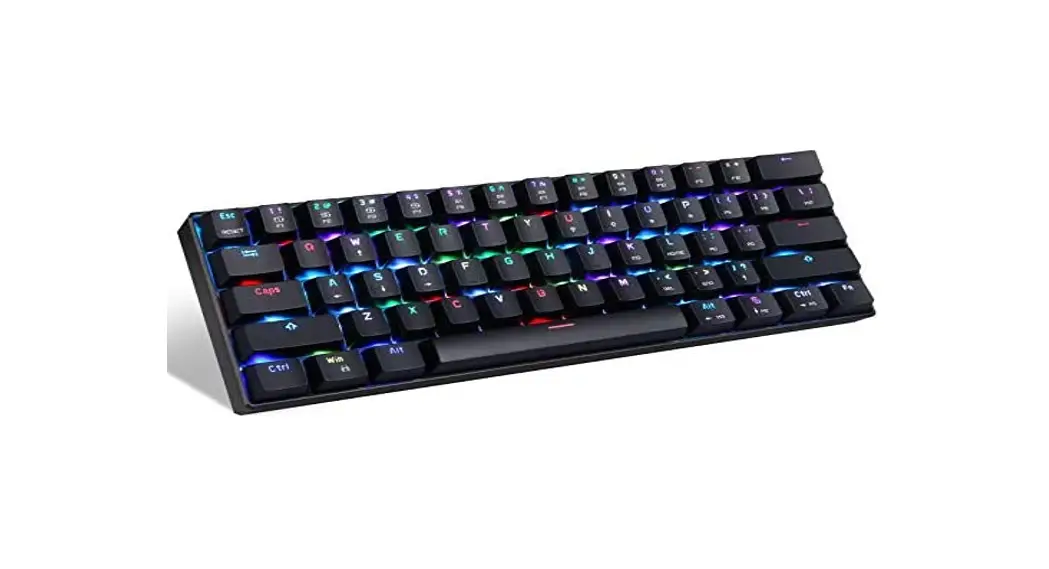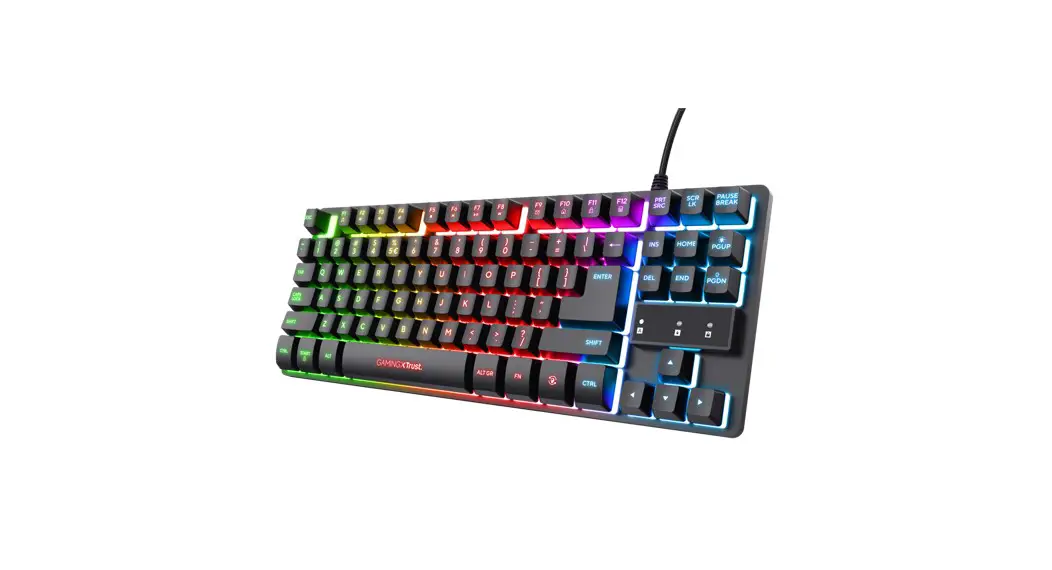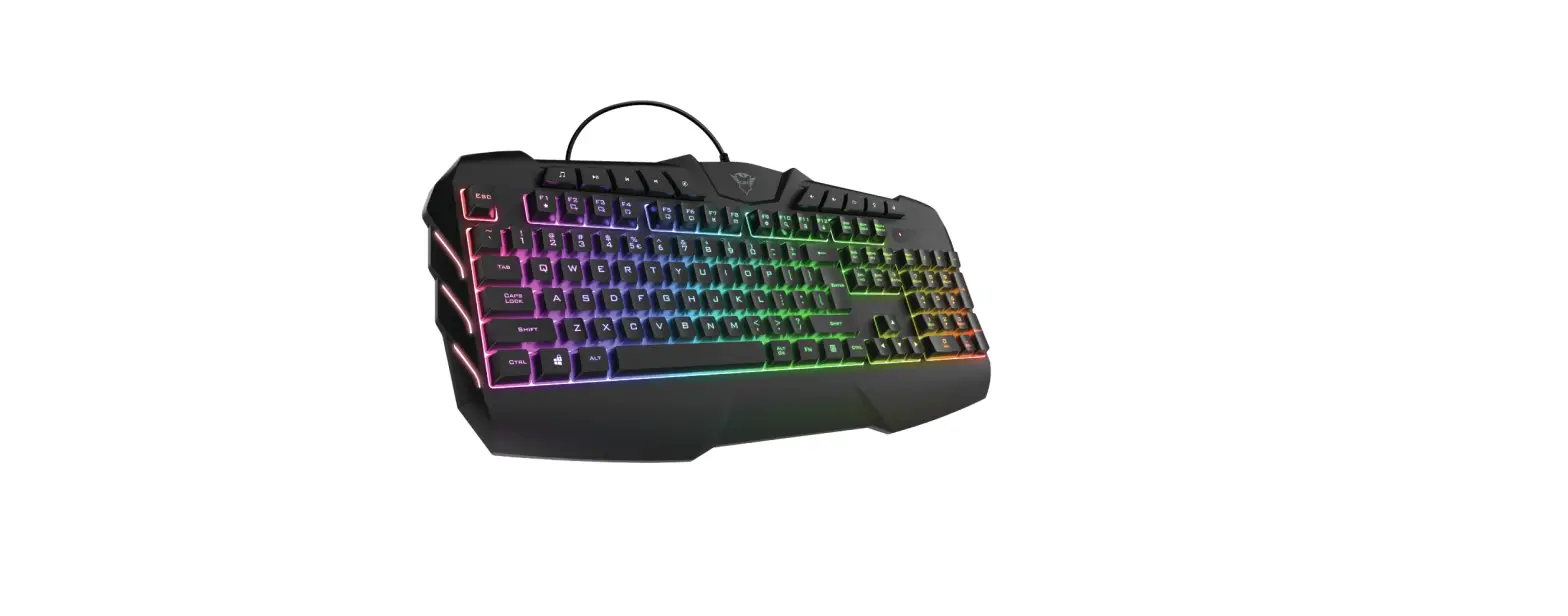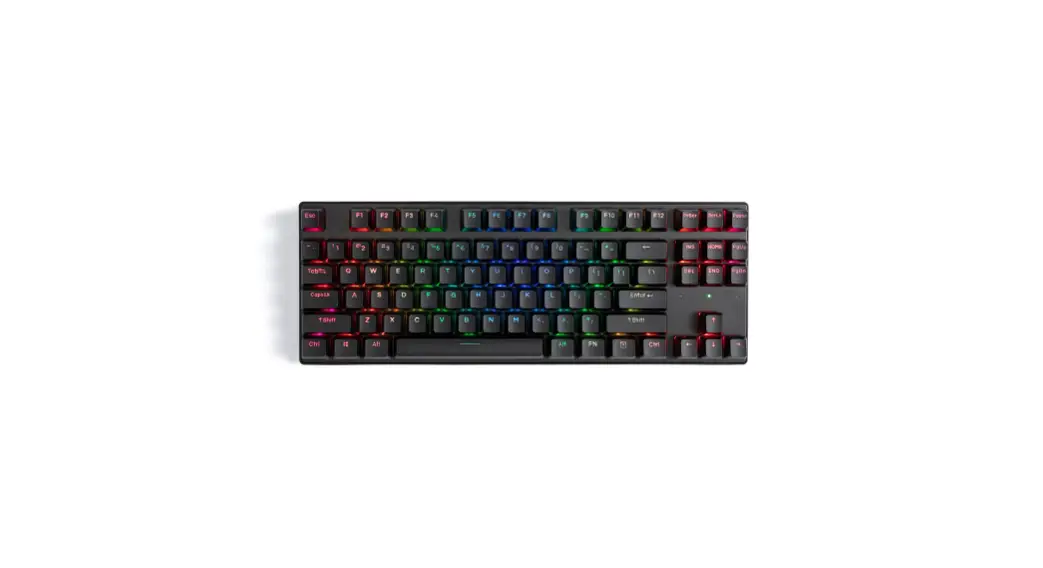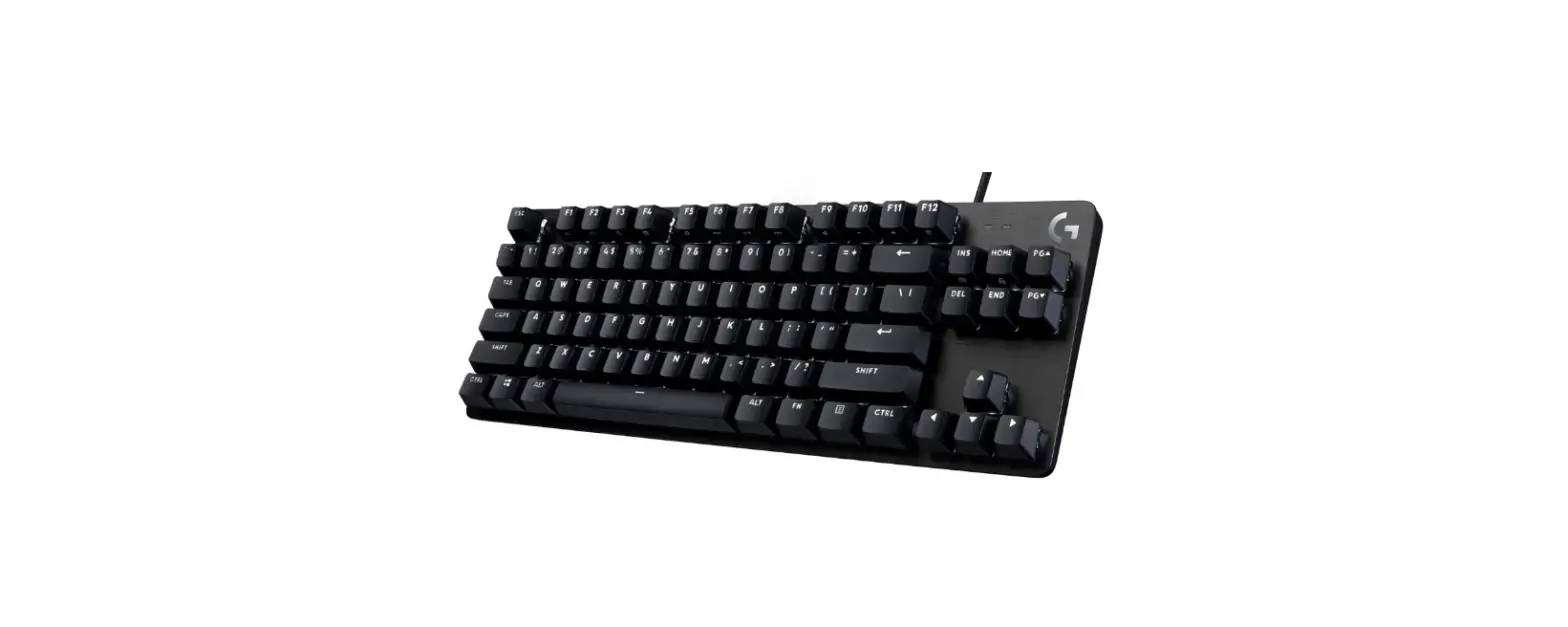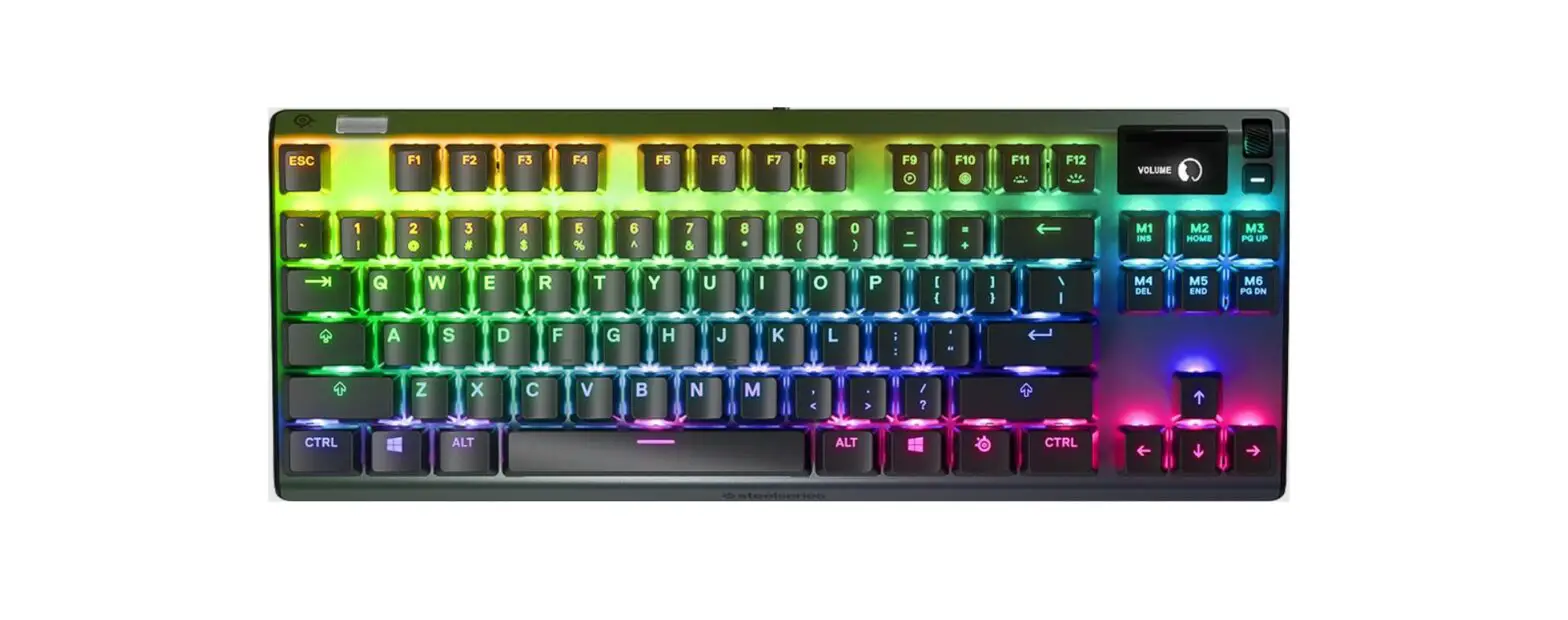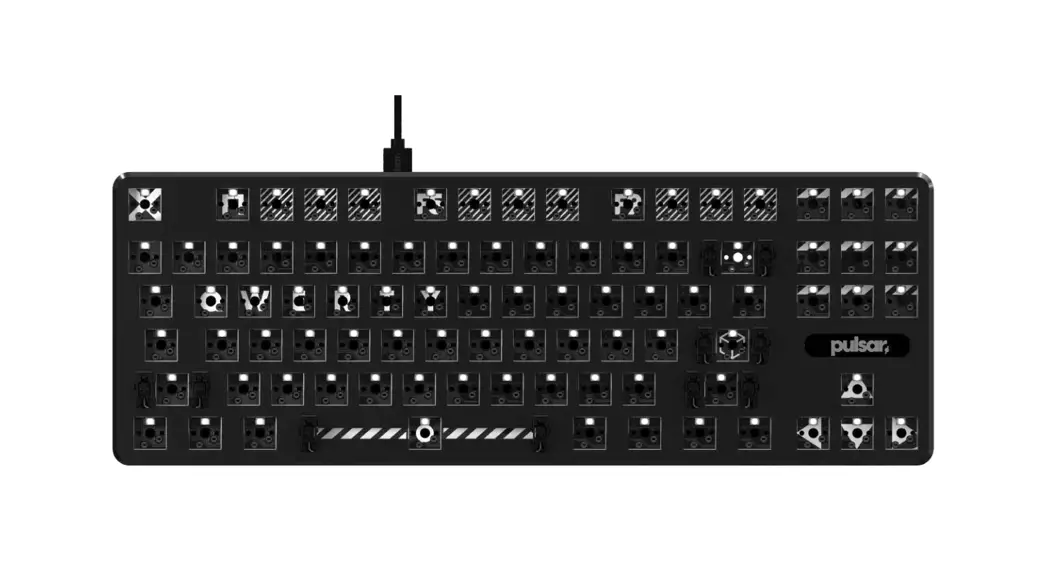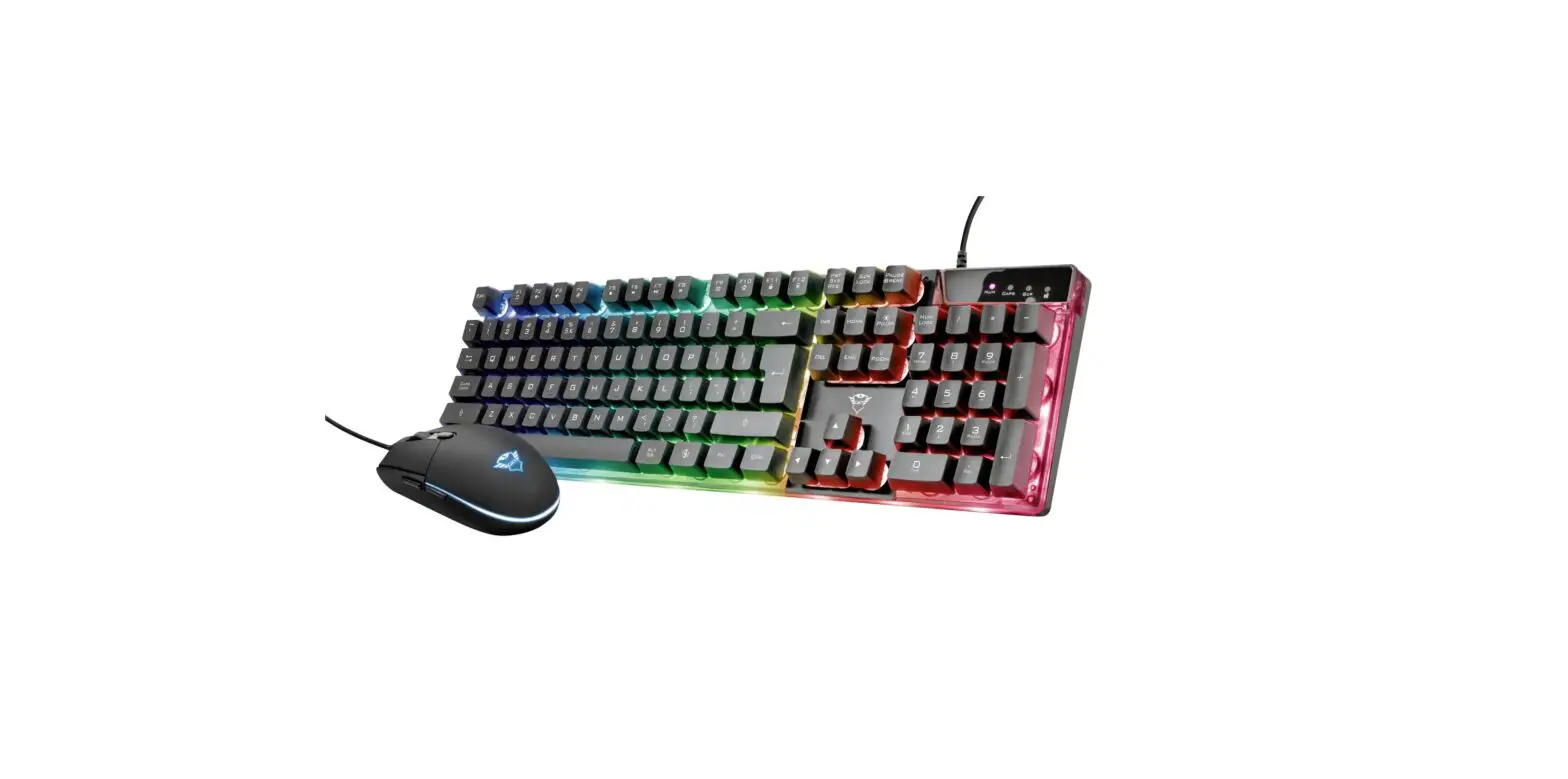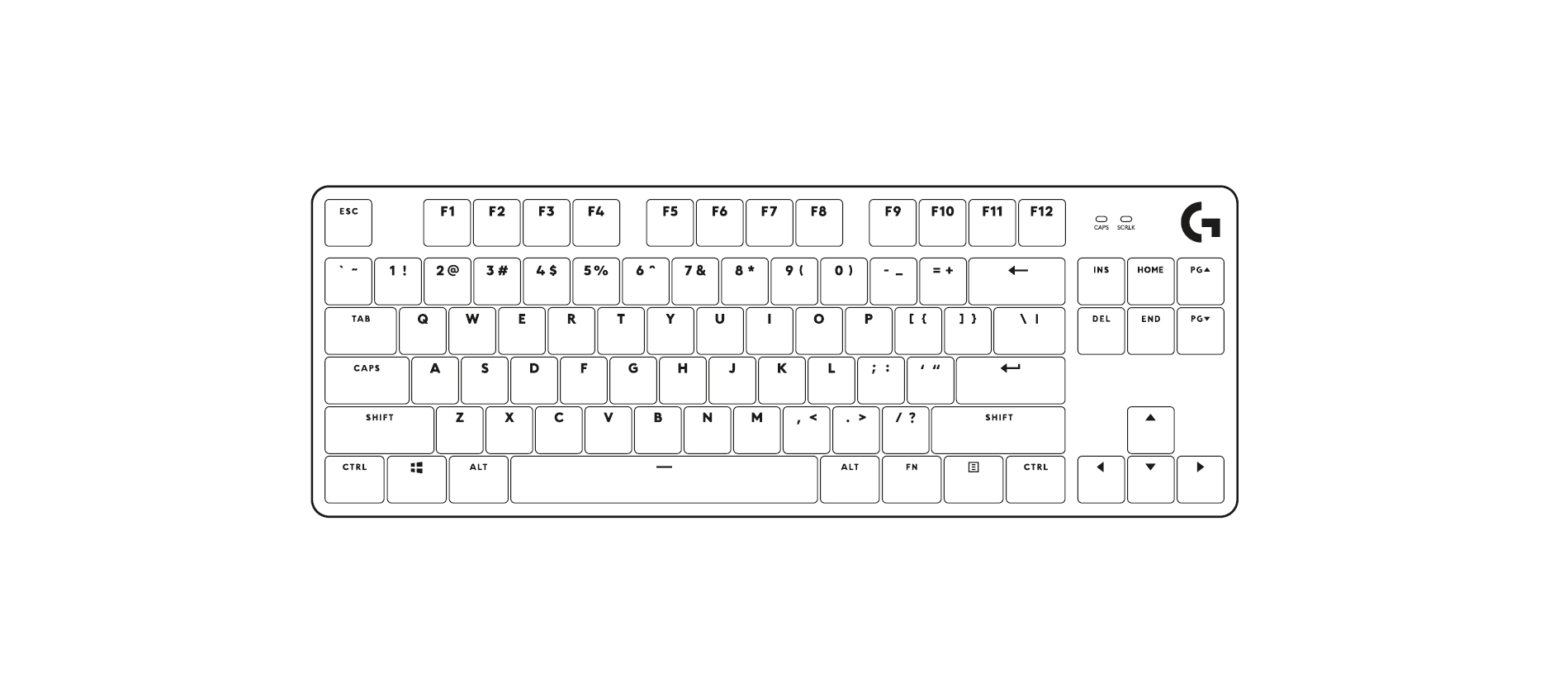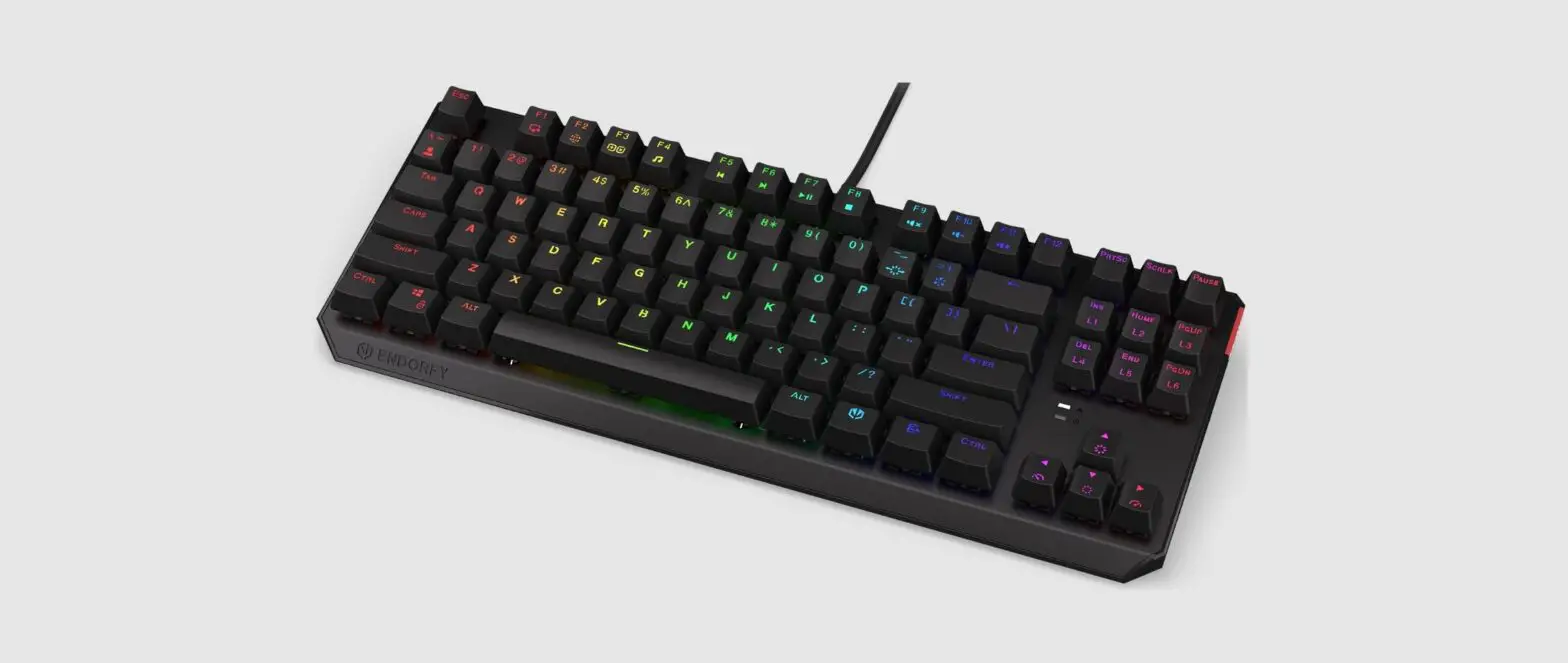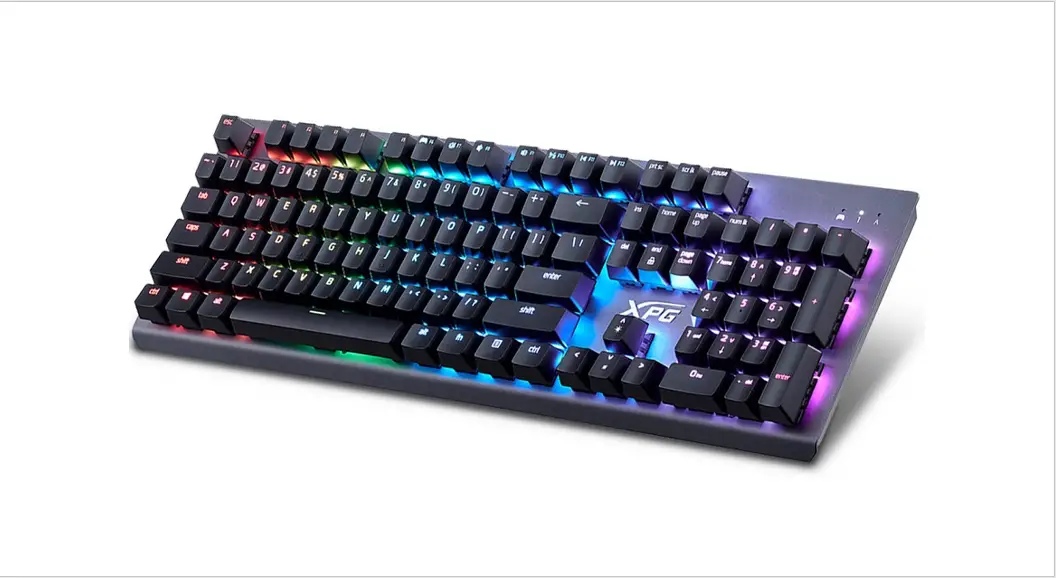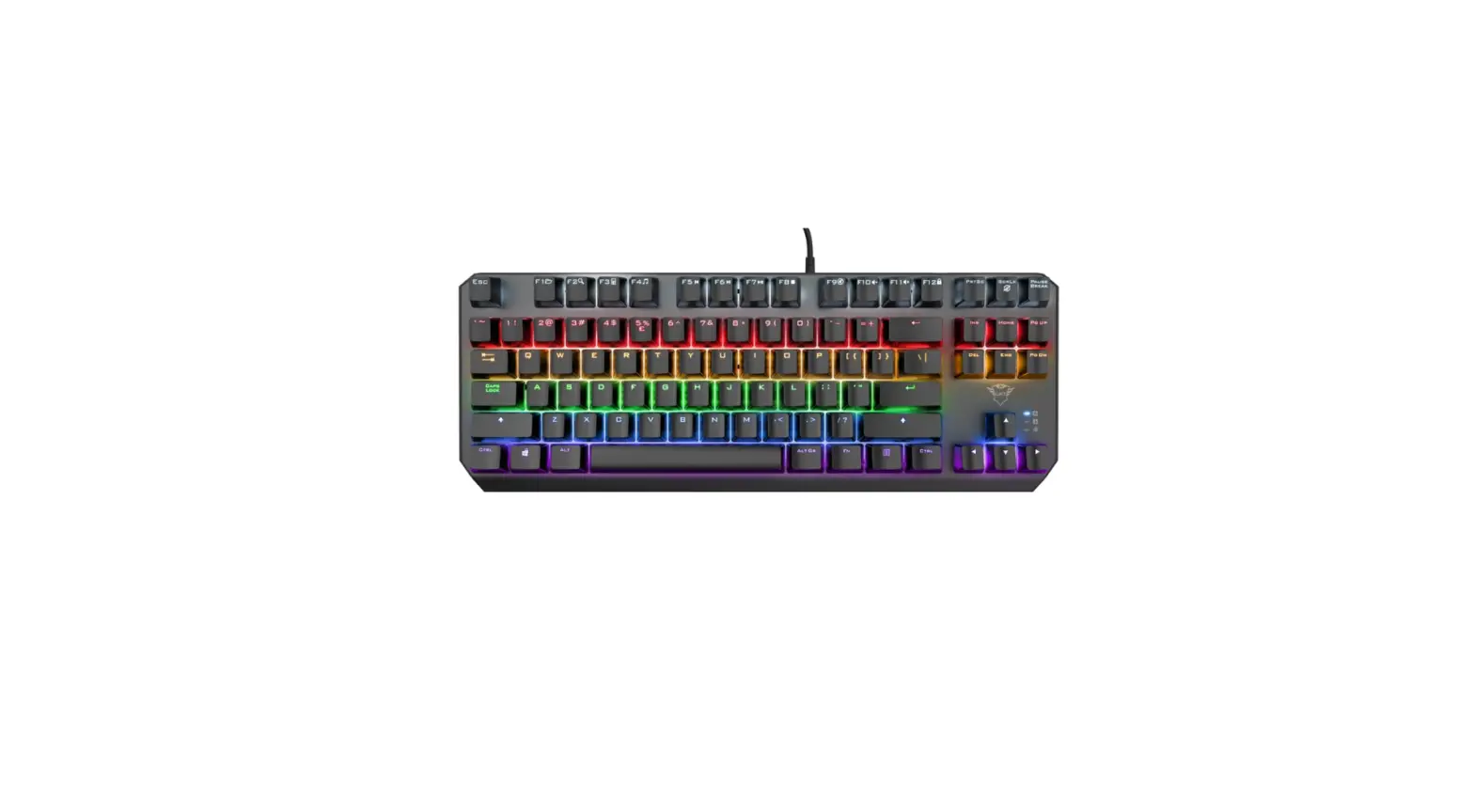

Trust Callaz Mechanical TKL Gaming Keyboard
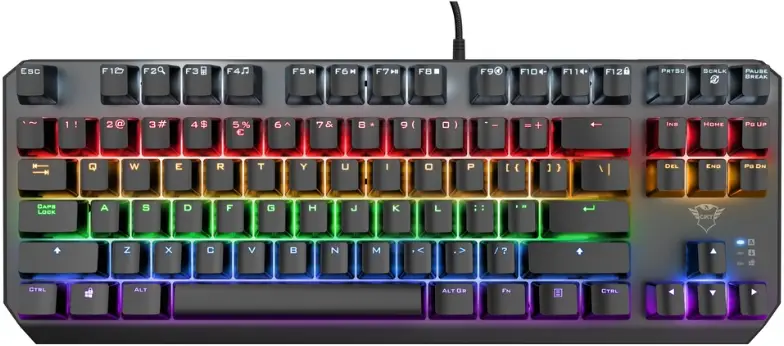
Product Information
Mechanical TKL Gaming Keyboard
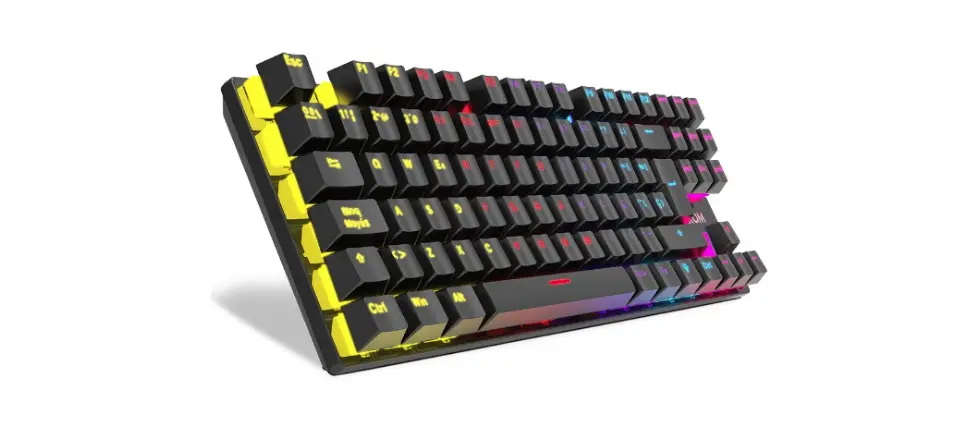
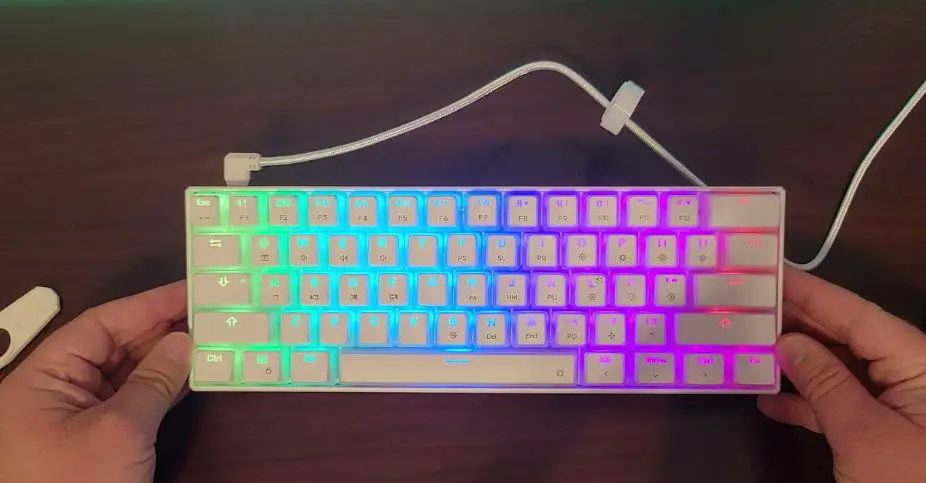
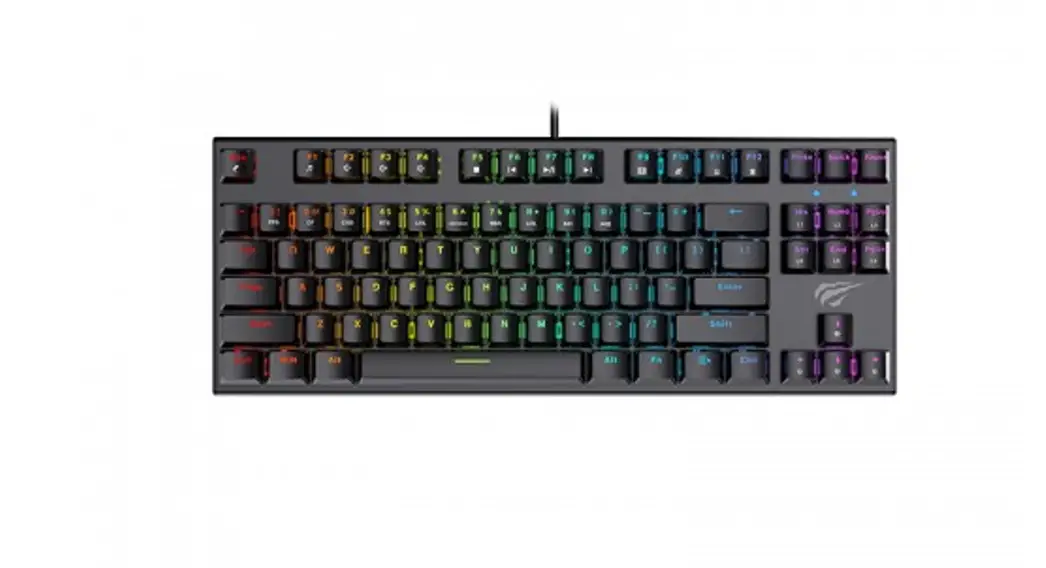
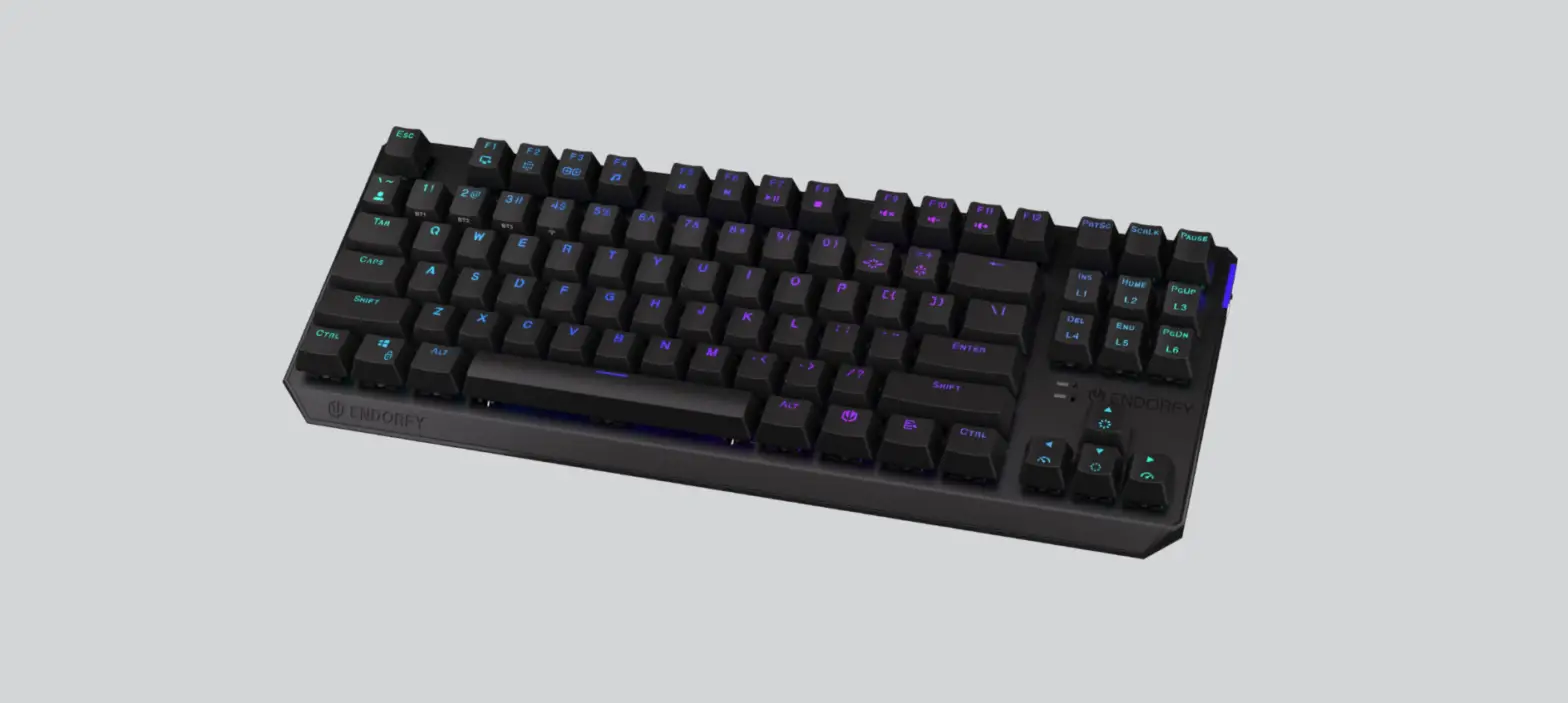
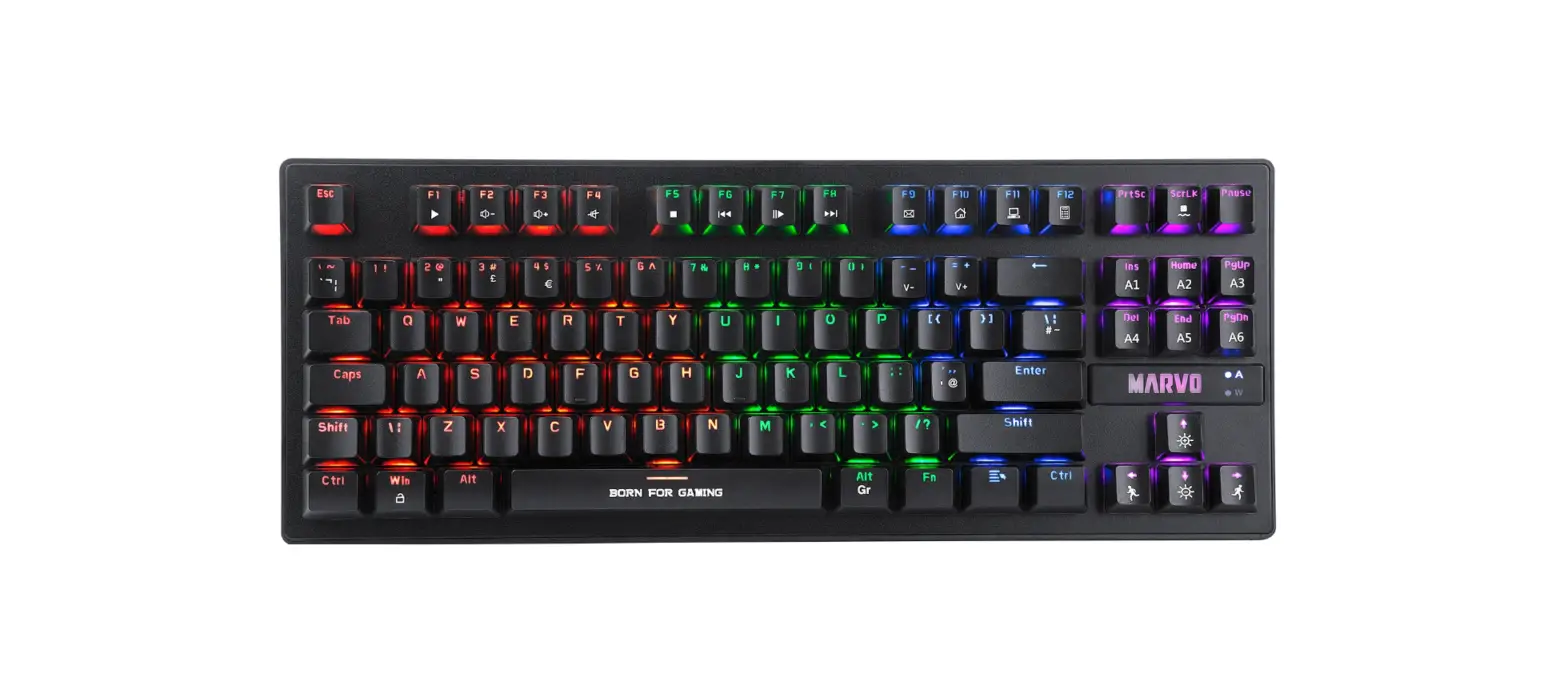
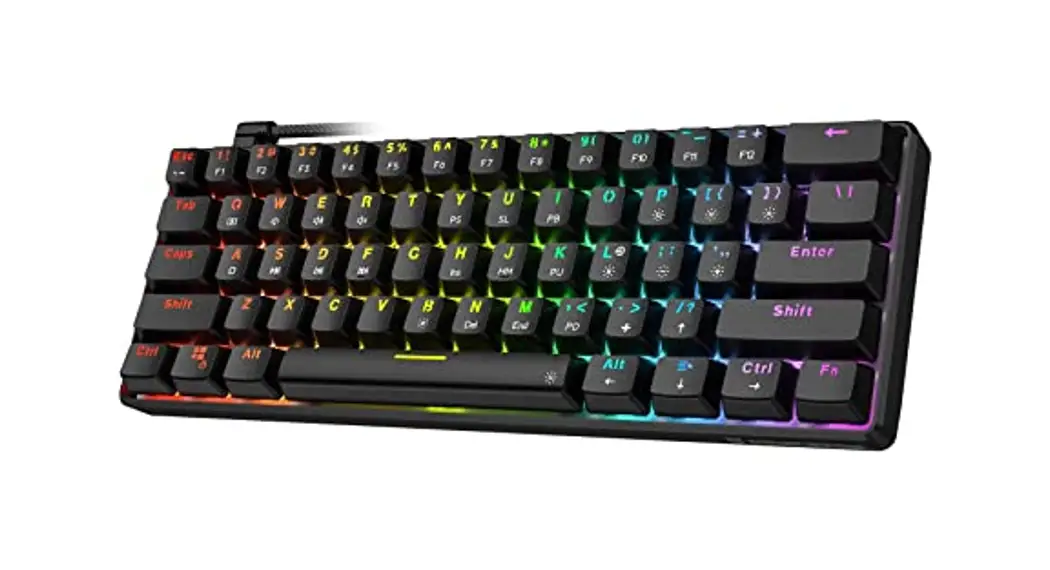
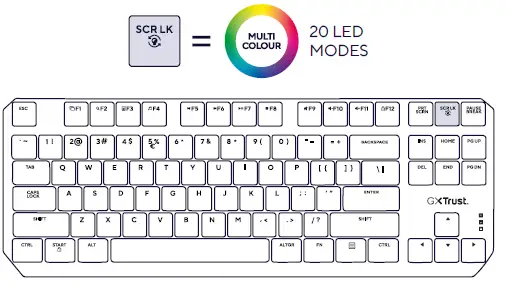
The Mechanical TKL Gaming Keyboard is a high-performance gaming keyboard designed for gamers who demand precision and responsiveness. It features a tenkeyless design, which means it does not have a number pad, making it more compact and easier to carry around. The keyboard connects to your computer via USB-A and offers 20 LED modes to customize the look of your keyboard.
Product Usage Instructions
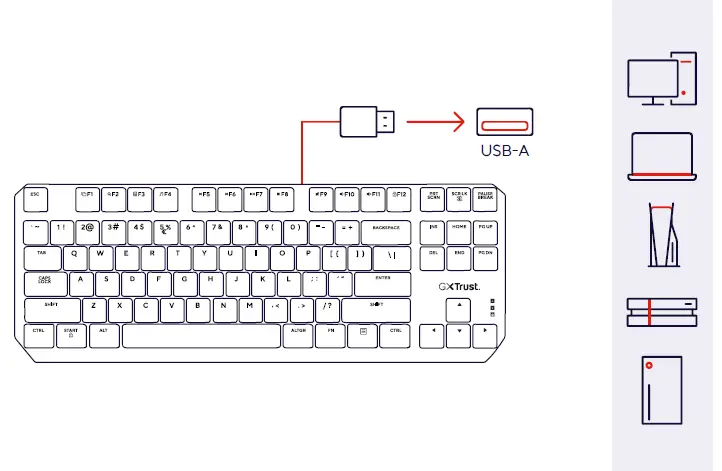
- Connect the keyboard to your computer’s USB-A port.
- Turn on your computer and wait for it to boot up.
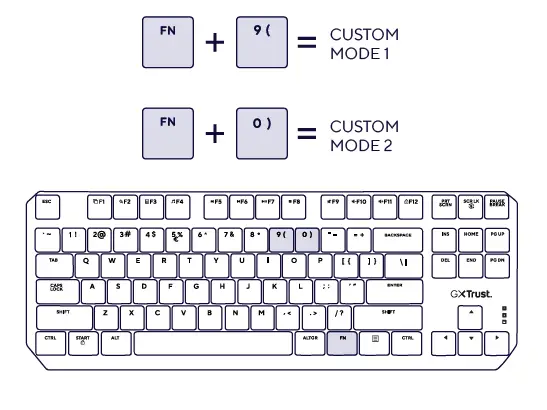
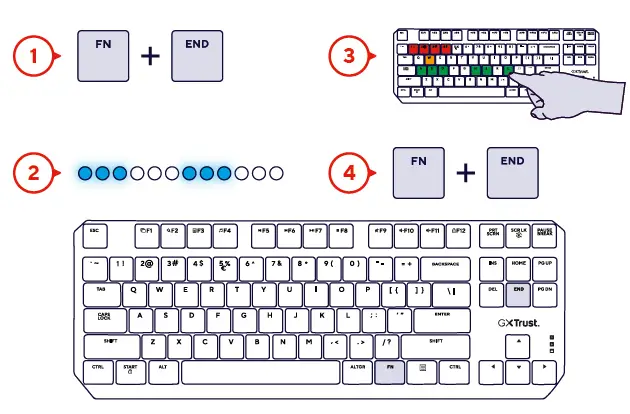
- Press the CUSTOM MODE 1 button to activate custom mode 1.
- Press the CUSTOM MODE 2 button to activate custom mode 2.
- Visit WWW.TRUST.COM/24404/FAQ for frequently asked questions and troubleshooting tips.
- If you need further assistance, call CALLAZ for support.
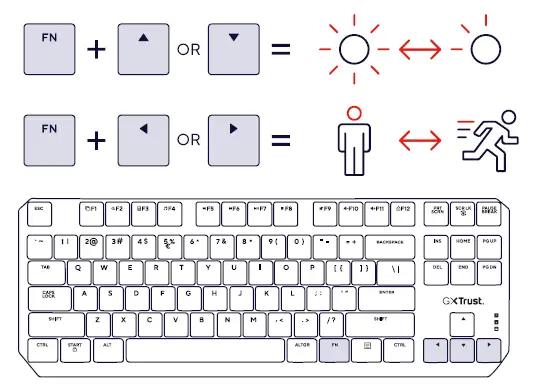
Note: To switch between the 20 LED modes, use the instructions provided in the user guide.
CONNECTION
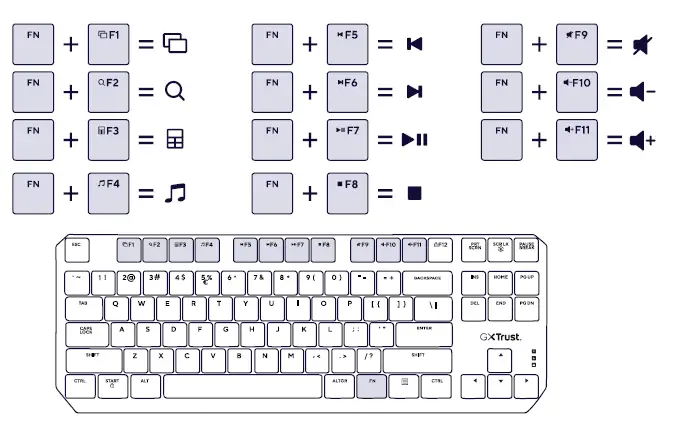
FUNCTIONS


FAQ
WWW.TRUST.COM/24404/FAQ
Trust International BV – Laan van Barcelona 600 – 3317DD, Dordrecht, The Netherlands ©2023 Trust All rights reserved.
 Trust.com - GXT 834 Callaz TKL Mechanical Keyboard