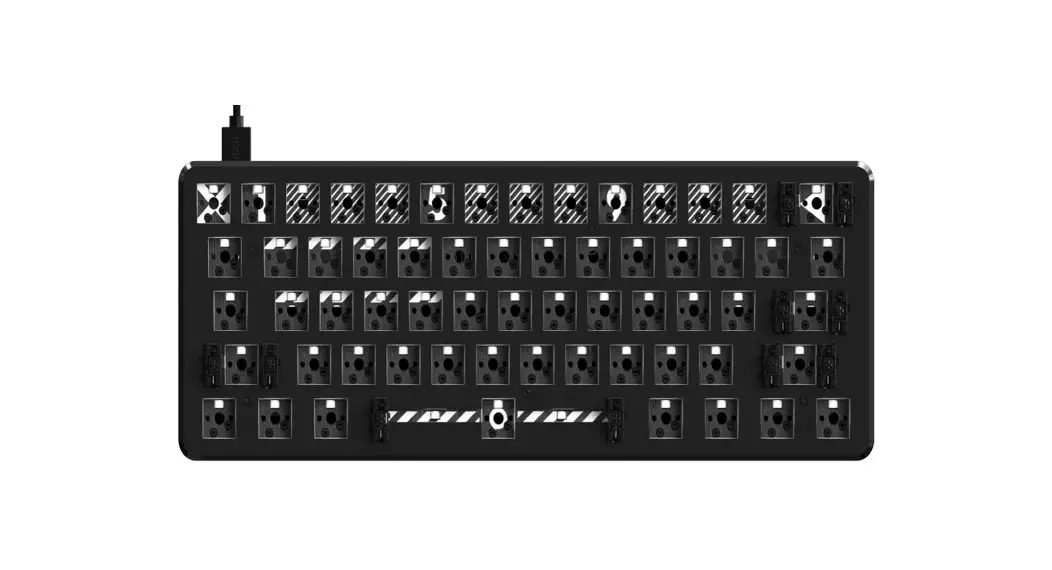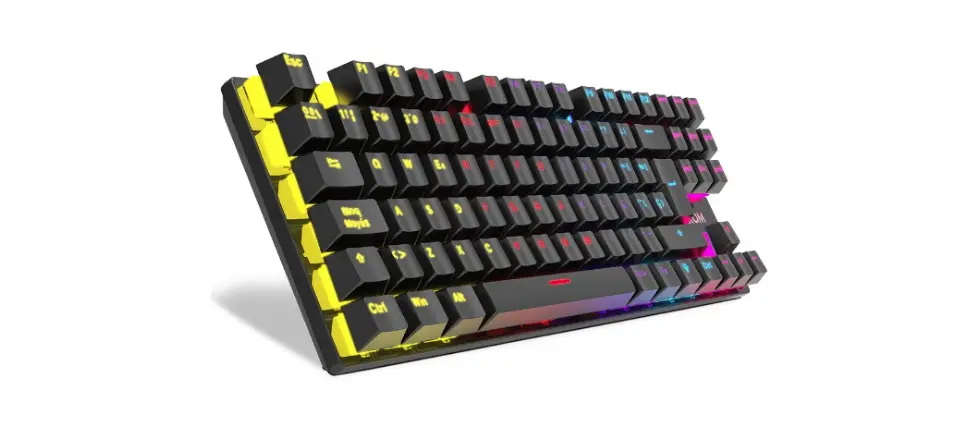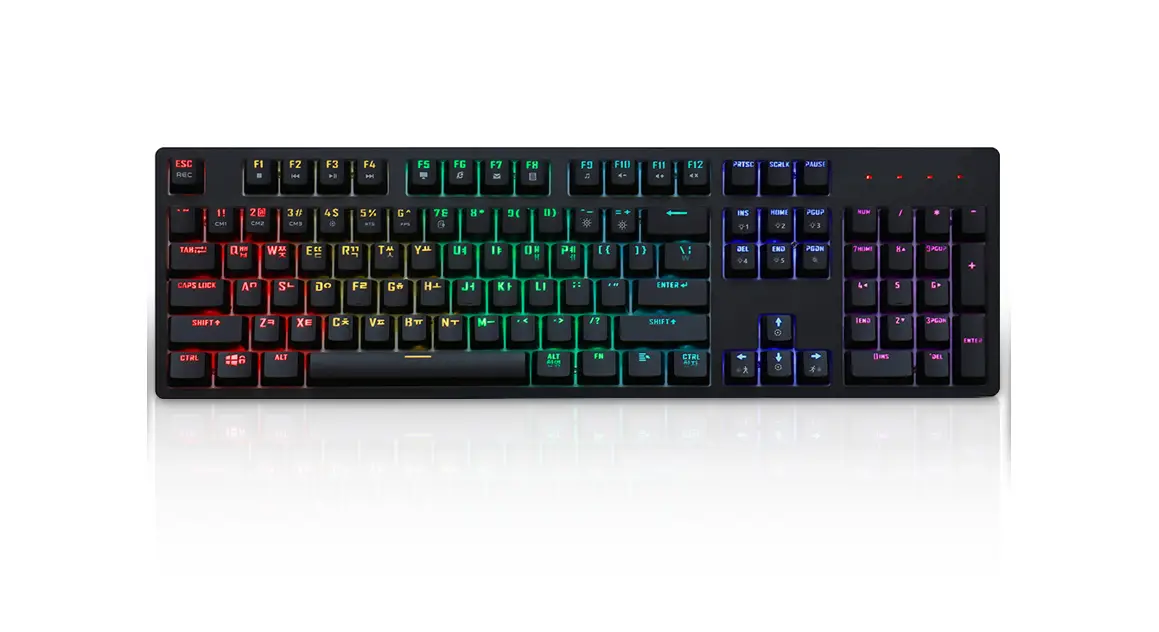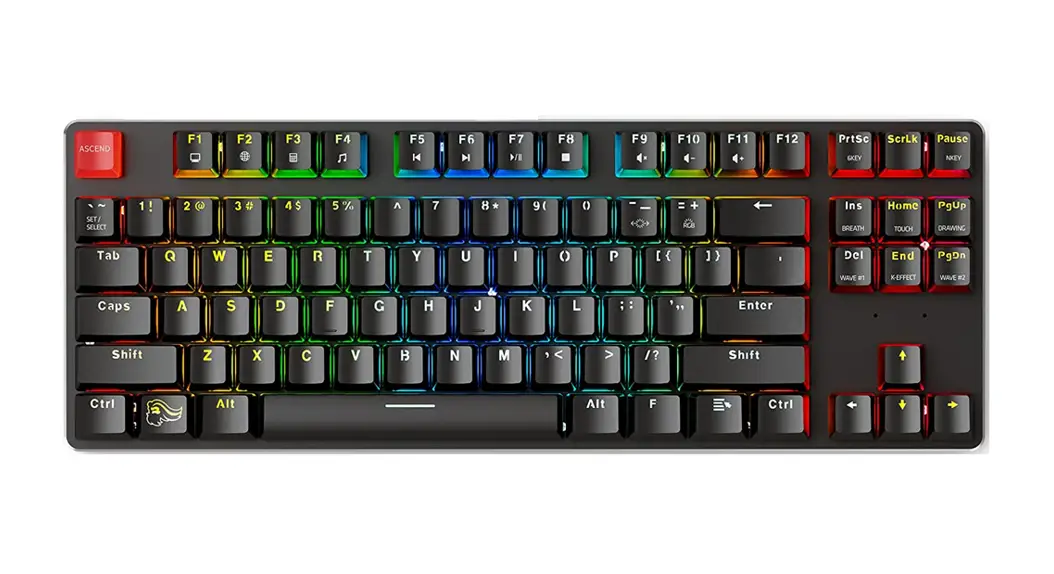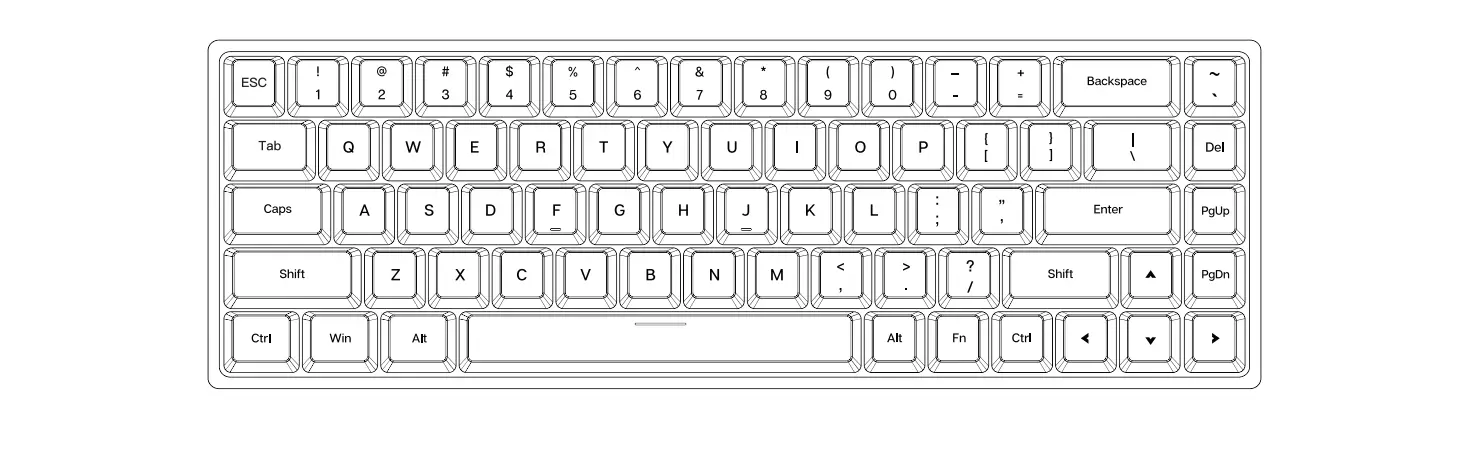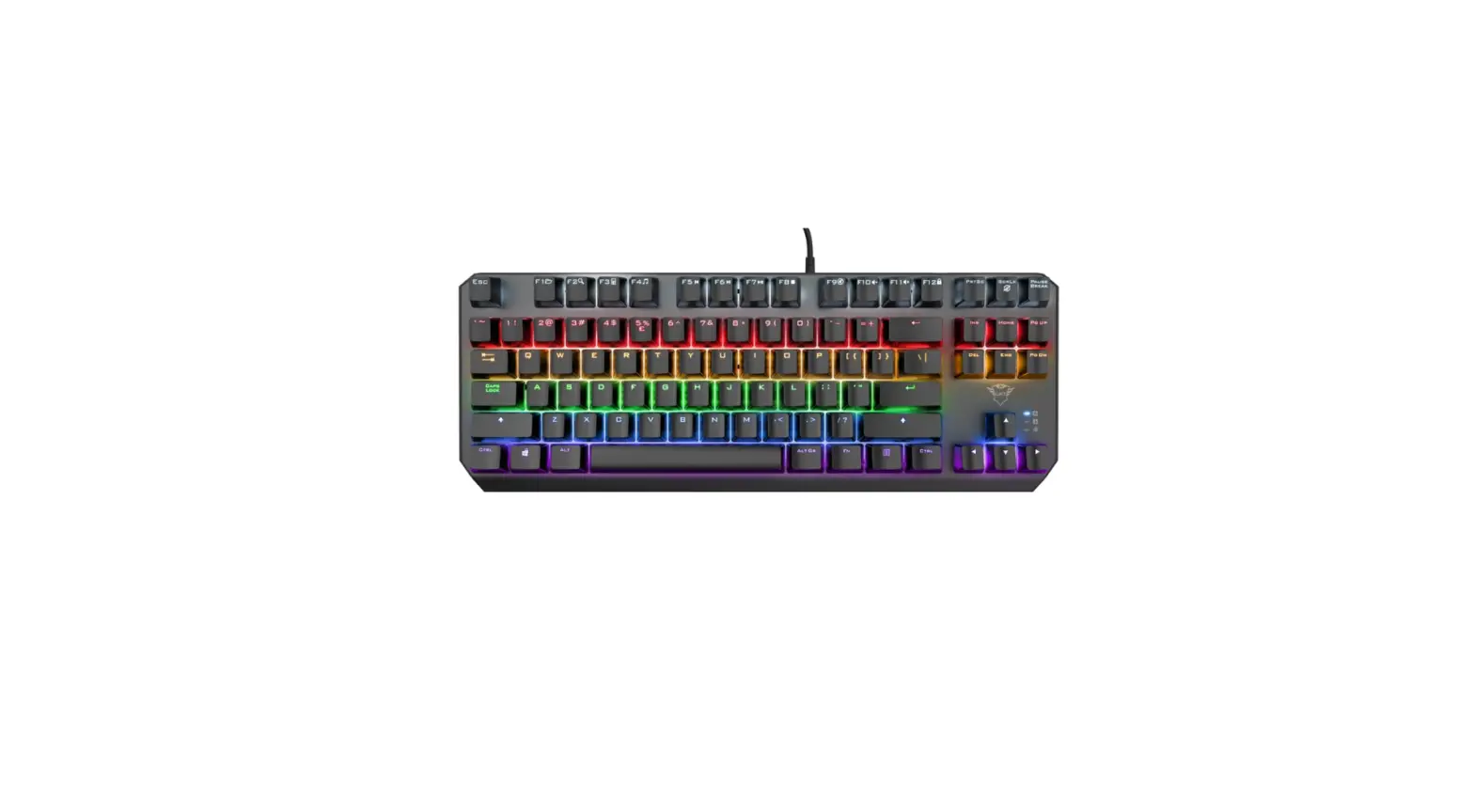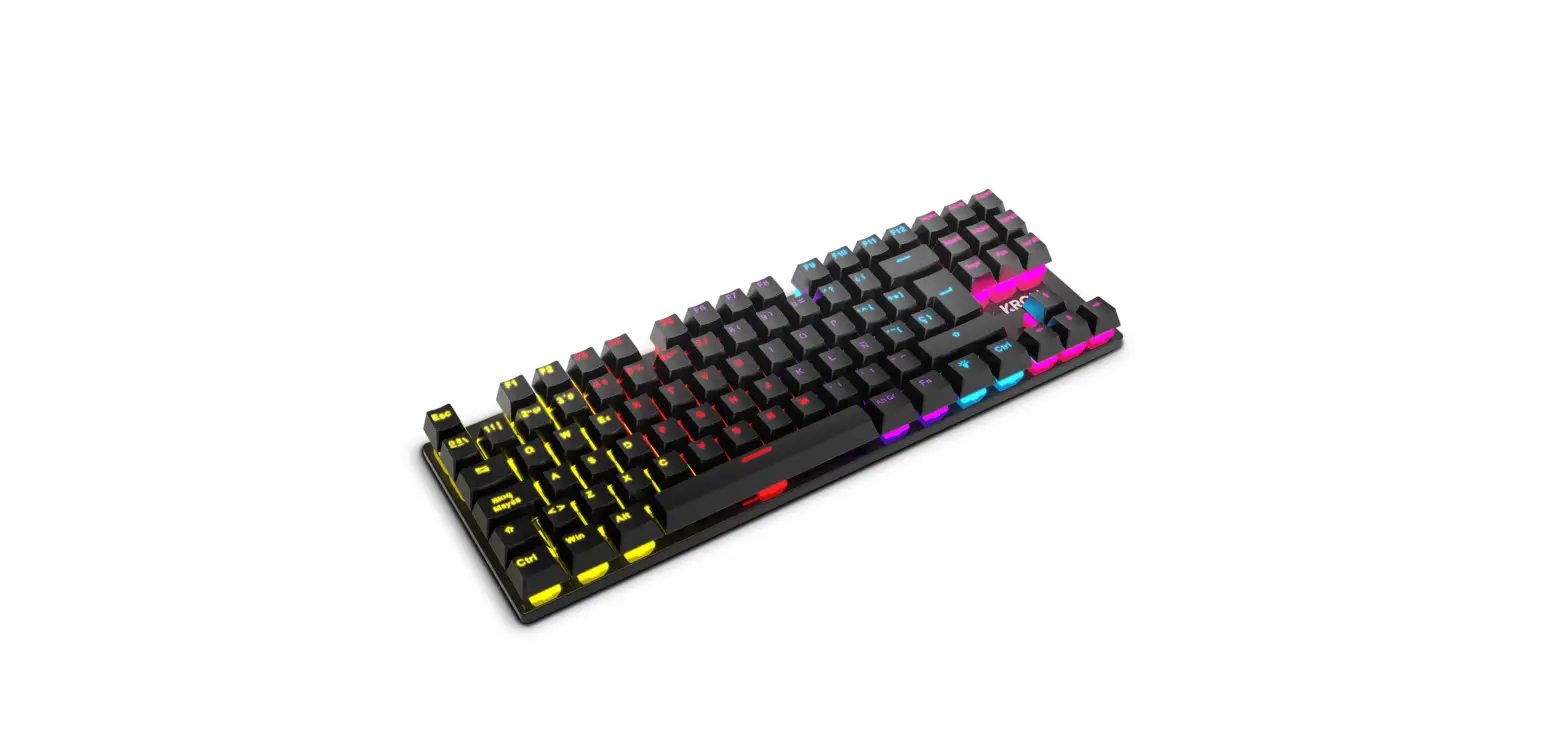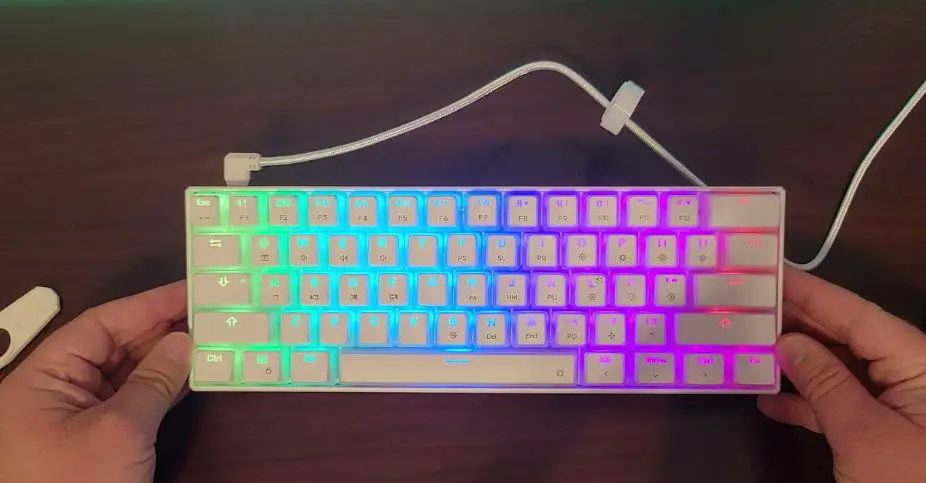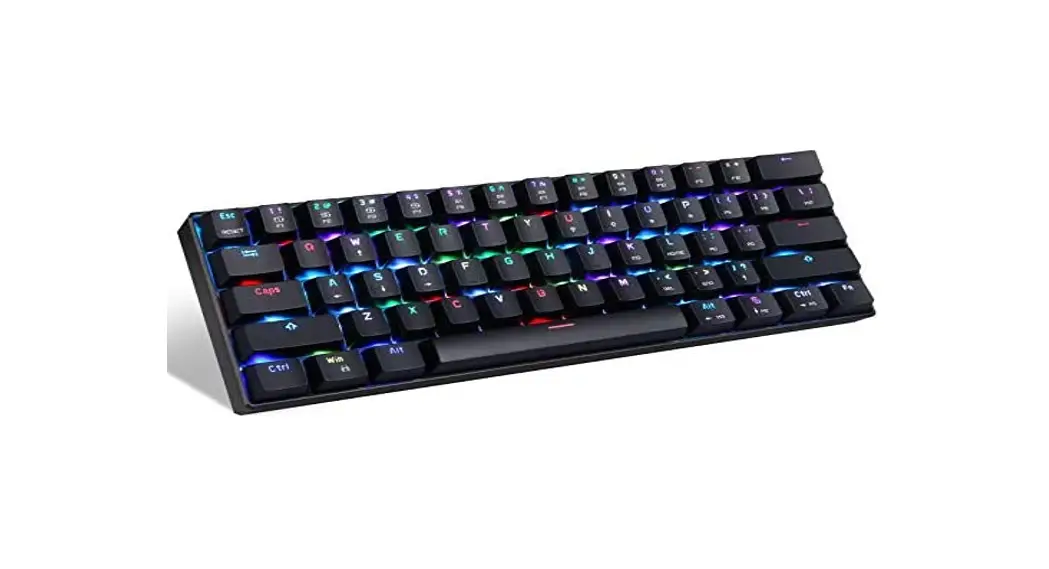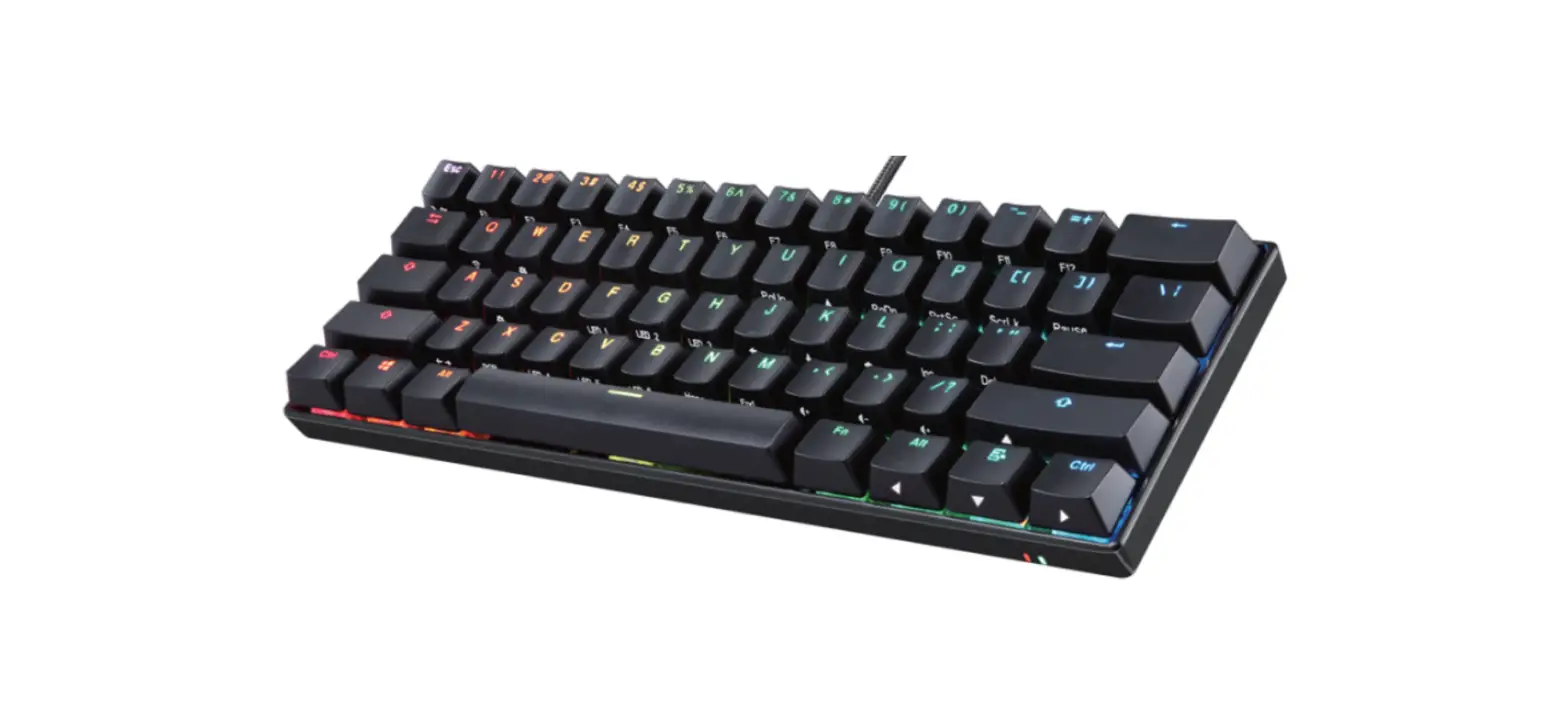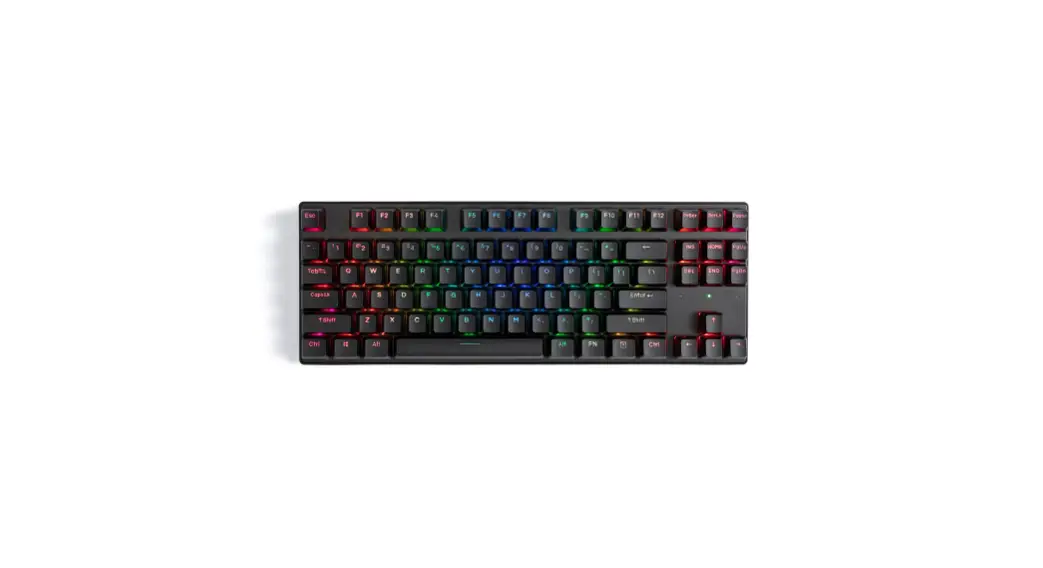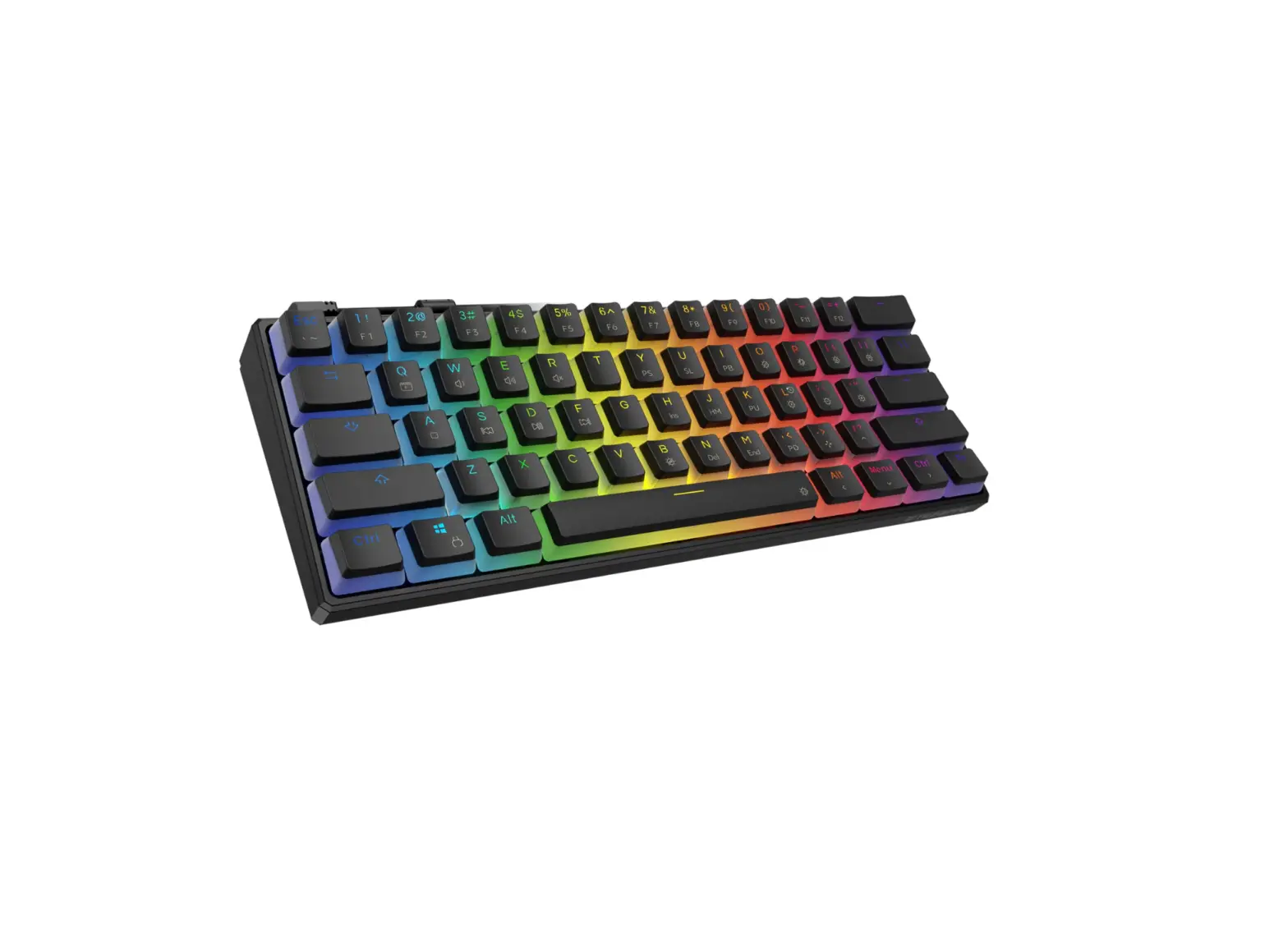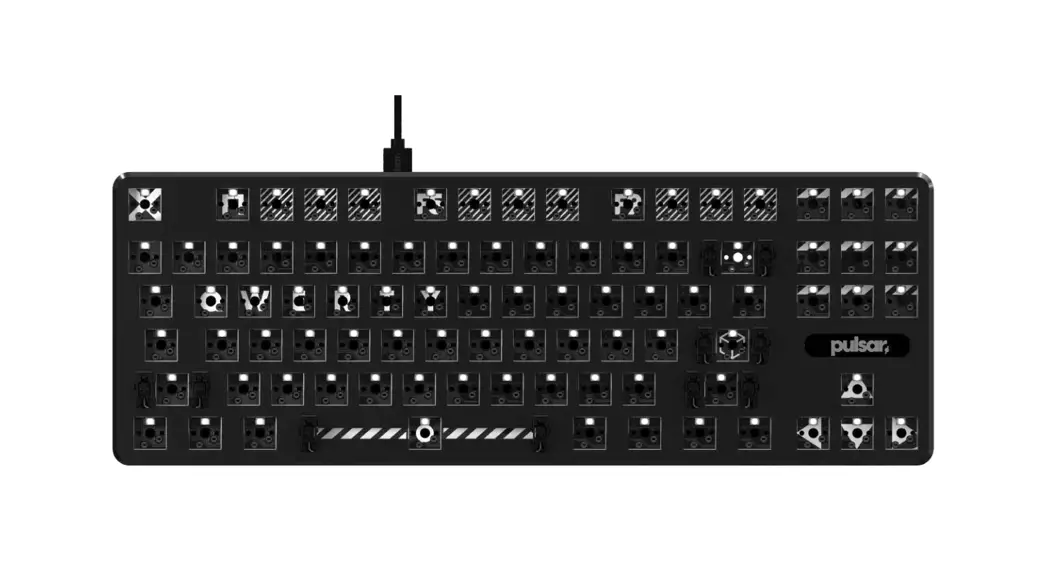

PCMK TKL MECHANICAL KEYBOARD
KEY GUIDE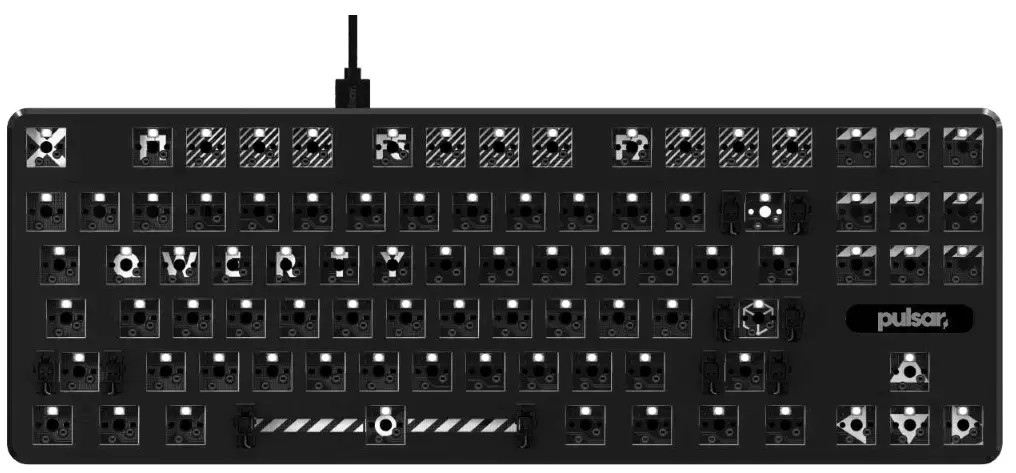
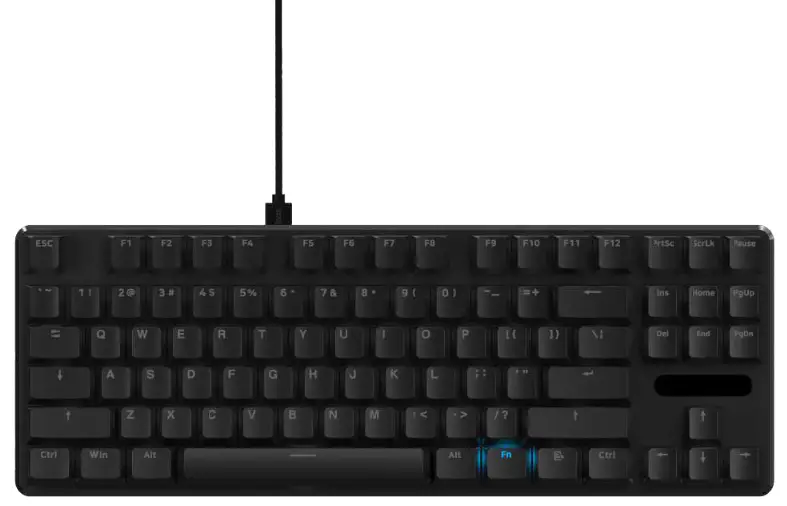
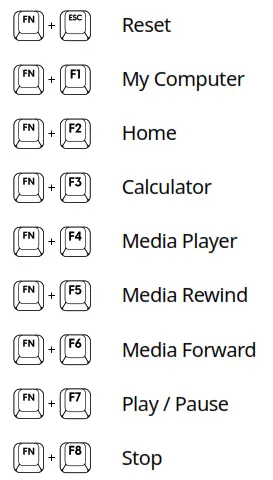
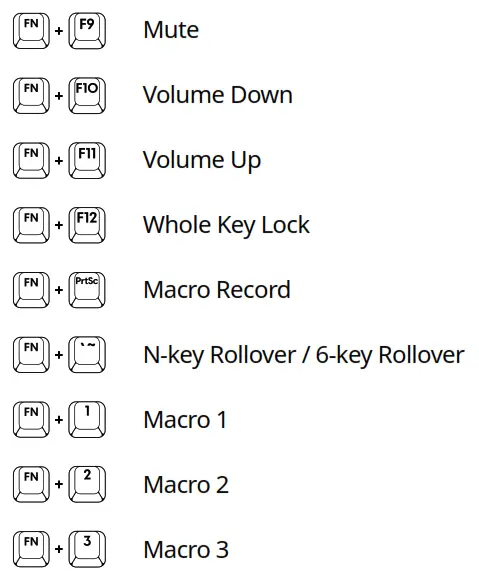
Press  + “Key”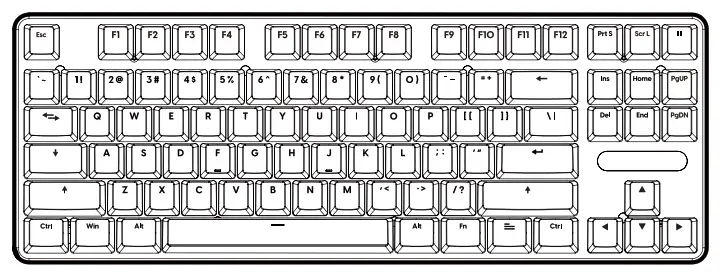
 |  | 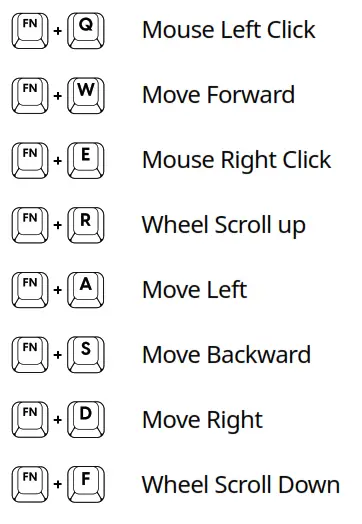 |
 | Custom LED 1 |
| Custom LED 2 | |
| Custom LED Record / Stop | |
| Click LED Pattern [Flashing, Aurora, Ripple, Reactive, Speed Replond] | |
| Pulsar LED Pattern [Neon, Breath, Wave, Twinkle, Snack] | |
Static LED Pattern [Default, red  yellow green teal blue purple white off] yellow green teal blue purple white off] | |
| LED Direction Change | |
| LED Brightness Up | |
| LED Brightness Down | |
| LED Motion Speed Down | |
| LED Motion Speed Up | |
| ID Tag LED Color Change | |
| ID Tag LED Pattern Change | |
| Left Windows key becomes the Fn Key (Windows key lock). You can use the windows key like an Fn Key. |
MACRO
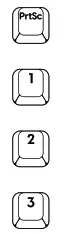 | Macro Record / Record Stop |
| Macro 1 | |
| Macro 2 | |
| Macro 3 |
How to:
- Press FN+1 (1 or 2 or 3, the one you want to change or save).
- Press FN+PrtSc (1, 2, 3 key will blink. Which means the keyboard is ready to record macro).
- Start typing your macro. The keyboard will memorize the exact timing and the keystroke automatically.
- Press FN+ PrtSc again to save. your macro. Same thing to FN+2 and FN+3.
LED Custom Mode
LED Custom mode allows you to change each key colors.
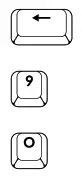 | LED Custom Mode Record Start / Stop |
| LED Custom Mode 1 | |
| LED Custom Mode 2 |
How to:
- Press FN+9 or FN+0 (The one you want to change or save).
- Press FN+
- Press each key to set your desired color. Each press on the same key changes the color.
[Red Orange Yellow Green Blue Navy Purple Pink White Off] - Once you are done, press FN+← to save it.
* If you are not pressing any keys for 10sec during the record mode, the keyboard will automatically save your setting as it is and exit the recording mode.
ID Tag LED
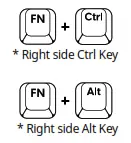 | ID Tag LED Pattern Change |
| ID Tag LED Color Change |
How to:
- Press FN+ right side Ctrl to switch the ID Tag LED pattern.
[Wave (Default) Static Breath Neon Off] - Press FN+ right side Alt to switch the ID Tag LED color under Breath and Static pattern.
[RedYellow Green Teal Blue Purple White]
NEED ANY HELP?
Thanks for choosing Pulsar.
If you have any questions or comments,
please do not hesitate to contact us.
US/International: [email protected]
[email protected]
[email protected]