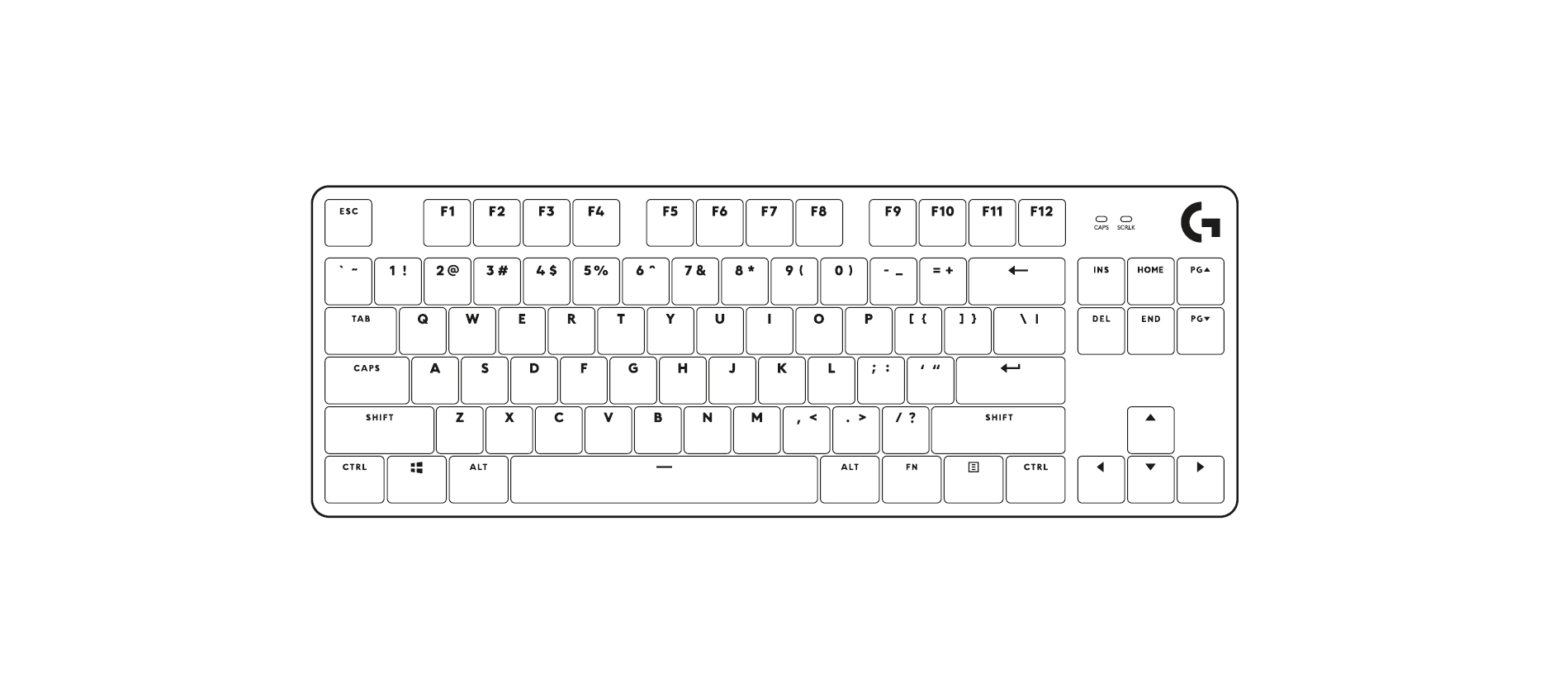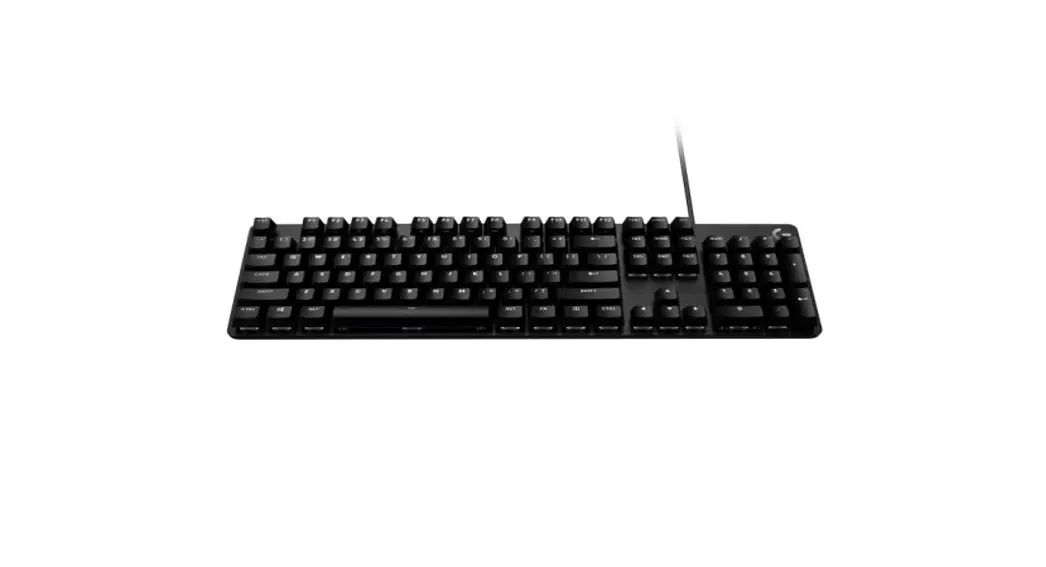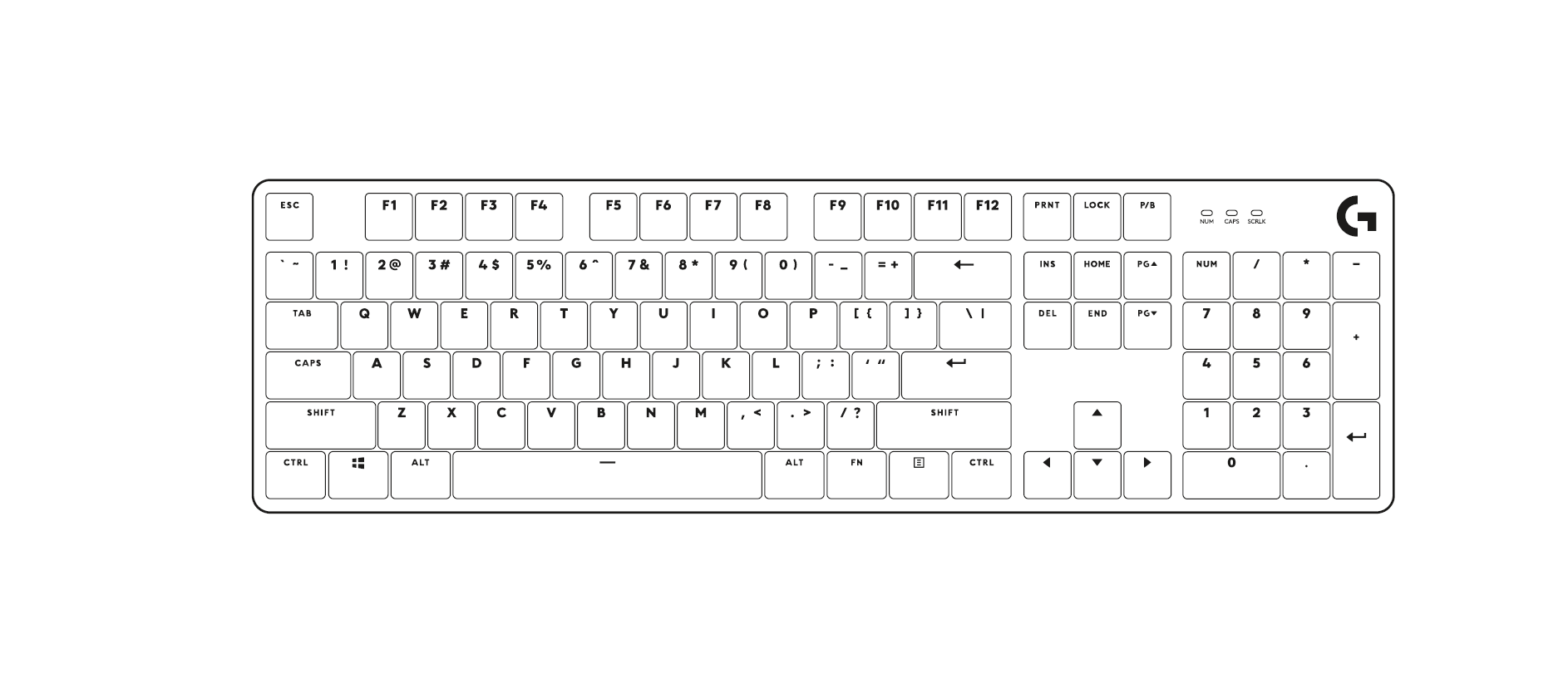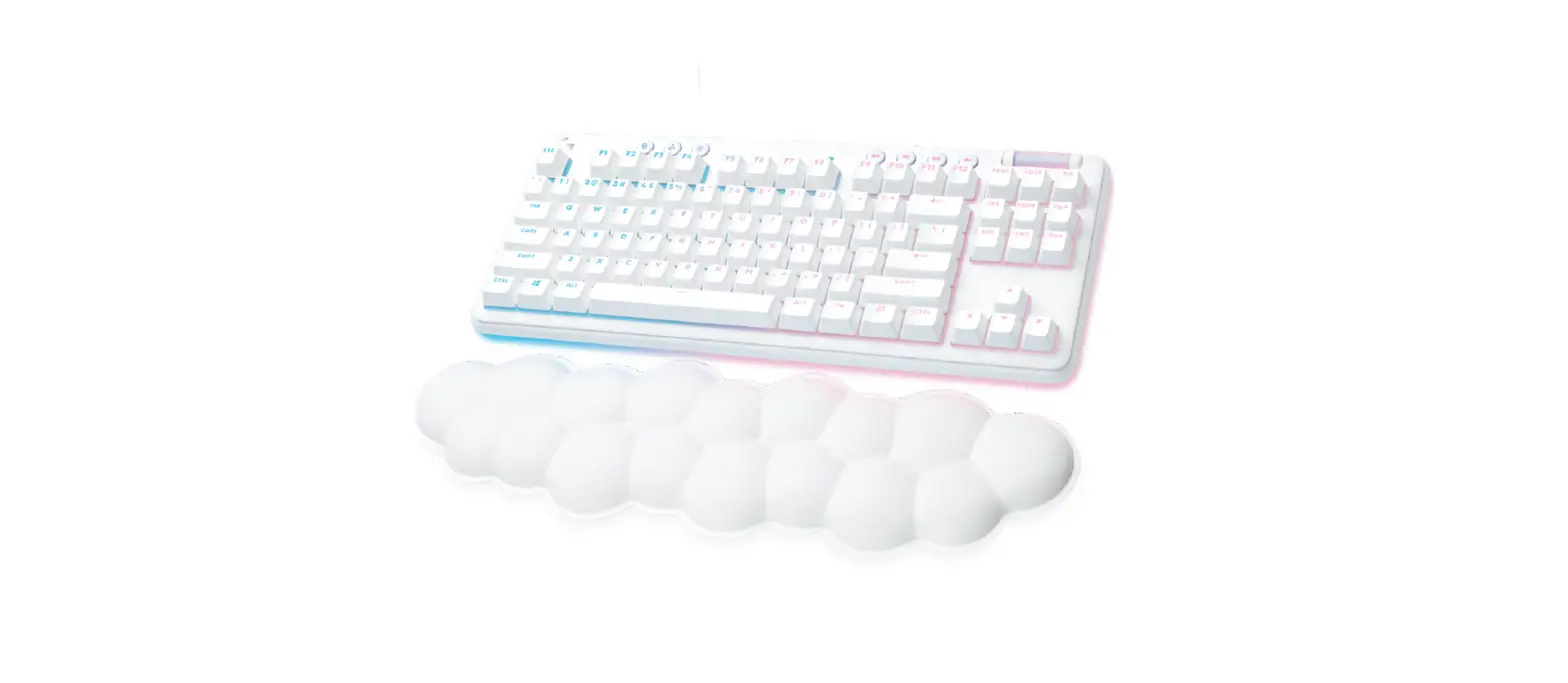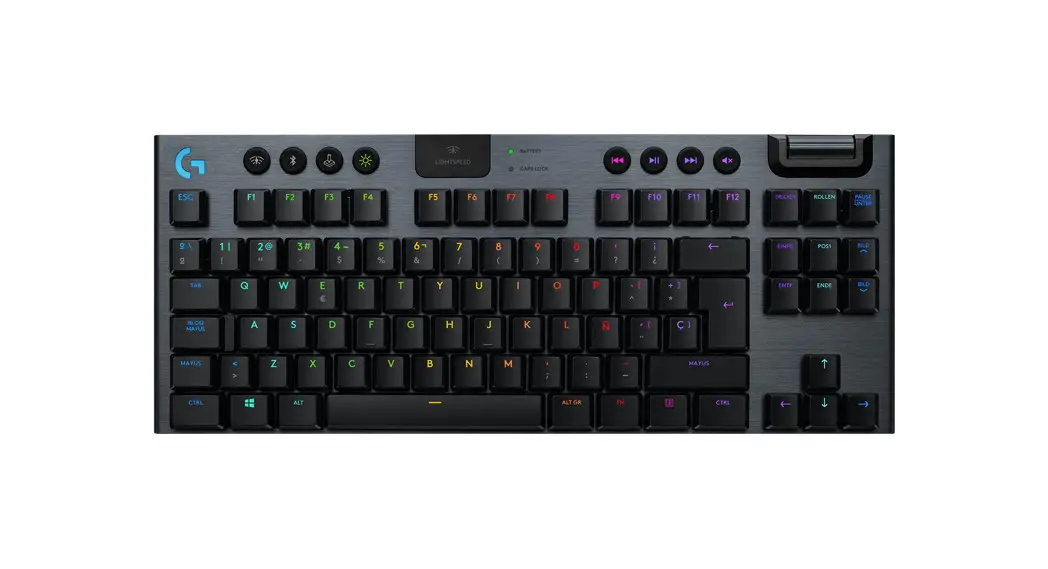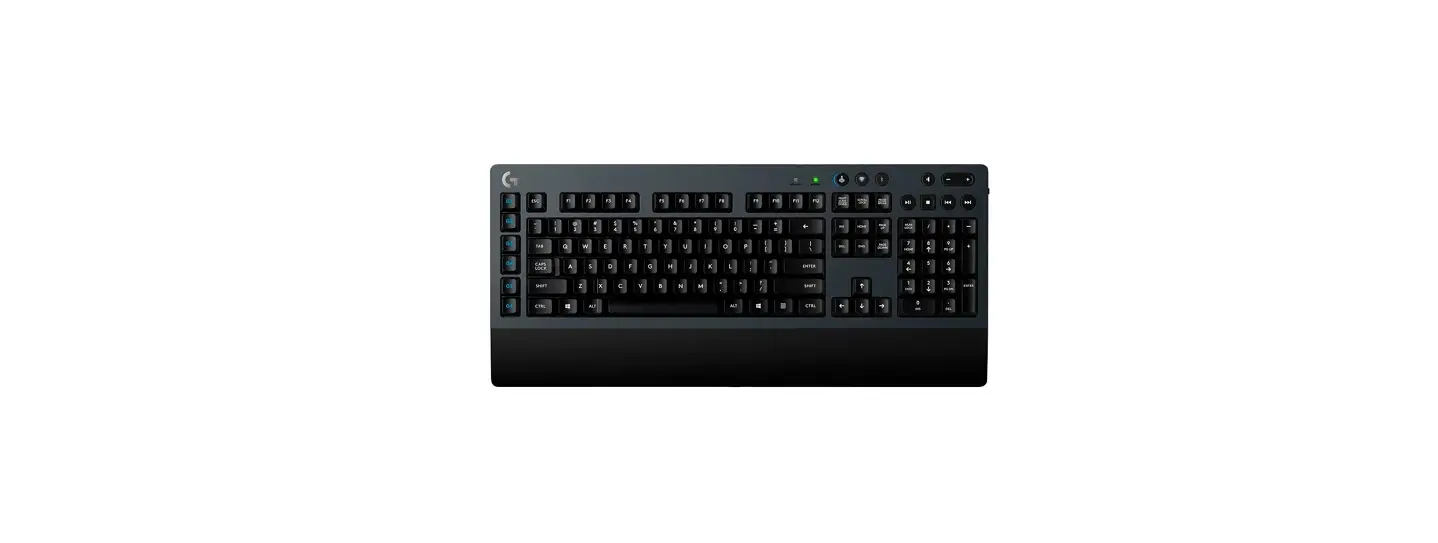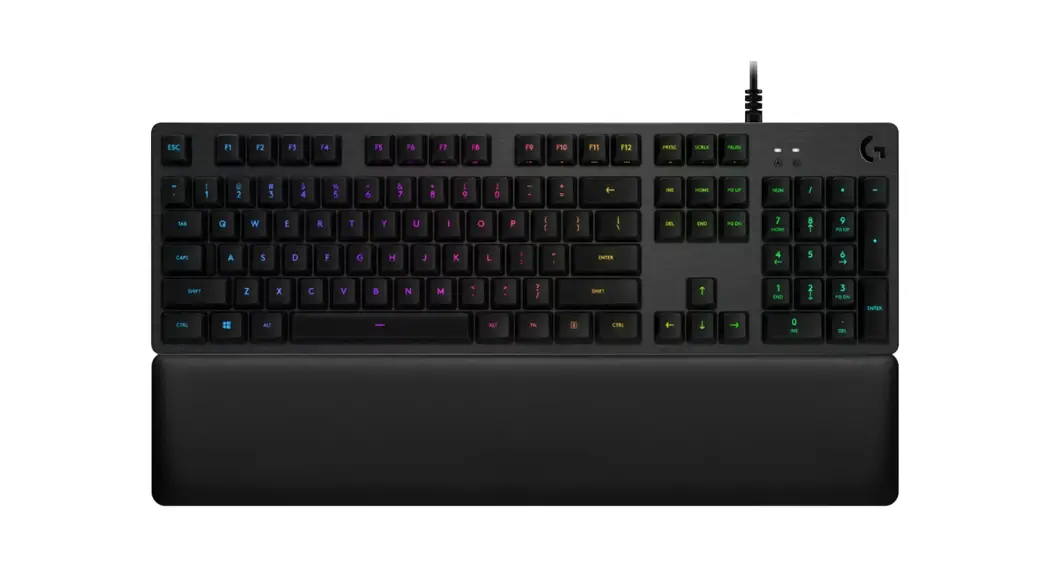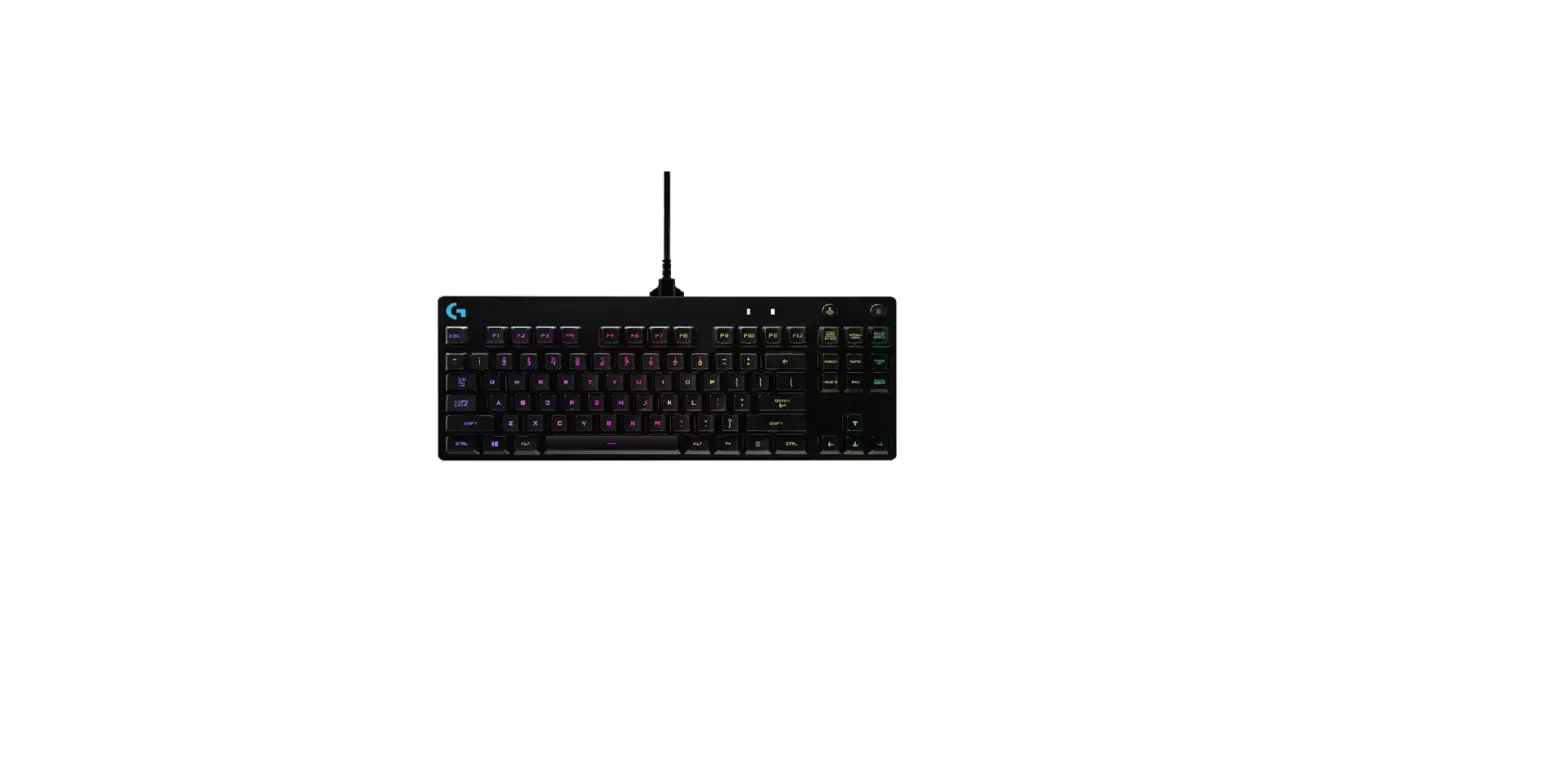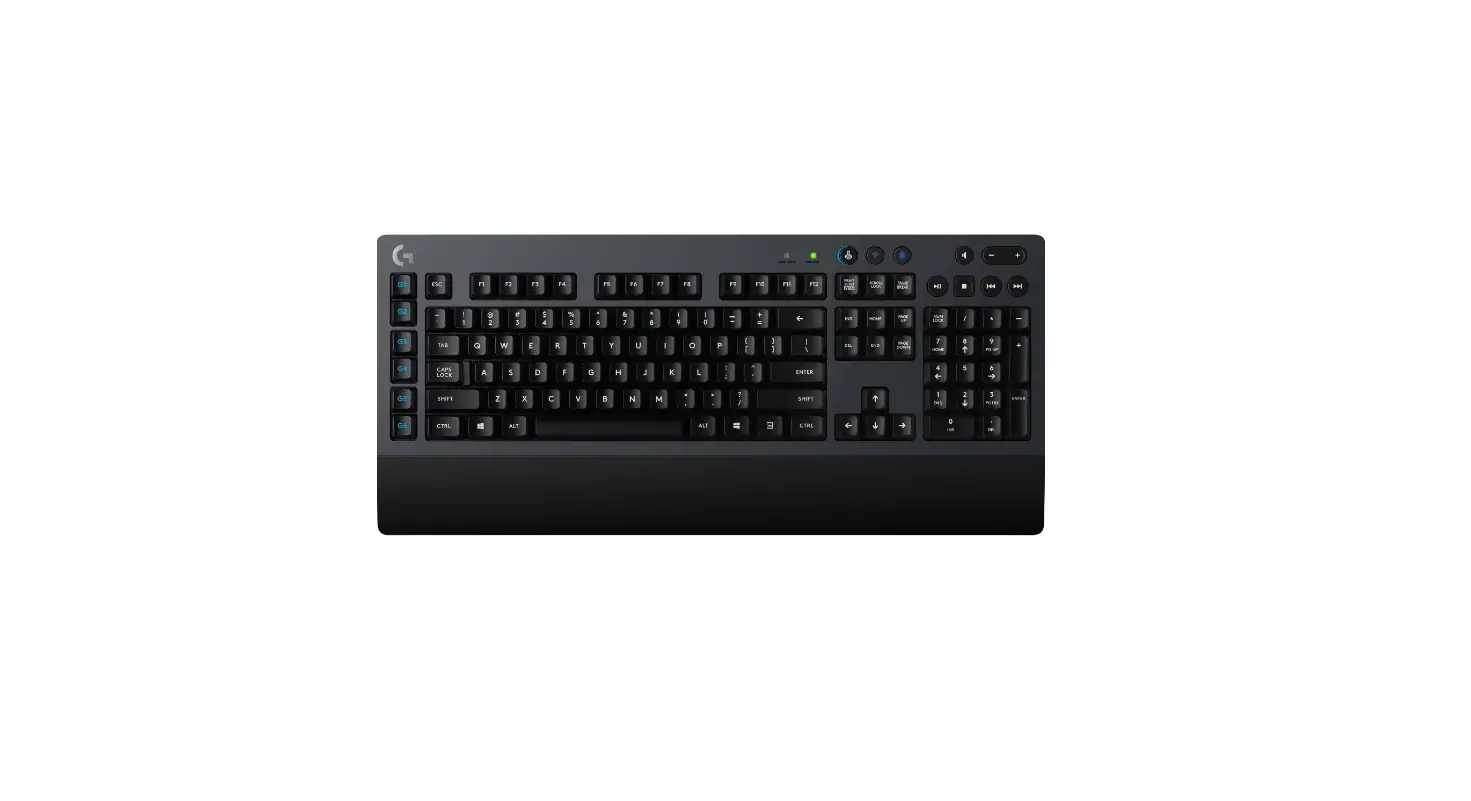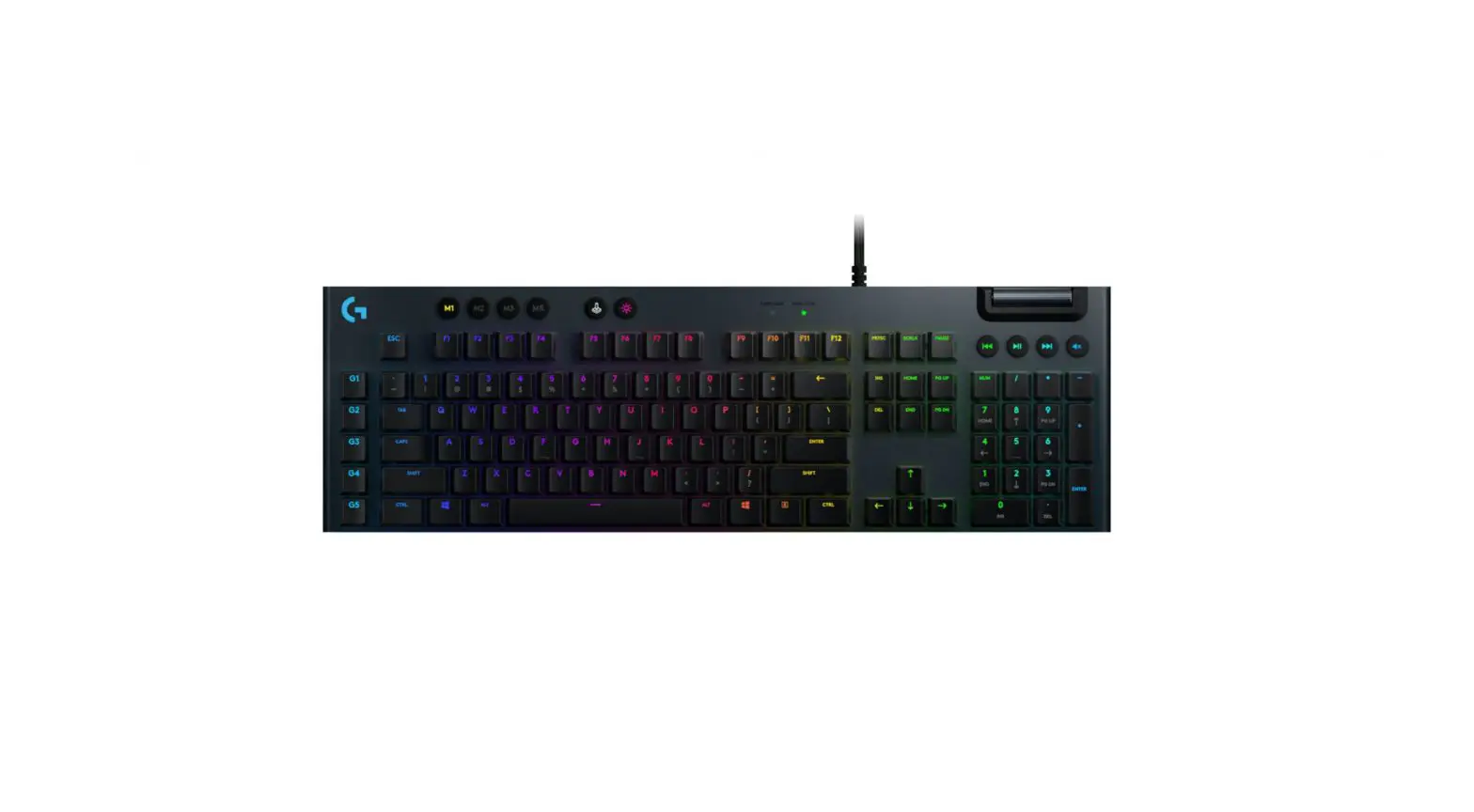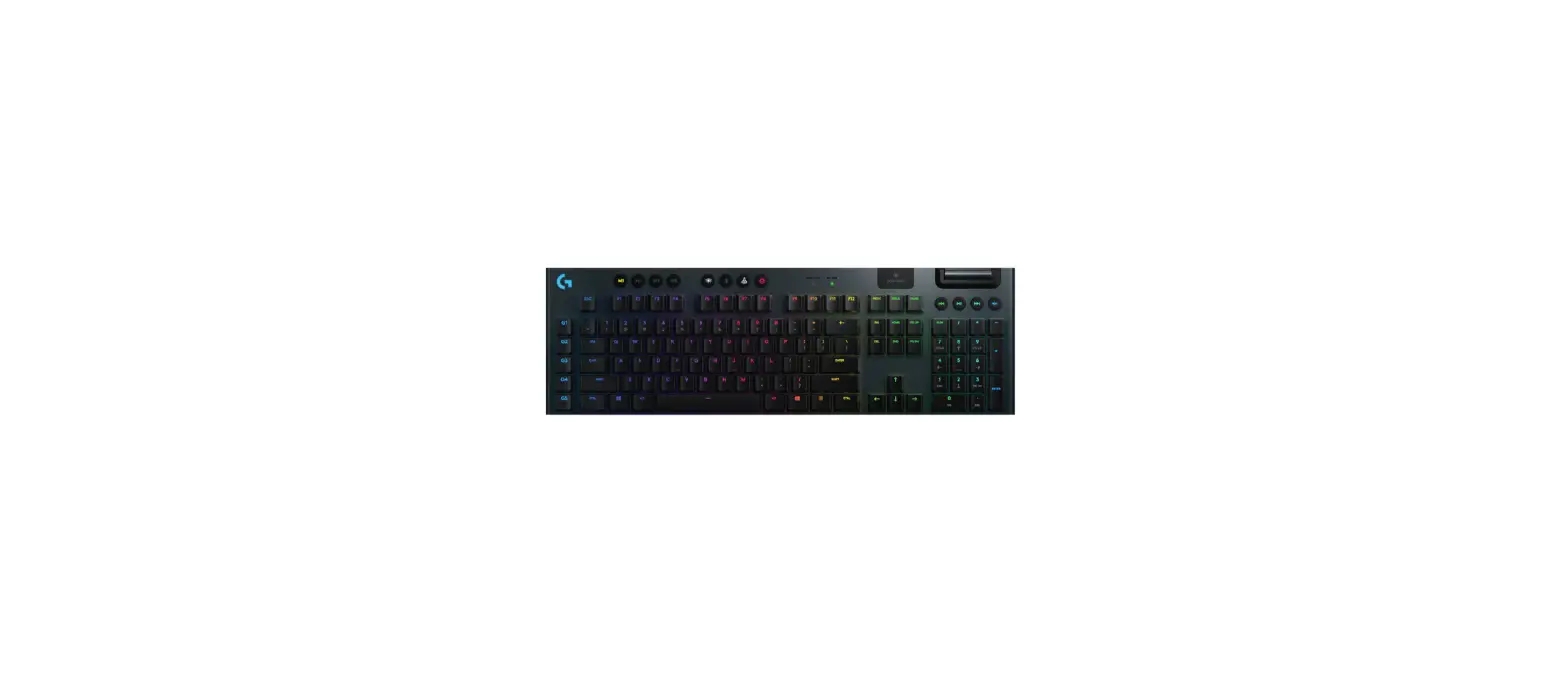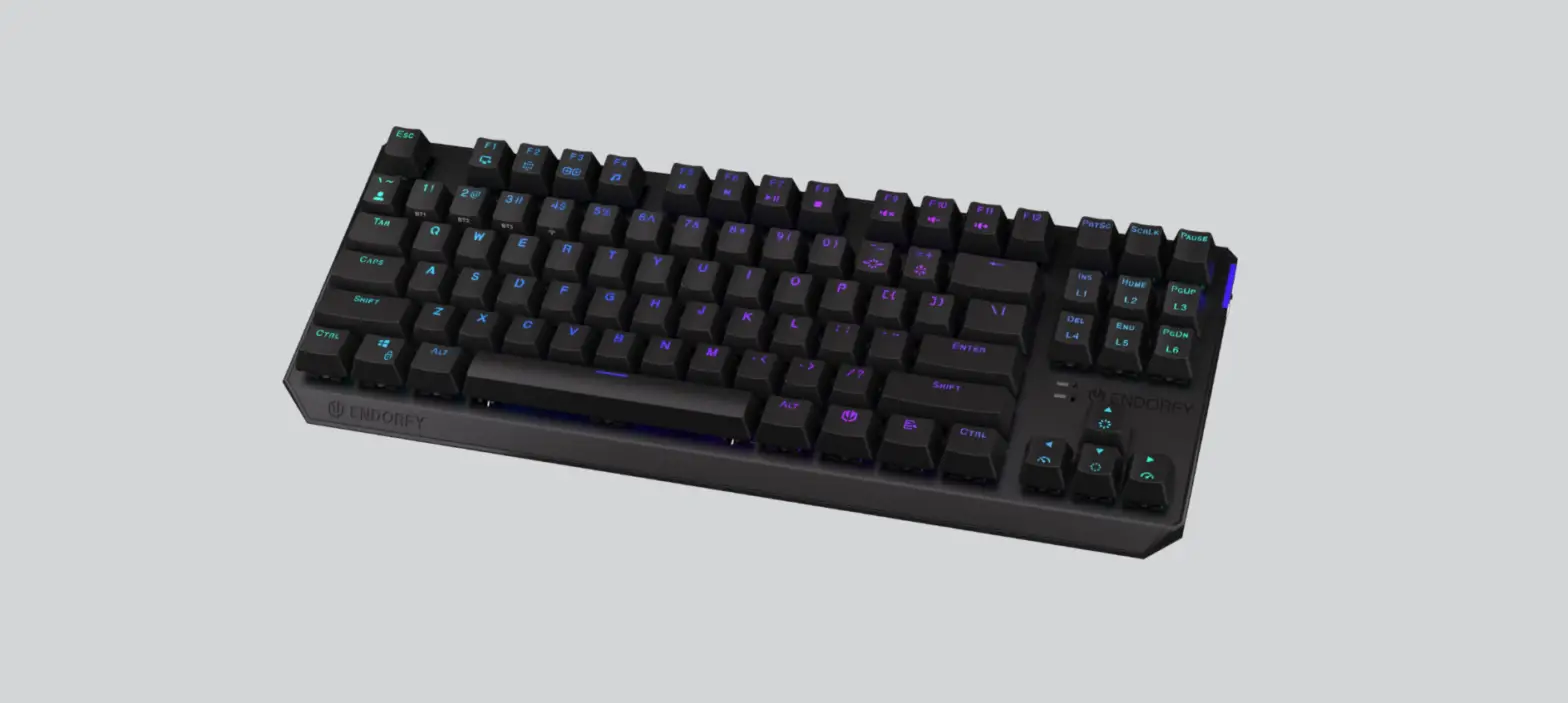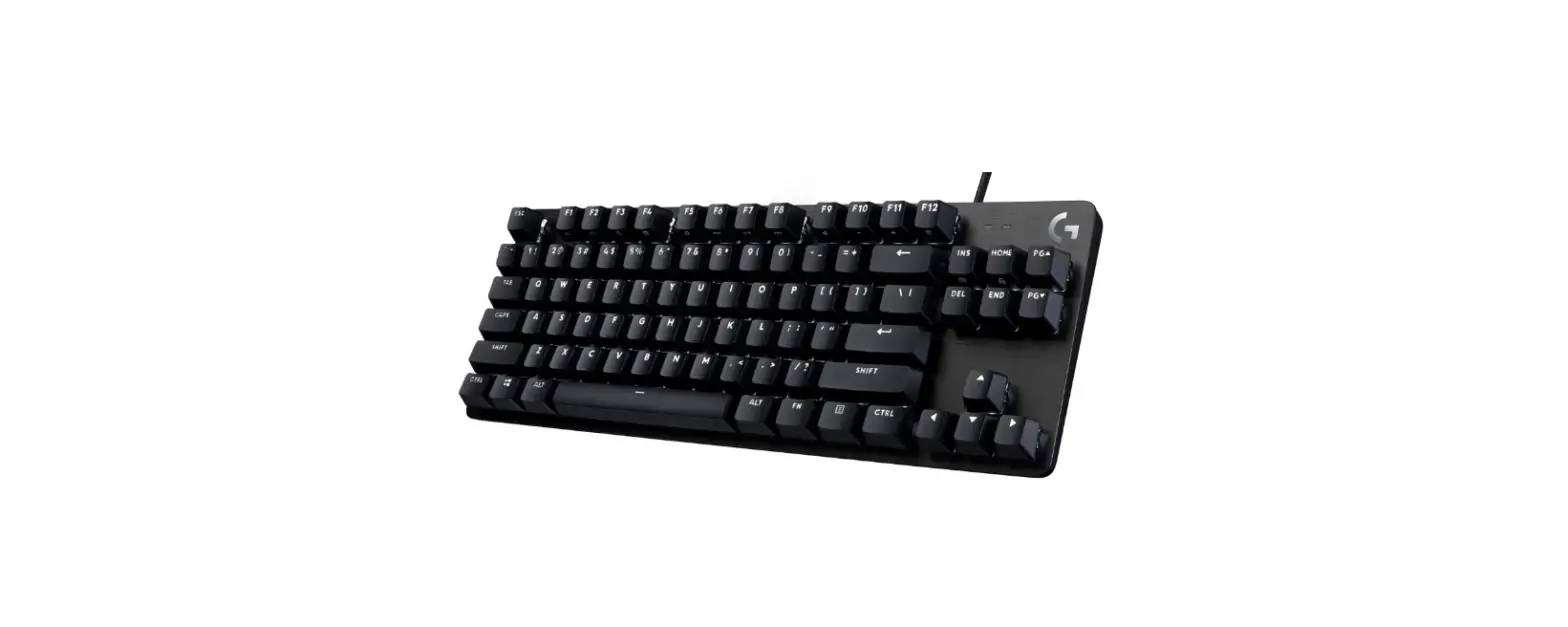

logitech G412 TKL SE Mechanical Gaming Keyboard
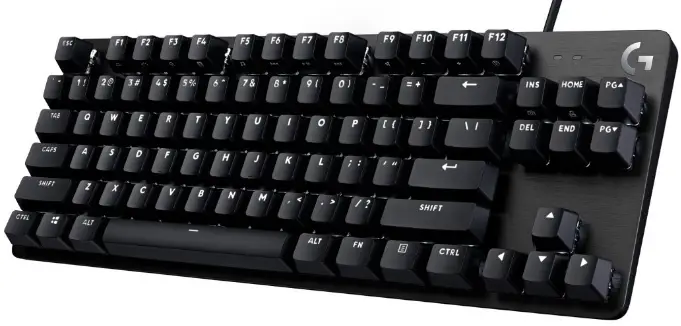
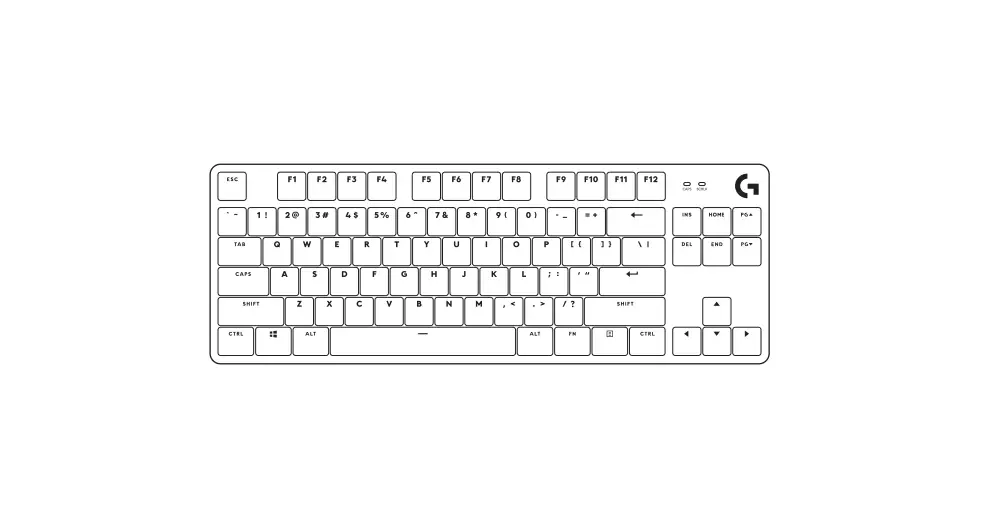
SHORTCUT KEYS
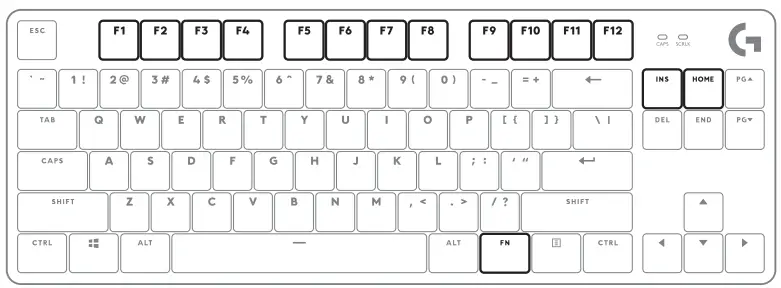
 =Print screen
 =Scroll lock
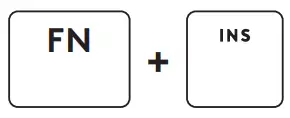 =Print screen
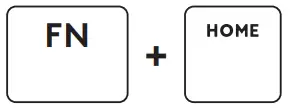 =Scroll lock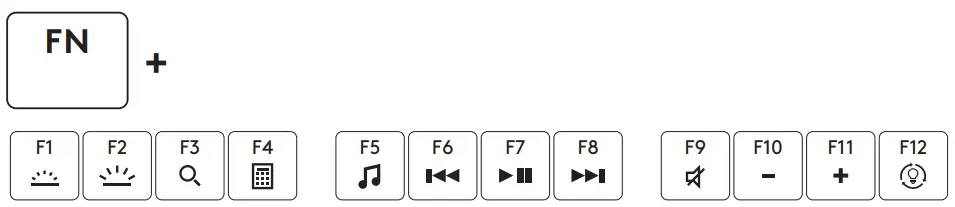
LOCKING WINDOWS KEY
 =to lock/unlock the Windows key
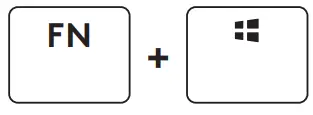 =to lock/unlock the Windows key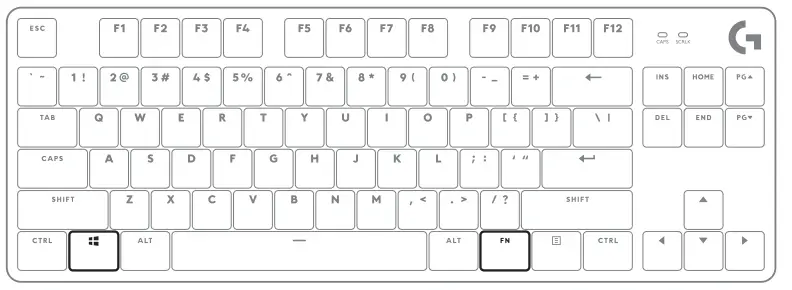
LIGHTING PATTERNS
- Static max brightness
- Serpent
- Reactive
- Random Lights
- Breathing
 =Change lighting patterns Five onboard patterns
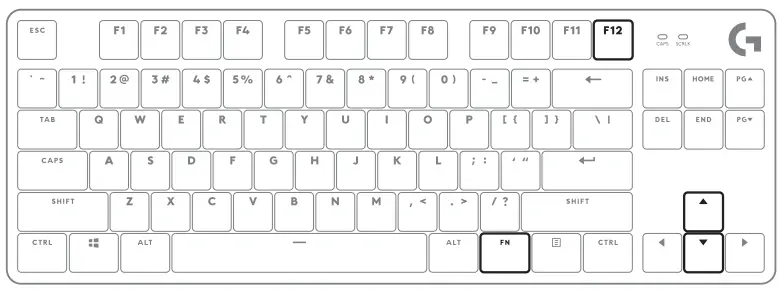
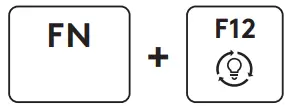 =Change lighting patterns Five onboard patterns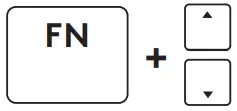
- Increases pattern speed
- Decreases pattern speed
2021Logitech. Logitech, Logitech G and the Logitech and Logitech G logos are trademarks or registered trademarks of Logitech Europe S.A. and/or its affiliates in the U.S. and other countries. All other trademarks are the property ot their respective owners. Logitech assumes no responsibility for any errors that may appear in this manual.lntormation contained herein is subject to change without notice.
 Logitech Support + Download