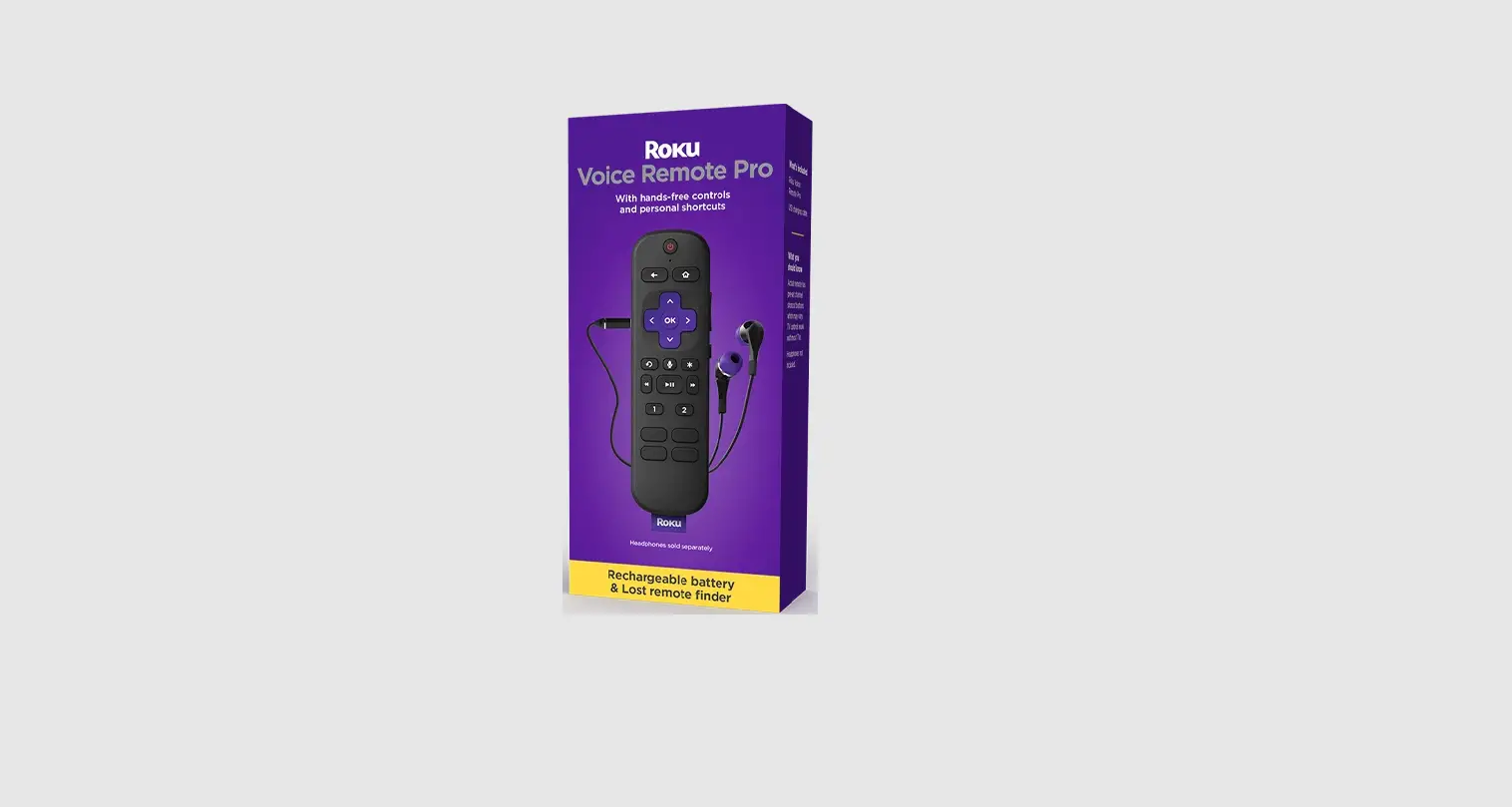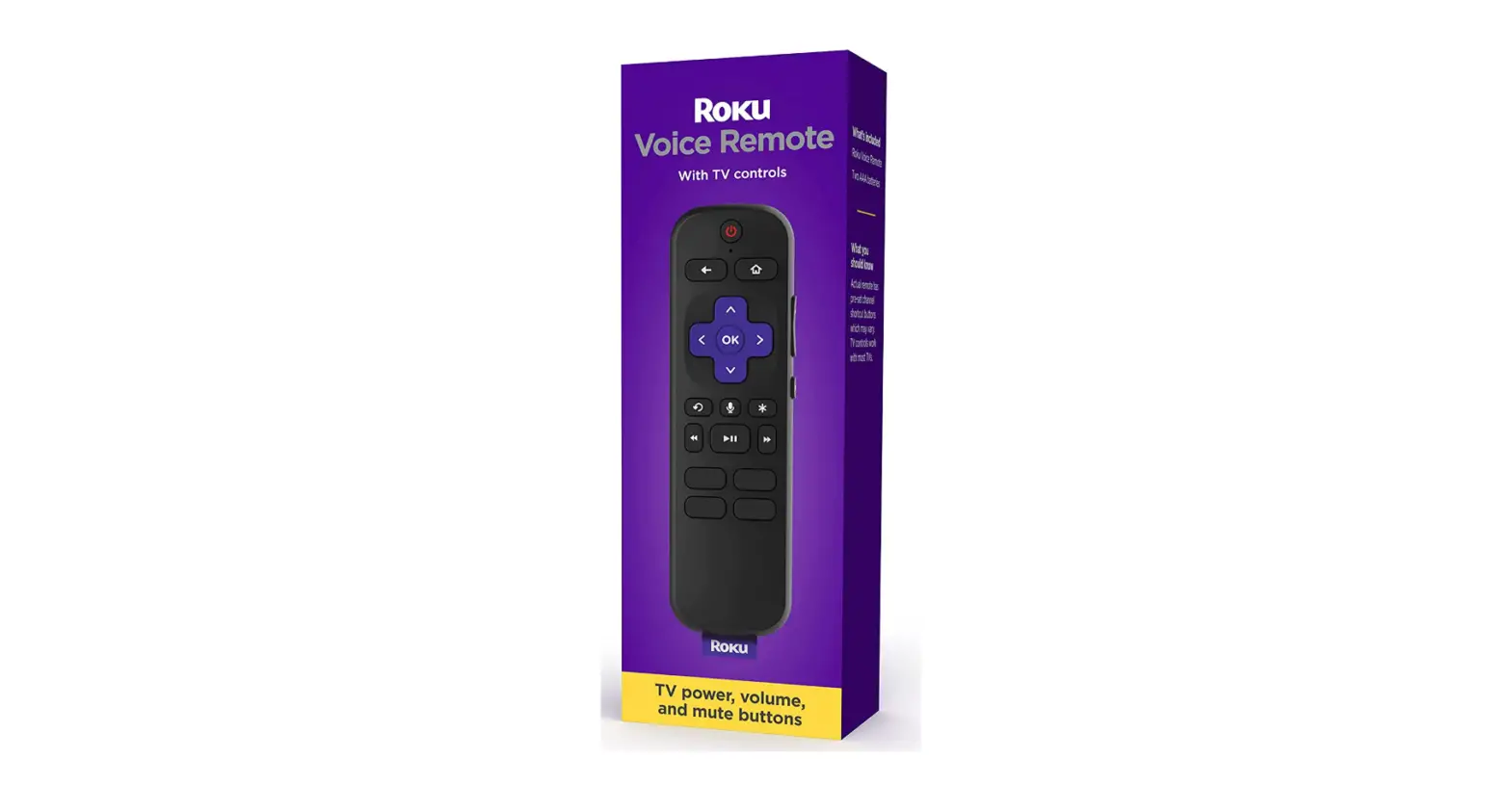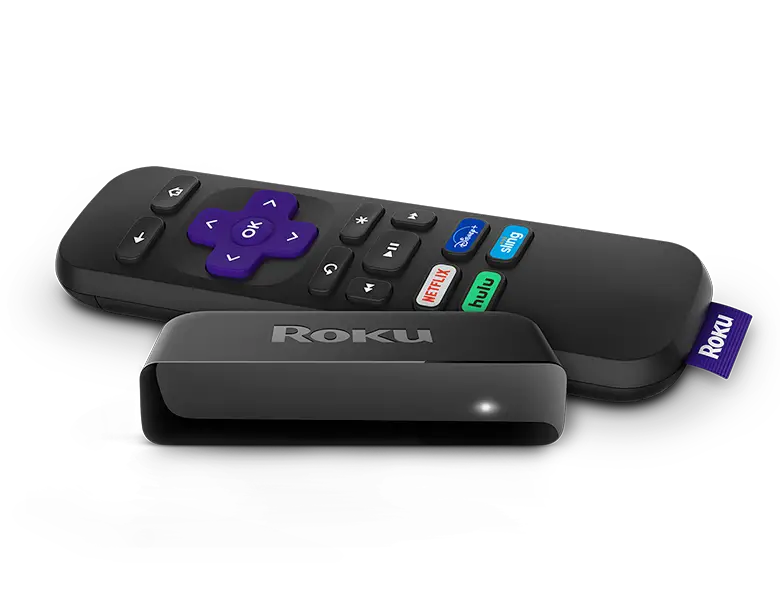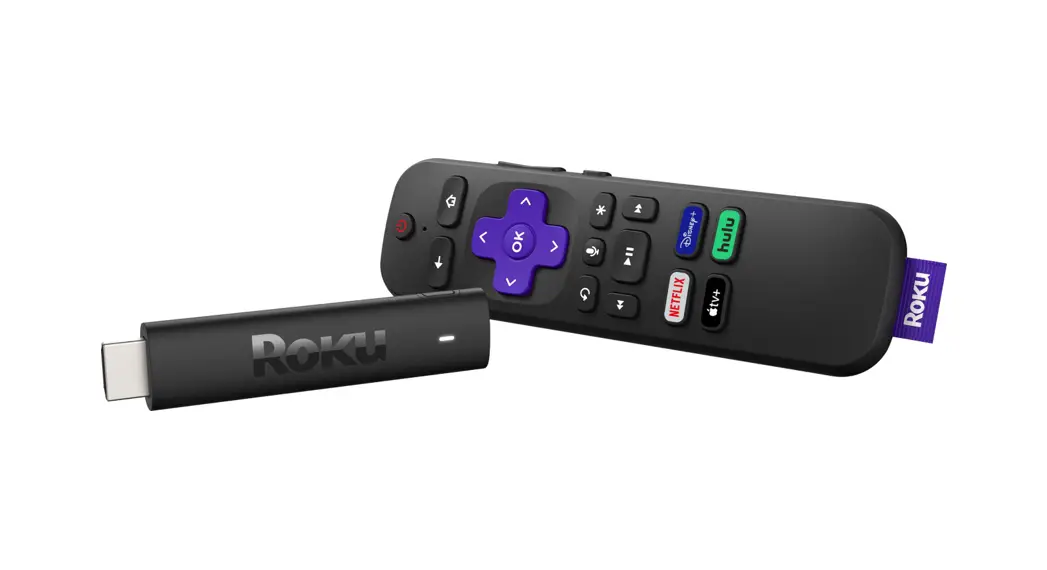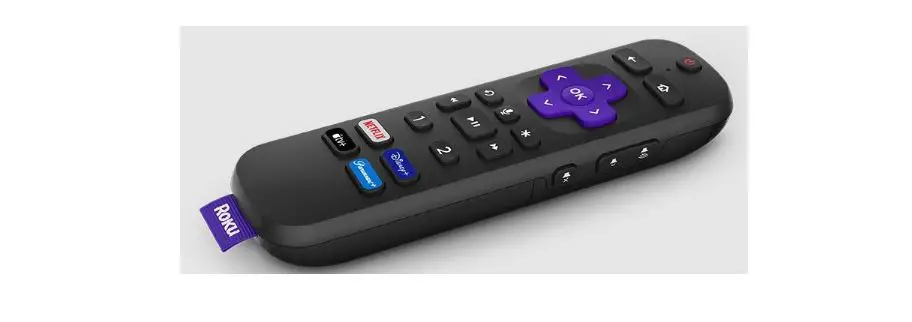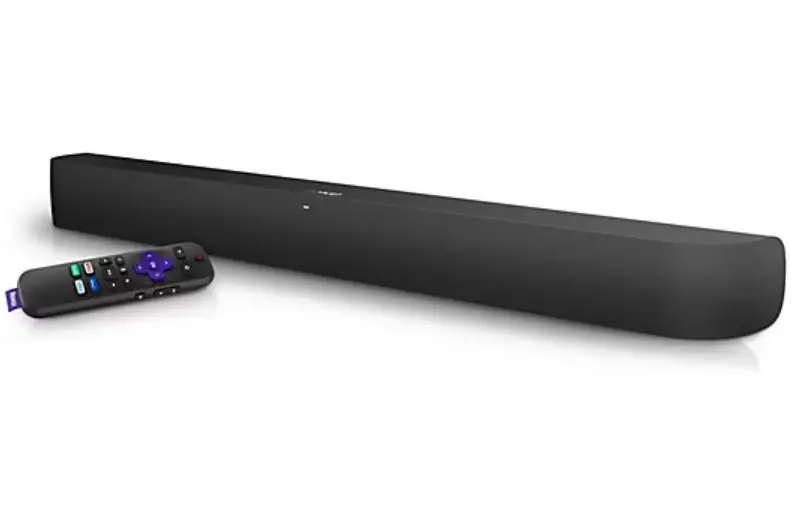
Voice Remote Pro
Quick Start Guide
Details
Pairing your remote
STEP 1:
Press and hold  on your current Roku remote or the free mobile app for 5 seconds to open the setup menu.
STEP 2:
Select Remote to start pairing.
STEP 3:
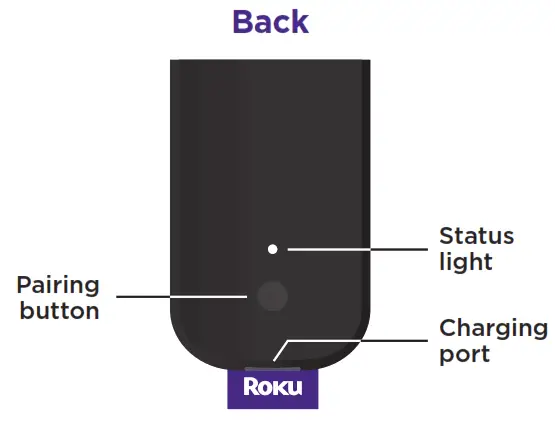
Press and hold the Pairing button on your new remote for 5 seconds until the status light turns green and starts blinking.
NOTE:
Your device’s software must be updated to version 9.4 or higher to pair.
For help pairing your remote, visit go.roku.com/remotehelp
Setting up TV controls
Own a Roku TV™? You can skip this section.
• Press the button on your new remote.
• Go into the Settings menu and select
Remotes & Devices.
• Find your new remote under Remotes.
• Select Set up the remote for TV control and follow the instructions.
Charging your remote
- Plug the USB cable into your remote and any standard USB power adaptor.
- The status light will stop blinking once your remote is finished charging.
Happy Streaming!
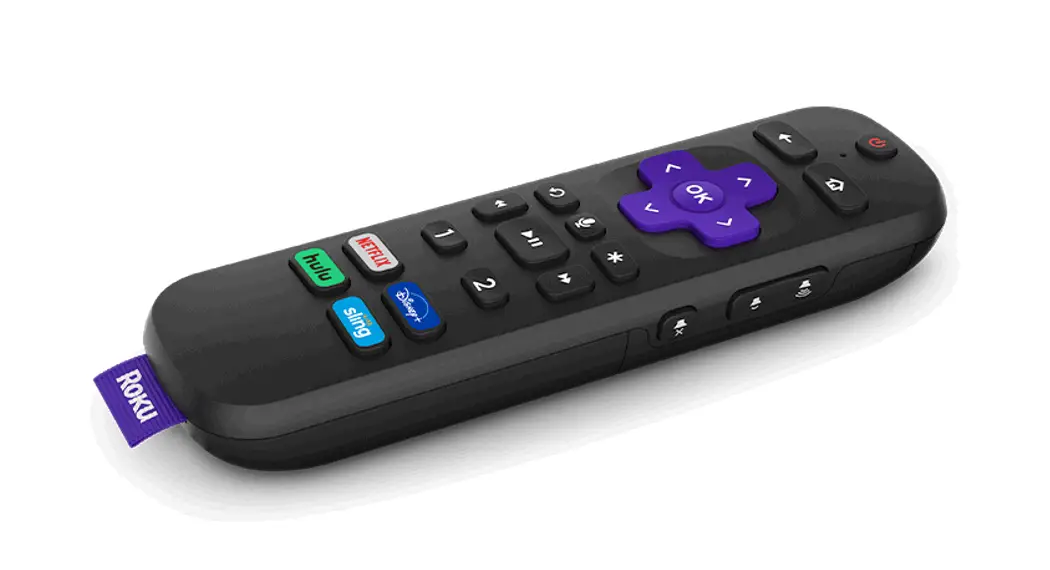
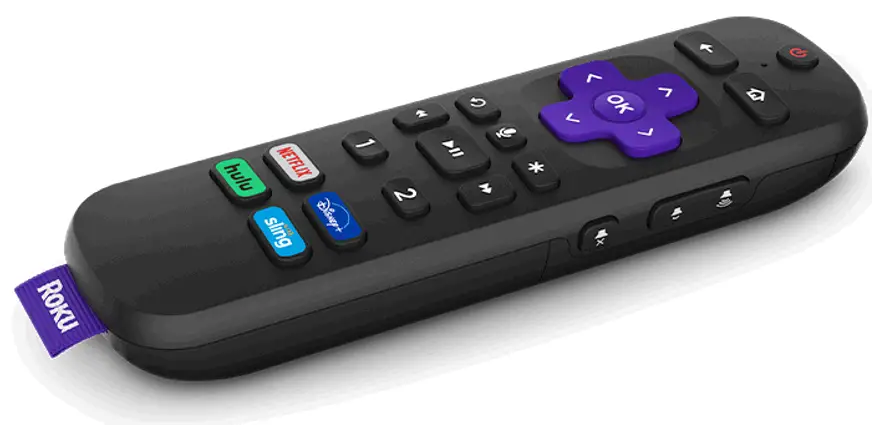
How to use your remote features
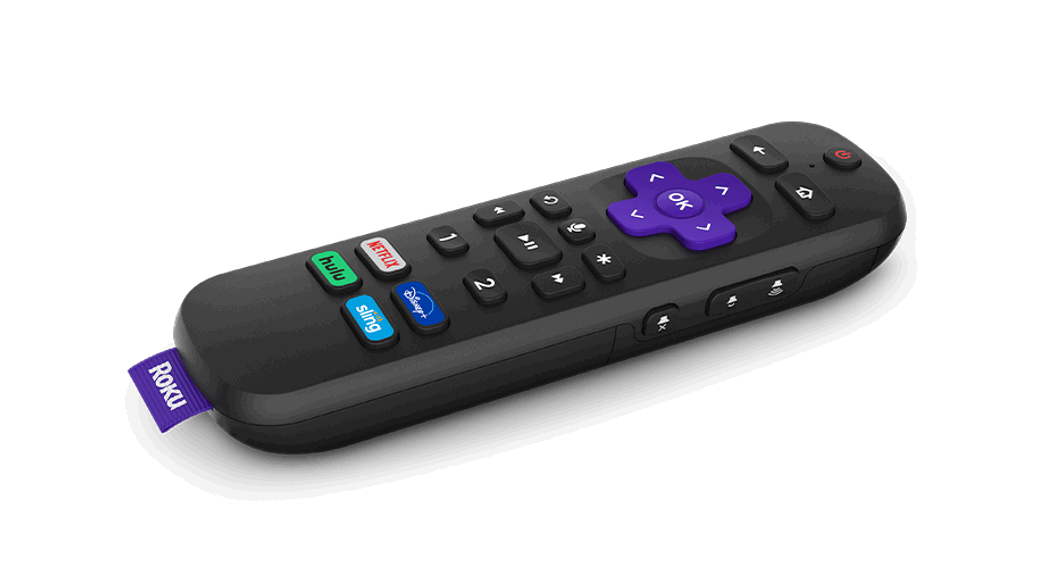
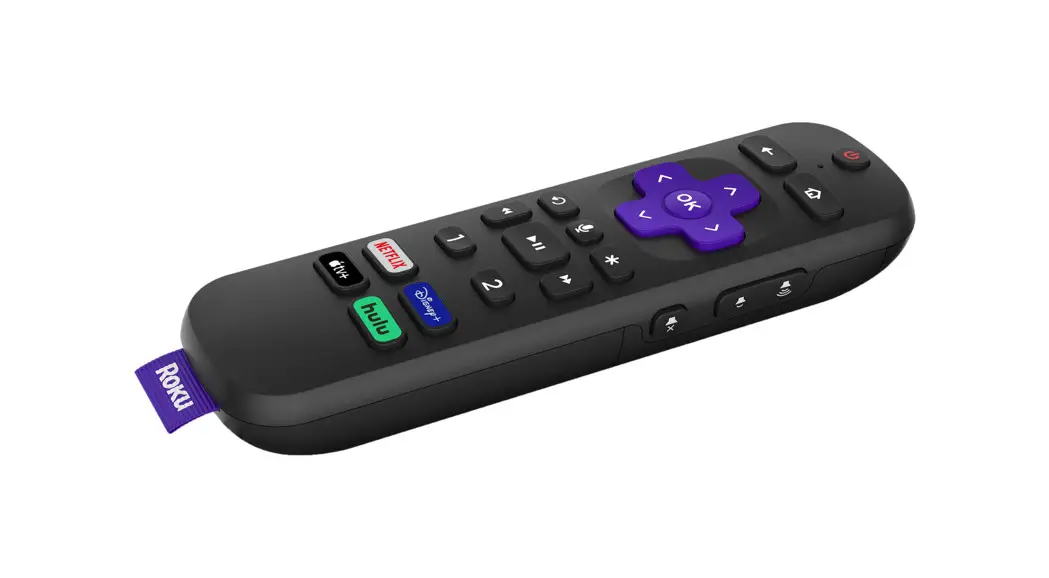
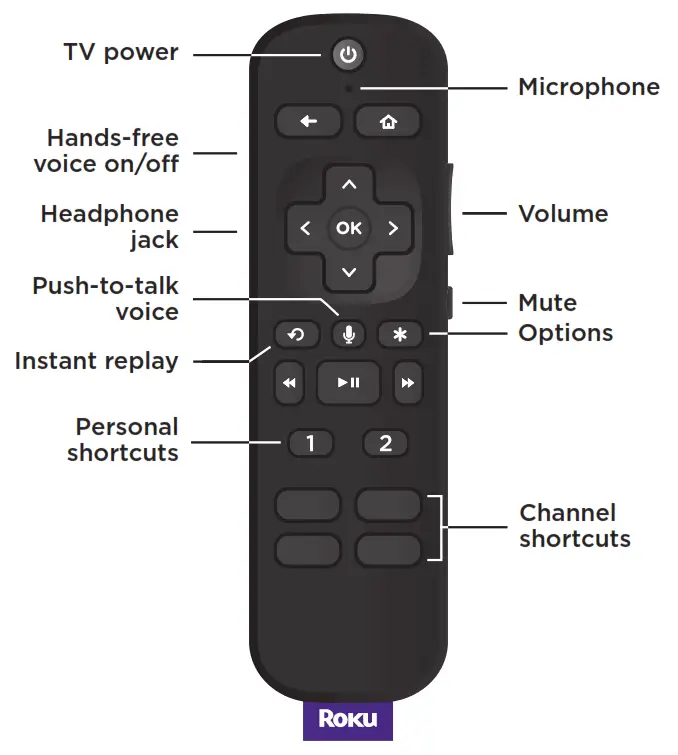
 | Hands-free voice Say “Hey Roku” to give a voice command without reaching for your remote. |
 | Push-to-talk voice Press and hold the voice button if you don’t want to use hands-free voice. |
 | Personal shortcuts Press and hold after giving a voice command to save it for one-touch control. |
 | Lost remote finder Say “Hey Roku, where’s my remote?” or use the free Roku mobile app. |
 | Private listening Just plug headphones into the headphone jack. Your TV will mute automatically. |
Just talk to it. It’s that easy.
 | Play entertainment “Hey Roku, play Handmaid’s Tale on Hulu” “Hey Roku, play classic rock on Pandora” |
 | Find more to watch “Hey Roku, show me the news” “Hey Roku, search for comedies” |
 | Control your streaming “Hey Roku, pause” “Hey Roku, turn captions on” |
 | Control your TV “Hey Roku, turn my TV off” “Hey Roku, turn it up” |
© 2021 Roku, Inc. All rights reserved. Roku, Roku TV, Happy Streaming, and the Roku logo are the trademarks or registered trademarks of Roku, Inc.