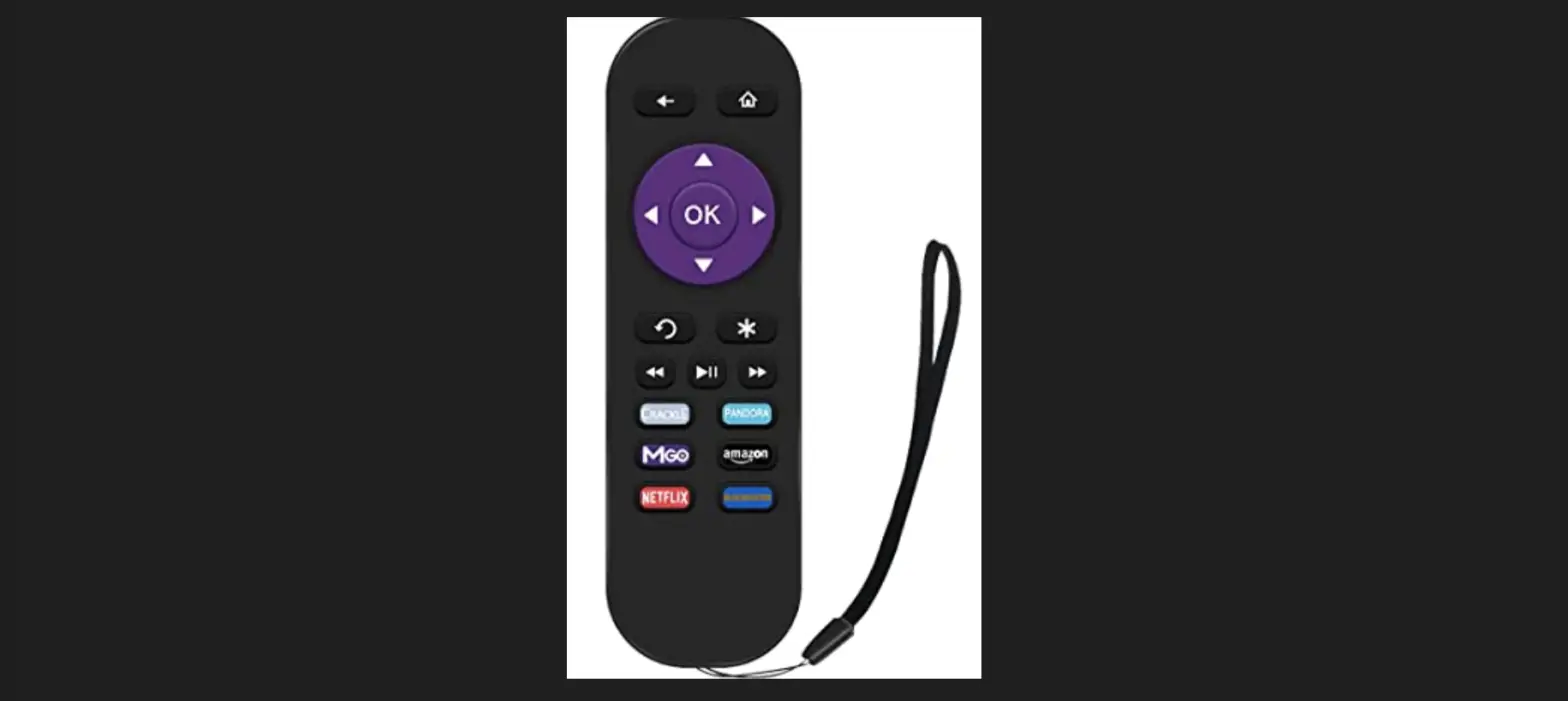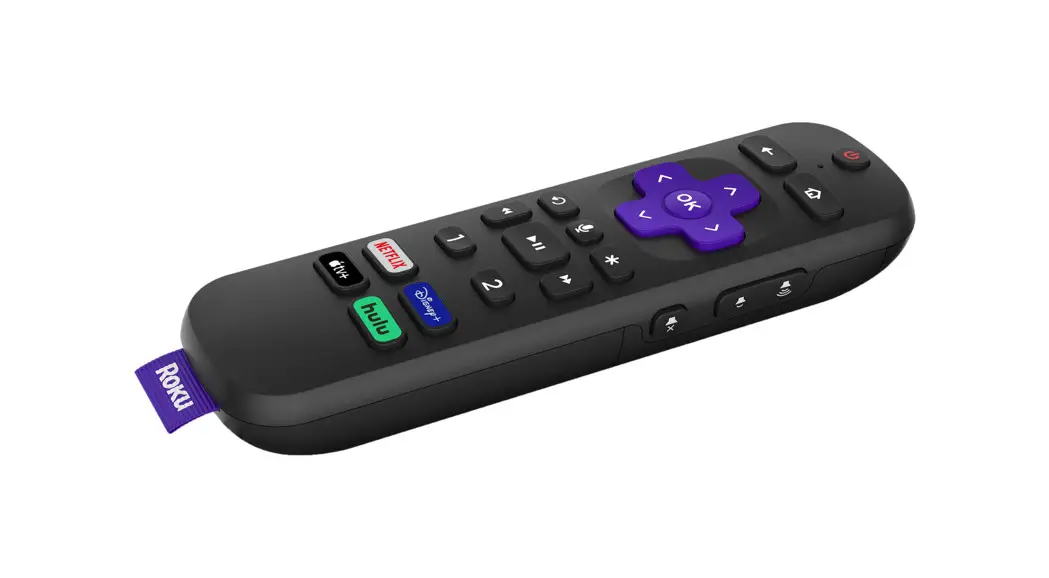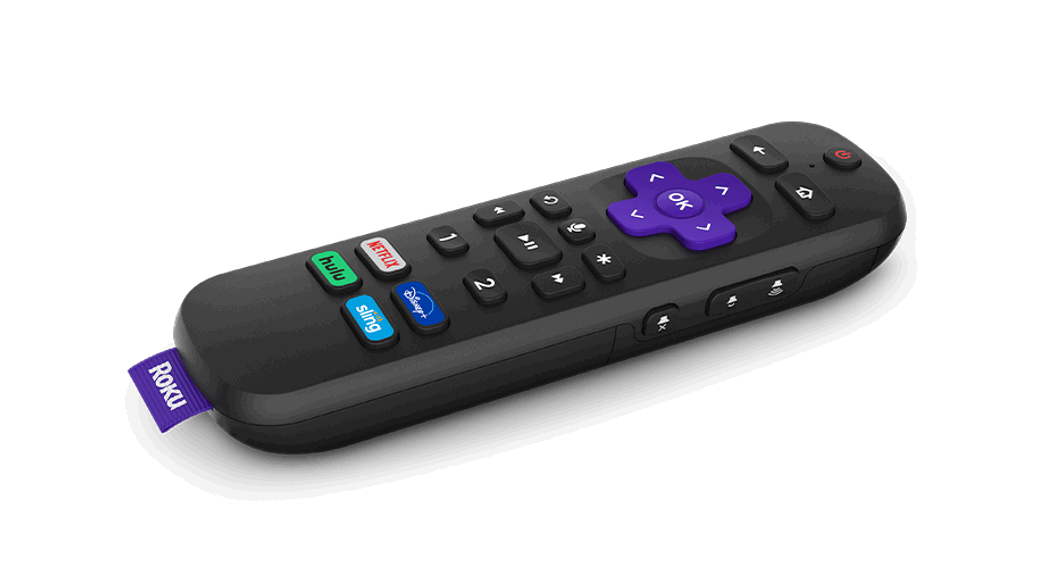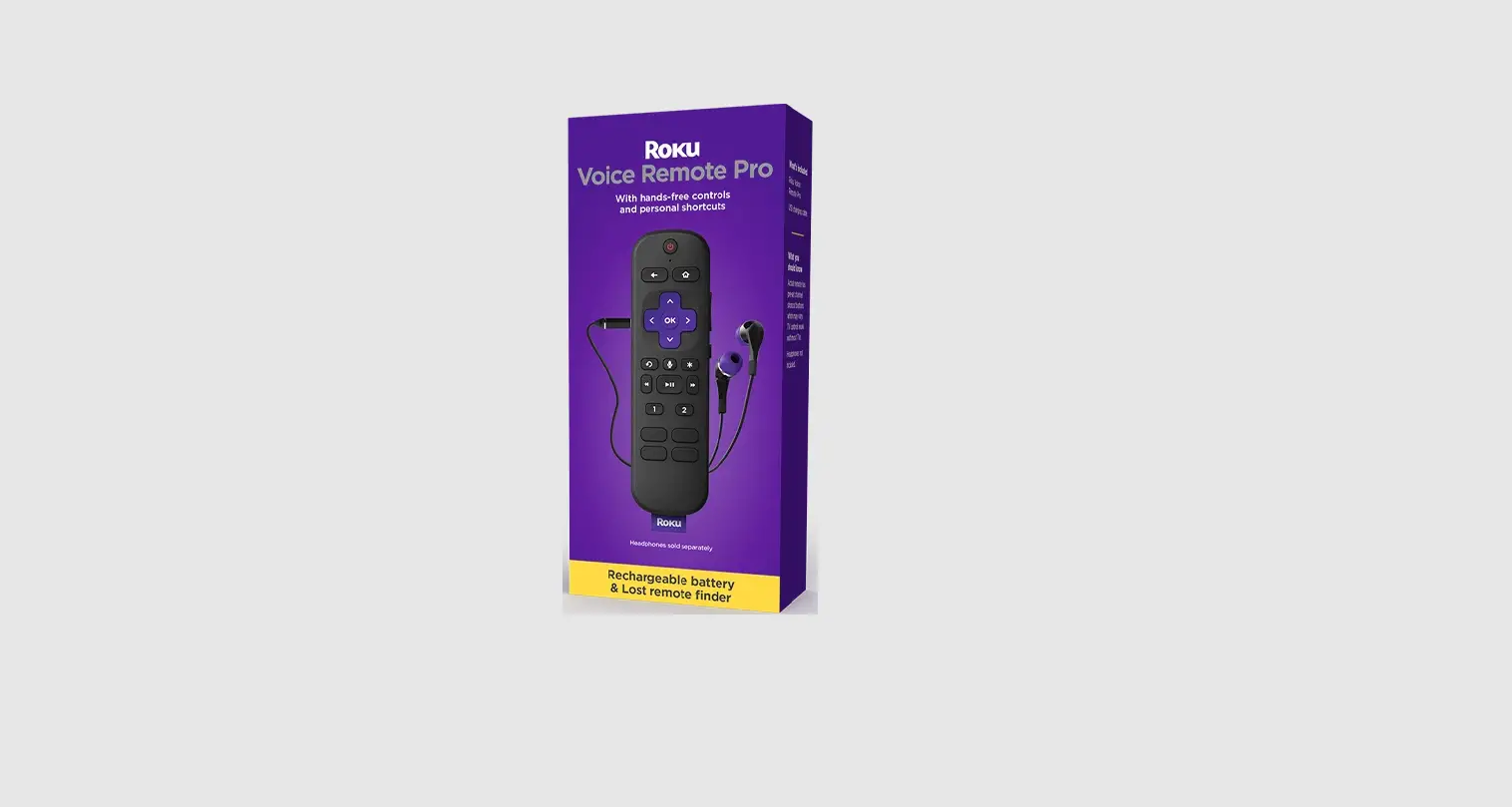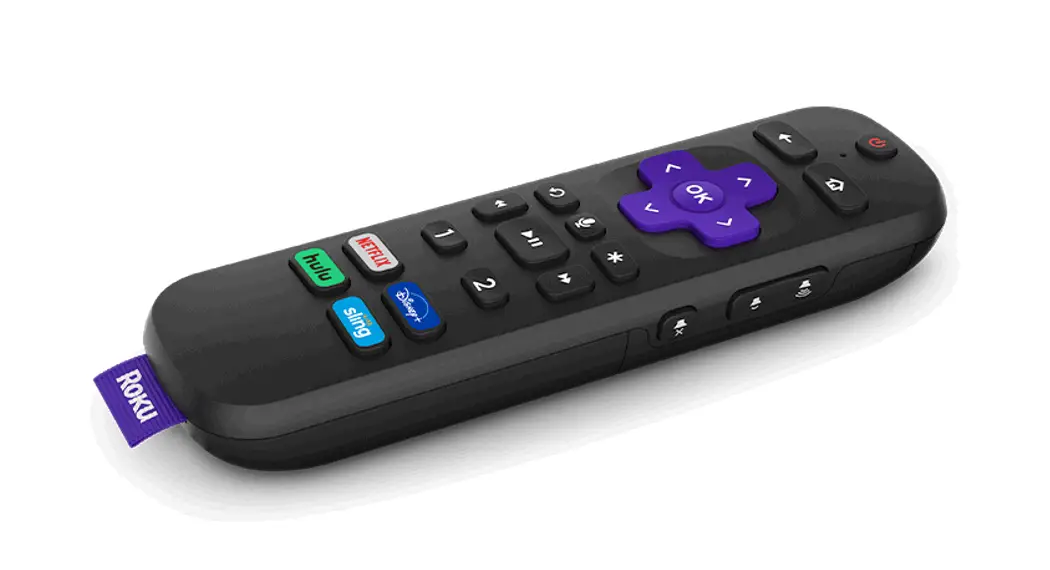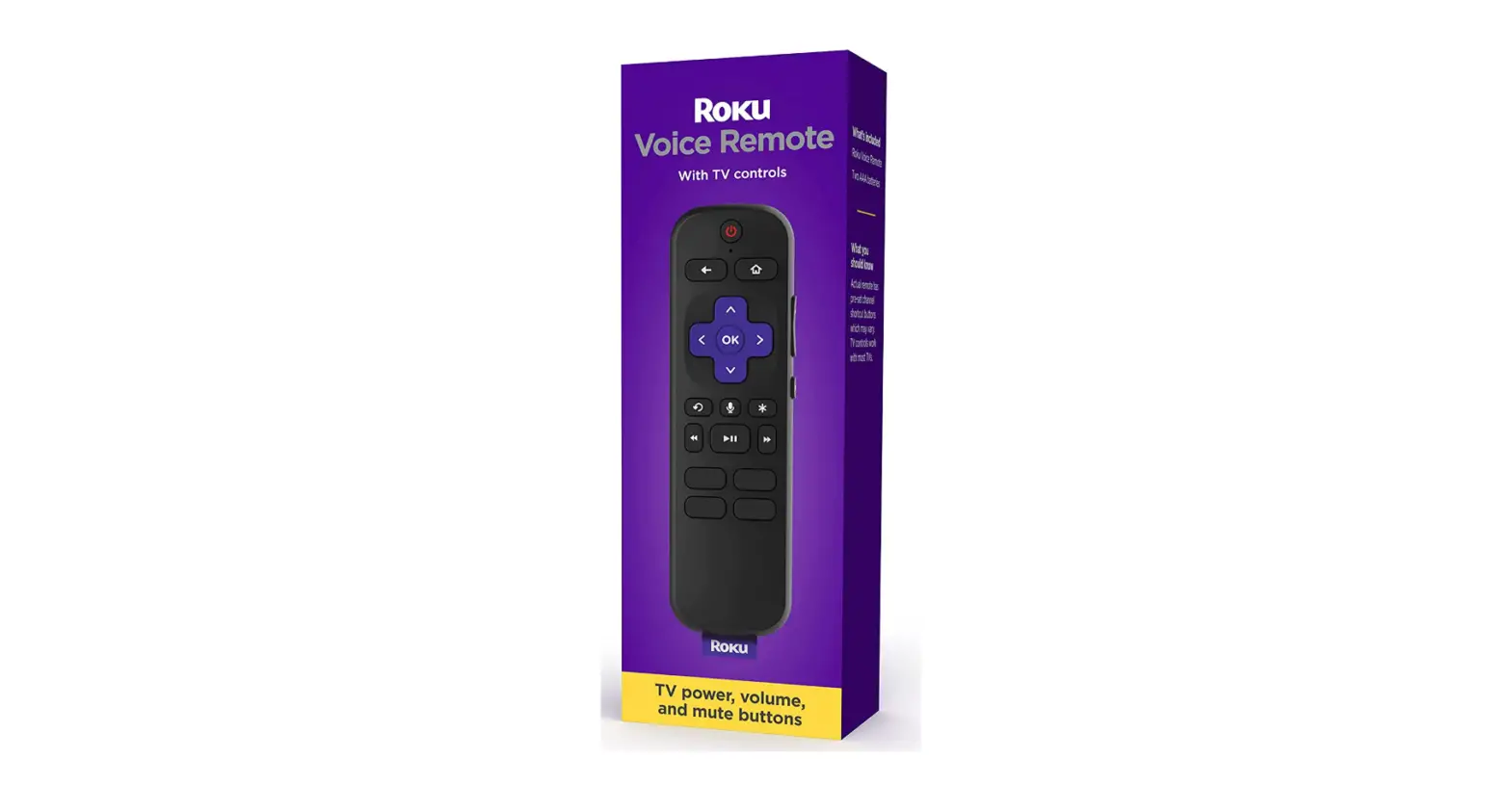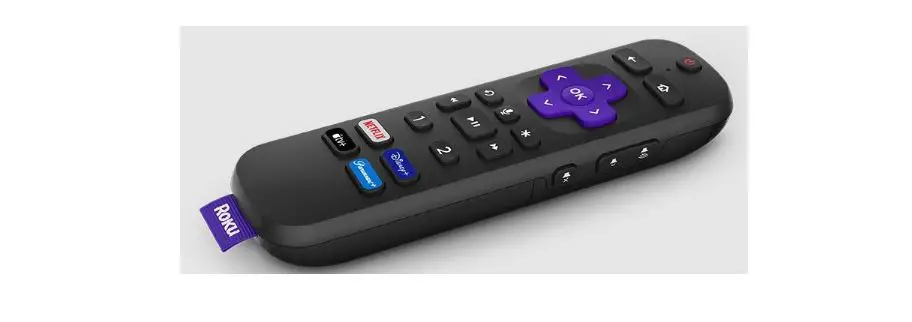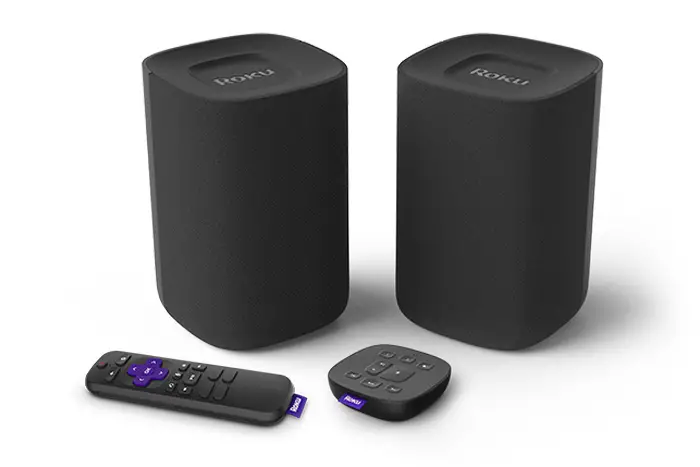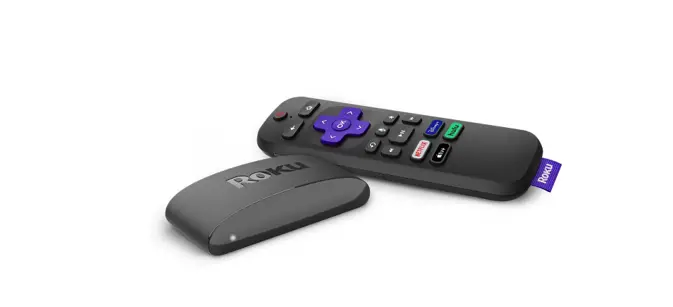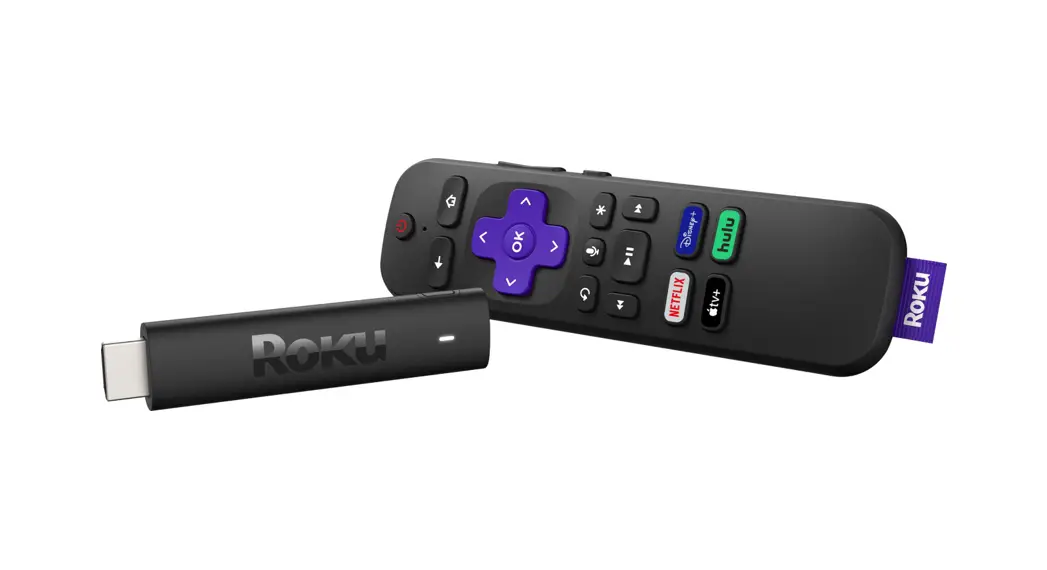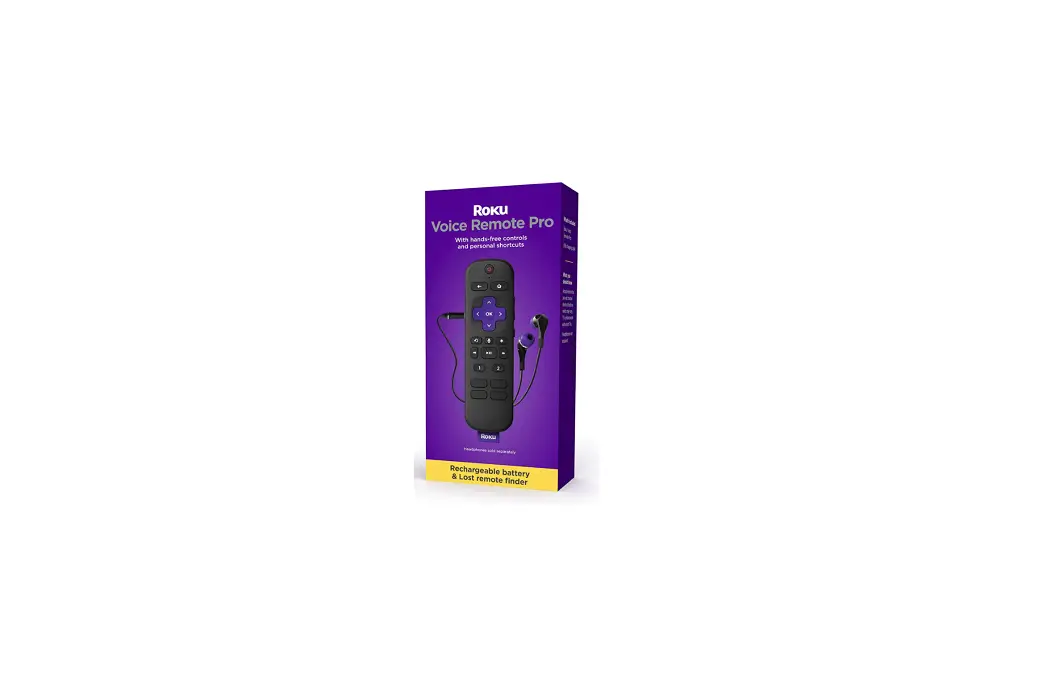
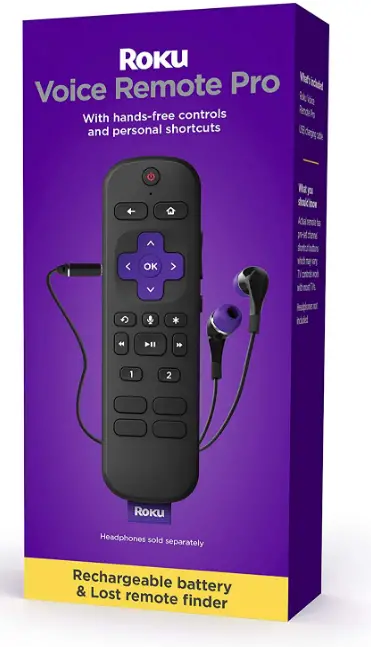
Roku RCS01R Voice Remote Pro
Details
Pairing your Remote
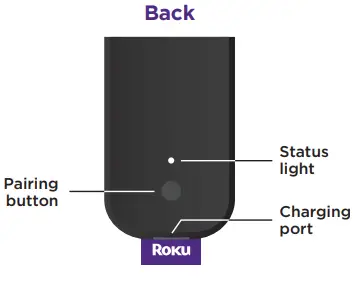
- STEP 1: Press and hold
 on your current Roku remote or the free mobile app for 5 seconds to open the setup menu.
 - STEP 2: Select Remote to start pairing.
- STEP 3: Press and hold the Pairing button on your new remote for 5 seconds until the status light turns green and starts blinking.
NOTE: Your device’s software must be updated to version 9.4 or higher to pair.
For help pairing your remote, visit go.roku.com/remotehelp
 on your current Roku remote or the free mobile app for 5 seconds to open the setup menu.
Setting Up TV Controls
Own a Roku TVTM? You can skip this section.
- Press the button on your new remote.
- Go into the Settings menu and select
Remotes & Devices
- Find your new remote under Remotes.
- Select Set up remote for TV control and follow the instructions.
Charging Your Remote
- Plug the USB cable into your remote and any standard USB power adaptor.
- The status light will stop blinking once your remote is finished charging.
Happy Streaming!
How To Use Your Remote Features
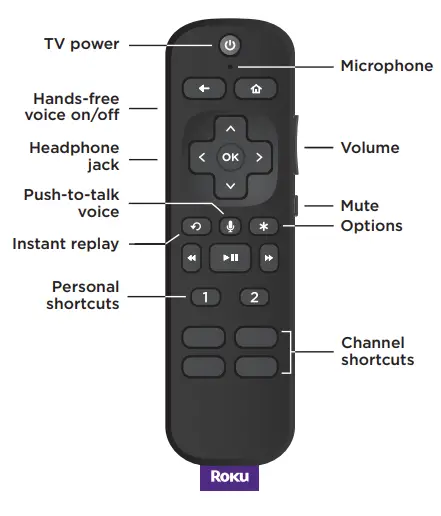
 Hands-free voice
Say “Hey Roku” to give a voice command without reaching for your remote. Push-to-talk voice
Press and hold the voice button if you don’t want to use a hands-free voice. Personal shortcuts
Press and hold after giving a voice command to save it for one-touch control. Lost remote finder
Say “Hey Roku, where’s my remote?” or use the free Roku mobile app. Private listening
Just plug headphones into the headphone jack. Your TV will mute automatically.
 Hands-free voice
 Push-to-talk voice
 Personal shortcuts
 Lost remote finder
 Private listening
Just talk to it. It’s that easy.
 Play entertainment
“Hey Roku, play Handmaid’s Tale on Hulu”
“Hey Roku, play classic rock on Pandora” Find more to watch
“Hey Roku, show me the news”
“Hey Roku, search for comedies”- Control your streaming
“Hey Roku, pause”
“Hey Roku, turn captions on”  Control your TV
“Hey Roku, turn my TV off”
“Hey Roku, turn it up”
 Play entertainment
 Find more to watch
 Control your streaming
 Control your TV
Product Description
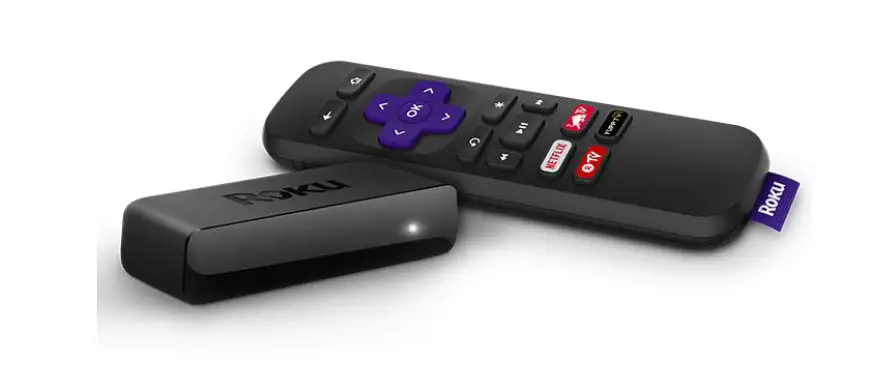
Use our best remote in place of or in addition to your current Roku control! Take use of the rechargeable battery, lost remote finder, connected headphones for private listening (available separately), and one-touch control with custom shortcut buttons. To play games, manage streaming, and turn on your TV without using the remote, use hands-free voice commands. Most recent Roku devices, including all Roku TVTM models, Roku Express, Roku Express +, Roku Express 4k, Roku Express 4k+, Roku Premiere, Roku Premiere+, Roku Ultra, Roku Ultra LT, Roku SE, Roku 2, Roku 3, and Roku 4, Roku Smart Soundbar, Roku® StreambarTM, and Roku® StreambarTM Pro, are compatible with Roku Voice Remote Pro. not compatible with any Amazon hardware.
Trademarks
© 2021 Roku, Inc. All rights reserved. Roku, Roku TV, Happy Streaming and the Roku logo are the trademarks or registered trademarks of Roku, Inc.
SPECIFICATION
| Product Specifications | |
|---|---|
| Product Name | Roku RCS01R Voice Remote Pro |
| Features | Hands-free voice commands, push-to-talk voice, personal shortcuts, lost remote finder, private listening |
| Compatibility | Most recent Roku devices, including all Roku TVTM models, Roku Express, Roku Express +, Roku Express 4k, Roku Express 4k+, Roku Premiere, Roku Premiere+, Roku Ultra, Roku Ultra LT, Roku SE, Roku 2, Roku 3, and Roku 4, Roku Smart Soundbar, Roku® StreambarTM, and Roku® StreambarTM Pro |
| Pairing | Software must be updated to version 9.4 or higher to pair |
| Battery Life | Up to 3-6 months under normal or moderate use; heavy private listening use drains battery more quickly |
| Charging | Plug USB cable into remote and any standard USB power adaptor; full charge takes roughly 3 hours |
| TV Control | Can be set up for TV control with Roku TVTM; requires CEC compatibility for TV voice control |
| Range | 12 feet (but more like six if you don’t want to raise your voice) |
| Waterproof | Not intended to be submerged underwater |
| Bluetooth | Can be turned off on the remote |
FAQs
A full charge takes roughly 3 hours and your Roku Voice Remote Pro can be used while charging if necessary. Please note heavy private listening use drains the Roku Voice Remote Pro battery more quickly.
Just say “Hey Roku” and a command to control your streaming even faster. Play entertainment, turn your TV on*, adjust the volume, control playback, and more. *TV voice control requires CEC compatibility. Plug headphones into your remote to crank up the volume on your TV without disturbing the house.
Under normal or moderate use, the batteries in a remote control should last up to 3-6 months. IMPORTANT: If you do not use the remote control for an extended period of time, remove the batteries to avoid possible damage from battery leakage. NOTES: Do not use a fresh battery with an old one.
So far, the response has proved relatively accurate as long as you’re in range (Roku claims 12 feet but it’s more like six if you don’t want to raise your voice), and you’ll also want to keep the mic on the remote’s topside pointed up, or you may need to shout.
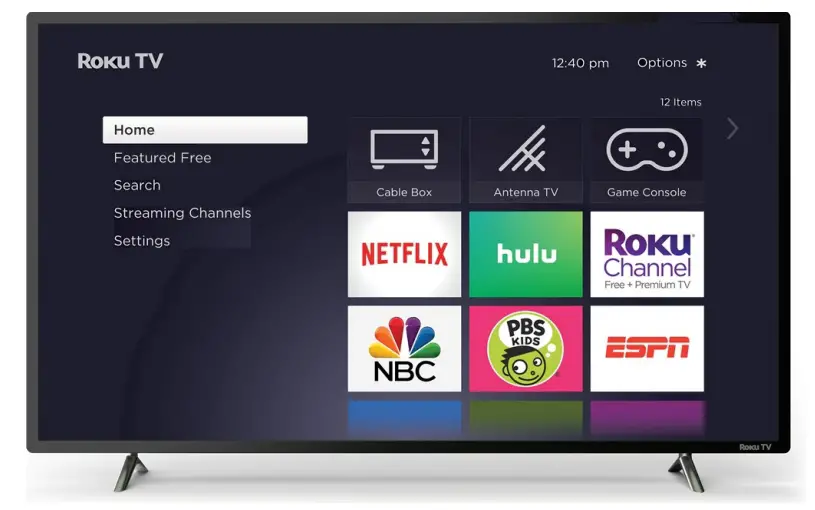
A freestanding Roku streaming media player attaches to your TV via HDMI—directly, in the case of a Roku stick, or via an HDMI cable, in the case of a set-top box. A Roku TV is a television set with a Roku device built-in, so there’s no extra device to connect.
Voice control can be faster than physically typing out commands, notes, or texts, and provides the convenience of being hands-free when your device isn’t within arm’s reach or your hands are busy stirring the pot or driving the car.
1. On your remote control, press the microphone button.
2. After the red LED on the remote control lights up, the voice search function is activated. You can then say your command into the built-in microphone.
Since your equipment is always awaiting your spoken instructions and processing all the sounds in a given environment, a hacker could obtain valuable information regarding your personal schedule by intercepting the signals that these products send and receive. This could lead to a burglary or home invasion.
Plug the USB cable into your remote and any standard USB power adaptor. The status light will stop blinking once your remote is finished charging. Happy Streaming!
To set up your Roku® voice remote, it must be connected to your Roku streaming player or Roku TV™ through a wireless discovery process known as pairing.
Please note the remote is still not intended to be submerged underwater. It’s okay if it happens, however, it should be avoided.
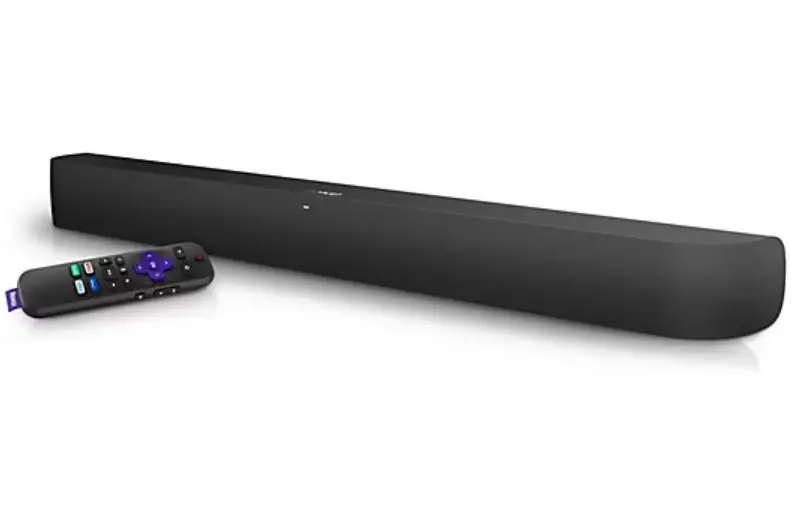
Your Roku voice is remote is designed to control the power and volume of your TV. It cannot directly control other devices connected to your TV, such as an audio/video receiver (AVR) or soundbar. However, your TV may be able to issue volume commands to your AVR or soundbar using a technology called HDMI-CEC.
On your Roku remote when in the Bluetooth channel, scroll up or down, and select Turn off display. When you want to turn the TV screen back on, simply press the power button on your Roku remote or use a voice command like “Power on my TV”.
Press and hold on your current Roku remote or the free mobile app for 5 seconds to open the setup menu. Select Remote to start pairing. Press and hold the Pairing button on your new remote for 5 seconds until the status light turns green and starts blinking.
Press the button on your new remote. Go into the Settings menu and select Remotes & Devices. Find your new remote under Remotes. Select Set up remote for TV control and follow the instructions.
Plug the USB cable into your remote and any standard USB power adaptor. The status light will stop blinking once your remote is finished charging.
A full charge takes roughly 3 hours and your Roku Voice Remote Pro can be used while charging if necessary. Please note heavy private listening use drains the Roku Voice Remote Pro battery more quickly.
Just say “Hey Roku” and a command to control your streaming even faster. Play entertainment, turn your TV on*, adjust the volume, control playback, and more. *TV voice control requires CEC compatibility. Plug headphones into your remote to crank up the volume on your TV without disturbing the house.
Under normal or moderate use, the batteries in a remote control should last up to 3-6 months. IMPORTANT: If you do not use the remote control for an extended period of time, remove the batteries to avoid possible damage from battery leakage. NOTES: Do not use a fresh battery with an old one.
So far, the response has proved relatively accurate as long as you’re in range (Roku claims 12 feet but it’s more like six if you don’t want to raise your voice), and you’ll also want to keep the mic on the remote’s topside pointed up, or you may need to shout.
Voice control can be faster than physically typing out commands, notes, or texts, and provides the convenience of being hands-free when your device isn’t within arm’s reach or your hands are busy stirring the pot or driving the car.
On your remote control, press the microphone button. After the red LED on the remote control lights up, the voice search function is activated. You can then say your command into the built-in microphone.
Since your equipment is always awaiting your spoken instructions and processing all the sounds in a given environment, a hacker could obtain valuable information regarding your personal schedule by intercepting the signals that these products send and receive. This could lead to a burglary or home invasion.
To set up your Roku® voice remote, it must be connected to your Roku streaming player or Roku TV™ through a wireless discovery process known as pairing.
Please note the remote is still not intended to be submerged underwater. It’s okay if it happens, however, it should be avoided.
Your Roku voice is remote is designed to control the power and volume of your TV. It cannot directly control other devices connected to your TV, such as an audio/video receiver (AVR) or soundbar. However, your TV may be able to issue volume commands to your AVR or soundbar using a technology called HDMI-CEC.
On your Roku remote when in the Bluetooth channel, scroll up or down, and select Turn off display. When you want to turn the TV screen back on, simply press the power button on your Roku remote or use a voice command like “Power on my TV”.
Video – Product Overview
Download The PDF Link; Roku RCS01R Voice Remote Pro pdf