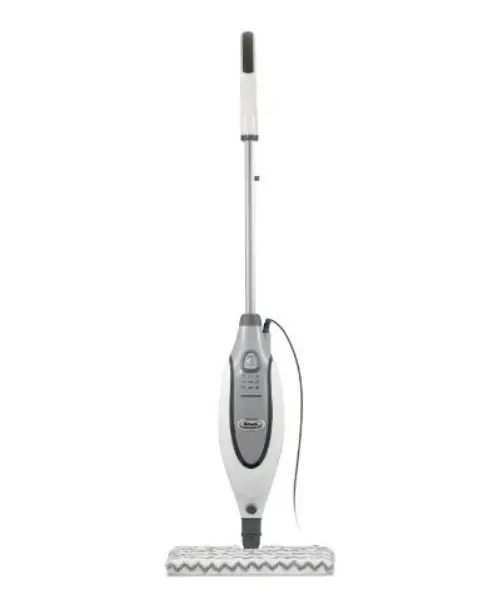
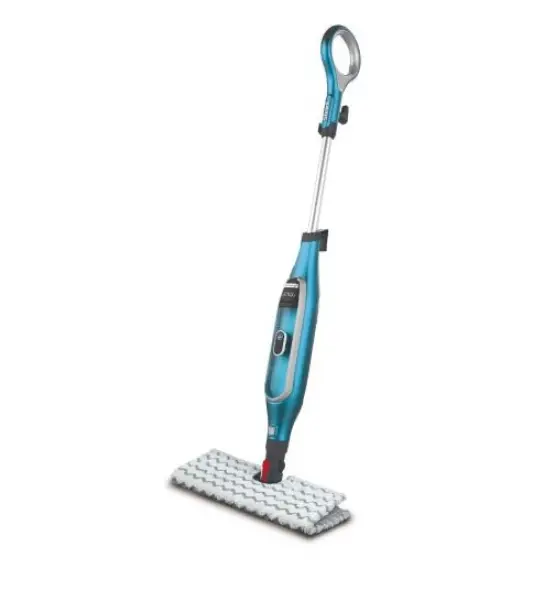
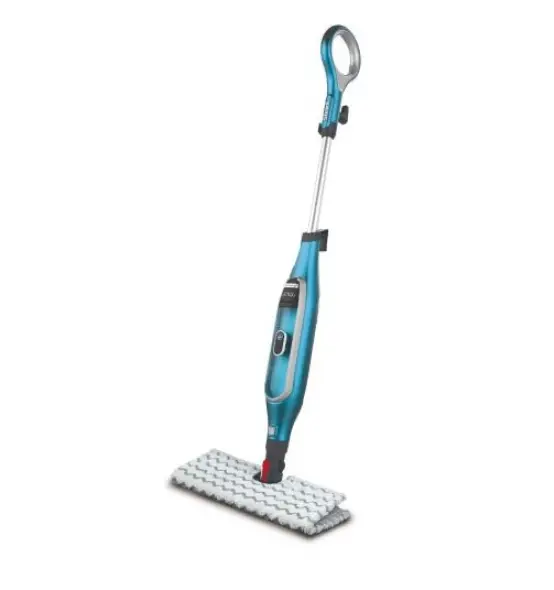
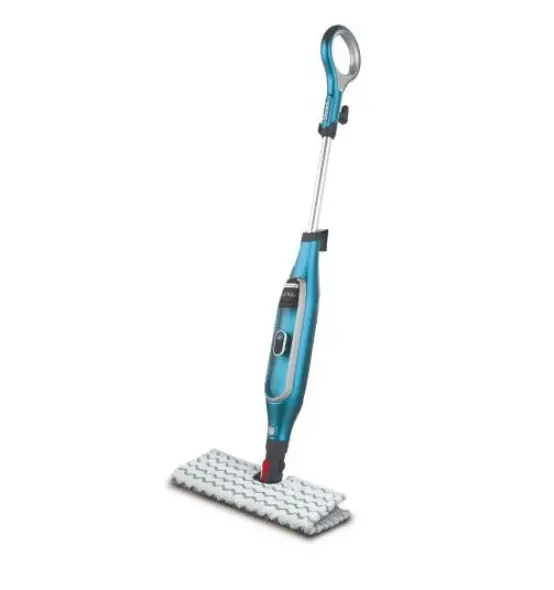
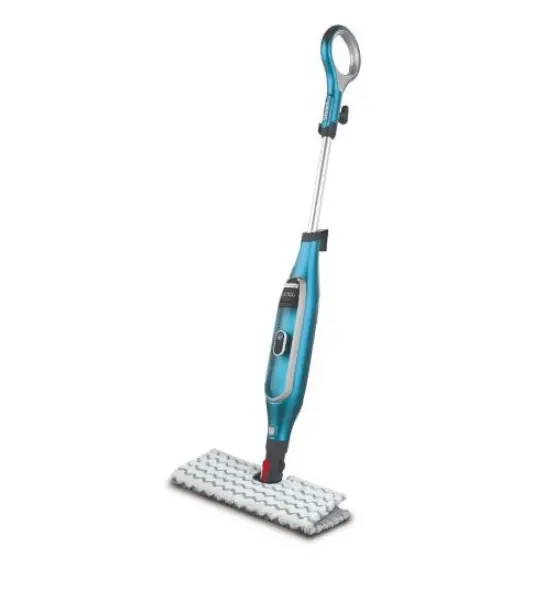
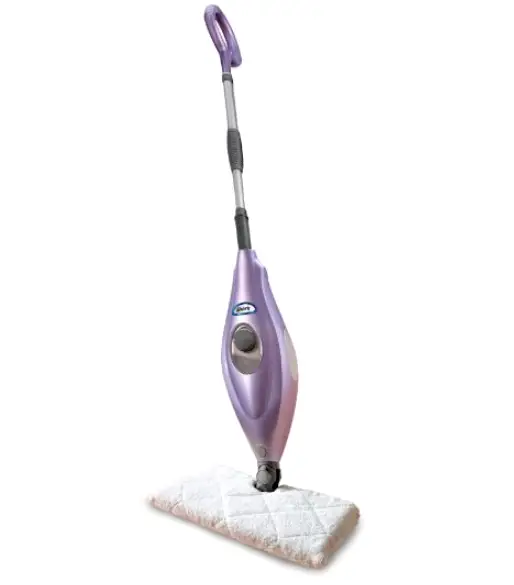
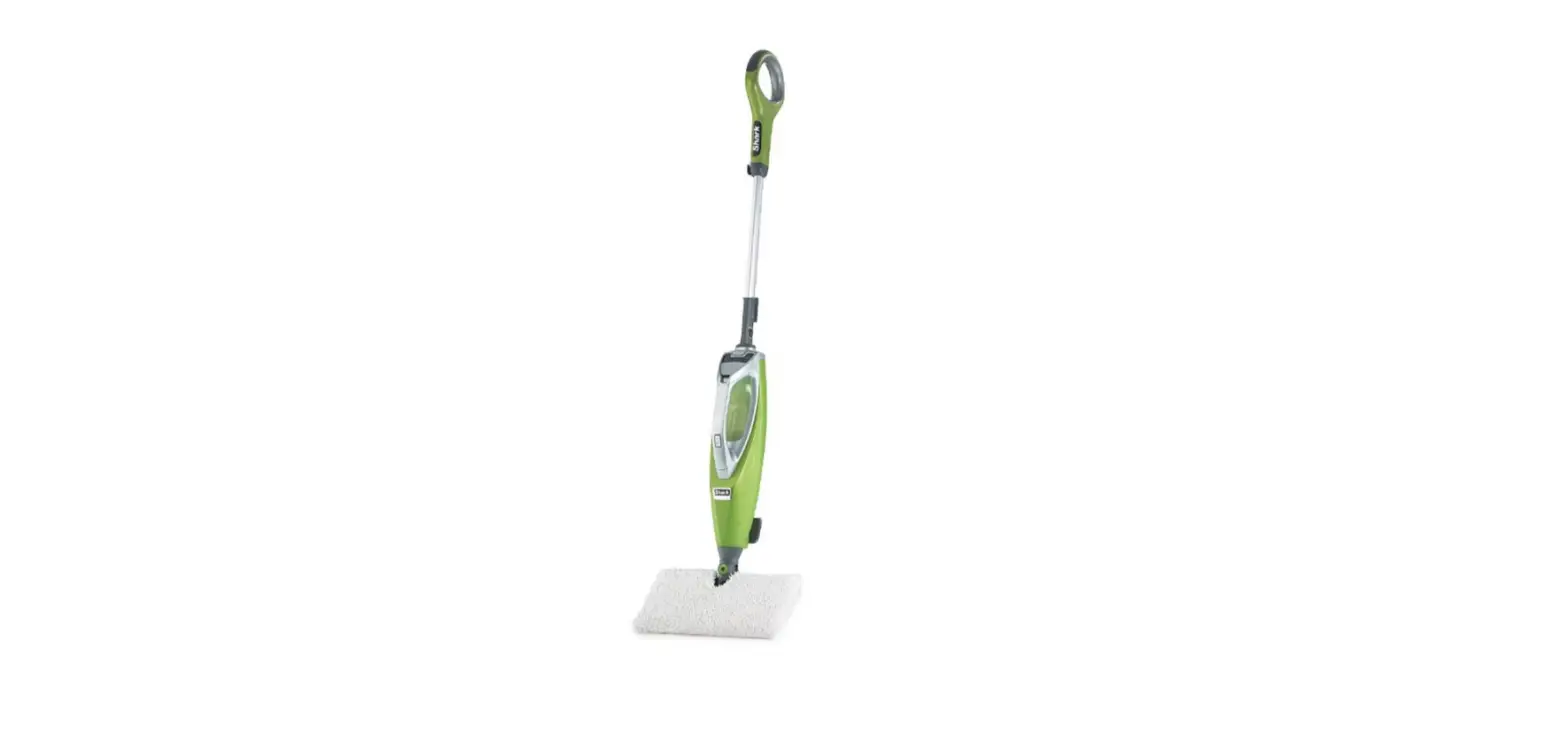
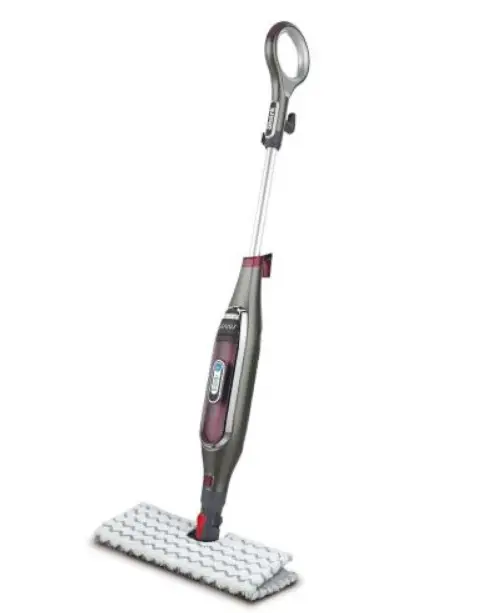
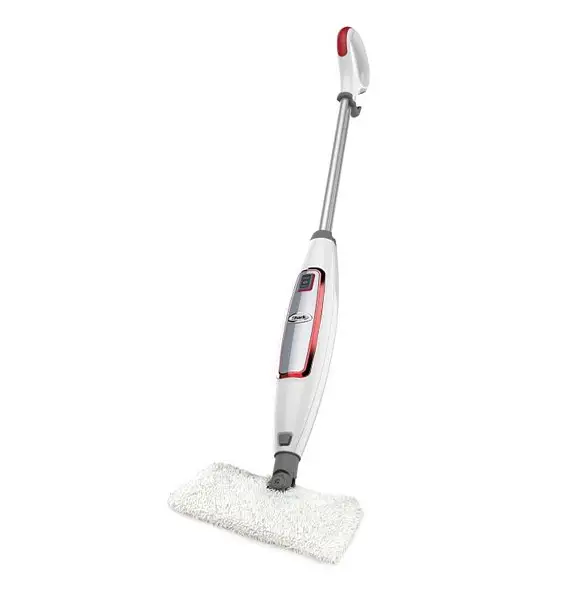
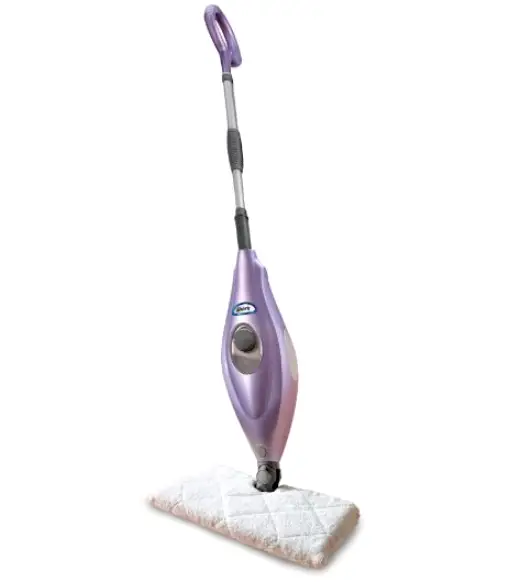
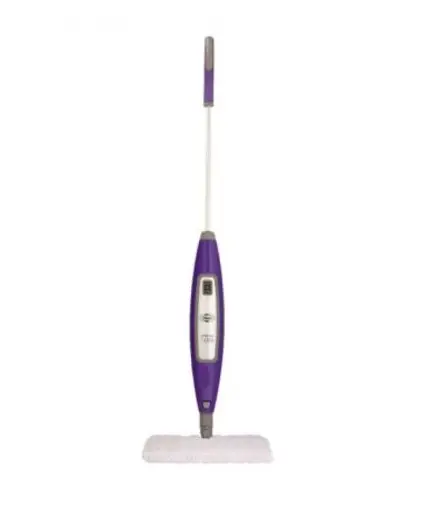
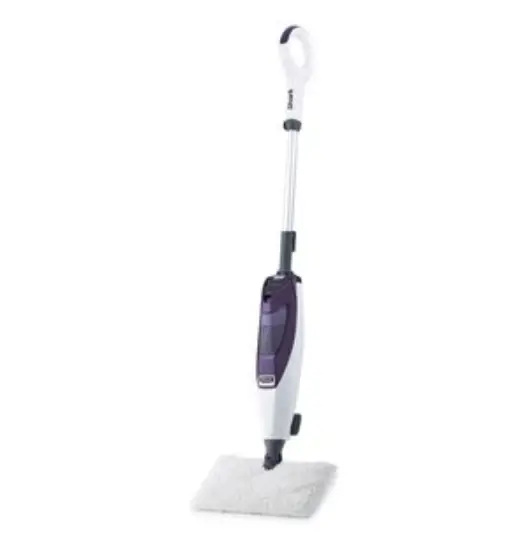
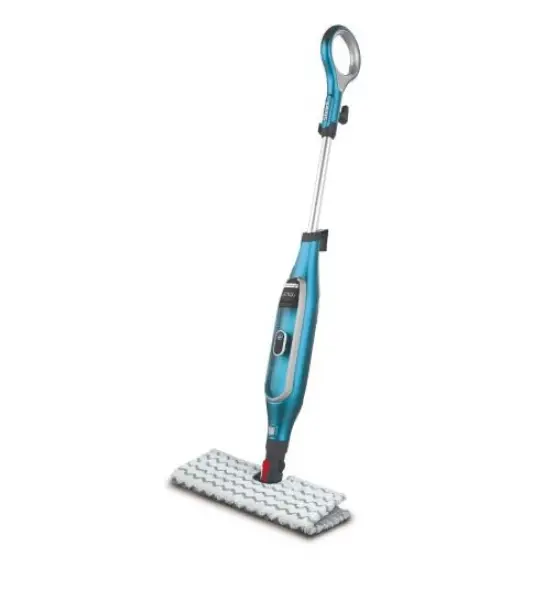
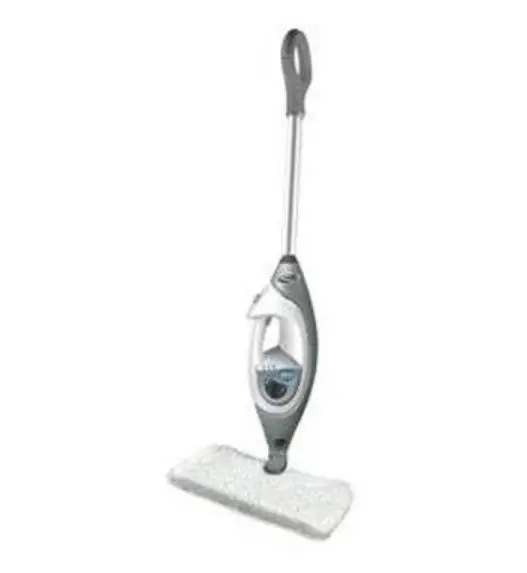
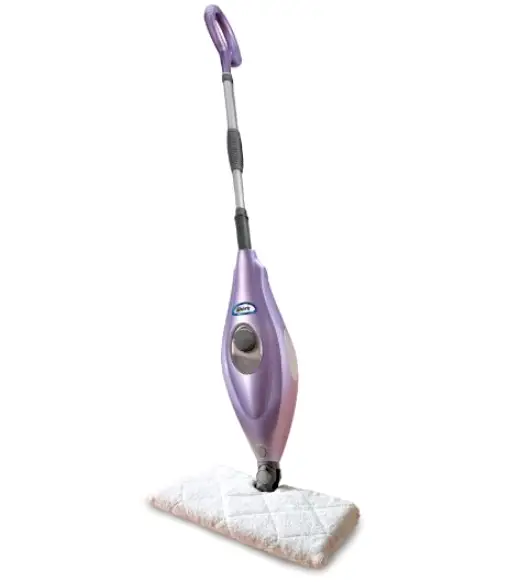
S3601 Pro Steam Pocket Mop with Intelligent Steam Control
Product Information
| Component | Description |
|---|---|
| Mop Handle | The handle of the Pro Steam Pocket Mop. |
| Mop Body | The main body of the Pro Steam Pocket Mop. |
| Mop Head | The part of the mop that comes into direct contact with the floor. |
| 6mm x 54mm Large Screw | A screw used to attach the mop handle to the mop body. |
| Dirt Grip Pocket Pads | Pads with pockets to trap dirt and debris during mopping. |
| Filling Flask | A flask used to fill the water tank of the Pro Steam Pocket Mop. |
Product Usage Instructions
- Screw the Mop handle into the Mop Body (screwdriver not
included). - Secure the Mop Head inside the Dirt Grip Pocket Pad.
- Snap the Steam Mop Body onto the post on the Mop Head.
Filling the Water Tank
- Remove the water tank cap by turning it counterclockwise.
- Use the filling flask and pour water into the tank. Do not
overfill. - Replace the cap on the water tank, and turn clockwise to
lock.
Using the Pro Steam Pocket Mop
- Plug the power cord into an electrical outlet. The STEAM
CONTROL BUTTON will flash blue. Press the button to select your
steam setting: once for DUST; twice for MOP; and three times for
SCRUB. Pressing a fourth time will place the unit on standby. - Wait 30 seconds for the unit to begin producing steam. Start
mopping on an appropriate sealed hard-floor surface with a forward
and backward motion. - When one side of the Dirt Grip Pocket Pad gets dirty, simply
flip the mop over to use the other side of the pad.
Recommended Usage
Light cleaning & dusting: Setting DUST
Cleaning most surfaces & large areas: Setting MOP
Deep cleaning & cleaning hard-to-clean surfaces: Setting
SCRUB
After Use and Storage
- Remove the Dirt Grip Pocket Pad by releasing the quick
fasteners and using the loop on the side of the pad, avoiding
contact with the hot pad.
Cleaning the Pad
- Wash pads in warm water. Wash separately from other laundry.
Only use liquid detergent (no powder detergent). - Don’t use any fabric softeners.
- Line dry or dry on a low dryer setting.
Troubleshooting
| Problem | Possible Reasons & Solutions |
|---|---|
| The Pro Steam Pocket Mop will not turn on. | Ensure the power cord is plugged in correctly to a working electrical outlet. |
| The Pro Steam Pocket Mop will not make steam. | Verify the Steam Control button is illuminated steadily in blue, indicating a steam setting has been selected. Ensure that the unit is filled with water. |
| Cannot activate steam mode on the Pro Steam Pocket Mop. | Unplug the unit from the electrical outlet, wait 15-30 seconds, then plug the unit back in. |
| The Pro Steam Pocket Mop leaves water on the floor or is becoming hard to push. | Confirm that the pocket pad is properly affixed to the mop head and not overly saturated. If the pocket pad is overly wet, unplug the unit, wait 2 to 3 minutes for the pocket pad to cool, and then replace with a clean, dry pocket pad. |
| The Pro Steam Pocket Mop left a white spot on the floor. | Always use the wet steam mop in the correct manner. Never leave the unit with a damp or wet pad attached. |
| Floors are cloudy, streaky or spotty after steaming. | The pad may be dirty. Replace with a clean pad. If you washed the pad with powdered detergent, then it may contain residual detergent. Wash the pad again with liquid detergent. In kitchen areas with grease buildup, first prep the floor with a degreasing agent such as an all-purpose cleaner or dish soap, then wipe with paper towels. |
Please be sure to read the enclosed Shark® Owner’s Guide prior to using your unit.
PRO STEAM POCKET® MOP
With Intelligent Steam Control®
QUICK START GUIDE
WHAT’S INSIDE
USING THE PRO STEAM POCKET MOP
A Mop Handle B Mop Body C Mop Head
D (1) 6mm x 54mm Large Screw E (2) Dirt GripTM Pocket Pads F Filling Flask
ASSEMBLY
A
1
D
B
2
E
3
C
(Click)
1. Screw the Mop handle into the Mop Body (screwdriver not included).
2. Secure the Mop Head inside the Dirt Grip Pocket Pad.
3. Snap the Steam Mop Body onto the post on the Mop Head.
FILLING THE WATER TANK
1. Remove the water tank cap by turning it counterclockwise.
2. Use the filling flask and pour water
into the tank. Do not overfill. Replace
F
the cap on the water tank, and turn
clockwise to lock.
S3601_QSG_170228
1. Plug the power cord into an electrical outlet. The STEAM CONTROL BUTTON will flash blue. Press the button to select your steam setting: once for DUST; twice for MOP; and three times for SCRUB. Pressing a fourth time will place the unit on standby.
2. Wait 30 seconds for the unit to begin producing steam. Start mopping on an appropriate sealed hard-floor surface with a forward and backward motion.
3. When one side of the Dirt Grip Pocket Pad gets dirty, simply flip the mop over to use the other side of the pad.
INTELLIGENT STEAM CONTROL
SETTING DUST MOP SCRUB
IDEAL FOR THESE SEALED SURFACES
Laminate Hardwood Marble
Hardwood Marble Tile Stone
Tile Stone
RECOMMENDED USAGE
Light cleaning & dusting
Cleaning most surfaces & large areas Deep cleaning & cleaning hard-to-clean surfaces
AFTER USE AND STORAGE
1. When you have finished using the Pro Steam Pocket® Mop, press the Steam Control button until the LED light turns flashing BLUE. This stops the unit from steaming. Unplug the cord from the outlet and place the Steam Mop in the upright position. Let the unit cool for 2-3 minutes.
2. Remove the Dirt GripTM Pocket Pad by releasing the quick fasteners and using the loop on the side of the pad, avoiding contact with the hot pad.
3. To store the Shark® Pro Steam Pocket® Mop hanging up, first remove the head (after it has cooled and the steam has been released), then hang on a large hook (not included). Empty the water tank before storing the Pro Steam Pocket Mop for an extended period.
CLEANING THE PAD
1. Wash pads in warm water. Wash separately from other laundry. Only use liquid detergent. (no powder detergent) Don’t use any fabric softeners. Line dry or dry on a low dryer setting.
TROUBLESHOOTING
PROBLEM
POSSIBLE REASONS & SOLUTIONS
The Pro Steam Pocket Mop will not turn on.
Ensure the power cord is plugged in correctly to a working electrical outlet.
The Pro Steam Pocket Mop will not make steam.
Verify the Steam Control button is illuminated steadily in blue, indicating a steam setting has been selected. Ensure that the unit is filled with water.
Cannot activate steam mode on the Pro Steam Pocket Mop.
Unplug the unit from the electrical outlet, wait 15-30 seconds, then plug the unit back in.
The Pro Steam Pocket Mop leaves water on the floor or is becoming hard to push.
Confirm that the pocket pad is properly affixed to the mop head and not overly saturated. If the pocket pad is overly wet, unplug the unit, wait 2 to 3 minutes for the pocket pad to cool, and then replace with a clean, dry pocket pad.
The Pro Steam Pocket Mop left a white spot on the floor.
Always use the wet steam mop in the correct manner. Never leave the unit with a damp or wet pad attached.
Floors are cloudy, streaky or spotty after steaming.
The pad may be dirty. Replace with a clean pad.
If you washed pad with powdered detergent, then it may contain residual detergent. Wash pad again with liquid detergent.
In kitchen areas with grease buildup, first prep the floor with a de-greasing agent such as an all-purpose cleaner or dish soap, then wipe with paper towels.
You might have left the mop in the same spot for too long.
Do you have hard water? We recommend using distilled water rather than tap water in the tank.
Streaks, clouds, and spots may be caused by cleansers previously used on the floor surface. Clean with Steam Mop a few more times to remove leftover cleansers.
For questions or to register your product, contact us at: 800-798-7398 or visit us online at sharkclean.com @sharkcleaning
 Vacuum Cleaners, Steam Mops, Hair Care & Air Purifiers | Shark Home Cleaning