Dolphin Bluetooth Smart Padlock
Dolphin Smart Padlock
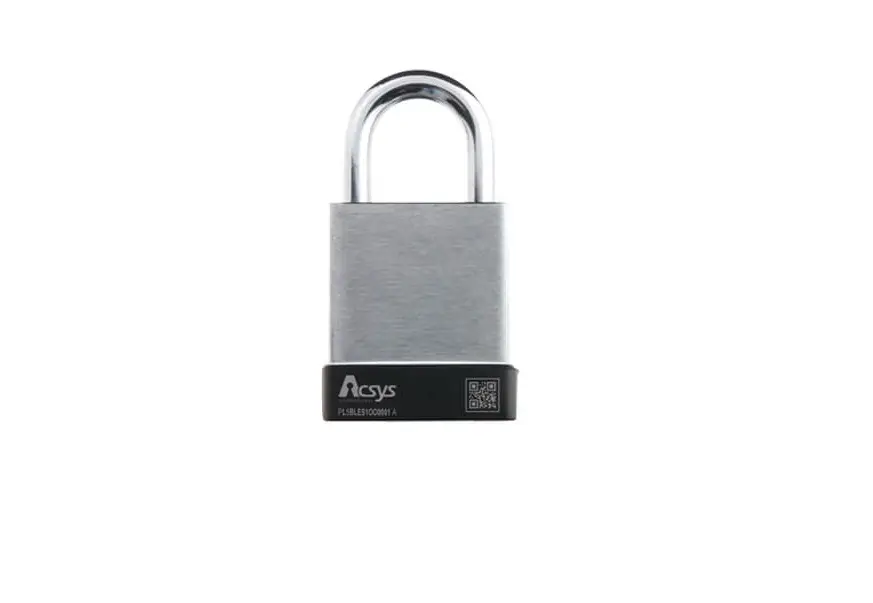
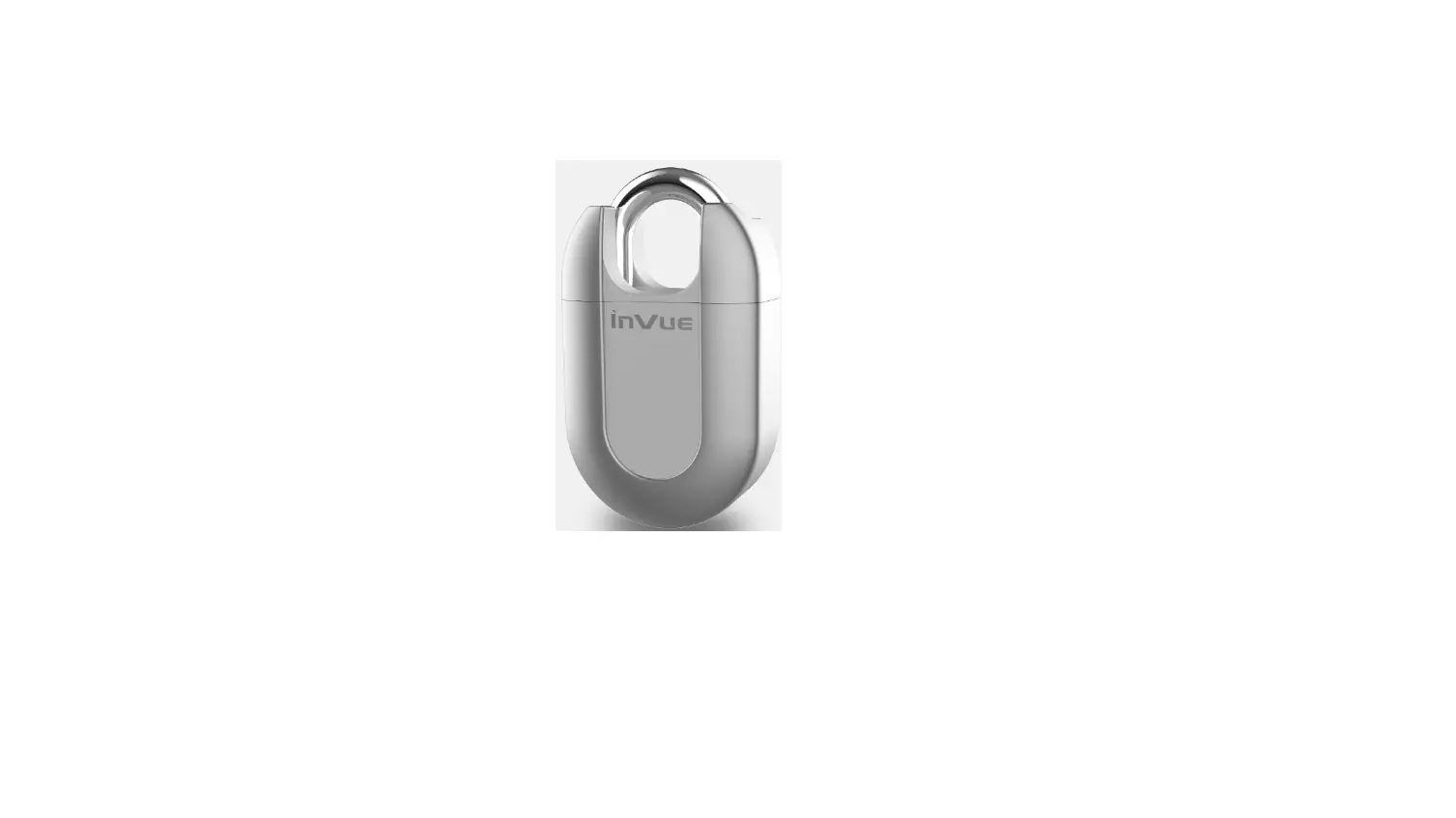
The Dolphin Smart Padlock is a high-quality padlock designed for
smart and secure locking. It features a strong steel cable and a
sturdy zinc alloy material for durability. The padlock has a long
battery life and comes with a dust-proof cap. It is TSA approved,
making it suitable for seamless global logistics. The padlock also
has a micro USB recharging port, a power button, and supports MORSE
code for emergency unlock.
Set up your Dolphin Smart Padlock
- Install the “Dolphin Tracker” app from the App Store or Google
Play or www.tag8.in/appdownload. - Sign in to the app using your Google or Apple account.
- Connect the Dolphin Smart Padlock to your smartphone by
following these steps:- Tap on the “+” icon in the app.
- Select “Dolphin Lock” from the options.
- Press the power button on the Dolphin Smart Padlock until you
see a red LED flash. - Hold the Dolphin Padlock close to your phone and wait for 8-10
seconds. - Select and save the device name.
Dolphin Smart Padlock Features
- Unlock using Dolphin Tracker App: Use the
Dolphin Tracker app to unlock the padlock by clicking the Unlock
icon when the lock is connected to your phone. No need to remember
numeric passcodes or carry keys. - Unlock using Secret Custom set Morse Code:
Unlock the padlock by physically clicking the power button with
your custom set secret Morse Code. Follow the pattern of presses
and holds according to your Morse Code. - Activate Phone Alert: If you forget your
valuables secured with the padlock, the app will make a sound to
notify you. Never worry about leaving things behind. - Flash LED Using Dolphin Padlock App: When the
padlock is connected to your phone, open the Dolphin Tracker app
and tap the “Flash LED” icon to make the padlock flash LED. - Change Dolphin Padlock Password: Open the
Dolphin Tracker app, swipe to turn the screen, select “Modify Lock
Password,” and change the password. - Custom Set your Secret Morse Code: Open the
Dolphin Tracker app, swipe to turn the screen, select “Modify Morse
Password,” and change the Morse code.
Mark as Lost
If you’ve lost your valuable item secured with the Dolphin
Padlock, you can mark it as lost. When the padlock is set to “mark
as lost,” it will broadcast a signal. If another Dolphin Padlock
user passes by and scans the signal, the GPS location will be sent
to you.
Dolphin Smart Padlock Make Finding Smarter USER GUIDE
1) Know the Dolphin Smart Padlock
Strong steel cable
Sturdy zinc alloy material
Long Battery Life
Dust proof cap
TSA approved for seamless global logistics
Micro USB recharging port
Power button
MORSE code for Emergency unlock
2) Set up your Dolphin Smart Padlock
Step 1. Install `Dolphin Tracker’ from App Store or Google Play or www.tag8.in/appdownload
Scan QR to download
GET IT ON www.tag8.in
GET IT ON App Store
Compatible devices: IOS Version 11+ / Android Version 4.3+
Step 2. Sign in
Sign in Sign in with Google
For Android User
Sign in Sign in with Apple
For Apple User
Step 3. Connect the Dolphin Smart Padlock to your smart phone
+
Dolphin Tracker Details Change Photo
a
b
Device Name
c
d
e
a. Tap on “+” icon b. Select “Dolphin Lock” c. Press the power button on the Dolphin Smart
Padlock till you see red LED flash d. Hold the Dolphin Padlock close to your phone and
wait for 8-10 sec e. Select & save the device name
Note: We recommend changing the Dolphin Padlcok password & setting the Custom Secret Morse code (Refer Point 3-V & VI)
3) Dolphin Smart Padlock Features
I) Unlock using Dolphin Tracker App
Unlock the Dolphin Tracker using the Dolphin tracker App by simply clicking the “Unlock” icon when lock is connected. You will never have to worry about forgetting a numeric passcode or misplacing a small key!
II) Unlock using Secret Custom set Morse Code
Physically click the padlock power button with your custom set secret Morse Code to unlock it. Example if the secret Morse Code is 1213, then you click the power button in the following pattern:
Press(1)-Hold-Press, Press(2)-Hold-Press(1)-Hold-Press, Press, Press(3)
This way you can unlock even if your smart phone is not with you.
III) Activate Phone Alert
If you accidently forget your valuables secured with our padlock, the app will make sound to notify you. Never worry about leaving things behind!
Phone Alert Modify Lock Password Modify Morse Password More details
IV. Flash LED Using Dolphin Padlock App
When the Dolphin Padlock is connected to your phone, open the Dolphin Tracker app and tap the `Flash LED’ icon for the Dolphin Tracker to flash LED
V) Change Dolphin Padlock Password
Open the Dolphin Tracker App a. Swipe to turn the screen b. Select the Modify Lock
Password c. Change password & save
Phone Alert Modify Lock Password Modify Morse Password Mor details
a
b
Old Password ****** New Password ****** Confirm Password ****** Change Password
c
VI) Custom Set your Secret Morse Code
Open the Dolphin Tracker App a. Swipe to turn the screen b. Select the Modify Morse
Password c. Change password & save
Enter 4 digit Morse code Morse code
Phone Alert Modify Lock Password Modify Morse Password More details
Change Password
a
b
c
Note: The code should contain 4 digits. Valid digits: 1,2,3,4,5
4) Mark as Lost
if you’ve lost your valuable, our Dolphin Padlock network may help to find it
Disconnected
When the Padlock is set to `mark a lost’,the
Dolphin Padlock will broadcast a padlock signal.
Mark as lost
When another Dolphin Padlock user passes
by and scans the padlock signal, the GPS
location will be sent to you
The more other users pass by, the easier it is to find your valuable
5) FAQ
1. Can I control many DOLPHIN Smart Padlock with a single phone/app? You sure can! You can manage as many DOLPHIN Smart Padlock as you like with the Dolphin Tracker app.
2. What happens if my phone battery dies or I lose my phone? Can I unlock my DOLPHIN Smart Padlock without opening the app? We understand that this is a very realistic scenario and the last thing you want is to be stranded at your destination with a dead battery and no way to unlock the DOLPHIN Smart Padlock and access your luggage. To overcome this, we offer two solutions,
i. If you have access to another compatible iOS or Android device, you can simply download the Dolphin Tracker app and sign in with your details to unlock your DOLPHIN Smart Padlock. ii. With the Dolphin Tracker app, you can set a unique back up Morse code: a button combination pattern that is stored locally on the Smart Padlock. You can unlock your DOLPHIN Smart Padlock by pressing this combination on the DOLPHIN Smart Padlock’s button pad without the use of a smartphone anytime.
In the case, that your DOLPHIN Smart Padlock runs out of battery, simply plug in a charger or use battery backup to provide power. It will start almost immediately and you can go on with your business.
3.Is this TSA accepted and can I put it on my Check-In Luggage? DOLPHIN Smart Padlock are officially TSA accepted and we meet relevant legislative requirements for the DOLPHIN Smart Padlock to be flight ready by their standards – this means you can take it on your Check In AND Carry-on Luggage. The DOLPHIN Smart Padlock also features a timed-Airplane mode that turns off the Bluetooth transmitter for a specified period of time if you need it.
4.Are there any further usage costs involved after I purchase the DOLPHIN Smart Padlock? No! All features are included and no further costs are involved.
8) Know Your Battery
A) Micro USB Rechargeable battery B) Padlock standby mode last 1-3 months C) Single charge battery can lock/unlock 500 times
WARNING WARNING
Fire Hazard! Do not short-circuit batteries. Batteries may overheat or explode.
Micro USB
Do not expose batteries to water or fire. Do not attempt to charge non-rechareble batteries. The batteries may explode
9) Disposal
The packaging is made of eco-friendly, recyclable material. Please ask your local authorities about appropriate methods of disposal. Defective or empty batteries must be recycled in accordance with Directive 2006/66/EC. Return batteries and/or the device to the designated collection facility. Batteries contain toxic substances that must be treated separately from domestic waste
10) Warranty Provision & Period
The device has been manufactured and thoroughly tested to meet strict quality standards. The warranty covers defects in the material and manufacturing process. It does not cover product components that are subject to normal wear and tear (spare parts), or damage to fragile components such as switches, batteries or casing. Consumer-inflicted damage, improper use or incorrect maintenance of the product will void the warranty. Should you experience a fault or manufacturing defect within 1 year of the date of purchase, we will repair or replace the product free of charge
RoHS
THANK YOU SO
MUCH FOR YOUR ORDER
apWpererceiaaltleyit.
Please spare a few minutes to write a review. Share your experience and help us spread the good word
If you are facing any problems, please reach out to us at [email protected]
Follow us www.tag8.in
 tag8
tag8