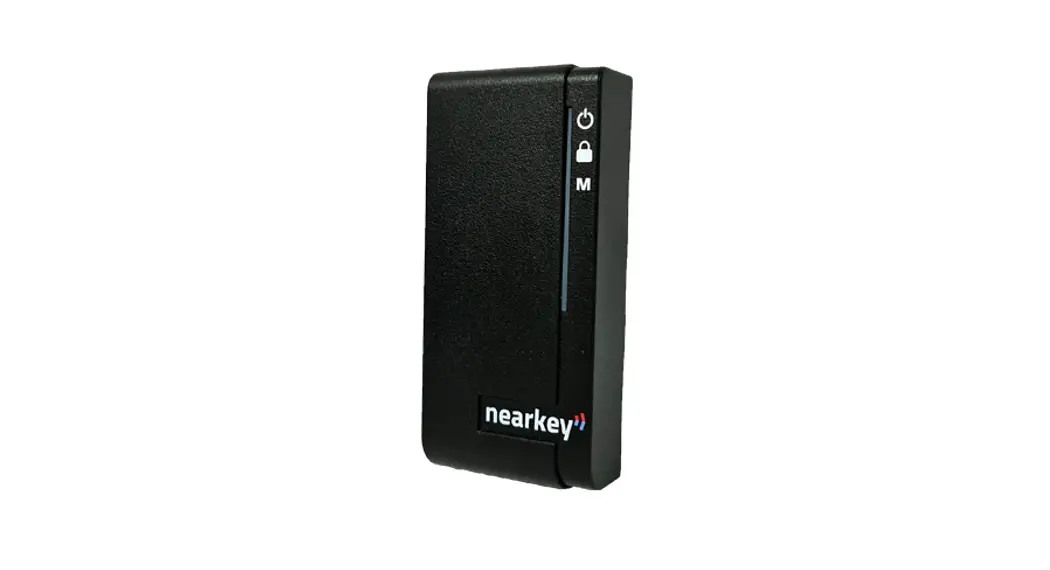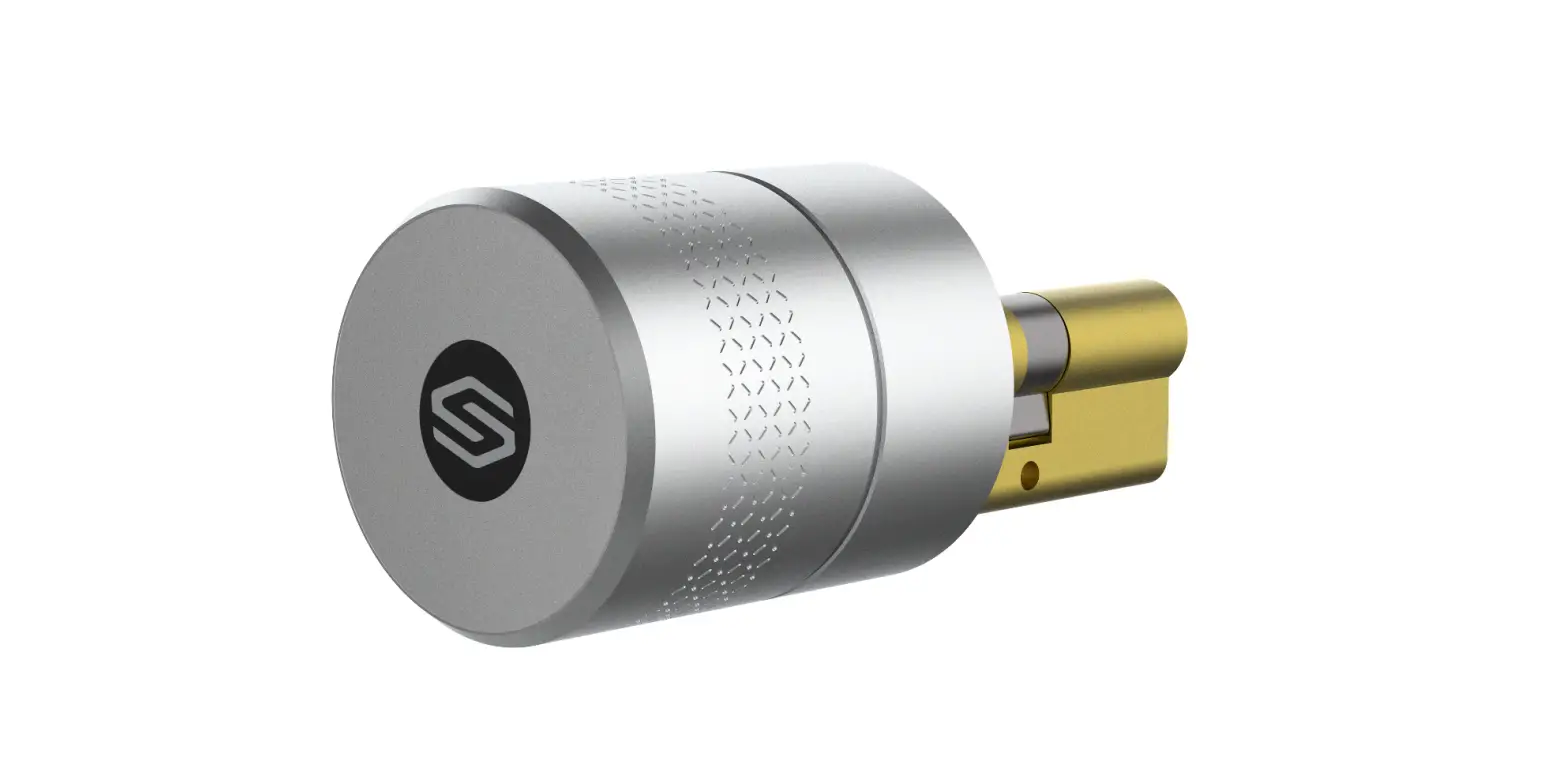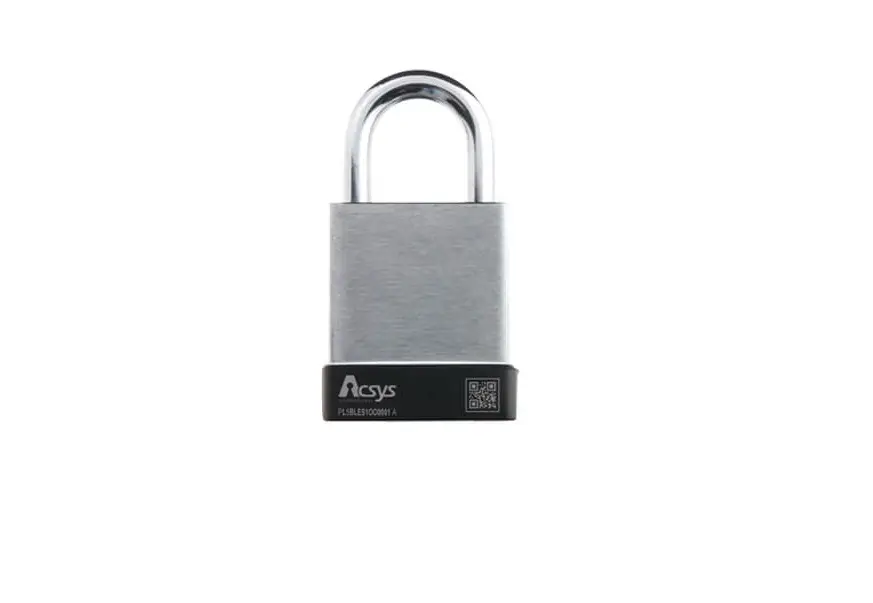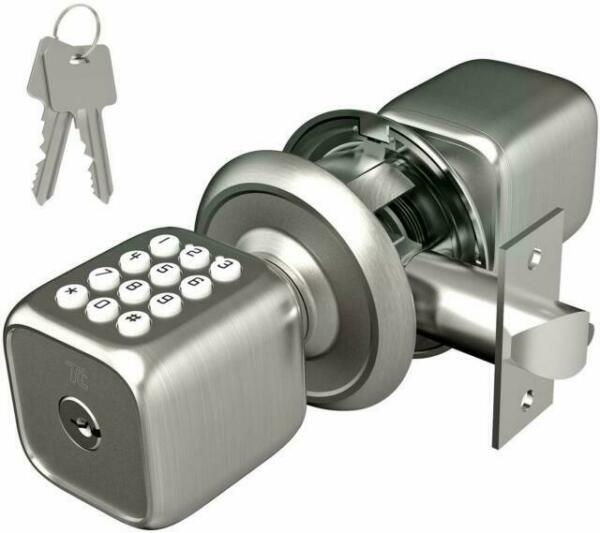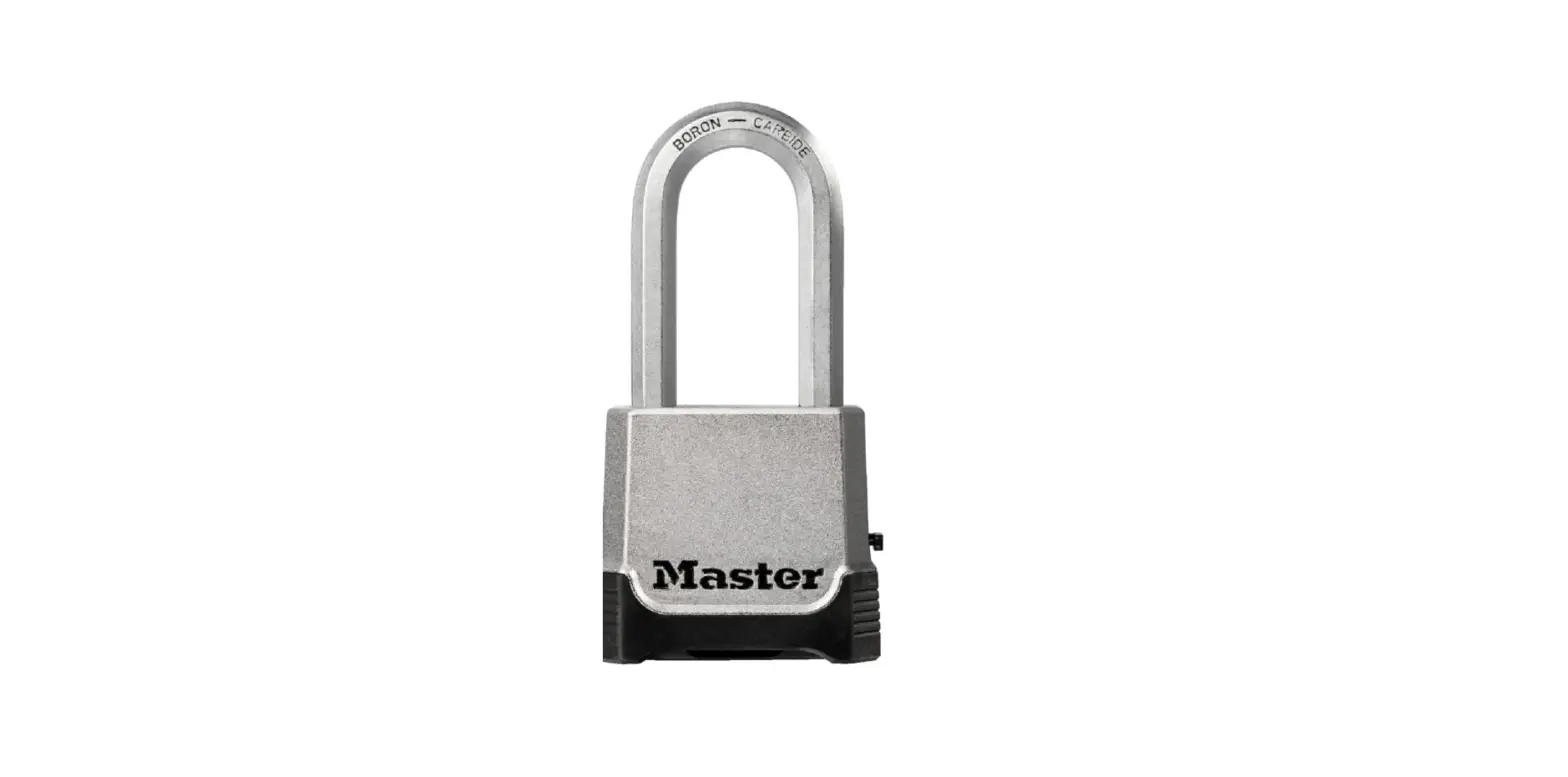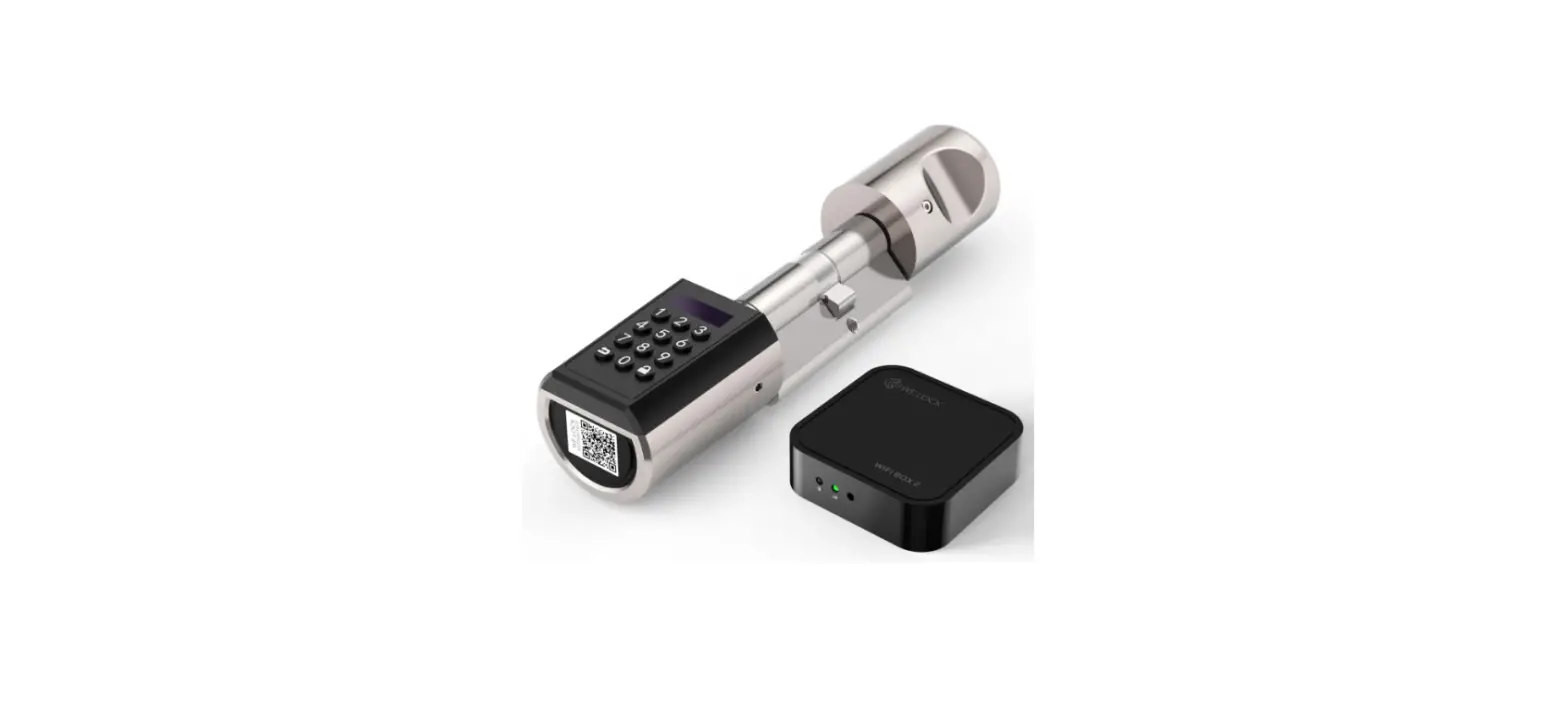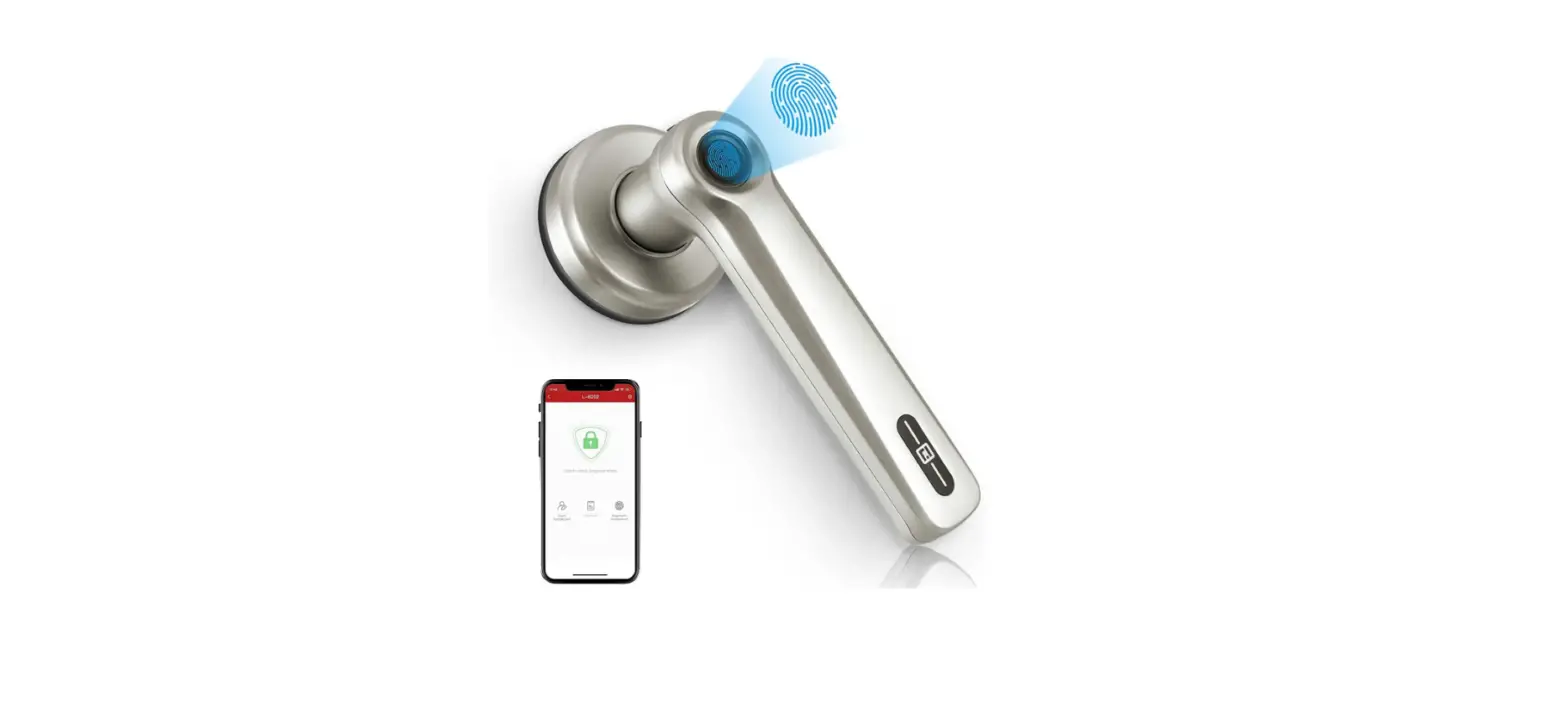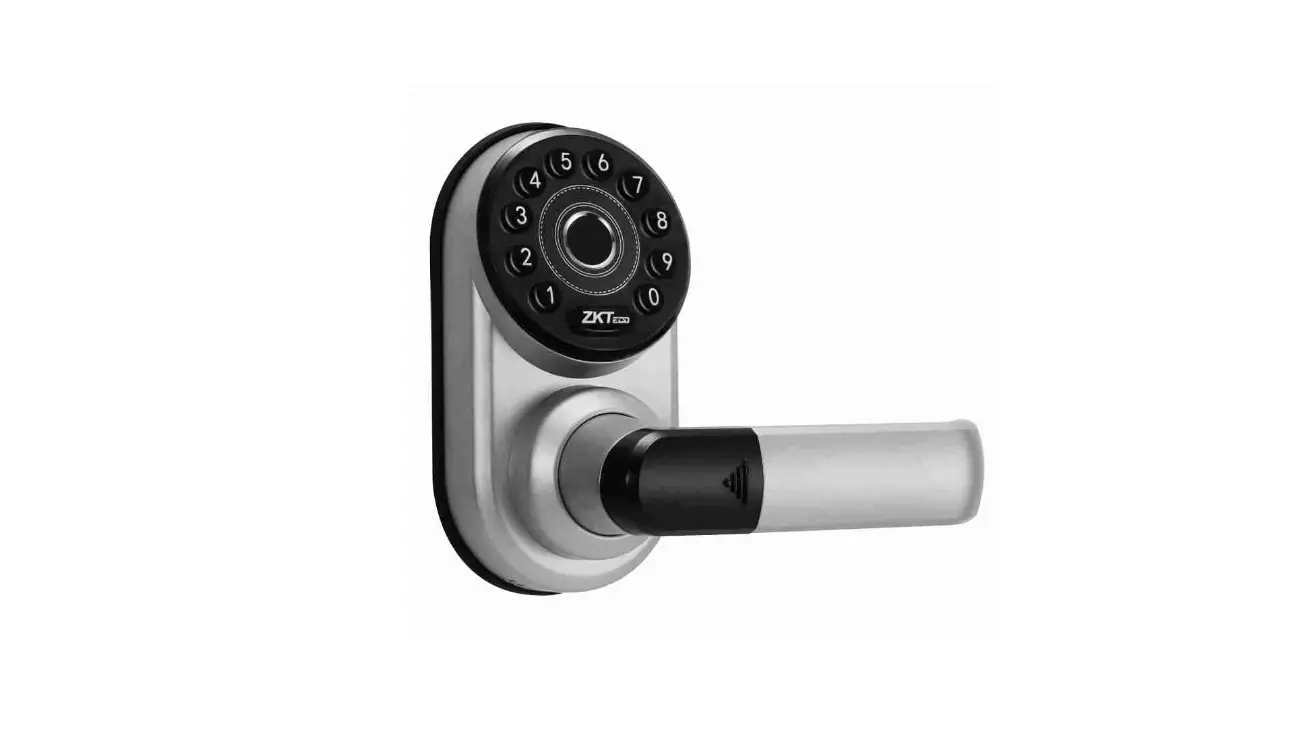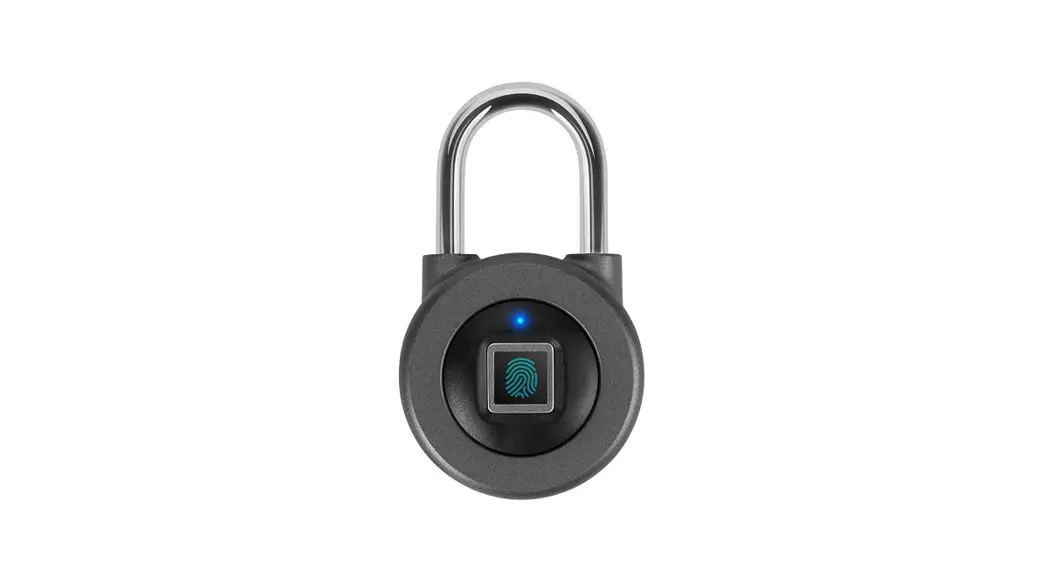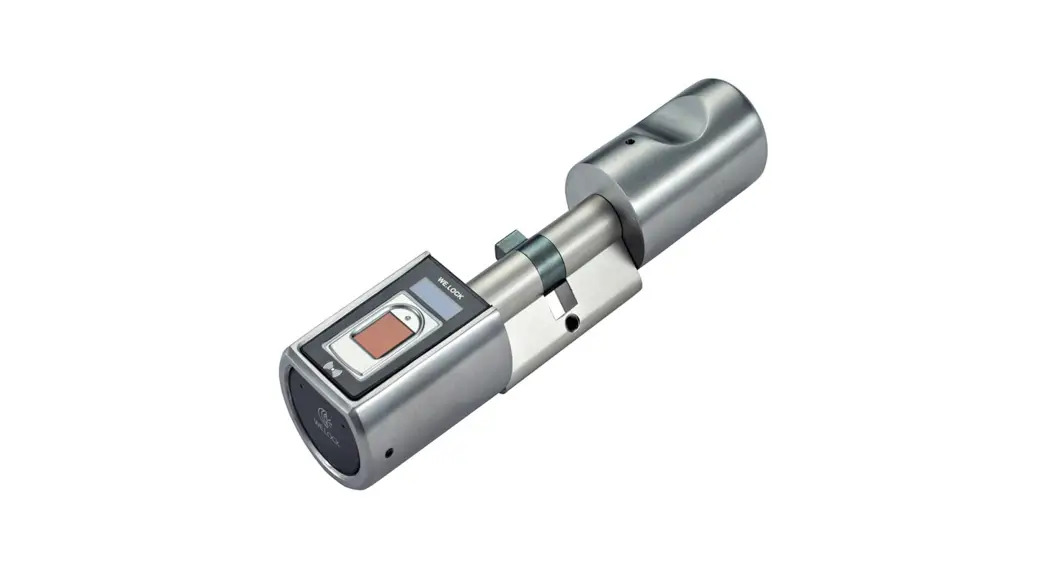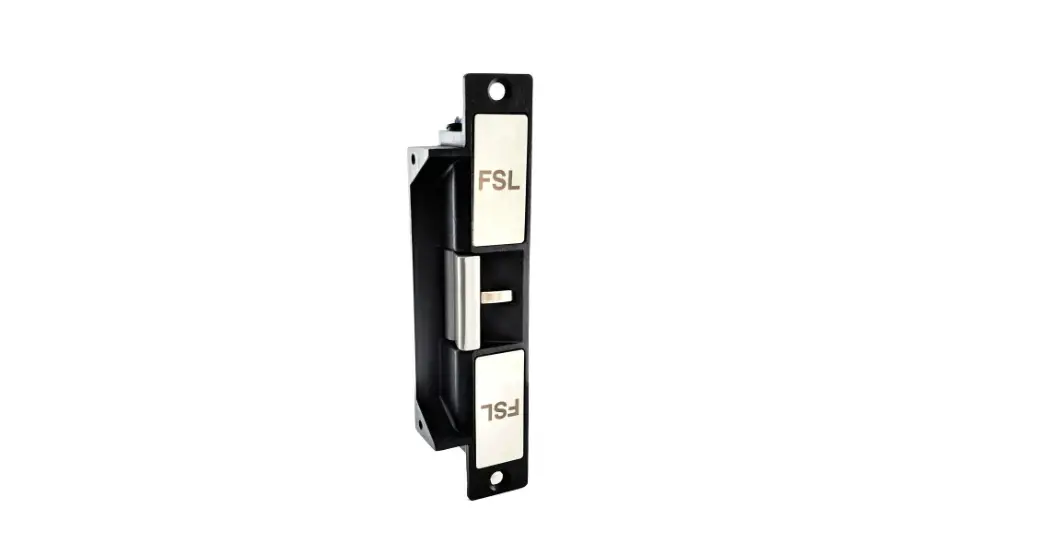

nearkey FSL-700S-BLE Smart Bluetooth Lock
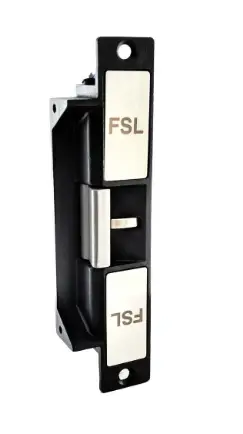
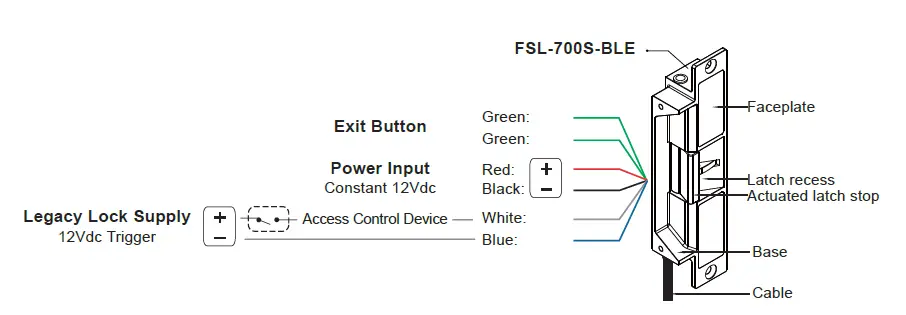
Wiring Diagram
FSL-700S-BLE series are ANSI sized electric strikes for metal and wooden door frames. They are designed for use with cylindrical locks. The electric strike can easily be configured to either fail-safe or fail-secure modes.
- Default lock setting is fail-secure.
- Exit button timing is fixed to 10sec.
- Default legacy lock supply activates on change from 0Vdc to 12Vdc
| Operating Voltage | 12Vdc Only |
| Voltage Tolerance | ±10% |
| Current Draw | 12VDC/100mA |
| Operating Temperature | -10˚C~+45˚C |
| Humidity | 0~95% |
| Jaw Strength | 680Kg pull testing |
Installation Instructions
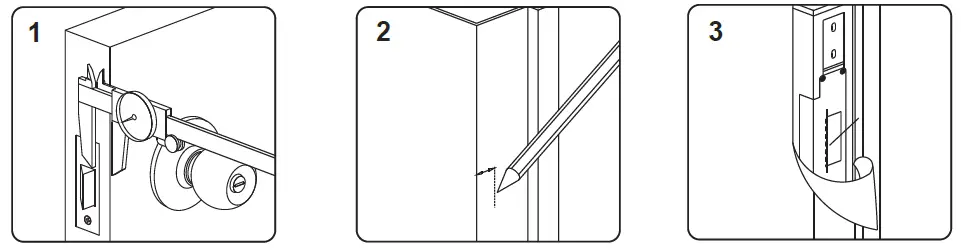
- Measure the vertical and horizontal position of the latch bolt on the door leaf
- Mark the position of the latch bolt on the door frame as shown in figure
- Align the installation template supplied to the marked line

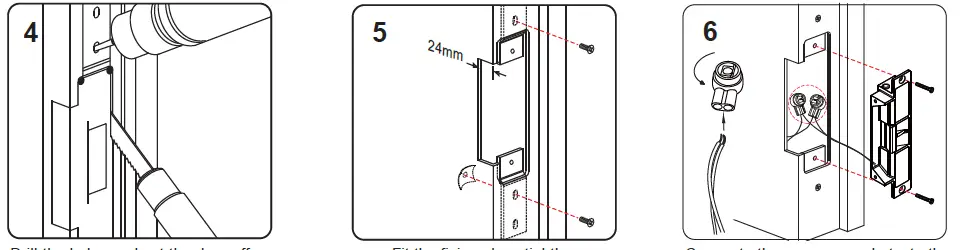
- Drill the holes and cut the door off as indicated by the template
- Fit the fixing plugs tightly
- Connect the power and test the electric strike before finally mounting the unit

Note
It must be ensured that there is a small space between the latch bolt and actuated latch stop when the door is closed and the latch bolt is in its locked position. This will relive pressure on the solenoid valve and reduce the risk of failure when opening the door.
How to Change Between Fail-Secure / Safe
To change between fail-safe and fail-secure modes, change the position of screw 1 (as marked on the diagram) after sliding screw 2 into place as desired.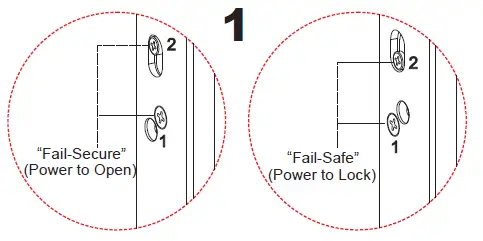
Then open up the back plate of the lock and change the jumper on the bottom circuit board to NC position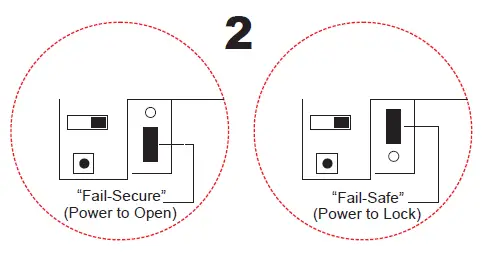
Legacy Lock Connection
To change between triggering from the default setting of low to high (0Vdc -> 12Vdc) i.e. on receipt of 12Vdc activate and high to low
(12Vdc -> 0Vdc) i.e. from a constant 12Vdc to no voltage then activate open up the back plate of the lock and adjust the switch.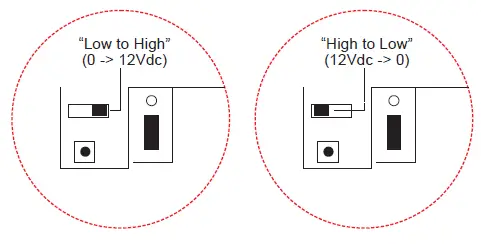
Reset Nearkey Configuration
To reset your BLE lock to factory default settings, open up the back plate of the lock and change press and hold the reset button for 5secs then release.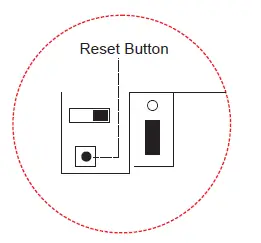
Butt Splice (IDC) Connector
Place the wire inside the connector and use a crimp or pliers to press down on the head of the connector evenly.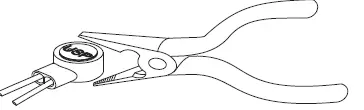
Optional Brackets
Lip extension brackets are recommended for door frames with wide jambs. 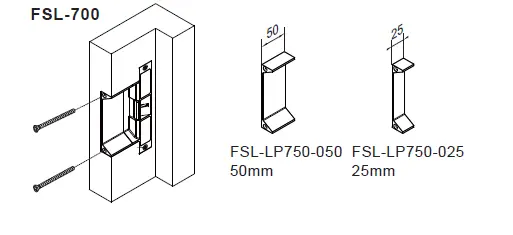
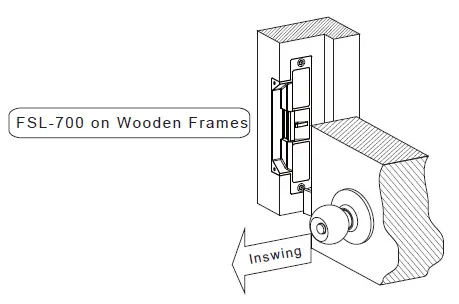
Mortise Mount on Wooden Frames
Copyright © 2022 All Rights Reserved. www.nearkey.co
 Nearkey | Bluetooth Smart Lock Access Control