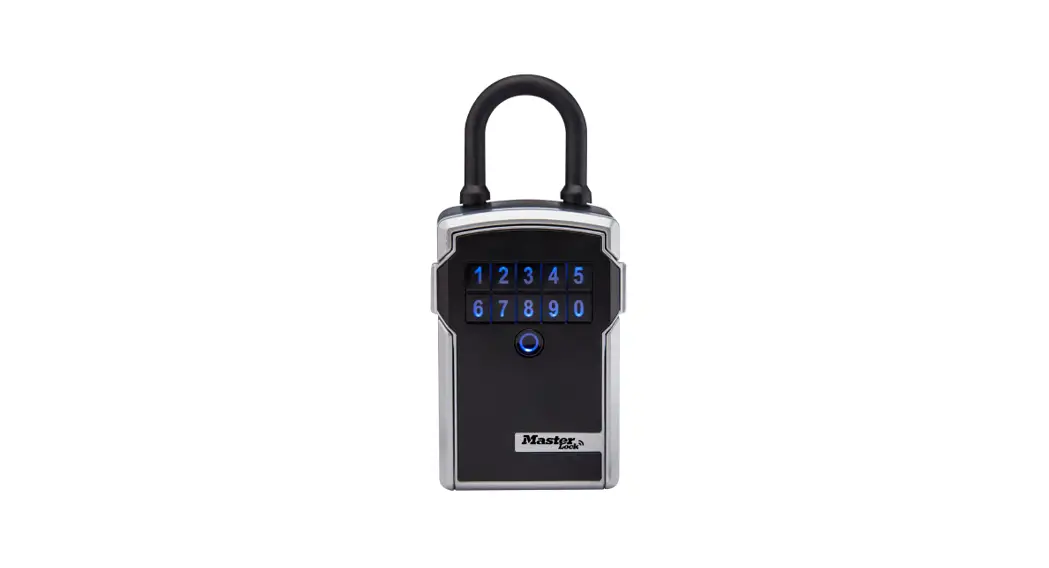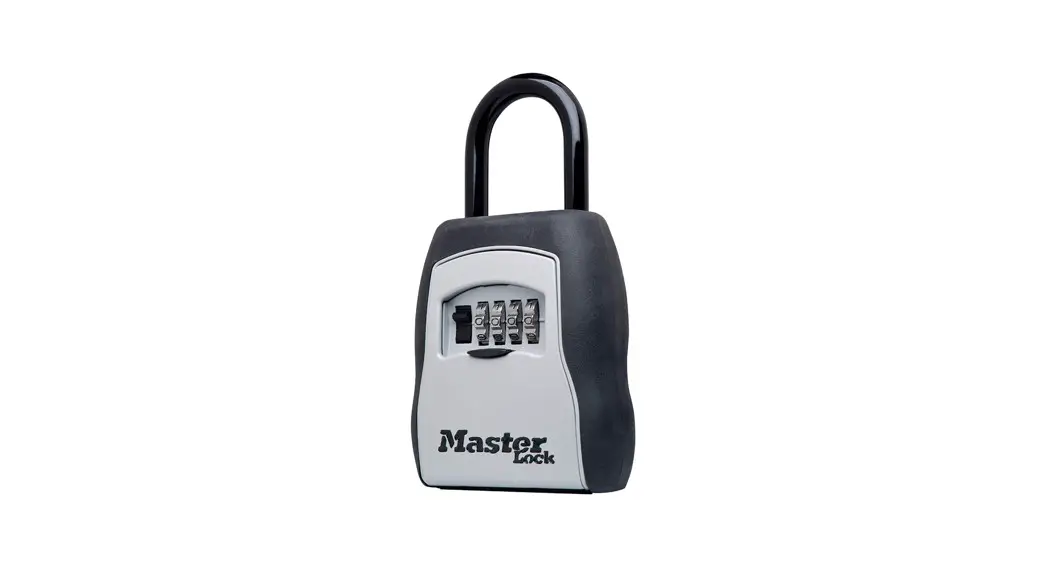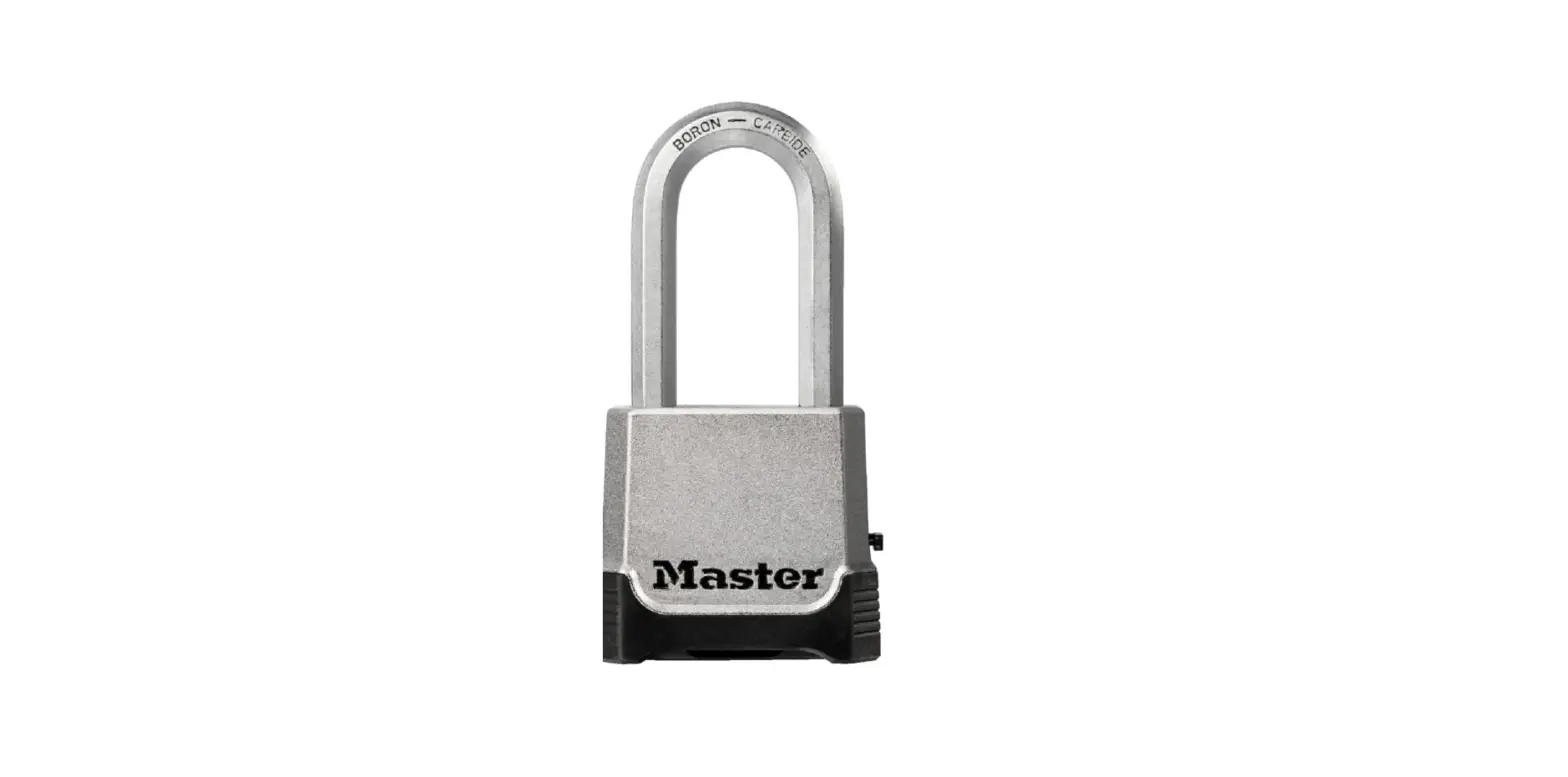

Master Lock M176XDLH Bluetooth key LOck box
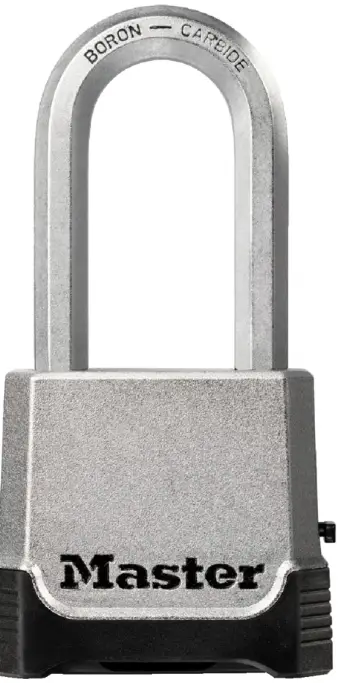
How to Change the Combination
Master Lock – Model #M176XDLH
- Open lock with the factory set or previously set combination. The lock must be set to the current combination, or you cannot reset it. Note: the shackle must be in the open position to reset the combination.
- Insert reset tool (enclosed in package) in hole on side of lock.
- Push reset tool in and turn 90 degrees (in either direction). Reset tool automatically stays in this position.
- Set wheels to desired combination.
- Turn and remove reset tool. Lock is now set to new combination.
- Record your new combination in a safe place.