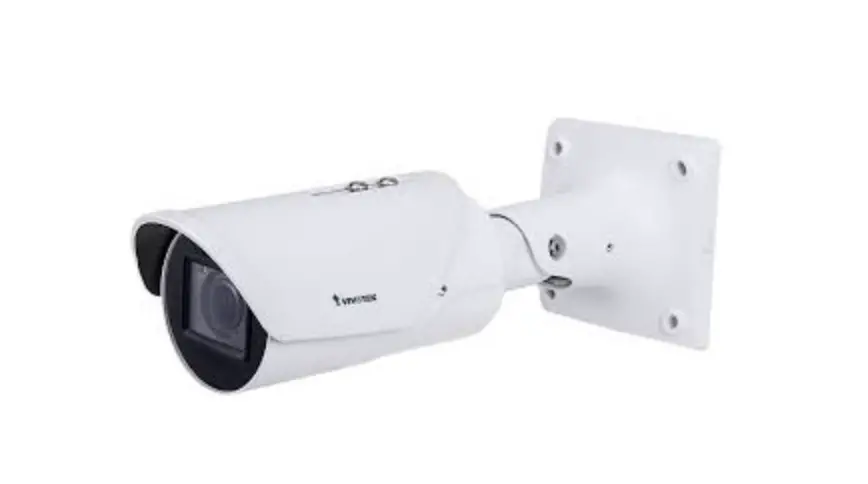
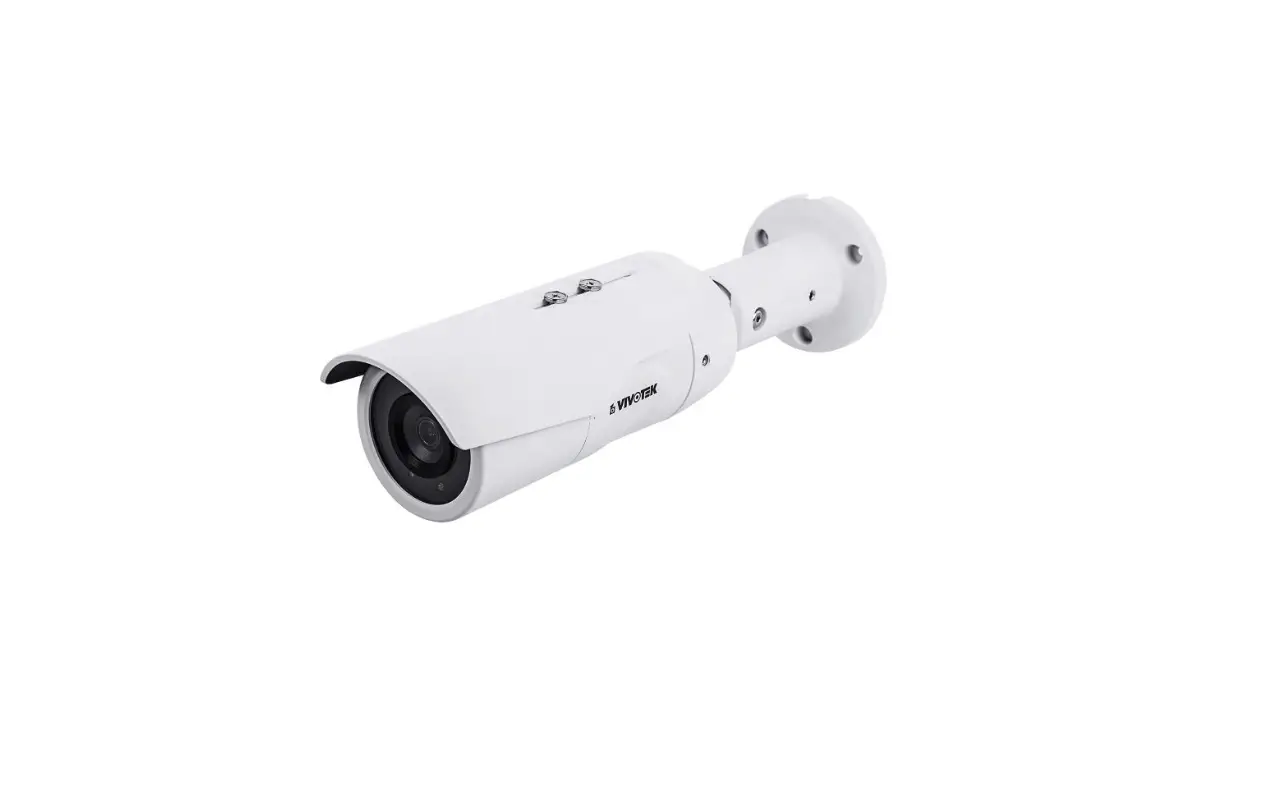
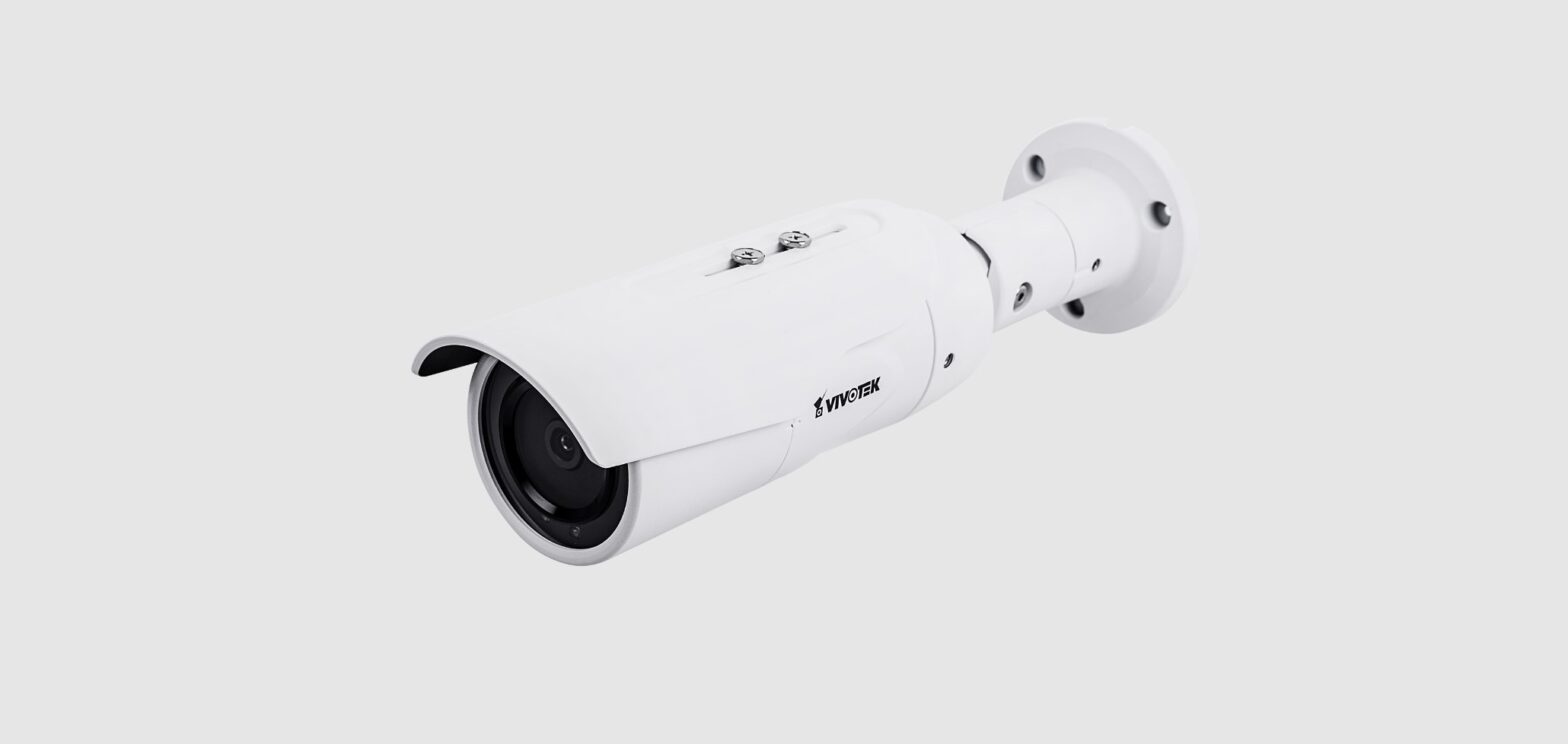
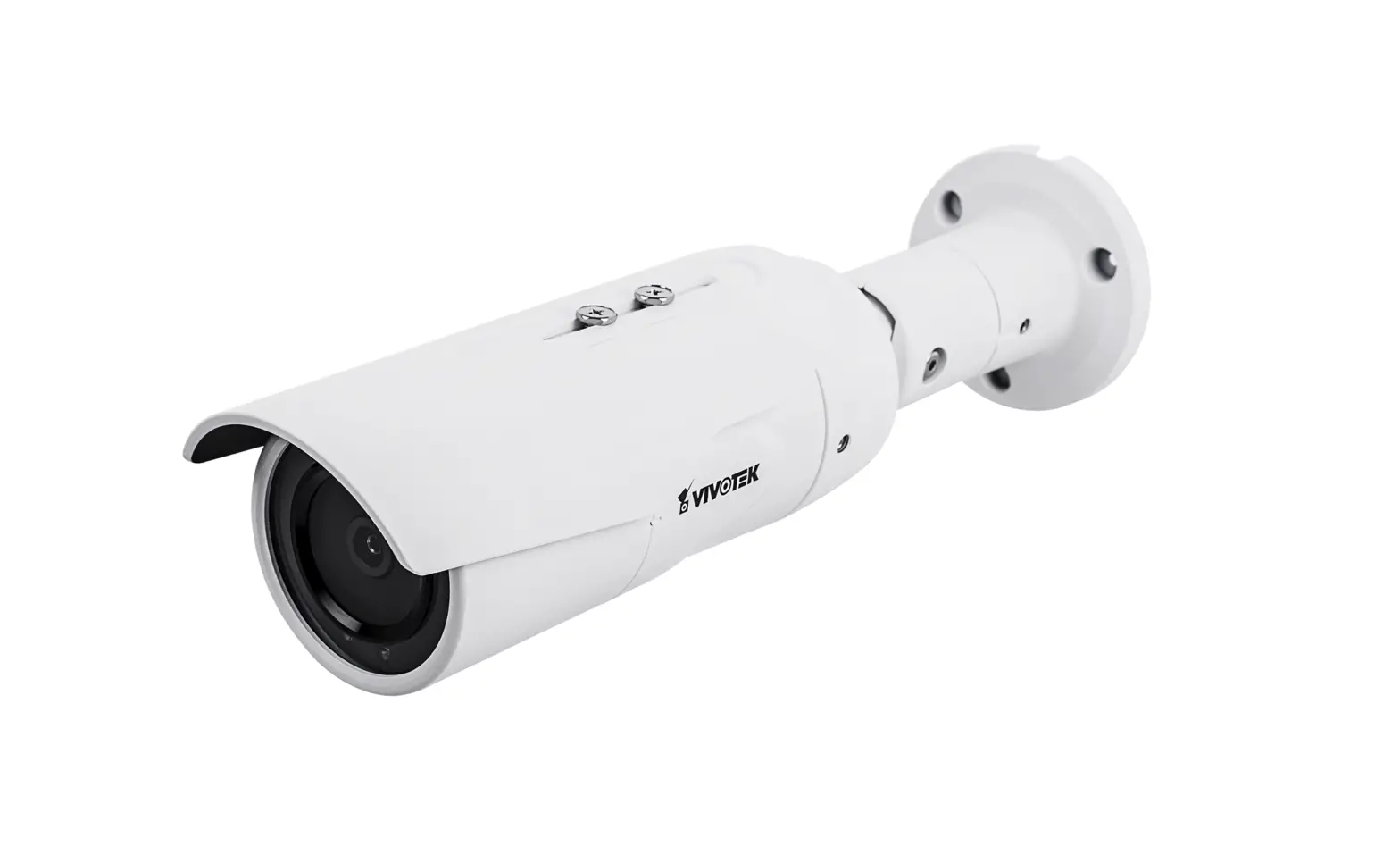
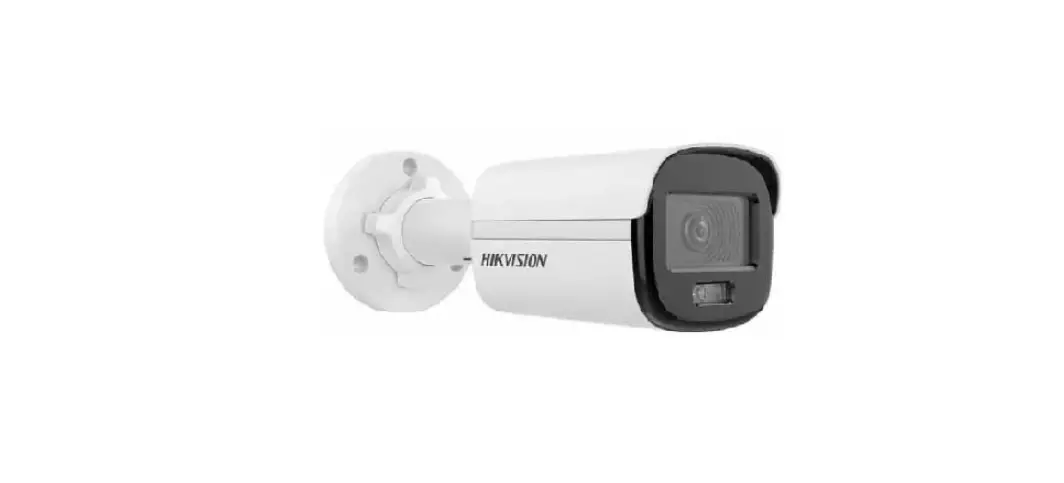
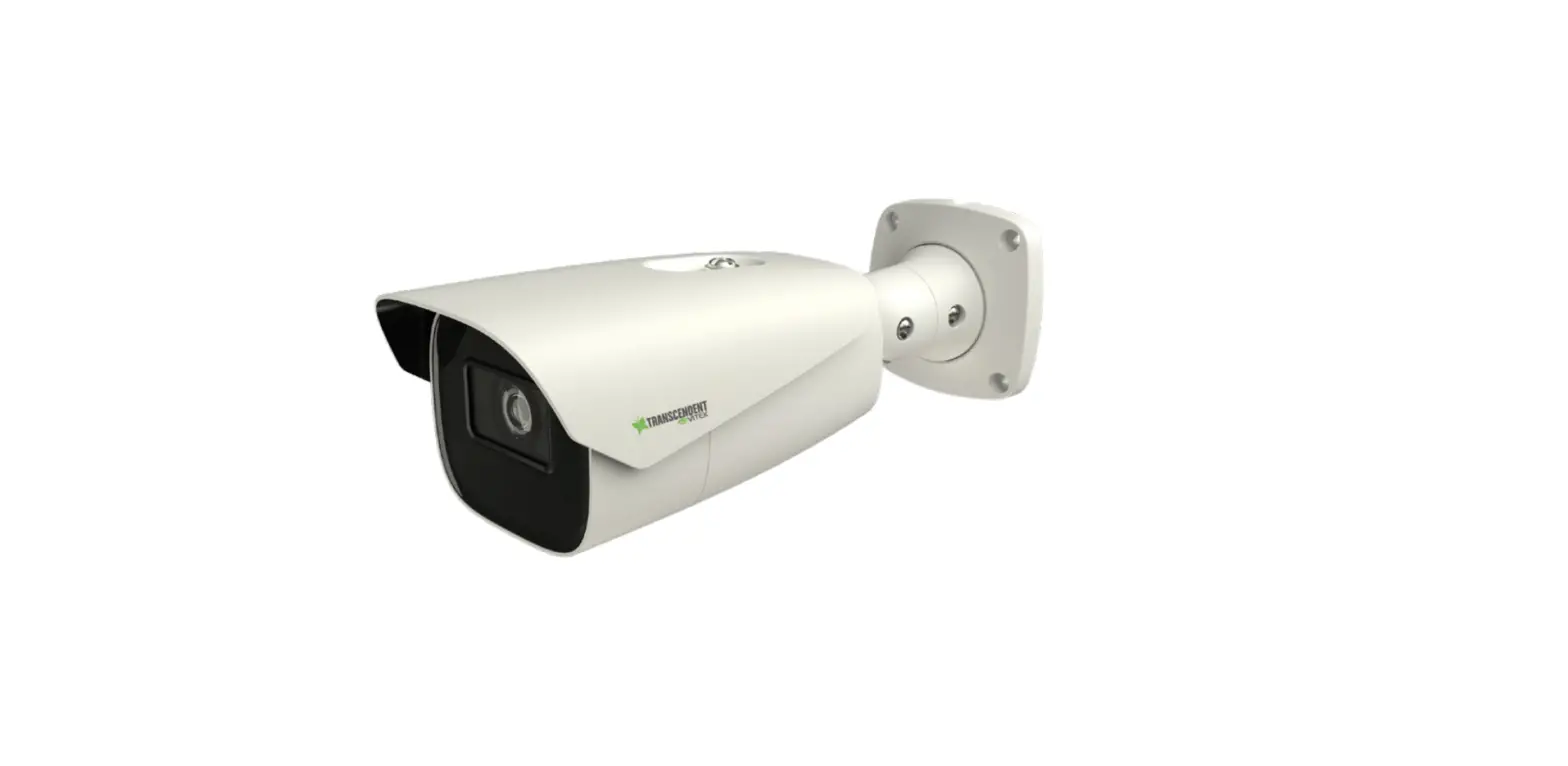
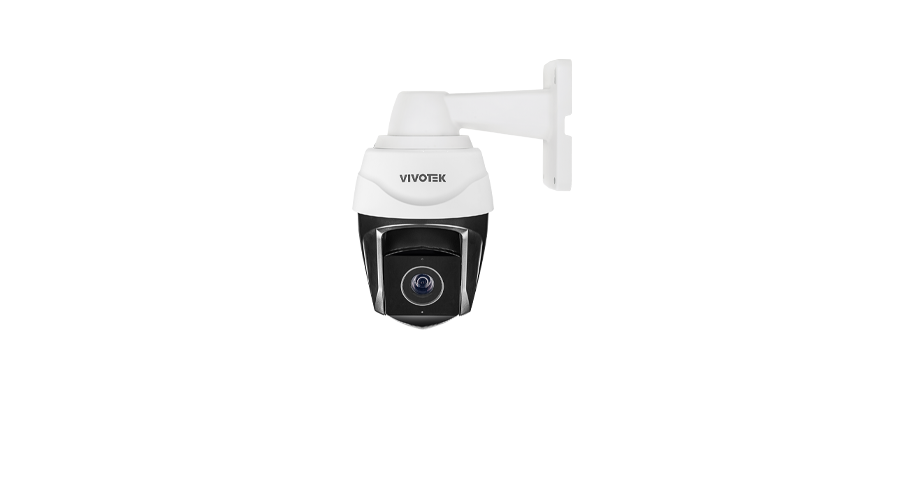
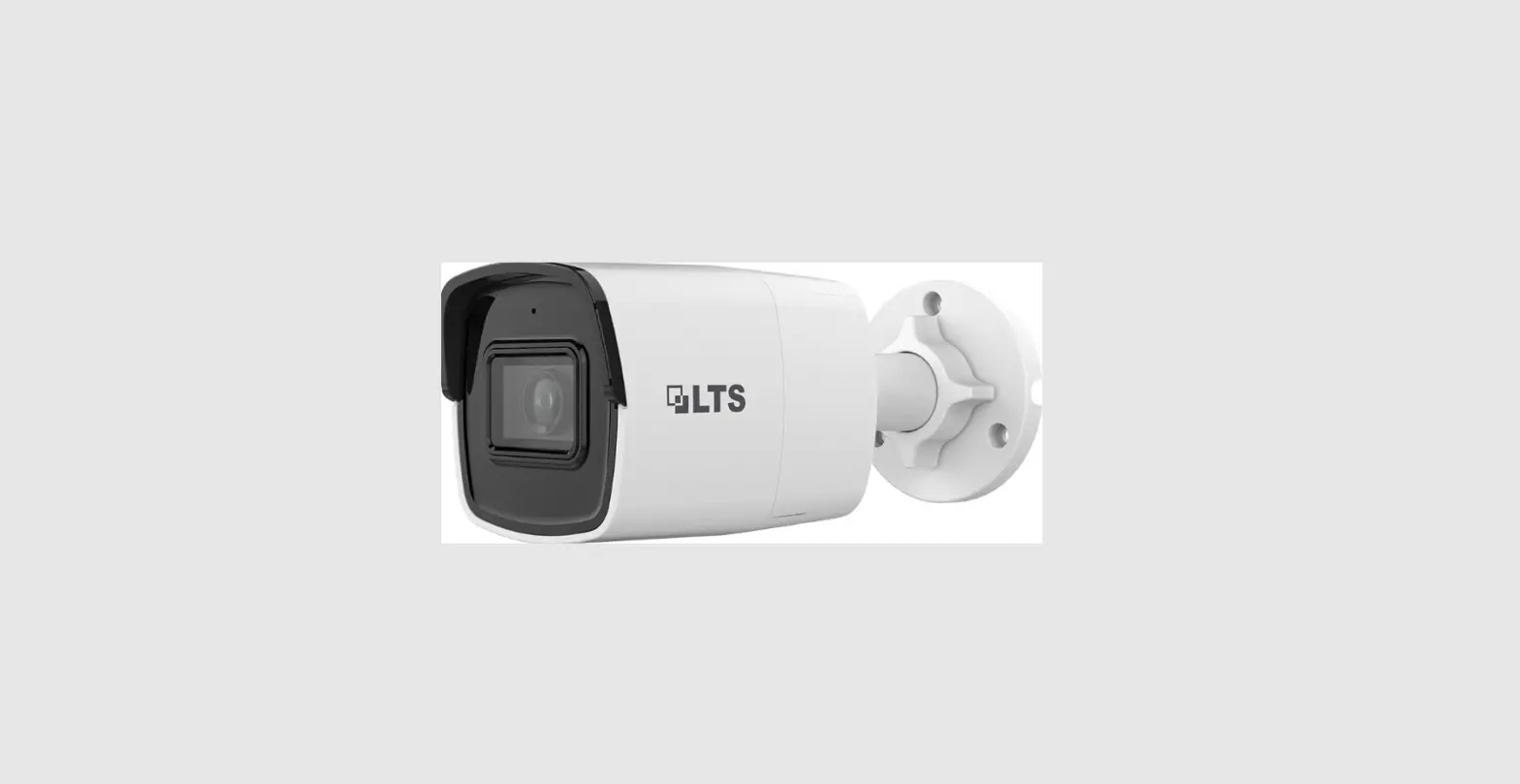
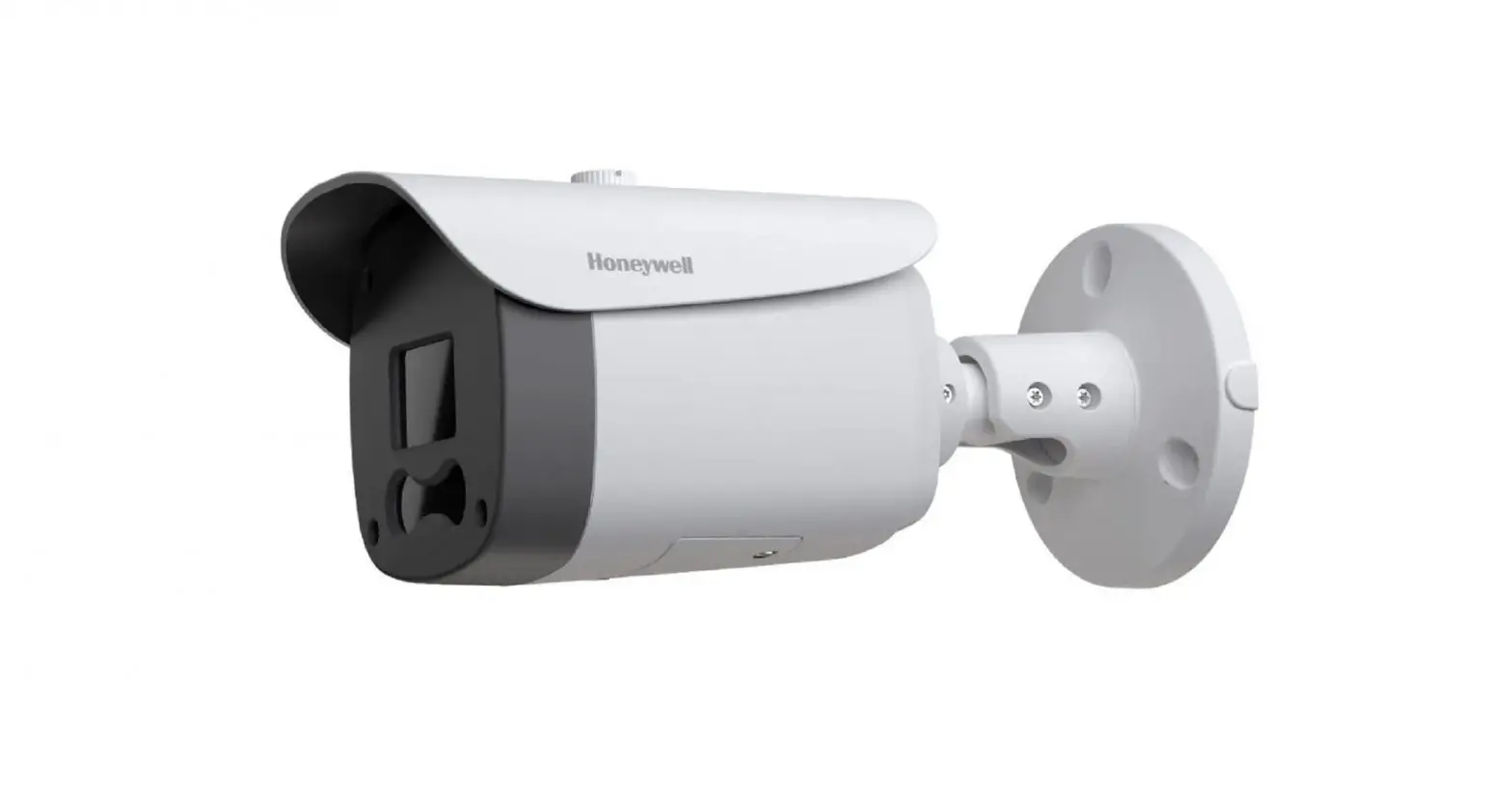
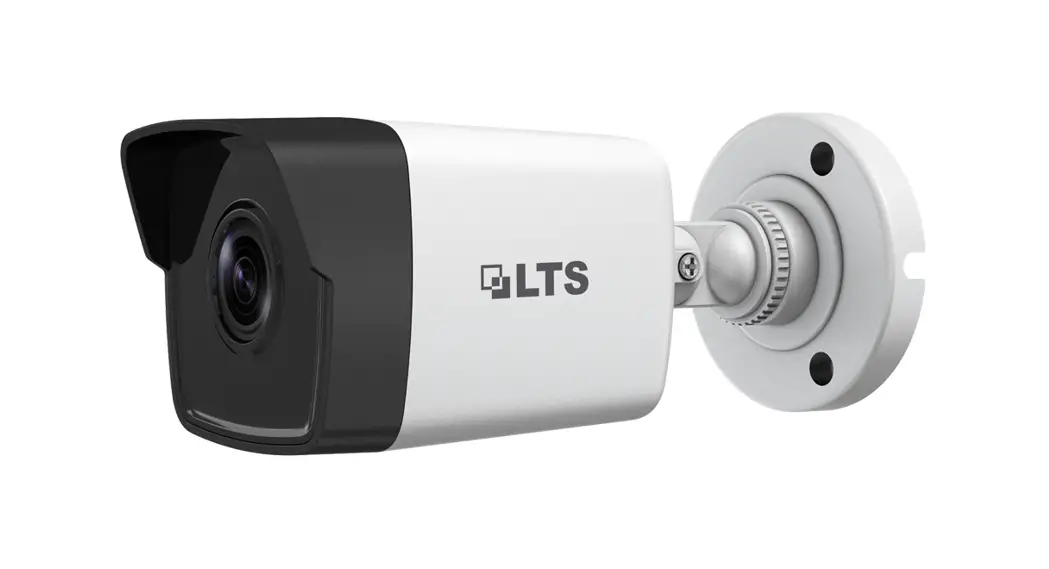
IB837-HT 5MP Bullet Remote Focus Camera
Product Information
The product is the IB837-HT Network Camera. It comes with a
Quick Installation Guide with the part number P/N: 625073800G. The
camera has a waterproof rating of IP65/66/67, which means it is
protected against dust and water ingress.
The camera is designed to be installed on stable surfaces and
should not be placed on unsteady surfaces. It is important to refer
to the user’s manual for the operating temperature range of the
camera. During a lightning storm, it is advised not to touch the
camera. Dropping the camera from a height should also be
avoided.
There is a warranty for the IP65/66/67 rating, but it will be
void if the waterproof components, such as cables or cable glands,
are not properly installed or replaced.
Product Usage Instructions
- Ensure that the Network Camera is placed on a stable
surface. - Refer to the user’s manual for the recommended operating
temperature range. - Avoid touching the Network Camera during lightning storms.
- Avoid dropping the Network Camera from a height.
- Properly install and replace the waterproof components, such as
cables or cable glands, to maintain the IP65/66/67 rating and
warranty.
Package Contents
- 1 IB837-HT Network Camera
- 1 Quick Installation Guide
- 1 P4xL38 pan head
- 1 Network Camera Model No: XXXXXX MAC: 0002D1083236
Note: This product complies with part 15 of the FCC Rules and is
made in Taiwan. The patent number is 6,930,709.
IB837-HT Quick Installation Guide
P/N: 625073800G
Warning Before Installation / Warnung vor der Installation / Waarschuwing voor installatie
Power off the Network Camera as soon as smoke or unusual odors are detected. Netzwerkkamera bei Rauchentwicklung oder ungewöhnlichem Geruch sofort abschalten. Schakel de Netwerk Camera uit zodra u rook of ongebruikelijke geuren waarneemt.
Do not place the Network Camera on unsteady surfaces. Netzwerkkamera nur auf feste Unterlagen abstellen. Plaats de Netwerk Camera niet op een instabiel oppervlak.
Do not insert sharp or tiny objects into the Network Camera. Keine Fremdkörper, z. B. Nadeln, in die Netzwerkkamera einführen. Steek geen scherpe of zeer kleine objecten in de Netwerk Camera.
Refer to your user’s manual for the operating temperature. Hinweise zur Betriebstemperatur siehe Benutzeranleitung. Zie de gebruikershandleiding voor informatie over de gebruikstemperatuur.
Do not touch the Network Camera during a lightning storm. Netzwerkkamera bei Gewittern nicht anfassen. Raak de Netwerk Camera niet aan tijdens onweer. Do not drop the Network Camera. Netzwerkkamera nicht fallen lassen. Laat de Netwerk Camera niet vallen.
Replacing or failing to properly install the waterproof components, e.g., cables or cable glands, will void our IP65/66/67 warranty.
Ein Austausch oder die unsachgemäße Installation der wasserdichten Komponenten, z.B. Kabel oder Kabelverschraubungen, führt zum Verlust unserer IP65/66/67 Garantie.
Als de waterdichte componenten, zoals kabels of kabelwartels, niet correct worden geplaatst of vervangen, is de garantie van de IP65/66/67 ongeldig.
/ /
( ) IP65/66/67
IP65/66/67
IP65/66/67
34 10)
LAN
Avertissement avant installation / Aviso antes da instalação / Advertencia antes de la instalación
Éteignez rapidement la caméra réseau si elle dégage de la fumée ou une odeur inhabituelle.
Desligue a Câmara de Rede se vir fumo ou sentir cheiros estranhos.
Apague la cámara de red si aparece humo o algún olor no habitual.
Ne disposez pas la caméra réseau sur des surfaces instables. Não coloque a Câmara de Rede em superfícies instáveis. No coloque la cámara de red sobre superficies que no sean firmes.
N’insérez pas d’objet dans la caméra réseau (p. ex. des aiguilles). Não introduza nenhum objecto dentro da Câmara
de Rede, como agulhas.
No inserte ningún objeto en la cámara de red, como agujas.
Consultez le guide d’utilisateur pour obtenir la température de fonctionnement. Consulte o manual do utilizador para obter informações sobre a temperatura de funcionamento. Consulte el manual del usuario para ver la temperatura de funcionamiento.
Ne touchez pas à la caméra réseau lors d’un orage.
Não toque na Câmara de Rede quando houver trovoada. No toque la cámara de red si hubiera tormentas.
Ne laissez pas tomber la caméra réseau.
Não deixe cair a Câmara de Rede.
No deje caer la cámara de red.
Remplacer ou installer incorrectement les composants étanches, par exemple les câbles ou des presseétoupes, annulera la garantie de votre IP65/66/67.
Substituição ou falha ao instalar corretamente os componentes impermeáveis, por exemplo, cabos os receptáculos de cabos, anularão nossa garantia IP65/66/67.
Zanim zaczniesz — zalecenia dotyczce bezpieczestwa / / Upozornní ped instalací
W razie zauwaenia dymu lub dziwnego zapachu wydobywajcego si z kamery sieciowej, natychmiast odlcz zasilanie.
, .
Pokud bude ze síové kamery vycházet kou nebo neobvyklý zápach, okamzit ji vypnte.
Nie ustawiaj kamery sieciowej na niestabilnych powierzchniach.
.
Neumisujte síovou kameru na nestabilní povrchy.
Nie wkladaj do wntrza obudowy kamery sieciowej adnych przedmiotów (np. igiel itp.).
– , .
Nevkládejte do síové kamery zádné ostré ci malé pedmty.
Zakres temperatury otoczenia zalecanej podczas pracy urzdzenia znajdziesz w podrczniku uytkownika. . Informace o provozní teplot naleznete v uzivatelské pírucce.
Nie dotykaj kamery sieciowej podczas burzy z wyladowaniami atmosferycznymi. .
Nedotýkejte se síové kamery za bouky.
Nie upuszczaj kamery sieciowej z wysokoci. .
Nenechte síovou kameru spadnout.
Zastpnienie lub nieprawidlowa instalacja wodoodpornych komponentów, np; kabli lub przepustów kablowych, uniewani twoj gwarancj IP65/66/67.
, , IP65/66/67.
Výmna nebo nezdaená instalace vododolných komponent, nap. kabel nebo kabelových spojek, zrusí platnost nasí záruky IP65/66/67.
Avvertenza prima dell’installazione / Kurulum Öncesi Uyarilar / Varning innan installation
Spegnere immediatamente la videocamera di rete se questa presenta fumo o un odore insolito.
A Kamerasindan duman çiktii görülür veya normal olmayan bir koku duyulursa A Kamerasinin elektrik balantisini kesin.
Stäng av strömmen till nätverkskameran om det skulle ryka om den eller lukta konstigt.
Consultare il manuale dell’utente per le temperature di esercizio.
Çalitirma sicaklii için kullanim kilavuzuna bavurun. Se din användarmanual för drifttemperatur.
Ninosntacboillil.ocare la videocamera di rete su superfici
A Kamerasini dengesiz yüzeylere koymayin. Placera inte nätverkskameran på ostadiga ytor.
Non toccare la videocamera di rete durante i temporali.
imek çakarken A Kamerasina dokunmayin. Rör inte nätverkskameran när den åskar.
Non inserire alcun oggetto nella videocamera di rete.
A Kamerasina herhangi bir nesne (örnein, ine) sokmayin. Sätt inte in några föremål i nätverkskameran såsom t.ex. nålar.
Non far cadere la videocamera di rete.
A Kamerasini düürmeyin. Tappa inte nätverkskameran.
La sostituzione o l’installazione non corretta di componenti a tenuta stagna, ad esempio cavi o premistoppa, determineranno l’annullamento della garanzia IP65/66/67.
Kablo veya kablo rakoru gibi su geçirmez parçalarin deitirilmesi veya uygun ekilde monte edilmemesi IP65/66/67 garantimizi geçersiz kilacaktir.
Att byta eller felaktigt montera vattentäta komponenter såsom kablar eller kabelgenomföringar kommer att göra förverka vår IP65/66/67-garanti.
Advarsel inden installation / Peringatan Sebelum Pemasangan
Slå strømmen fra kameraet så snart der kan lugtes røg eller usædvanlige lugte.
Segera matikan Network Camera jika keluar asap atau tercium bau yang aneh.
Der henvises til brugervejledningen for driftstemperaturen.
Jangan memasukkan benda tajam atau benda berukuran kecil ke dalam Network Camera.
Placér ikke netværkskameraet på ustabile underlag.
Jangan meletakkan Network Camera pada permukaan yang tidak stabil.
Berør ikke netværkskameraet i tordenvejr.
Jangan menyentuh Network Camera saat terjadi
badai kilat.
Indfør ikke skarpe eller små objekter i netværkskameraet.
Baca panduan pengguna untuk suhu pengoperasian.
Tab ikke netværkskameraet. Jangan menjatuhkan Network Camera.
Udskiftning eller fejlagtig installation af de vandtætte komponenter, fx kabler eller kabelpakninger, vil sætte garantien for din IP65/66/67 ud af kraft.
Penggantian atau kesalahan pemasangan komponen kedap air, misalnya kabel atau selubung kabel, akan membatalkan garansi IP65/66/67.
Package Contents / Packungsinhalt kontrollieren / Inhoud van de verpakking
Hardware Installation / Hardwareinstallation / Hardware installeren
/ /
/ /
Vérifier le contenu de l’emballage / Verifi que o conteúdo da embalagem / Compruebe el contenido del embalaje Sprawd zawarto pakietu / / Obsah balení
Installation du matériel / Instalacao de Hardware / Instalación del hardware Instalacja sprztu / / Instalace hardwaru
3
Verifi care il contenuto della confezione / Ambalajin çindekileri Kontrol Edin / Paketinnehåll / Kassens indhold / Isi Kemasan
Installazione hardware / Donanim Montaji / Installation av hårdvara Installation af hardware / Pemasangan Perangkat Keras
1
P4xL38 pan head
2
Network Camera Model No: XXXXXX MAC: 0002D1083236
This device complies with part 15 of the FCC Rules. Operation is subject to
the following two conditions:
(1) this device may not cause harmful interference, and
(2) this device must accept any interference received, including interference
that may cause undesired operation.
Pat. 6,930,709
Made in Taiwan
35
(@*#)5@2*(
W@JOEE
Ø4 Ø9
4
5
DI1DI1+
DI2DI2+
DO1-
icro
DO1+
DO2-
icro
DO2+
MICMIC+ AUAU+
AC24V AC24V DC+ DC-
6
5.5 ~ 6.5mm
802.3at
ON
100~240V AC
OFF
7
5
3
1
LAN/PoE
8
6
4
2
9
10
GE LAN
GE LAN
12V 1A or 2A
Operating Temperature -40ºC ~ 0ºC, heater on
-40ºC ~ 0ºC, heater on -40ºC ~ 0ºC, heater on 0ºC, heater off
Consumption & Power Input PoE 802.3at – max. 25W (PoE Plus mid-span or switch) DC 12V input – 20.4W, 1.7A
AC 24V input 50~60Hz – 22W, 1.67A
PoE: 12.95W (37V~57V, 0.33A~0.22A); DC 12V input – 10.8W, 0.9A; AC 24V -12.5W, 0.86A.
7 Scan the QR code below to download the Vortex app.
iOS QR code
Android QR code
8 Create a Vortex account.
1.5m
9
Log in to Vortex app.
– OR –
10
Add your camera.
(@*#)5@2*(
W@JOEE
12 Scan the QR code on the box or on the camera.
13 Scan success.
14
15
1
16
32
2
1
3
32
IB837-HT https://www.vortex.vivotek.com/#/login Device > Setting > Image > Focus adjustment
(@*#)5@2*(
W@JOEE
(@*#)5@2*(
W@JOEE
Please contact authorized distributors for warranty and RMA service. Visit https://www.vivotek.com/support/warranty-rma”
All specifications are subject to change without noice. Copyright © 2022 VIVOTEK INC. All rights reserved.
VIVOTEK INC.
6F, No.192, Lien-Cheng Rd., Chung-Ho, New Taipei City, 235, Taiwan, R.O.C. |T: +886-2-82455282| F: +886-2-82455532| E: [email protected]
VIVOTEK USA, INC.
2050 Ringwood Avenue, San Jose, CA 95131 |T: 408-773-8686| F: 408-773-8298| E: [email protected]
VIVOTEK Europe Randstad 22-133, 1316BW Almere, The Netherlands
T: +31(0)36-5298-434 E: [email protected]
 :: VIVOTEK ::
 VIVOTEK Vortex | VIVOTEK Vortex