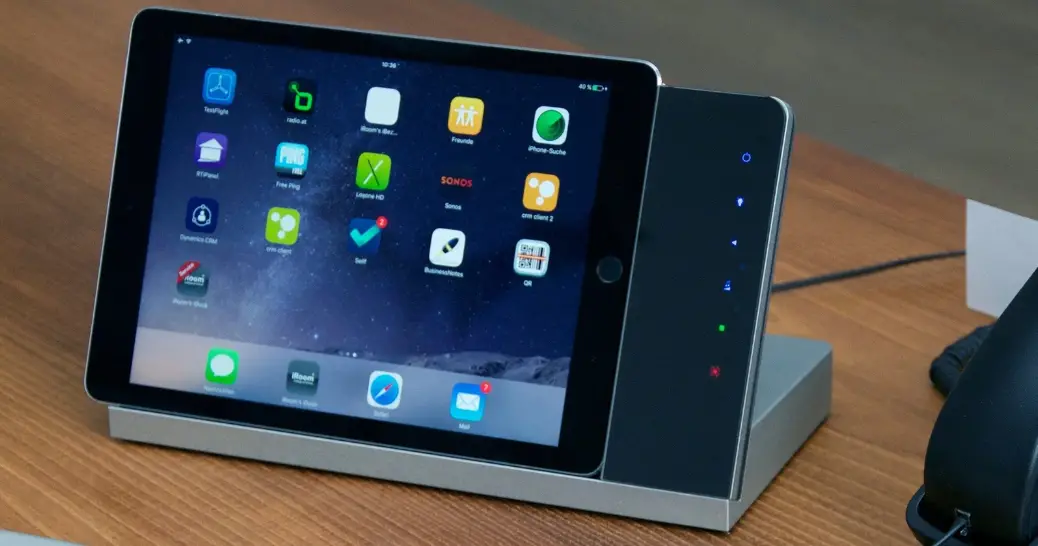
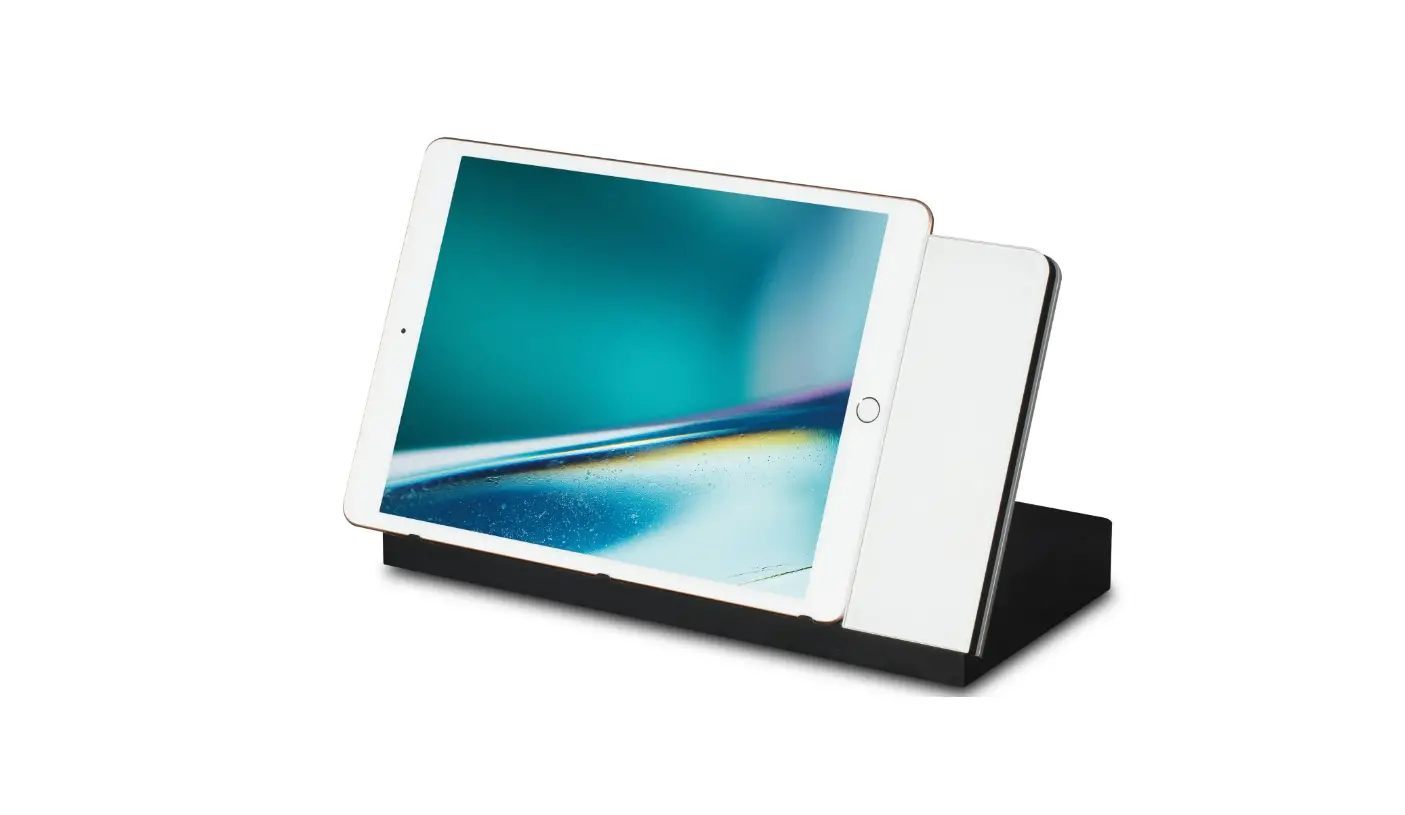
72307 CONNECT iPad Charging Dock
Product Information:
| Model | IPORT CONNECT DOCK |
|---|---|
| Power Supply | IPORT POWER SUPPLY |
| Power Specs | INPUT: CRADLE – 110-240V | AC 50/60 Hz OUTPUT 1: CRADLE – 5V 3A, PD 9V 3A OUTPUT 2: – 5V 1.5A (requires a CONNECT PRO Case with accessories installed) |
| Compliance | FCC PART 15B CLASS B AS/NZS 60950 AS/NZS CISPR22 EN 55032:2015+A11:2020 BS EN 55035:2017+A11:2020 |
Product Usage Instructions:
- Remove the IPORT CONNECT DOCK and Power Supply from the box and
place them on a table. - Insert the barrel connector into the bottom side of the
dock. - Rotate the wire retention clip towards the front of the dock.
Run the wire around the retention post and rotate the clip back
into place. - Place the CONNECT Dock in the desired location. Plug in the
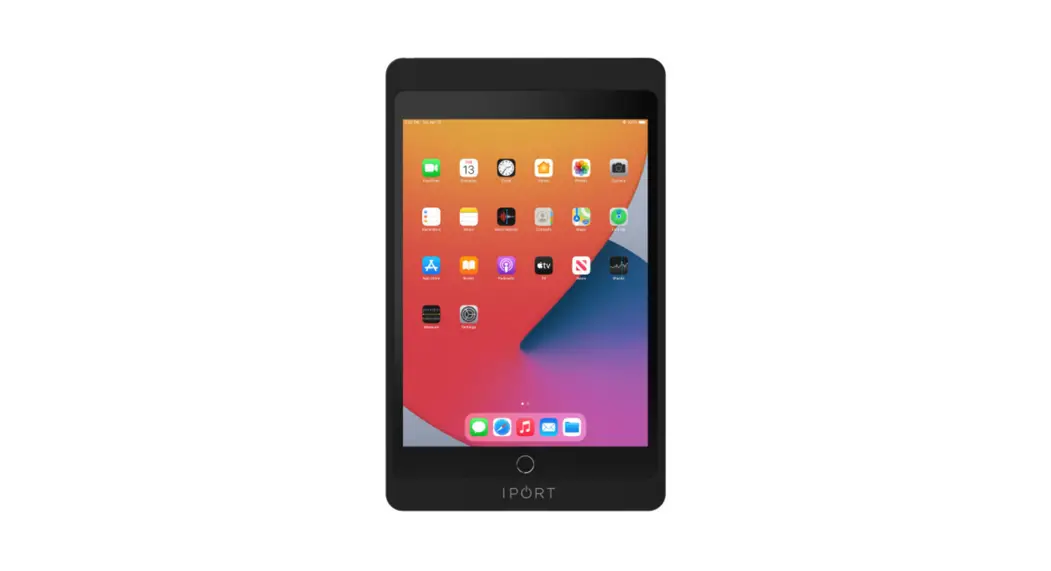
power adapter into AC power. - Place the IPORT CONNECT Case onto the Dock to initiate
charging.
DOCK
CONNECT
72307 – CONNECT DOCK
1
CONNECT
DOCK
IPORT CONNECT DOCK Install Manual
Thank you for purchasing the all new IPORT CONNECT Platform. We hope you enjoy this revolutionary new system and if at any time you need more assistance please contact IPORT Tech Support via Online chart or through our help desk.
– IPORT Team
Whats in box:
1 – IPORT CONNECT DOCK 1 – IPORT POWER SUPPLY 1 – Info Card
POWER SPECS
INPUT: CRADLE OUTPUT 1: CRADLE OUTPUT 2:
110-240V | AC 50/60 Hz 5V 3A, PD 9V 3A 5V 1.5A
(Output 2 is for electronic accessories and requires a CONNECT PRO Case with accessories installed)
FCC PART 15B CLASS B AS/NZS 60950 AS/NZS CISPR22 EN 55032:2015+A11:2020 BS EN 55035:2017+A11:2020
2
CONNECT
DOCK
1. Remove DOCK and Power Supply from the box and place on a table.
2. Insert the barrel connecto into the bottom side of the dock.
3
CONNECT
DOCK
3. Rotate the wire retention clip towards the front of the dock. Run the wire around the retention post and rotate the clip back into place.
4
CONNECT
DOCK
4. Place the CONNECT Dock in the desired location. Plug in the power adapter into AC power and place IPORT CONNECT Case onto a Dock to initiate charging.
5