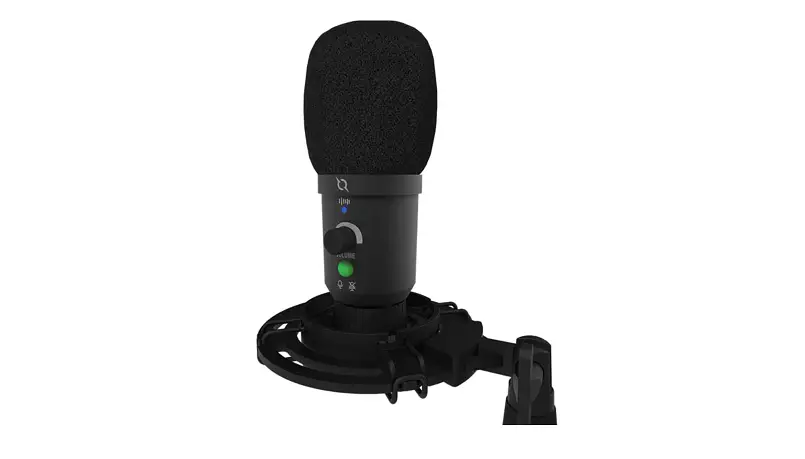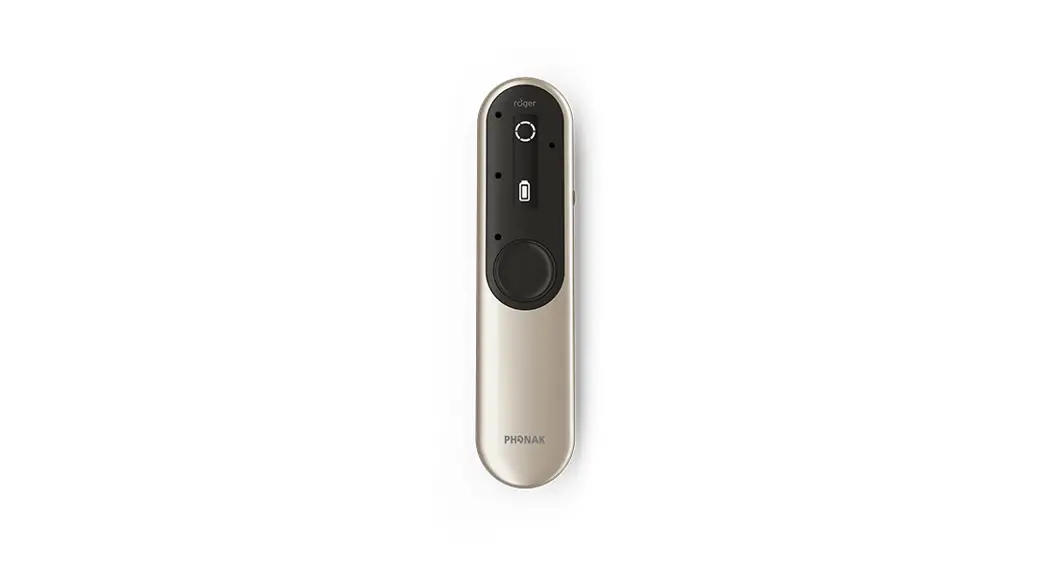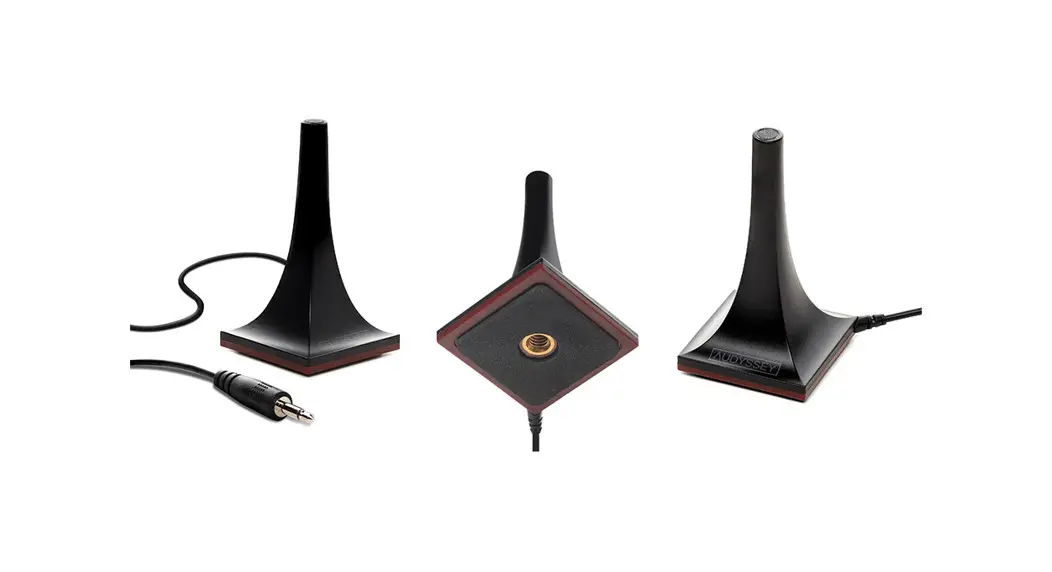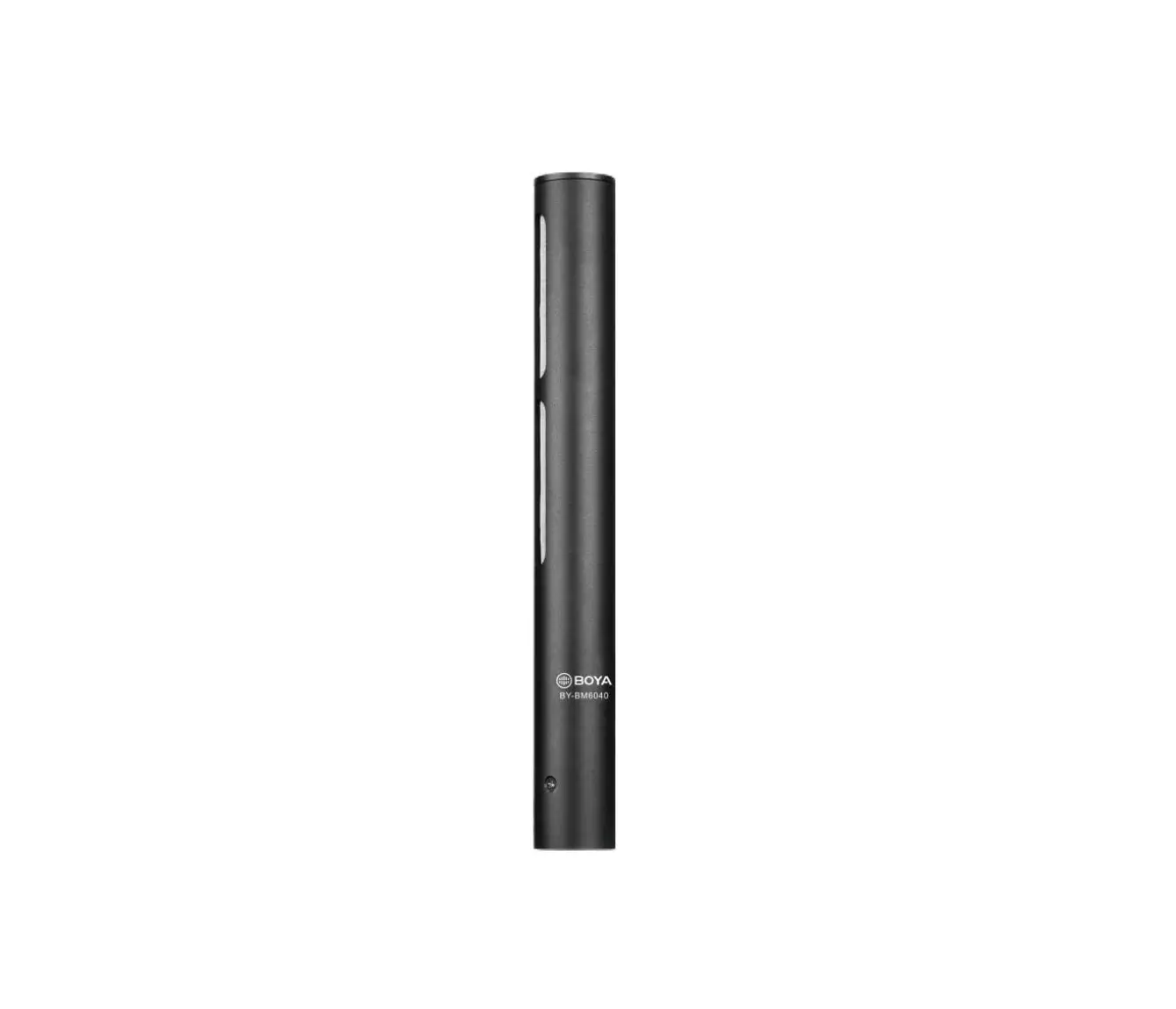
 Bodet 607915 Microphone Harmonys
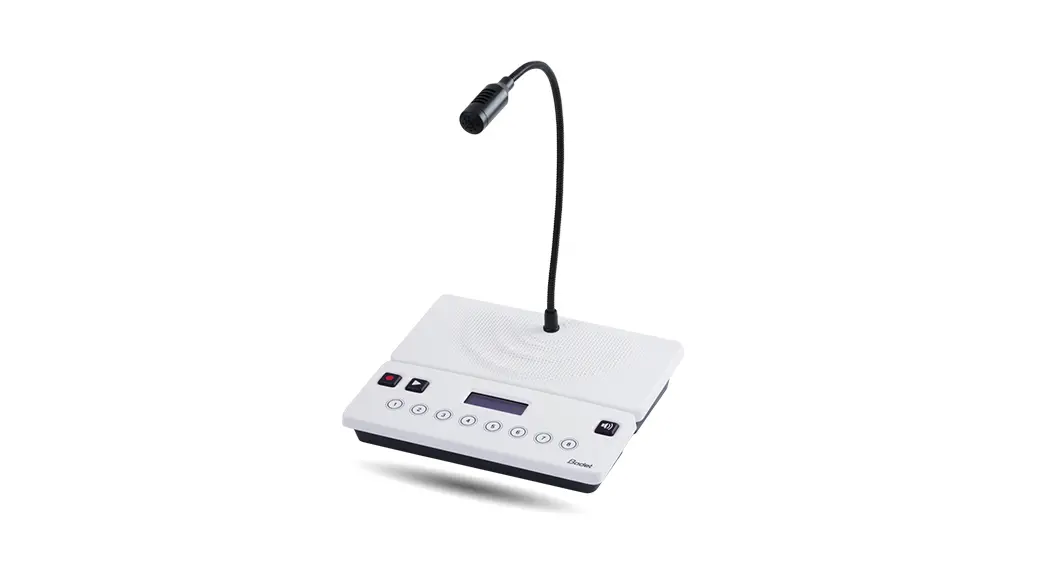
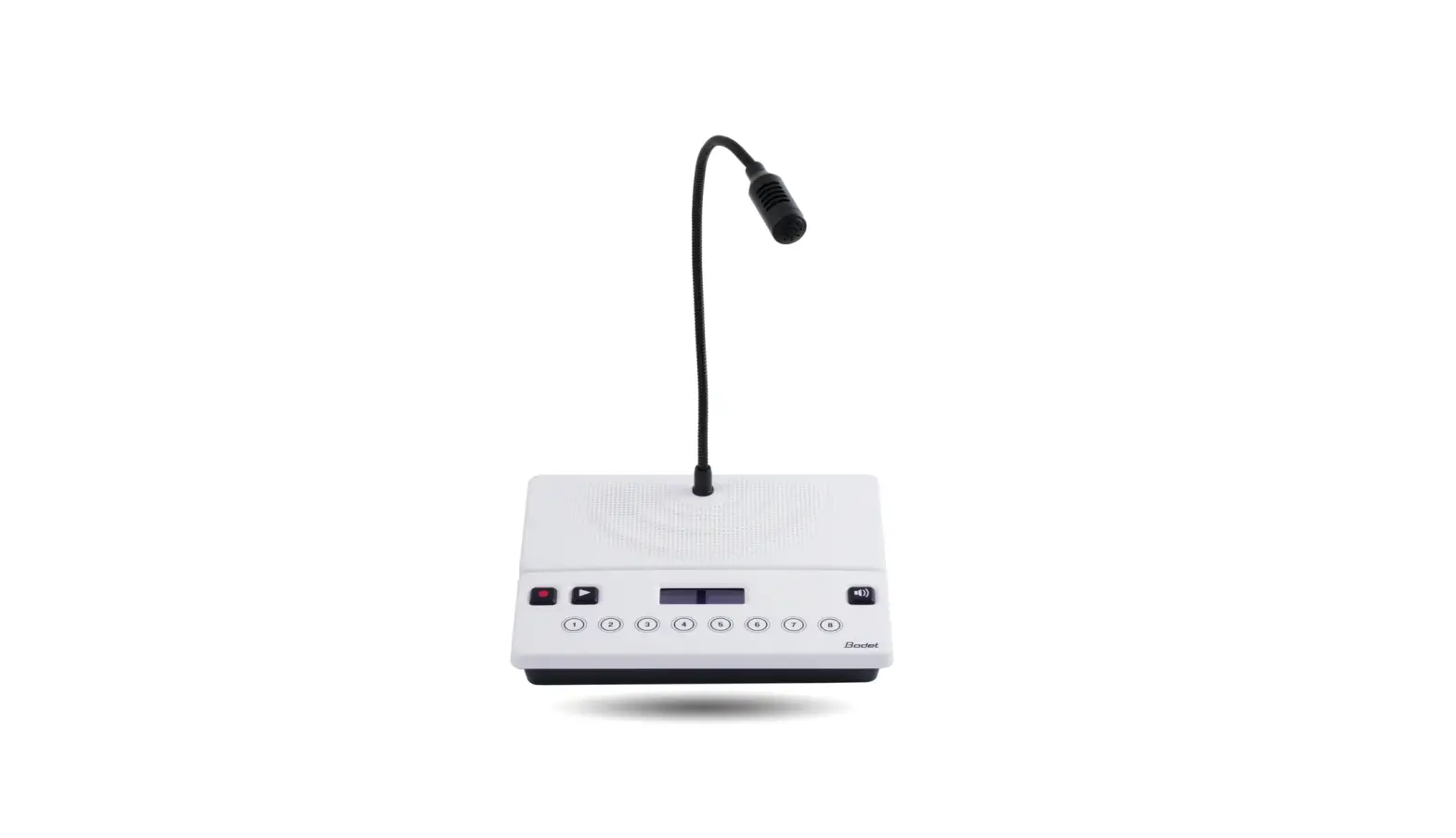
 Bodet 607915 Microphone Harmonys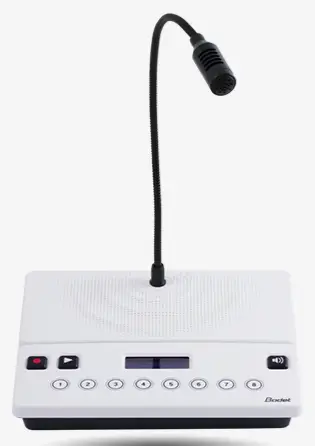
Dimension
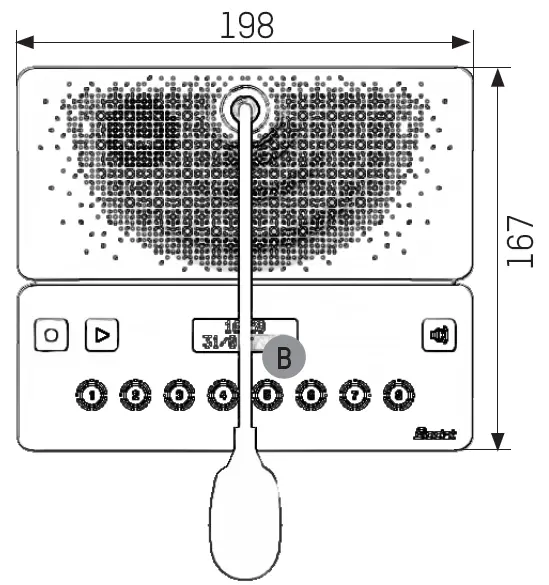
quick start guide
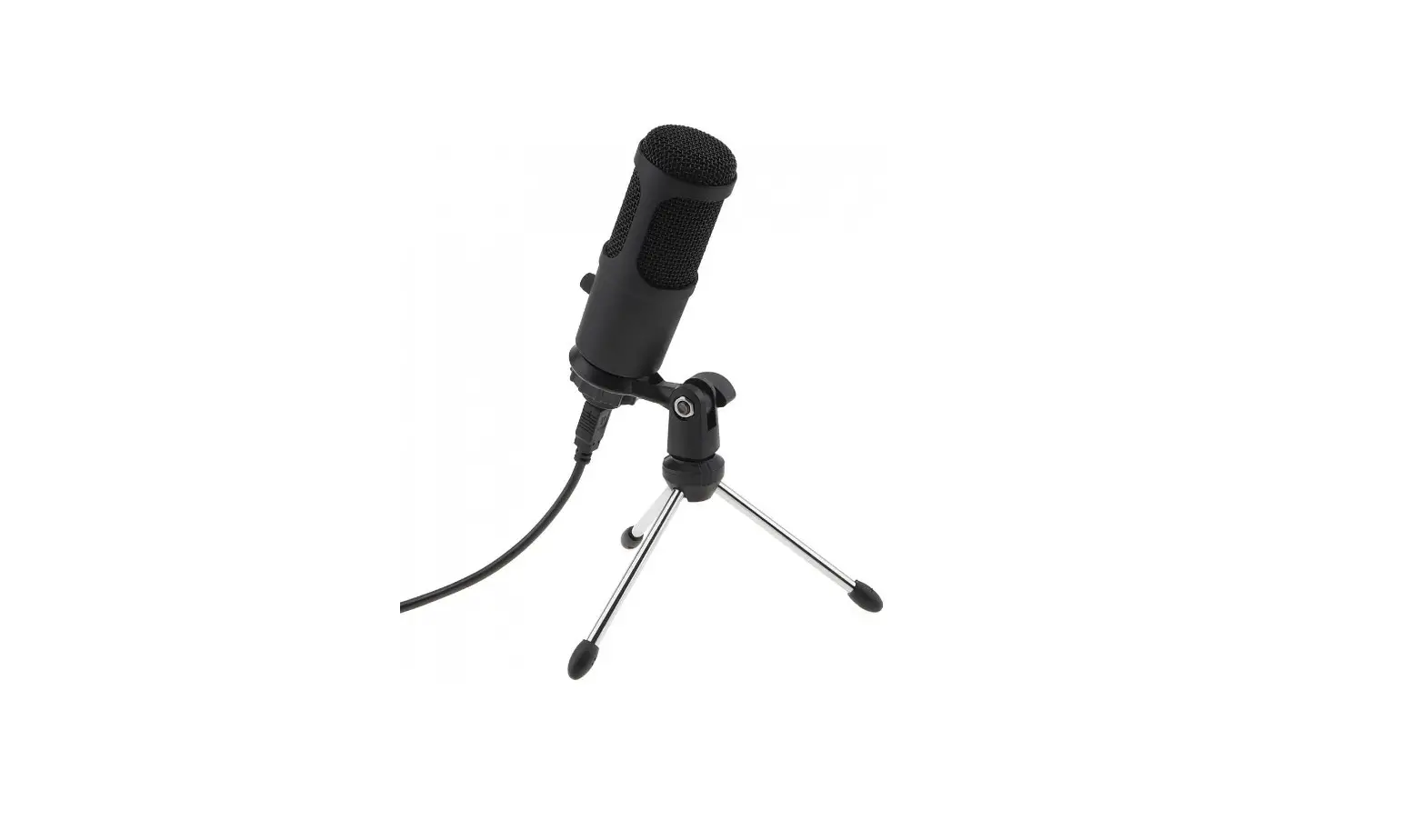
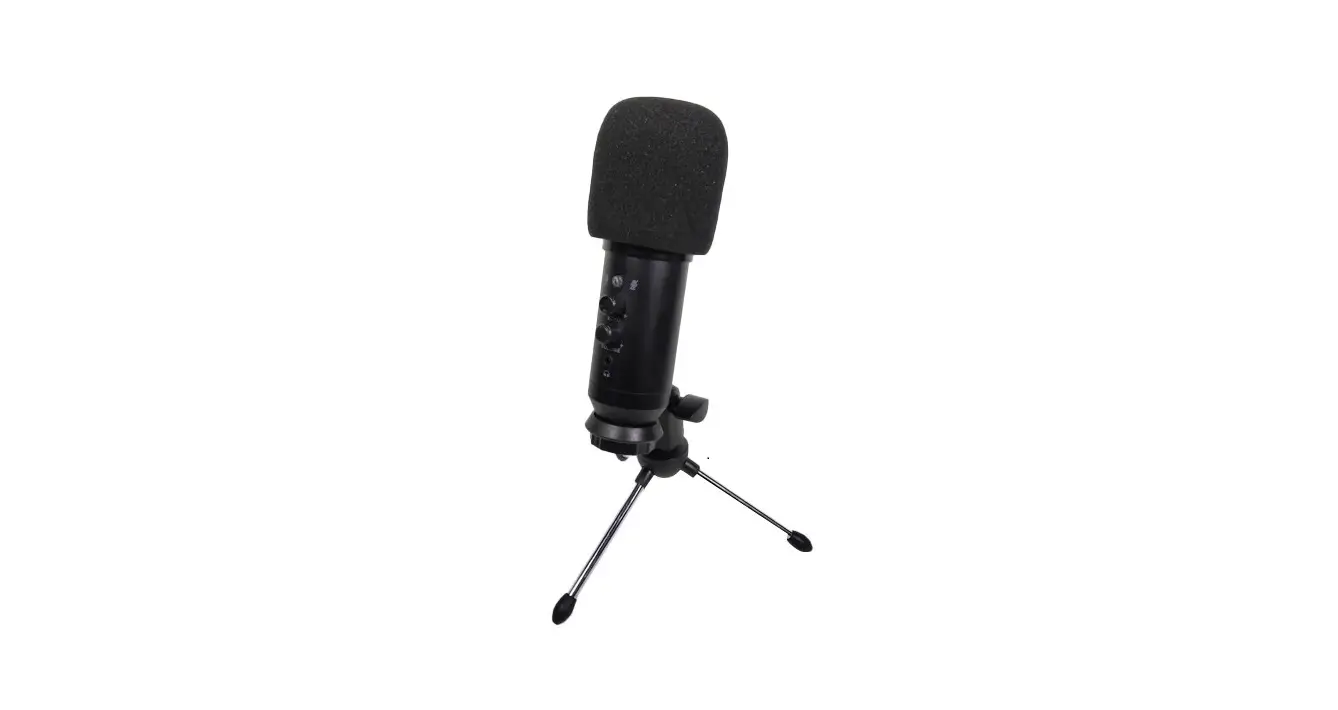
The microphone should be placed on a desk, table or other flat surface. It should be positioned close to where the RJ45 cable is routed, providing PoE power and data.
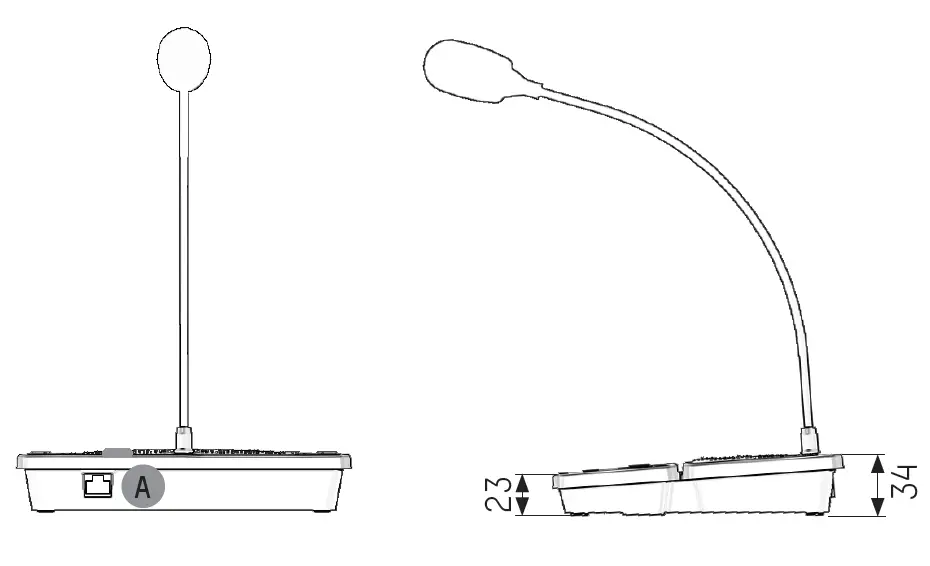
- A: Connect the RJ45 cable to the connector on the microphone.
- B: Check that the installation is correct: the LEDs on the RJ45 sockets at either end should light up as well as the backlit LCD screen (Display should read: “Micro BODET”).
MICROPHONE HARMONYS
- MAC Adress
- Location
- Comments