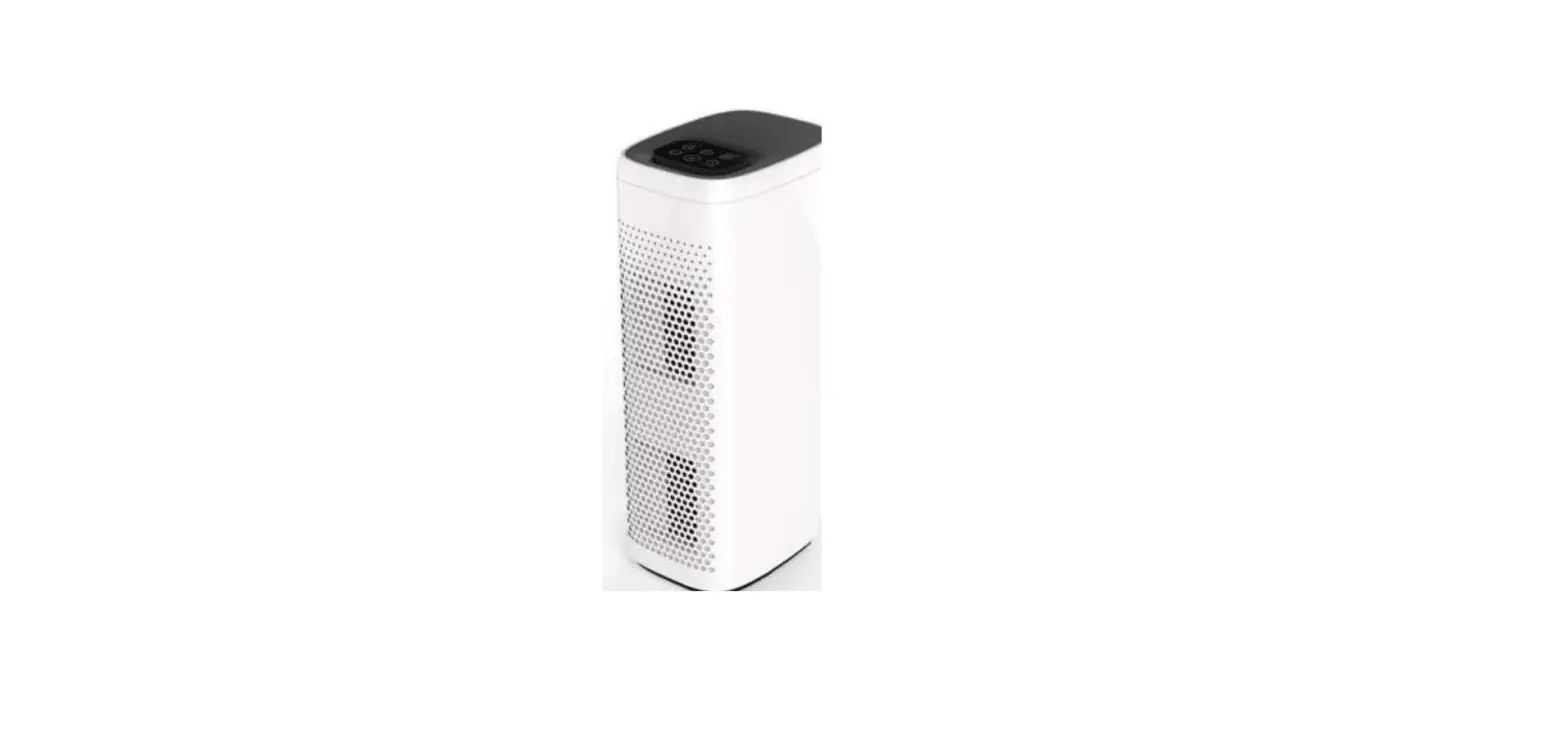
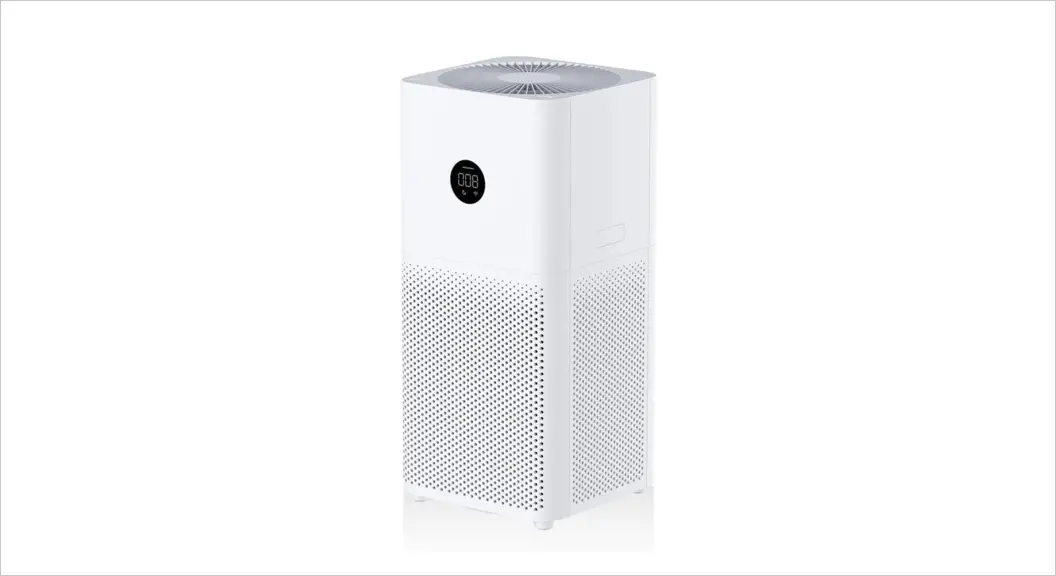
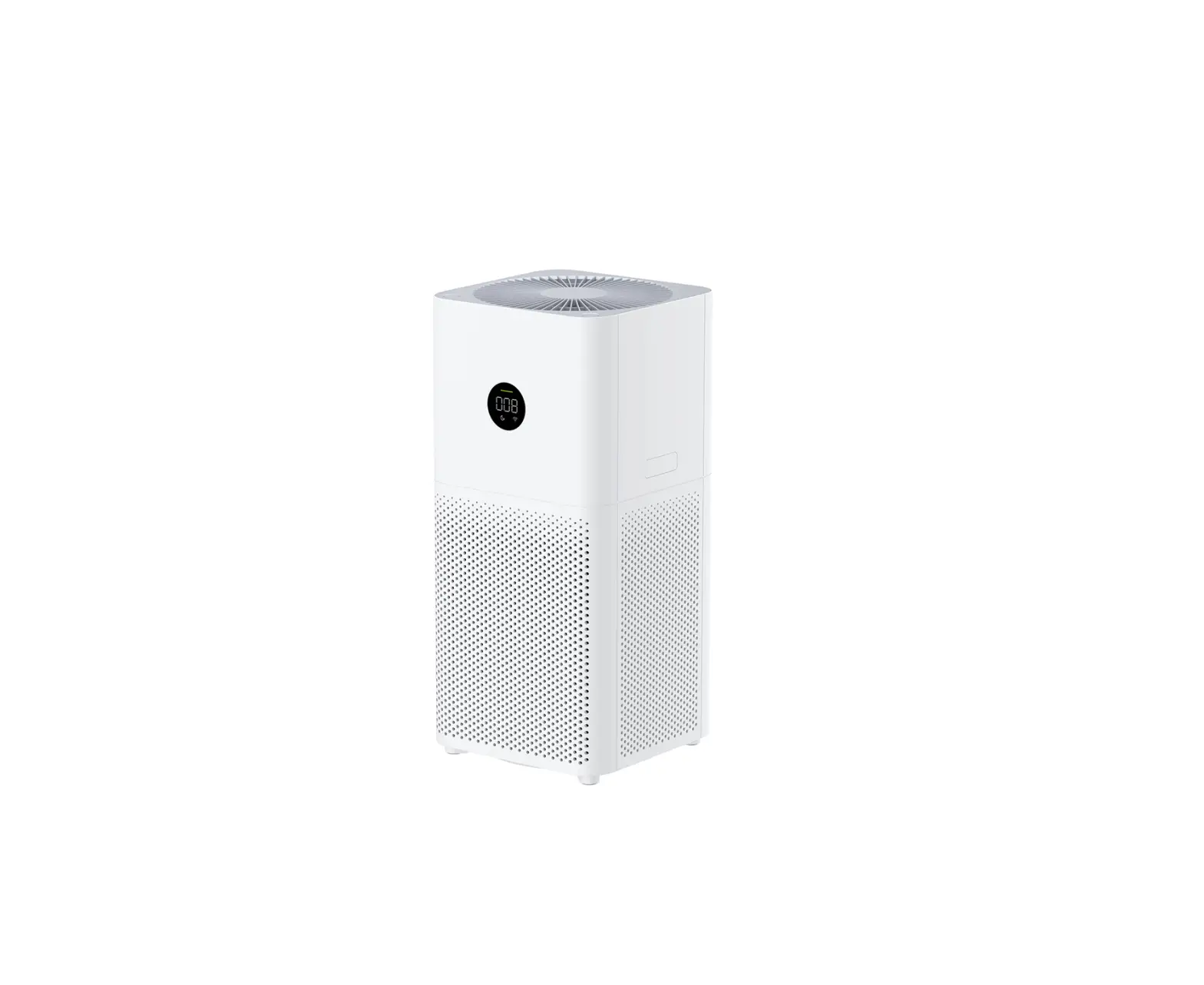
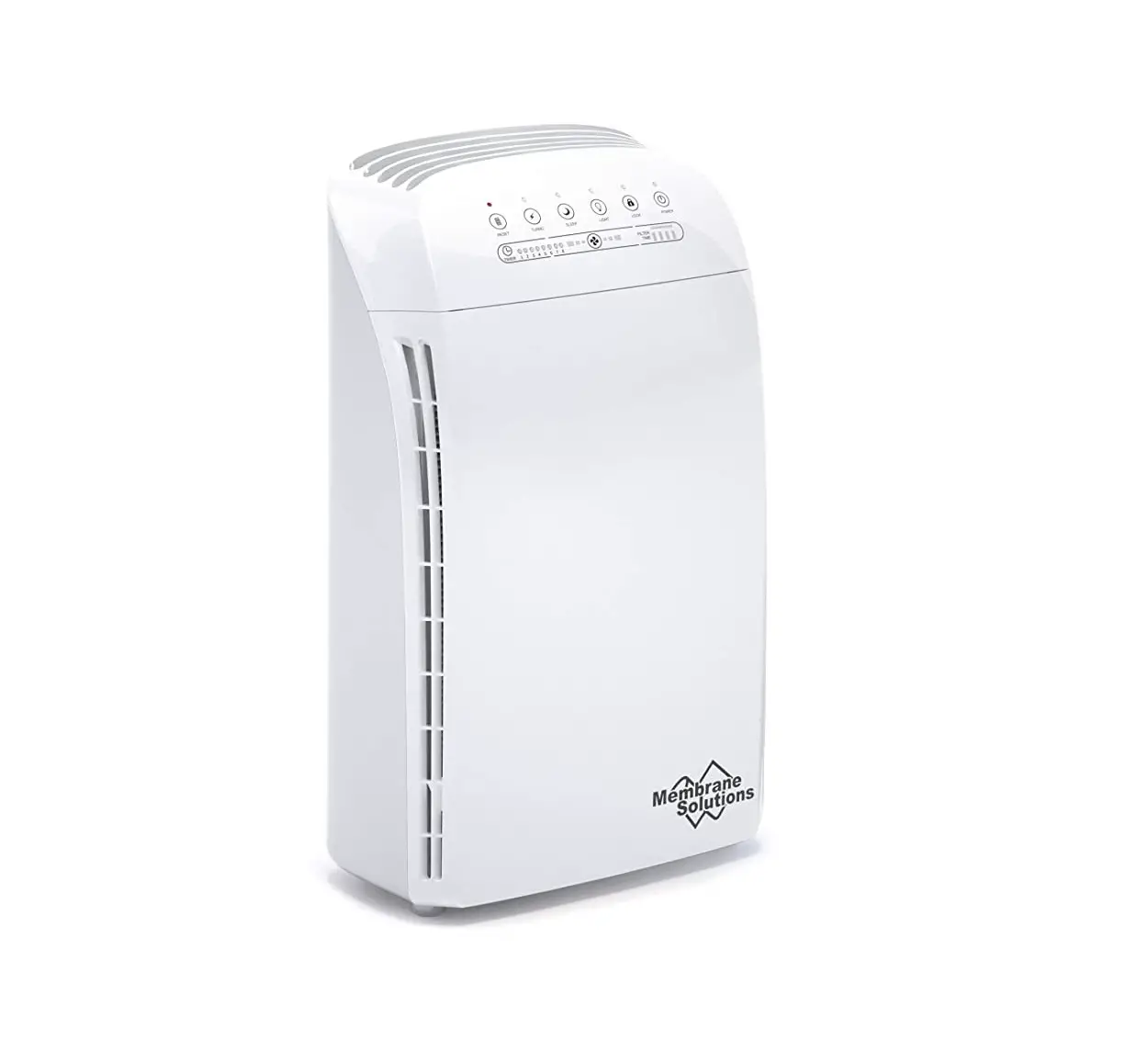
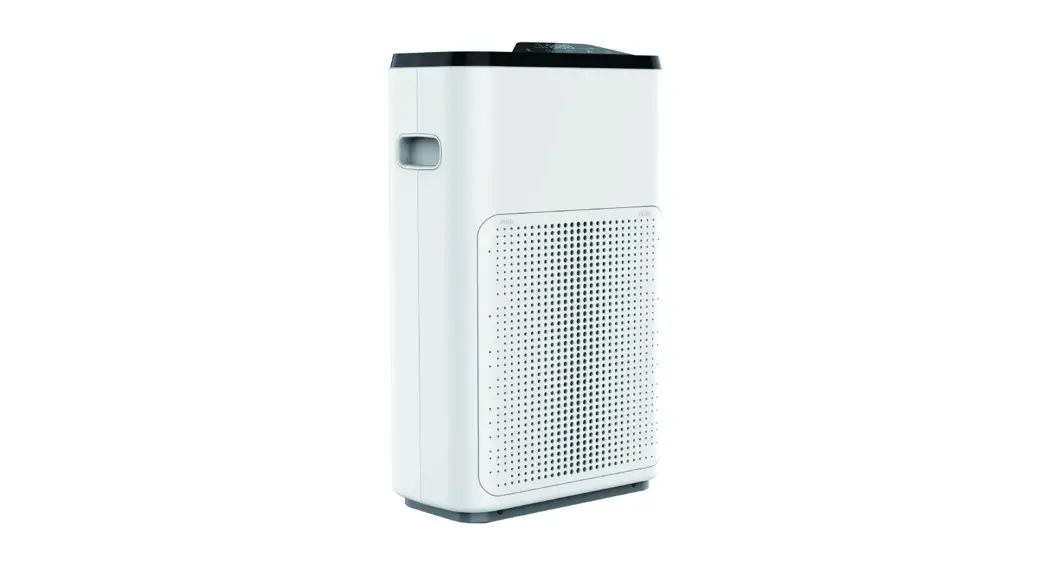
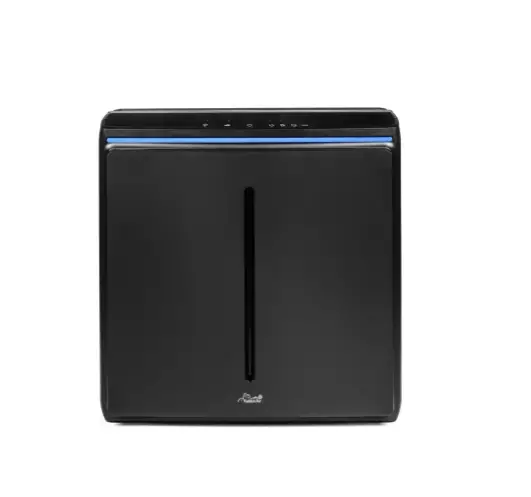
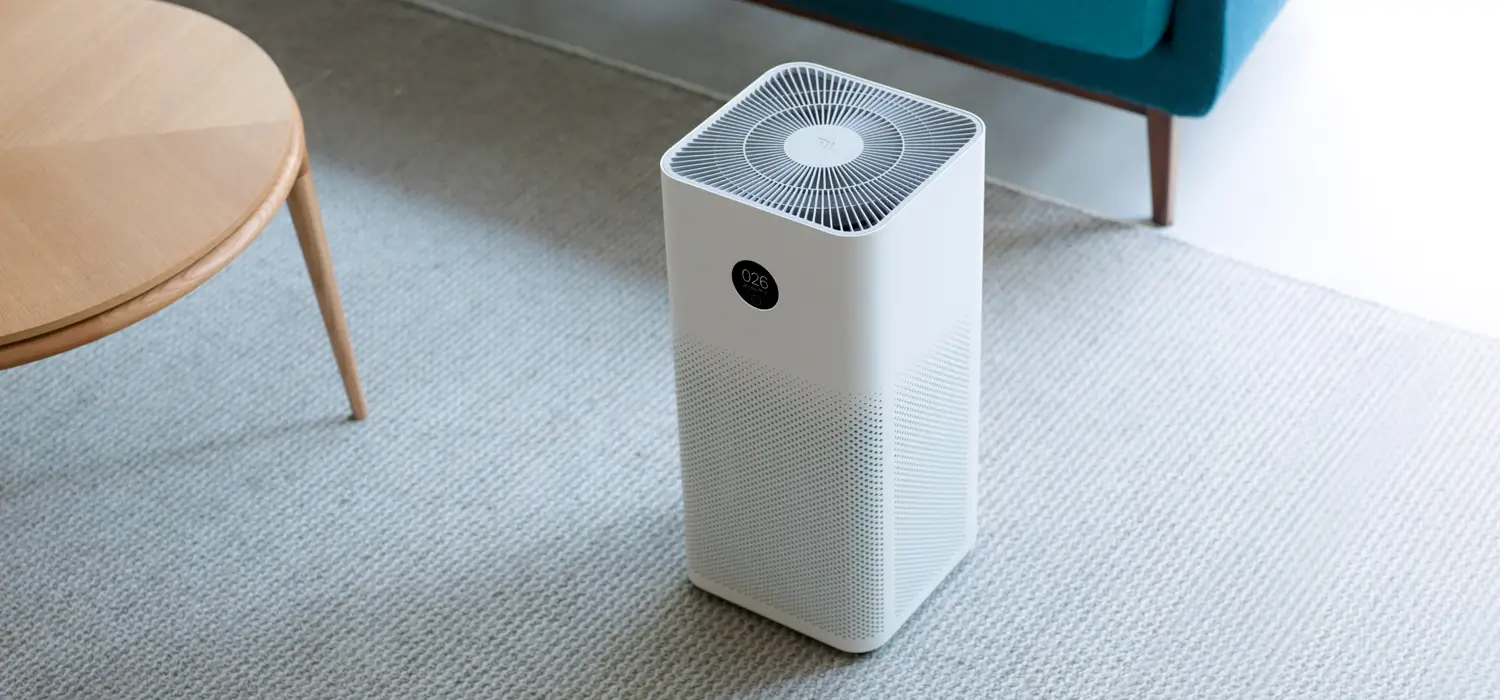
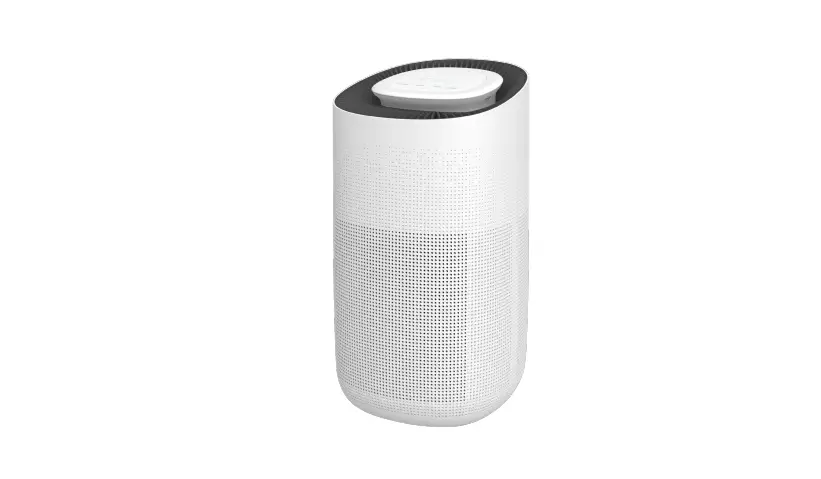
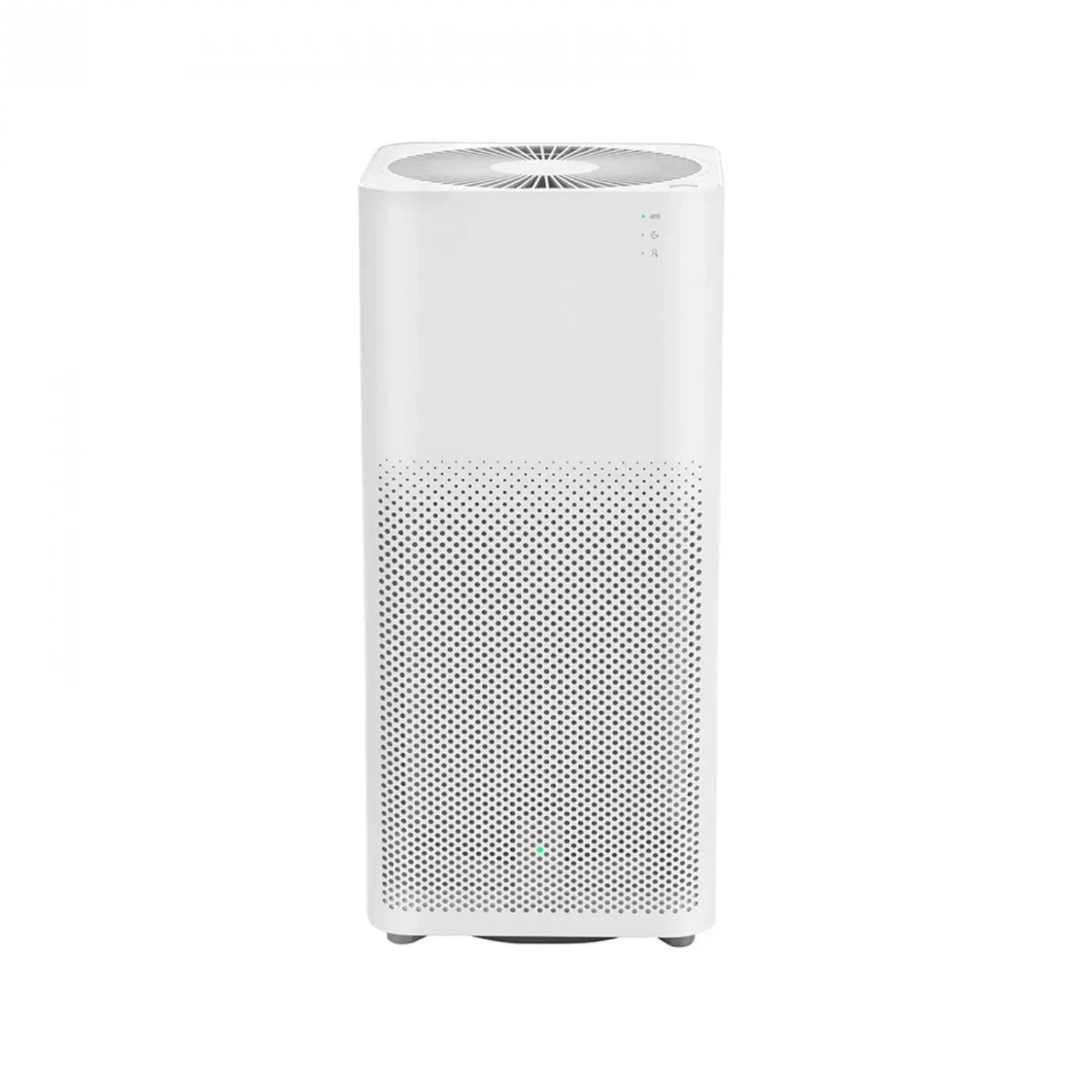
MSA3S Air Purifier
Product Information
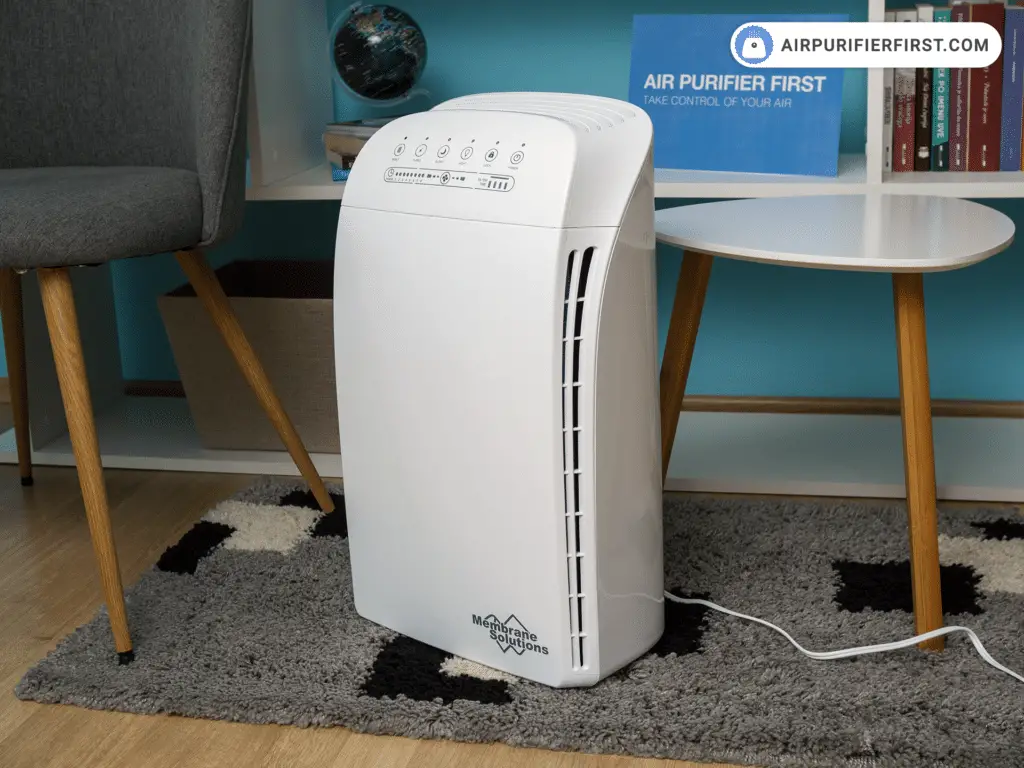
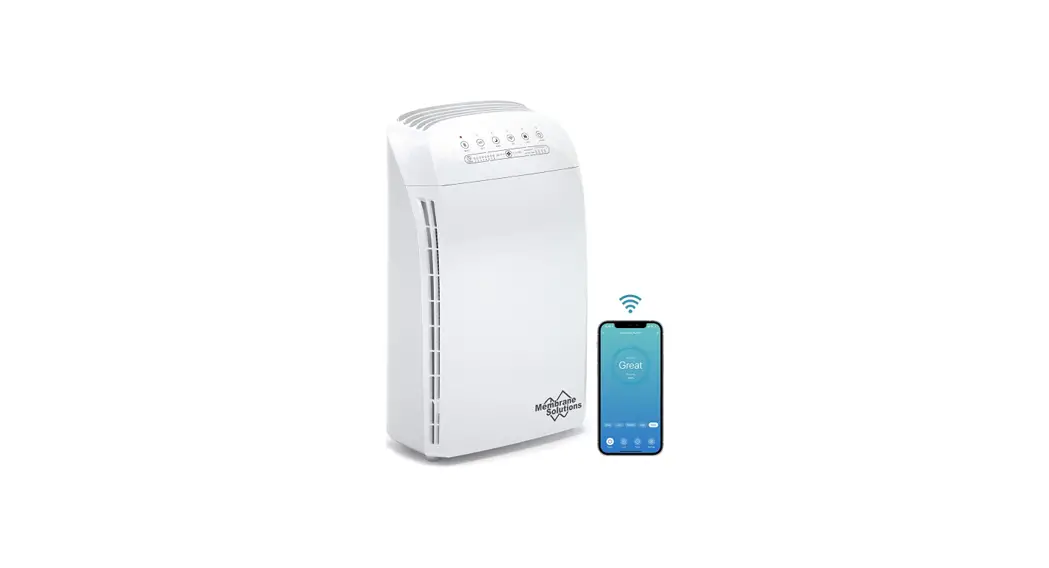
The MSA3S Air Purifier is a durable piece of equipment designed
to filter out impurities and particles in the air, such as dust,
pollen, cigarette smoke, pet dander, off-odors, and unhealthy
vapors. It features triple filtration with a primary filter,
High-Efficiency Particulate Air (HEPA) filter, and Activated Carbon
filter. This triple-action filtration system captures particles
with a diameter greater than or equal to 0.3 microns, while
removing odors and freshening the surrounding air.
For technical assistance, you can contact our friendly
professional support engineers at:
Address: 4530 B STREET NW #A, AUBURN WA 98001, USA
Toll-Free Phone: +1-866-528-4572
Customer Service Email: [email protected]
Website: www.mspurelife.com
Product Usage Instructions
Getting Started
To get started with the MSA3S Air Purifier, follow these
steps:
- Read and retain the owner’s manual for future reference.
- Ensure that the installation guide is available for
reference. - Check the system contents to ensure all components are
present. - Start-up the purifier by turning it on.
Operation Guide
Follow the instructions below for operating the MSA3S Air
Purifier:
- Select the desired mode of operation.
- Monitor the filter’s condition and replace it when
necessary. - If you encounter any issues, refer to the troubleshooting guide
for possible solutions.
Warranty
The MSA3S Air Purifier comes with a warranty. For more
information about the warranty coverage, please refer to the
warranty section in the owner’s manual.
FCC Warning
This device complies with part 15 of the FCC Rules. To prevent
interference, follow these guidelines:
- Reorient or relocate the receiving antenna.
- Increase the separation between the equipment and
receiver. - Connect the equipment into an outlet on a different circuit
than the receiver. - Consult the dealer or an experienced radio/TV technician for
help.
For compliance with FCC’s RF Exposure guidelines, install and
operate the equipment with a minimum distance of 20cm between the
radiator and your body. Use only the supplied antenna.
Troubleshooting Guide
If you experience any issues with the MSA3S Air Purifier, refer
to the troubleshooting guide provided in the owner’s manual. Here
is a possible solution for one common problem:
Problem: Unpleasant or musty smell coming from
the air purifier.
Possible Solution: Do not use the purifier in a
damp or wet environment. If the filter becomes damp, replace it and
move the air purifier to a dry area. The carbon part of the filter
may be exhausted; replace the filter.
Who we are
· Membrane Solutions® is a purification brand from the United States, focusing on engineering filtration and advanced purification technology.
· Membrane Solutions® promotes the philosophy of a minimalist lifestyle, returning to nature with clean water and fresh air.
· Membrane Solutions® design product’s to be both smart, easy to operate, and practical in appearance and functionality.
Contact Us
If you require technical assistance, please contact our friendly professional support engineers, who will be pleased to assist you. 4530 B STREET NW #A, AUBURN WA 98001, USA Toll-Free Phone: +1-866-528-4572 Customer Service: [email protected] Website: www.mspurelife.com
MSA3S Air Purifier
Please retain owner’s manual for future reference
Notes:
Operators and Maintenance Handbook Membrane Solutions® MSA3S Air Purifier
Owners Handbook Manual Ref: MSA3S-118P-00
Revision Date
Description
00 03/2022 New document.
Images used in this manual may not represent your actual product; they are a visual aid only.
Notes:
15
Table of Contents
Overview ………………………………………………………………………………………………… 1 Getting Started……………………………………………………………………………………….. 2
Introduction……………………………………………………………………………………….. 2 Warning & Cautions………………………………………………………………………….. 3 Operating Guidelines………………………………………………………………………… 4 Installation Guide ………………………………………………………………………………….. 5 System Contents………………………………………………………………………………… 5 Commissioning the system………………………………………………………………. 6 Operating Guide …………………………………………………………………………………….. 7 Power Button …………………………………………………………………………………….. 7 Fan Speed …………………………………………………………………………………………… 7 Lock …………………………………………………………………………………………………….. 7 Sleeping Mode …………………………………………………………………………………… 8 Timer…………………………………………………………………………………………………… 8 WIFI…………………………………………………………………………………………………….. 8 Auto Mode ………………………………………………………………………………………….. 8 Filter Reset…………………………………………………………………………………………. 8 Filter Replacement ……………………………………………………………………………. 9 Replacement Filter …………………………………………………………………………. 10 Troubleshooting Guide ………………………………………………………………….. 11 Warranty………………………………………………………………………………………….. 13
Overview
Getting Started
· Introduction · System features · Membrane Solutions® contact details · Warnings & Cautions · Operating Guidelines
Installation Guide
· · ·
System Contents Start-up Turning on the Purifier
Operation Guide
· · · · ·
Operation Guide Mode Selection Filter Replacement Troubleshooting Guide Warranty
1
FCC Warning
This device complies with part 15 of the FCC Rules. Operation is subject to the following two conditions: (1) this device may not cause harmful interference, and (2) this device must accept any interference received, including interference that may cause undesired operation.
Any changes or modifications not expressly approved by the party responsible for compliance could void the user’s authority to operate the equipment.
NOTE: This equipment has been tested and found to comply with the limits for a Class B digital device, pursuant to Part 15 of the FCC Rules. These limits are designed to provide reasonable protection against harmful interference in a residential installation. This equipment generates, uses and can radiate radio frequency energy and, if not installed and used in accordance with the instructions, may cause harmful interference to radio communications. However, there is no guarantee that interference will not occur in a particular installation. If this equipment does cause harmful interference to radio or television reception, which can be determined by turning the equipment off and on, the user is encouraged to try to correct the interference by one or more of the following measures:
— Reorient or relocate the receiving antenna. — Increase the separation between the equipment and receiver. — Connect the equipment into an outlet on a circuit different from that to which the receiver is connected. — Consult the dealer or an experienced radio/TV technician for help. To maintain compliance with FCC’s RF Exposure guidelines, this equipment should be installed and operated with minimum distance between 20cm the radiator your body: Use only the supplied antenna.
14
Warranty
Membrane Solutions® warrants to the customer that its residential air purifiers will be free from defects in material and workmanship under normal use and service for a period of 1 year. We will replace or repair any part of the Membrane Solutions® air purifier that we find to be defective in operation due to faulty materials or workmanship within one year since the date of the original purchase. Used replaceable filter cartridges are excluded.
General Conditions Membrane Solutions® obligation to the customer under these warranties shall be limited, at its option, to replacement or repair of items covered by these warranties. Prior to return or repair of covered items, the customer must obtain a return goods authorization number from Membrane Solutions® and, at Membrane Solutions® option, return the item with freight prepaid by the customer.
Damage to any part of this system because of misuse, misapplication, negligence, alteration, accident, installation, or operation contrary to our instructions, this warranty does not cover incompatibility with accessories not installed by Membrane Solutions®, or damage caused by freezing, flood, fire, or Acts of God. In all such cases, regular charges will apply. This limited warranty does not include service to diagnose a claimed malfunction in this unit. This warranty is void if the claimer is not the original purchaser of the unit or if the unit is not operated under normal operating conditions. We assume no warranty liability in connection with this system other than that specified herein. This warranty is in lieu of all other warranties, expressed or implied, including warranties of fitness for a particular purpose. Membrane Solutions® liability hereunder shall not exceed the cost of the product. Under no circumstances will Membrane Solutions® be liable for any incidental or consequential damages or for any other loss, damage or expense of any kind, including loss of use, arising in connection with the installation or use or inability to use the covered items. These warranties are governed by the laws of the state of Washington, USA, and may change at any time without notice.
13
Getting Started
Introduction
Thank you for purchasing the Membrane Solutions® MSA3S Air Purifier. Please contact us for the latest product information, including operator manuals, videos, support materials, and where to purchase items.
The MSA3S is a durable piece of equipment; it will last for many years with proper care. This owner’s handbook outlines the installation, operation, and maintenance requirements to sustain perfect product performance.
The MSA3S features triple filtration: Primary filter, High-Efficiency Particulate Air Filter (HEPA), and Activated Carbon. This tripleaction filtration will be capturing particles with a diameter greater than or equal to 0.3 microns while removing odors and freshen the surrounding air.
Website: www.mspurelife.com Customer Service: [email protected]
Toll-Free Phone: 1-866-528-4572
The MSA3S can filter out impurities and particles in the air, such as, dust, pollen, cigarette smoke, pet dander, off-odors, and unhealthy vapors.
2
Warning & Caution
Membrane Solutions® products are designed with safety in mind. However, personnel using this device must be familiar with any potential dangers. All safety information detailed in this handbook should be reviewed before installing and operating this air purifier.
· This appliance has a polarized plug (one blade is wider than the other). To reduce the risk of electric shock, this plug is intended to fit in a polarized outlet only one way. If the plug does not fit fully in the outlet, reverse the plug. If it still does not fit, contact a qualified electrician. Do not attempt to defeat this safety feature.
· This product is not a toy; children must be supervised when using the device. Keep packing materials out of children’s reach.
· The system has been designed for indoor use only. Install the air purifier out of direct sunlight on a flat, level, dry, and secure surface with average ambient room temperature.
· Do not touch the power plug with wet hands. Do not use if plug or power cord is damaged or the product is not working.
· Do not use the device in a place with heavy moisture or smoke. Please keep the device away from flammable gas appliances such as heaters of fireplaces.
· Clean the device and remove any dust from the power plug regularly. Unplug the unit when cleaning, do not use strong corrosive detergents of chemicals as they may damage the device’s surface.
· Do not obstruct the air inlets or outlets on the device. Do Not wash or reuse the composite filters Replace with new filters.
Warnings and Cautions are provided; Failing to observe these instructions could damage the equipment, associated parts, surroundings, or personal injury.
3
Troubleshooting Guide
Problem
Possible Solution
Do not use in a damp or wet environment. If the filter becomes Unpleasant or musty damp, replace the filter and move the 5 smell coming from the air purifier to a dry area. purifier The carbon part of the filter may be exhausted; replace the filter.
6 The filter indicator light is flash.
The air filter is 100% exhausted and requires replacement. (see page 9)
Only the sleep
7
indicator light is on, yet the purifier is still
operating.
The air purifier is in sleep mode, push the fan speed button to change the operating mode, the indicates lights will turn on again.
8
If your problem is not listed
Please contact Membrane Solutions® Customer Service.
Air Quality Indicator
9
always stays green, even when the air
quality is poor.
The air quality sensor detects airborne particles, but it cannot detect gas or odor.
12
Troubleshooting Guide
Problem
Possible Solution
The air purifier 1 will not turn on or
respond to the power button
Confirm that unit is plugged into a powered outlet.
Make sure the panel is installed and locked on the air purifier. (see page 10)
Airflow is 2 significantly
reduced
Make sure the filter is removed from its packaging. (see page 9)
Press the Fan Speed button to increase fan speed.
The filter may be blocked, replace the air filter.
Make sure the air purifier is being operated on a firm level surface.
Air Purifier makes 3 unusual noise
while the fan is on
The filter may be blocked, replace the air filter.
The air purifier may be damaged. Contact Membrane Solutions® customer support.
Press the Fan Speed button to increase fan speed.
Close doors and windows while using the
4
Poor air purification quality
air purifier.
Make sure the air filter is removed from
its packaging. (see page 9)
Replace the filter.
11
Operating Guidelines
The following table lists the operating parameters for this product. Operating this product outside these specifications may cause system performance issues and may even lead to personal injury and void any warranty. Please contact Membrane Solutions® for further advice and support.
Operating Parameters
Model
Membrane Solutions® MSA3S
Rated Voltage
120 V~60 Hz
Rated Power Dimensions Operating weight
44 Watts
7.7 inches x 13.1 inches x 21.5 inches (195 mm x 334 mm x 545 mm)
13.7 lb (6.2 kg)
Filter Element type
A single composite filter element
Operating: 32-104 (0-40 ) 20-90% Temperature & Humidity Storage: 14-140 (-10-60 ) 20-90%
4
Installation guide
System Contents
Your Membrane Solutions® MSA3S Air Purifier was carefully assembled, packaged, and shipped complete with all the parts you should require.
Unsure about something? Is there a problem? Please contact Membrane Solutions® via our service email
or toll-free number.
Website: www.mspurelife.com Customer Service: [email protected]
Toll-Free Phone: 1-866-528-4572
5
Step 3
Remove any packing from the new filter element and notice the inward and outward sides of the filter element.
Refer to the new filter instructions for airflow direction, making sure the two handles at the top and bottom face outwards.
Step 4
Reinstall the panel and lock it into place by pressing both sides of the panel’s top edge. After replacing the filter, plug the power cord back into an electrical outlet. Hold down the reset button for 3 seconds to reset the filter timer. The indicator light will flash three times and then go out, showing the reset was successful. (See Page 8)
The actual lifespan of the filter may vary depending on the amount of dust, smoke, humidity, and the concentration of other airborne particles and vapors in the air.
Please contact our customer service for purchase options:
Website: www.mspurelife.com Customer Service: [email protected]
Toll-Free Phone: 1-866-528-4572
10
Air quality
Color of the light
Air quality Fan speed at auto mode
Green
great
Low speed
Yellow General
Medium speed
Red
poor
High Speed
Note: The air purifier will take 30 seconds to detect the air quality each
time it is turned on. During this time the air quality light will be flashing
yellow. The air quality sensor detects airborne particles, but it cannot
detect gas.
Filter time
Filter life 100% remaining.
Filter life 75% remaining.
Filter life 50% remaining.
Filter life 25% remaining. Order a new filter; when light flash, replace the filter.
Filter Replacement Step 1
Press the power button to turn the air purifier off and unplug the electrical outlet’s power cord.
Remove the panel of the air purifier.
Step 2
9
Pull out the composite filter element using the handle at the bottom of the filter. Clean out any remaining dust, dirt, or lint inside the purifier using a vacuum hose or dry cloth. DO NOT use water or liquids to clean the purifier.
Commissioning the system
Step 1
Before using the air purifier for the first time, open the panel and remove the composite filter. Make sure to remove any packaging from the filter element, or the product will not function correctly.
Step 2 Step 3
Make sure the panel is installed and locked on the air purifier (see page 10). Plug the air purifier power plug into an electrical outlet; the unit will make a single beep. The purifier should now be in standby mode.
Push the power button once to turn the air purifier on. The purifier should now be in operating mode.
Warning:
For your safety, the air purifier is equipped with a safety switch. If you open the panel when the purifier is running, the fan will stop running and sound two beeps. The panel must be in place for the purifier to operate.
6
Operating Guide
Control Panel
Power Button
Pressing the Power button will put the air purifier into operating mode. Press the power button a second time to stop the air purifier and place it into standby mode.
Fan Speed Lock
Press the fan speed button repeatedly to cycle through the different speed settings. 1 Low speed 2 Medium speed 3 High Speed The corresponding fan speed indicator light will display the current fan speed.
To lock the system, press and hold the lock button for 3 seconds until the lock display is illuminated. To unlock the system, press and hold the lock button until the lock indicator light turns off.
7
Sleeping Mode
Press the sleep button to put the unit into Sleep Mode. In this mode, the fan is at its lowest/quietest setting; all the indicators will be off after 3 seconds to avoid disturbing your sleep.
Timer WIFI Auto Mode
Press the timer button to set the timed auto-off feature. The unit can be set run between 1 and 8 hours. Continue to press the timer button to cycle through the preselected times. The corresponding duration will be represented by the number of indicator lights illuminated.
Indicate configuration status of the WIFI. In light-off mode, when pressing the other button, the indicator lights corresponding to the functions will be on, and go off after 3 seconds. See the MSPure APP instructions for more information.
Press the Auto button to set the unit at Auto Mode. The Auto indicators light will be illuminated. The fan speed will change based on air quality. (See page. 9)
Filter Reset
When the total run hours of the air purifier reach 1700 hours, the indicator will flash to indicate the filter needs to be replaced. (See page. 9). After the replacement is completed, press and hold the filter button for 3 seconds until the unit beeps and the indicator light flash 3 times, the filter timer function is now reset.
8
 Membrane Solutions Trusted Water Filter Supplier | Air Filters Factory – MSPure By Membrane Solutions