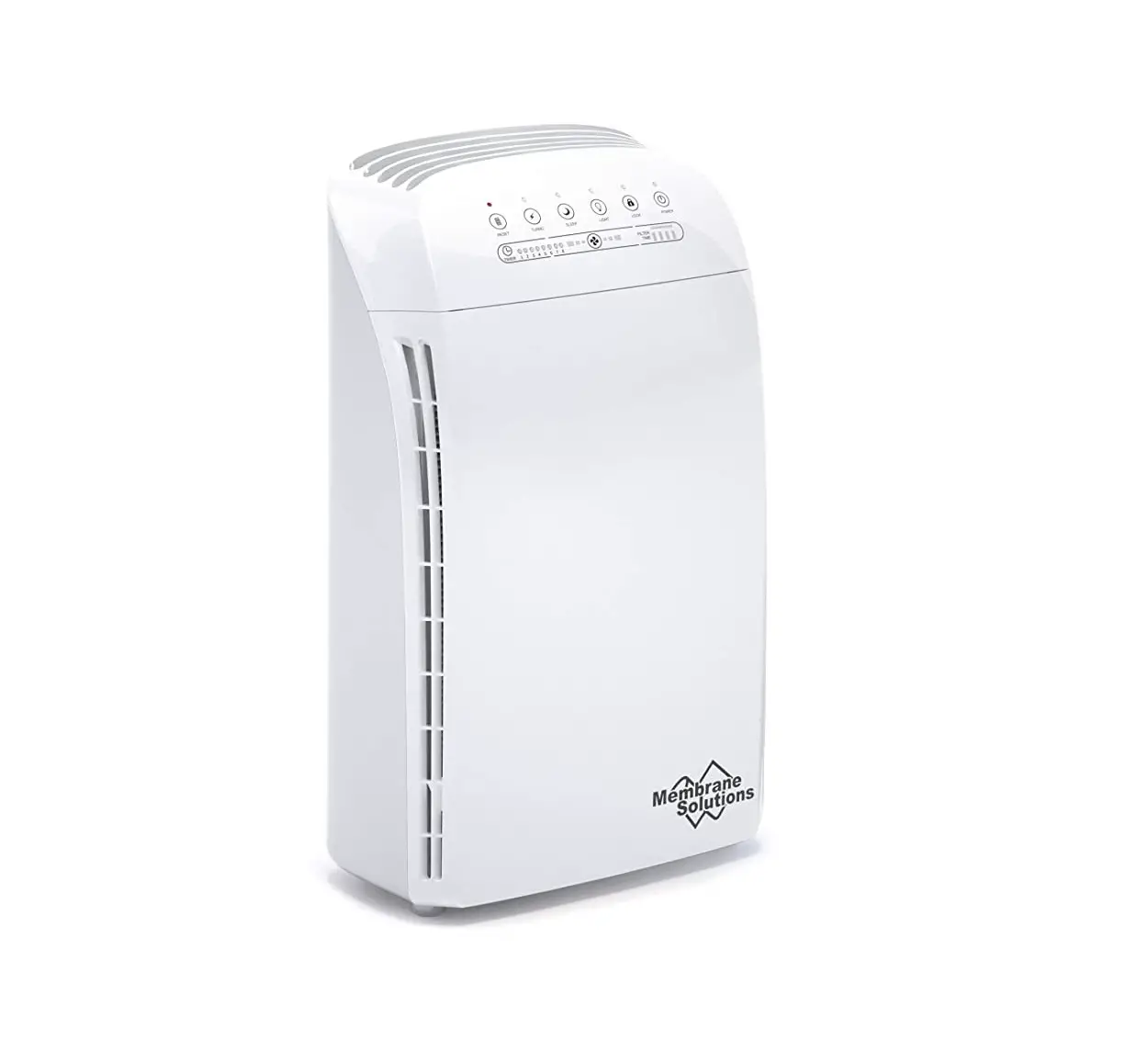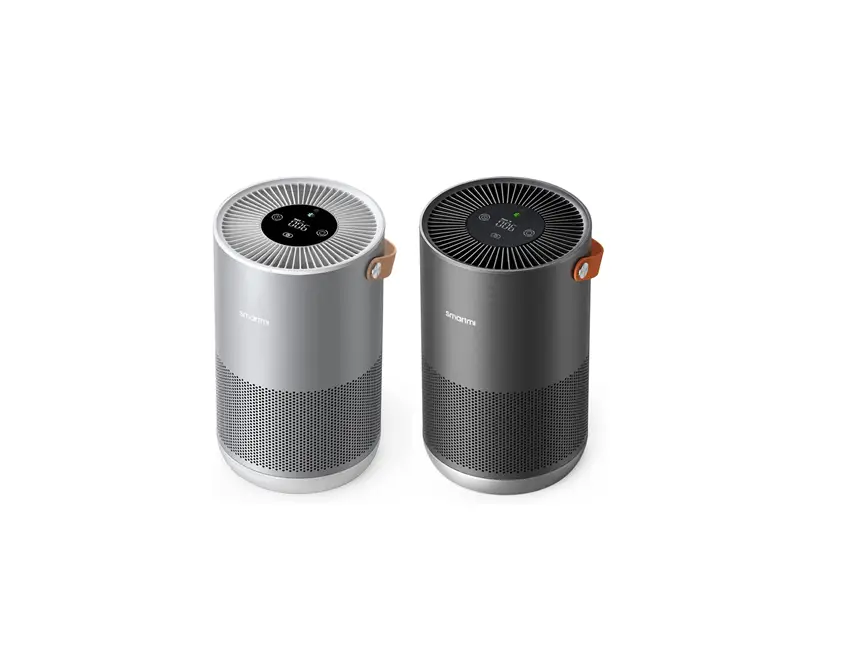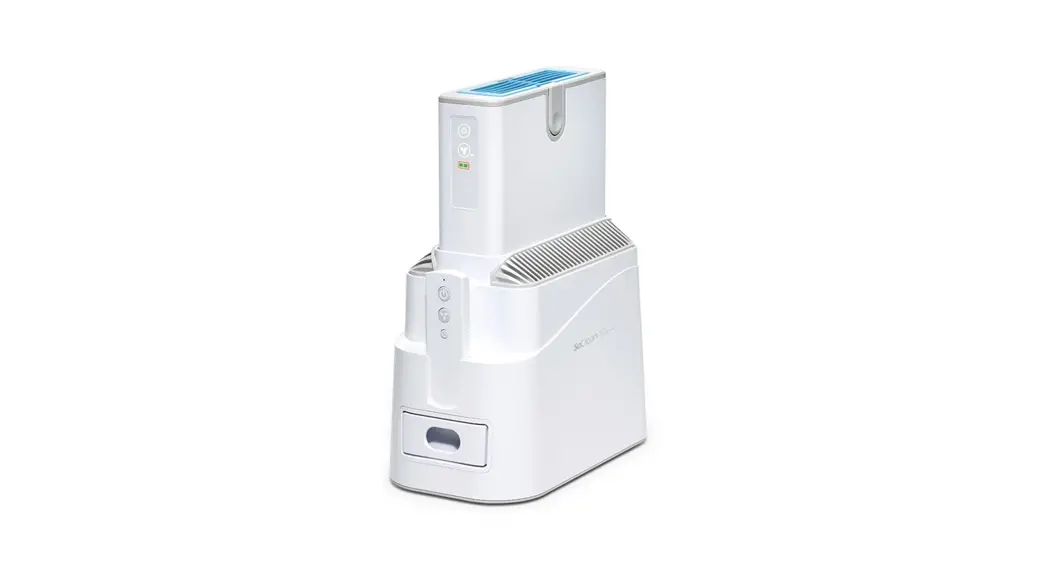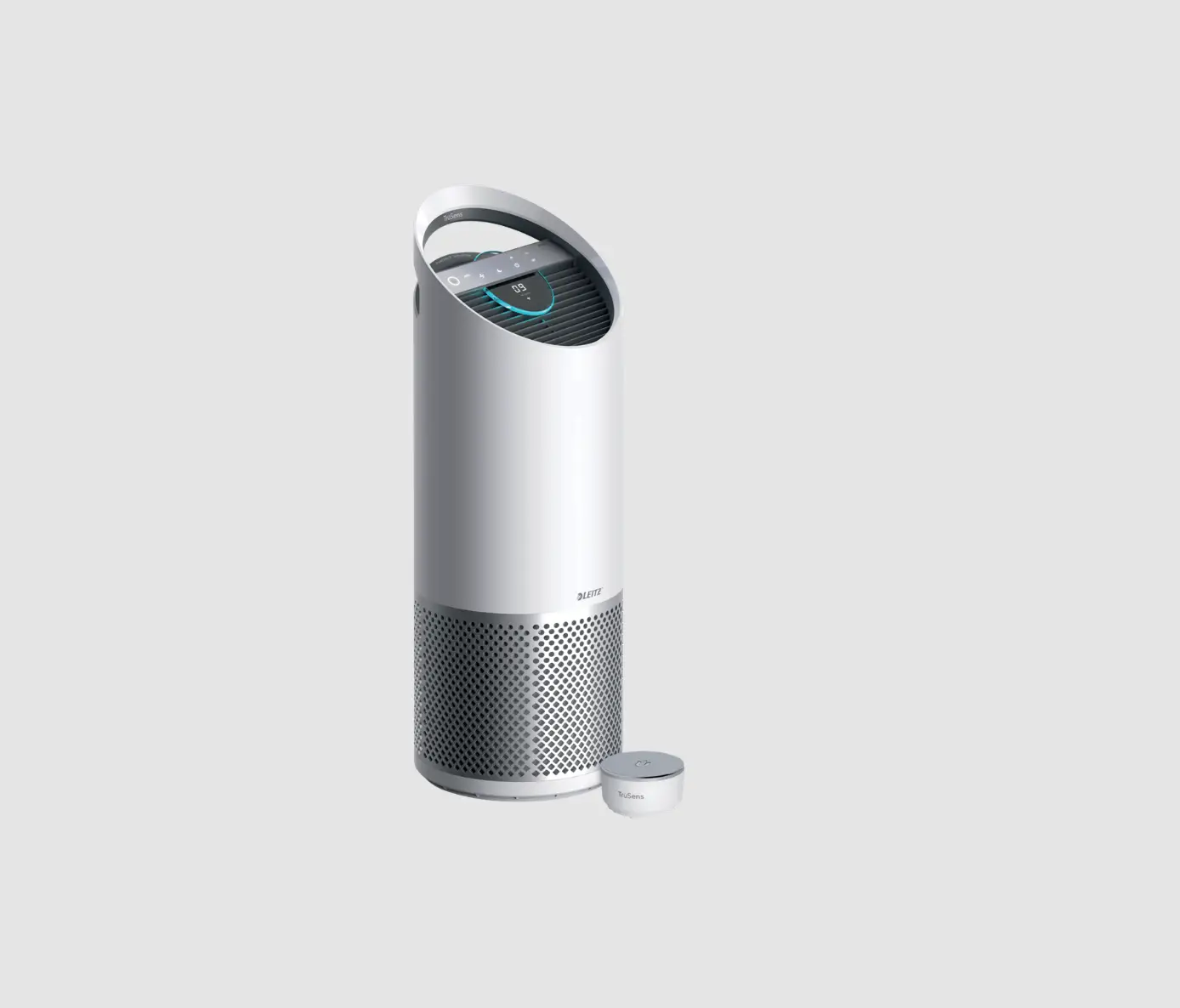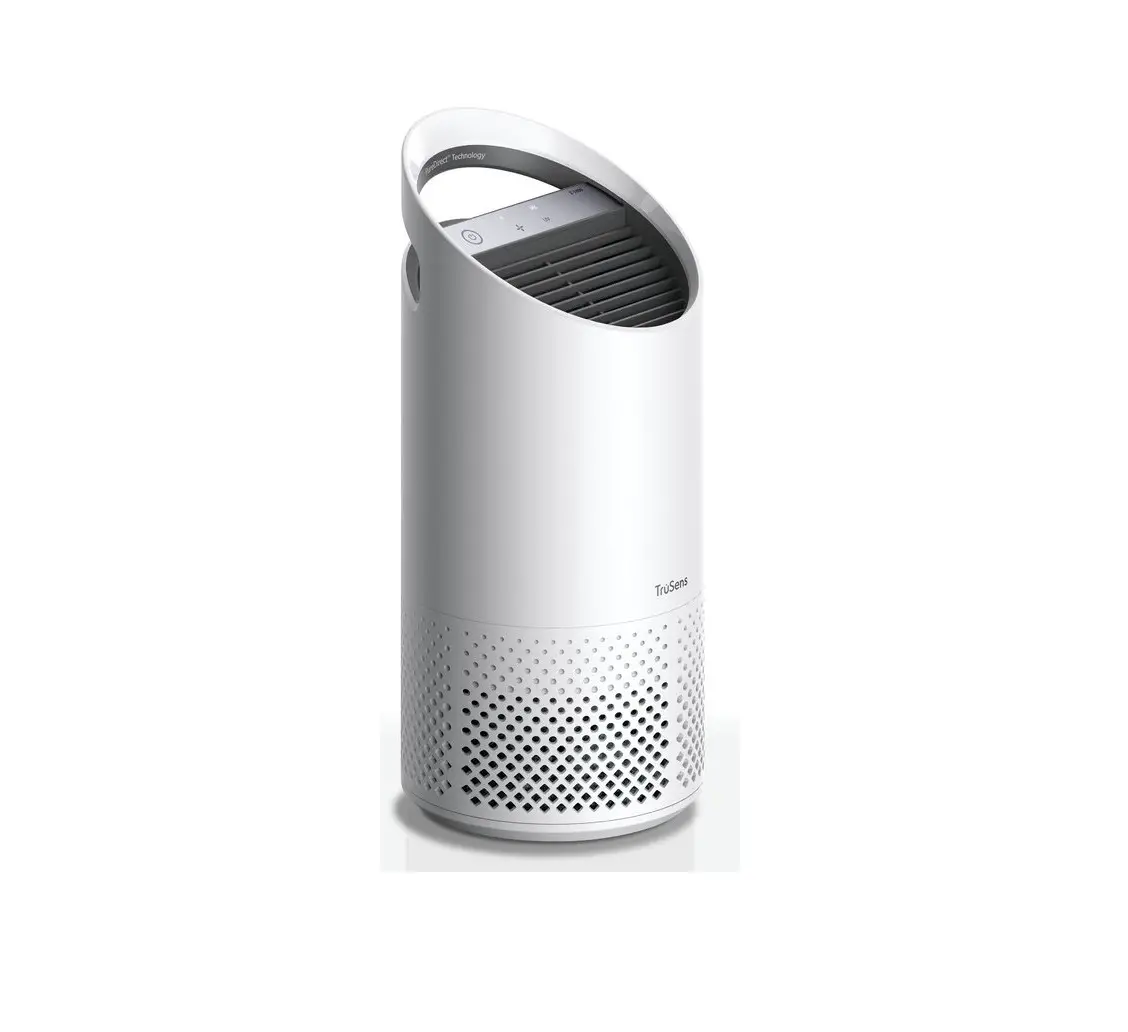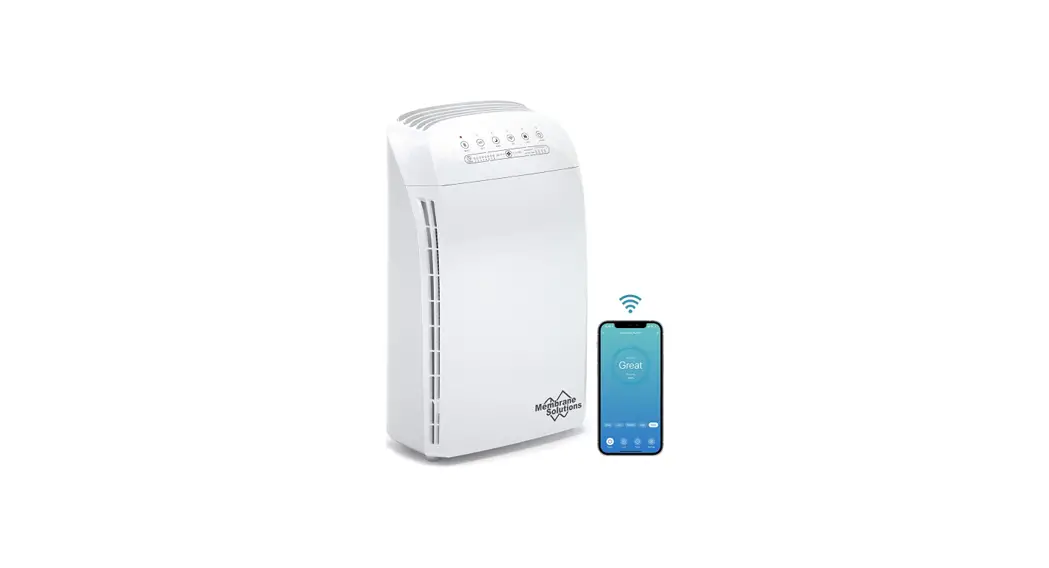
 Solutions MSA3S Smart Air Purifier
User Guide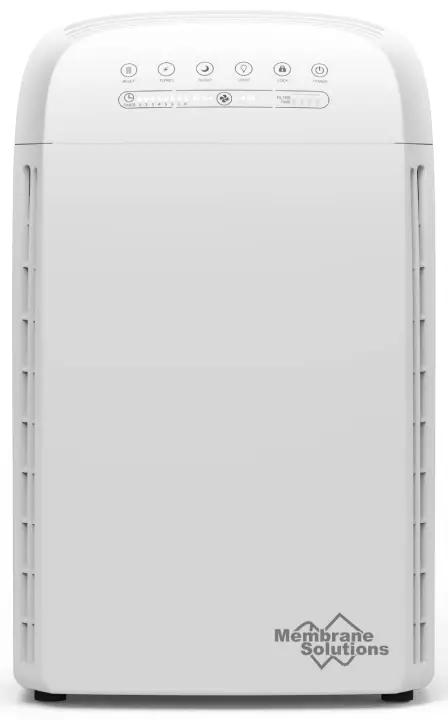
Please complete the connection between the MSA3S smart air purifier device and the “MSPure APP” first.
There are two connection methods for you to choose, please read the relevant guide:
“MSA3S APP Guide – EZ Mode” (Recommend)
“MSA3S APP Guide – AP Mode” 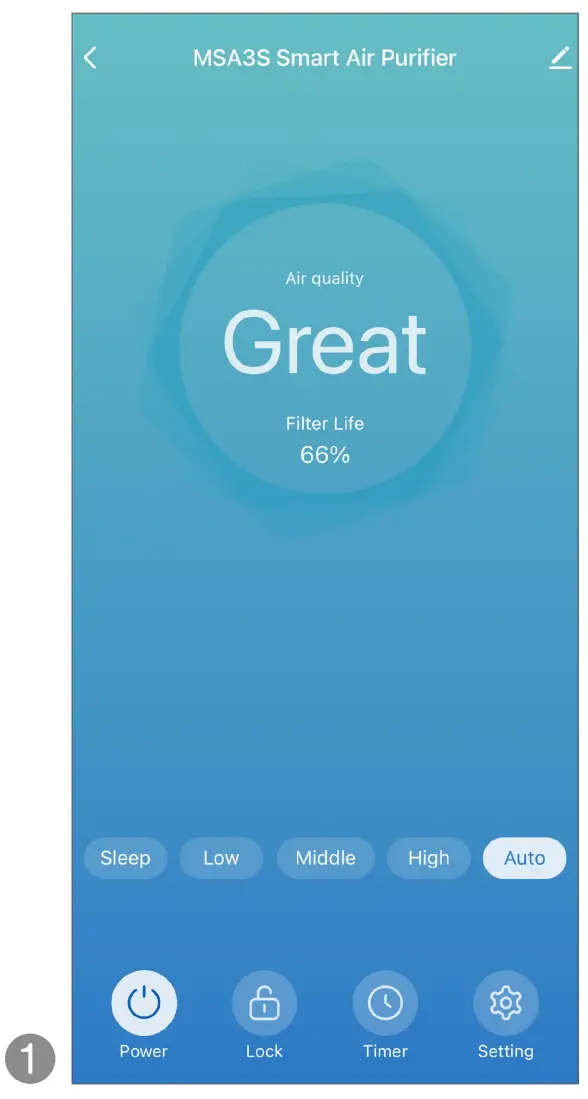
| Tap [O Alexa] | Tap [Get] |
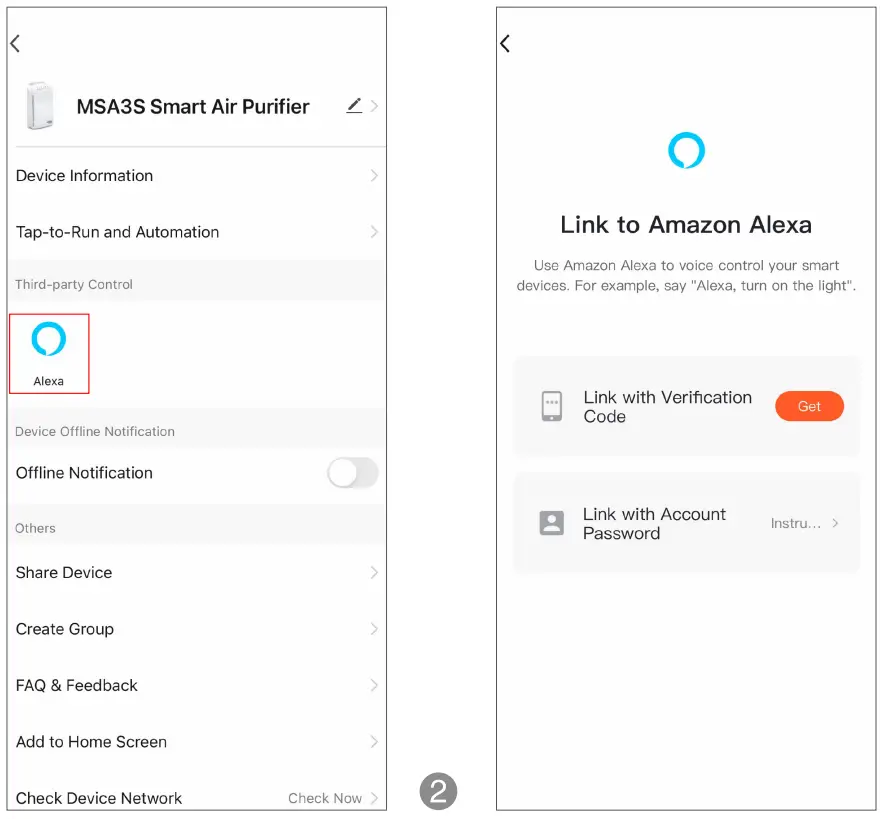 | |
| Tap [Copy] | Display [Copied] |
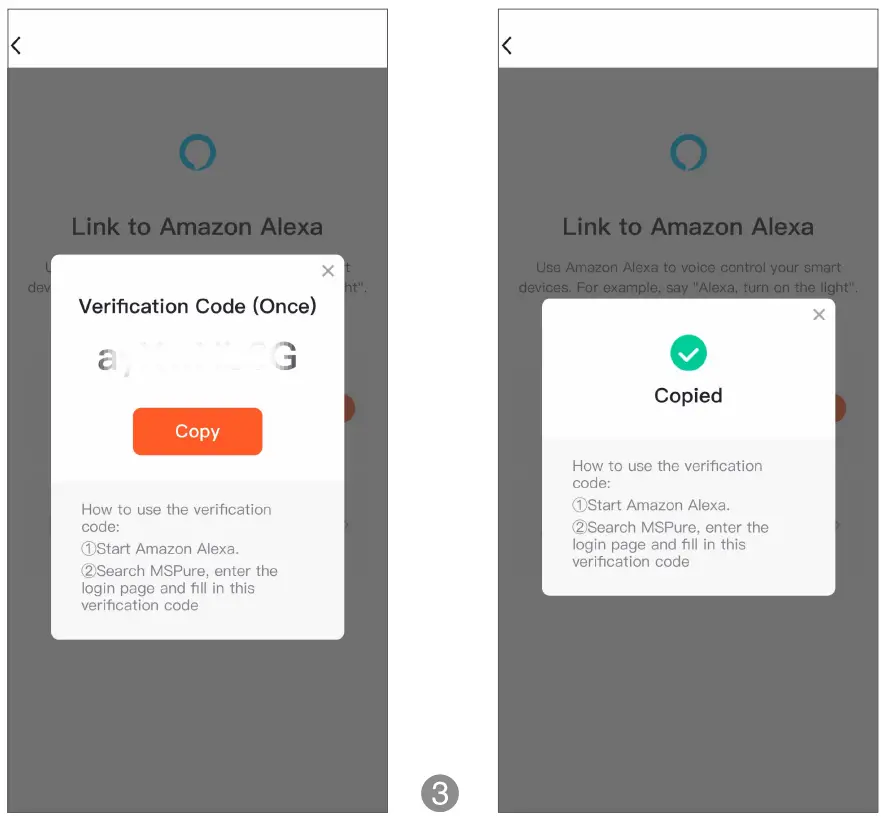 | |
| Open the Amazon Alexa App, Tap [More] | Tap [Skills & Games] |
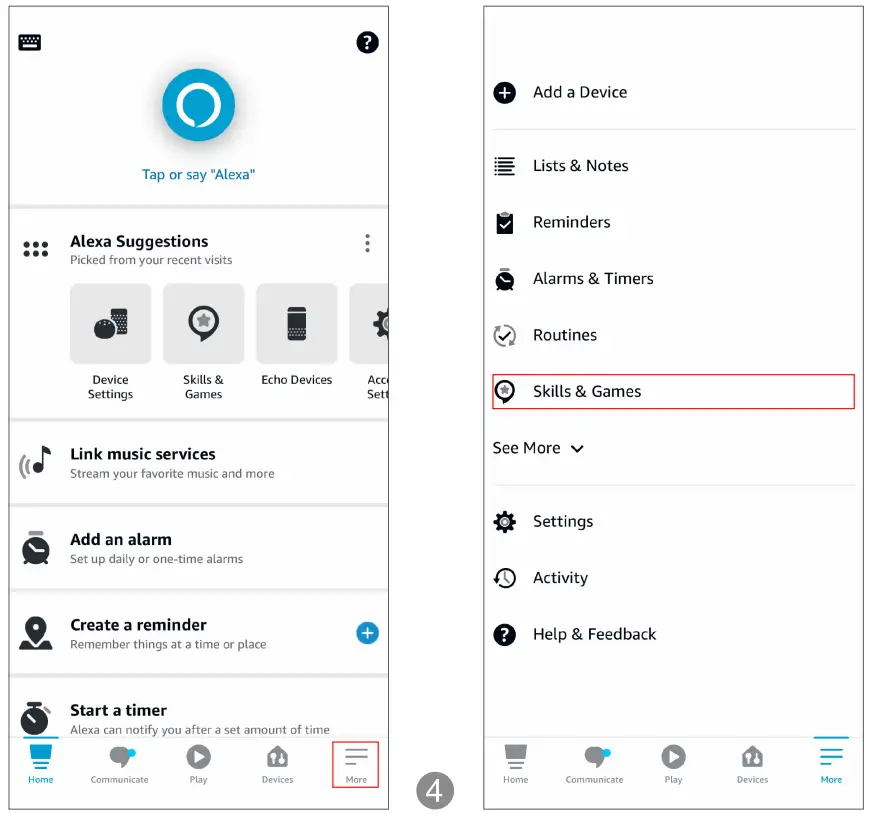 | |
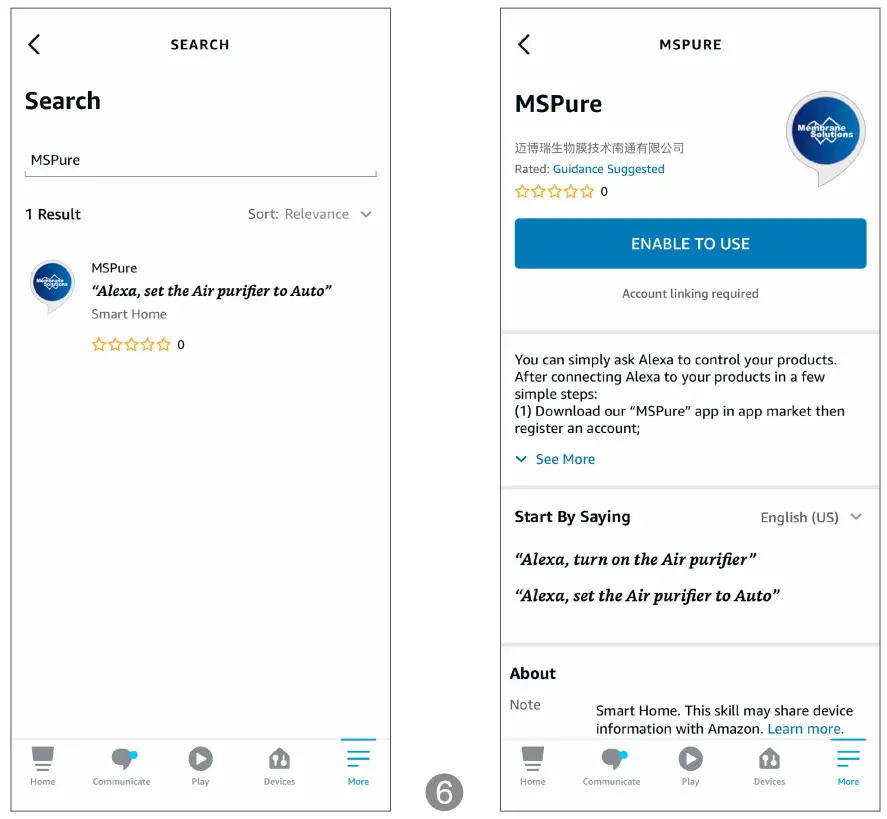
| Tap [Q] | Search for “MS Pure”. |
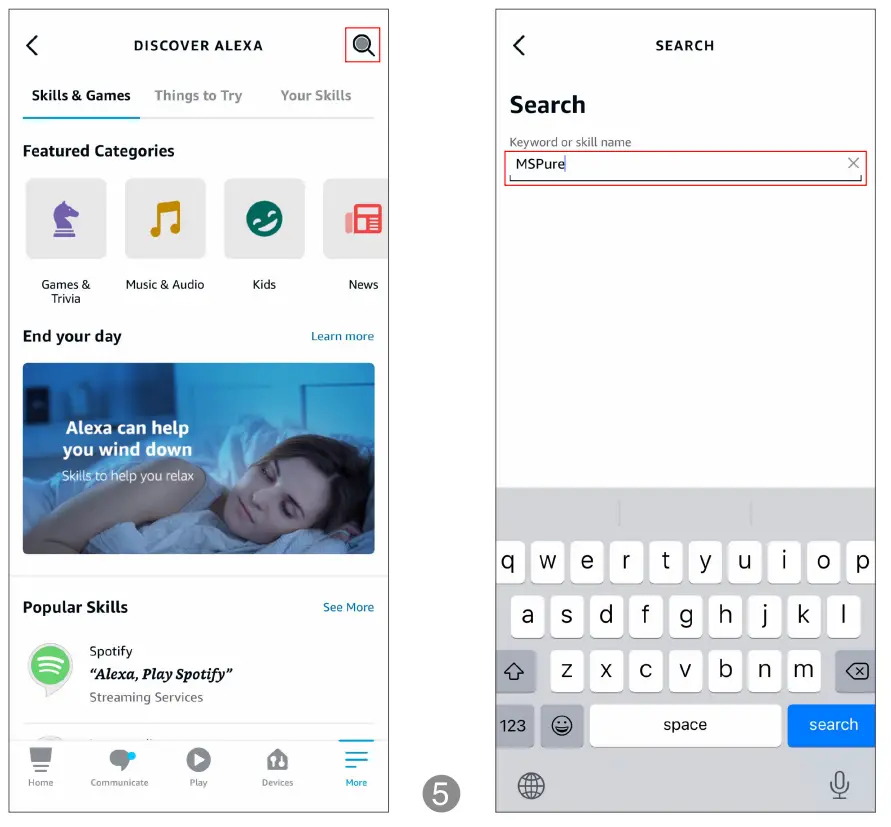 | |
| Tap [MS Pure] | Tap “ENABLE TO USE” |
 | |
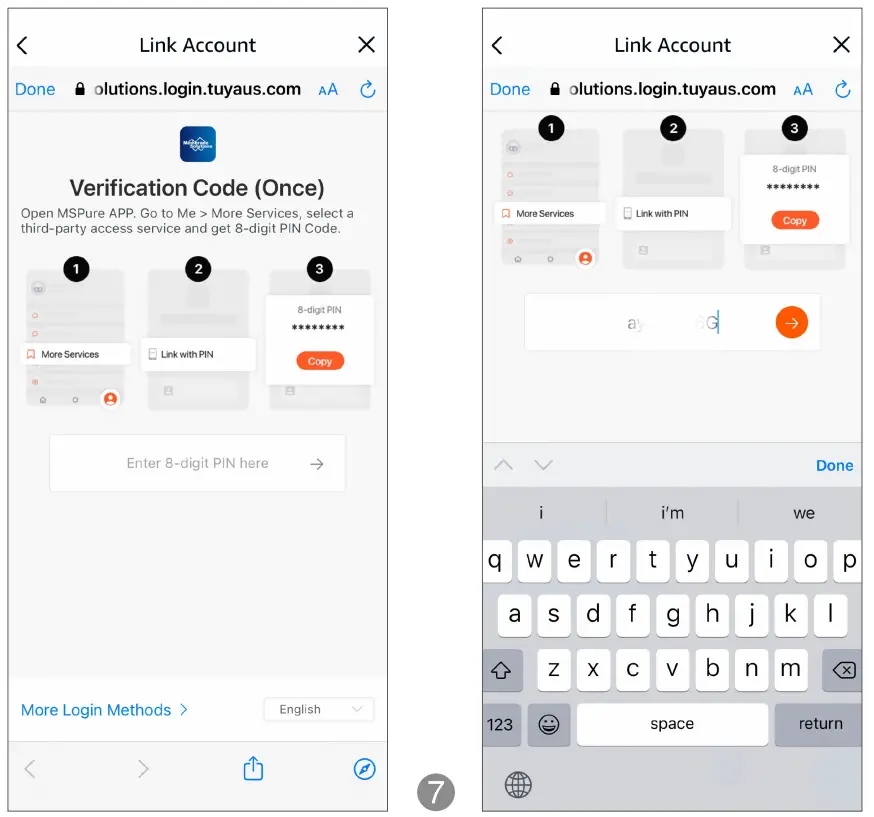
| Paste the verification code. | Tap [6] |
 | |
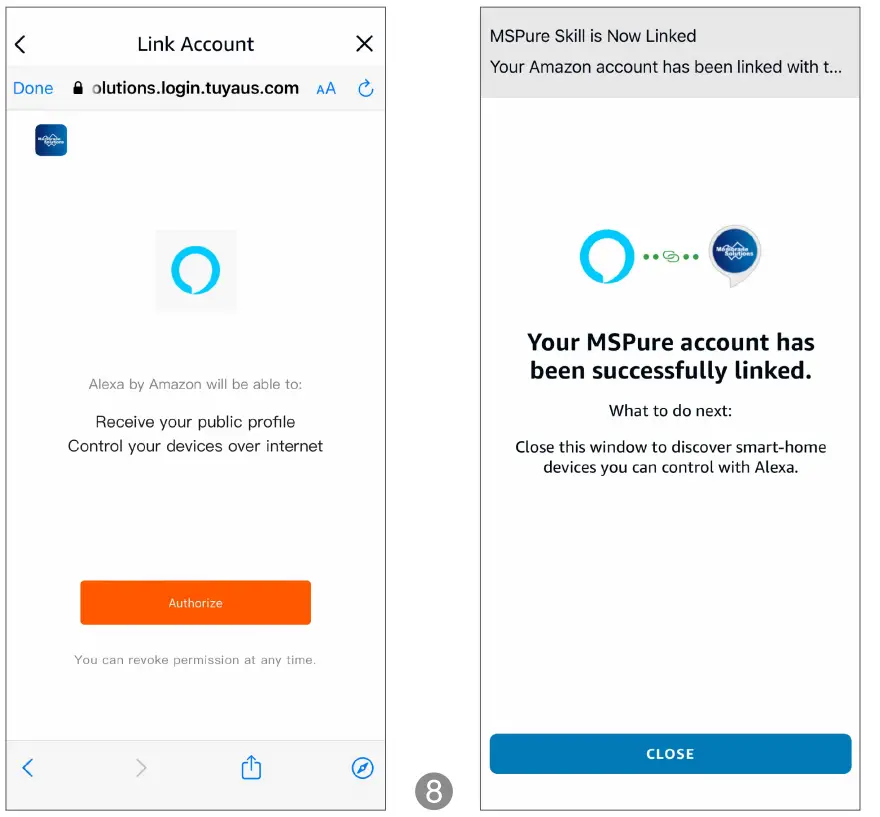
| Tap “Authorize” | Your MSPure account has been successfully linked. |
 | |
You can enjoy the voice control on your home devices like these:
“Alexa, Turn On the Air Purifier.”
“Alexa, Turn Off the Air Purifier.”
{ “Alexa, Set the Air Purifier to Auto Mode.” )
“Alexa, Set the Air Purifier to Sleep Mode.”
( “Alexa, Set the Air Purifier to Low Speed.” )
“Alexa, Set the Air Purifier to High Speed.”
( “Alexa, Set the Air Purifier to Medium Speed.” )