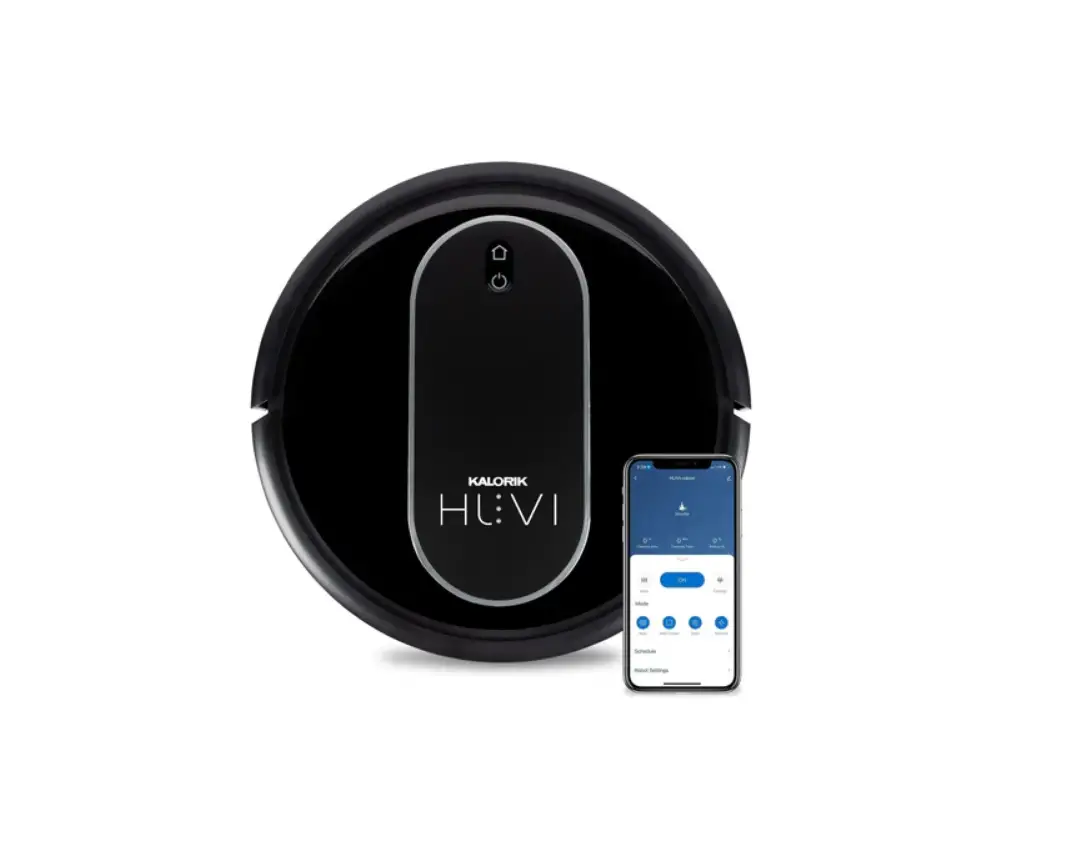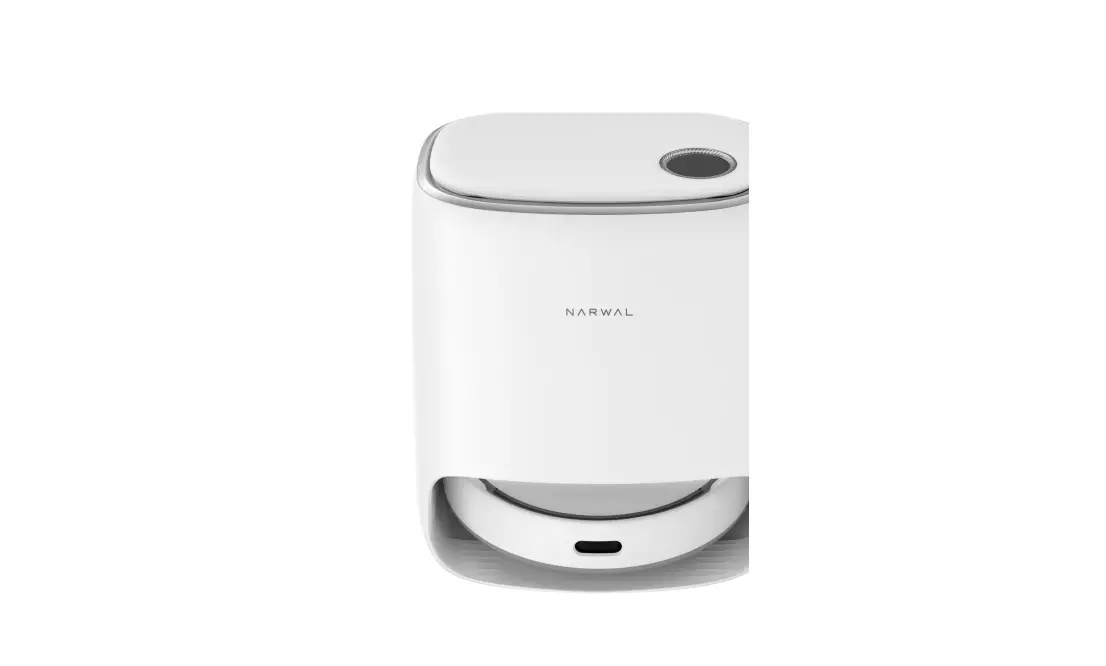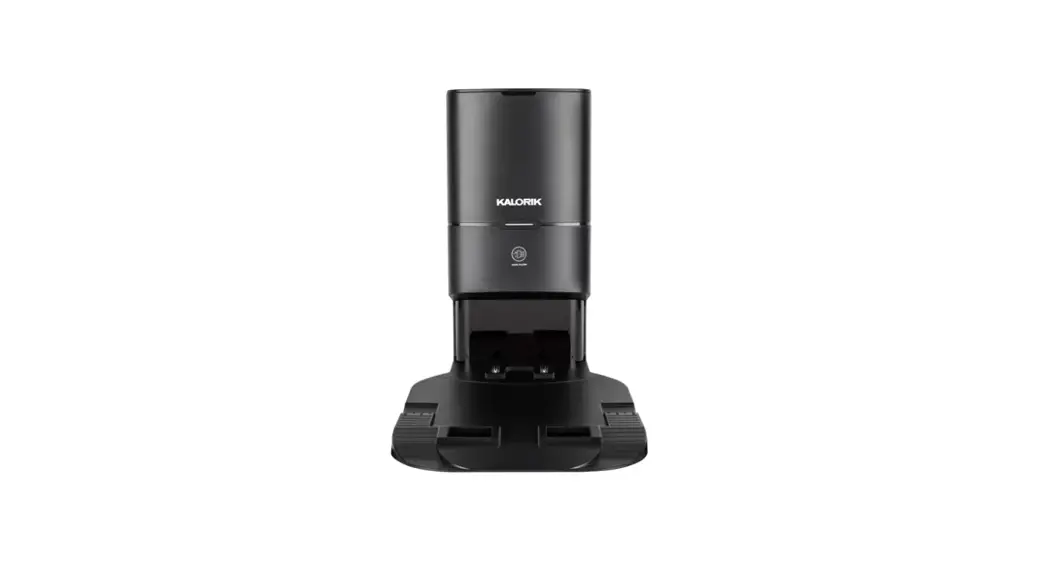
 HUVI Home HUVI Self-Cleaning Station
User Manual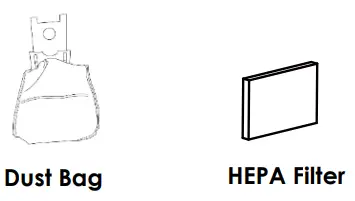
USE & CARE INSTRUCTIONS
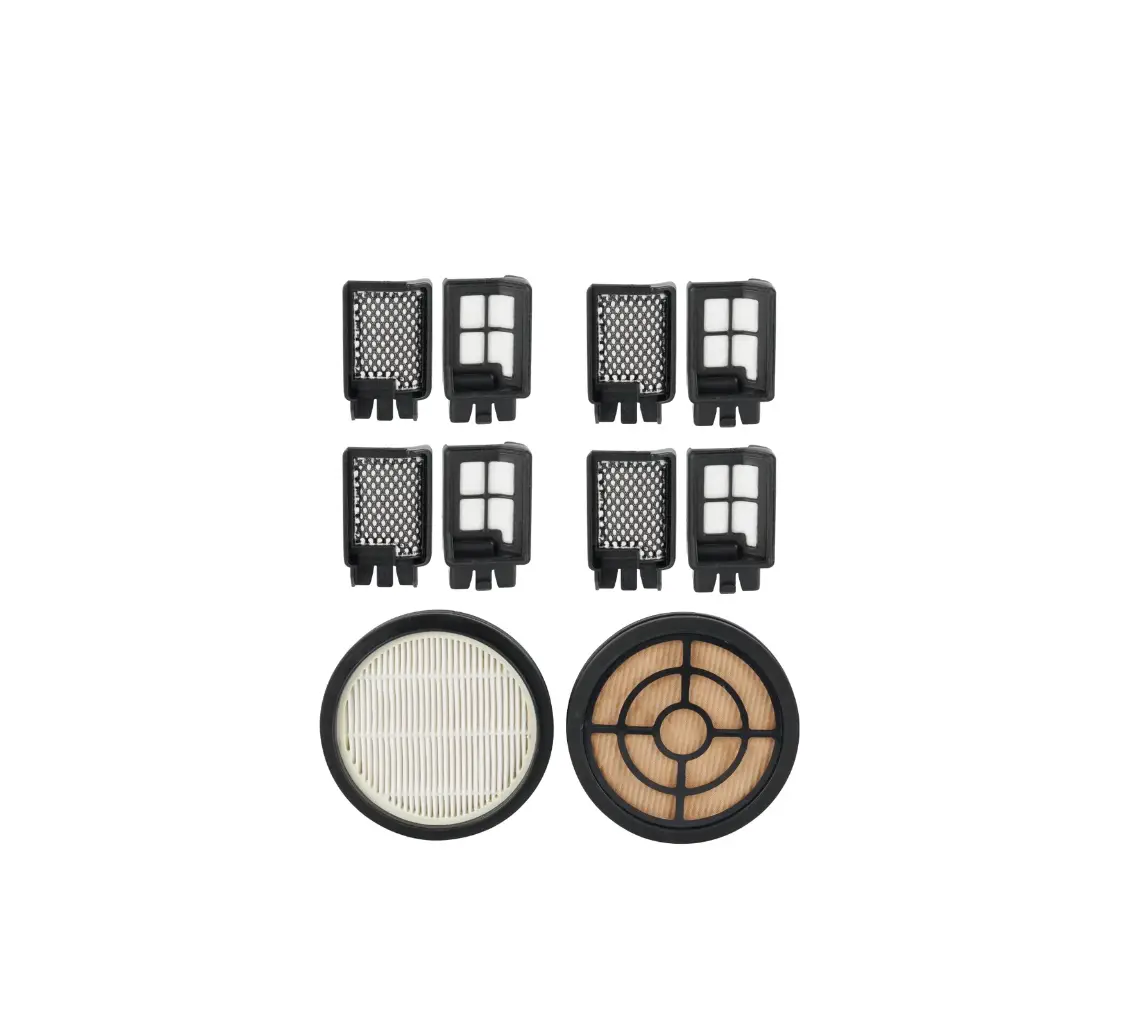
Replacement Dust Bags 3 Pack
INCLUDES 3x Dust Bags 1x HEPA Filter
INSTRUCTIONS – DUST BAG
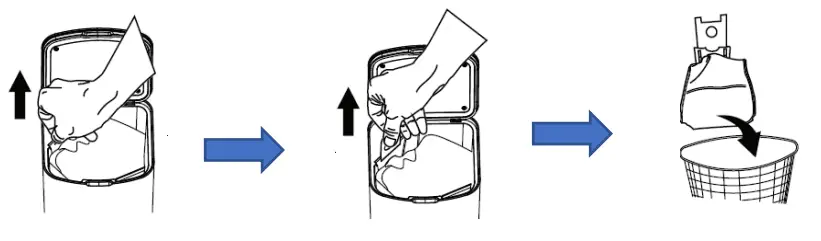
- Open the top of the self-cleaning station. Remove and dispose of the old dust bag. Note that pulling the tab will seal the dust bag, preventing the contents from spilling out when disposing.

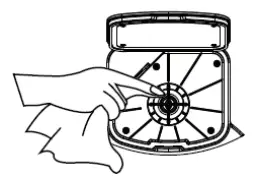
- Clean the filter using the cleaning brush included with HUVI or by hand before installing the new dust bag.

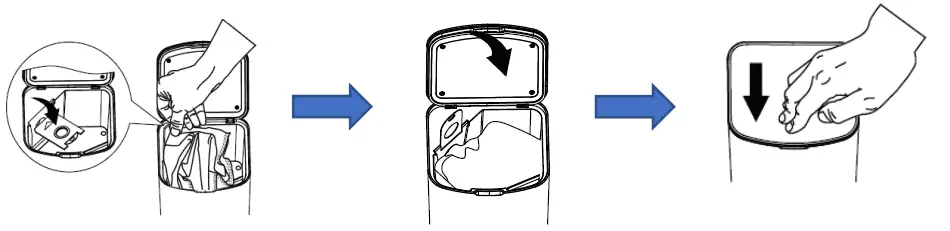
- Install the dust bags by inserting the tag attached to the dust bag into the slot inside the self-cleaning station and close the lid.

NOTE: Dust bags are not reusable and should be changed approximately every 2 months, depending on use.
INSTRUCTIONS – HEPA FILTER
- Press the button of the air outlet cover to take out the air outlet cover and HEPA filter.
- Install the air outlet cover and the HEPA in the reverse direction according to the removal method.
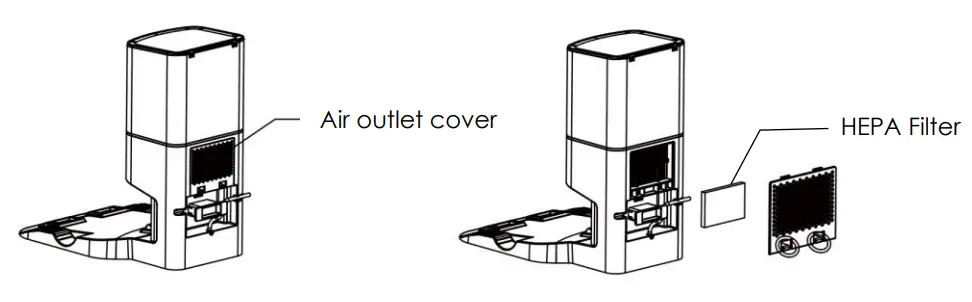
NOTE: The HEPA filter should be changed approximately every 6 months, depending on use. Do not wash the filter.
CONTACT US: If you have any questions or concerns about your product, please reach out to us at [email protected], or by phone at our toll-free number: +1 888KALORIK.
© 2022 All rights reserved.
Instructions courtesy of Team International
Group – Do not reproduce without consent of the
authors.