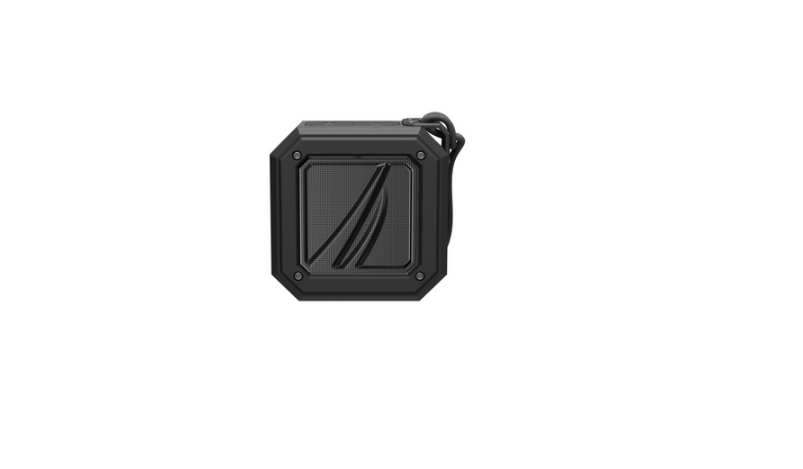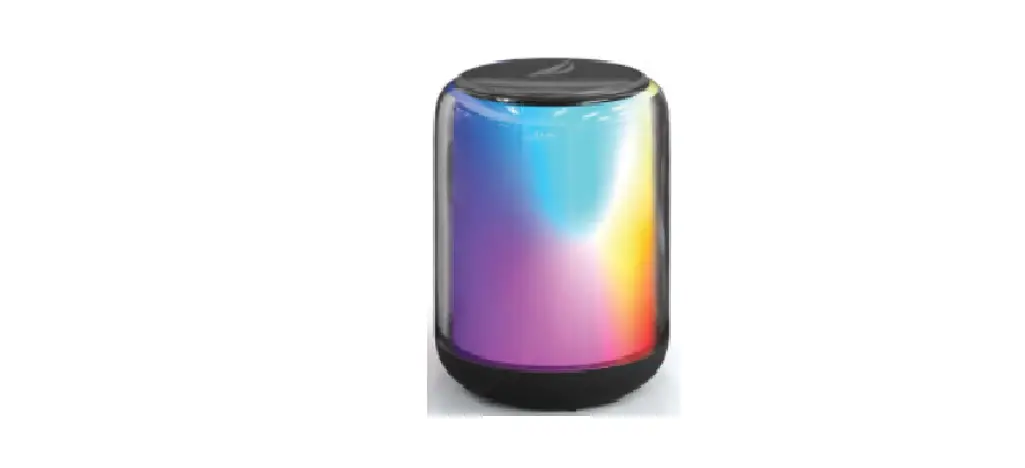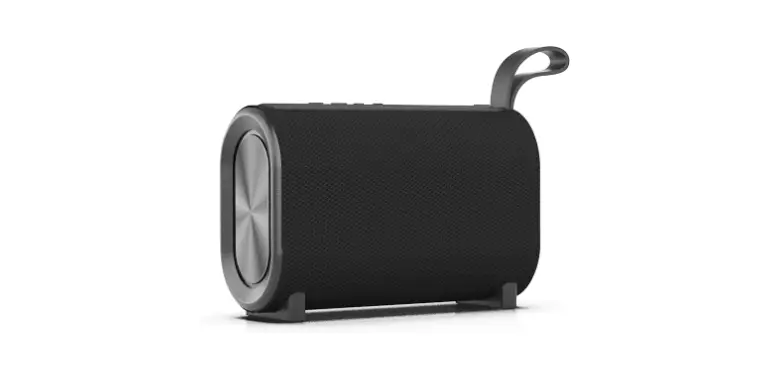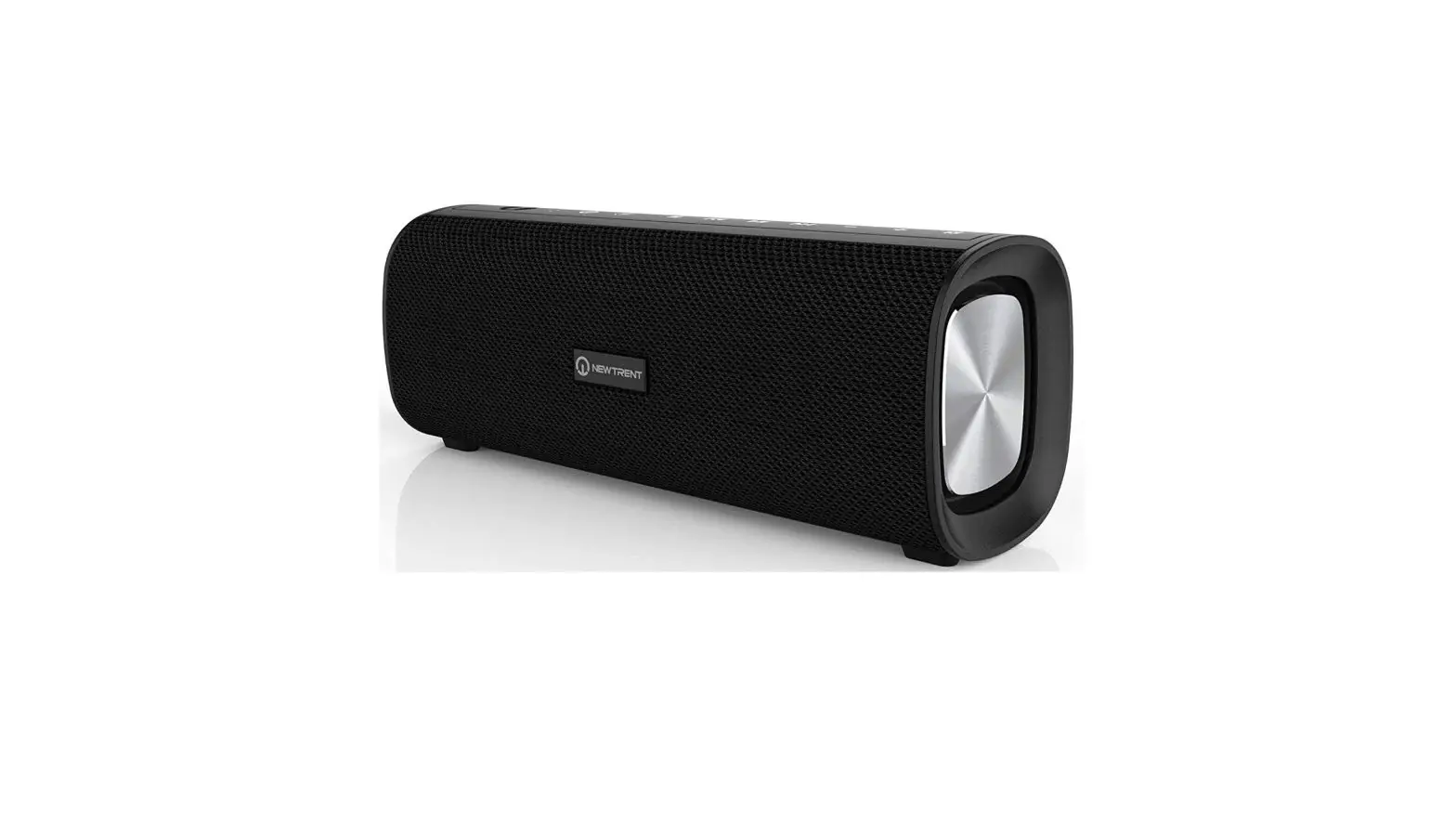
NEW TRENT NTS30 Wireless Portable Speaker User Manual
Important Safety Instructions
- Read this user guide carefully before using this speaker
- Keep speaker away from high temperatures. Do not leave it in the sun
- (Heat degrades battery life span) Keep away from open flames
- Do not expose speaker to liquids or moisture
- Refrain from destroying, modifying,dropping, or throwing speaker
- Always check for power compatibility before charging
- Loud music may impact in hearing loss
- Disassembling the speaker will void warranty of speaker
- At the end of the speaker’s life cycle and warranty period, properly discard speaker according to state law
- Do not store speaker for over a month without usage. We suggest charging the battery from low power to full once a month to preserve battery life
Package Contents
- 1 * NTS30 Portable Speaker
- 1 * USB/ Micro USB Charging Cable
- 1 * AUX Cable
- 1 * User Manual
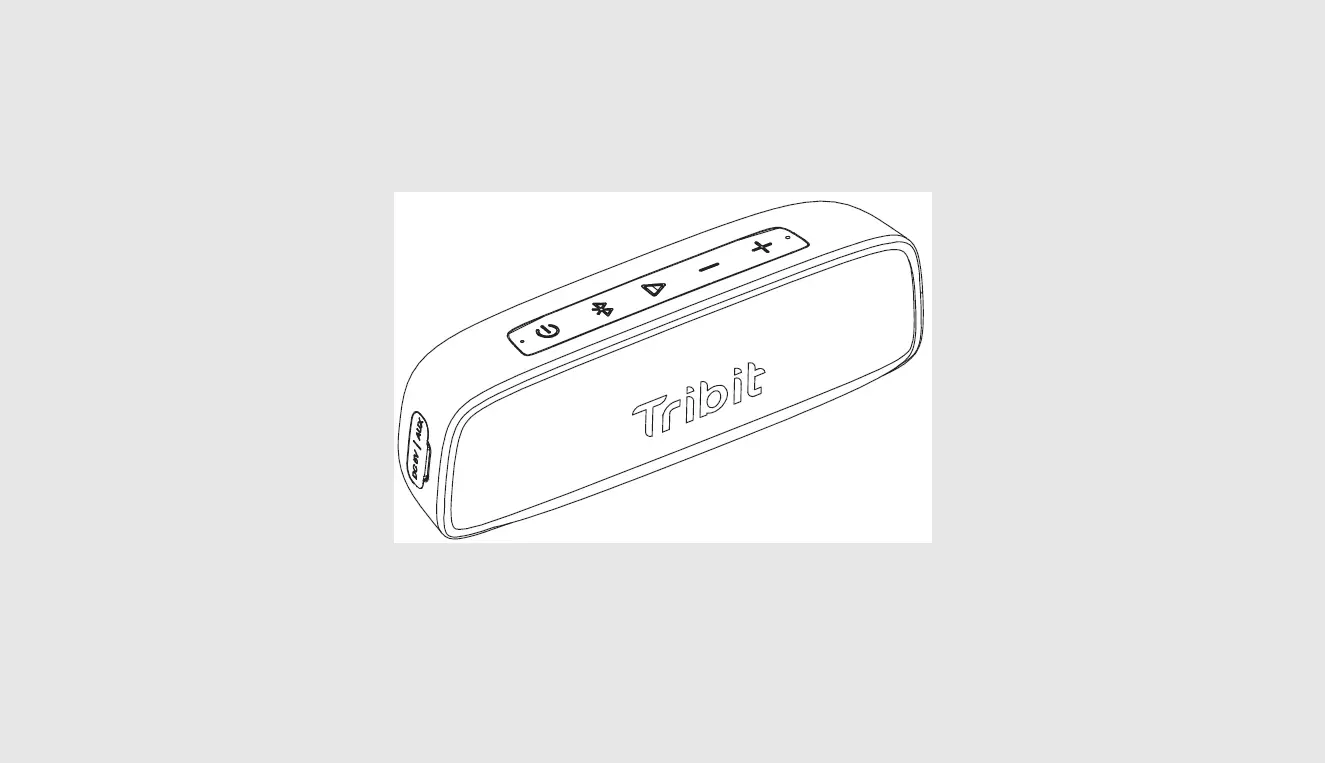
Product Diagram
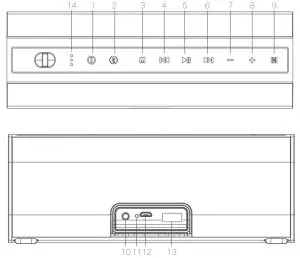
- Power
- Power Bank On/Off
- EQ Mode/ Speaker Mode Switch
- Previous Song
- Multi-Function/ Play & Pause
- Next Song
- Volume Down –
- Volume Up +
- NFC
- AUX Port
- Reset
- Micro USB Charge Port
- USB Port
- Battery Indicator
Power ON/OFF Operation
Fully charge the speaker before its first use is recommended.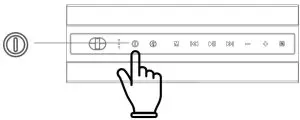
- Hold power button down for 2 seconds to turn on/ off the device.
- There will be a tone when you turn on/ off the speaker.
- The speaker will emit a prompt tone and a blue LED light will flash quickly to indicate that the speaker is in Bluetooth pairing mode.
- The speaker powers off after 10 minutes of inactivity.
Bluetooth Connection Operation
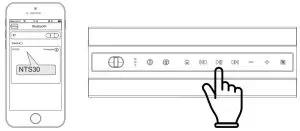
Step 1: Open the Bluetooth menu on your device.
Step 2: Select “NTS30” from the list of available Bluetooth devices. If the system requires a password, please enter 0000.
Step 3: Once paired, the speaker will make a prompt tone and the blue indicator flashes.
Note:
- When power is on, the speaker automatically attempts to pair with any device that has previously been paired with it.
- The Bluetooth will automatically disconnect from the device once the speaker powers off.
- Long press
 to connect/ disconnect Bluetooth.
NFC Pairing
Activate NFC on you Bluetooth device. Place the device on the NFC logo  position of the speaker. The device prompts Bluetooth paring request. Confirm the PAIR, the speaker will make a prompt tone, and the blue indicator light will flash.
Note:
NFC pairing requires a device with both Bluetooth and NFC capacities.
AUX Mode
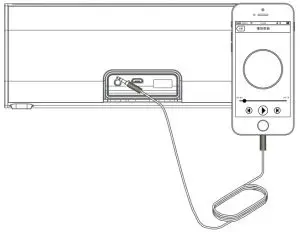
- Turn on the speaker.
- Connect device to the speaker with the AU
- The speaker is now in the AUX mode.
Note:
- In AUX mode, you can switch back to Bluetooth mode by short pressing the
 button or by removing the audio cable from the AUX port.
 - Cannot play AUX mode & USB Drive Mode at the same time.
EQ Switch
There are 3 EQ modes available on this speaker, Long Press button to switch EQ mode one by one.
TWS- True Wireless Stereo
The speaker supports the TWS feature, which allows the pairing oftwo speakers to sync and play audio simultaneously.
Step 1: Speakers must be disconnected from other Bluetooth devices before TWS pairing.
Step 2: Turn on two speakers and keep them within 50cm. After connected, the suggested distance is 10M.
Step 3: Double press  button for any of the two speakers, speakers enter into TWS pairing mode. The first speaker you pressed will prompt tone and will be a master one.
Step 4: Connect Bluetooth. * Refer Bluetooth Connection Operation section.
Note:
- The speakers will connect together automatically each time after you turn them off and on.
- Double press button for any of the speakers to disconnect the TWS.
- Long press button for any of the speakers to disconnect the TWS and Bluetooth at the same time for both speakers.
- To reconnect TWS mode, turn on both speakers. Set them up from above Step 1.
USB Drive Mode
- Plug USB Drive into USB port.
- Press button to start audio playback.
Note:
Cannot play AUX mode & USB Drive Mode at the same time.
Power Bank
- Turn on the speaker.
- Long press
 button to activate for the power bank function.
 - Plug the USB charging cable into the power bank and connect your device. After charging, long press to turn off the power bank function.
USB Interface
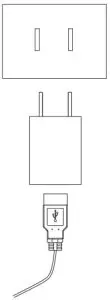
The device can be charged when it is connected with DC-5V/1A charger via Micro USB/ USB cable.
Charging is possible through: Computer, Power Bank, Car Charger, Wall plug.
Reset Switch
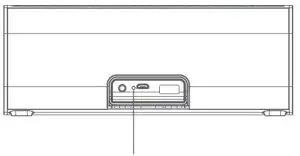
Press reset button with a pin to reset the device.
Microphone
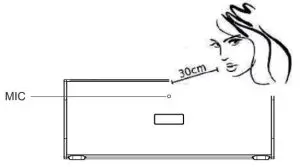
- For better sound quality, please keep the device no more than 30cm away from you.
- Calling from the same room may cause interference in sound quality.
| Mode | Function | Operation |
| Power and Mode Control | Power on/off | Press and hold the  button for 2s button for 2s |
| Change Mode | Short press  button button | |
| Bluetooth Mode | Volume+/Volume- | Press  button button |
| Previous song/ Next song | Short press  button button | |
| Music play/pause | Press button | |
| Disconnect Bluetooth | Double Press button | |
| Disconnect Bluetooth/ TWS (in TWS mode) | Long press button | |
| Telephone Mode in Bluetooth Mode | Answer incoming call/hang up | Short pres button |
| Reject incoming call | Long press button | |
| AUX Mode | Volume+/Volume- | Press button |
| Music play/mute | Press button | |
| Power bank | Power bank on / off | Long press  button button |
Indicator Indicator Key
| LED Indicator | Status |
| Blue indicator flashing | Waiting for device to be paired |
| Blue indicator light on | Bluetooth-connected |
| White indicator light on | AUX playback |
| 3 Battery indicators flashing | Charging |
| 3 Battery indicators on | 70%-100% charged |
| 2 Battery indicators on | 35%-70% charged |
| 1 Battery indicator on | 10%-35% charged |
| 1 Battery indicator flashing | 0%-10% charged |
Attention:
- Leaving speaker in the sun/ near heat sources will damage speaker’s battery life.
- IPX6 Rating: Can resist light pressure of water. *Cannot be submerged in water.
- Store speaker at 50% charged is recommended. Do not store it at low power. Cycle the battery from low to max once a month for optimal battery life.
- Loud music may impact hearing loss.
At the end of speaker’s life cycle and warranty period, properly discard speaker according to state law.
Specifications
| Bluetooth Speaker | 2 x 15W |
| Working Mode | Bluetooth/AUX Mode |
| Bluetooth Version | V4.2 |
| Waterproof Level | IPX 6 |
| Connection Range | ~15M |
| Battery Capacity | 6000mAh |
| Charging Interface | USB Port, 5V/1A Input |
| Speaker Dimension | L200*W68*H76 mm |
| Speaker Weight | 636.5g |
| Playback Time | 12h |
| Charging Time | 5~5.5h |
New Trent Inc.
San Jose, CA USA
Contact us:
https://www.newtrent.com/pages/contact-nt
Note: User guide’s content is subject to change without notice due to improvements on product or manual.