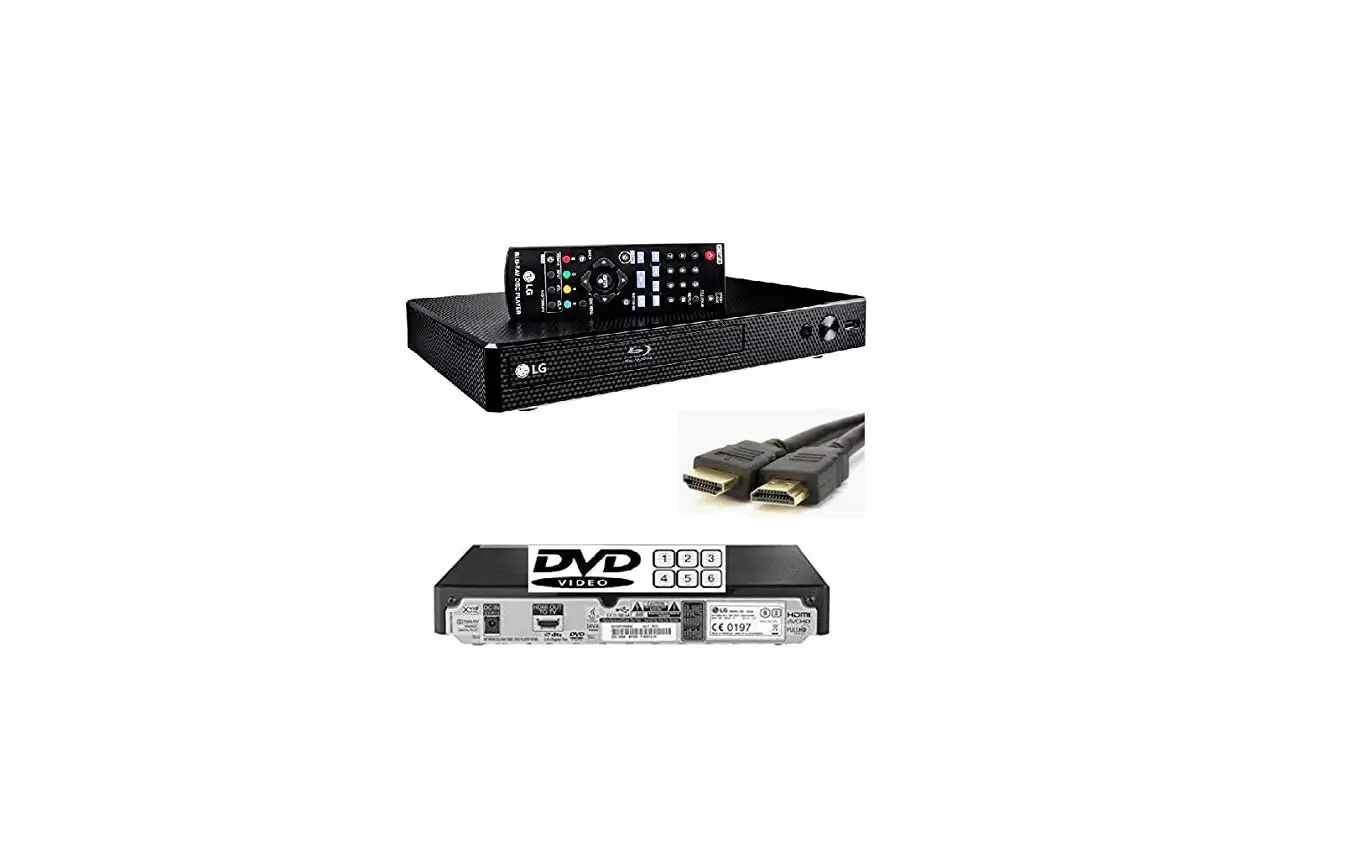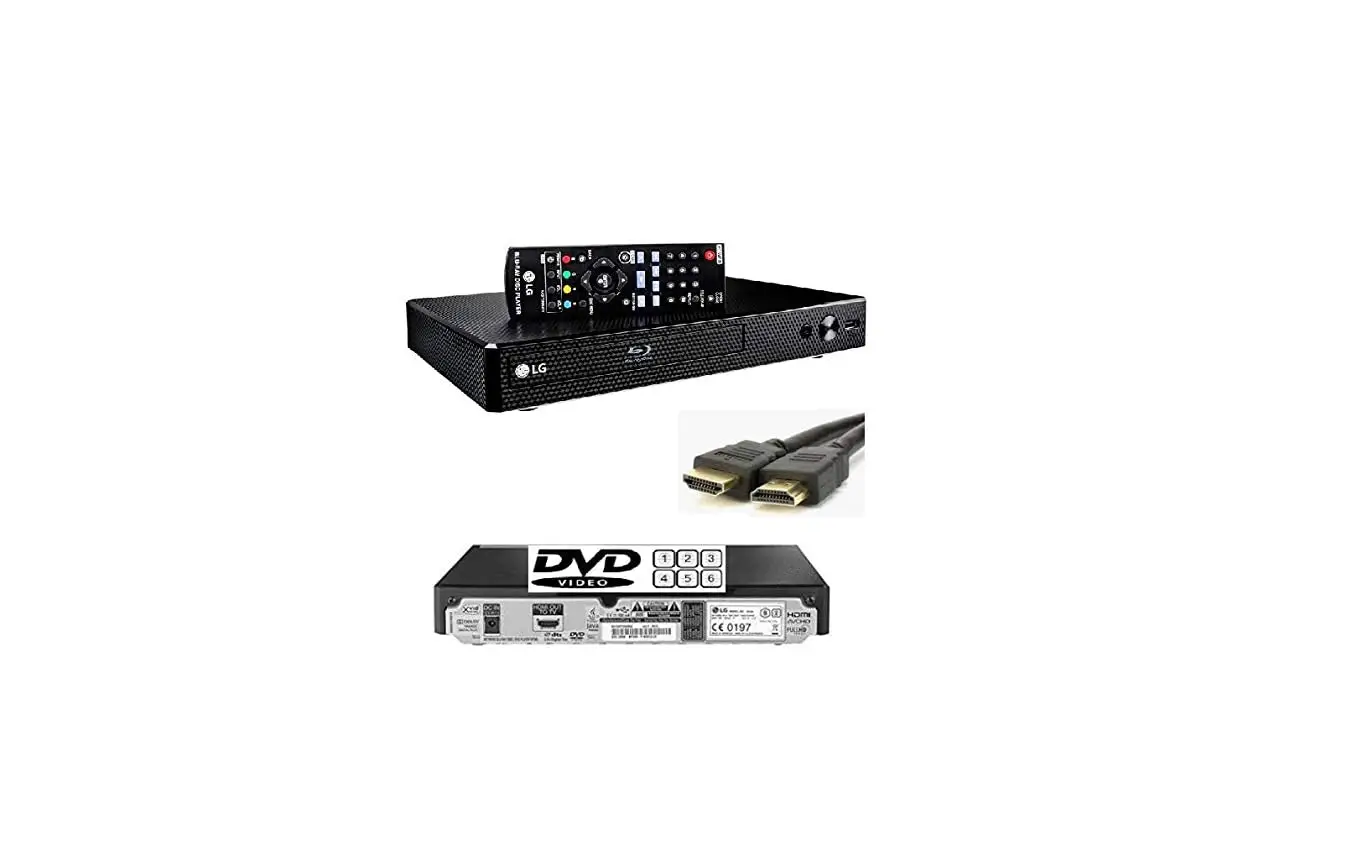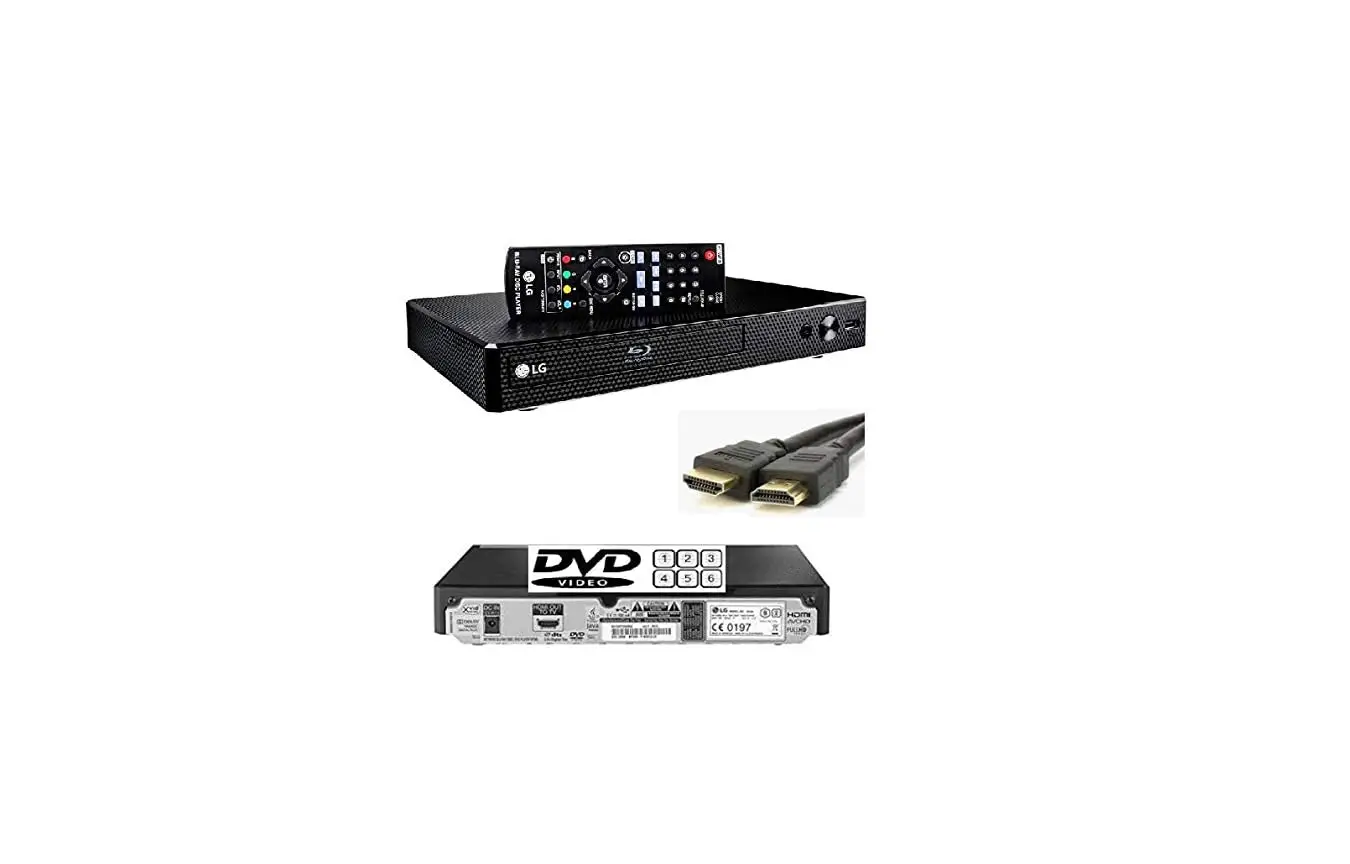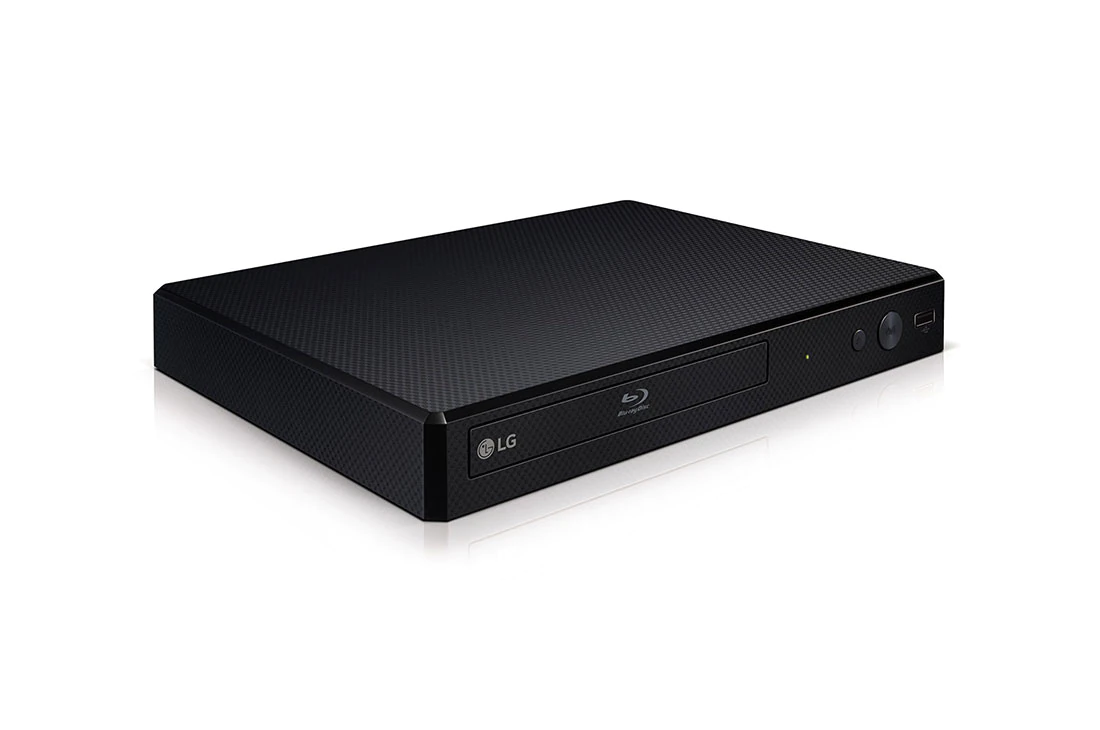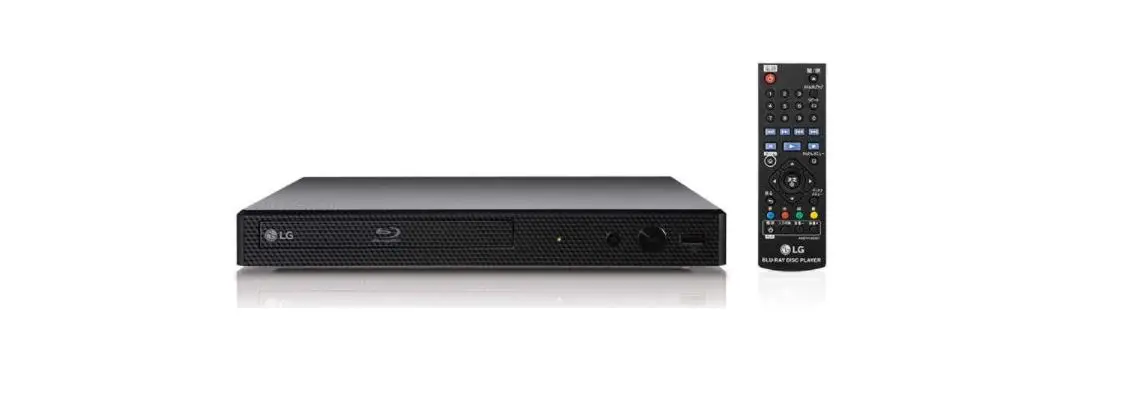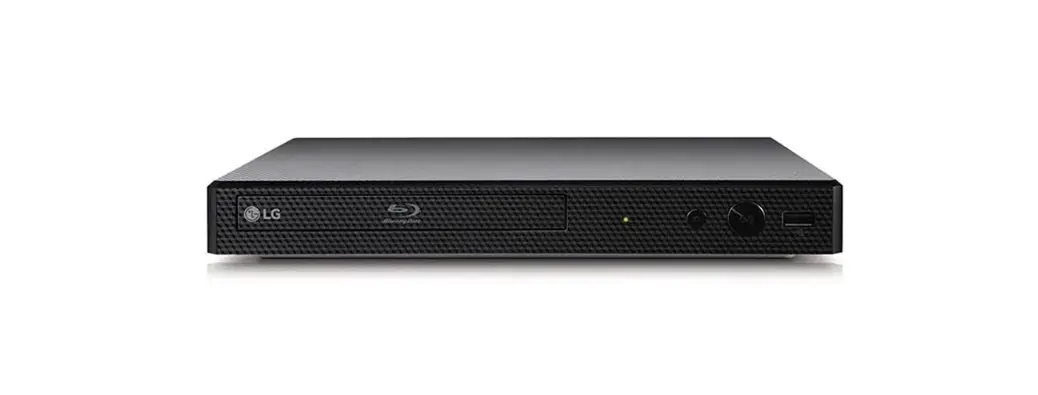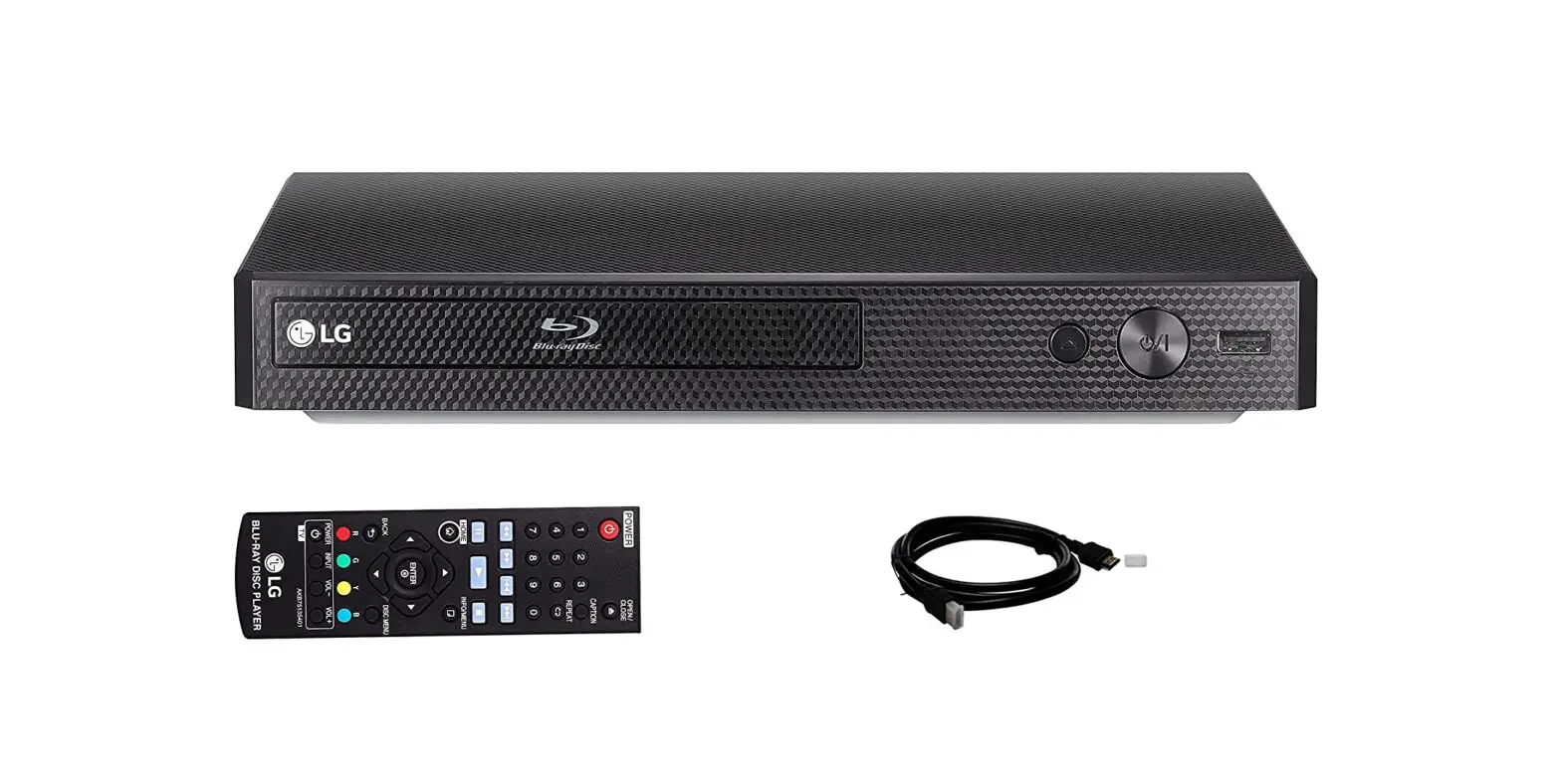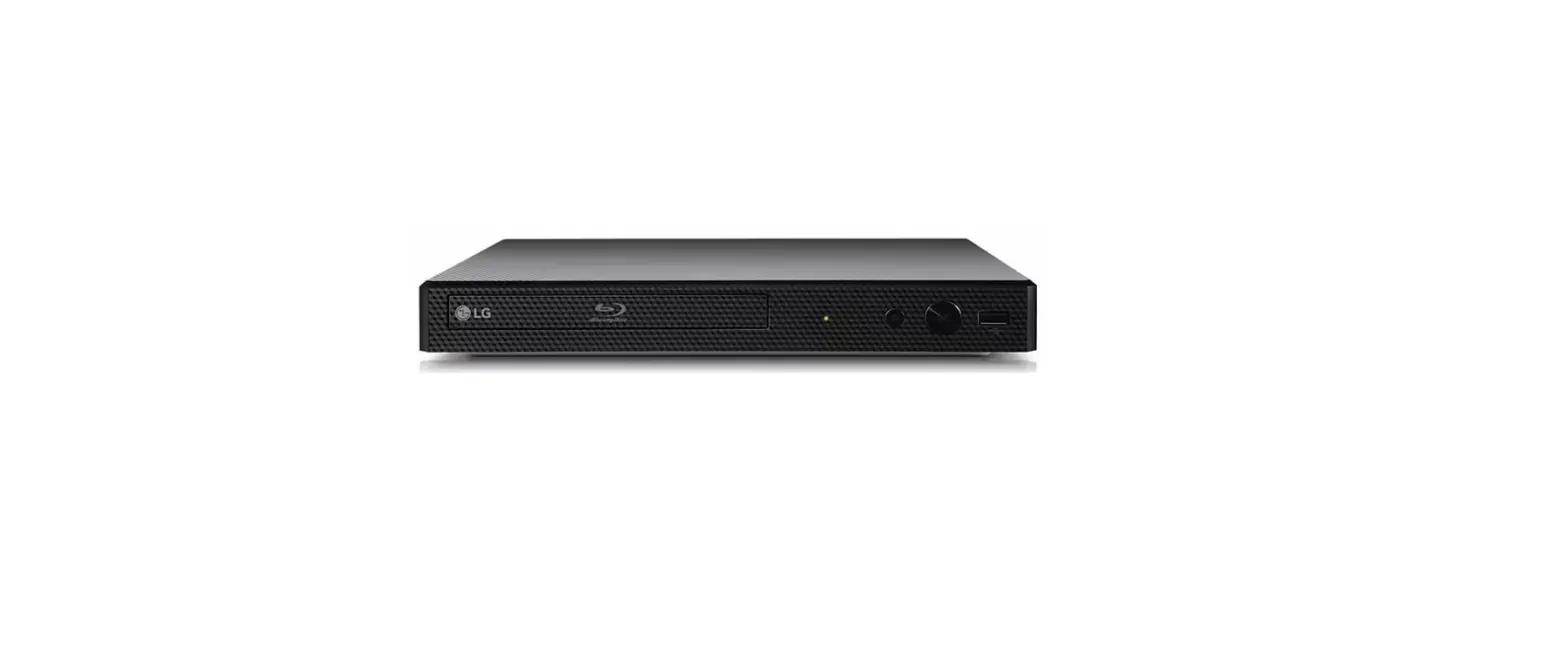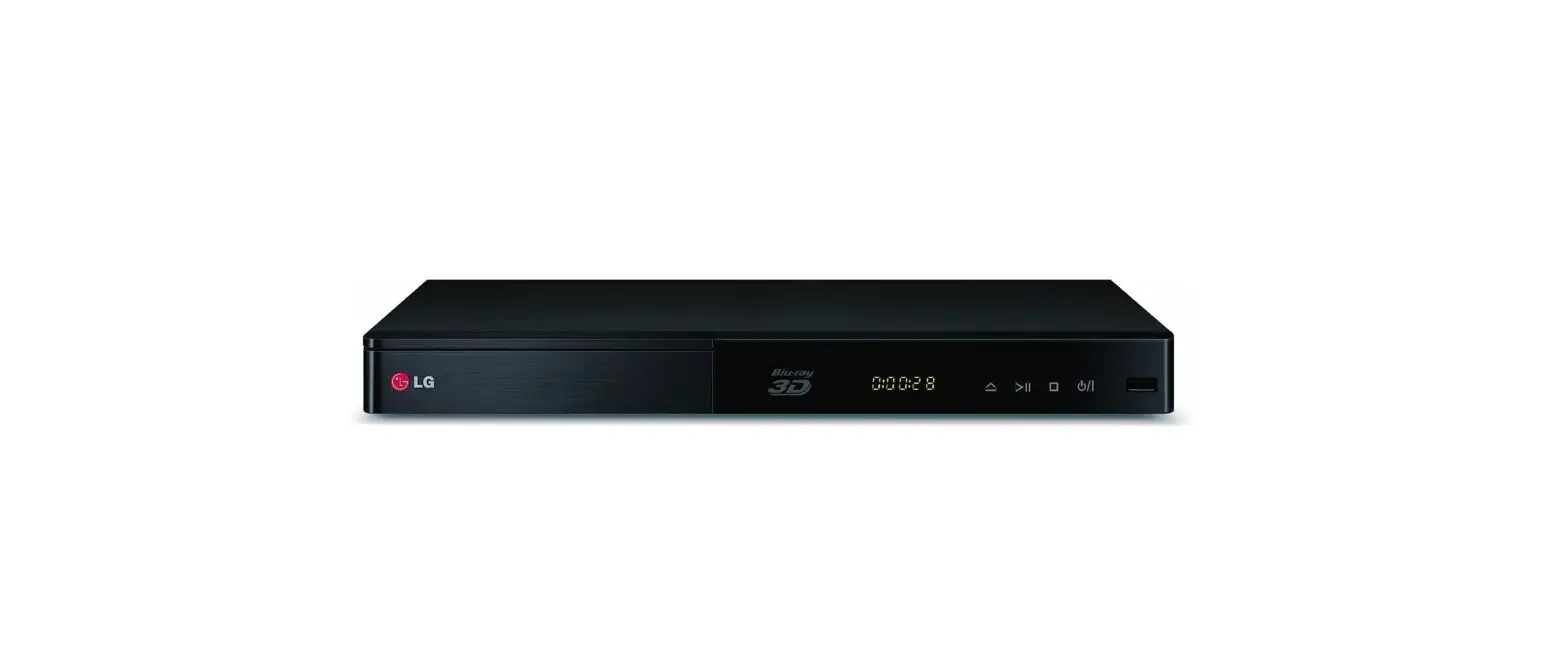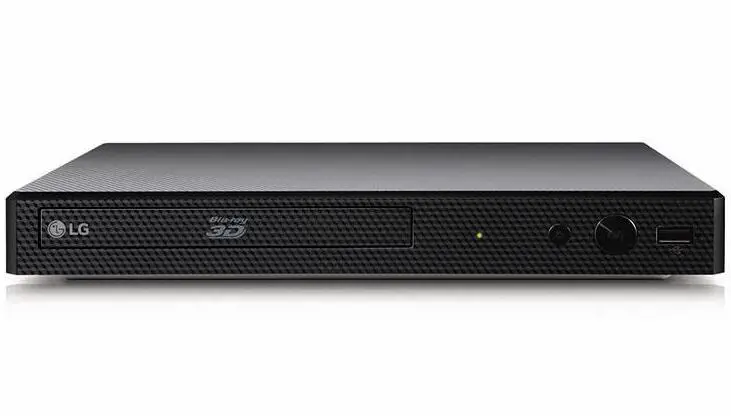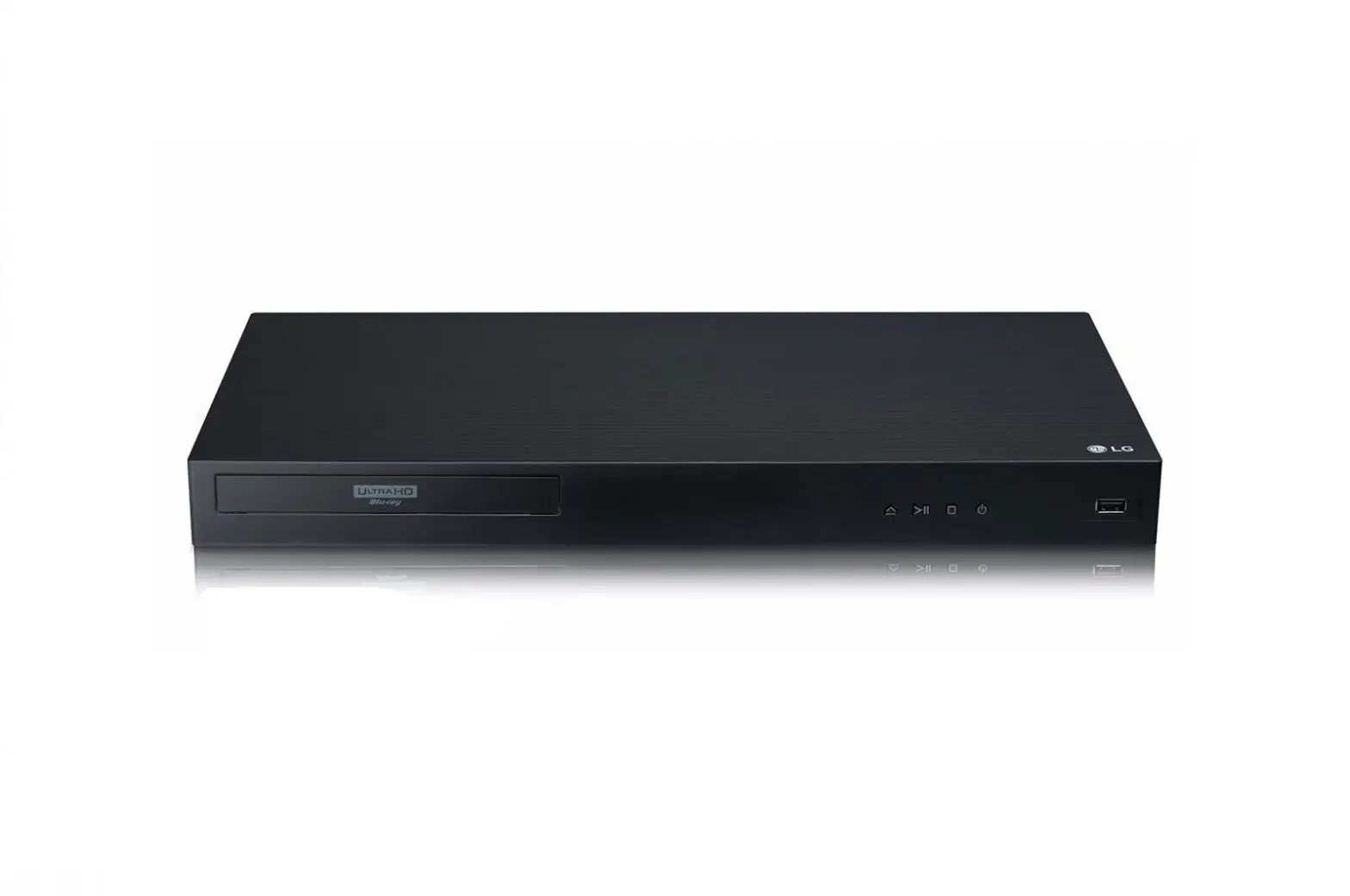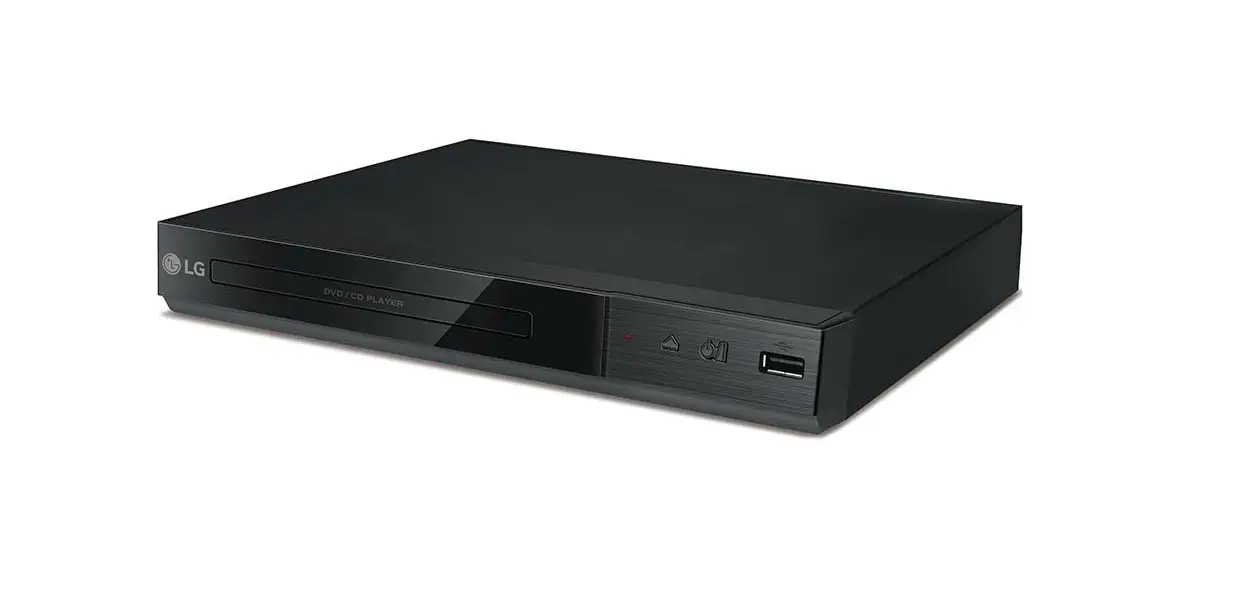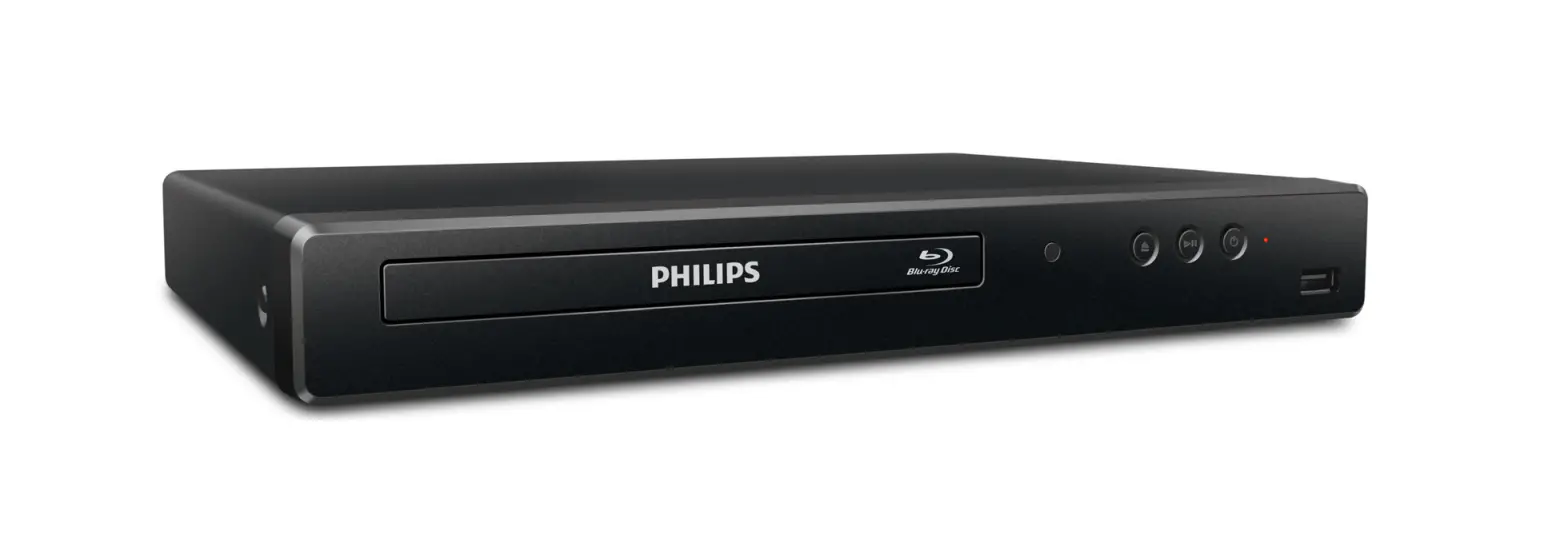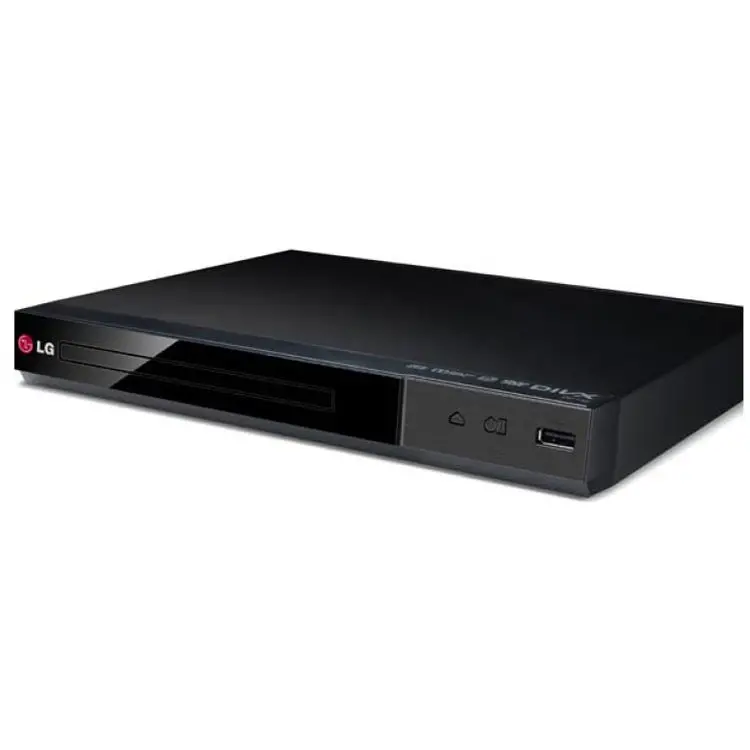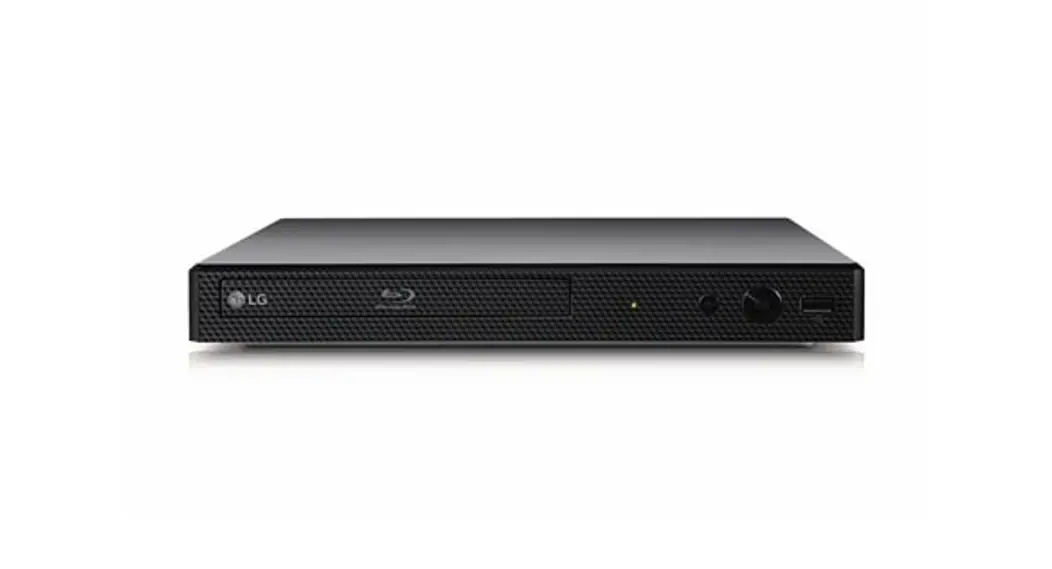


Front Panel
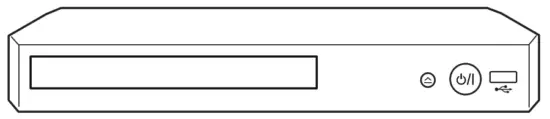
 · · · · · · · · · · · · · · · · · · · · · · · Disc Tray Open / Close
 · · · · · · · · · · · · · · · · · · · · · · · · · · · · · · Power On / Off
USB Port · · · · · · · · · · · · · · · · · · Connect a USB device.
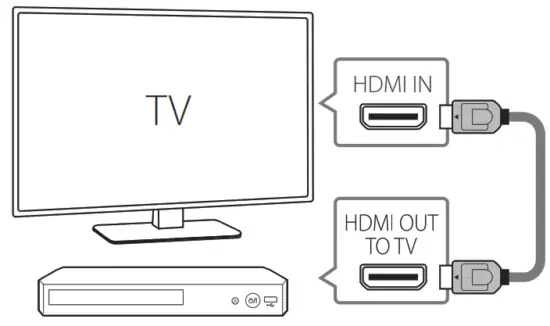
TV Connection
- Connect the HDMI jack on the player to the HDMI jack on the TV using a HDMI cable.

- Set the input selector to HDMI on the TV.
- Follow the instructions on the TV screen using remote control.
Rear Panel
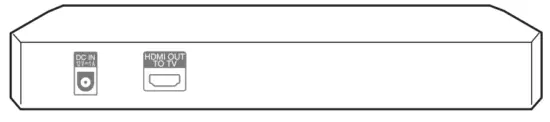 DC IN 12 V
  1 A · · · · · · · Connect to AC Adaptor.
HDMI OUT (TO TV) · · · · · · · · · · · · · · · · Connect to TV.
After initial setup, Home menu appears on the TV screen. Enjoy various functions on the player.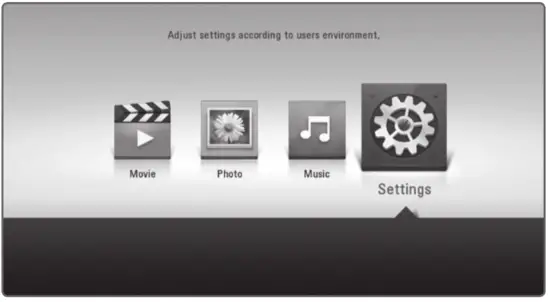
Additional Information
Specification
| AC adapter | Model : WA-12M12FU Manufacturer : Asian Power Devices Inc. Input : 100-120 V~, 50-60 Hz 0.5 A Max. Output : 12 V 1 A |
| Model : AD2071F10 Manufacturer : PI ELECTRONICS Input : 100 – 120 V~, 50 / 60 Hz 0.3 A Max Output : 12 V 1 A | |
| Networked standby power consumption | 0.5 W (If all network ports are activated.) |
| Dimensions (W x H x D) | Approx. 270 mm x 43 mm x 195 mm |
| Net Weight (Approx.) | 0.83 kg |
| Bus Power Supply (USB) | 5 V 500 mA |
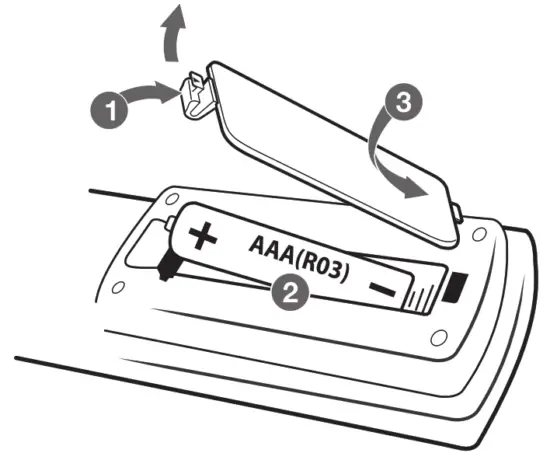
Replacement of battery
 Open-source software notice
To obtain the source code under GPL, LGPL, MPL and other open-source licenses, that is contained in this product, please visit http://opensource.lge.com.
In addition to the source code, all referred license terms, warranty disclaimers and copyright notices are available for download.
LG Electronics will also provide open source code to you on CD-ROM for a charge covering the cost of performing such distribution (such as the cost of media, shipping and handling) upon email request to [email protected]. This offer is valid for three (3) years from the date on which you purchased the product.
CAN ICES-3 (B)/NMB-3(B)
LG Customer Information Center
1-888-542-2623 CANADA
Register your product Online!
www.lg.com To view the instructions of advanced features, visit http://www.lg.com and then download Owner’s Manual.
Some of the content in this manual may differ from your unit.
BP250 BP250-N.DCANLLM_SM_MFL71685942.indd 1-4
 LG Open Source
 LG Electronics & Home Appliances | Shop Now | LG USA