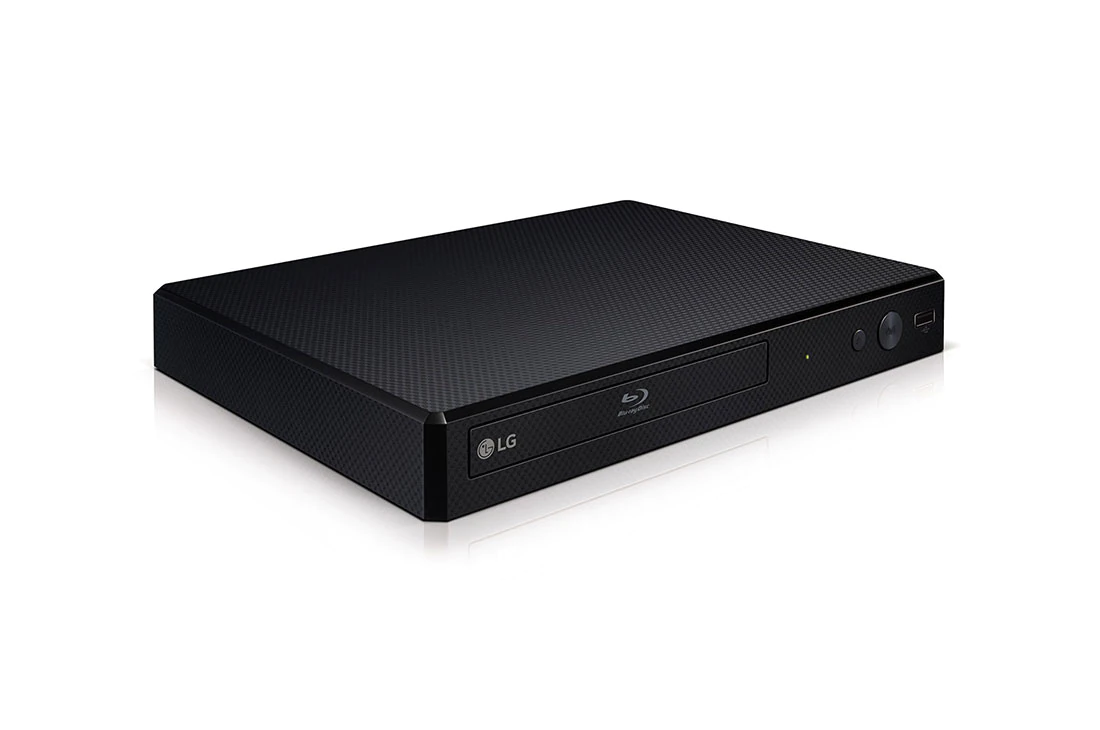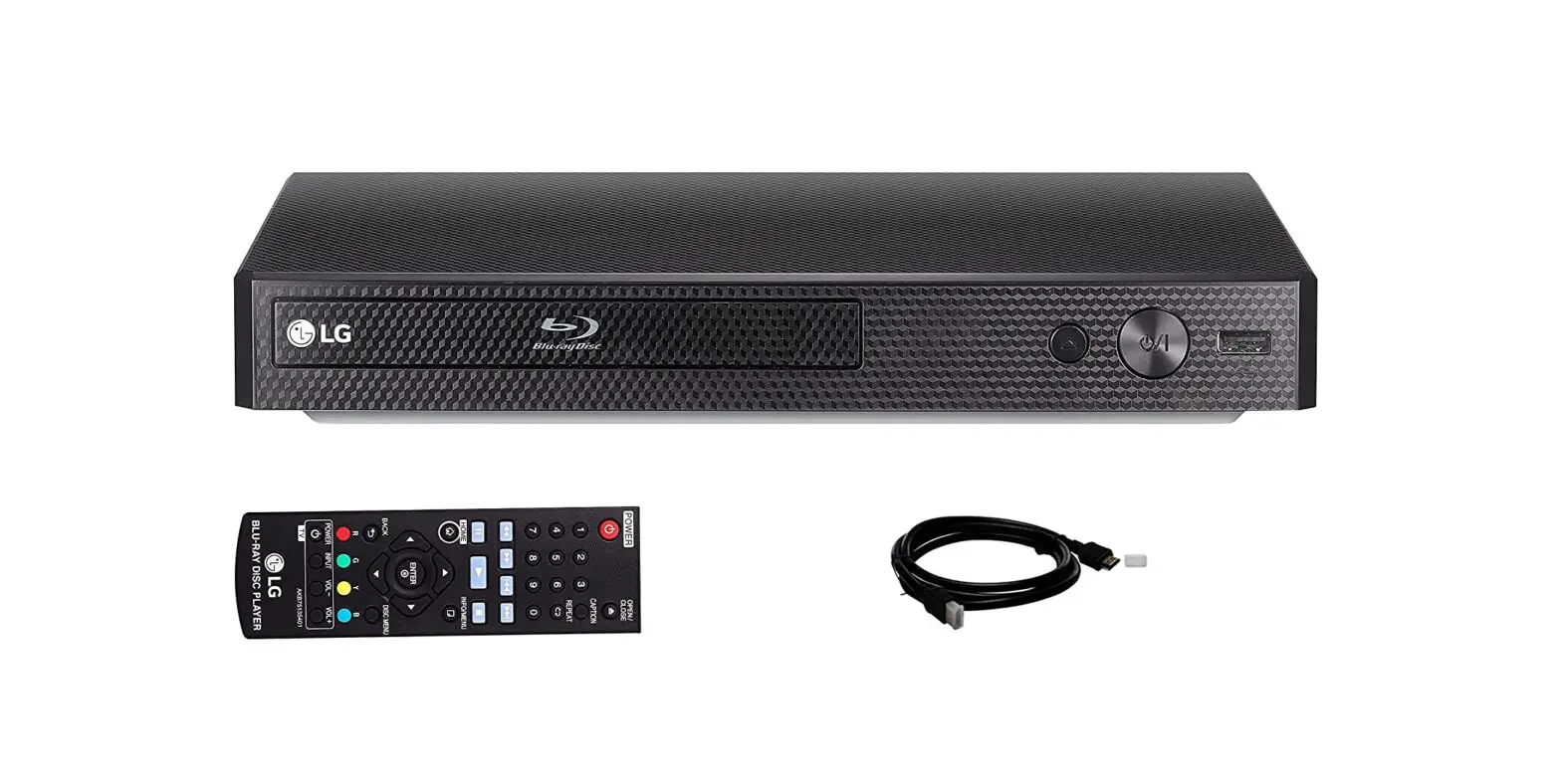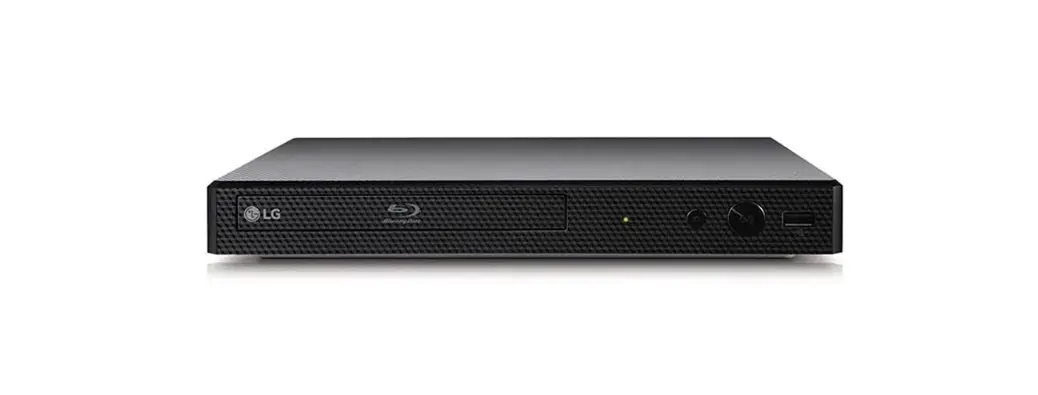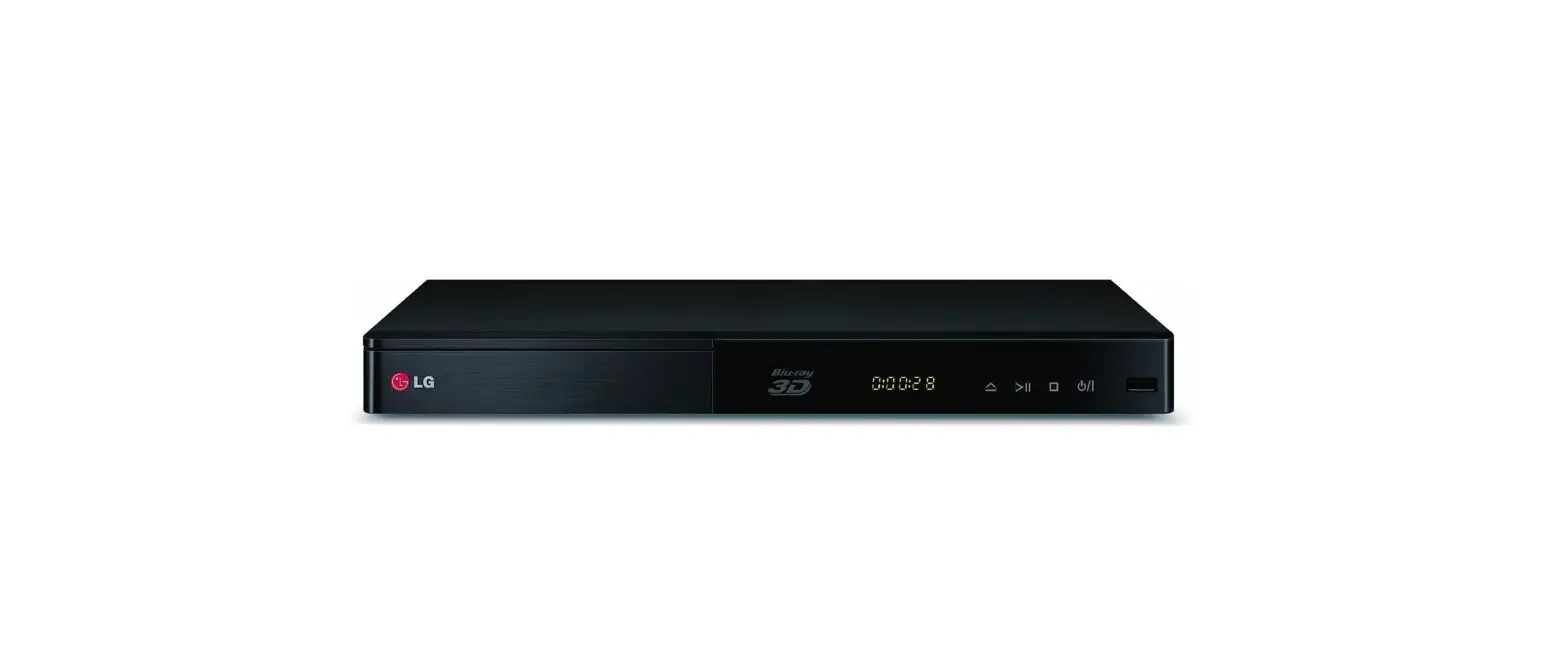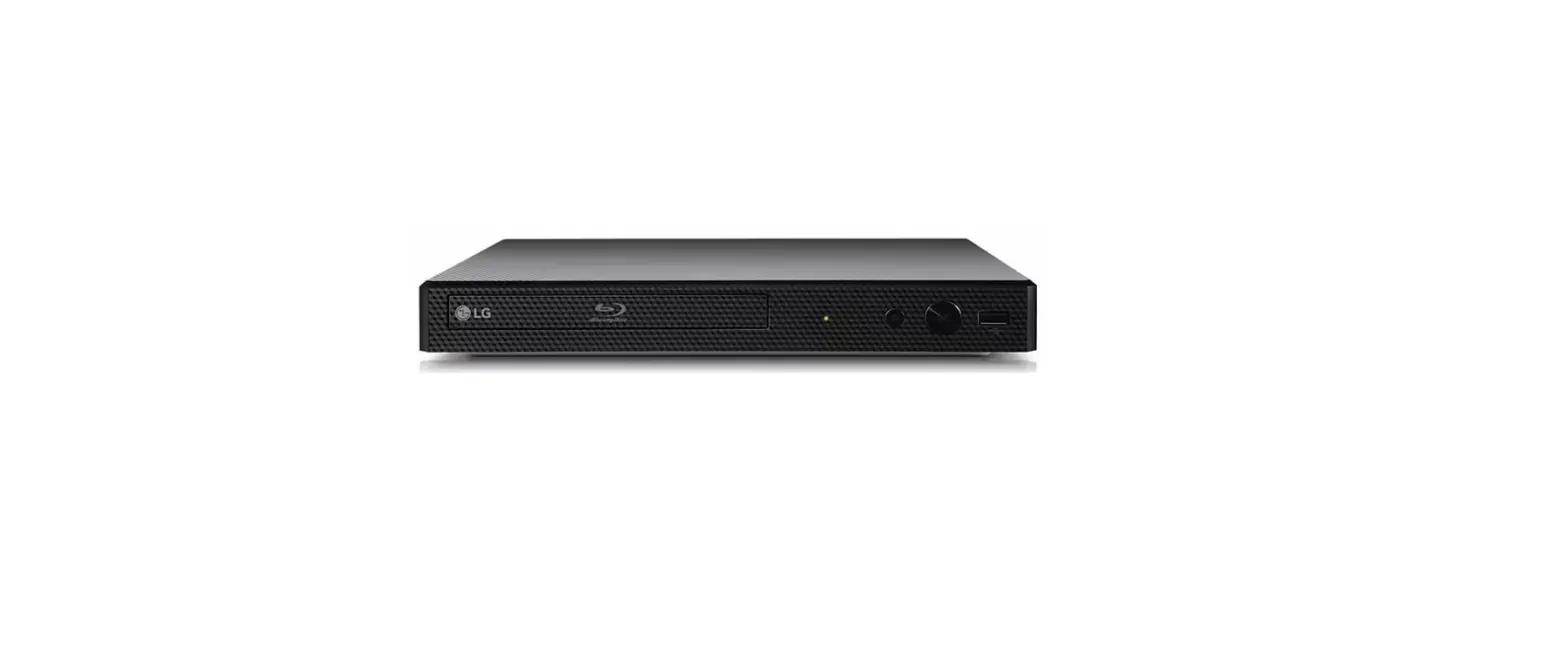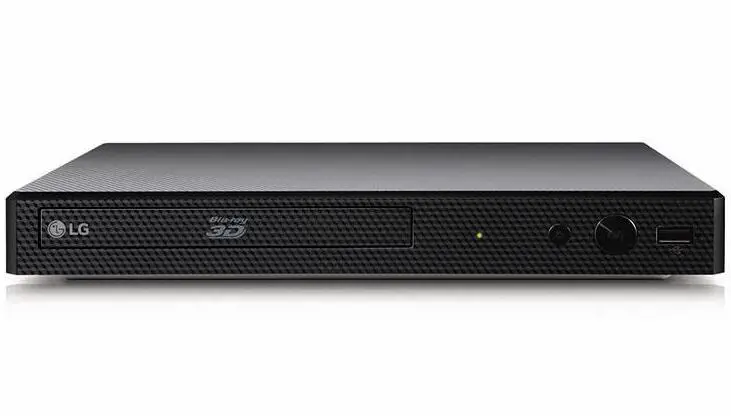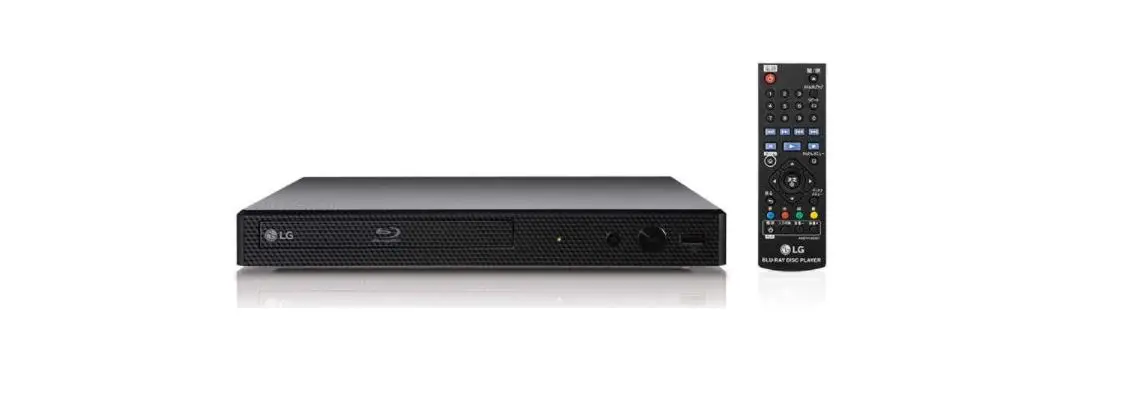
LG BP250 Blu-ray Disc DVD Player with Full HD Up Scaling and
External HDD Playback Owner's Manual

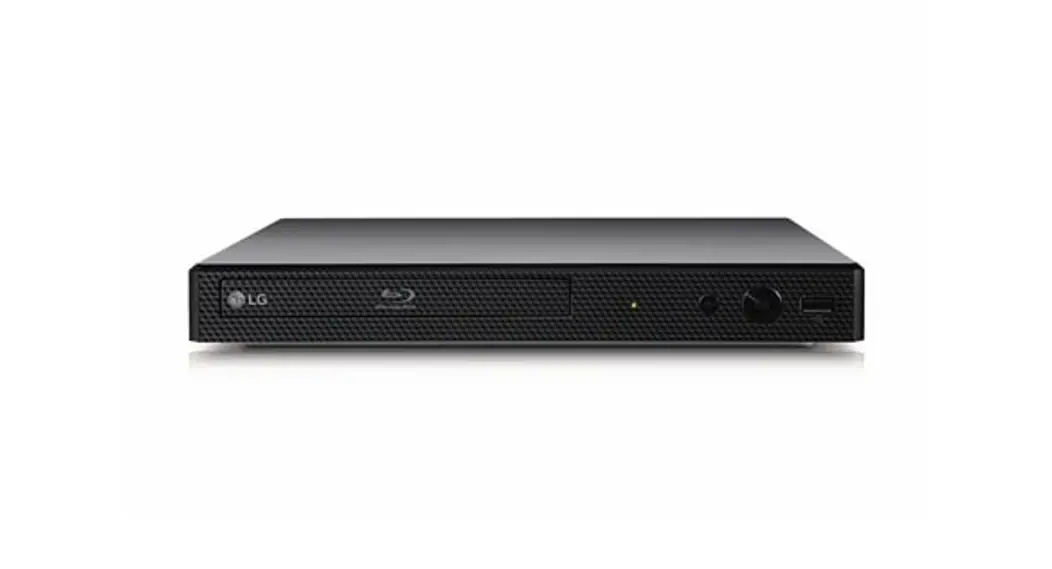
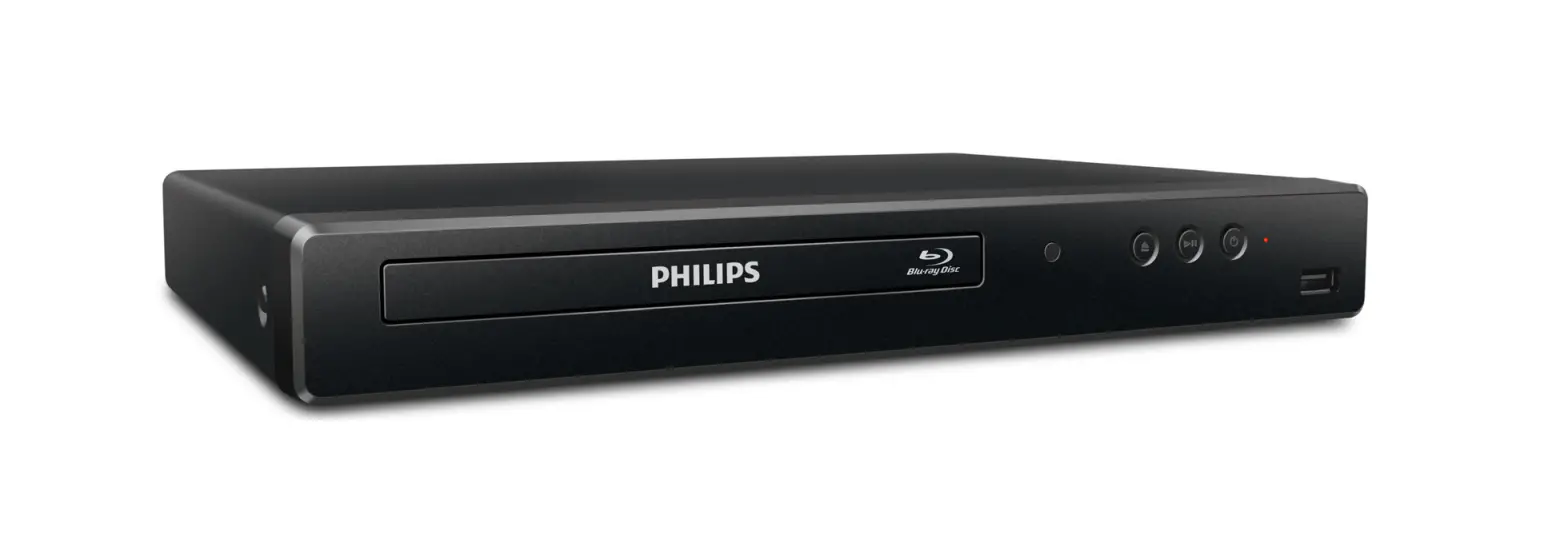
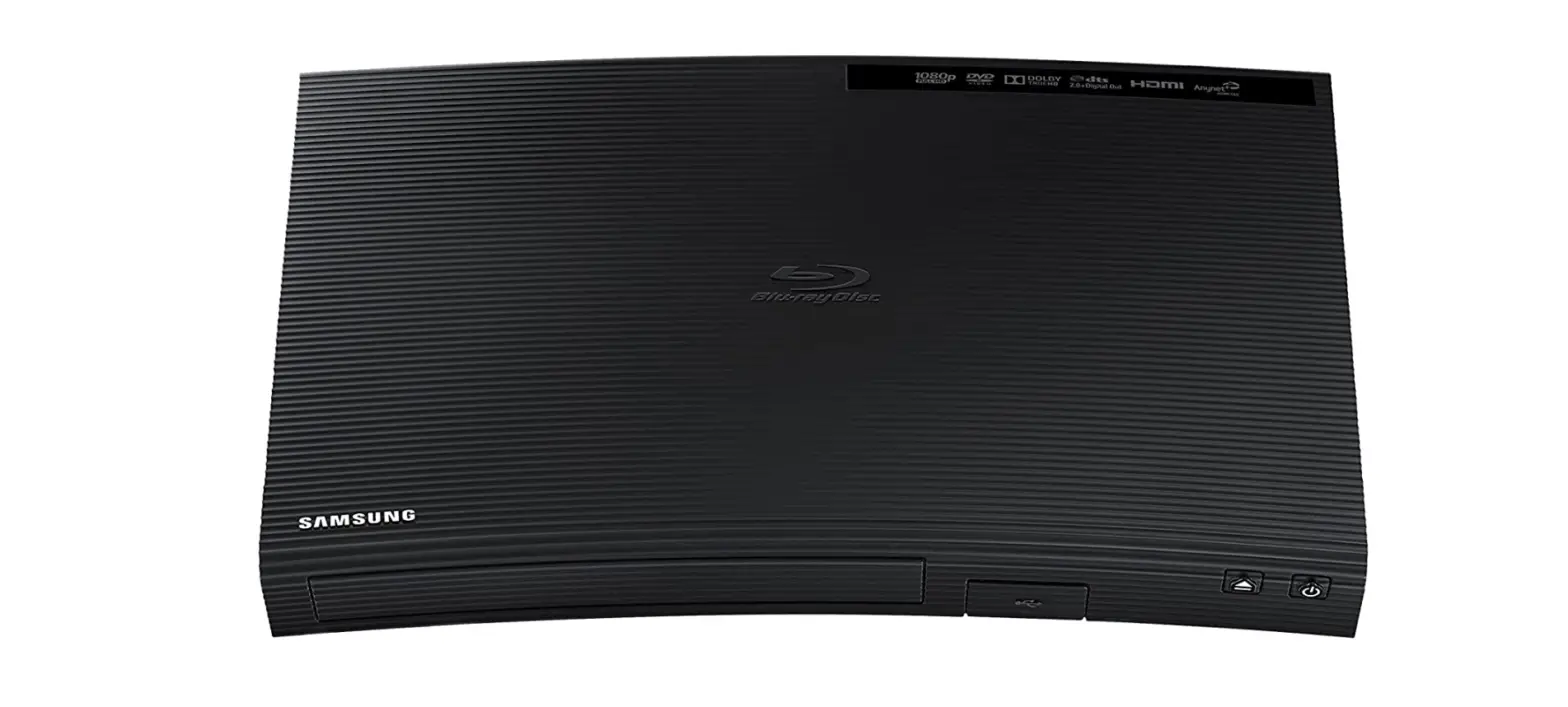
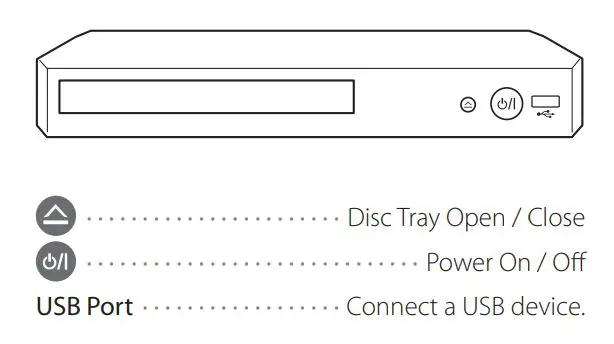
Front Panel
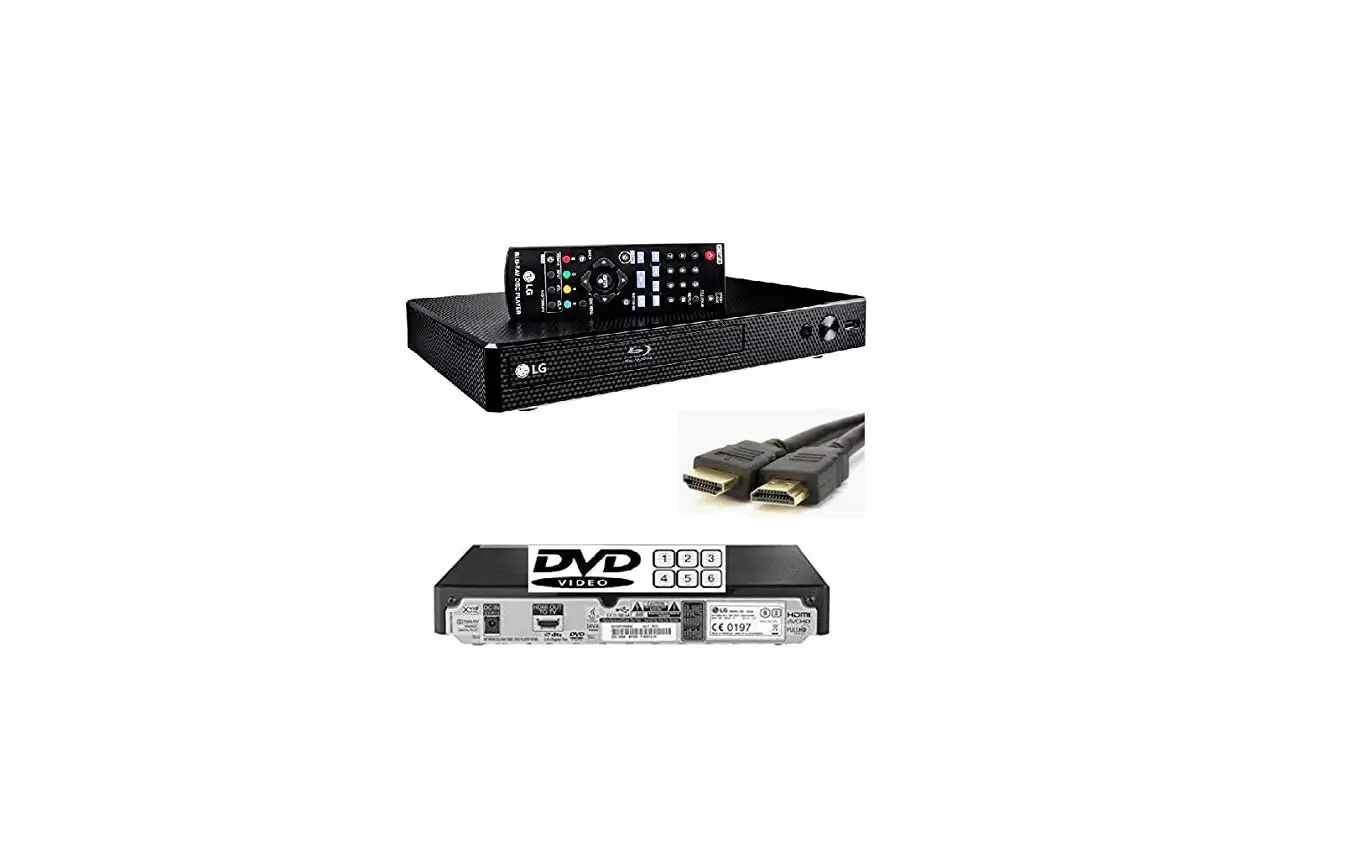
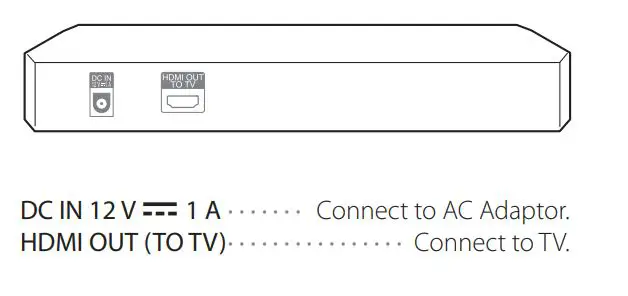
Rear Panel
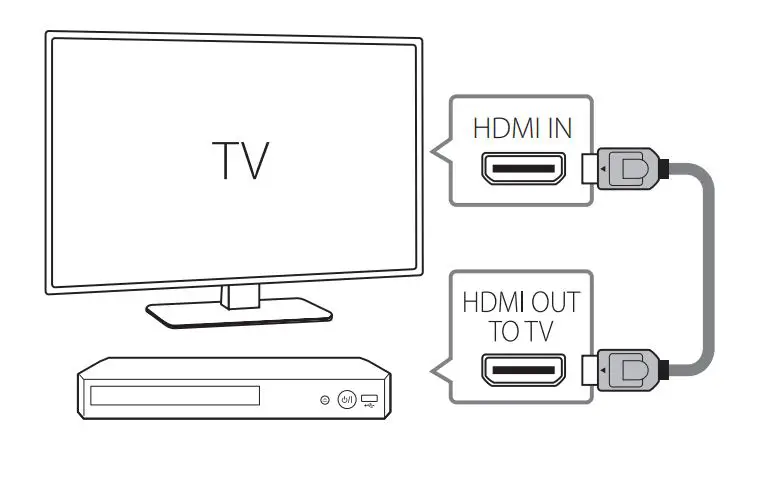
1)TV Connection
- Connect the HDMI jack on the player to the HDMI jack on the TV using a HDMI cable.

- Set the input selector to HDMI on the TV.
- Follow the instructions on the TV screen using remote control.
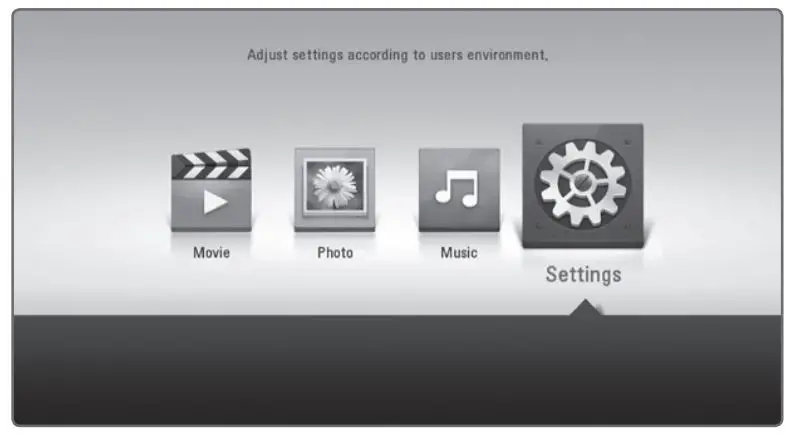
After initial setup, Home menu appears on the TV screen. Enjoy various functions on the player.
Additional Information
Specification
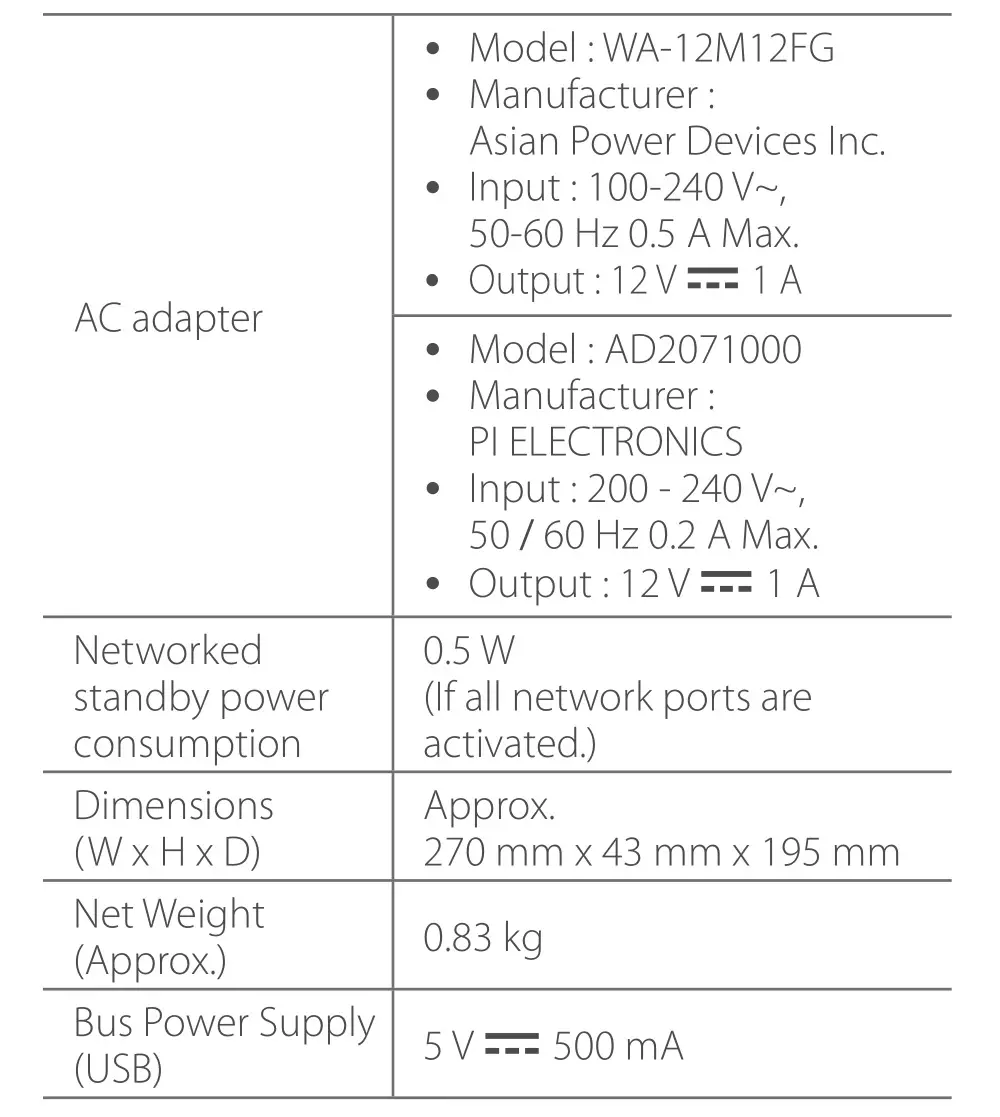
Design and specifications are subject to change without notice.
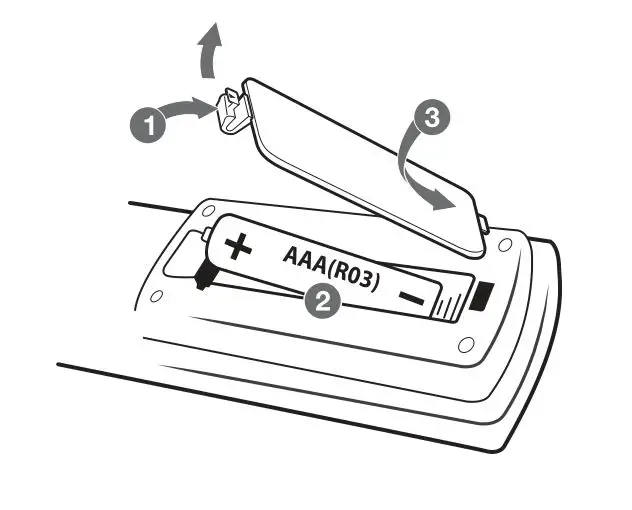
Replacement of battery
Open source software notice
To obtain the source code under GPL, LGPL, MPL and other open source licenses, that is contained in this product, please visit http://opensource.lge.com. In addition to the source code, all referred license terms, warranty disclaimers and copyright notices are available for download.
LG Electronics will also provide open source code to you on CD-ROM for a charge covering the cost of performing such distribution (such as the cost of media, shipping and handling) upon email request to [email protected]. This offer is valid for three (3) years from the date on which you purchased the product.



 LG Open Source
 LG Electronics & Home Appliances | Shop Now | LG USA