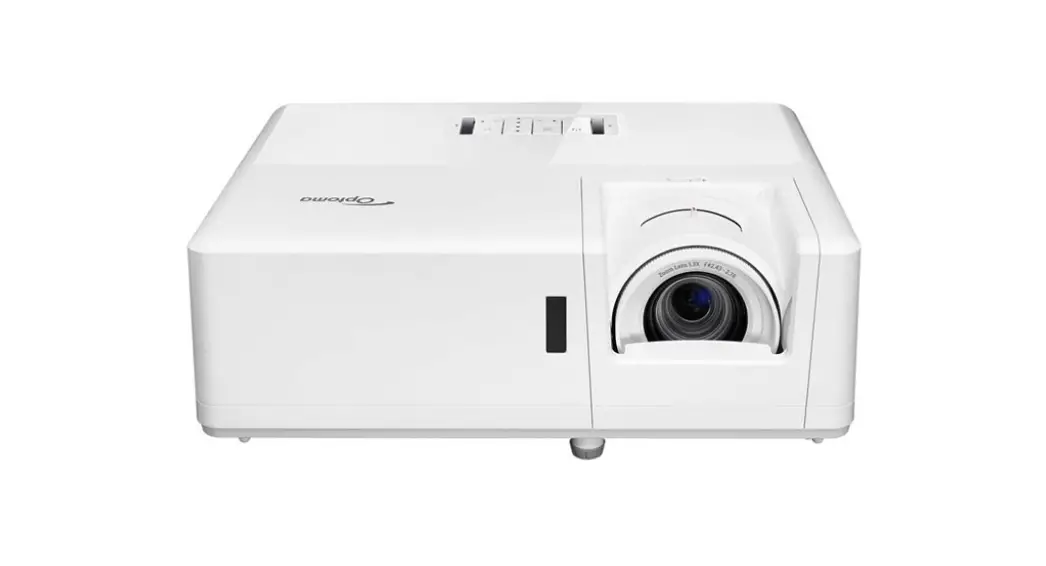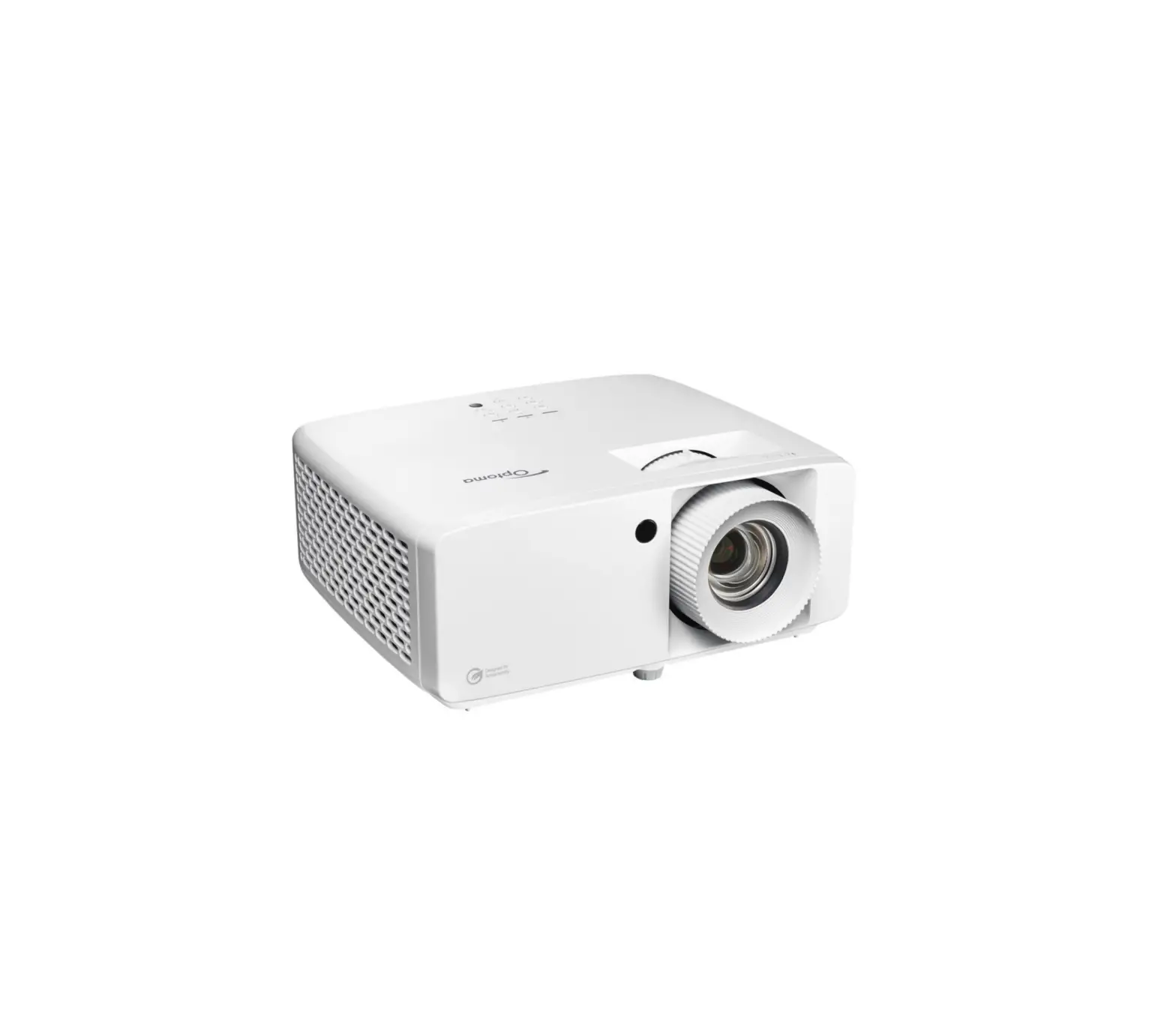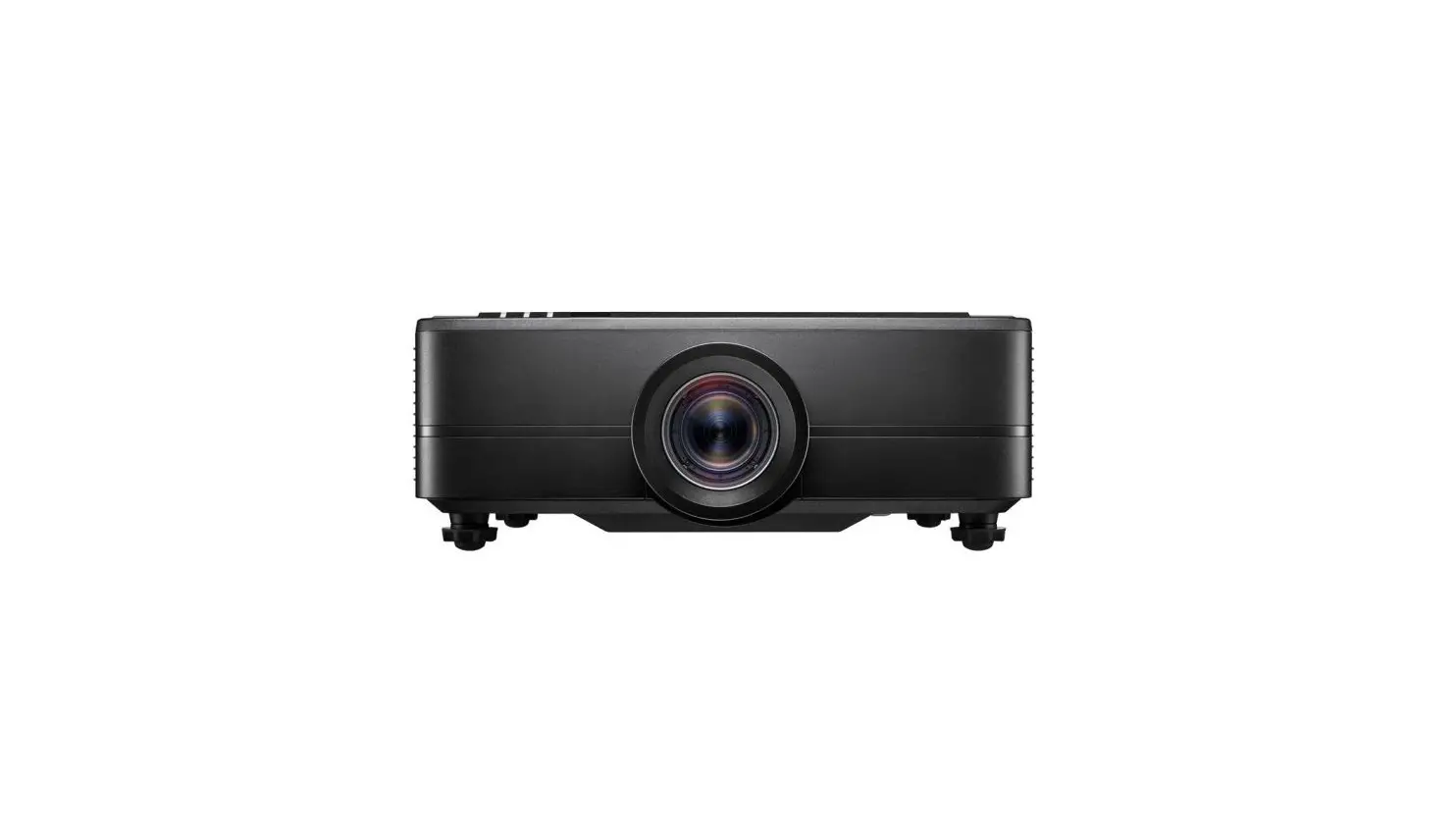

ZX300
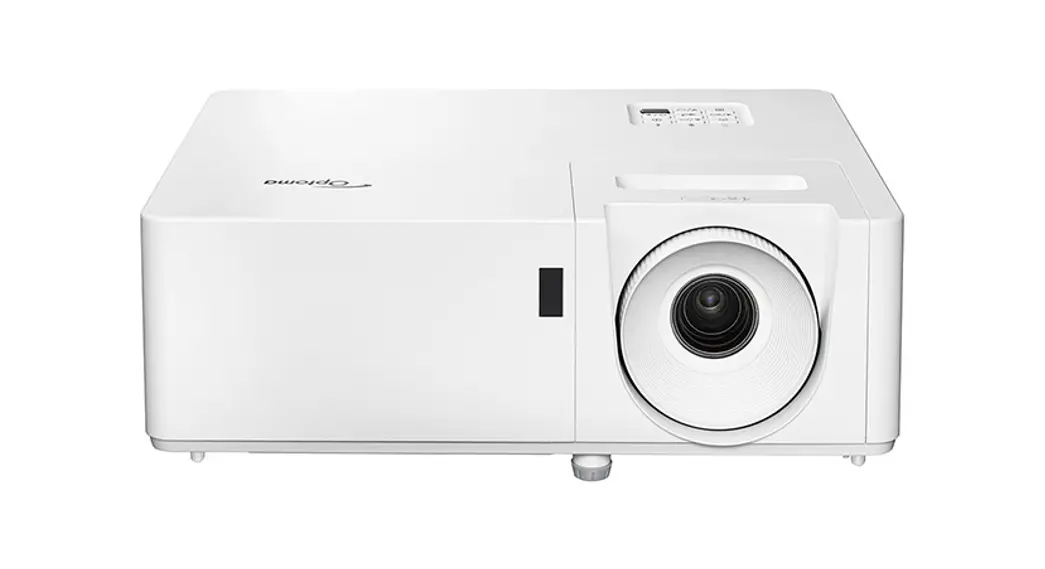
Compact high brightness laser projector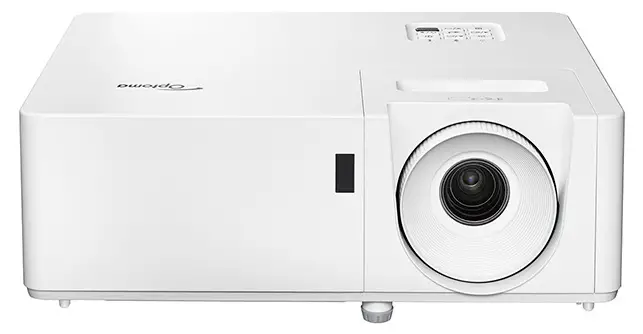
optoma.co.uk


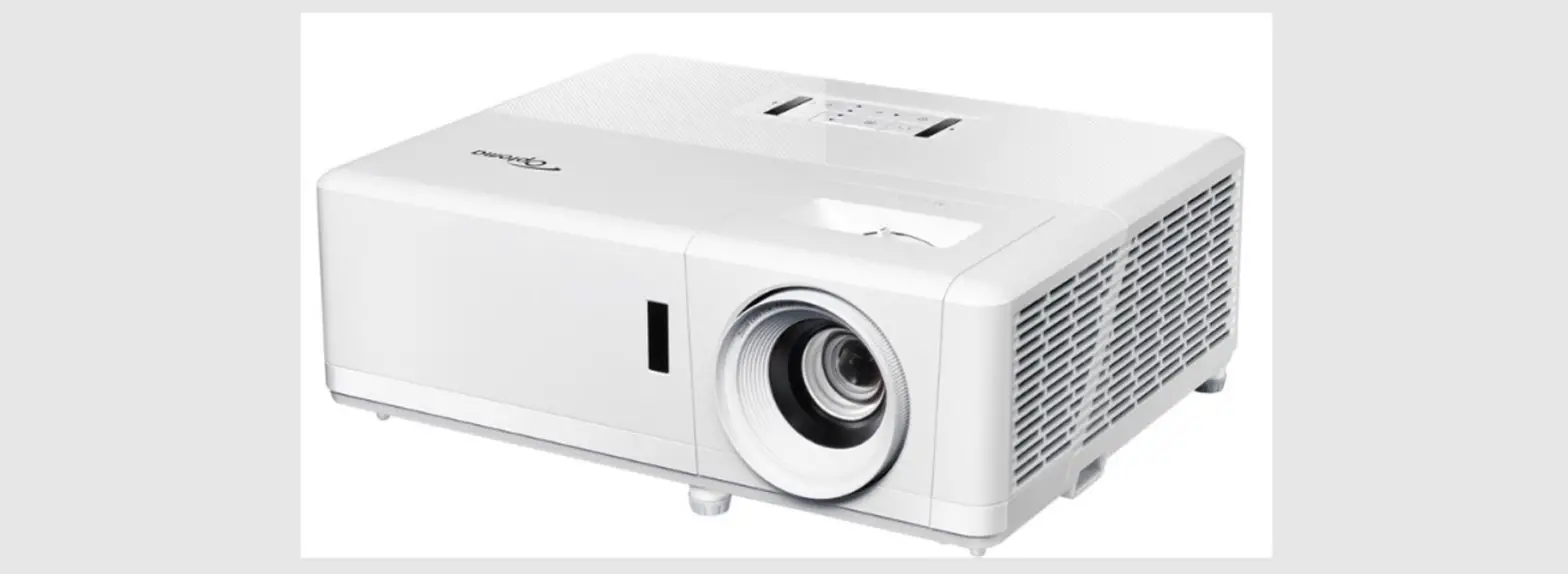
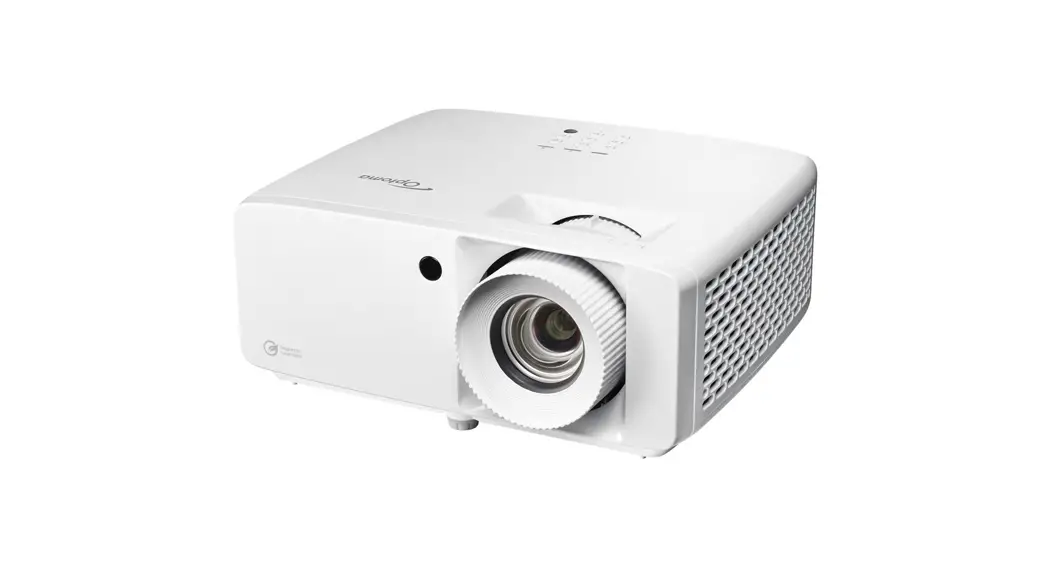
ZX300 Compact High Brightness Laser Projector
- Bright XGA DuraCore laser projector – 3500 lumens and IP6X certified
- Easy installation – 360-degree and portrait projection
- Feature packed – Compact and lightweight and a built-in speaker
- DuraCore laser technology – 30,000 hours maintenance-free laser light source
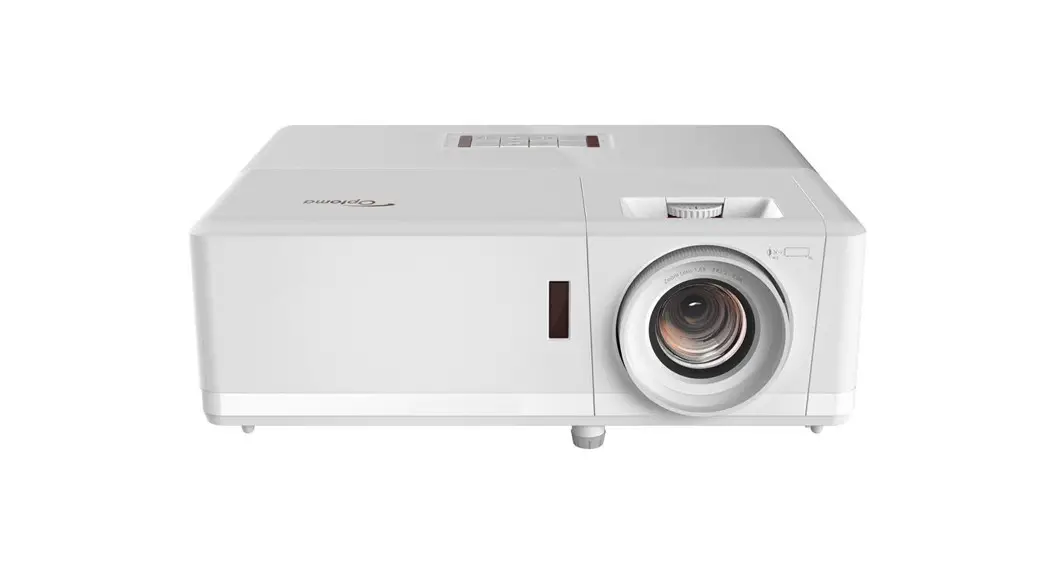
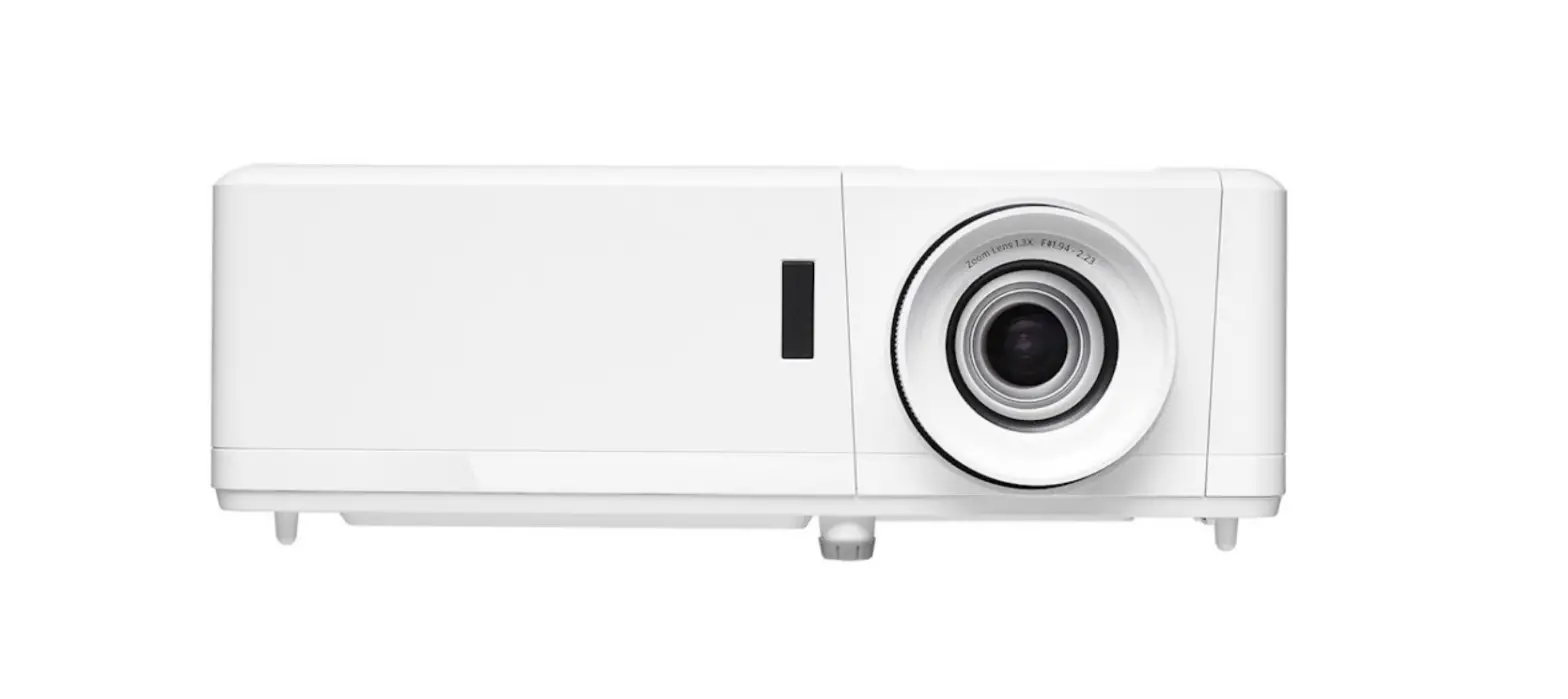
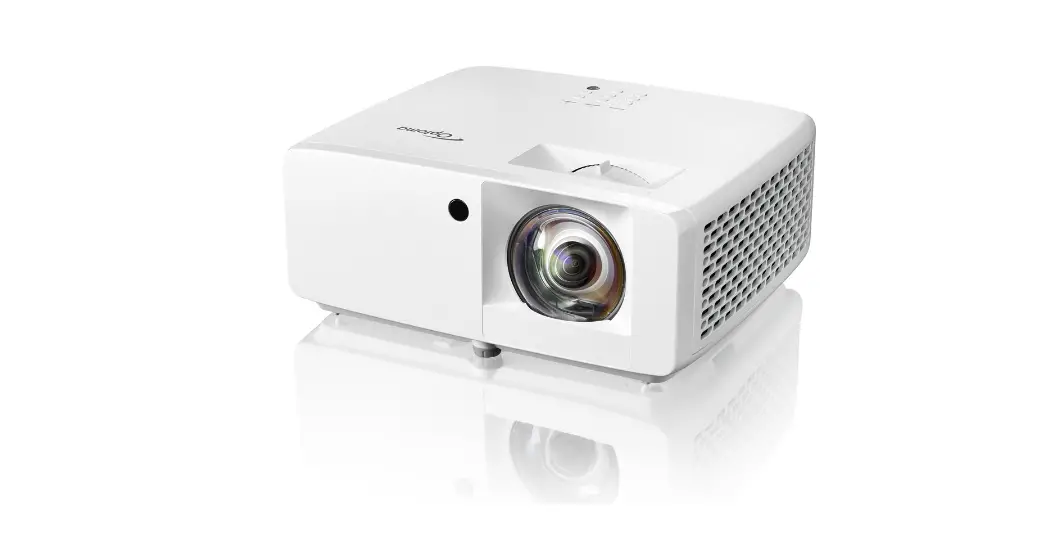
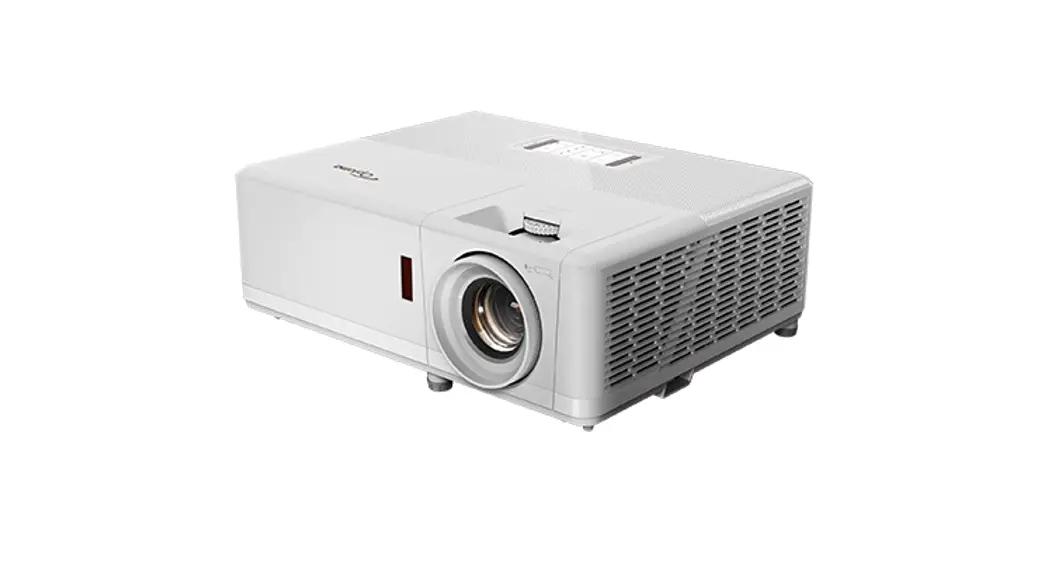
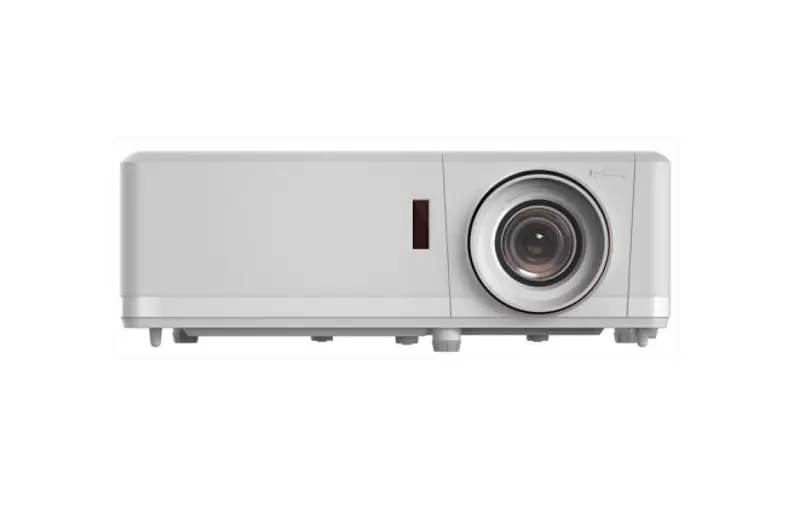
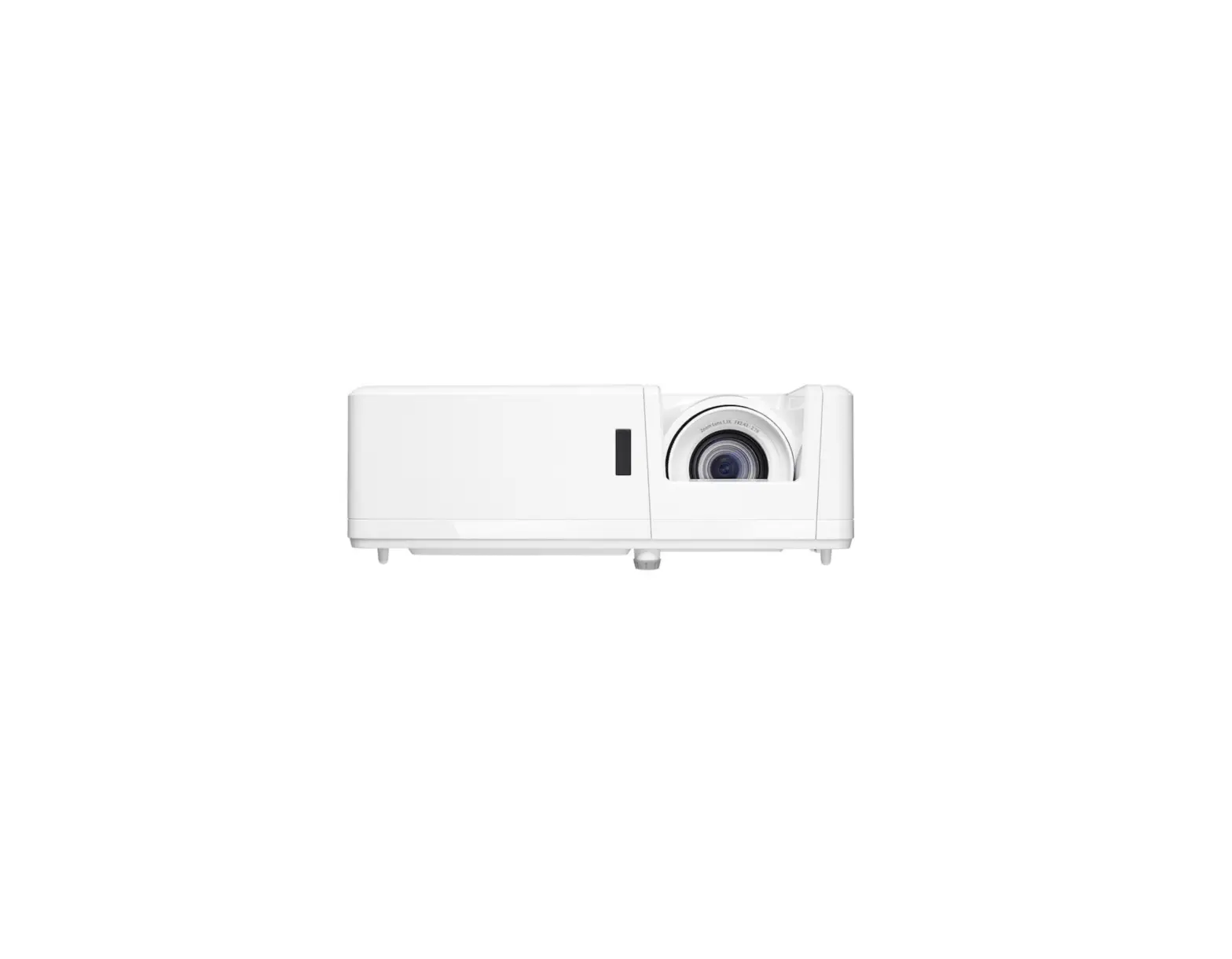
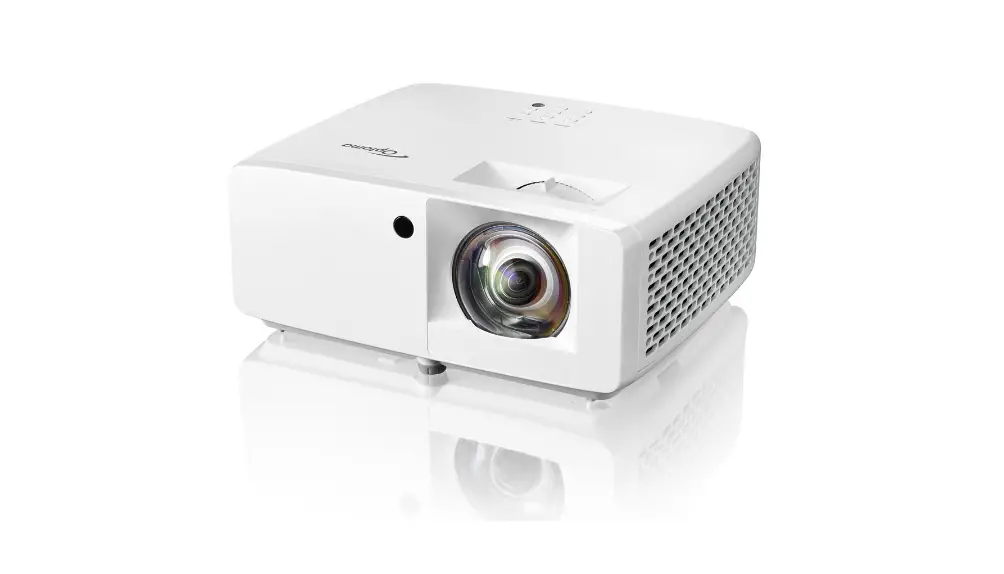
The ZX300 is a compact XGA DuraCore IP6X laser projector. Designed for maintenance-free continuous operation, it can be installed in virtually any orientation. Its small and lightweight footprint combined with 360-degree and portrait projection enables easy installation.
This feature-packed projector has a built-in speaker and its laser technology delivers up to 30,000 hours of maintenance-free laser light source.
The ZX300 is geared for medium-sized exhibition venues, events, tradeshows, or meeting rooms. It maintains excellent image quality as brightness and color saturation are preserved for longer compared to lamp-based systems.
Specifications

https://www.optoma.co.uk/product/ZX300
Display/image
| Display technology | DLP™ |
| Resolution | XGA (1024×768) |
| Brightness | 3,500 lumens |
| Contrast ratio | 300,000:1 |
| Native aspect ratio | 4:03 |
| Aspect ratio – compatible | 4:3,16:9,16:10 |
| Keystone correction – vertical | +/-40° |
| Has vertical auto keystone correction | Yes |
| Displayable colors (millions) | 1073.4 |
| Horizontal scan rate | 15.375 ~ 91.146 Khz |
| Vertical scan rate | 50 ~ 85 Hz (120Hz for 3D)Hz |
| Uniformity | 75% |
| Screen size | 0.65m ~ 7.62m (25.4″ ~ 300″) diagonal |
Lamp info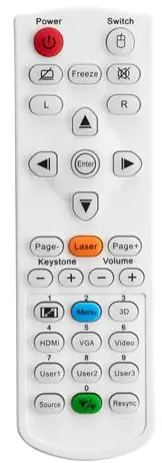
| Light source type | Laser |
| LASER life | 0,000 hours |
Optical
| Throw ratio | 1.94:1 ~ 2.16:1 |
| Projection distance (m) | 1m – 11.8m |
| Zoom | 2:24 |
| Zoom type | Manual |
| Focal length (mm) | 21.85 ~ 24.01 |
| Native offset | 113% |
Connectivity
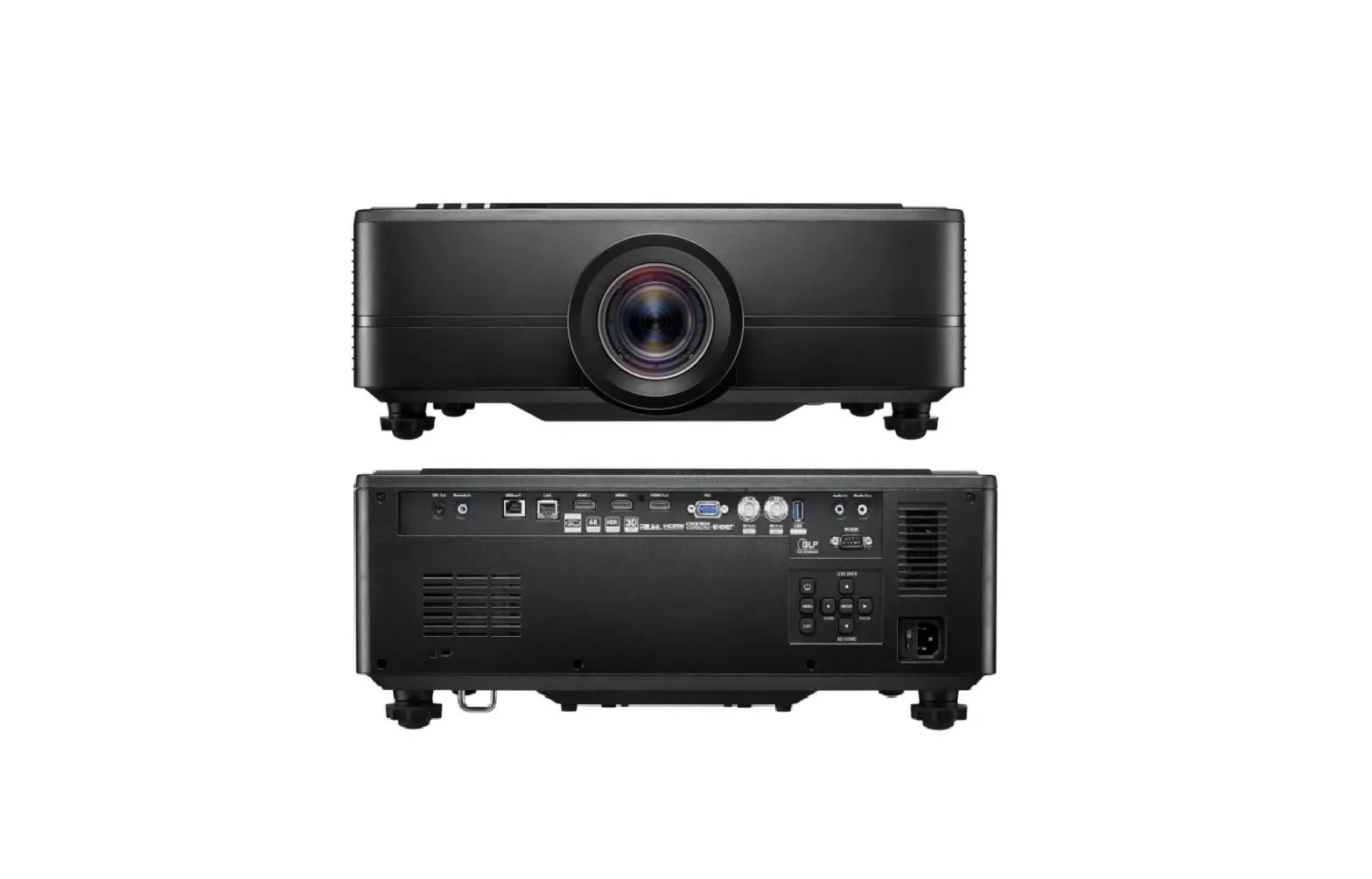
| Connections | Inputs 2 x HDMI 1.4a 3D support, 1 x VGA (YPbPr/RGB), 1 x Audio 3.5mm Outputs 1 x Audio 3.5mm, 1 x USB-A power 1.5A Control 1 x RS232, 1 x micro USB service |
General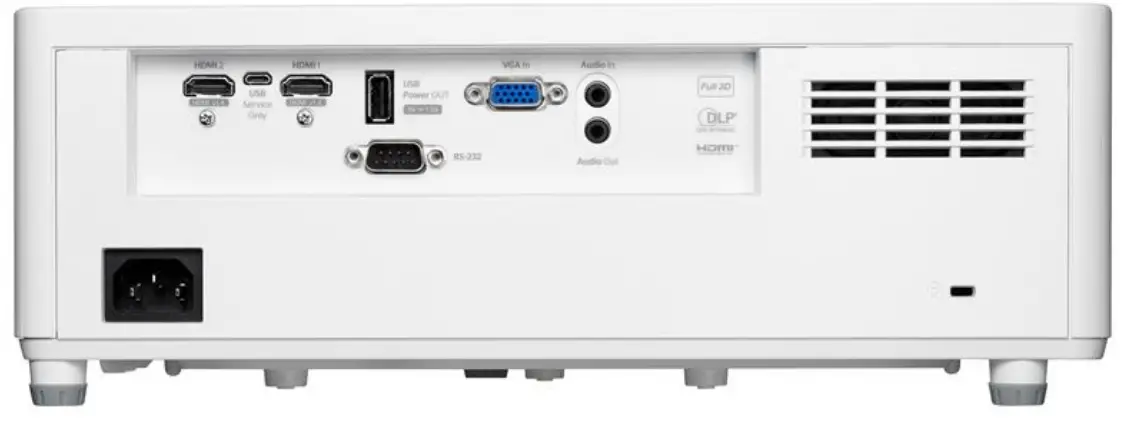
| Noise level (typical) | 30dB |
| Noise level (max) | 32dB |
| PC compatibility | FHD, UXGA, SXGA, WXGA, HD, XGA, SVGA, VGA, Mac |
| 2D compatibility | NTSC M/J, 3.58MHz, 4.43MHz PAL B/D/G/H/I/M/N, 4,43MHz SECAM B/D/G/K/K1/L, 4.25/4.4MHz 480i/p, 576i/p, 720p(50/60Hz), 1080i(50/60Hz), 1080p(50/60Hz) |
| 3D compatibility | Side-by-Side:1080i50 / 60, 720p50 / 60 Frame-pack: 1080p24, 720p50 / 60 Over-Under: 1080p24, 720p50 / 60 |
| 3D | Full 3D |
| Security | Security bar, Kensington Lock, Password protected interface |
| IP rating | P6X |
| OSD / display languages | 25 languages: Arabic, Czech, Danish, Dutch, English, Farsi, Finnish, French, German, Greek, Hungarian, Indonesian, Italian, Japanese, Norwegian, Polish, Portuguese, Romanian, Russian, Chinese (simplifi ed), Spanish, Swedish, Chinese (traditional), Turkish, Vietnamese |
| 24/7 operation | Yes |
| 360° operation | Yes |
| Operating conditions | 5°C ~ 40°C, Max. Humidity 85%, Max. Altitude 3000m |
| Remote control | ata remote with laser and mouse function |
| Speaker count | 1 |
| Watts per speaker | 15W |
| In the box | AC power cord Remote control 2x AAA batteries Basic user manual |
| Optional wireless models | UHDCast Pro |
Power
| Power supply | 100V ~ 240V, 50-60Hz |
| Power consumption (standby) | <0.5W |
| Power consumption (min) | 138W |
| Power consumption (max) | 161W |
| Weight and dimensions | |
| Dimensions (W x D x H) mm | 337 x 265 x 122.5 |
| Gross weight | 6.2 kg |
| Net weight | 4 kg |
Copyright ©
2022, Optoma and its logo is a registered trademark of Optoma Corporation. Optoma Europe Ltd is the licensee of the registered trademark. All other product names and company names used herein are for identifi cation purposes only and may be trademarks or registered trademarks of their respective owners.Errors and omissions excepted, all specifi cations are subject to change without notice.All images are for representation purposes only and may be simulated. 22062022091407
 Projectors for home and business, LED displays, IFPDs, screens | Optoma United Kingdom
 Projectors for home and business, LED displays, IFPDs, screens | Optoma Europe, Middle East, and Africa