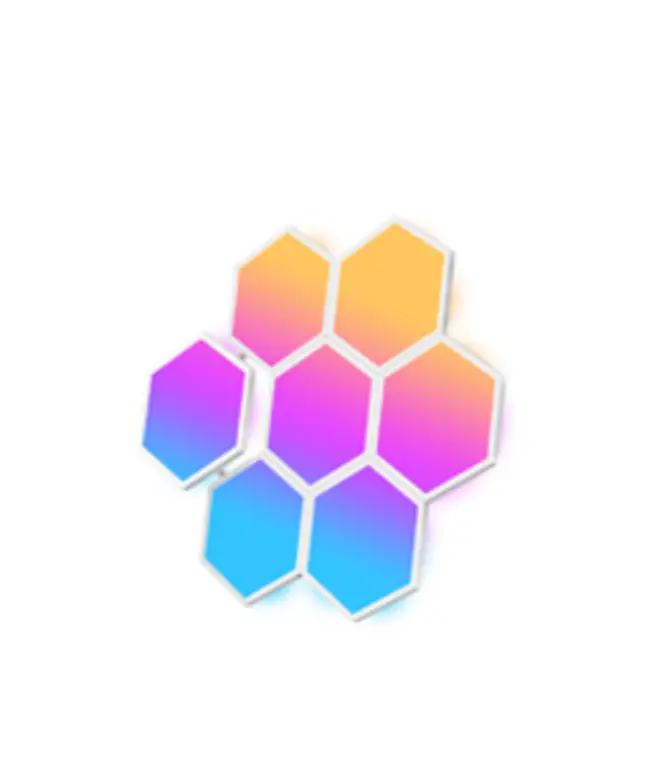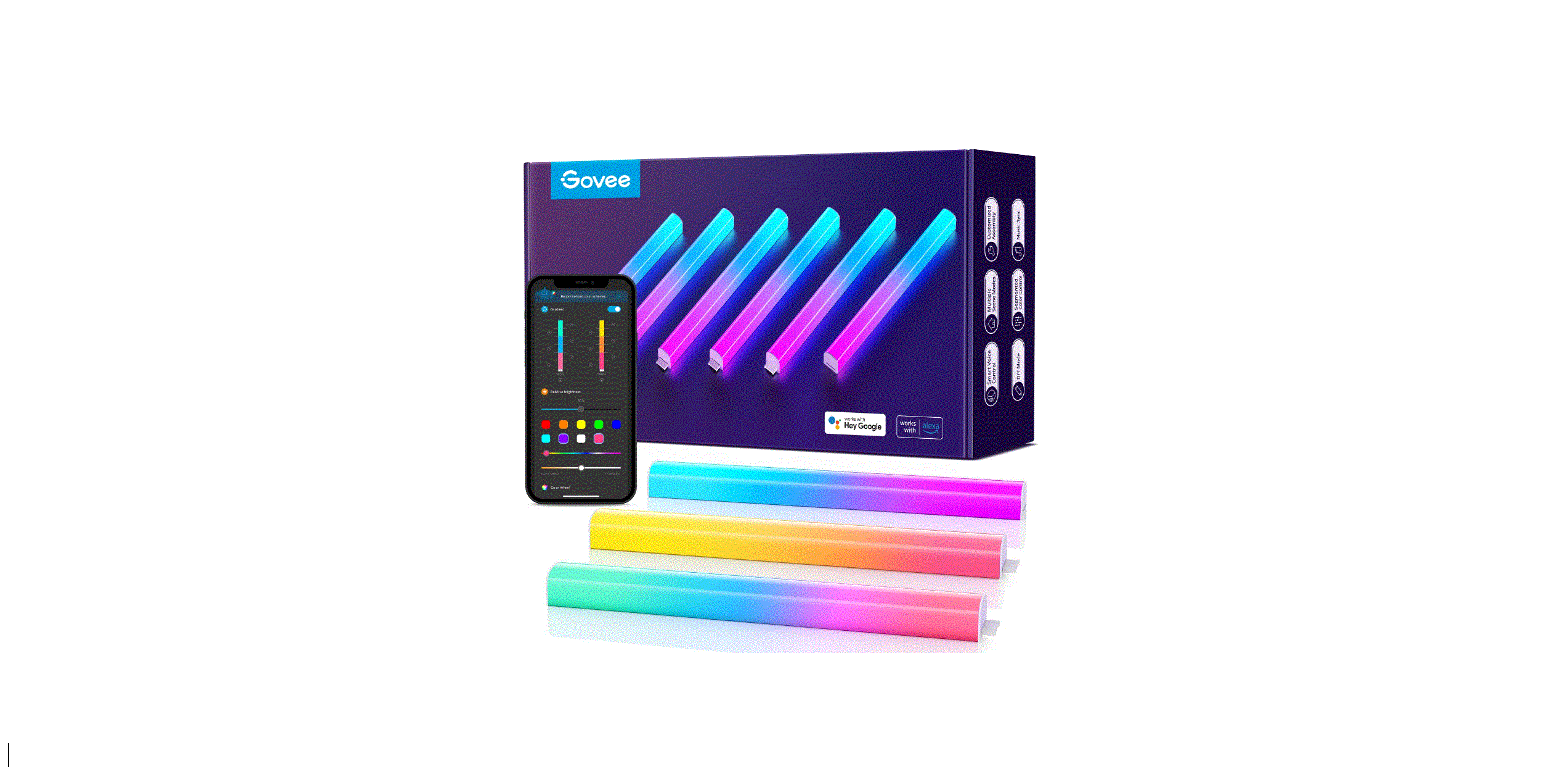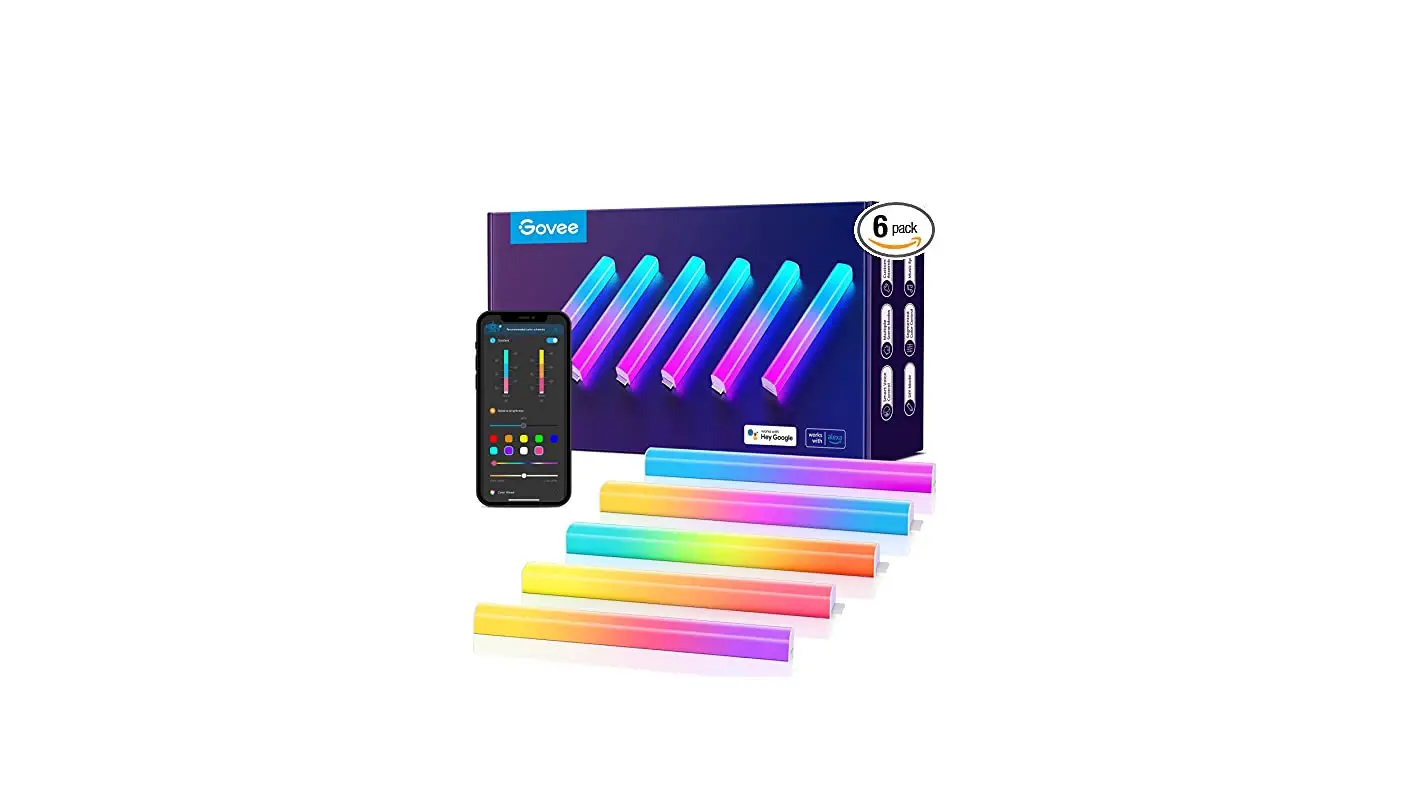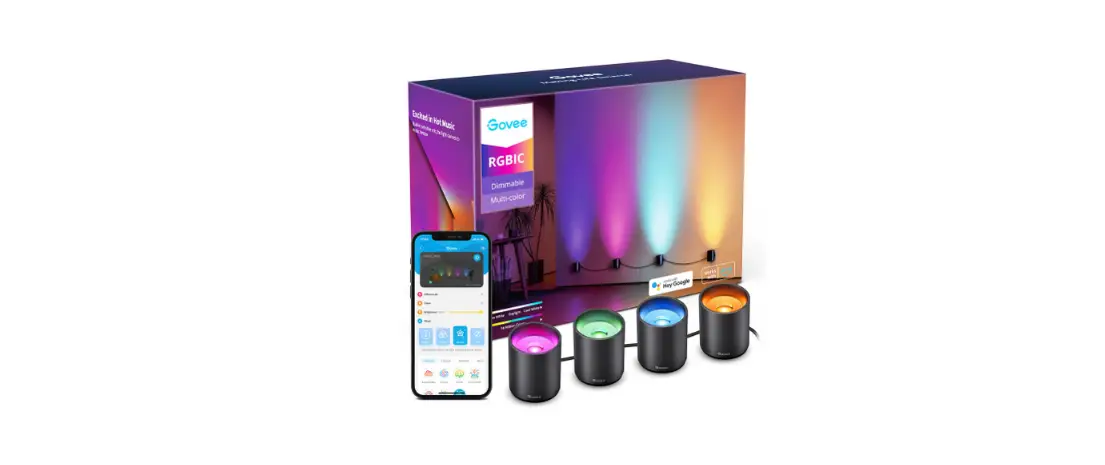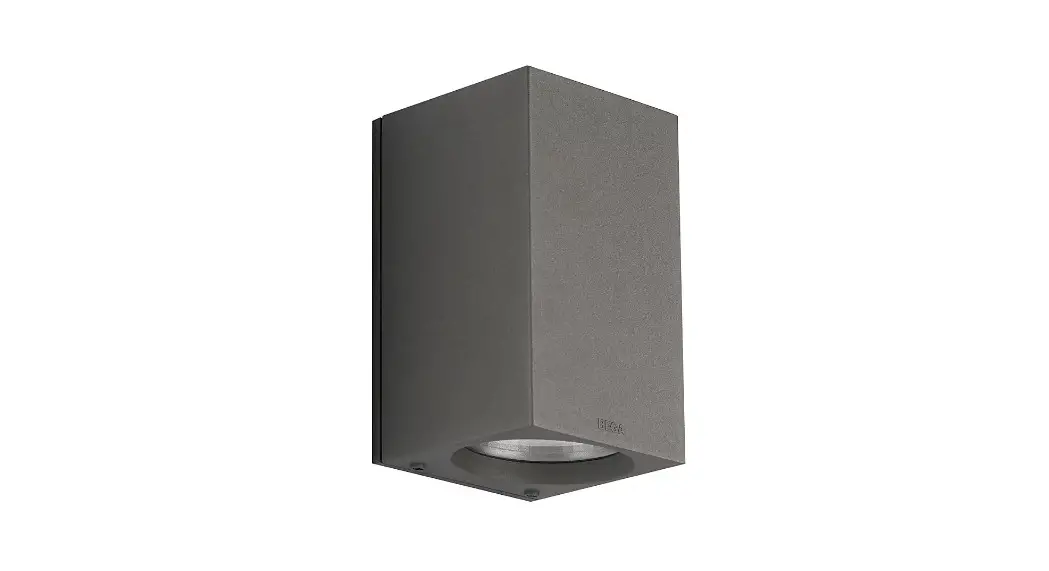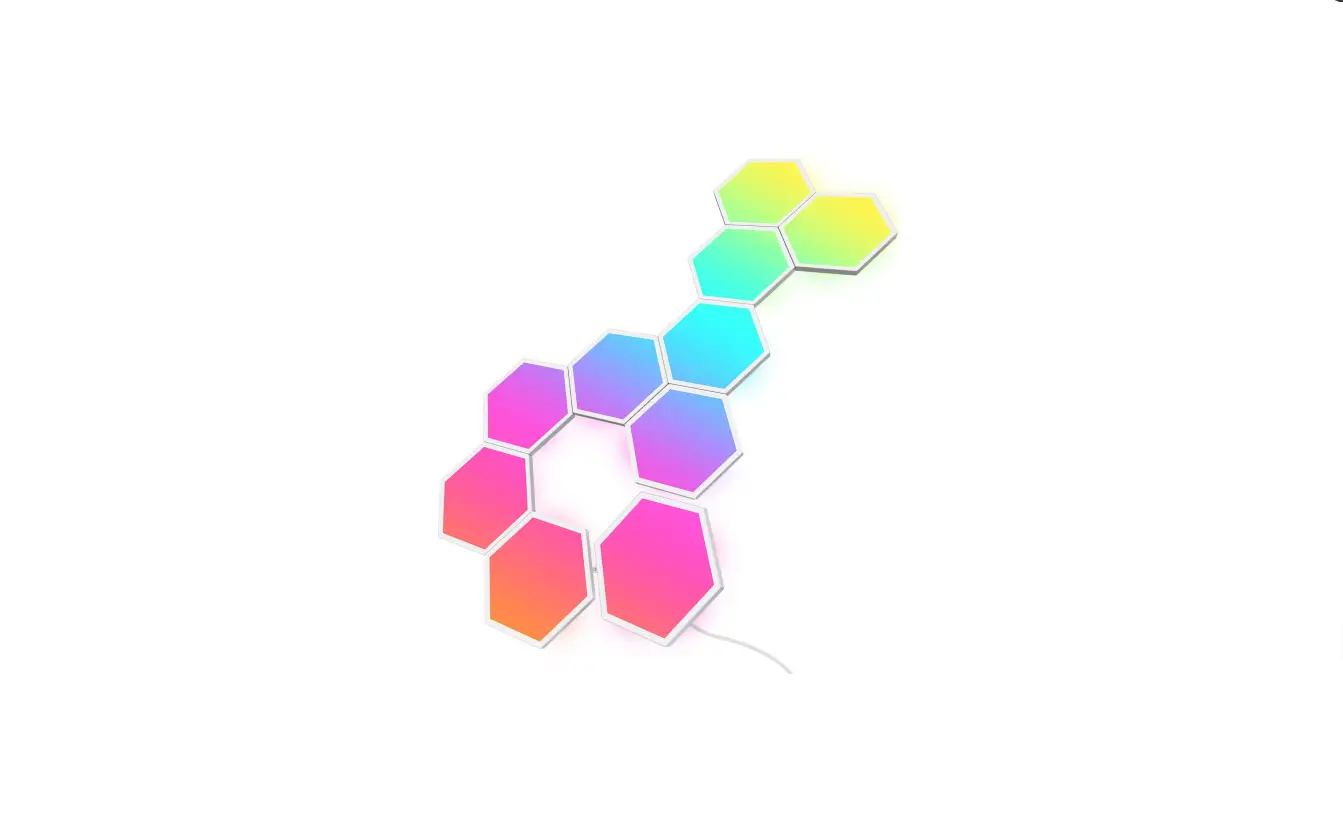

Govee H6061 Smart LED Wall Lights
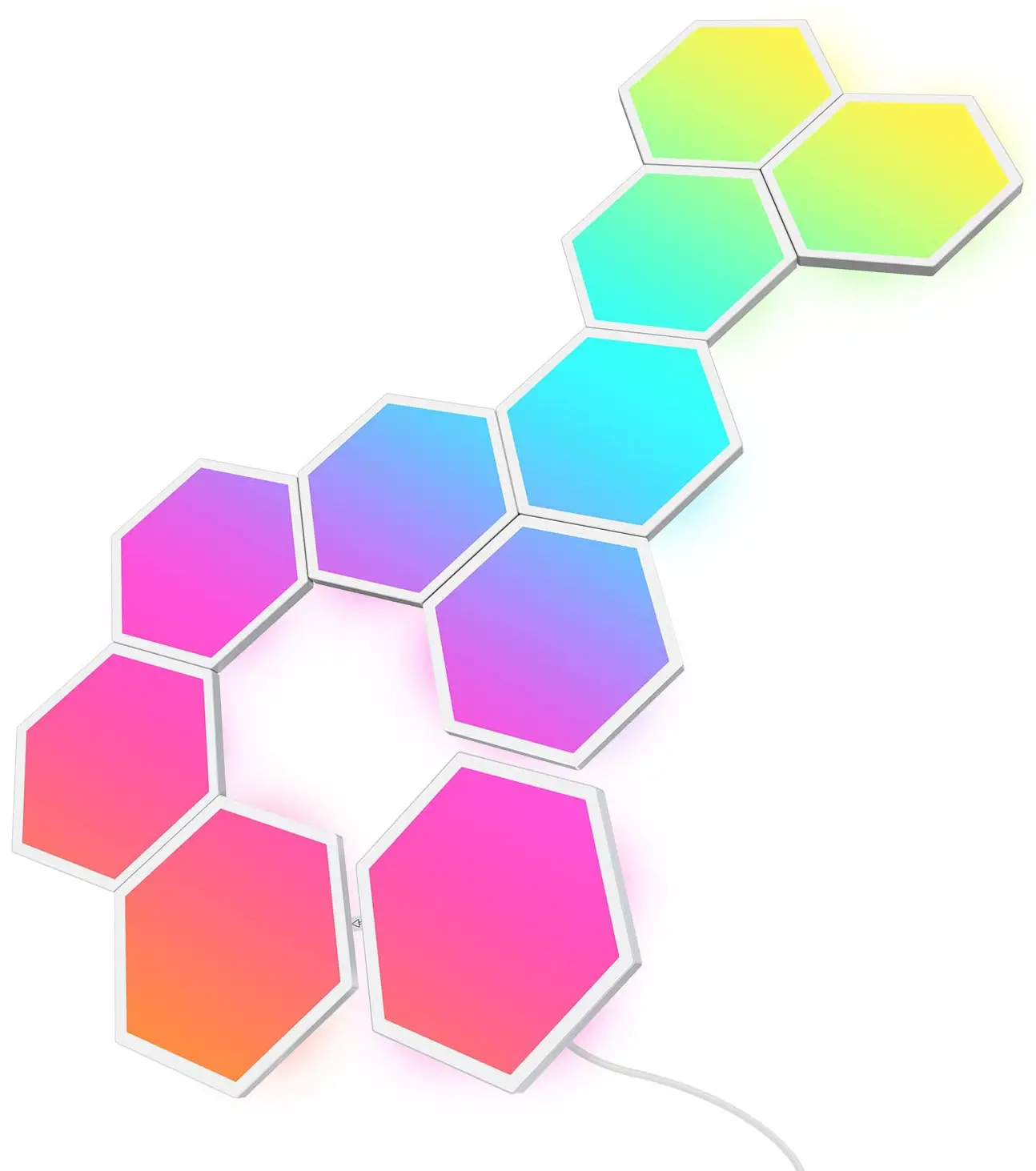
CONNECTING INSTRUCTION
- Step 1
Before assembling, watch the video tutorial. The tutorial can be accessed any of the following methods.- Search and find the “Govee Glide Hexa Light Panels Installation Tutorial” video on our official YouTube channel.
- Scan the QR code pictured on the right.

- Step 2
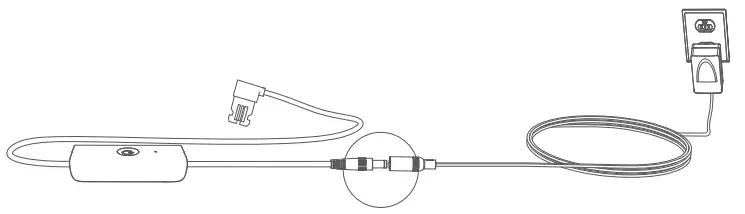
Download Govee Home App. Connect the control box to the power adapter and plug into power.
- Step 3
In Govee Home App, add model “H6061” and follow the in-a pp instructions step by step.
Note:- Before Installation:
- Plug each panel into power individually to check that each lights up.
- Only connect panels and linking cables together AFTER you have designed your layout in the app and are provided the linking cable slot number instructions for your design.
- After Installation:
- Follow the in-a pp instructions to finish calibrating. Then Enjoy your design!
- Before Installation:
Caution: Maximum of 2 linking cables can be plugged into a panel.
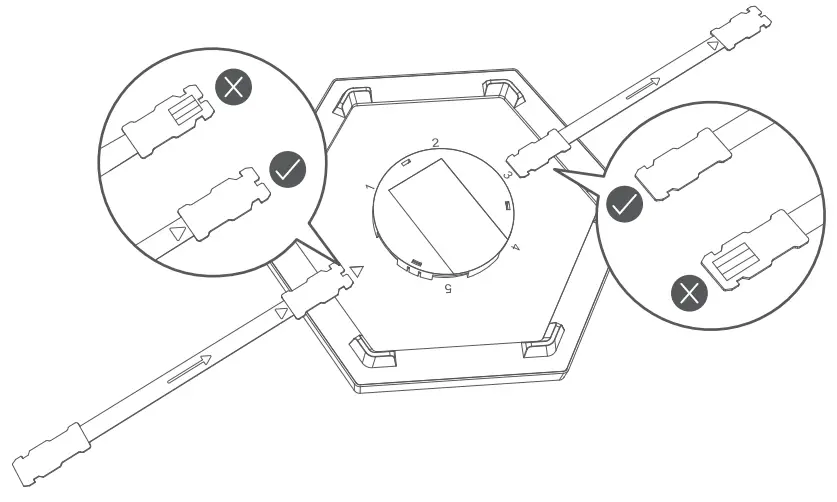
- Always plug the grooved side of the linking cable into the panel’s input slot (the slot identified with a triangle symbol).
- Always plug the flat side of the linking cable into a numbered output slot (as instructed by the app during installation)