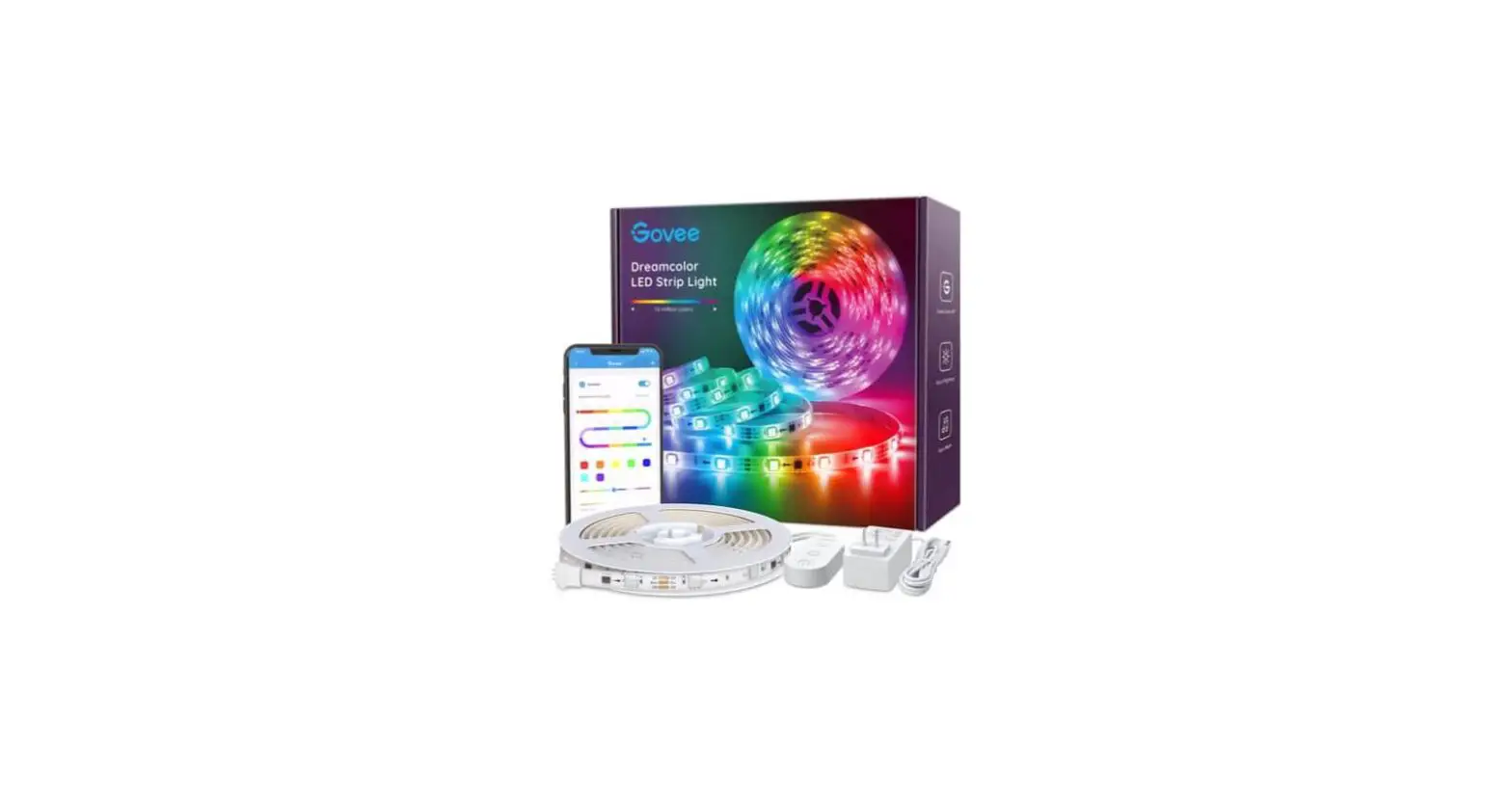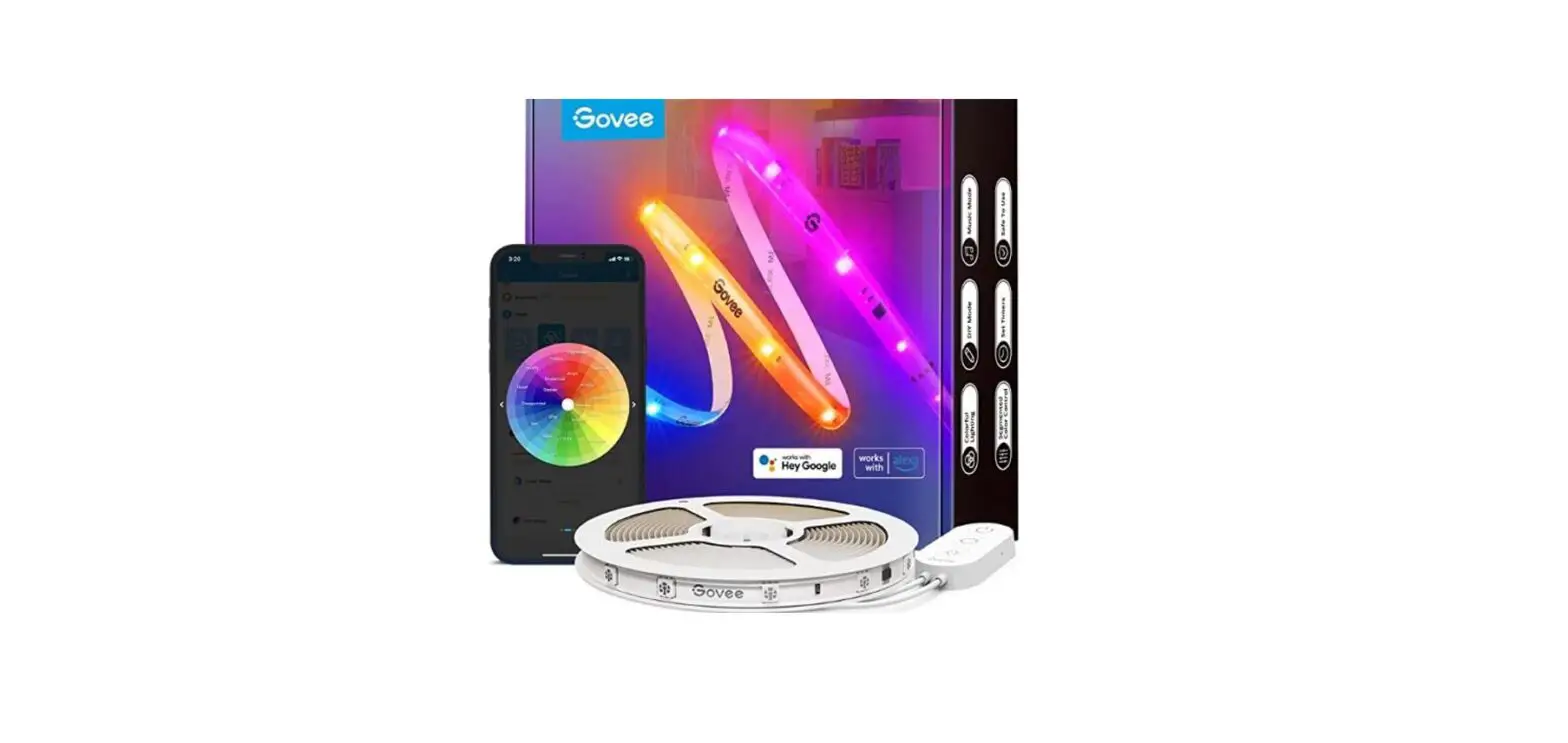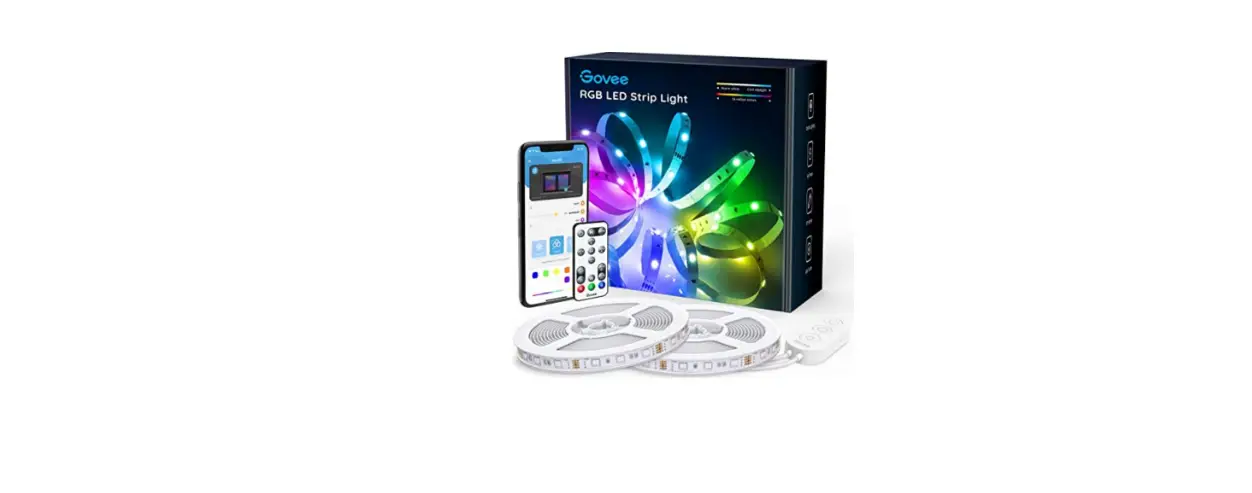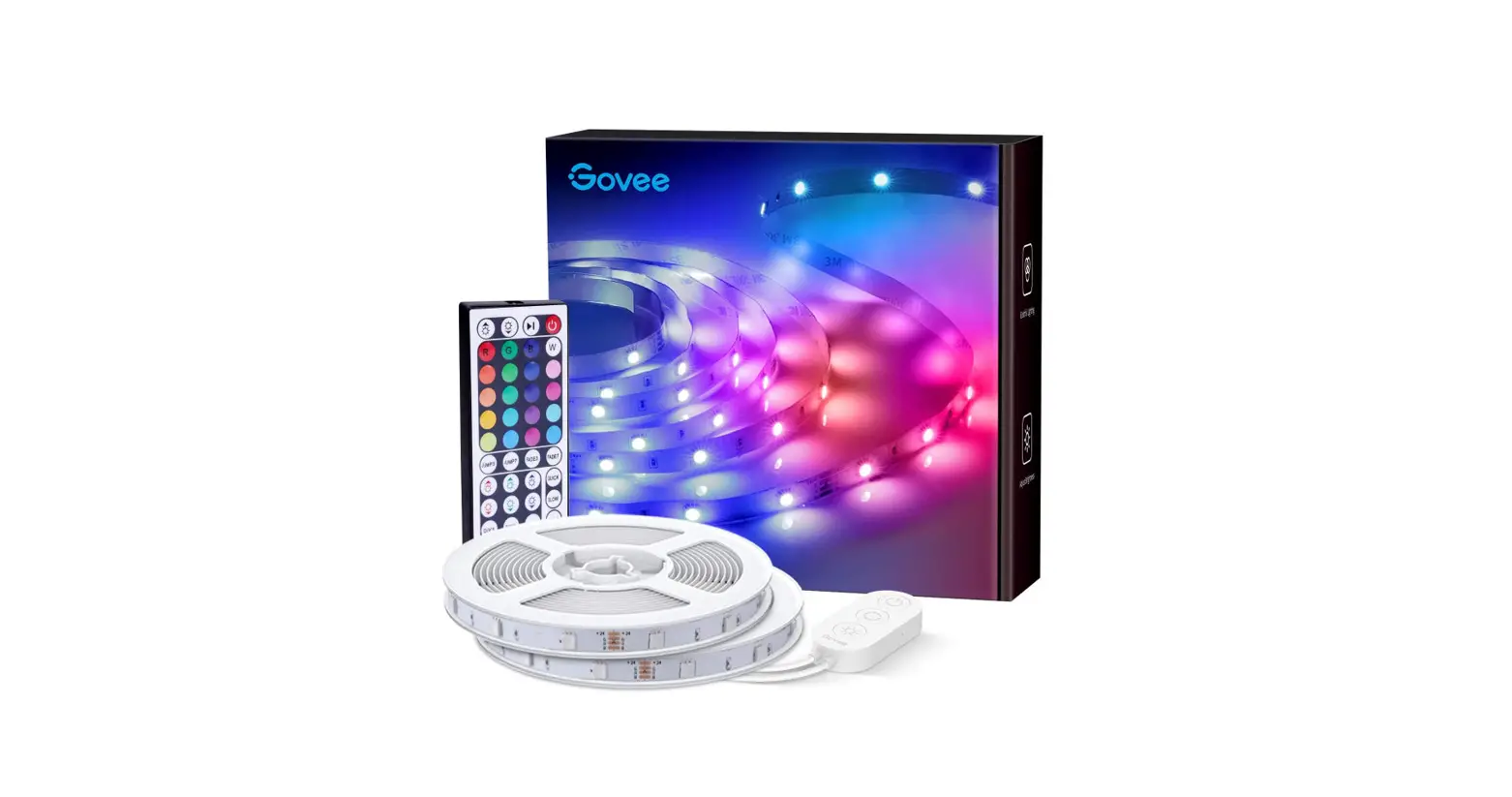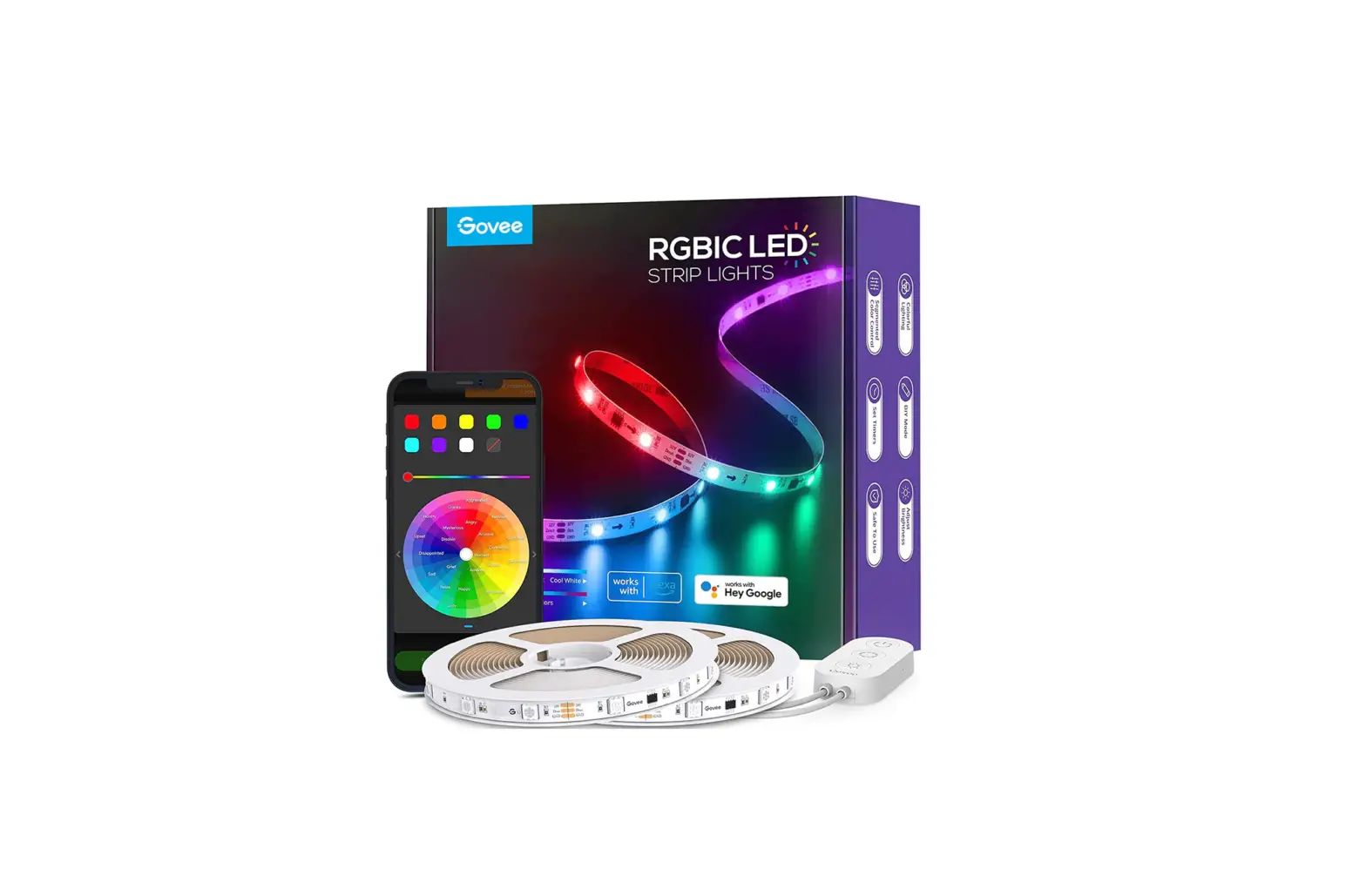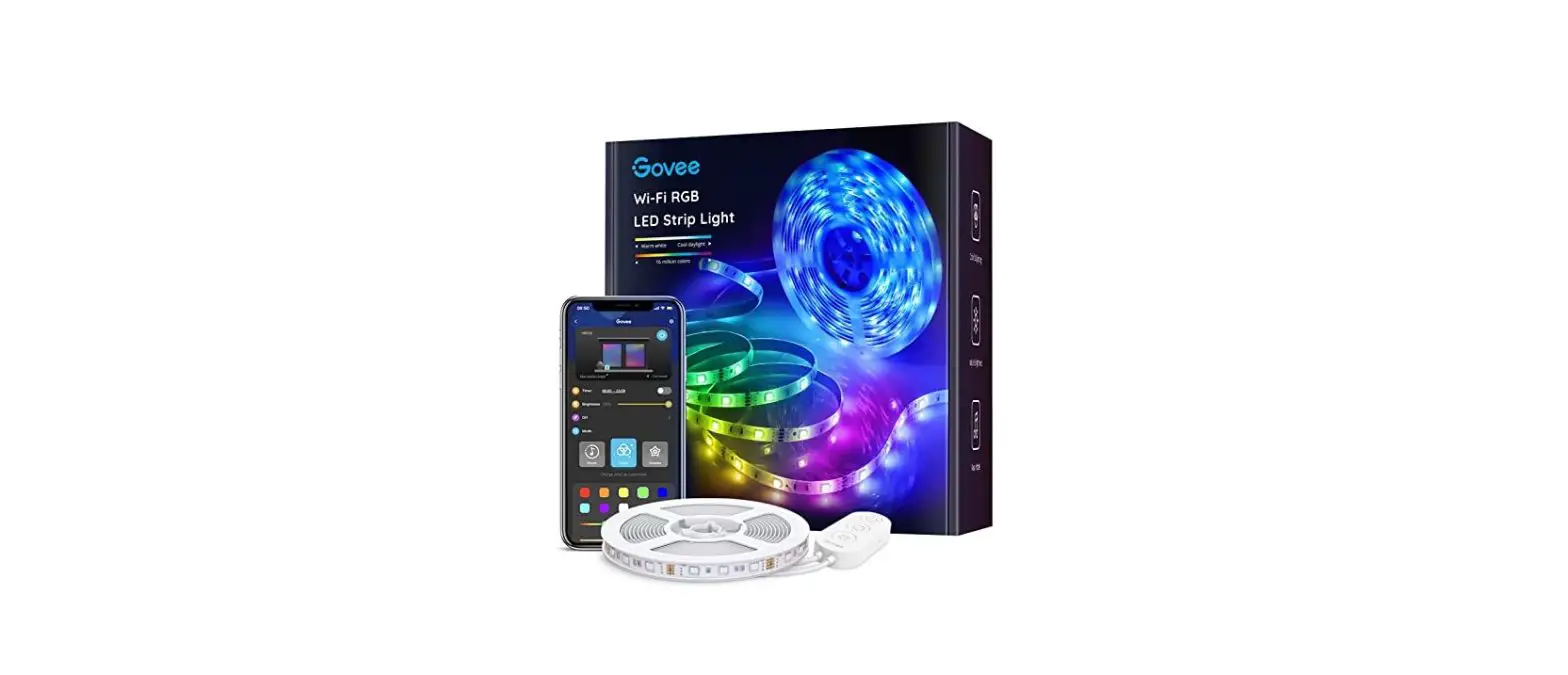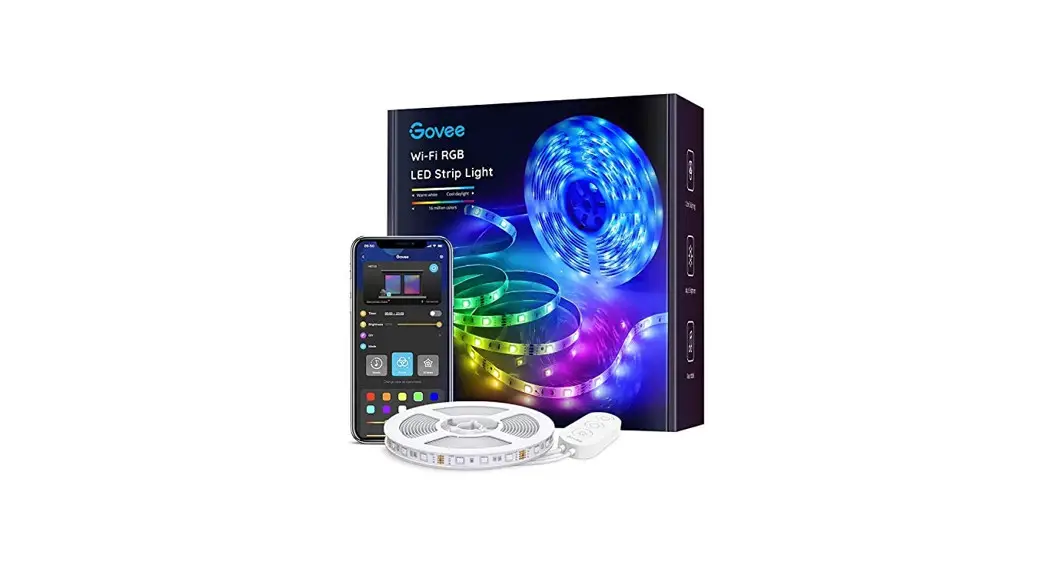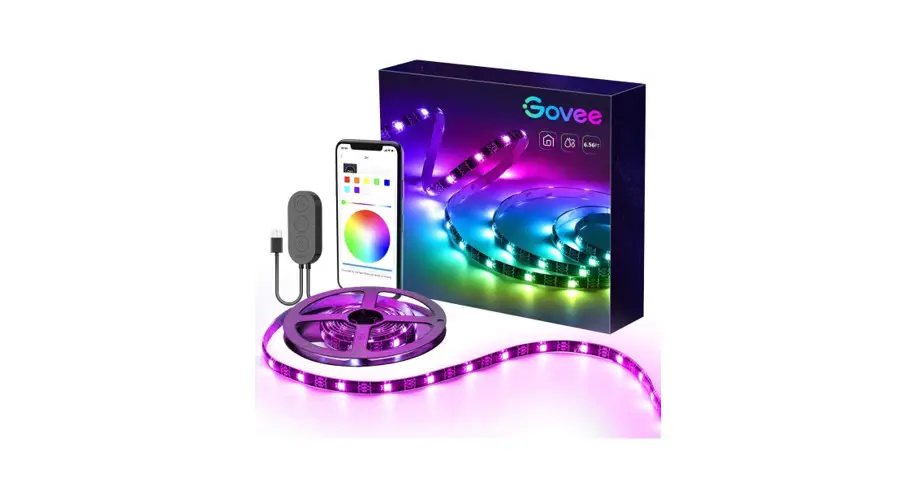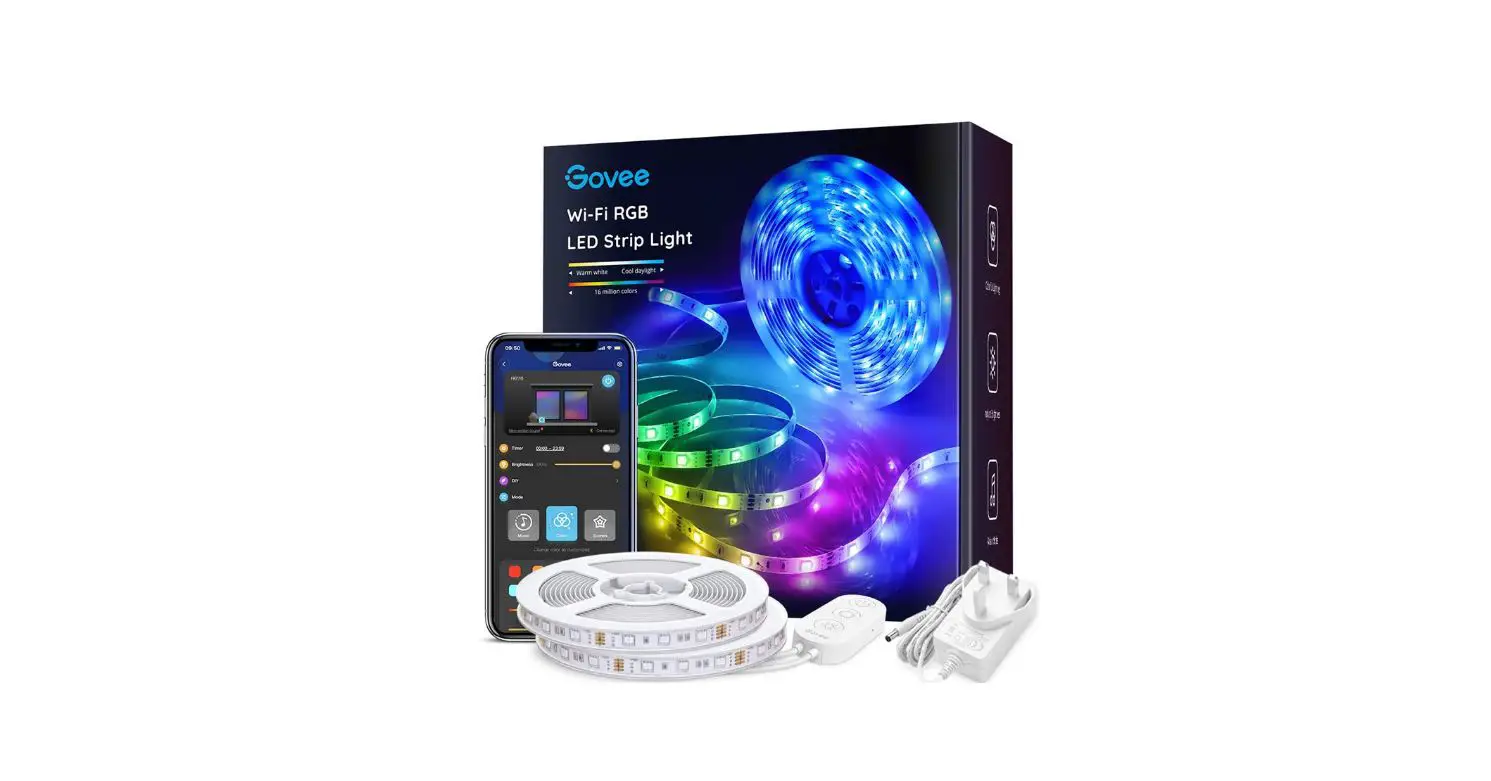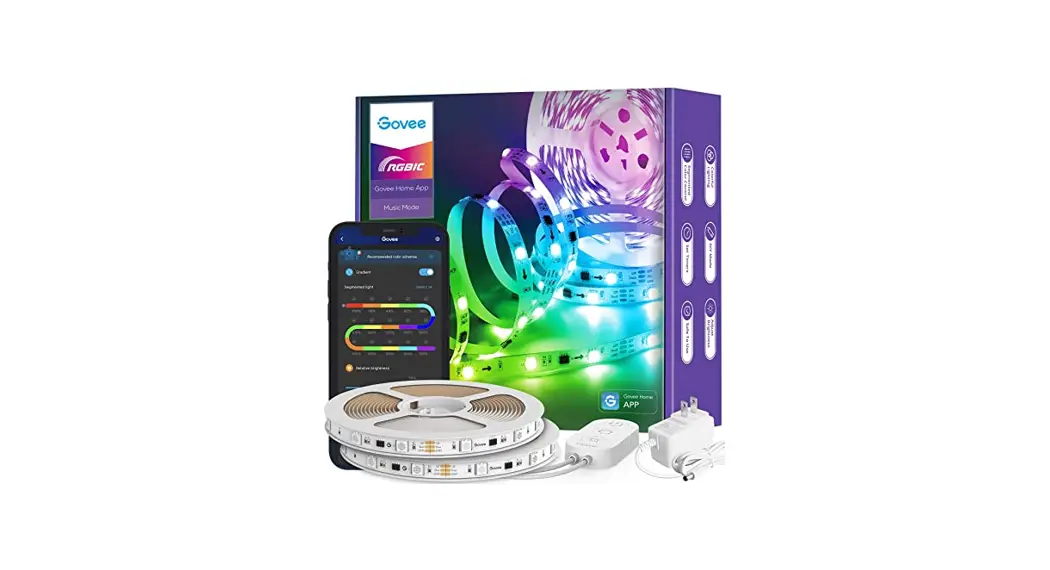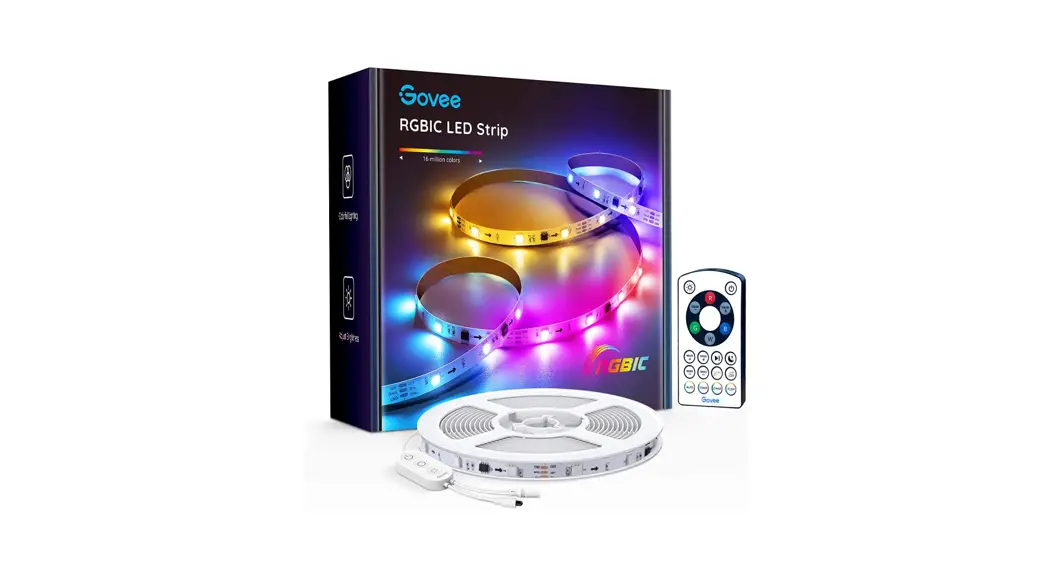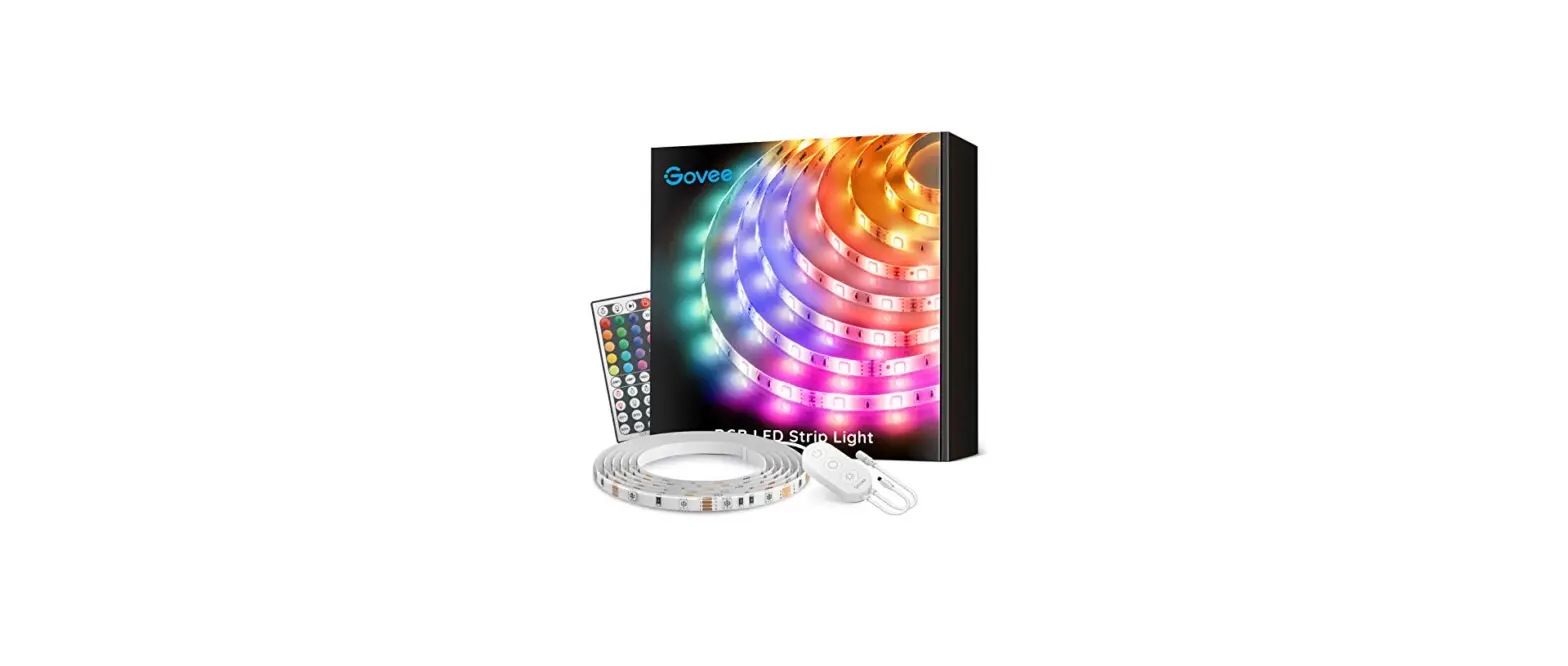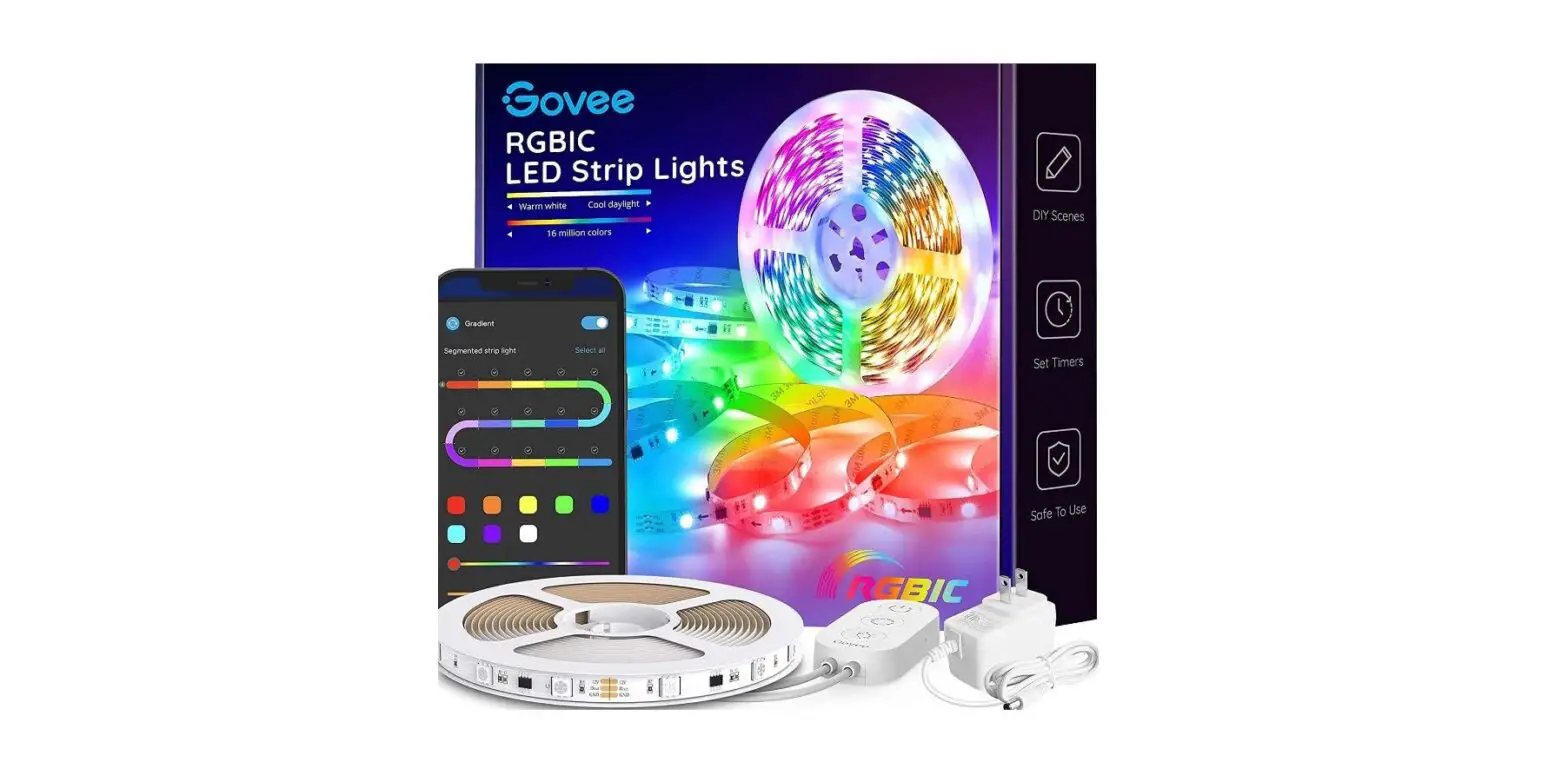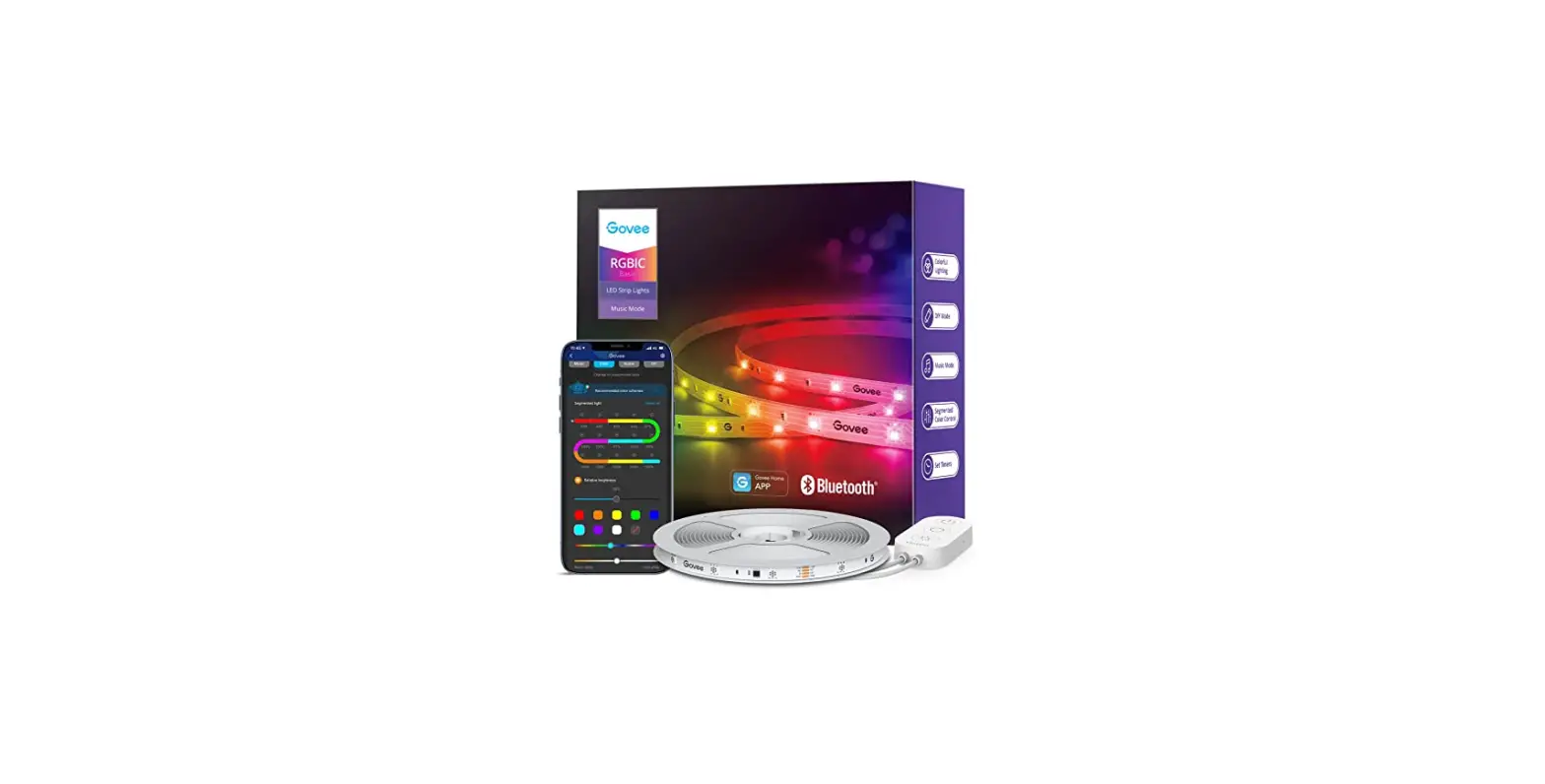

Gove H6146 LED Strip Lights
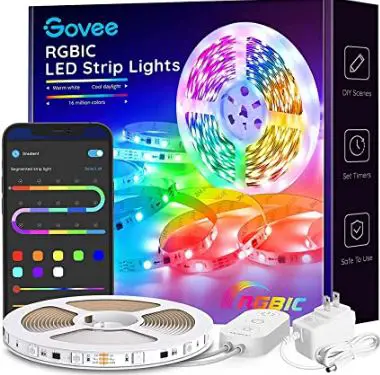
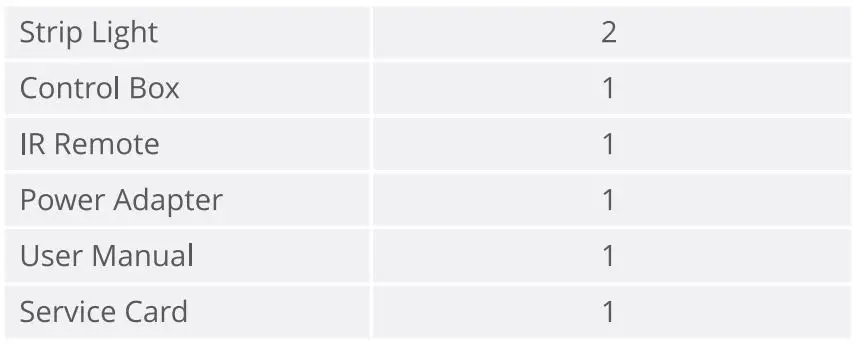
What You Get
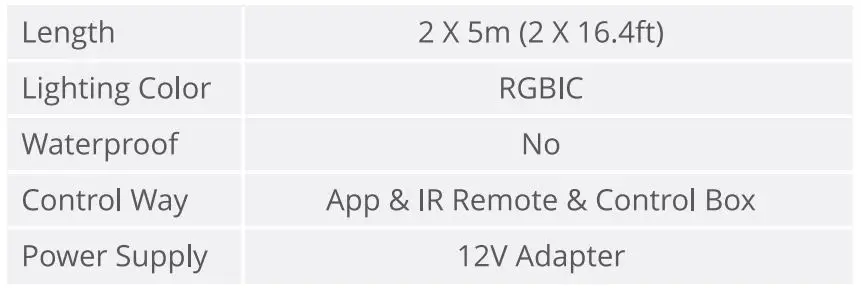
SPECIFICATION
Installing Your Strip Light
- Preparation Before Instaling
- Unpack the box and dheck all items listed in the packing list
- Connect one end of the control box to the strip via 3-pin connector and the other end to the adapter
- Power on the strip light and check whether it lights up.
- installing Steps
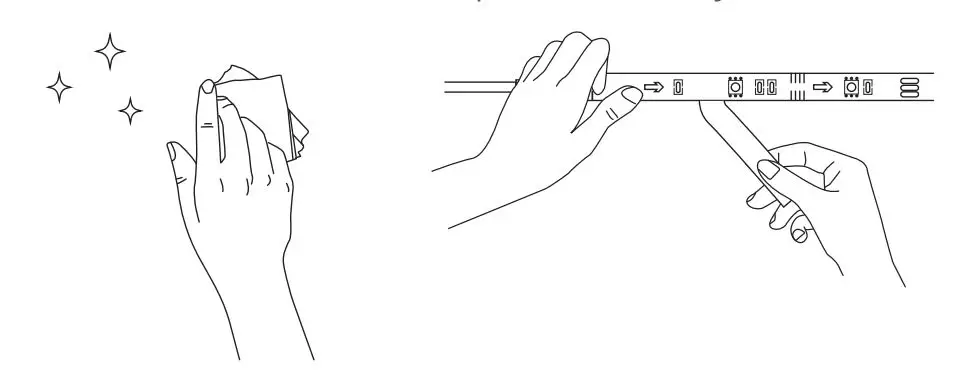
- Wipe the surface to keep it clean and dry
- Peel off the protective film onthe tape, stick the strip on and press over it firmly;

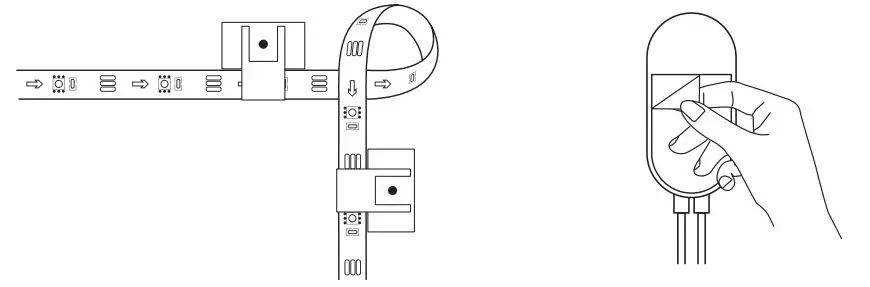
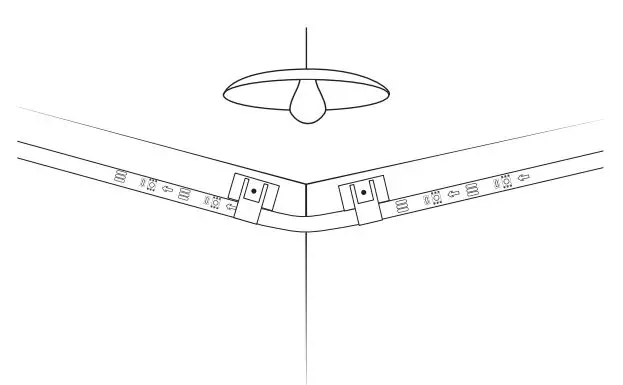
- Reinforce via dlips around Corners
- Peel off the protective film on the control box and stick it on;

- Power on the strip light and start to use it.

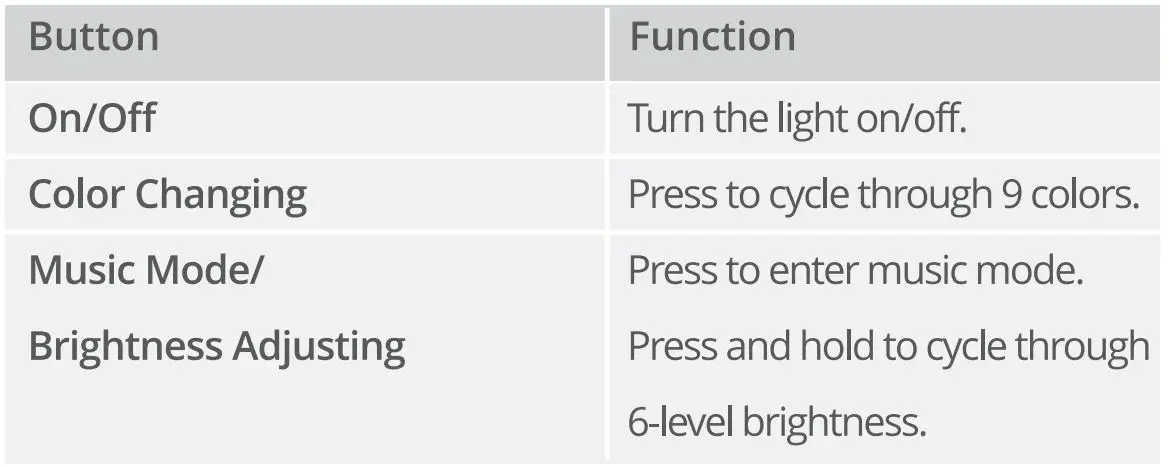
Controlling with the Control Box

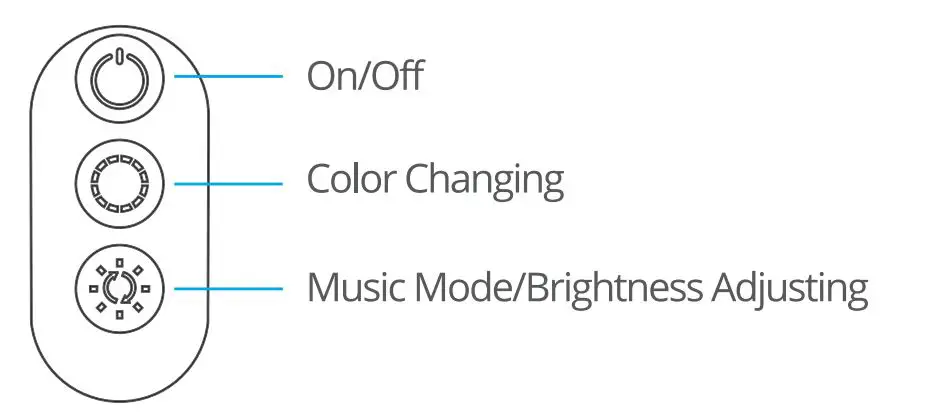
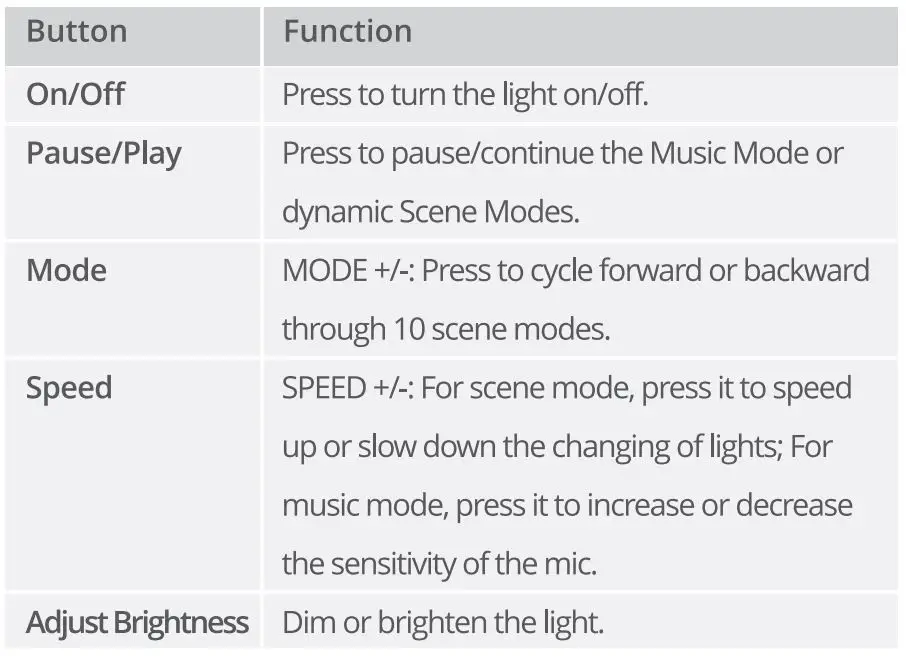
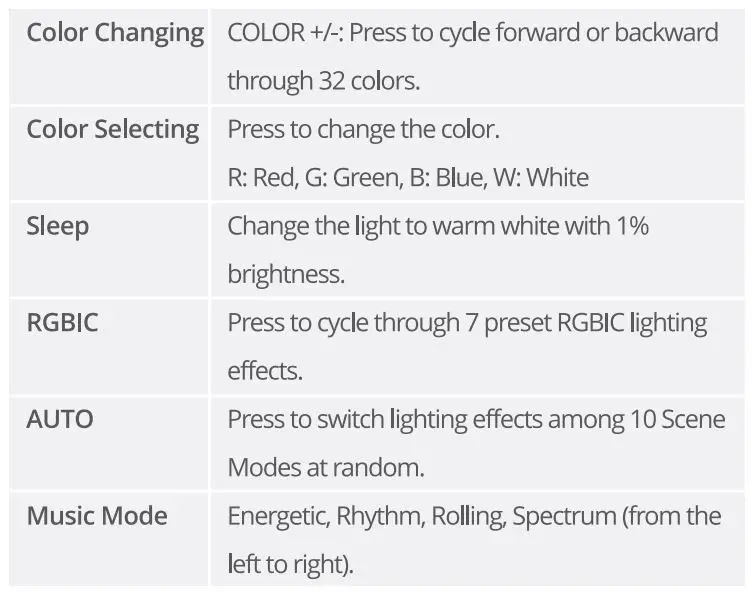
Controlling with the Remote Control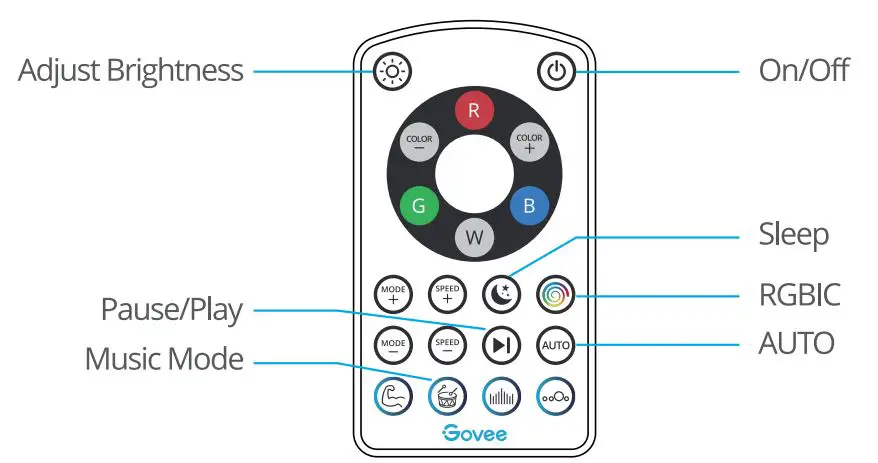
Downloading the Govee Home App
Download the Govee Home app from App Store (OS devices) or Google Play (Android devices).
Notice: You need a smartphone running iOS 9.3 (or above) or Android 4.4 (or above).
Connecting the Strip Light to the App
- Turn on Bluetooth in your mobile phone:
- Open Govee Home app and tap”” icon in the top right corner
- Select “H6146” in the device list:
- Folow on-screen instructions to complete connection.
Troubleshooting
- The adhesive tape is not strong enough.
- Make sure the instalation surface is dean and dry.
- Firmly press over the strip after sticking.
- Reinforce the installation via more cips and tapes
- Cannot connect to Bluetooth.
- Do not skip Bluetooth connection in the app.
- Make sure Bluetooth in your mobile phone has been turmed on.
- It may be caused by incompatibility between the phone system and the app. Please change a mobile phone and connect again.
- Re-power on the strip and re-tum on Bluetooth in your phone to try again.
- e.Keep the distance between the strip and the phone less than 1m/3.28ft while connecting.
- f. Keep obstructions between the strip and the phone as few as possible.
- The strip doesnt matdh the same calor./Some lamp beads don’t light up. Please contact Govee support team in time for return. Cannot sync to the music beat.
- Please keep the control box close to the sound source.
- Clean up the sound picking hole on the control box.
- The straight doesnt work
- You should snap the convex part on the end of strip light into the buckle connecting with control box.
- Pull out every connective part of the strip light and firmly reconnect them.
- Tap On/Off button on the control box or app to dheck whether it is strip quality issue.
Customer Service
Warranty: 12-Month Limited Warranty
Support: Lifetime Technical Support
Email: [email protected]
Official Website: www.govee.com