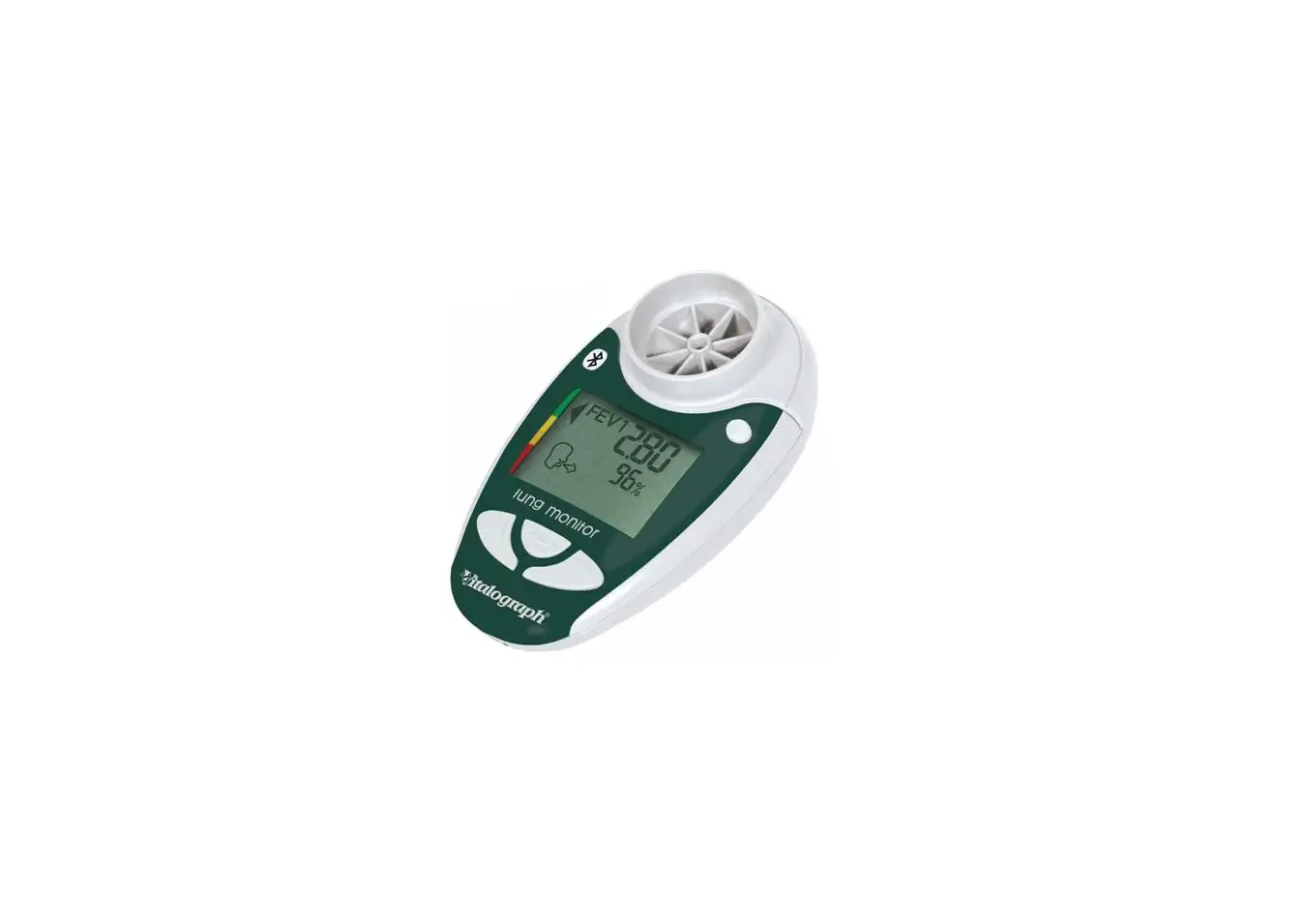
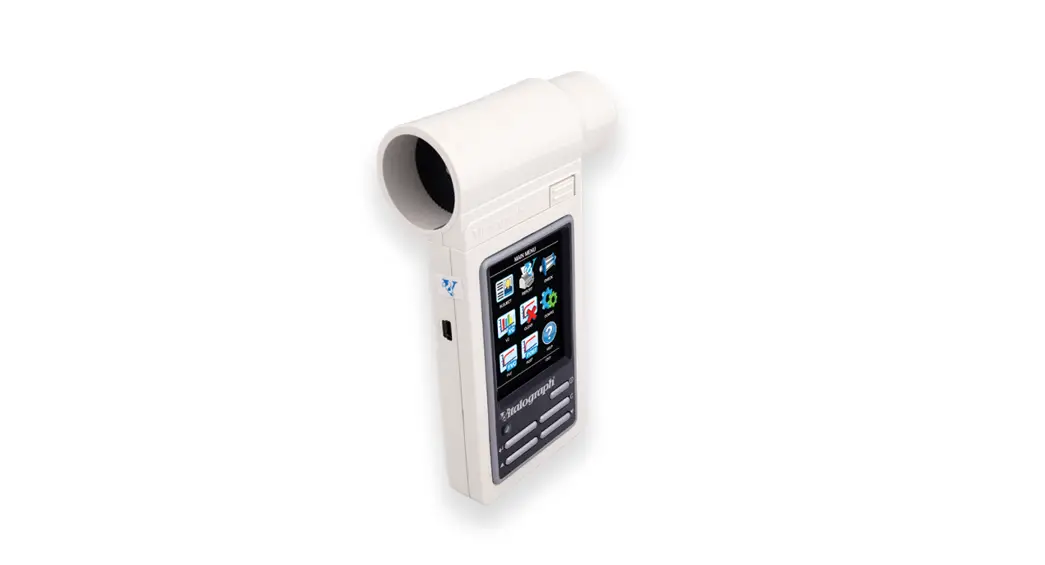
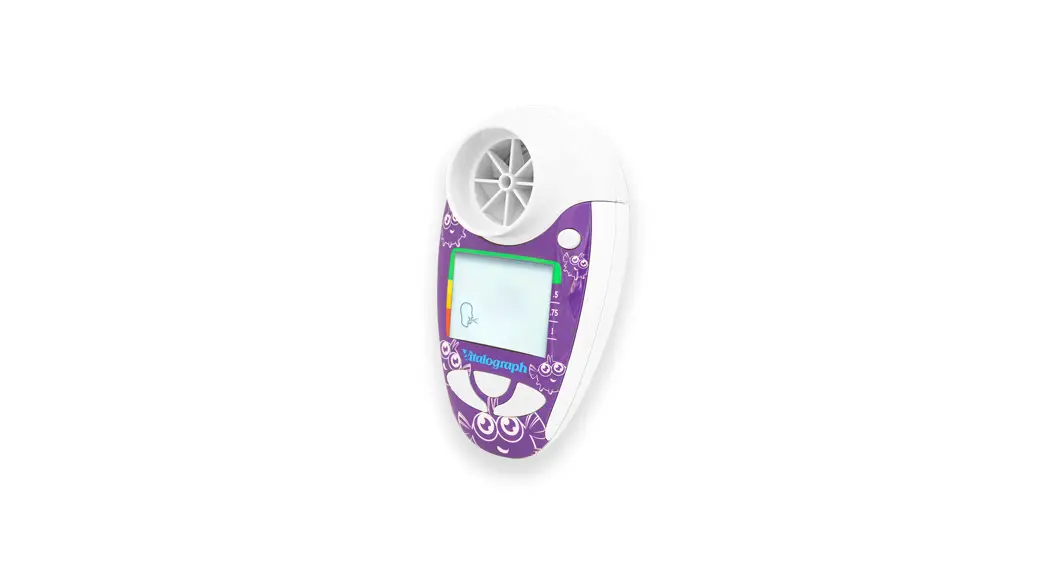
copd-6 Fast and Accurate COPD Screener
Product Information: COPD-6TM
The COPD-6TM is a screener that measures lung function and helps
in the classification of COPD (Chronic Obstructive Pulmonary
Disease) levels. The device is designed to be used by healthcare
professionals and is intended for use in clinical settings.
Device Preparation
- Switch on the device.
- Set the age of the test subject using the B or C buttons. Press
E to confirm the age. - Set the height of the test subject using the B or C buttons.
Press E to confirm the height. - Set the gender of the test subject using the B or C buttons.
Press E to confirm the gender. - Select the population group of the test subject using the B or
C buttons. Press E to confirm the selection. The default population
group is European, but other options are available as well.
Performing the Test
- Insert a disposable SafeTway mouthpiece into the device.
- Press E to show the result on the display.
- Demonstrate to the test subject how to perform the test:
- Fully breathe in and hold.
- Insert the mouthpiece and lightly bite it.
- Blow as hard as possible for 6 seconds (wait for beep).
- Rest for a short while and wait for the blow icon to
reappear.
- Repeat the blow two more times.
Viewing Parameters
- The display shows the FEV1 (Forced Expiratory Volume in one
second) and the % of predicted value. - Press the C button to show the FEV6 (Forced Expiratory Volume
in six seconds) and the % of predicted value. - Press the C button to show the FEV Ratio (the ratio of FEV1 to
FVC – Forced Vital Capacity) and the % of predicted value. - Press the C button to show the Lung Age (the age of the lungs
based on the test results).
Vitalograph®
copd-6TM
Prepare Device
1 D Switch On.
COPD Screener Quick Start Guide
2 Set test subject’s age. Press B or C
to change age.
Press E to set.
3 Set test subject’s height. Press B or C
to change height.
Press E to set.
4 Set test subject’s gender.
Press B or C
to change gender.
Press E to set.
5 Set test subject’s population group.
Press B or C
to change population group.
Press E to set.
No. Population Group
Ref
1
European (default)
ERS 1993
2
Asian
ERS 1993
3
African
ERS 1993
4
Chinese
ERS 1993
5
Japanese
ERS 1993
6
Polynesian
ERS 1993
7
Caucasian
NHANES III
8
African-American
NHANES III
9
Mexican-American
NHANES III
or
20 and Weight
kg
above (weight not normally required)
Perform Test
1 Insert disposable SafeTway mouthpiece.
Test Result
1 Press E to show result
2 Demonstrate to test subject.
v Fully breathe in, hold …
v Insert and lightly bite the mouthpiece
v Then blow as hard as possible for 6 s (wait for beep)
v WELL DONE! Rest test subject for a short while and wait for blow icon to reappear
3 Repeat blow 2 more times.
Negative
v Spirometry not required v COPD Classification green Positive
= Bad blow
v Refer for spirometry v COPD Classification I to IV
View Parameters
1 Display shows FEV1 and % of predicted.
2 Press C to show FEV6
and % of predicted.
3 Press C to show FEV Ratio
and % of predicted.
4 Press C to show Lung Age.
? www.vitalograph.co.uk
15018_1
 Vitalograph UK | Healthcare, Clinical Trials, Occupational Health