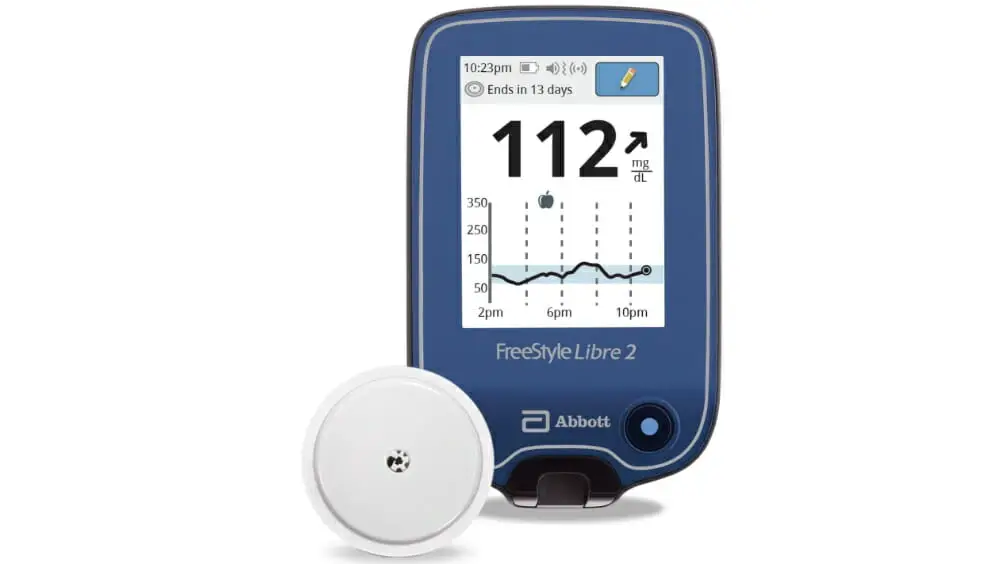
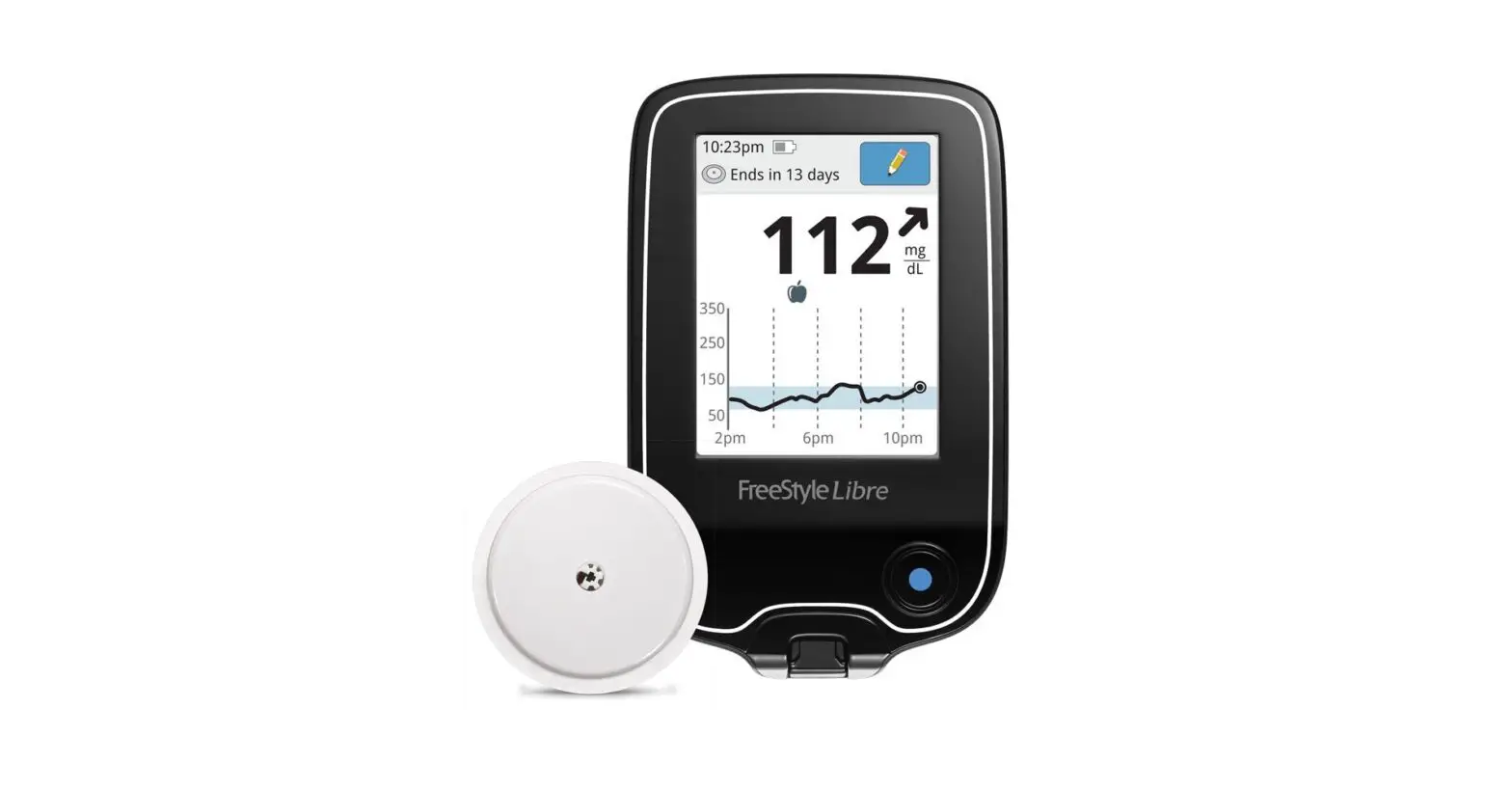
FreeStyle Flash Meter
Product Information:
The FreeStyle Lancing Device is a device used for blood glucose
testing. It is designed to be used with the FreeStyle Flash Meter
and FreeStyle Lancets. The device allows for accurate and painless
blood sampling, providing reliable results for individuals with
diabetes.
Product Usage Instructions:
Step 1: Set-up the FreeStyle Lancing Device
- Snap off the cap on the lancing device at an angle.
- Insert a new FreeStyle Lancet firmly into the white
lancet-holder cup. - Replace the cap until it snaps or clicks into place. Be careful
not to touch the exposed needle on the lancet. - Look in the window of the lancing device and turn the settings
dial to set the depth level. Start at 2. - Cock the device by pulling out the dark grey handle. Set
lancing device aside.
Step 2: Prepare Your FreeStyle Flash Meter
- Insert a new test strip into the meter every time you test. The
meter will turn on. - As soon as you see the code number on the meter display, use
the “c” button to scroll up or the “m” button to scroll down to the
number that matches the number on your test strip vial. - Wait until you see the blood drop and test strip symbols appear
on the meter display screen before lancing your test site. Set
meter aside.
Step 3: Get the Blood Sample
- To bring fresh blood to the surface of the test site, rub the
test site vigorously for a few seconds until you feel it getting
warm.
Step 4: Fill Test Strip with Blood
- Make sure that the test strip is in the meter and the meter is
powered on. If the meter is in clock mode, take out the test strip
and reinsert it into the meter. - Hold the clear cap down against the top of your test site.
Depress the release button. Do not lift up. Continue to hold the
lancing device and gradually increase pressure for several
seconds. - While holding the lancing device on your test site, look
through the clear cap. The blood sample should be about the size of
a pinhead. Lift the lancing device straight up; be careful not to
smear the blood sample on your test site.
Important Notes:
- Before using the device, wash your hands and test site (e.g.,
forearm) with soap and water. Make sure there is no cream or lotion
on the test site. Thoroughly dry your hands and test site. - The code number on the meter display should match the code
number on the test strip vial for accurate results. Adjust the code
on the meter display if necessary. - Avoid lancing areas with obvious veins or moles to avoid excess
bleeding. - Avoid lancing areas where tendons or bones stick out (e.g.,
hand bones and ankle bones). - In clinical studies, most people reported that testing on their
forearms was painless.
Read Me First
Getting Started Guide
IMPORTANT: To ensure accurate results, wash your hands and test site (for example, your forearm) with soap and water. Make sure there is no cream or lotion on the test site. Thoroughly dry your hands and test site.
1 Set-up the FreeStyle Lancing Device 1 Snap off the cap on the lancing device at an angle.
2 Insert a new FreeStyle Lancet firmly
into the white lancet-holder cup.
2 Prepare Your FreeStyle Flash Meter
CODE 27
IMPORTANT: The code number
on the meter display should match the code number on the test strip vial. They must always match, or your results will be inaccurate. Be ready to adjust the code on the meter display to match the code on the test strip vial.
Hold lancet firmly in place with one hand. Use your other hand to twist off rounded top of lancet.
3 Replace the cap until it snaps or clicks
into place. Be careful not to touch the exposed needle on the lancet.
Cocking Handle Depth Settings Dial Depth Indicator Window Release Button
Clear Cap (for alternate site testing)
4 Look in the window of the lancing
device and turn the settings dial to set the depth level. Start at 2.
5 Cock device, by pulling out dark
grey handle. You may have already cocked the device when you inserted the lancet. Set lancing device aside, proceed to the next step.
1 Insert a new test strip into the
meter every time you test. The meter will turn on.
Top Insert only the Top end of test strip into the meter. Bottom
2 As soon as you see the code
number on the meter display, use the “c” button to scroll up or the “m” button to scroll down to the number that matches the number on your test strip vial. The picture to the left is an example. Your meter may have a different number.
3 Wait until you see the blood
drop and test strip symbols appear on the meter display screen before lancing your test site. Set meter aside and proceed to the next step.
Continue to Step 3
We’re here to help. Please call Customer Care toll free at 1-888-522-5226 or visit us at www.AbbottDiabetesCare.com. © 2005 Abbott. Printed in U.S.A.
Read Me First
Getting Started Guide
IMPORTANT: Use the clear cap for testing on your forearm, upper arm, hand, thigh, or calf.
3
Get the Blood Sample
1 To bring fresh blood to the surface
of the test site, rub the test site vigorously for a few seconds until you feel it getting warm.
4
Fill Test Strip with Blood
1 Make sure that the test strip is in
the meter and the meter is powered on. (If the meter is in clock mode, take out the test strip and reinsert into the meter.) Leave the test strip in the meter. You are now ready to apply the blood sample.
2 Hold the clear cap down against
the top of your test site. Depress the release button. Do not lift up. Continue to hold the lancing device and gradually increase pressure for several seconds.
3 While holding the lancing device
on your test site, look through the clear cap; the blood sample should be about the size of a pinhead (example: ). Lift the lancing device straight up; be careful not to smear the blood sample on your test site.
IMPORTANT: Avoid lancing areas with obvious veins or moles to avoid excess bleeding. IMPORTANT: Avoid lancing areas where tendons or bones stick out (for example, hand bones and ankle bones).
Continue to Step 4
In clinical studies, most people said testing on their forearms was painless. (Data on file at Abbott Diabetes Care.)
Test on or off your fingers
The FreeStyle FlashTM system can be used to test your blood glucose from your forearm, upper arm, hand, thigh, calf, as well as your fingers (for more information see your Owner’s Booklet).
FreeStyle Testing Areas
Warning: If you are testing for hypoglycemia (low blood glucose), or if you suffer from hypoglycemia unawareness, we recommend that you test on your fingers or palm (at the base of the thumb).
2 Bring the test strip to the blood
sample at a slight angle.
IMPORTANT: Use only one Test Strip Edge per test. Do not apply blood to both edges. Test strips may be used only once. Discard used test strips.
3 The test strip acts like a sponge
and pulls the blood into the strip through the edge.
Edge of test strip
· Do not press the test strip against the test site. · Do not scrape the blood onto the test strip. · Do not apply blood to the flat side of the test strip. · Do not apply blood to the test strip when the test
strip is out of the meter. · Do not put blood or foreign objects into the test
strip port.
4 Do not lift the test strip up until
you hear one beep or see the short line moving clockwise on your meter screen. This means you have enough blood and the meter is reading your glucose. You can continue to fill the test strip for up to 60 seconds. Just be sure you fill the test strip only from the same edge.
5 The test result is complete when
you hear two beeps. Your blood glucose test result is shown on the display screen.
Refer to your Owner’s Booklet for complete information about the FreeStyleTM
Flash Blood Glucose Monitoring System.
ART03162 Rev C 09/05
We’re here to help. Please call Customer Care toll free at 1-888-522-5226 or visit us at www.AbbottDiabetesCare.com.
 Abbott Diabetes Care Division – Helping People with Diabetes