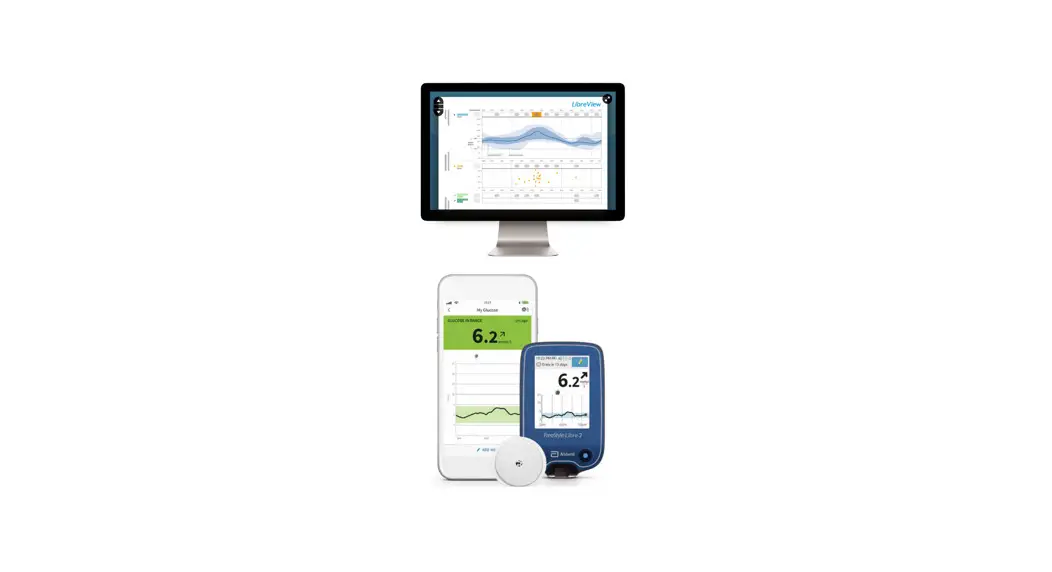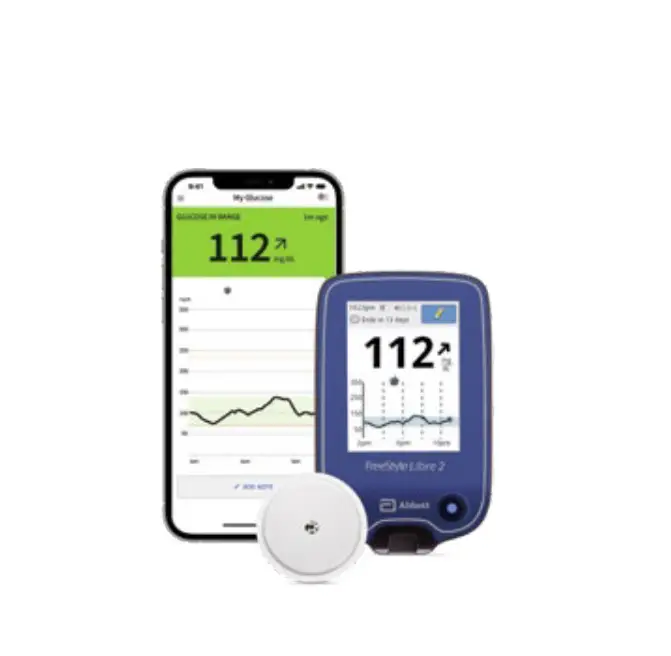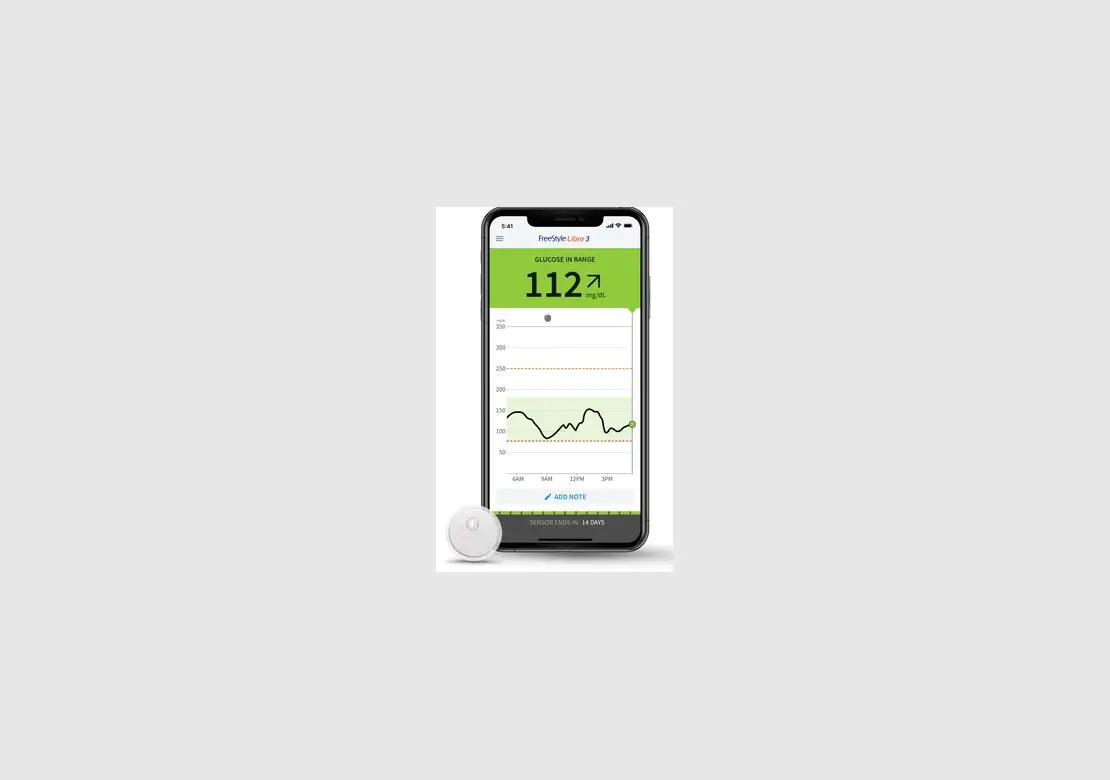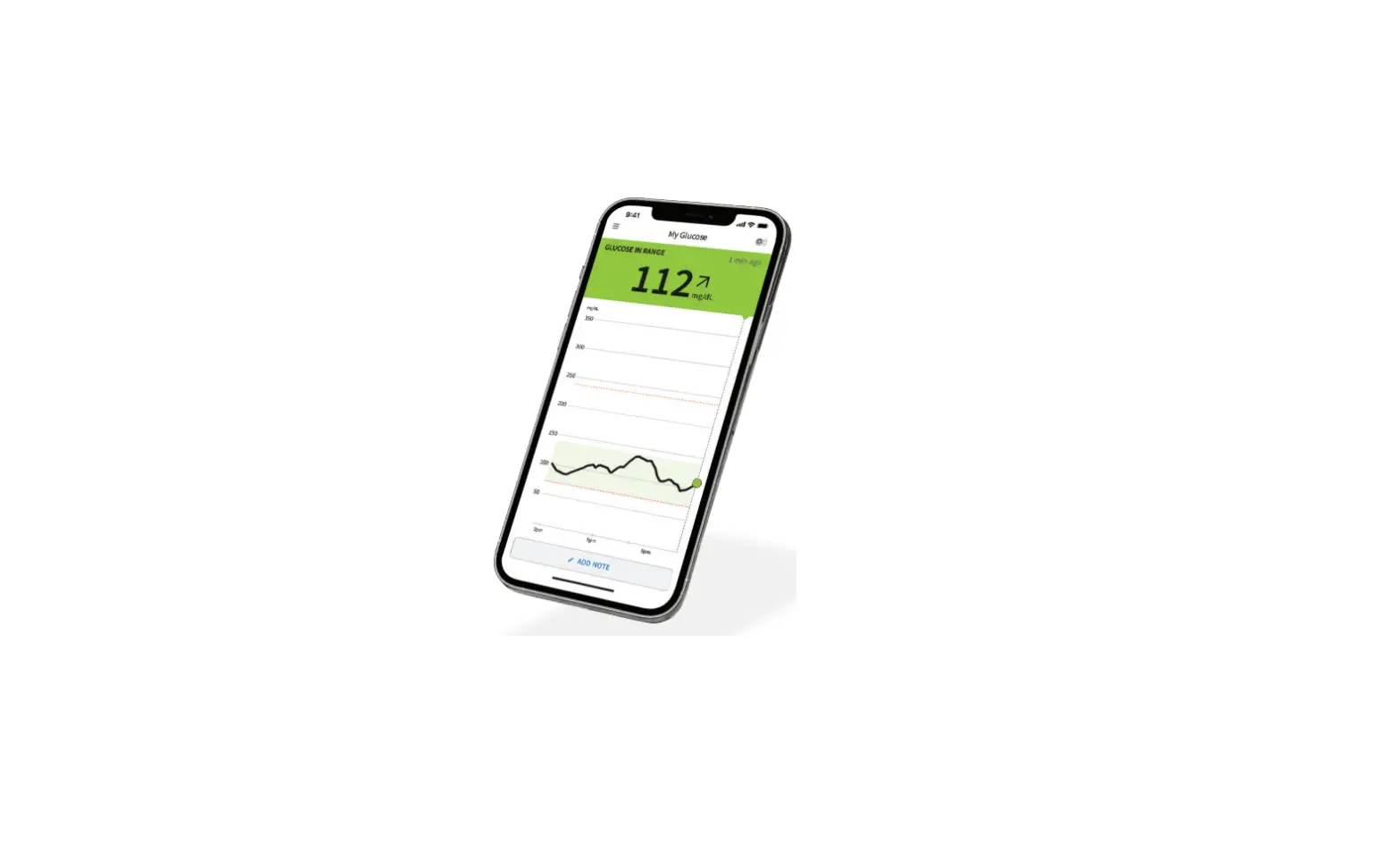

FreeStyle Libre 2
FLASH GLUCOSE MONITORING SYSTEM
Quick Start Guide for
FreeStyle Libre 2 Reader.

Setup Overview
Refer to your User’s Manual for full System instructions and information.
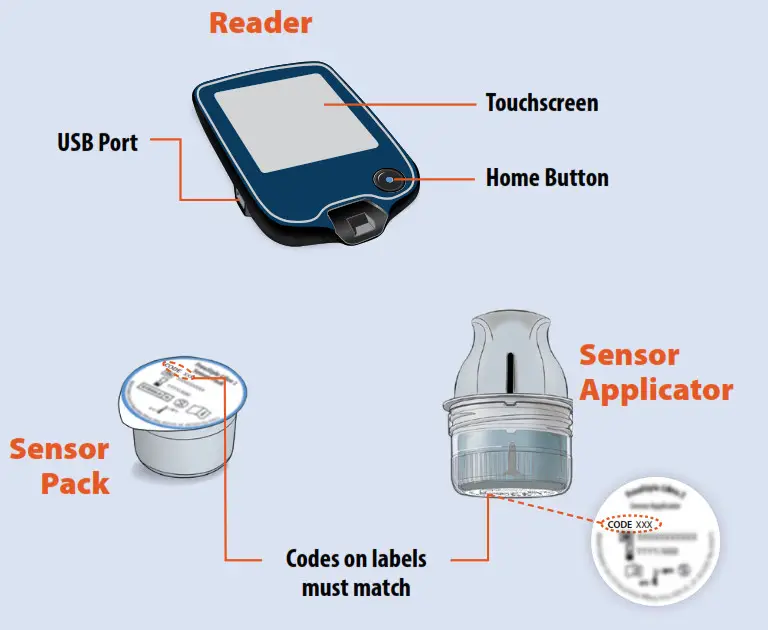
- Assemble and Apply Sensor to your body
- Start new Sensor with Reader Wait 60 minutes for start-up
- Check your glucose whenever you want for up to 14 days.
Assemble and Apply Sensor to the back of your upper arm
STEP 1
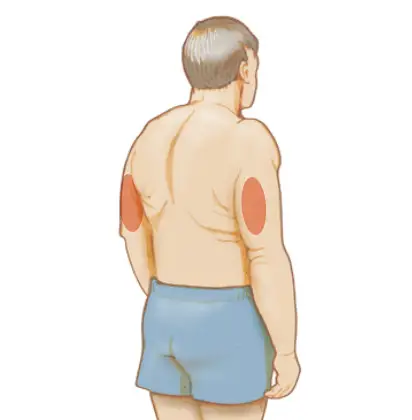
Select site on the back of the upper arm.
Do not use other sites as these may result in inaccurate glucose readings.
Note: Avoid scars, moles, stretch marks, lumps, and insulin injection sites. To prevent skin irritation, rotate sites between applications.
STEP 2
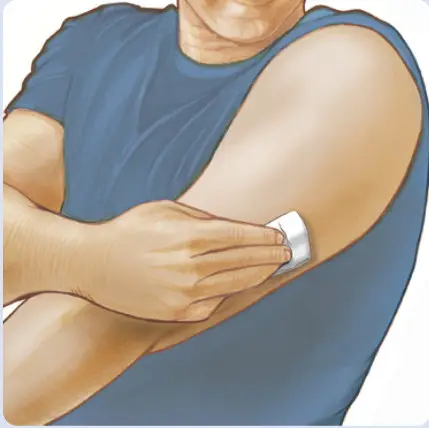
Wash site using plain soap, dry, and then clean with an alcohol wipe. Allow the site to air dry before proceeding.
STEP 3
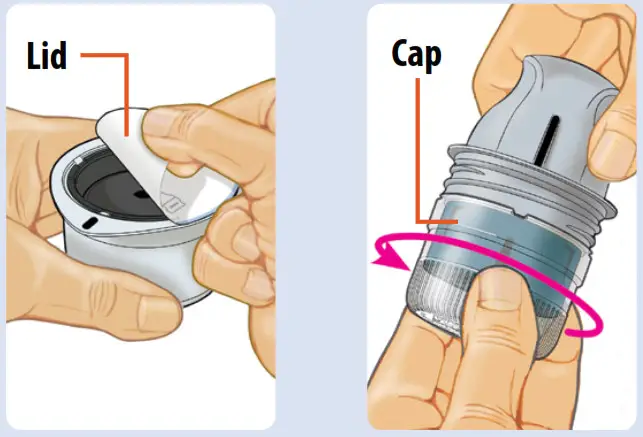
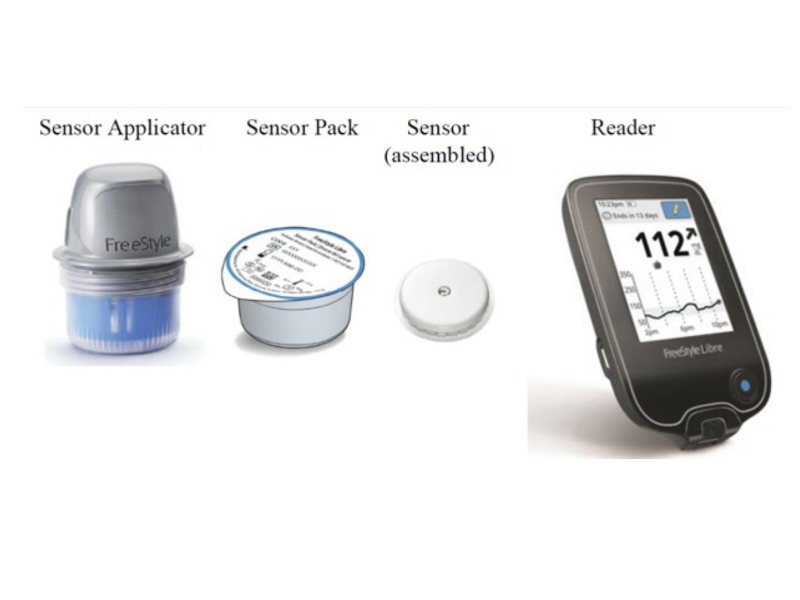
Peel lid completely off Sensor Pack.
Unscrew cap from Sensor Applicator.
CAUTION: Sensor codes must match on Sensor Pack and Sensor Applicator or glucose readings will be incorrect.
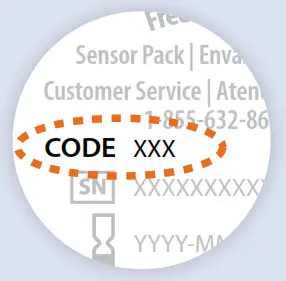
STEP 4
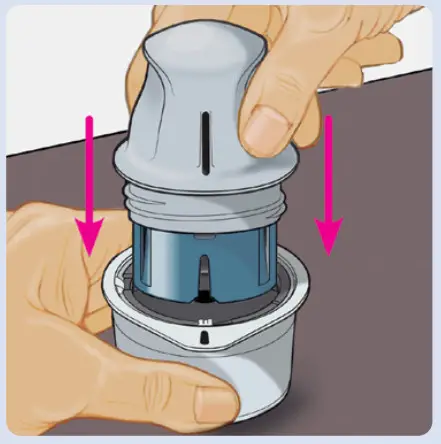
Line up the dark mark on Sensor Applicator with a dark mark on Sensor Pack. On a hard surface, press down firmly on Sensor Applicator until it comes to a stop.
STEP 5
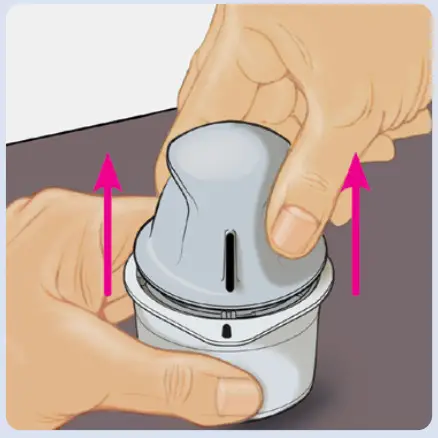
Lift Sensor Applicator out of Sensor Pack.
STEP 6
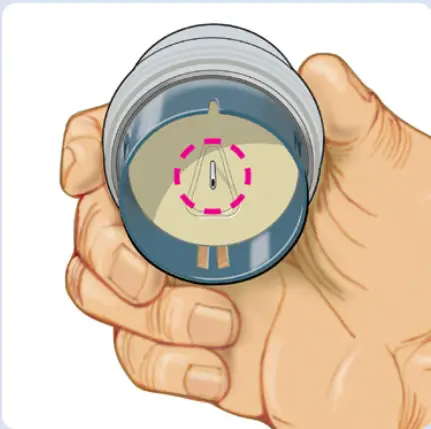
Sensor Applicator is ready to apply Sensor.
CAUTION: Sensor Applicator now contains a needle. Do not touch inside Sensor Applicator or put it back into Sensor Pack.
STEP 7
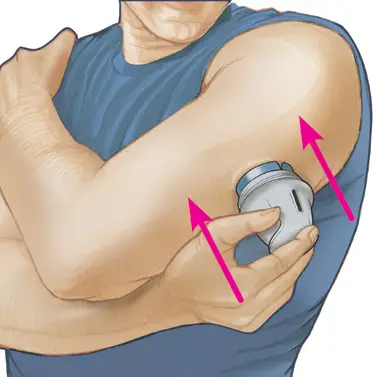
Place Sensor Applicator over site and push down firmly to apply Sensor.
CAUTION: Do not push down on Sensor Applicator until placed over the prepared site to prevent unintended results or injury.
STEP 8
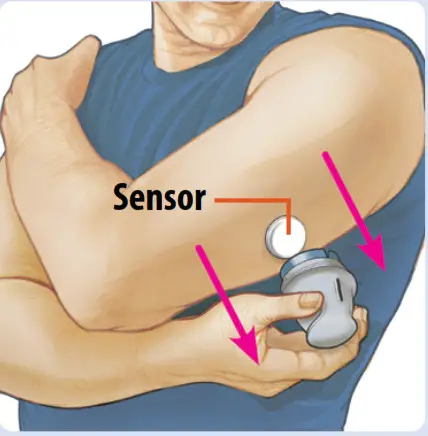
Gently pull the Sensor Applicator away from your body.
STEP 9
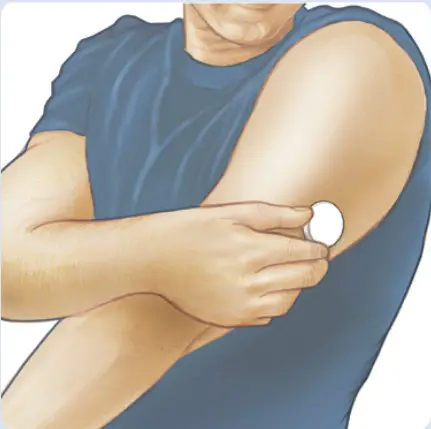
Make sure the Sensor is secure.
Discard used Sensor Applicator and Sensor Pack according to local regulations.
Start new Sensor with Reader
STEP 1
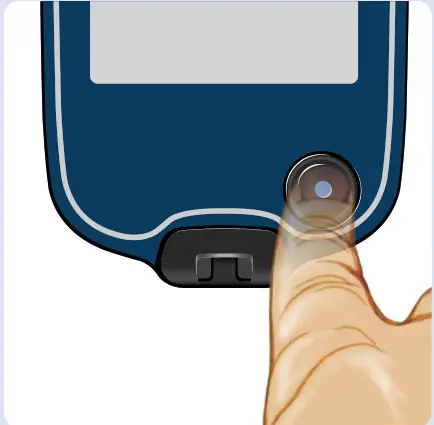
Press Home Button to turn on Reader.
Note: If using Reader for the first time, follow the prompts to set the date and time.
STEP 2
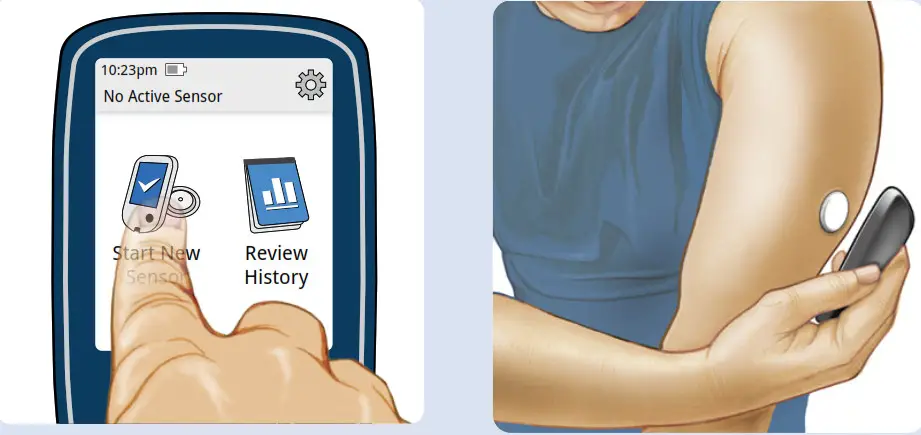
Touch Start New Sensor.
Hold Reader within 1.5 inches (4 cm) of Sensor to scan it.
Note: Before you start your Sensor, choose which device you want to use. If you start the Sensor with the Reader, you will be unable to use the App to check your glucose or receive alarms.
STEP 3
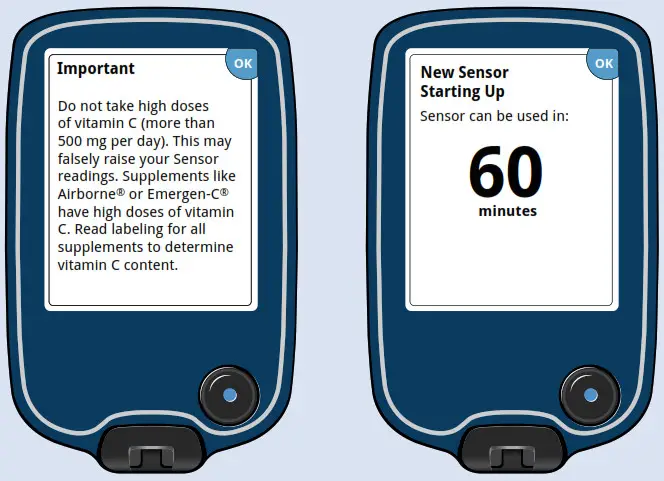
Review the important information on the screen.
Sensors can be used to check your glucose after 60 minutes.
Check your glucose
STEP 1
Press Home Button to turn on Reader.
STEP 2
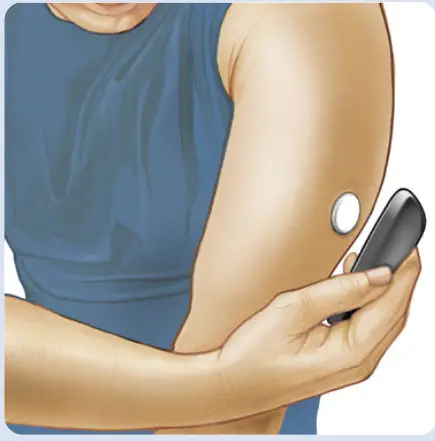
Hold Reader within 1.5 inches (4 cm) of Sensor to scan it.
STEP 3
| Glucose Trend Arrow | What it means |
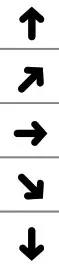 | Glucose rising quickly |
| Glucose rising | |
| Glucose changing slowly | |
| Glucose falling | |
| Glucose falling quickly |
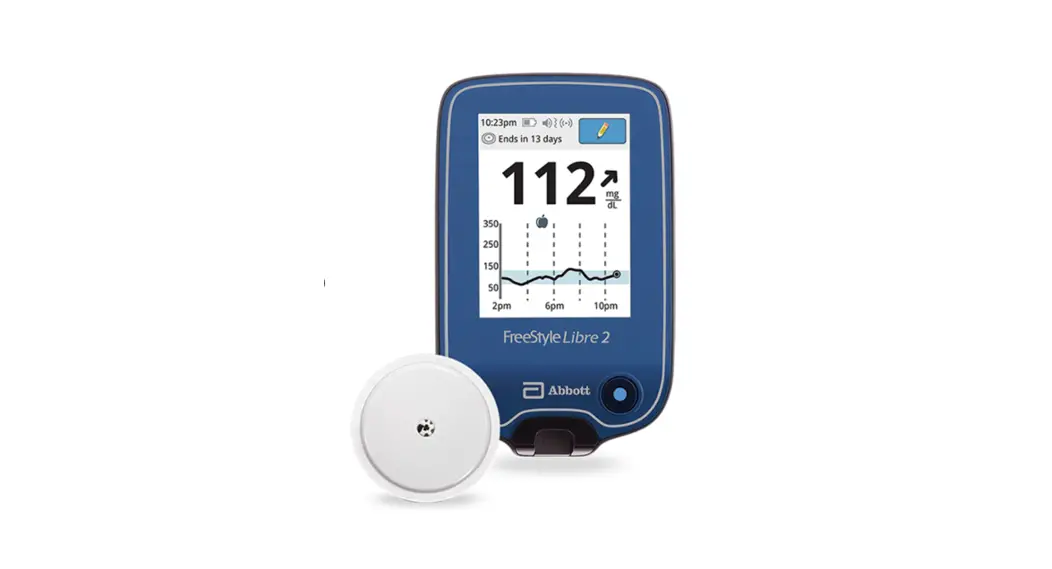
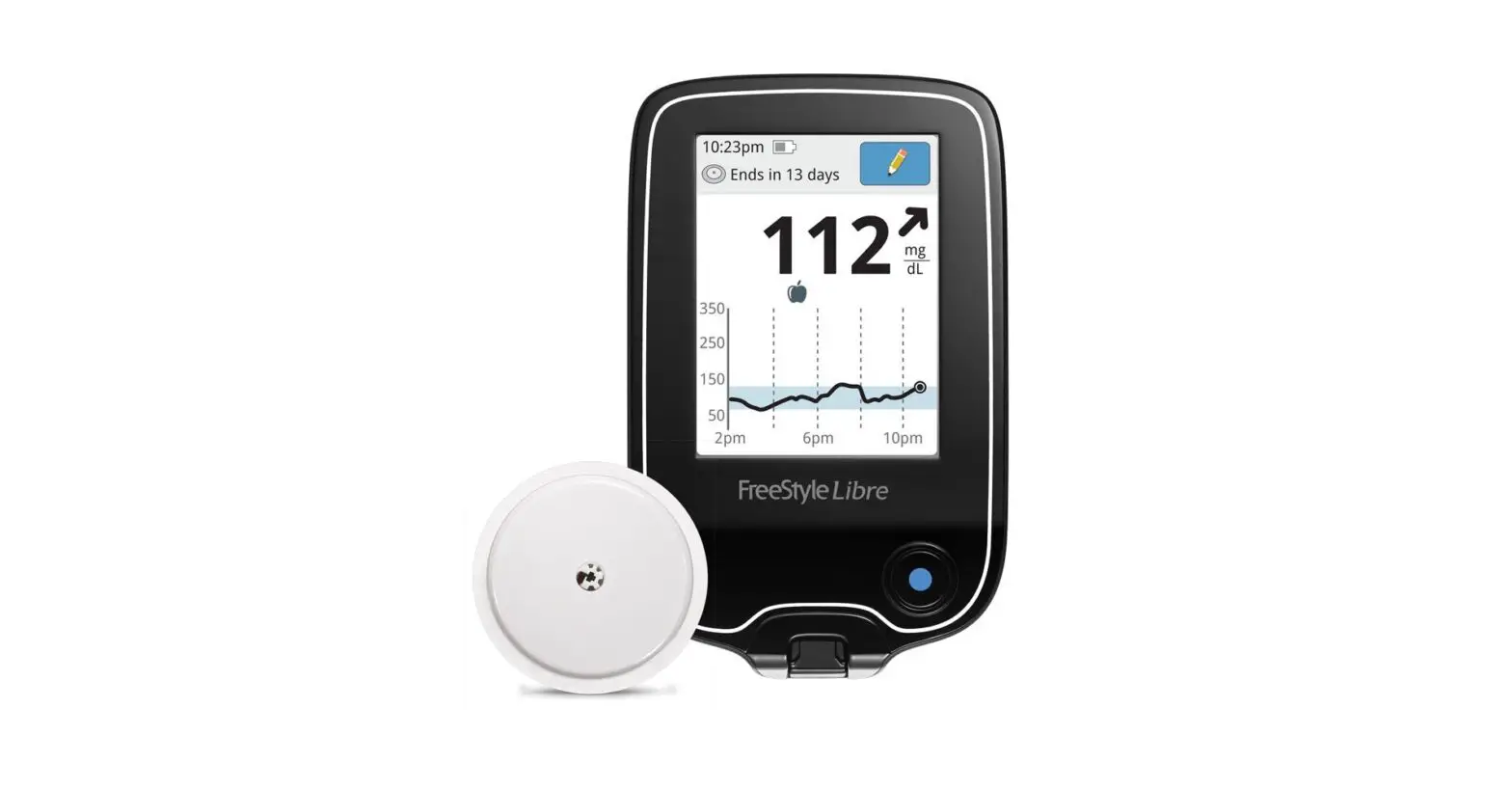
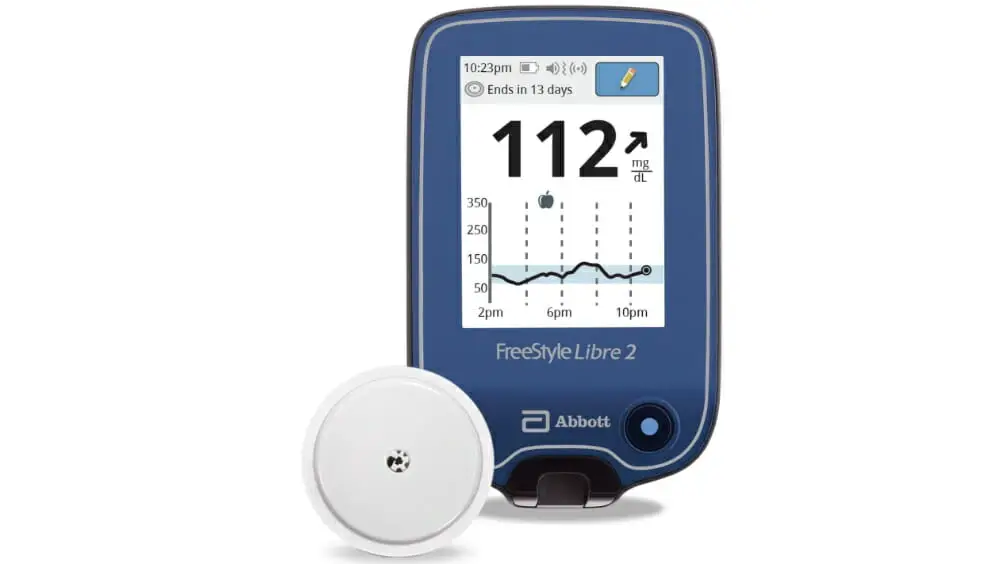
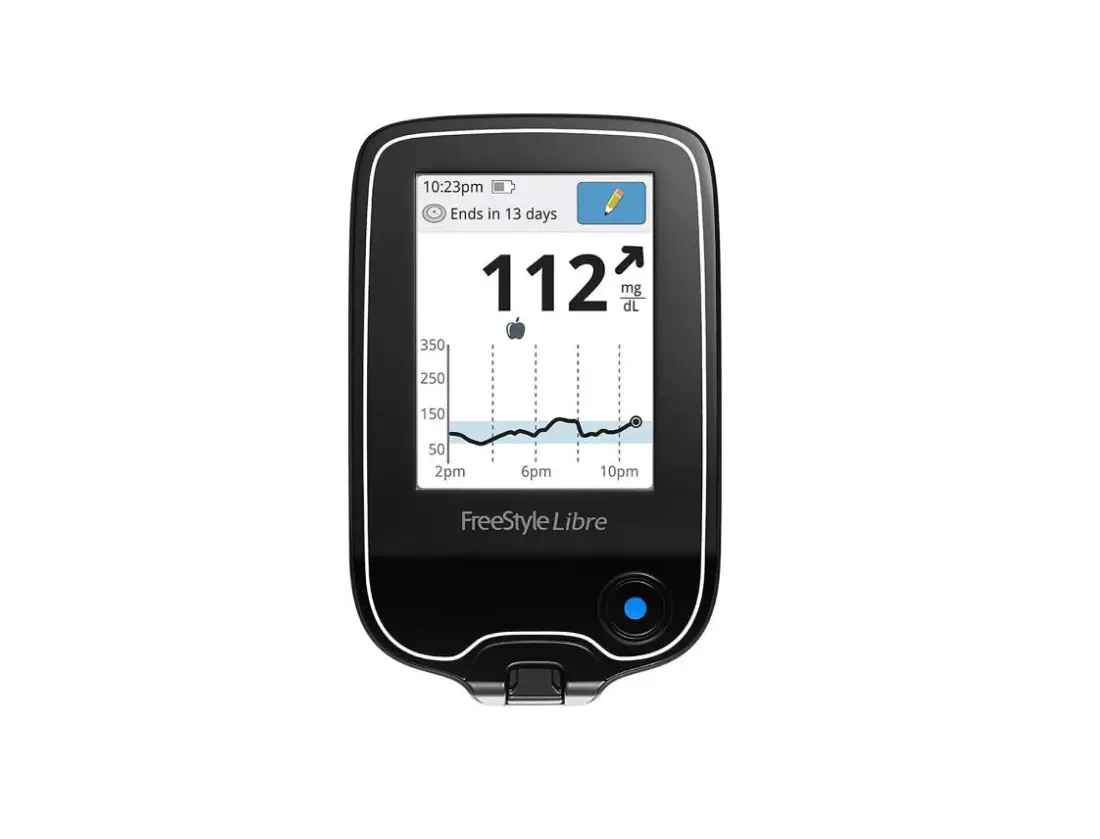
Reader shows your glucose reading. This includes your
Current Glucose, Glucose Trend Arrow, and Glucose Graph.
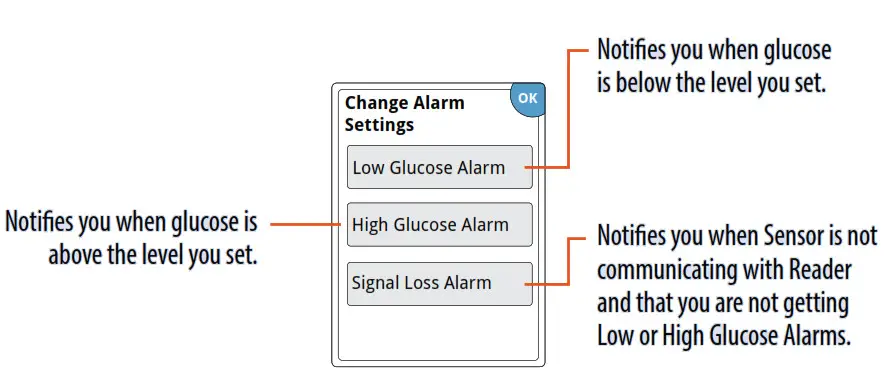
Setting Alarms
The Sensor automatically communicates with the Reader and can give you glucose alarms.
Alarms are on by default. To change their settings or turn alarms off, follow these steps.
IMPORTANT: Glucose alarms are an important safety feature. Please consult your health care professional before making changes.
STEP 1
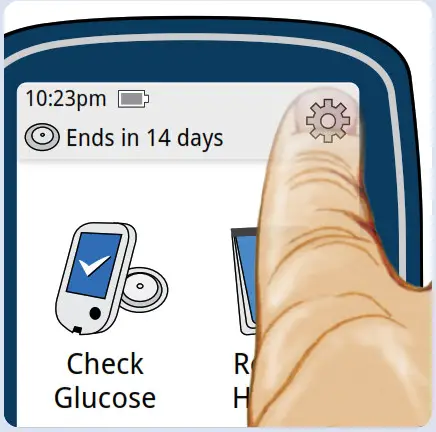
Press Home Button to go to Home Screen. Touch.
STEP 2
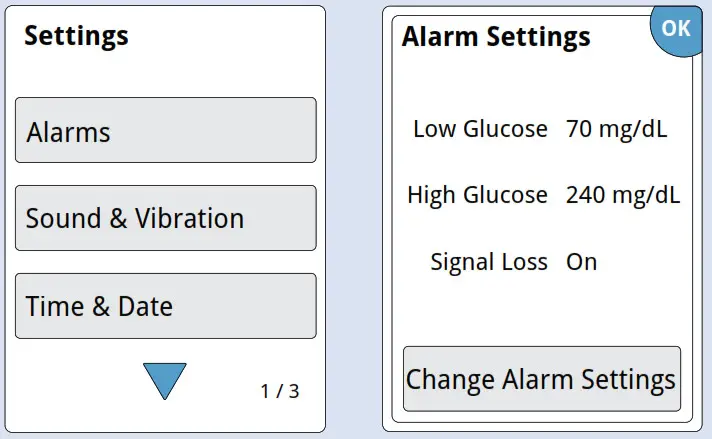
Touch Alarms and then touch Change Alarm Settings.
STEP 3
Select and set your alarms. Touch has been done to save.
Using Alarms
You must scan your Sensor to see your glucose reading.
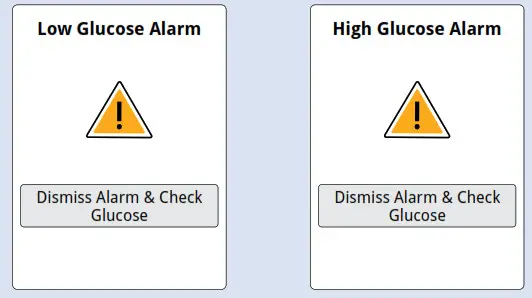
Touch Dismiss Alarm & Check
Glucose or press the Home Button to dismiss the alarm and check your glucose.
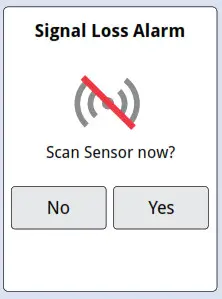
Touch No to dismiss the alarm.
Touch Yes or press the Home Button to dismiss the alarm and scan the Sensor.
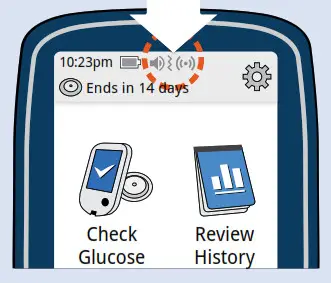
When any alarm is on, sound/vibration and signal status are displayed on the Home Screen.
| Symbol | What it means |
 | Sound and Vibration ON |
 | Sound and Vibration OFF |
 | Sensor communicating with Reader |
 | Sensor not communicating with Reader |
Refer to User’s Manual for additional symbols.
If you have followed the instructions described in the User’s Manual and are still having difficulty setting up your System or if you are not sure about a message or reading, contact your health care professional.
The circular shape of the sensor housing, FreeStyle,
Libre and related brand marks are marks of Abbott.
©2018-2020 Abbott ART40392-003 Rev. A 01/21
 Consult instructions for use
Manufacturer
 About Diabetes Care Inc.
1360 South Loop Road
Alameda, CA 94502 USA