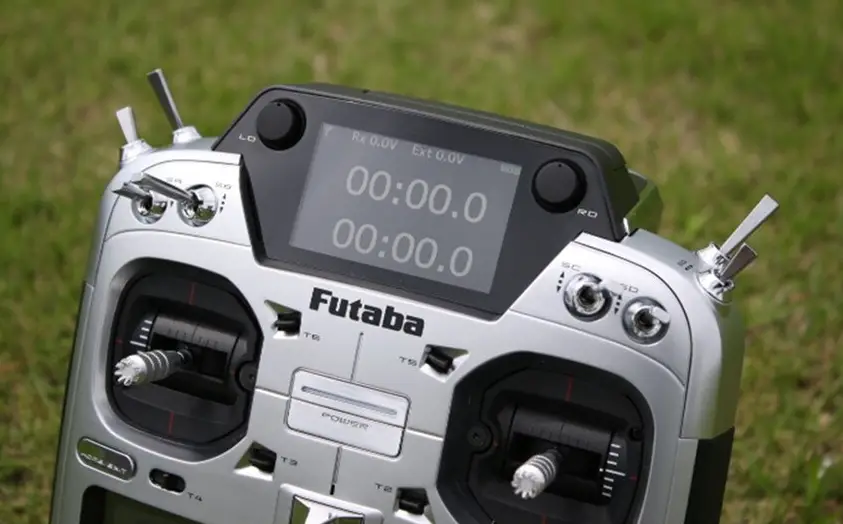
Futaba T32MZ Radio Air System User Manual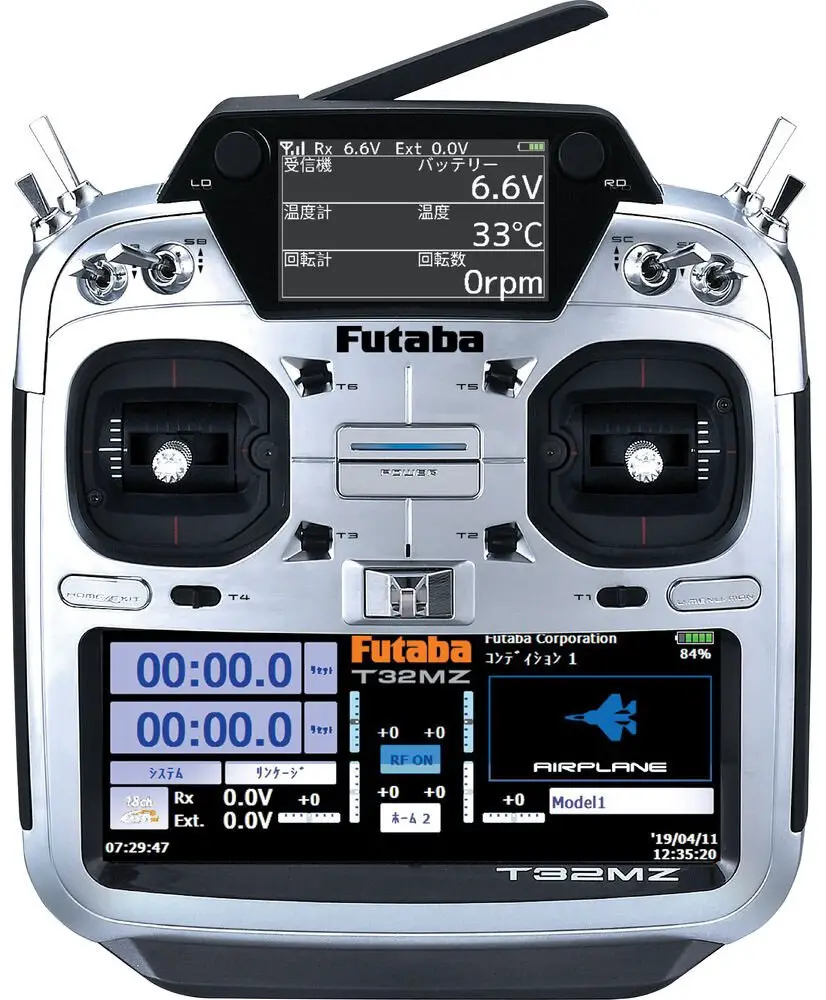
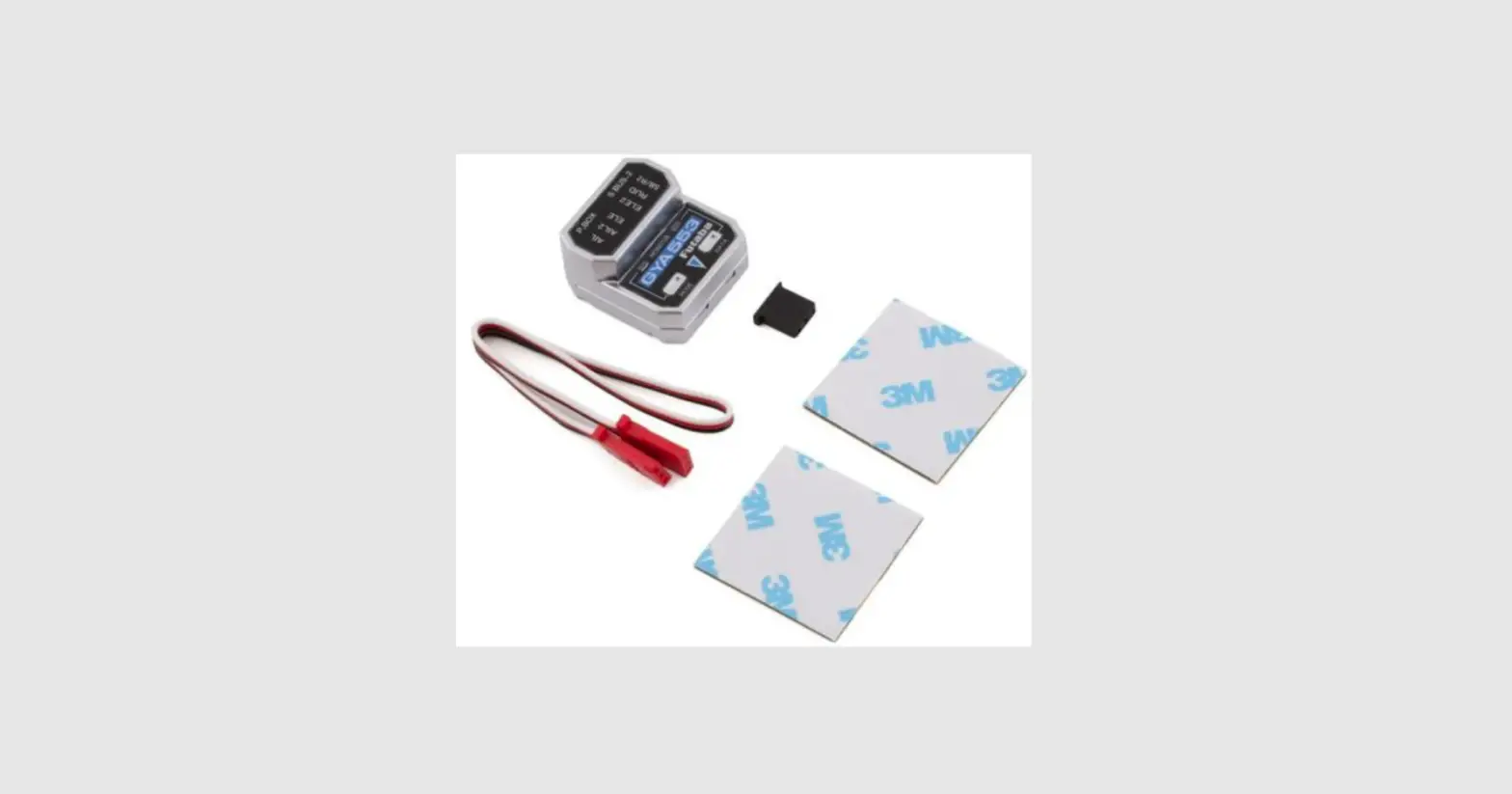
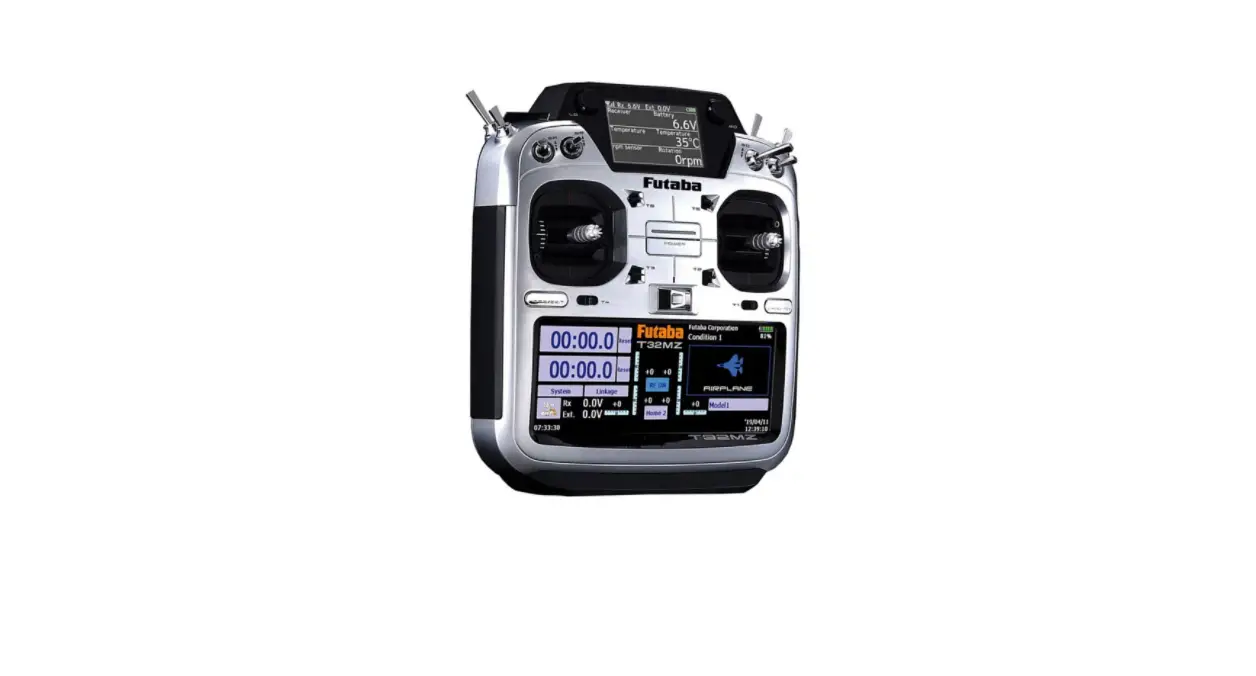
By installing the latest software (Ver. 3.6 ~) on the T32MZ, you can setting the airplane gyro GYA553 on the T32MZ.
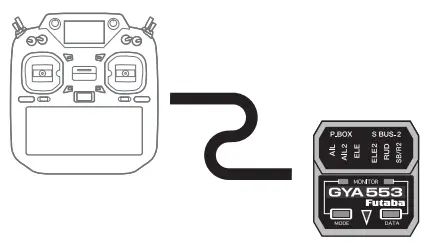
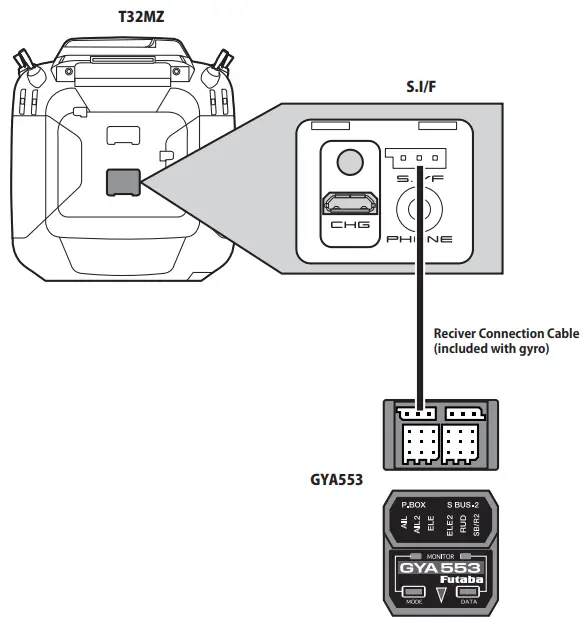
Connection T32MZ and GYA553
 CAUTION
 Be sure to connect and disconnect the GYA553 and T32MZ connection cable with the power off.
SETTING
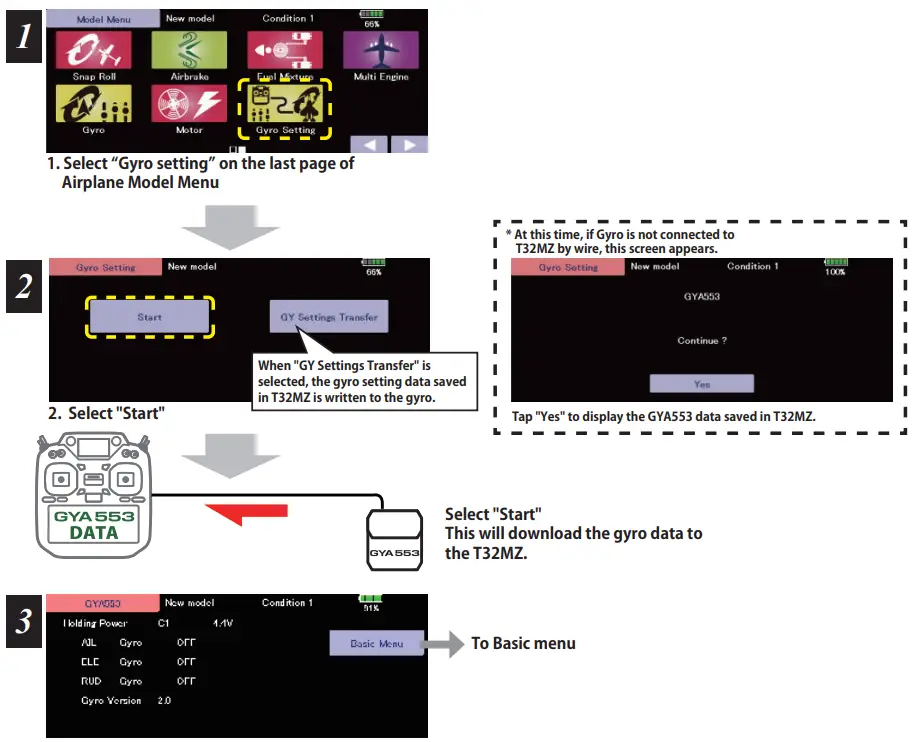
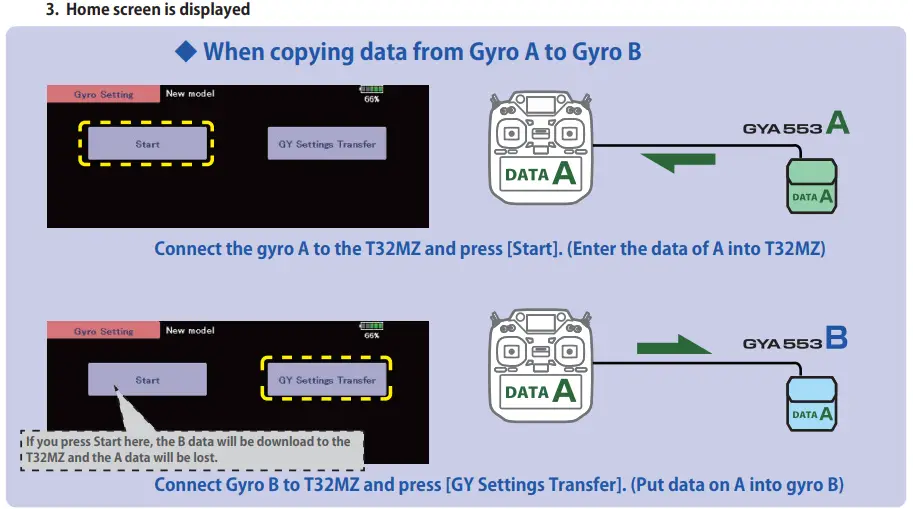
Home screen
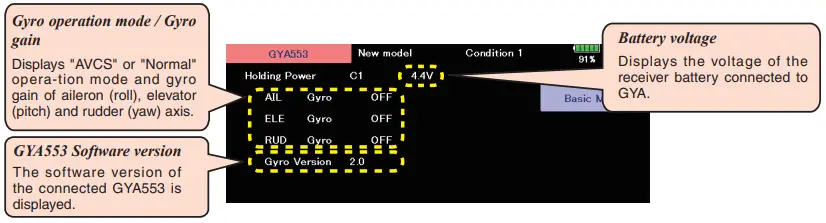
On the home screen, basic information such as gyro operation mode, sensitivity, battery voltage are displayed.
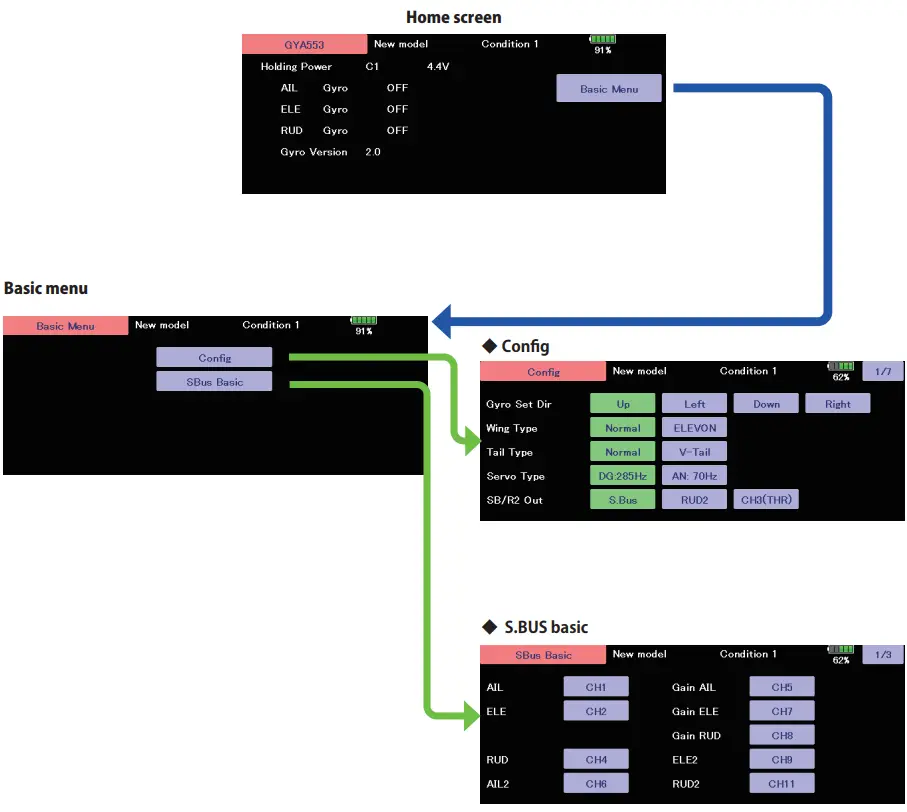
Config
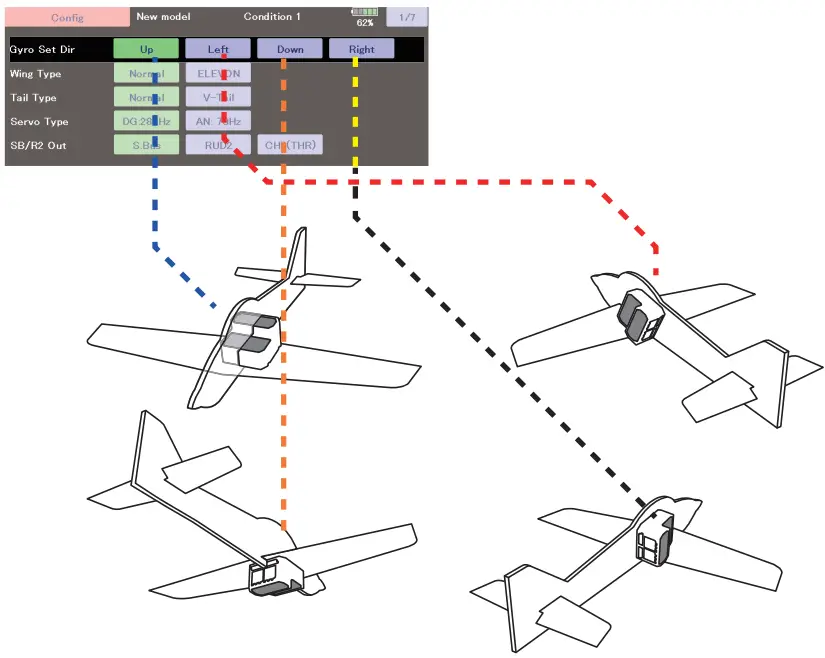
Config 1/7 Gyro set mounting direction
Set the mounting direction of GYA. Set mounting direction with reference to figure below.
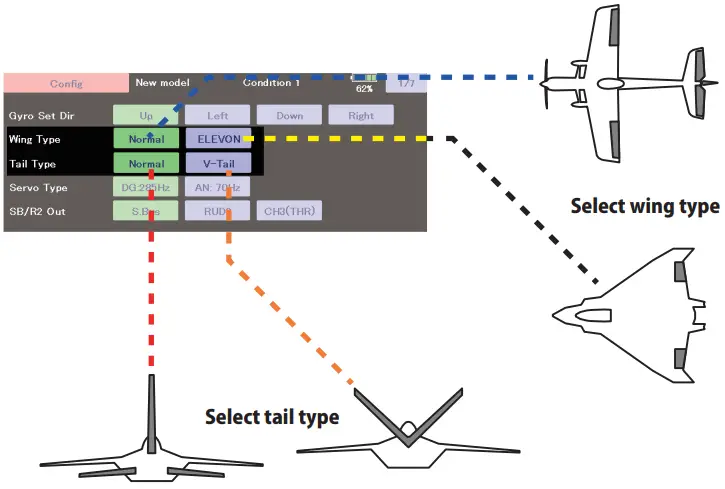
Config 1/7 WING/TAIL
Set with the wing type/tail type of GYA553. The wing type/tail type of the transmitter is not used and is normal.
- Turn off the elevon/V-tail mixing on the transmitter side.
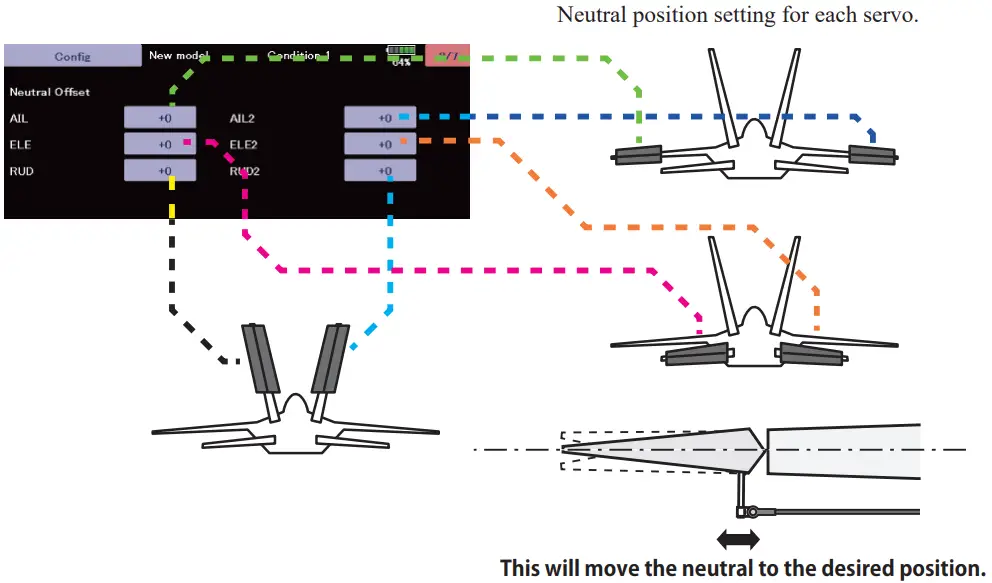
- Do not use transmitter sub-trim. Adjust using the gyro neutral offset.
- When using the S.BUS servo, you can also use the neutral offset function of the S.BUS servo setting parameters.
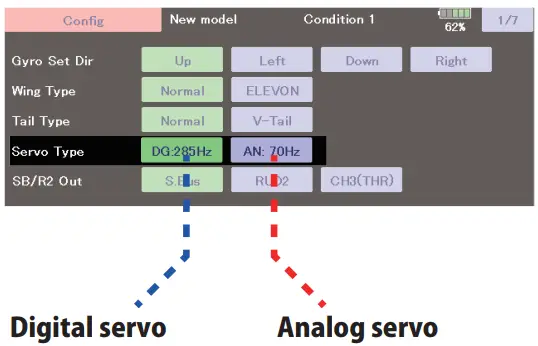
Config 1/7 Servo type
Select the servo type according to the servo to be used.
Digital servo —> DG : 285 Hz
Analog servo —> AN : 70 Hz
The stability of digital-servo mode of a flight increases in order to perform a high-speed control action.
Config 1/7 SB/R2 OUT
Select the SB/R2 port.
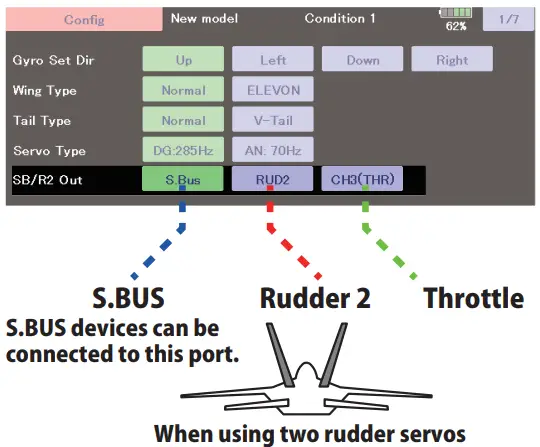
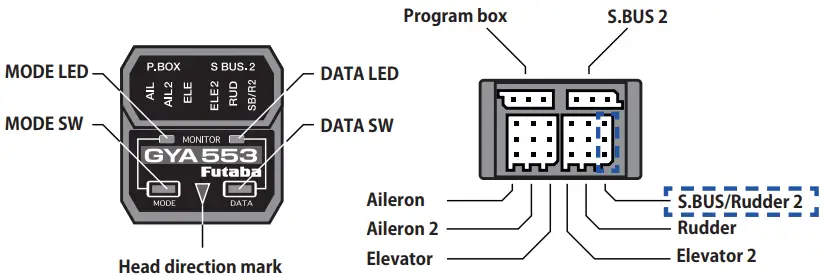
Config 2/7 Gyro direction
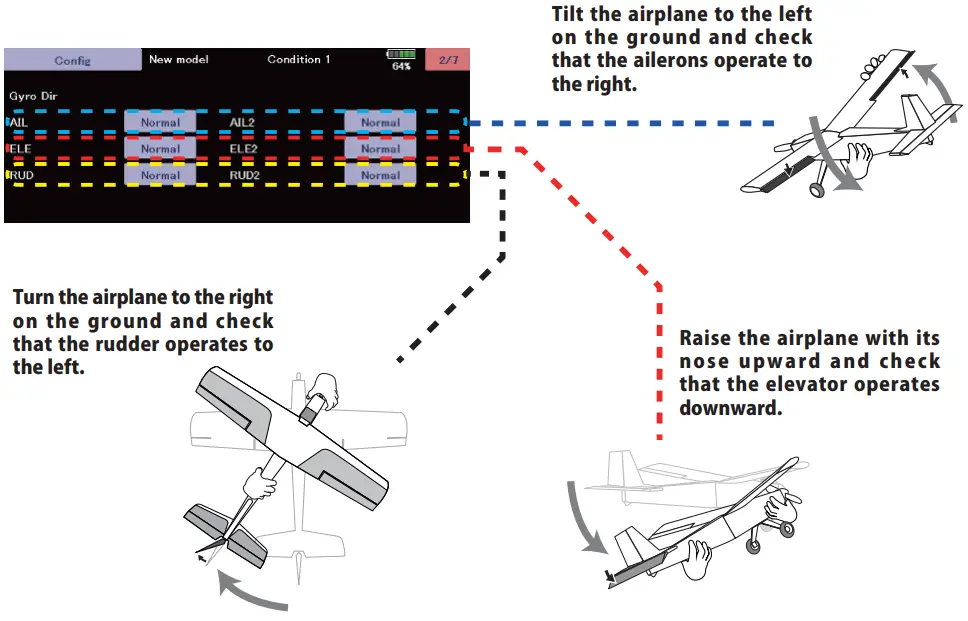
It is the direction settting of the gyro. Be careful as it will crash if the direction is reversed.
For dual aileron, dual elevator, and dual rudder aircraft, check the operating direction of each second aileron/elevator/rudder.
Config 3/7 Neutral offset
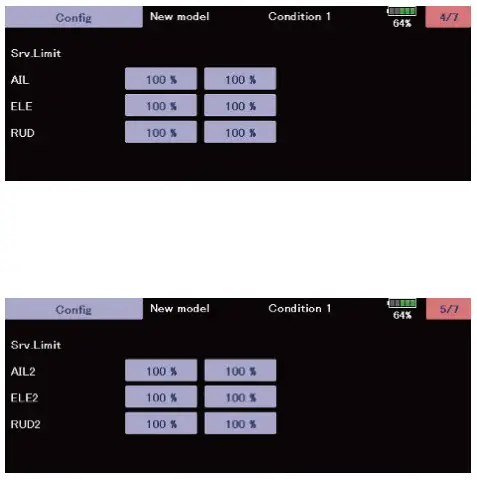
Config 4/7 5/7 Servo limit
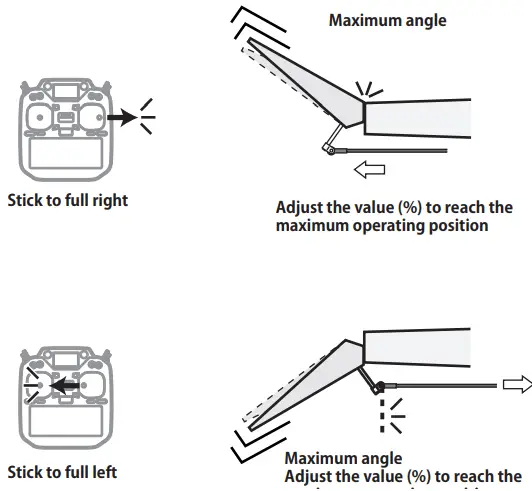
This is the limit setting for each servo. The position of the maximum operation is read into the gyro in the first setting.
Aileron example
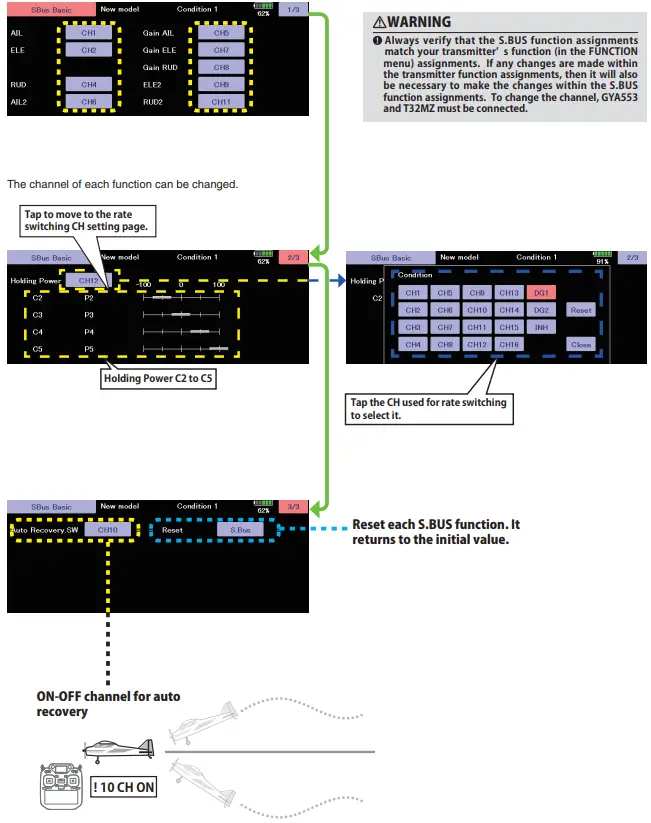
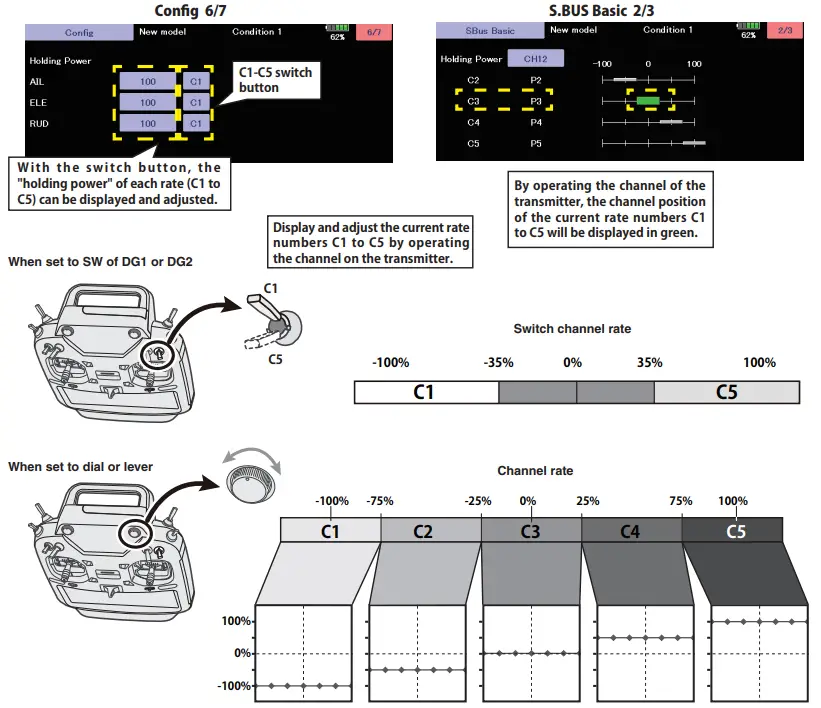
Config 6/7 Holding Power
It is aa function to adjust the posture holding force of the aircraft in AVCS mode.
Decreasing the value weakens the holding power and makes the operation feeling closer to the normal mode.
The current rate numbers Cl to C5 are displayed by operating the channel of the transmitter. Like the flight condition function of the transmitter, you can set up to 5 different data for the attitude holding force rate of the aircraft in AVCS mode by operating the switch from the transmitter, and switch between them. You can set the holding power rate selector switch to the channel with the AFR function of the transmitter, and set the point for each rate on the AFR point curve to switch. It is also possible to use the flight condition function to work with the flight condition switch.
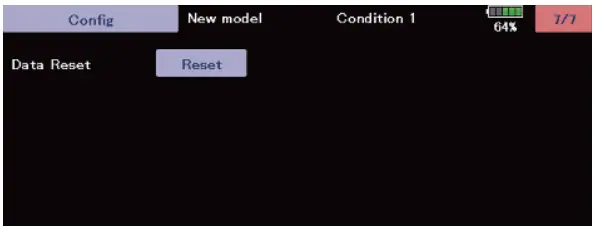
Config 7/7 Reset
Reset each Config item. It returns to the initial value.
Set the CH for each function according to the transmitter to be used. Any unused functions should be set to INH (Inhibited).