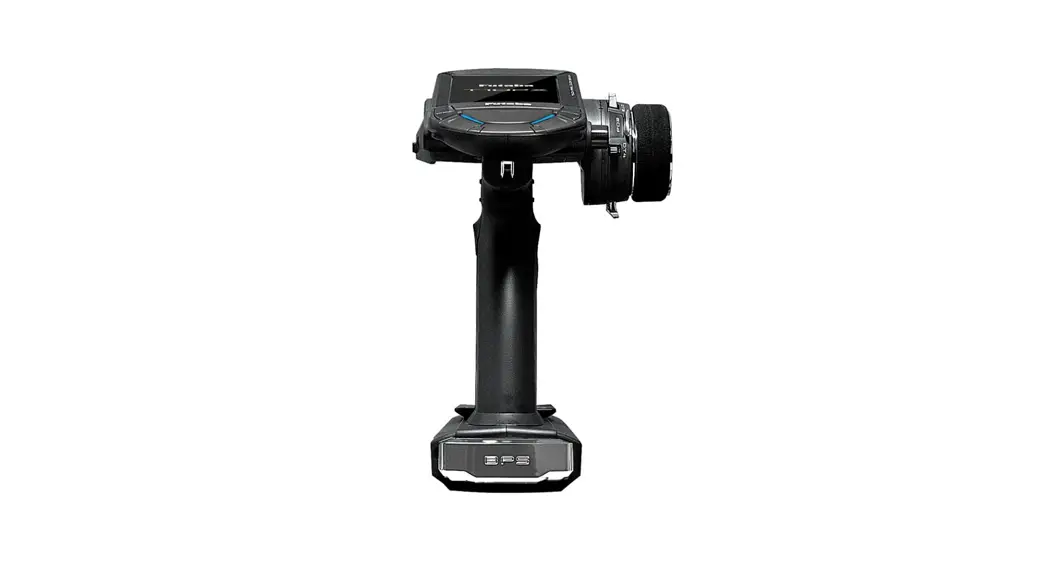
T8FG Software
Product Information:
Product Name: T8FG Software Update
Model Number: 1M23Z01302
Manufacturer: [Manufacturer Name]
Product Usage Instructions:
1. SD Card Format
- Attach the SD card to the SD card slot of T8FG.
- Turn on the power switch of T8FG.
- If the SD card is not formatted, select FORMAT using the scroll
operation of the touch sensor and touch RTN. - Select OK and touch RTN.
- Wait for the formatting process to complete.
- Turn off the power switch and detach the SD card from the card
slot.
2. Making of Card for Software Update
- Unzip the zipped file to create the following files:
- T8fgUpdate.exe – File copy utility
- T8fgUpdate.dat – Information file for T8fgUpdate.exe
- T8FG_UPDATE.dat – Identified file of T8FG
- T8FG_AP.bin – Update file of T8FG (piece 3)
- T8FG_LD.bin – Update file of T8FG (piece 2)
- T8FG_UPLD.bin – Update file of T8FG (piece 1)
PC.
button.
3. Update Software of T8FG
- Change the slide switch to the UPDATE side.
- Turn on the power switch. The update screen will be
displayed. - Touch RTN for three seconds to begin the software update.
- Wait for the update process to complete. The completion screen
will be displayed. - Turn off the power switch.
- Detach the SD card.
- Change the slide switch to the right side.
- Check the software version at INFO in the SYSTEM menu.
1M23Z01302
T8FG software update manual
1. SD card format
You should format the SD card first by using T8FG. When the SD card is formatted, all the data is deleted. Please do not format it when there is critical data. 1.1. Please attach the SD card in the SD card slot of T8FG.
SD card slot 1.2. Please turn on the power switch of T8FG. If the SD card not formatted is set, the following screen is
displayed. Please select “FORMAT” by scroll operation of touch sensor and touch “RTN”.
1.3. Please Select “OK” and touch “RTN”.
1.4. The following screen is displayed during formatting.
-1-
1.5. When the format is completed, the following screen is displayed.
1M23Z01302
1.6. Please turn off the power switch and detach the SD card from card slot.
2. Making of card for software update
2.1. Please unzip the zipped file. The following files will create.
T8fgUpdate.exe
… File copy utility
T8fgUpdate.dat
… Information file for T8fgUpdate.exe
T8FG_UPDATE.dat
… Identified file of T8FG
T8FG_AP.bin
… Update file of T8FG (piece 3)
T8FG_LD.bin
… Update file of T8FG (piece 2)
T8FG_UPLD.bin
… Update file of T8FG (piece 1)
2.2. Please attach the SD card formatted to the card reader of PC.
2.3. Please run “T8fgUpdate.exe”.
2.4. Please select the drive that attached the SD card. Click the “OK” button.
-2-
2.5. The following dialog is displayed. Click the “OK” button.
1M23Z01302
2.6. Update files is copied to SD card, the following screens are displayed. Click “END” button.
2.7. Please detach the SD card.
-3-
3. Update software of T8FG
1.1. Please change the slide switch to “UPDATE” side.
Slide switch
Update
Normal Operation
1.2. Please turn on the power switch. The following screen is displayed.
1M23Z01302
1.3. Please touch “RTN” for three seconds, a software update is begun.
1.4. When update is completed, the following screen is displayed. Please turn off the power switch.
1.5. Please detach SD card. 1.6. Please change the slide switch to right side. 1.7. Please check the software version at INFO in SYSTEM menu.
-4-