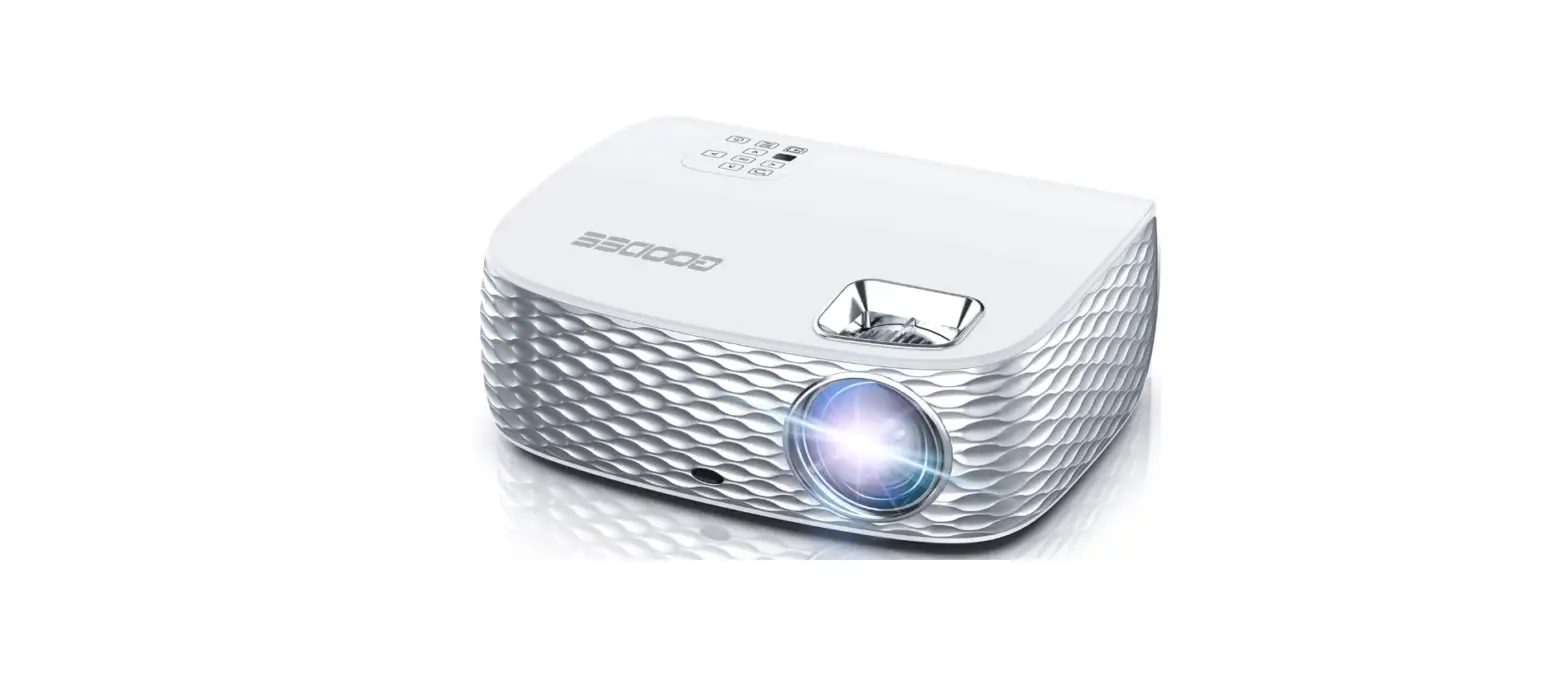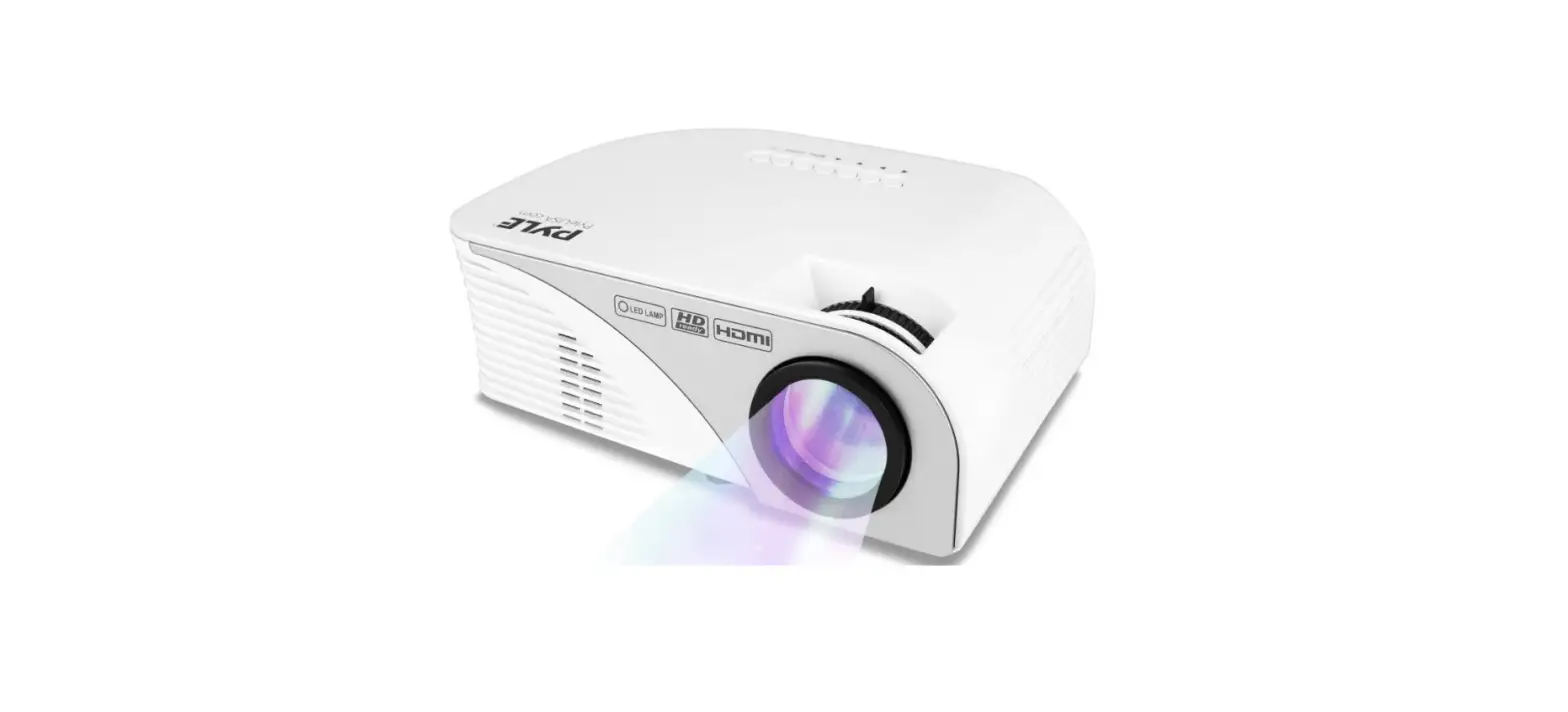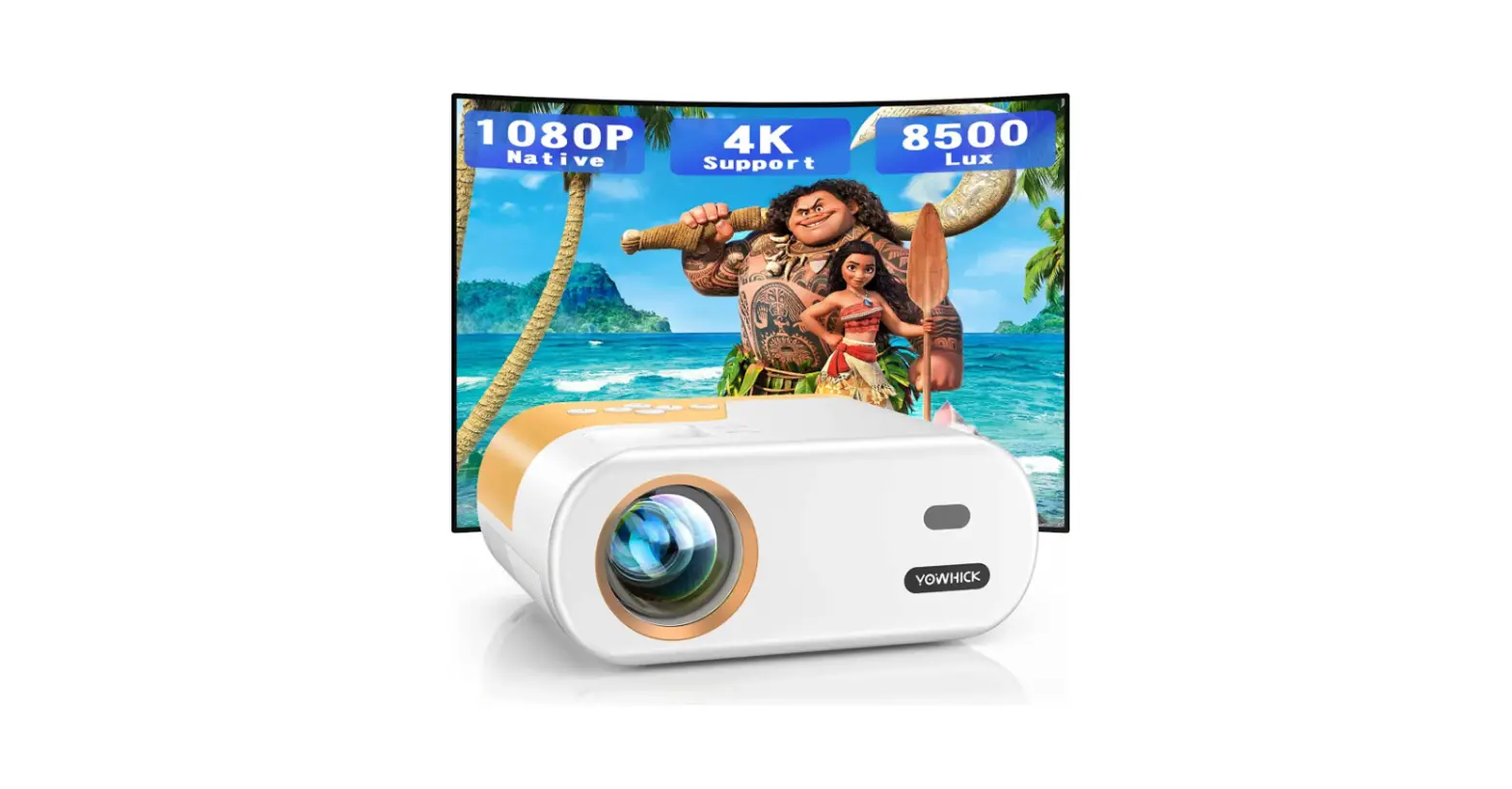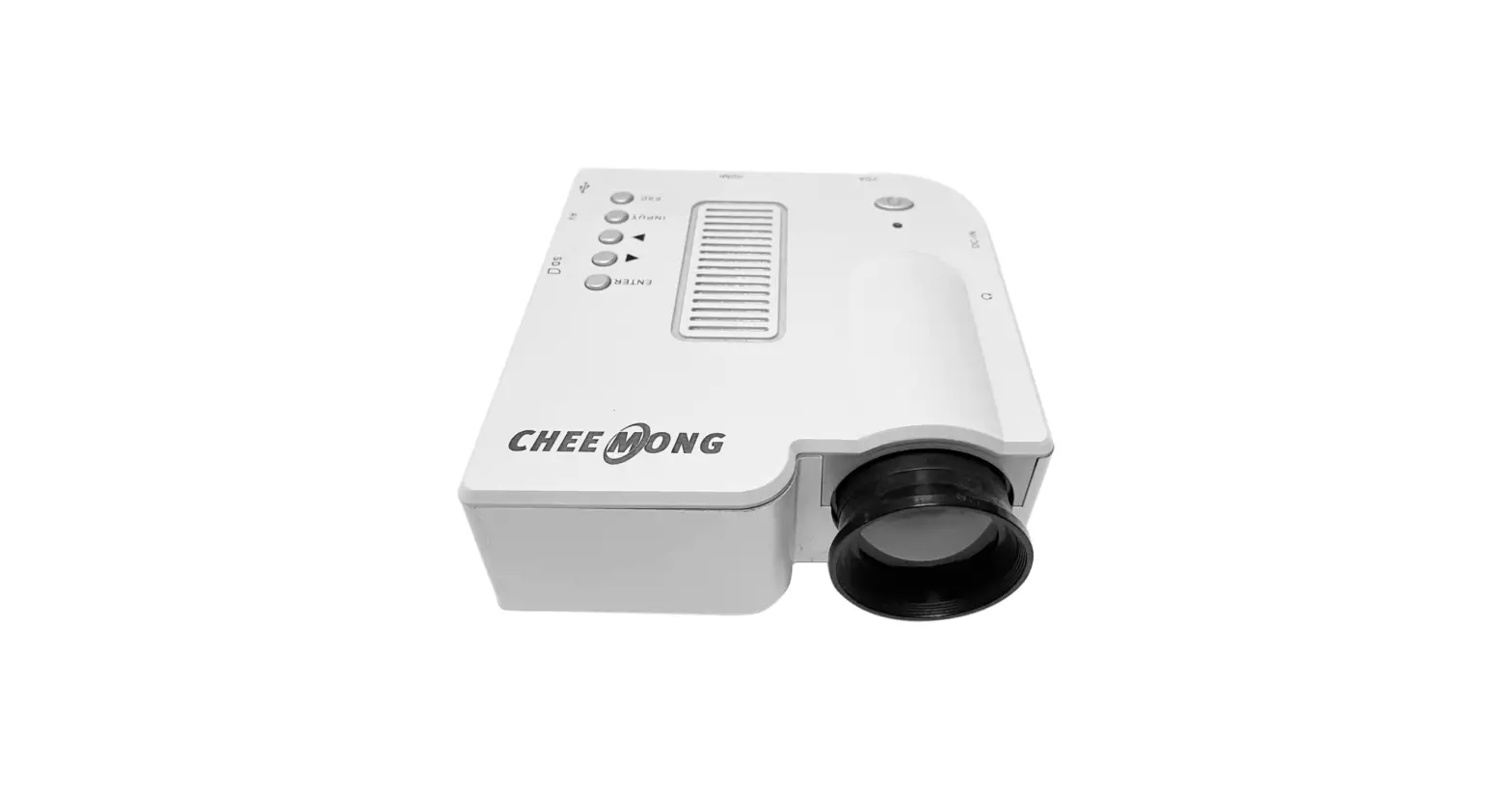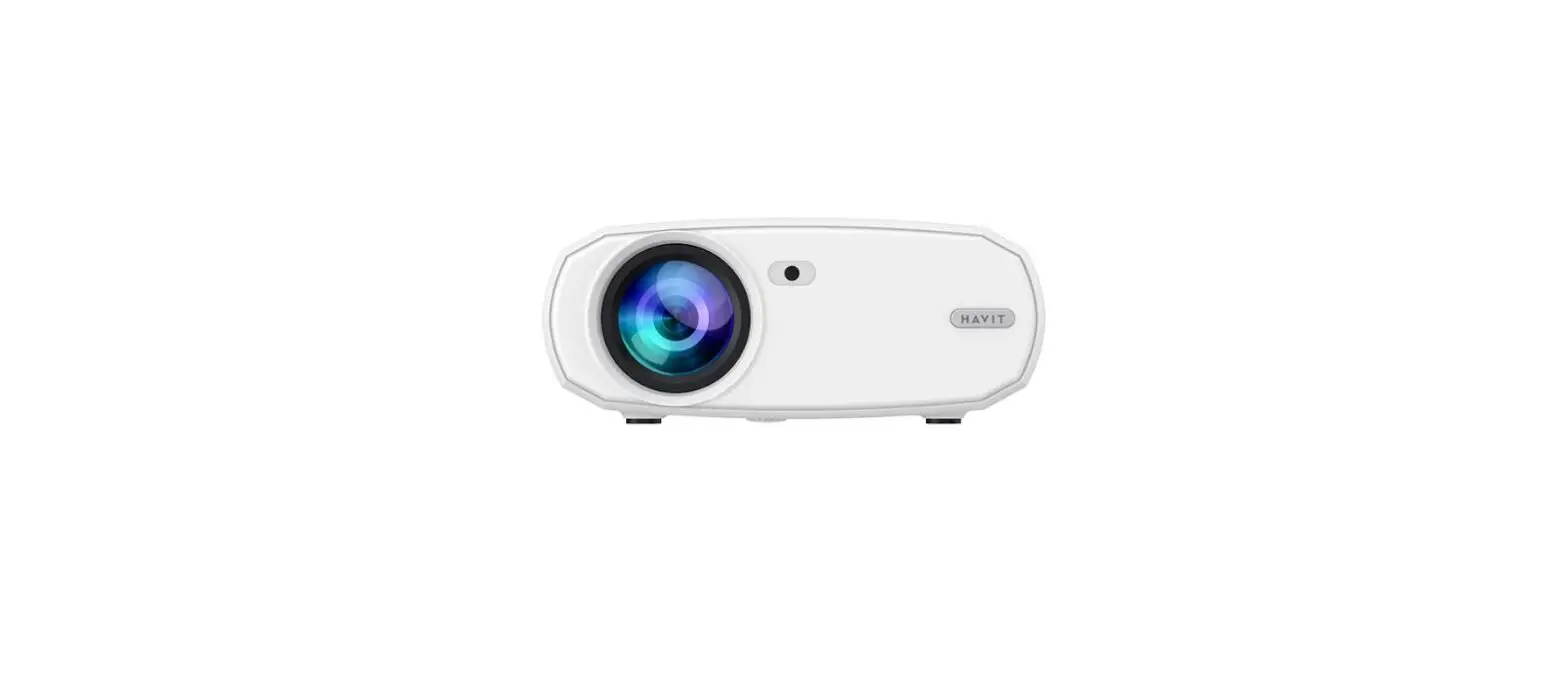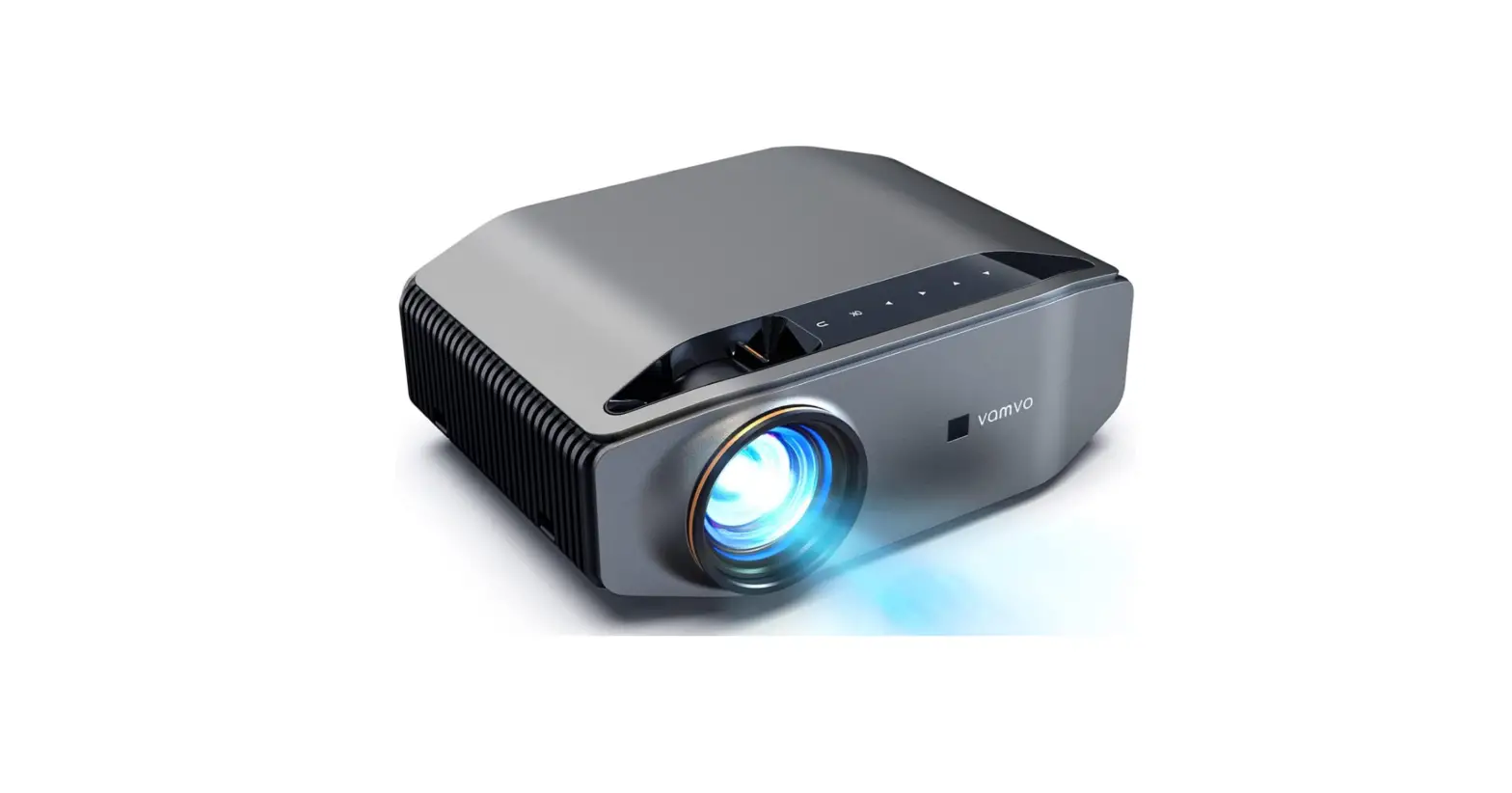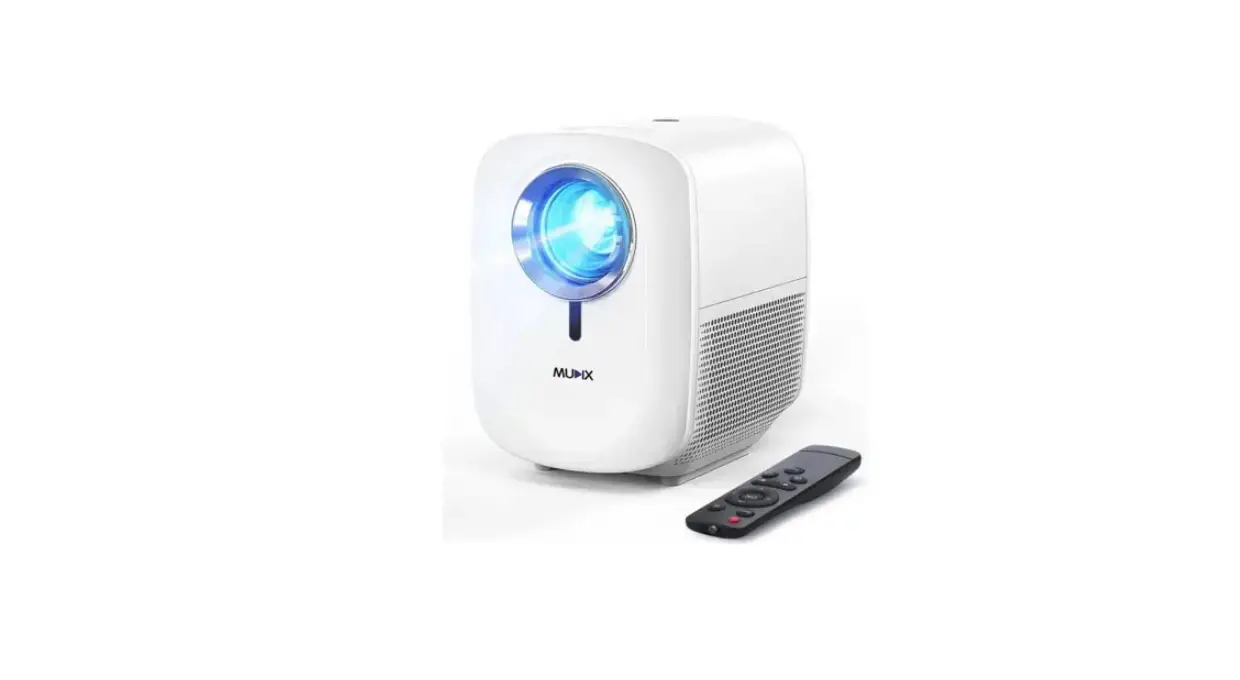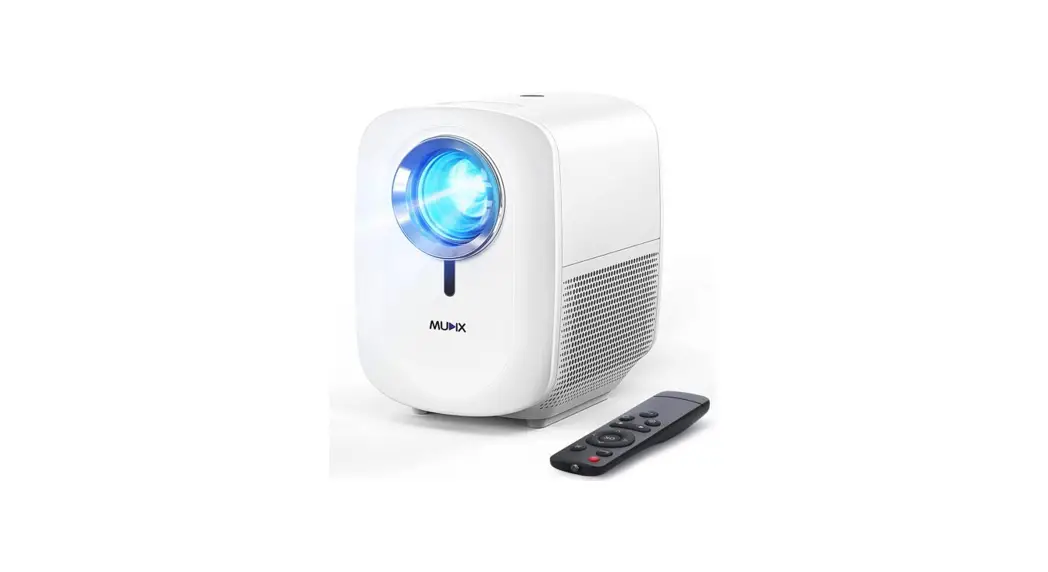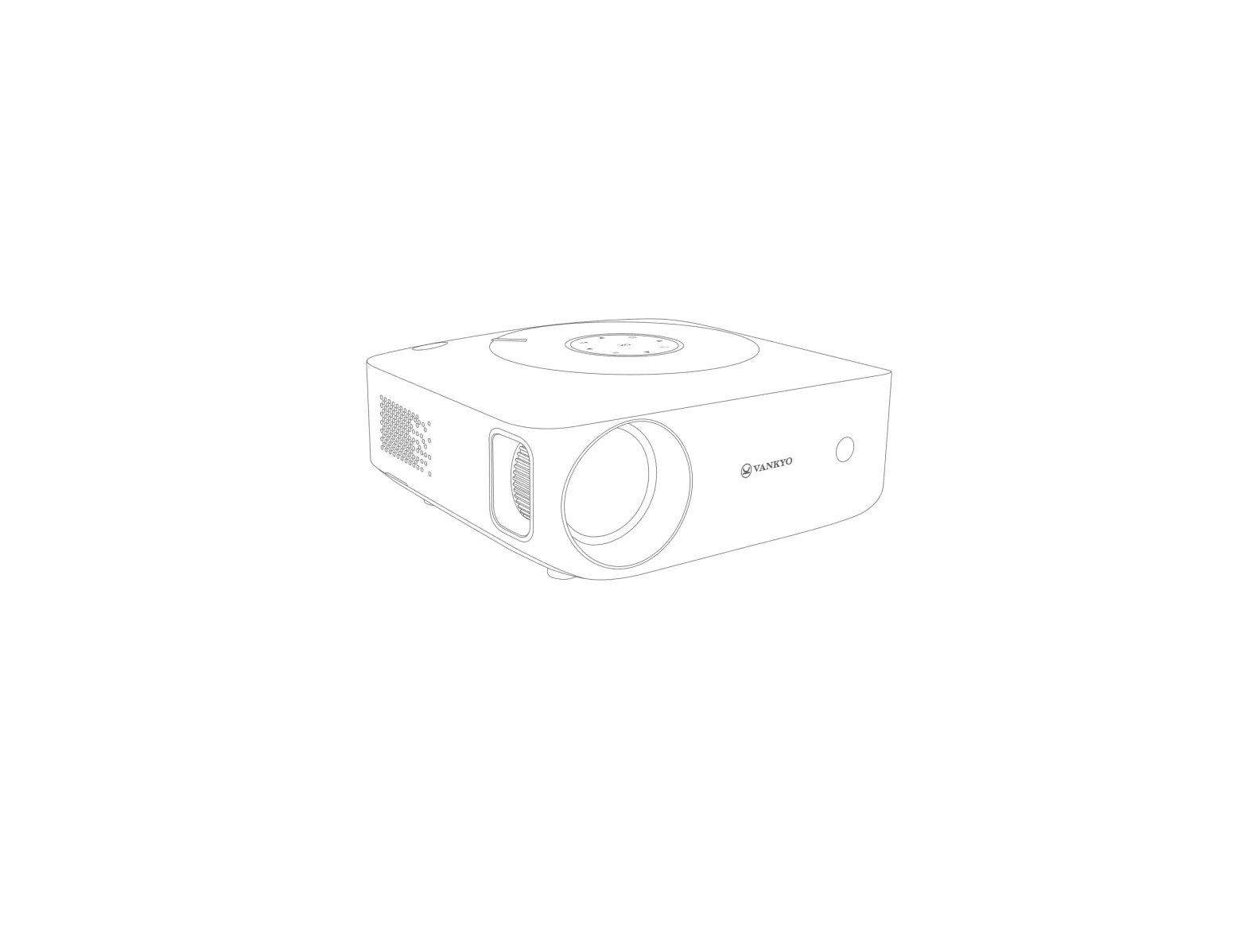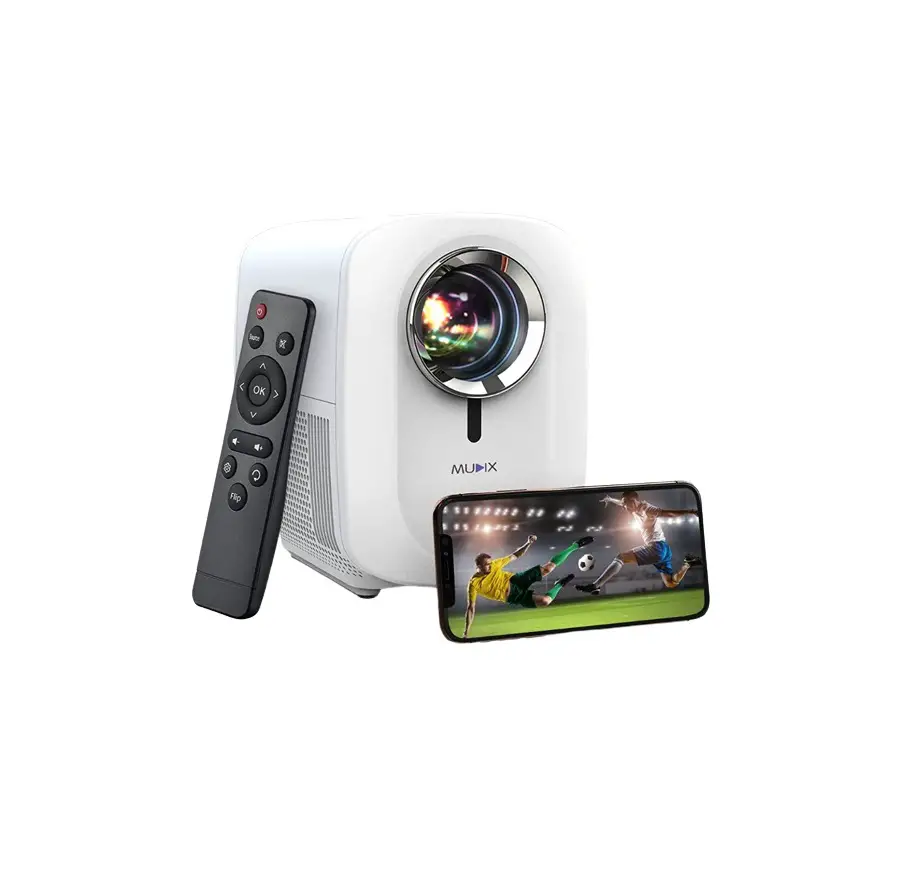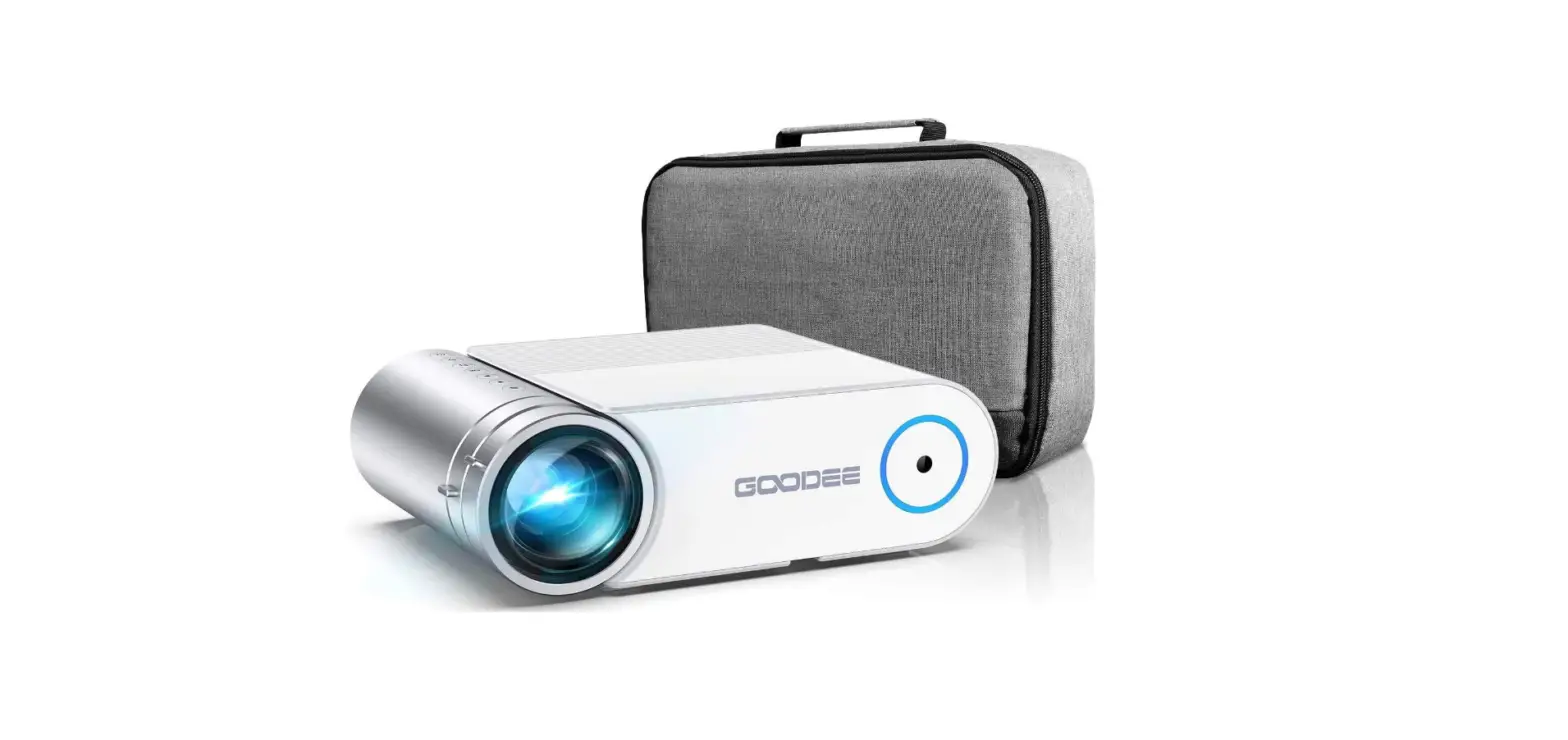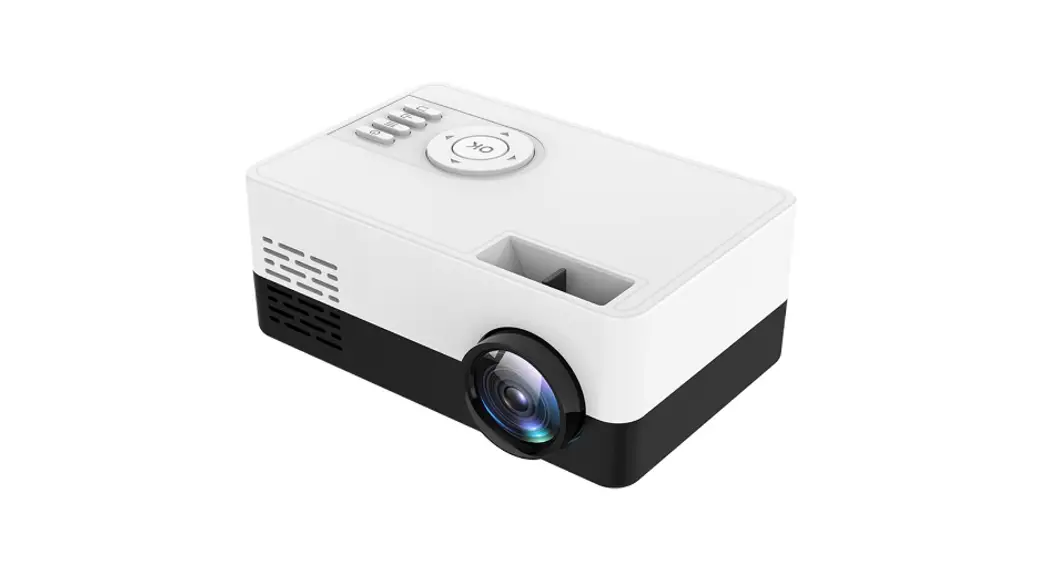
 1080P Video Projector
User Manual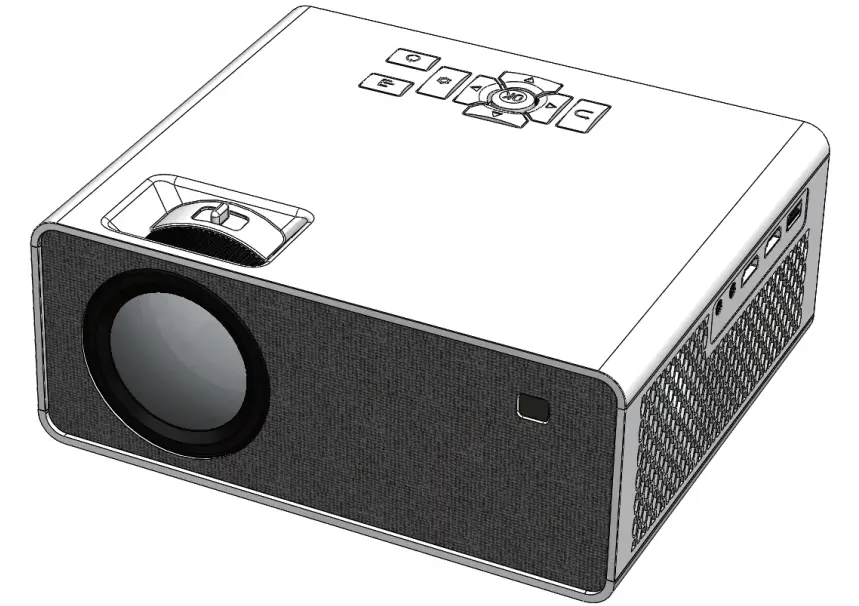
PROJECTOR
User Manual
1080P Video Projector
Important Note: Please read the user manual carefully before use and keep it for future use.
IMPORTANT SAFETY PRECAUTIONS
Important: In order to get the best viewing effect, it’s suggested that you use the product in a dark room.
Warning: Following safety instructions can sustain product’s lifespan and prevent it from firing or electric shock, so please read them carefully and pay attention to all warnings.
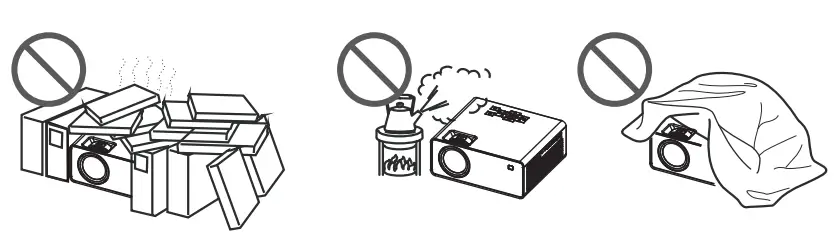
- Do not install it in a place with poor ventilation.
- Do not install it in a hot or damp place.

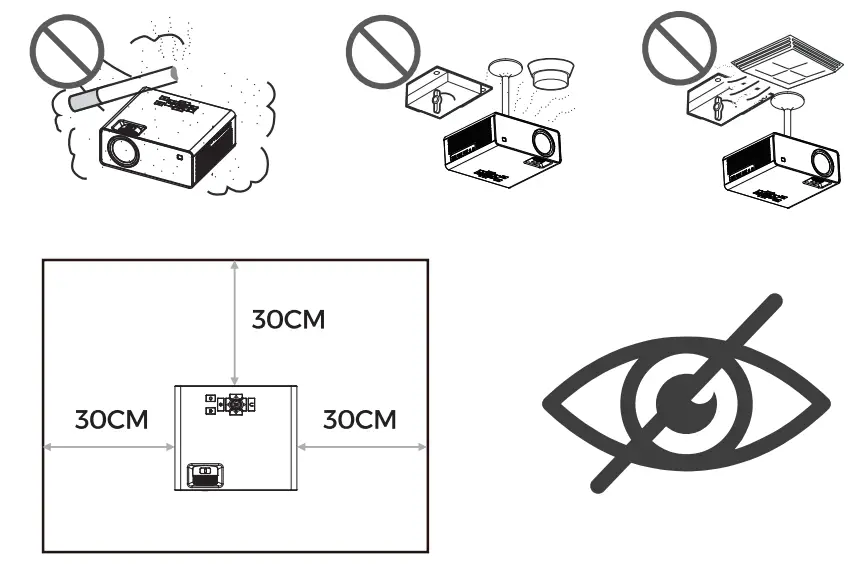
Note: In order to maintain the performance and reliability of projector, please leave at least 30cm of space around the projector.
Note: The projector’s light is very bright, so pleasedo not look at it directly or point its light to your eyes in case of causing visual damage.
- Do not block its ventilation holes (Intake or Exhaust).
- Do not install it in a dusty or smoky place.
- Do not install it near to the temperature/smoke sensor, since it might make the sensor fail to work.
- Do not install it in a position directly blown by air condition, otherwise it might be malfunc tioned because of the water & vapour conden sation or high temperature.
PACKING LIST
Note: Please check whether the accessories are complete after opening the package.
If it’s not complete, please contact customer service for a replacement.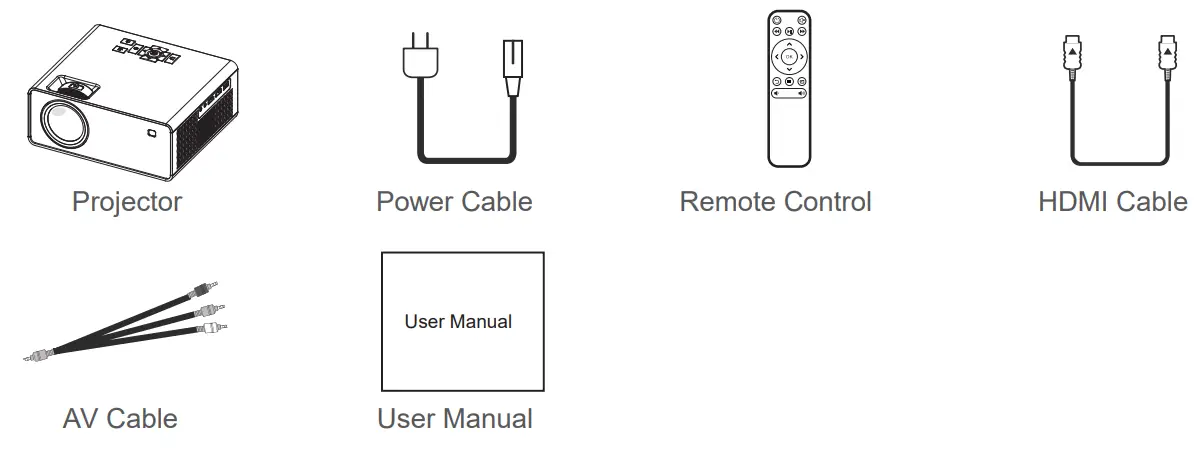
PRODUCT INTRODUCTION
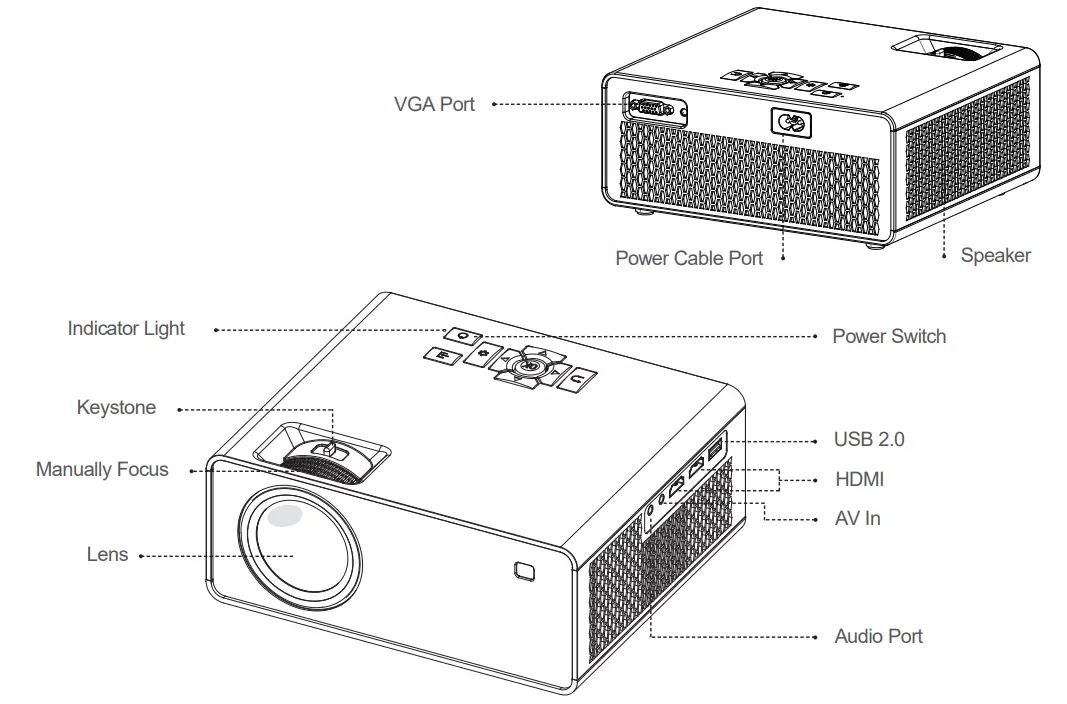
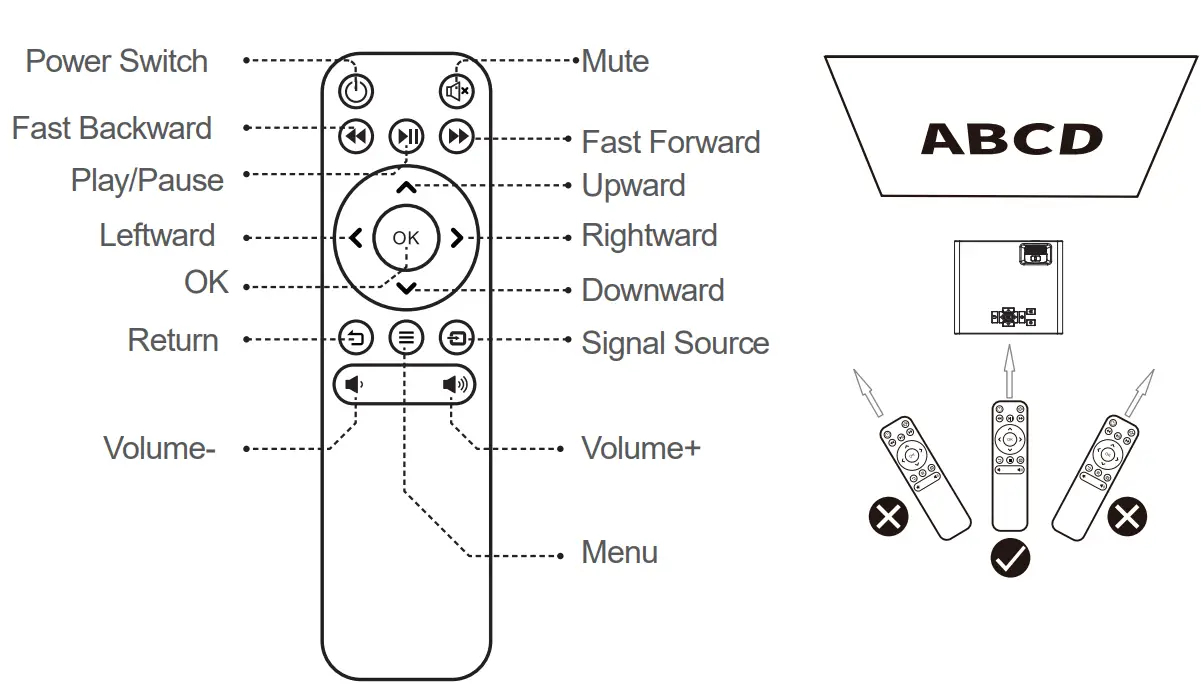
Note: Due to the design improvement, the appearance/screen printing/characters of the remote control might be somewhat different from the real product, please prevail in kind.
NOTES
Be cautious when using the remote control. Donot drop it, trample on it, or spill any liquid into its body.
Do not put the remote control near to any heat source.
Do not expose the remote control under sunlight.
Do not put the remote control in a damp place.
INSTALLATION AND DEBUGGING
Installation Methods
Method: Put it horizontally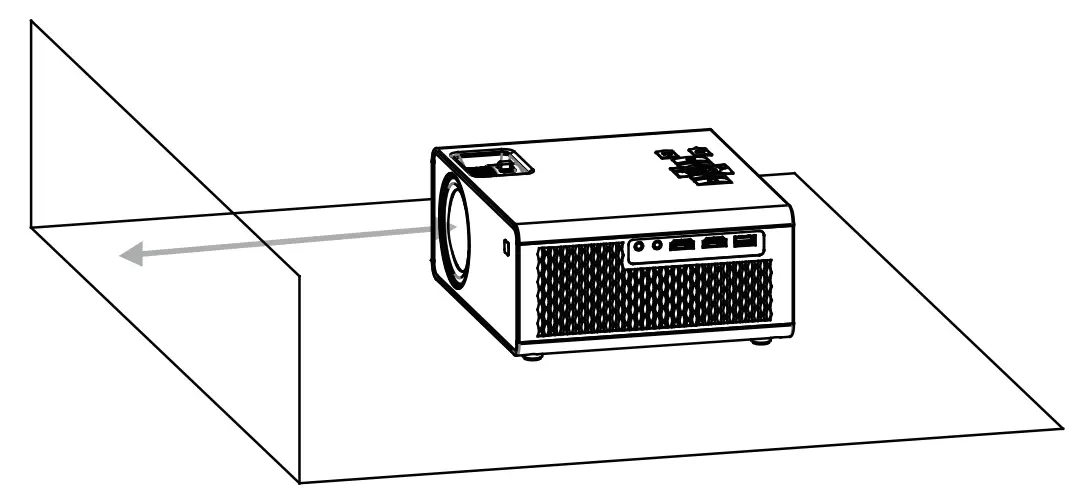
Instructions
Recommended Projection Distance: 2-3m/6.5-9ft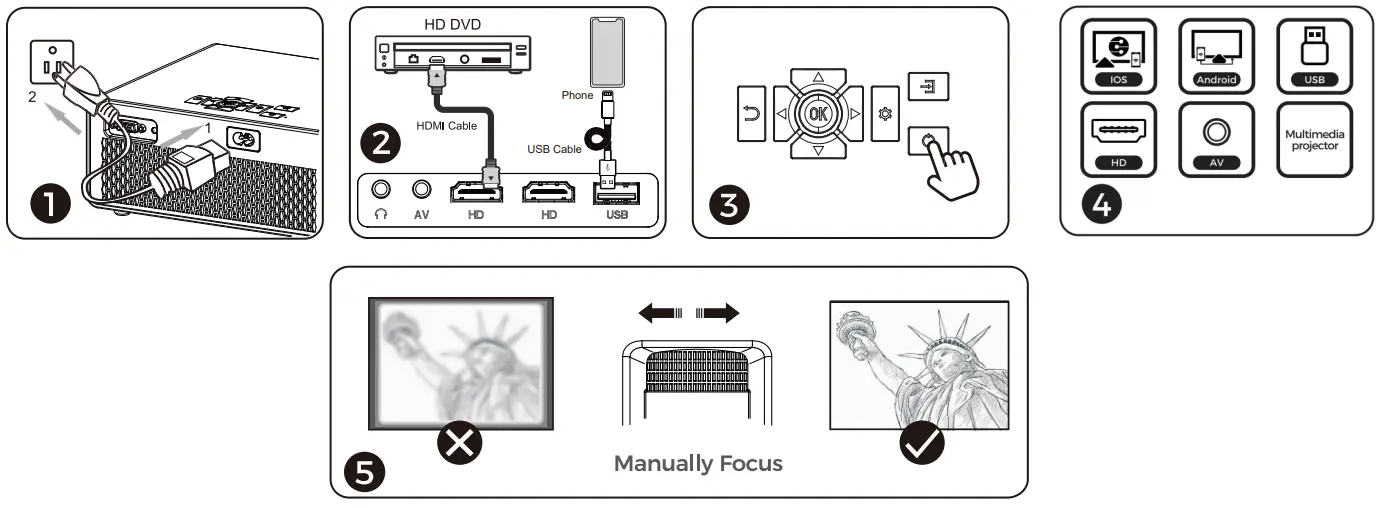
Referential Projection Distance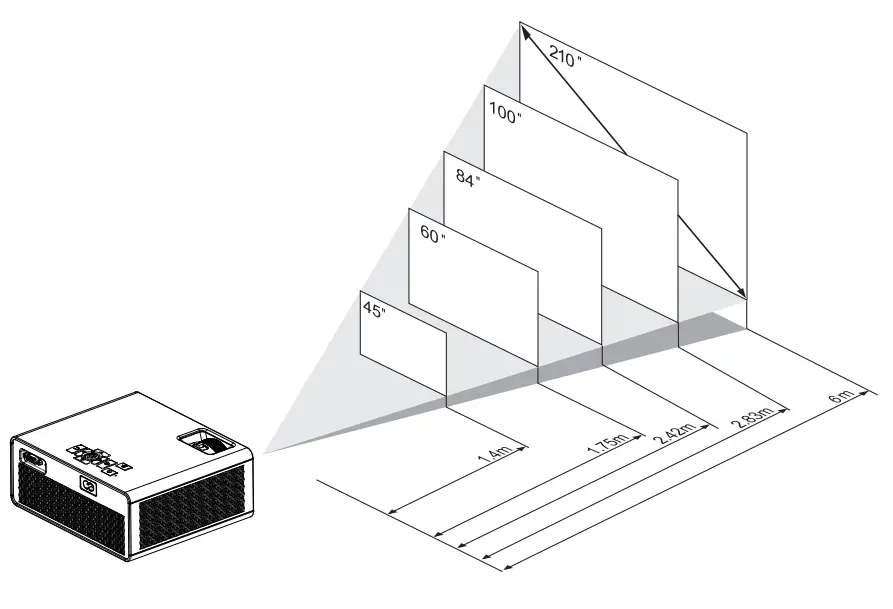
Turn Off Safely
Press the switch button twice on operation panelor remote control.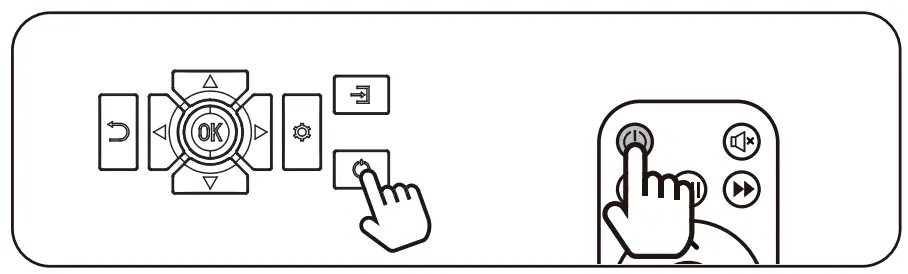
PRODUCT SPECIFICATIONS
| Product Name | Video Projector (Home Use) |
| Product Size | 211mm X 88mm X 184mm |
| Display Technology | LCD |
| Light Source | LED |
| Focusing Method | Manually Focus |
| Keystone Correction |  |
| Screen Ratio | 4:3/16:9 |
| LED Lifespan | 30,000 hours |
| Native Resolution | 1920×1080 Pixel |
| Input Resolution | 800×480P/1280×720P/ 1920×1080P |
| Contrast Ratio | 10000:1 |
| Input Ports | HDMI / USB 2.0/Audio Port/AV |
| Projection Size | 40-210 inch |
| Best Projection Distance | 2m |
| Speaker | 1x(5W/4Ω) |
| Total Consumption Power | 60W |
| Power Voltage | 100V-240V~ 50Hz-60Hz |
PROJECTION SETTINGS
Phone Projection Setting
Note: If you want to play video in Netflix App, please connect the projector to your device with a HDMI cable first, otherwise the video in Netflix can’t be projected directly because of the copyright. We’re sorry for that and hope you could understand.
Android
- Enter into Android interface of projection.
- Enter into phone settings and select
“Screen-sharing”, click it and find the device to connect.
Note: For different phone brands, the names of “screen-sharing” are different.
Huawei: Wireless Projection/Multi-screen Interaction
Xiaomi: Wireless Display
Sony: Screen Mirroring
Samsung: Screen Sharing/Screen Mirroring/ Allshare Cast Smart View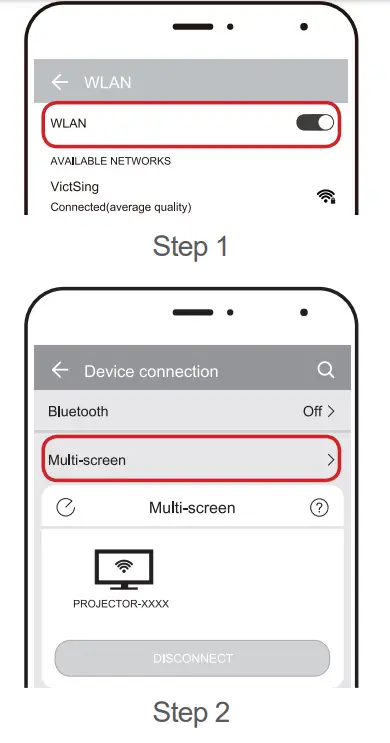 IOS
IOS
Wireless Projection
- Connect projector to your home network according to following steps: Enter into Android interface of projection.
- Turn on your iOS device and connect it to the same network as the projector. Then turn on Screen Mirroring function on the device, and find the name of the projector and connect it.b
IOS
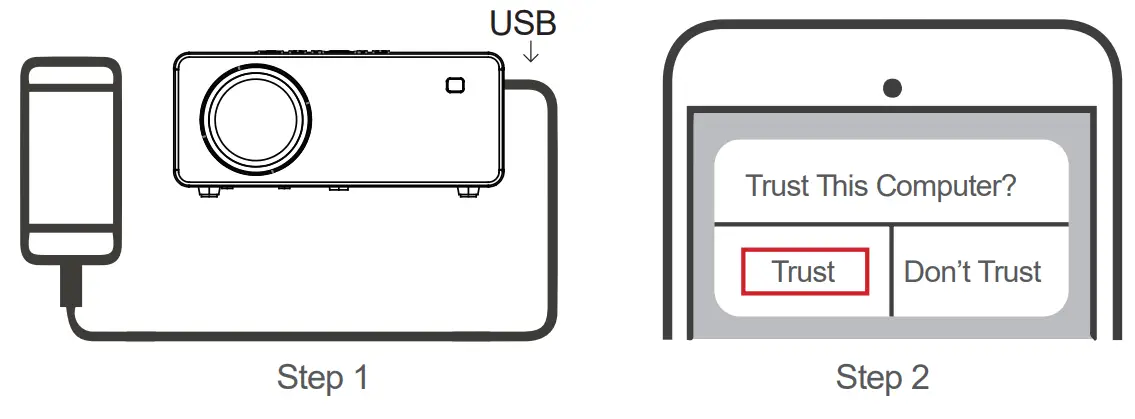
Wired Projection
- Connect projector to phone with the USB data cable.
- Select “Trust” to allow the program to be used on your phone.
 Bluetooth speakers
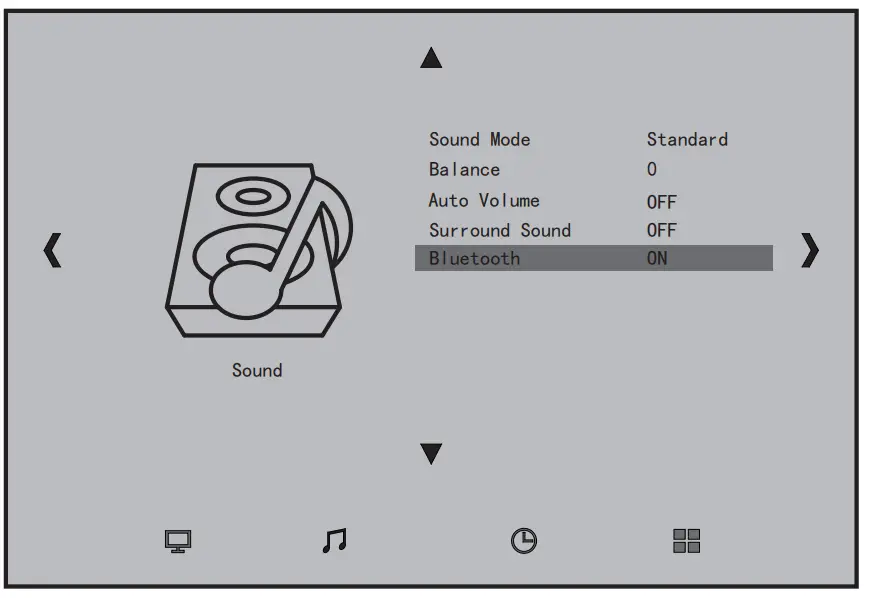
You can connect Bluetooth speakers to get better sound effects Instructions
- Enter into “Setting” interface of the projector.
- Turn on the Bluetooth function as shown in the right figure The projector will automatically search for and connect your Bluetooth device
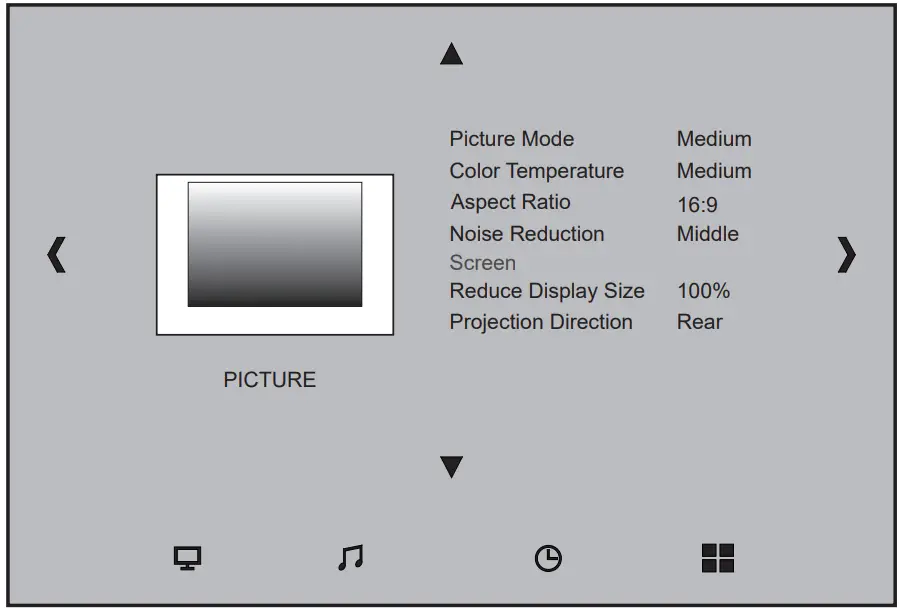
Get the best viewing effect with the most appropriate settings. You could set some relative parameters according to following steps.
- Enter into“Setting”on main interface of the projector.
- You could set the parameter of the“Picture”and“Sound”
 This device complies with part 15 of the FCC Rules. Operation is subject to the following two conditions: (1) this device may not cause harmful interference, and (2) this device must accept any interference received, including interference that may cause undesired operation.
Any changes or modifications not expressly approved by the party responsible for compliance could void the user’s authority to operate the equipment.
NOTE: This equipment has been tested and found to comply with the limits for a Class B digital device, pursuant to Part 15 of the FCC Rules. These limits are designed to provide reasonable protection against harmful interference in a residential installation. This equipment generates, uses and can radiate radio frequency energy and, if not installed and used in accordance with the instructions, may cause harmful interference to radio communications. However, there is no guarantee that interference will not occur in a particular installation. If this equipment does cause harmful interference to radio or television reception, which can be determined by turning the equipment off and on, the user is encouraged to try to correct the interference by one or more of the following measures:
- Reorient or relocate the receiving antenna.
- Increase the separation between the equipment and receiver.
- Connect the equipment into an outlet on a circuit different from that to which the receiver is connected.
- Consult the dealer or an experienced radio/TV technician for help.
To maintain compliance with FCC’s RF Exposure guidelines, This equipment should be installed and operated with minimum 20cm distance between the radiator and your body: Use only the supplied antenna.