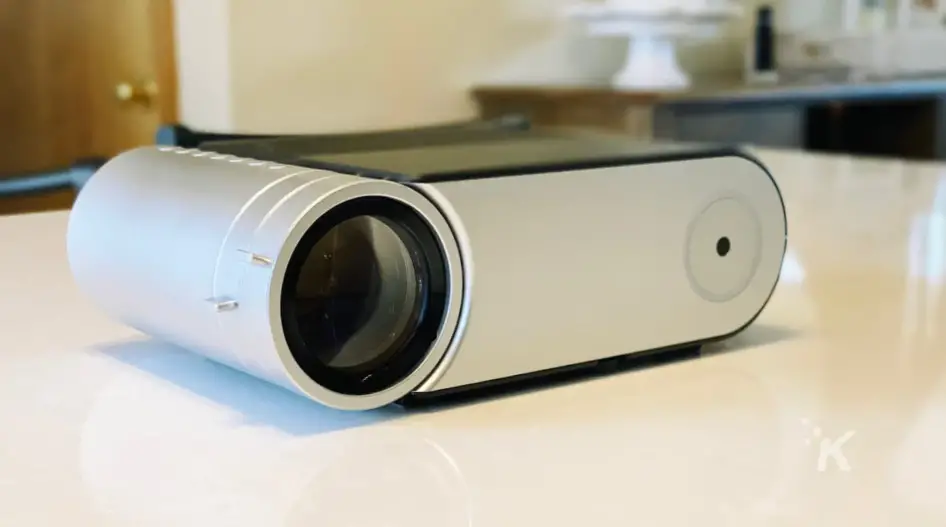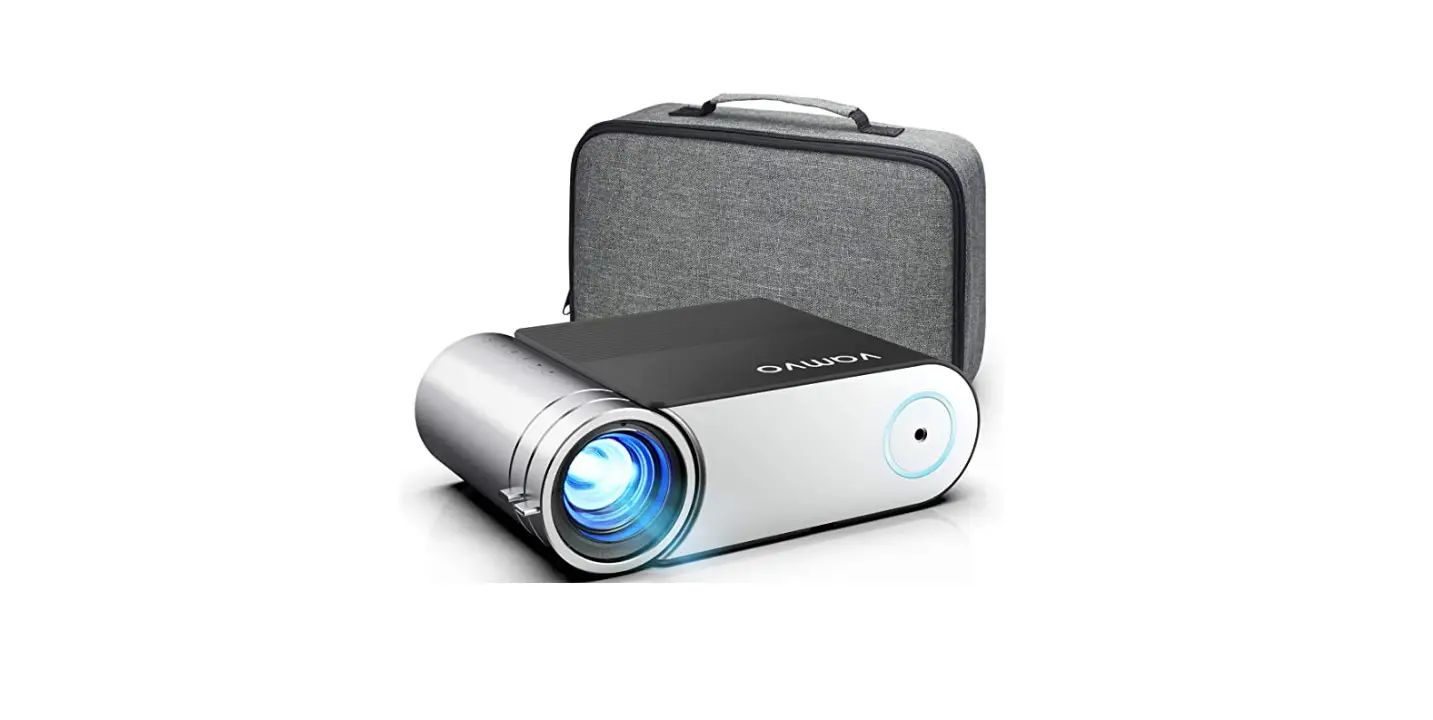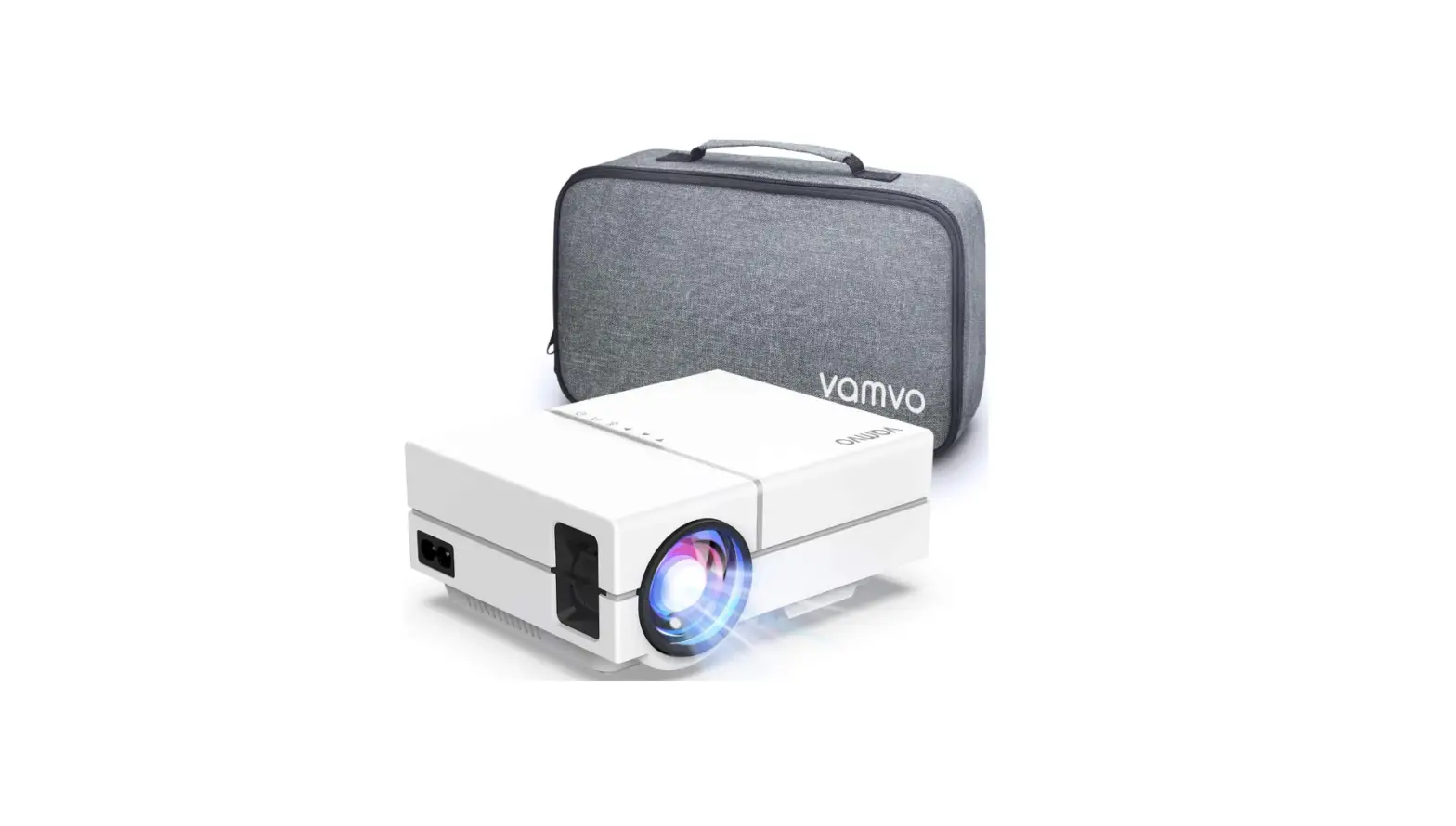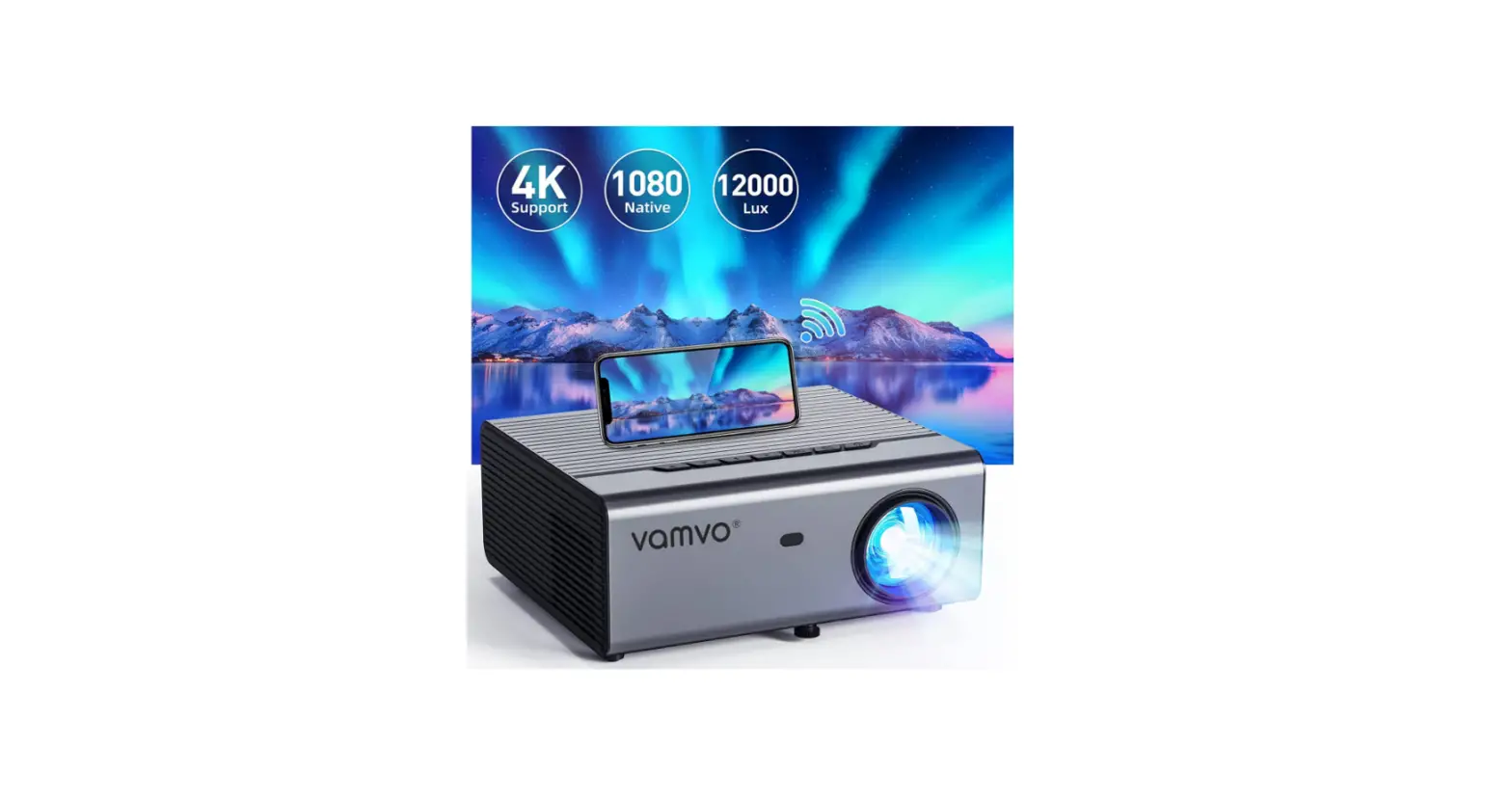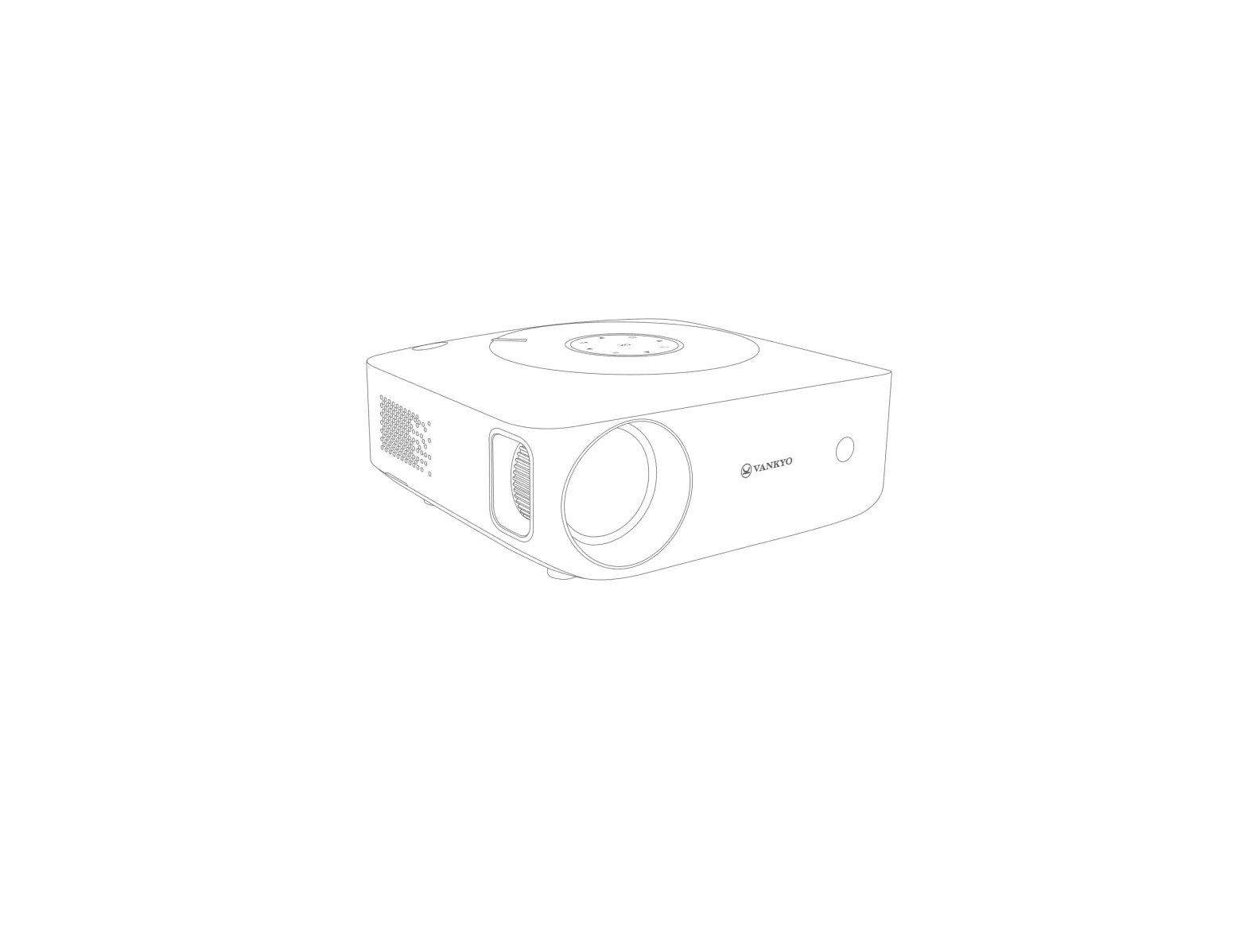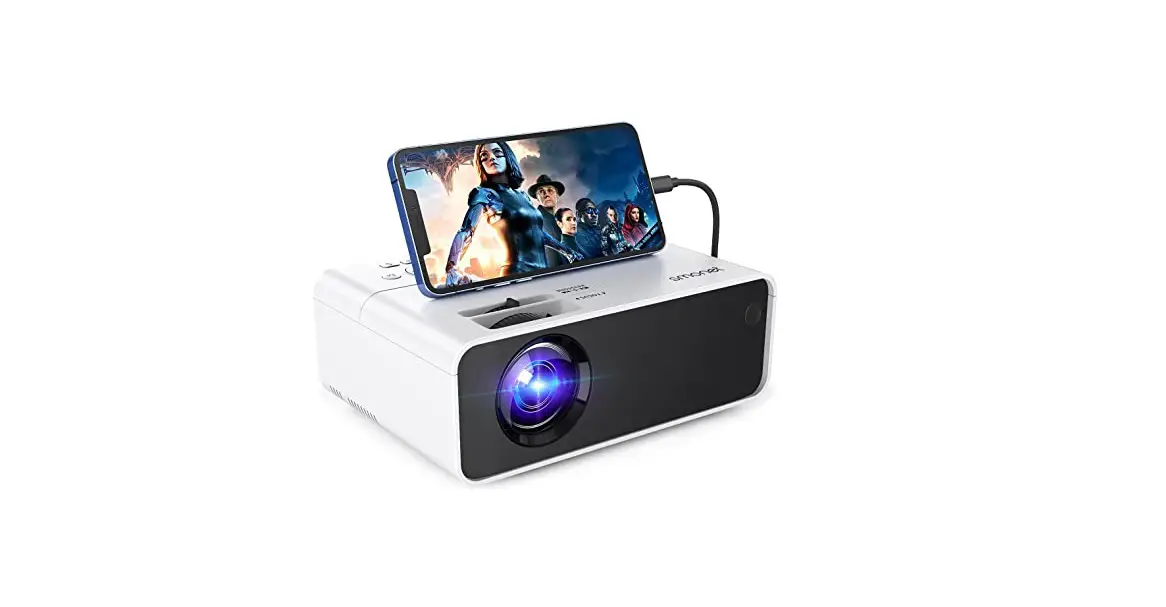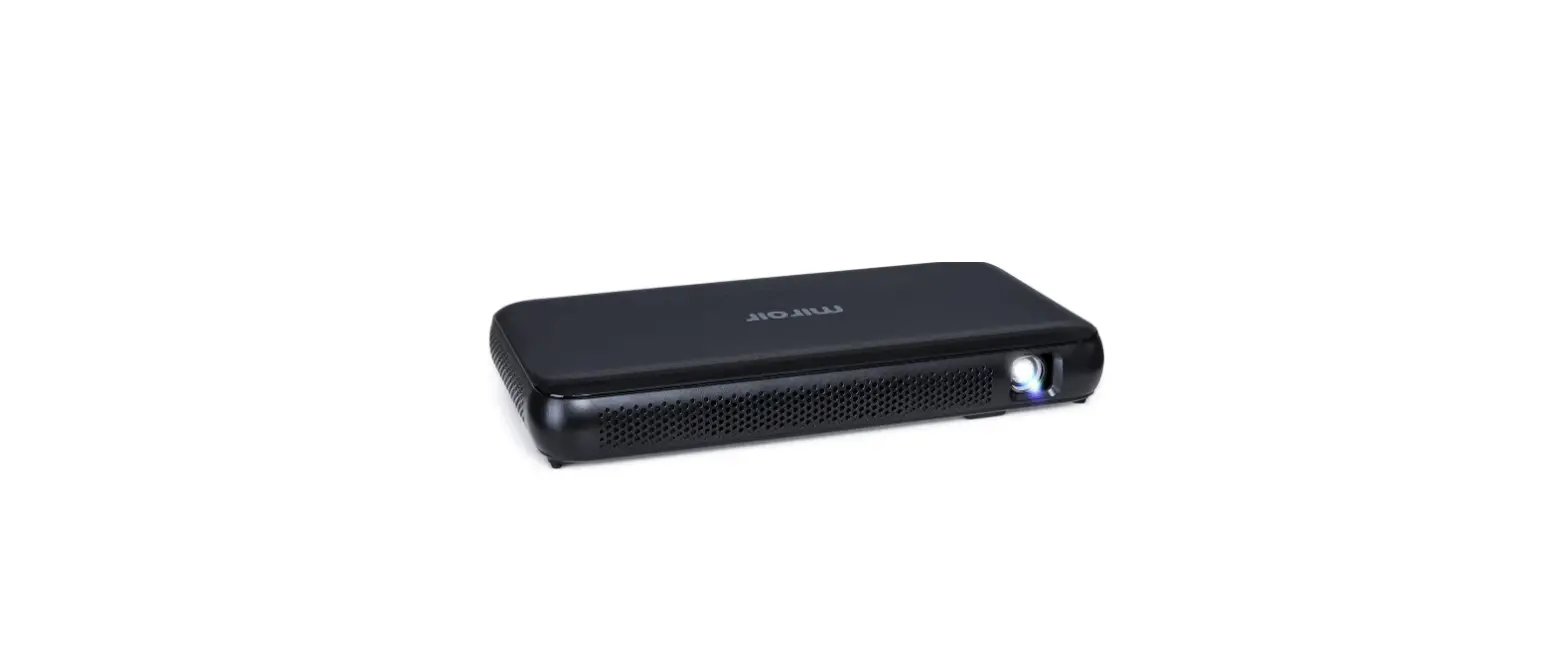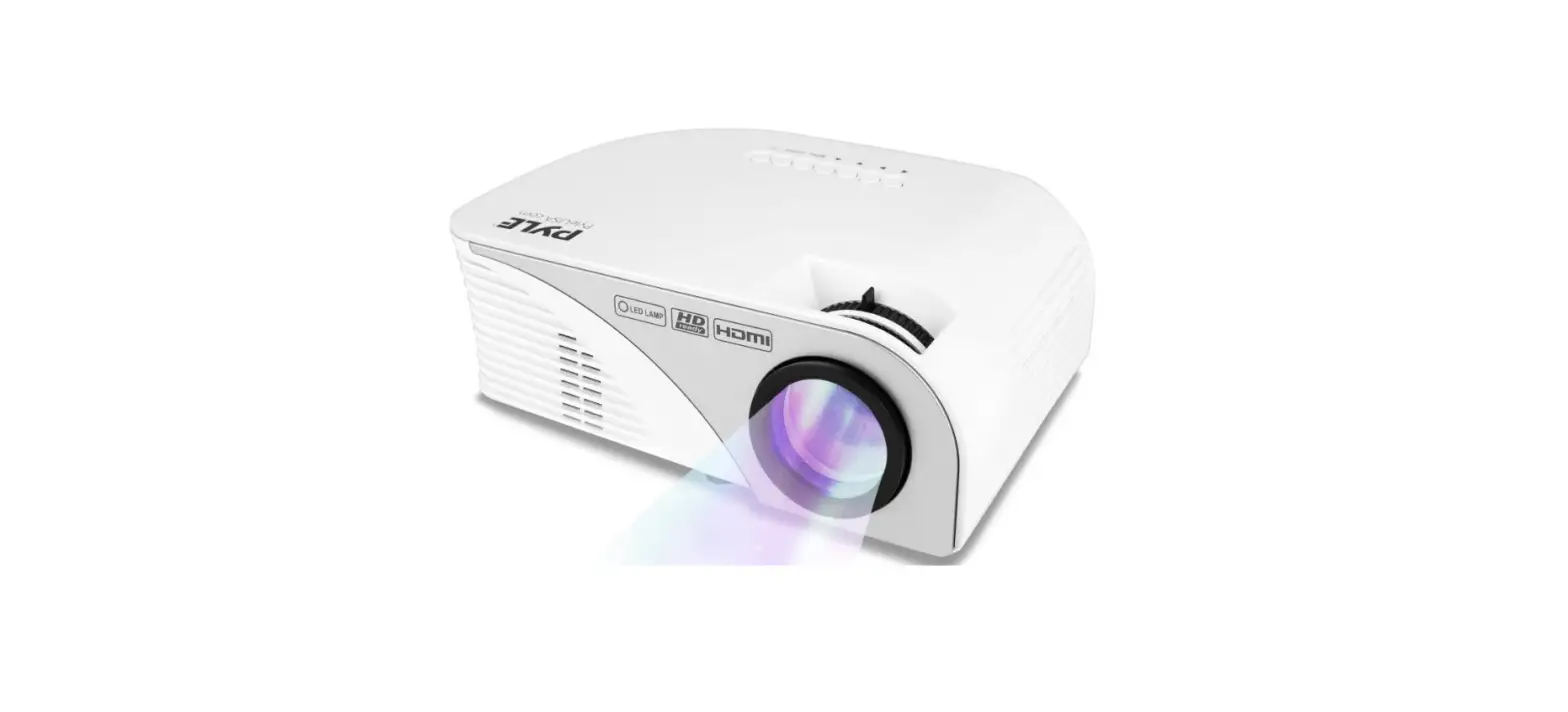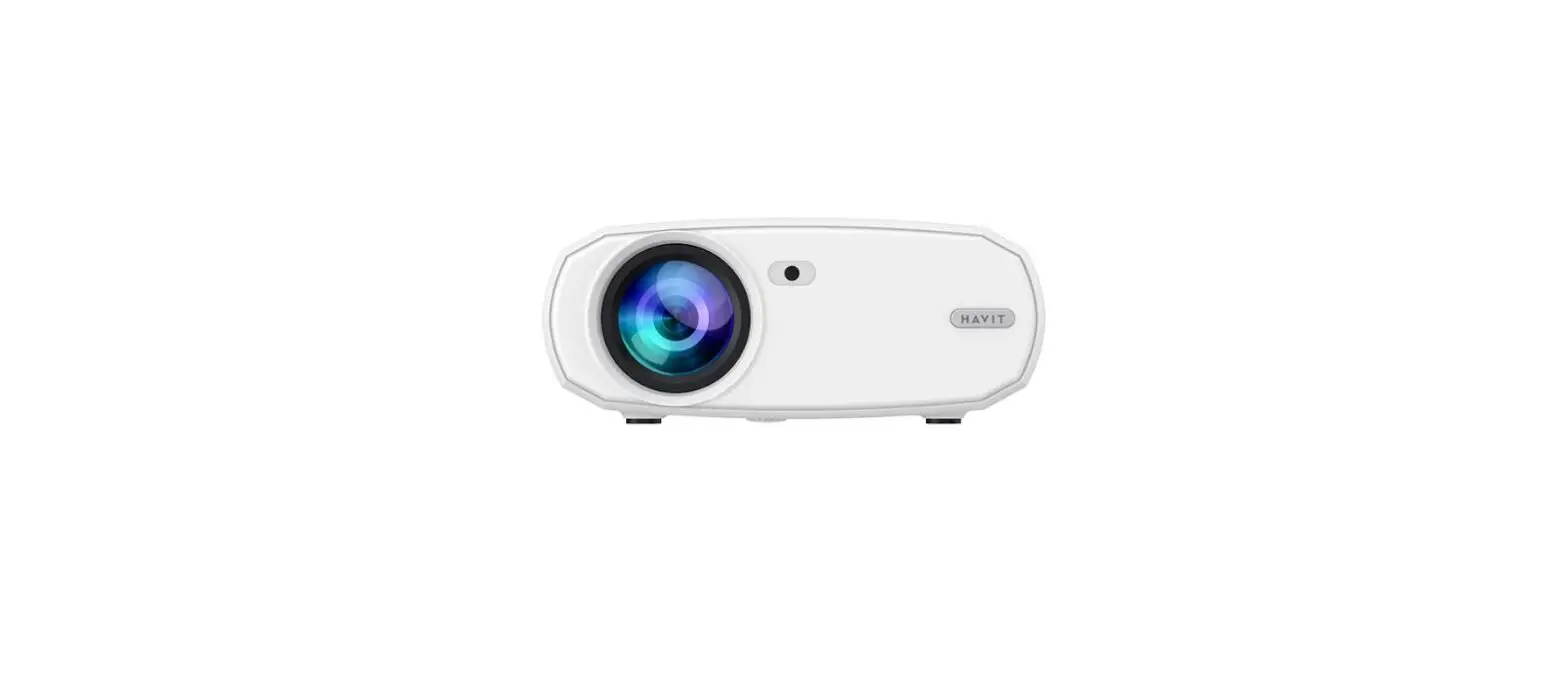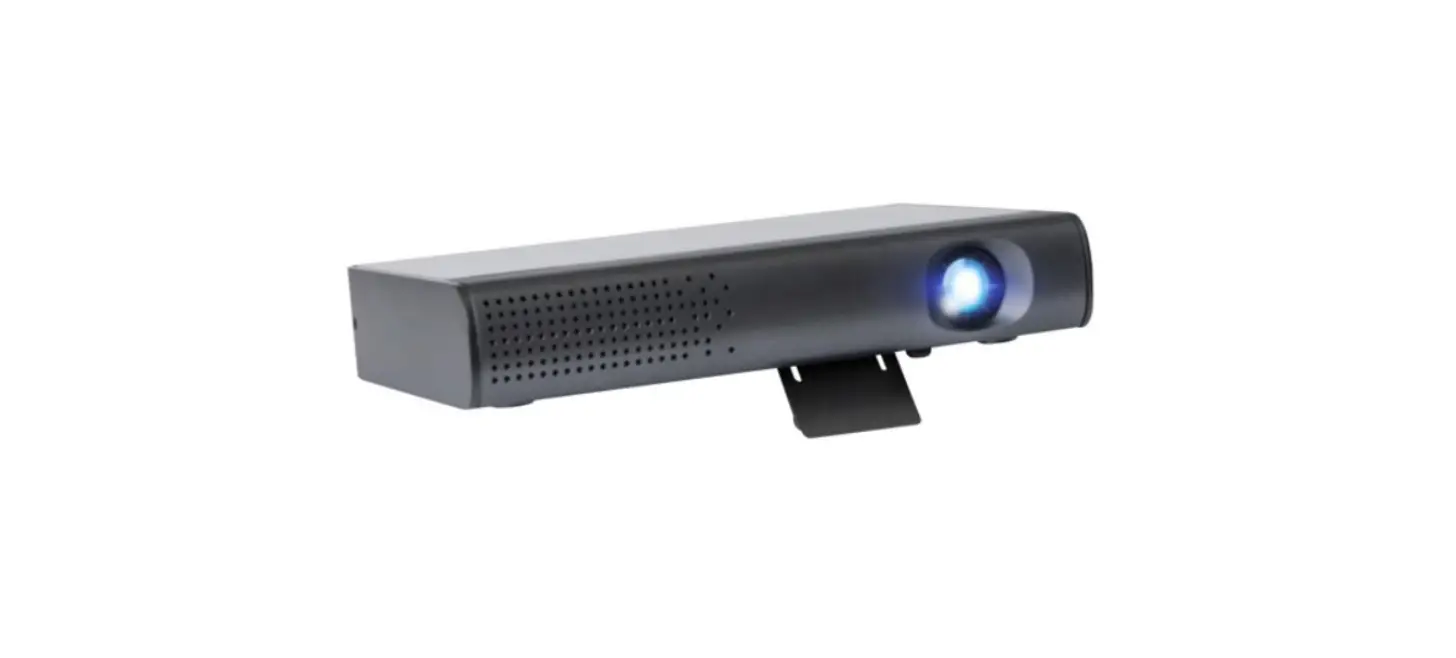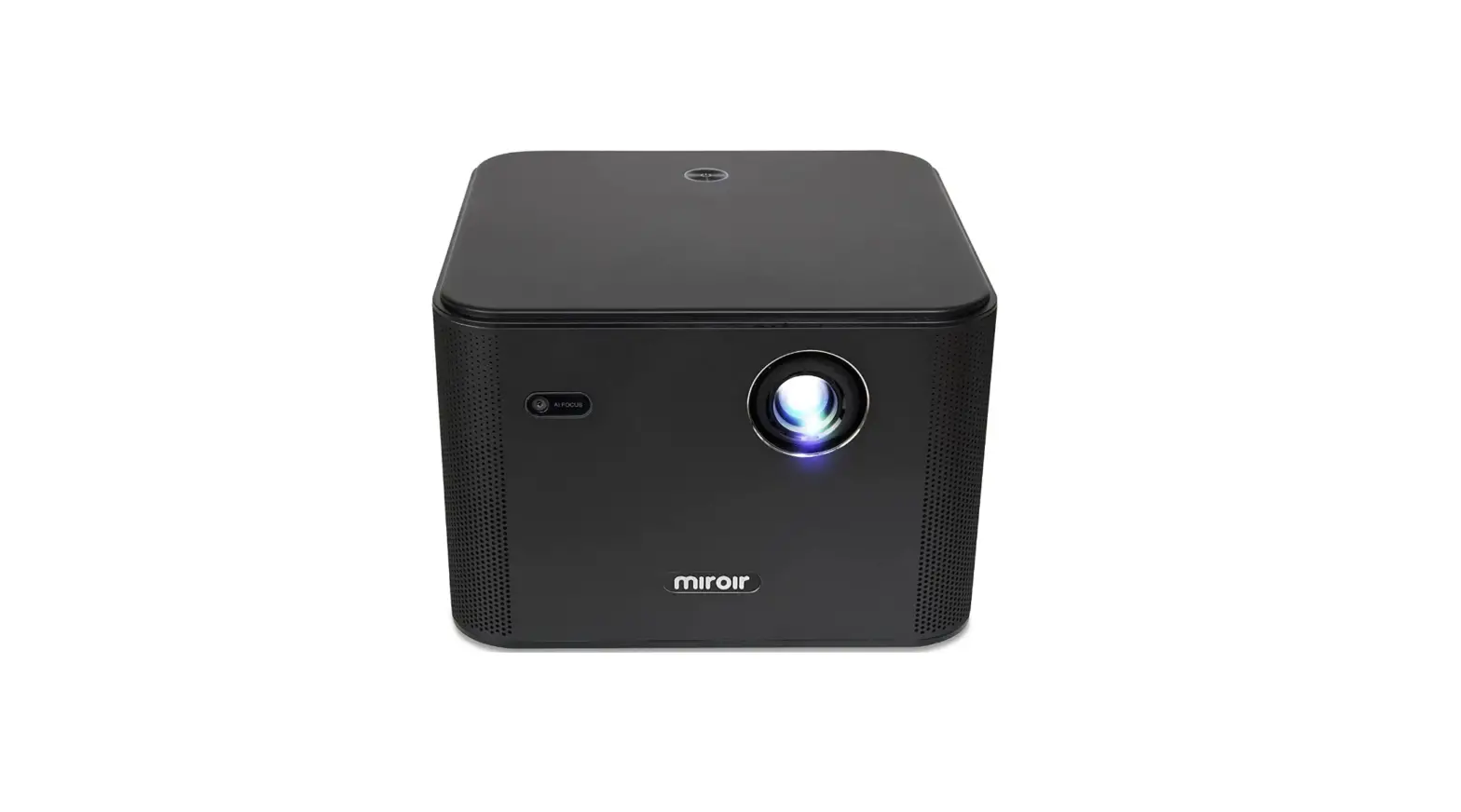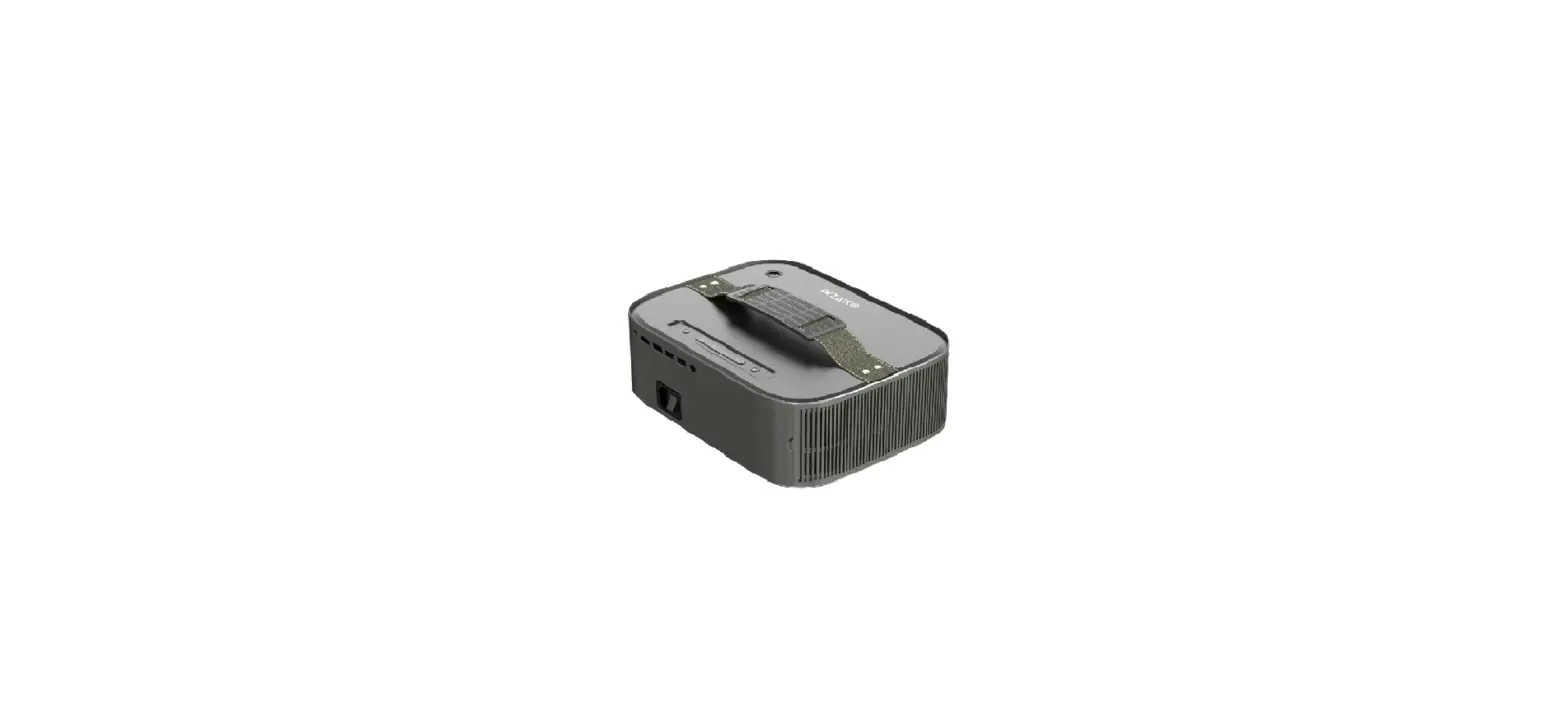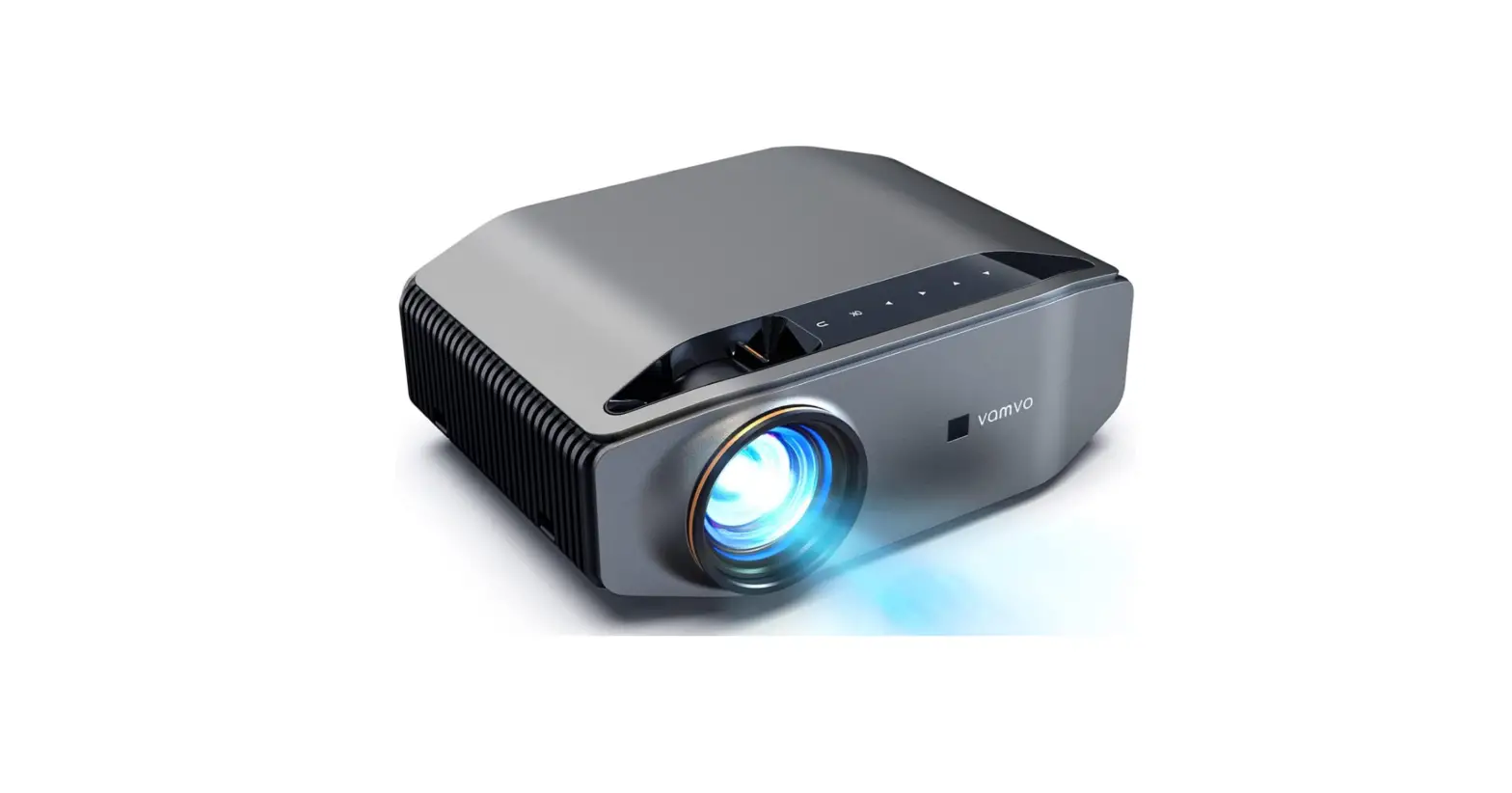

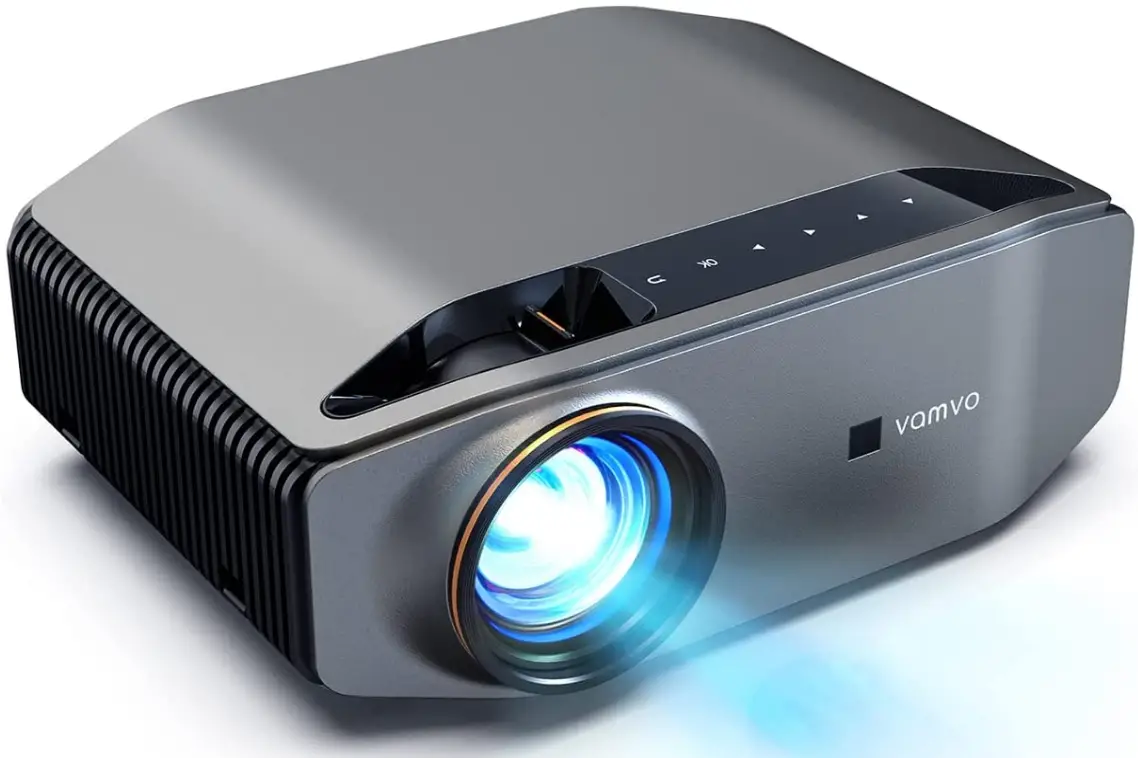
Vamvo 1080P Full HD Video Projector
Specifications
- Display resolution: 1920 x 1080
- Display Resolution Maximum: 1920 x 1080, 1280 x 720
- Form Factor: Portable
- Mounting Type: Tabletop Mount
- Item Weight: 9 pounds
What’s in the box?
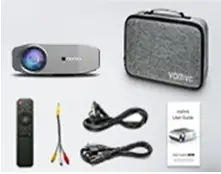
- 1 x Vamvo L6200 Projector;
- 1 x Power Cable;
- 1 x HDMI Cable;
- 1 x 3 in 3 AV Cable;
- 1 x Remote Control;
- 1 x User Manual;
- 1 x Carry Bag.
Product Overview
Descriptions
Real Native Full HD 1080
The total number of pixels in the projector determines the native resolution of the device. Tens of thousands of reflecting lenses make up the Vamvo projector chip. One second is swiftly spent switching between each lens to produce a Full HD 1080p image.
300-inch Big Screen
The ideal viewing distance is 21 feet. The video projector delivers projection sizes ranging from 45″ to 300″ depending on distance (12.4 – 30.2 ft). The best home cinema experience can be had with this projector.
Numerous Compatibilities
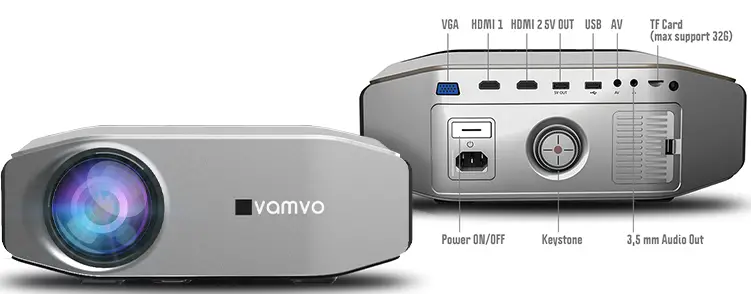
The projector has two HDMI connectors, two USB ports, a VGA port, an AV port, a Micro SD Card port, and an Audio out 3. 5mm jack. It is simple to connect to TV, iPad, iPhone, Android smartphone, and multimedia players.
Features
Very Simple to Set up a Projector Screen
- The entire assembly may be fully set up in less than 5 minutes.
Convenient Outdoor Projection Screen
- Our screen is the most portable outdoor projection screen for its size thanks to its fordable and lightweight stand. Projector with native 1080P Full HD
- With a native resolution of 1920 x 1080 and an 8000:1 contrast ratio, the Vamvo L6200 brings four times the amount of details to the screen compared to a standard 720P projector.
Low Fan Noise and Long Light Life
- An energy-saving function lowers power consumption and increases lamp life by up to 50 000 hours.
- The fan makes half as much noise as comparable projectors thanks to a modern cooling system and high-quality materials.
Frequently Asked Questions
I fail to see why not. Perhaps I could cover it with a “roof” to prevent objects from falling on it. However, I was astonished at how much cooler this runs than models with 2000–3000 hr light bulbs. It starts straight away and turns off right away with no need for cooling down. I would buy it again because it has a fantastic picture and a laser “bulb” that will last for many years. Additionally, it supports 4K while operating in 1080P natively.
Yes, it is compatible with smartphones using USB type C and HDMI.
I’m unsure. There is still room for a bigger screen, and there is a focus lever. It focuses beautifully at 10 feet, and I believe you could go 12 or 13 without any issues.
In order to connect the sound bar with the greatest results, you might need to purchase an audio converter. Yes, you could purchase the bracket once again; turning it upside down is also an option with settings.
Overall, it’s a nice projector; I have no regrets about my purchase. The cost is justified. The projection screen IS HUGE, it can fill up my entire wall and more, however if you want that amazing projection, you do need a quality screen. I gave my room’s wall a movie theatre color because I wanted the biggest screen possible. It functions even better outside.
The projector does not support WiFi. However, you can use the HDMI input connector on your laptop or smartphone to link it to the project if it has WiFi capabilities.
Use one of the HDMI or VGA cables that are provided to connect to a laptop. You will need an adapter cable, which is not provided with the projector, to connect to a smartphone.
Out of all the projectors that I’ve had, the Vamvo projector has outstanding volume both inside and outside, and the pictures are also incredibly clear. One of the better models you’ll like is the Vamvo.
Click “Screen Sharing” after connecting your Android phone to the same local area network as your projector. When you push the remote control and select “Allow,” the device is automatically recognised by the projector and appears on the same screen. The phone’s contents can be seen on the screen.
The most recent Samsung phones and other newer Android smartphones use USB-C for charging. If you have a USB-C device, you can connect it directly to a projector that supports HDMI by using a USB-C to HDMI connection. The only thing you should need to do is connect your USB-C device to your projector.
Some Android phones have an outside Mini-HDMI connector that can be used to attach a projector using a Mini-HDMI to HDMI cable.
Making your own projector only requires a few common household items and a small bit of work.
A video in jack will be on the projector, and a video out jack will be on the television. Utilize the proper cable to join the two together.
Netflix is simple to use with a projector. There are some smart projectors with an integrated Netflix app. To stream Netflix on the majority of projectors, a separate media device such a Fire TV, Apple TV, Roku, etc. must be connected to the projector.