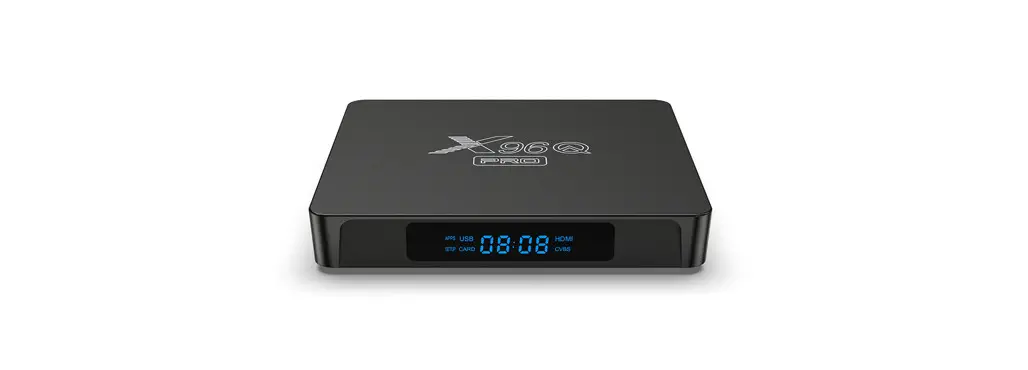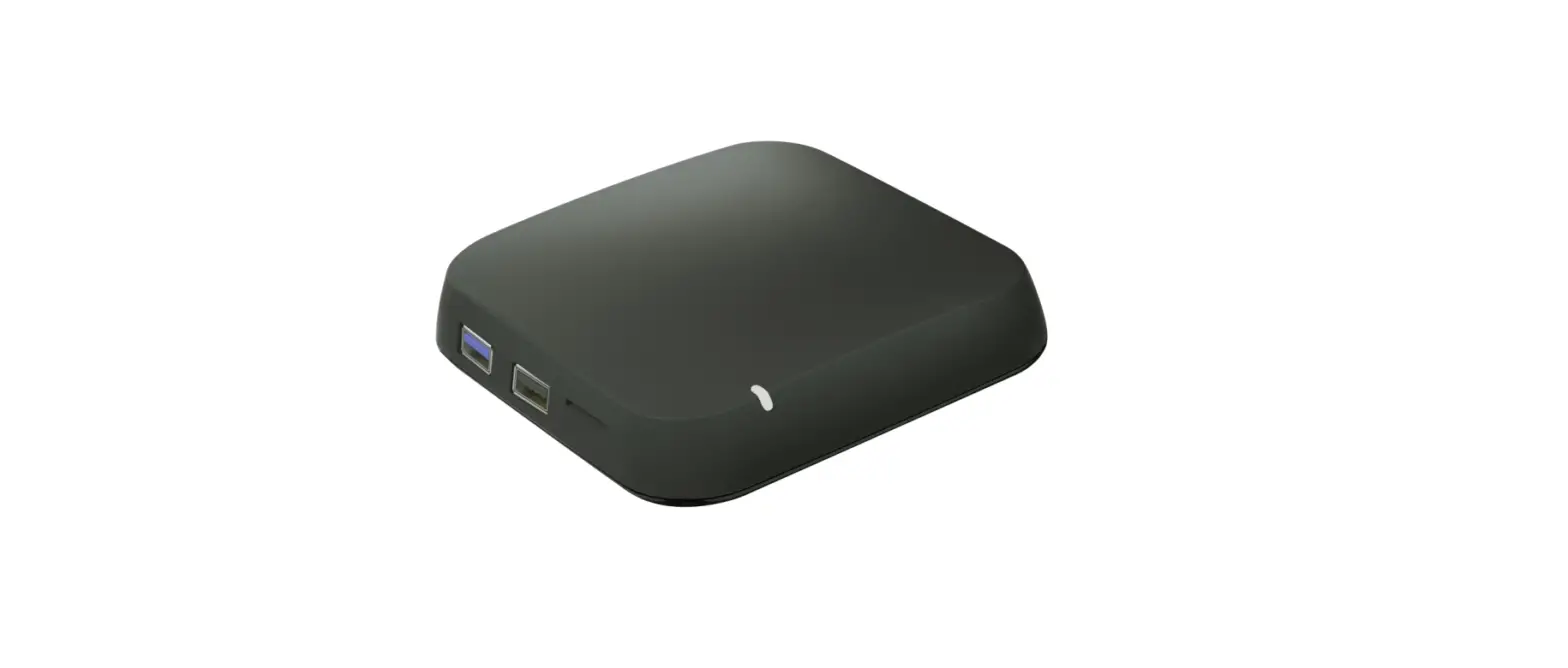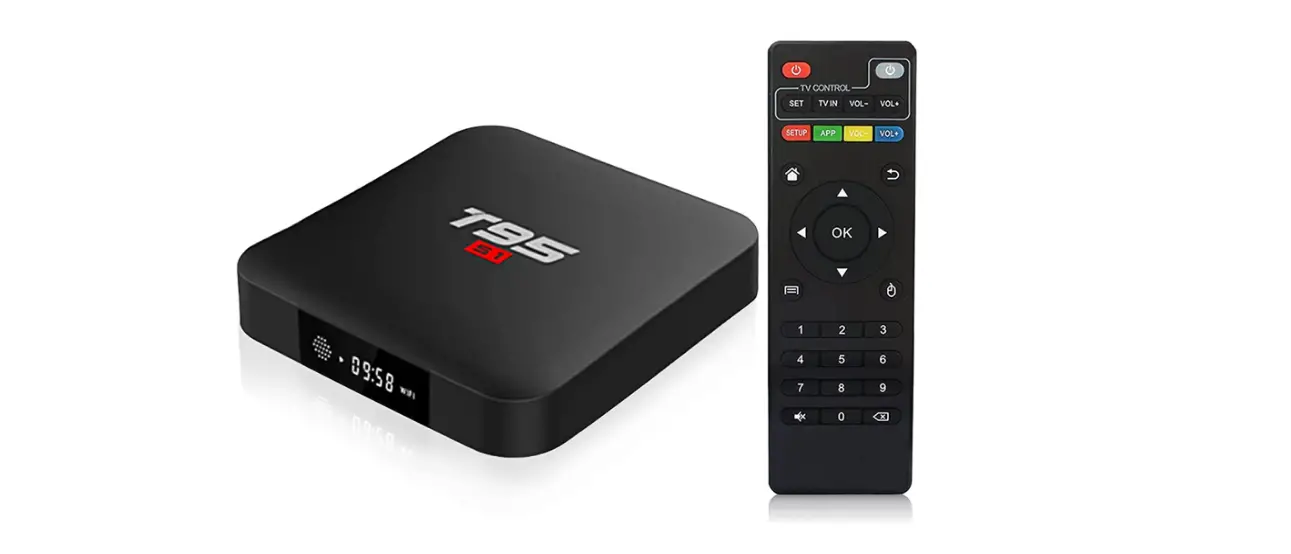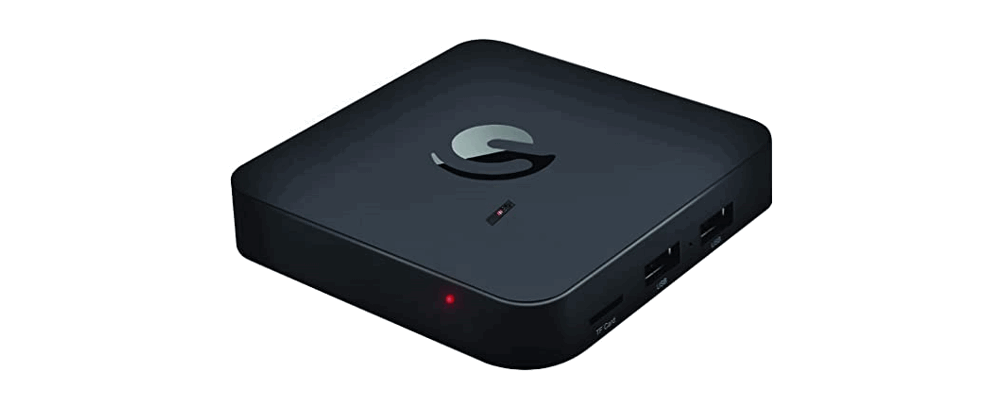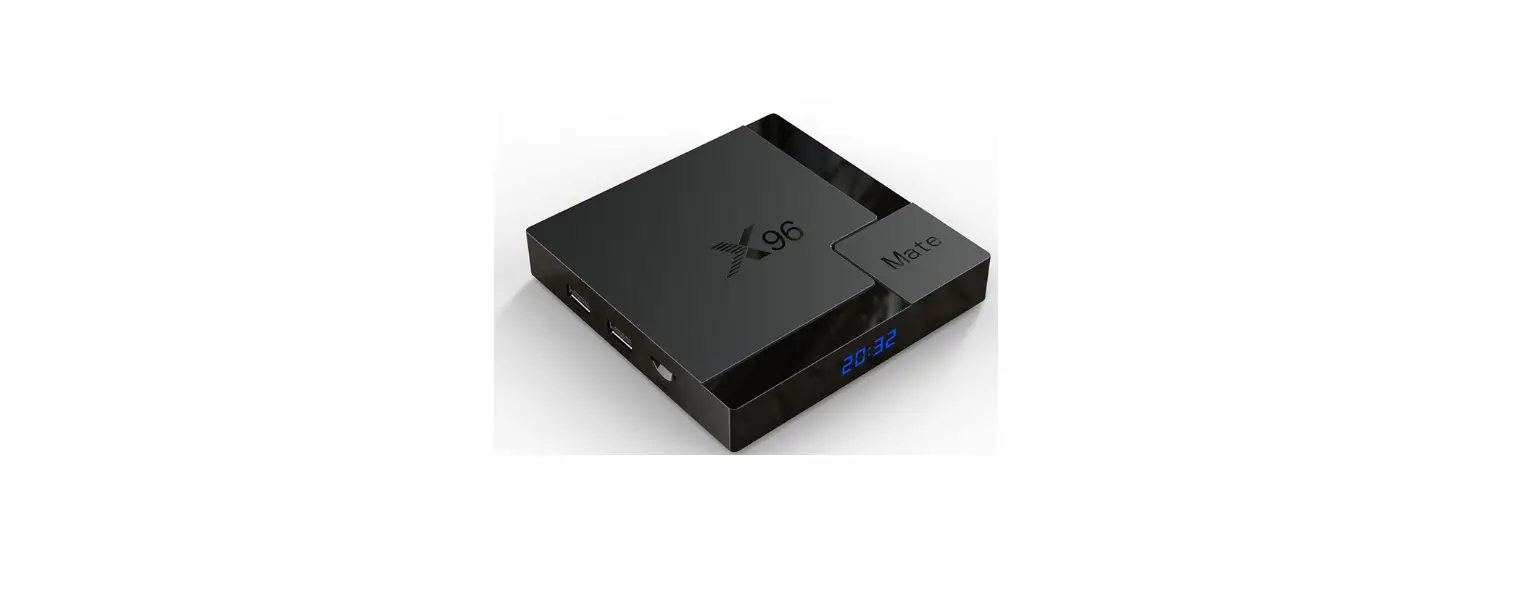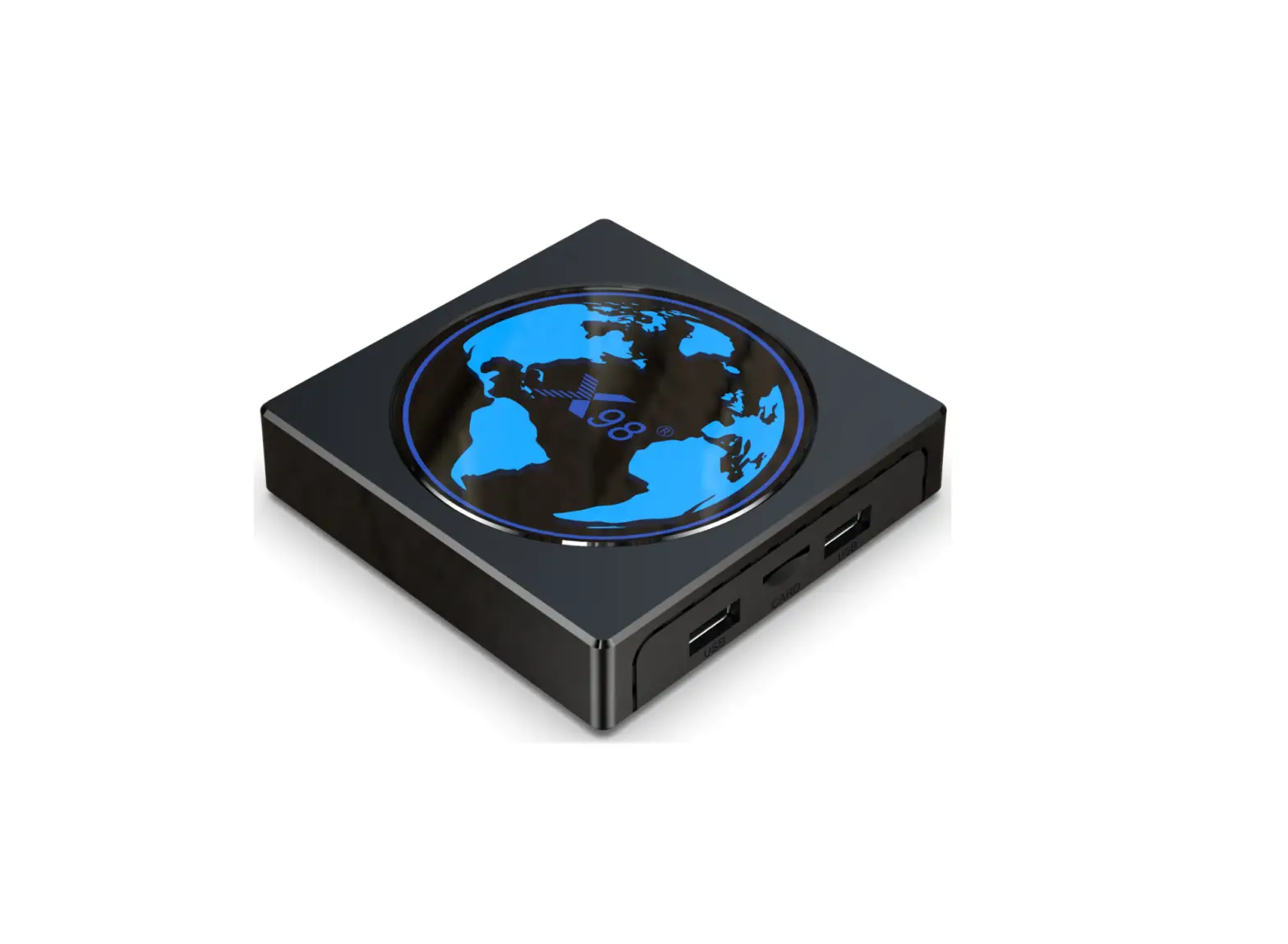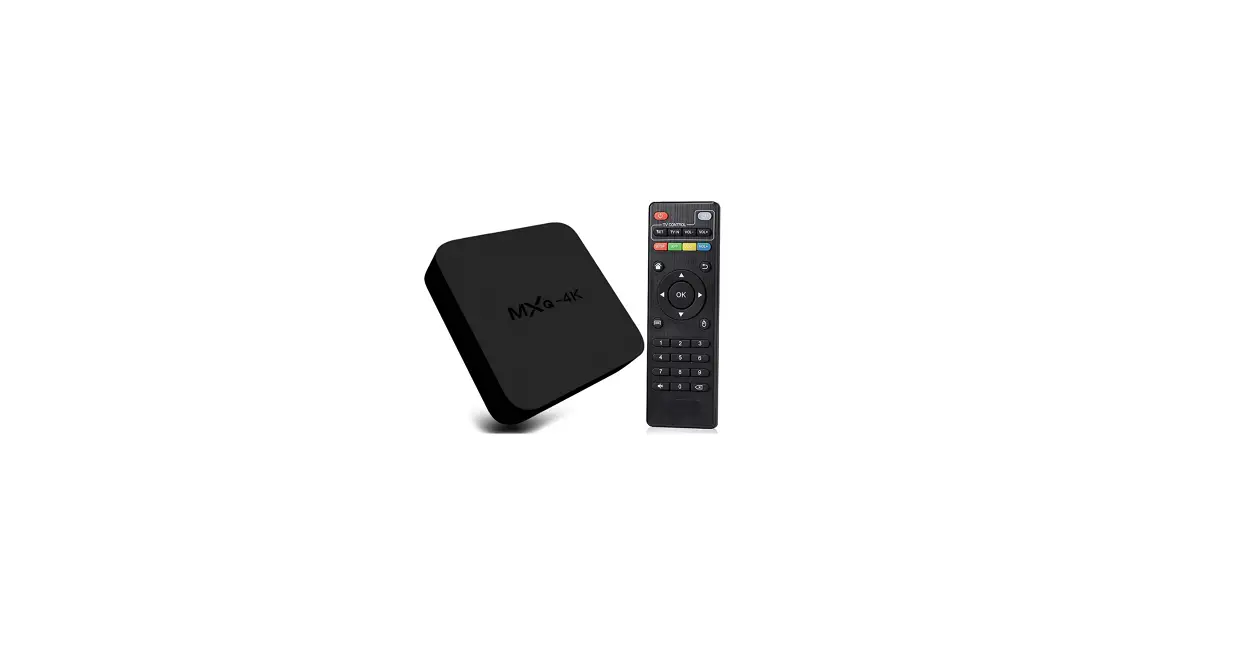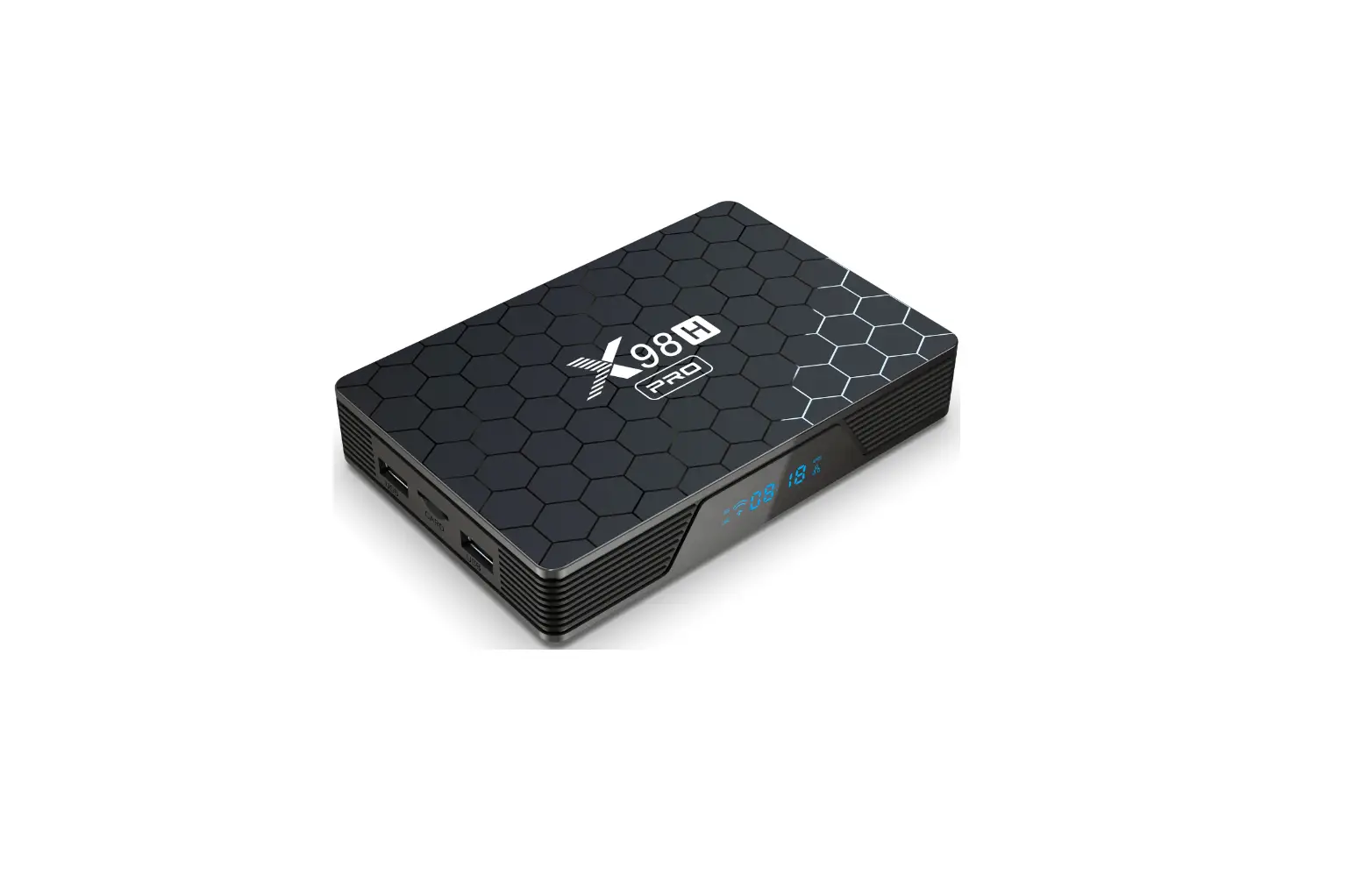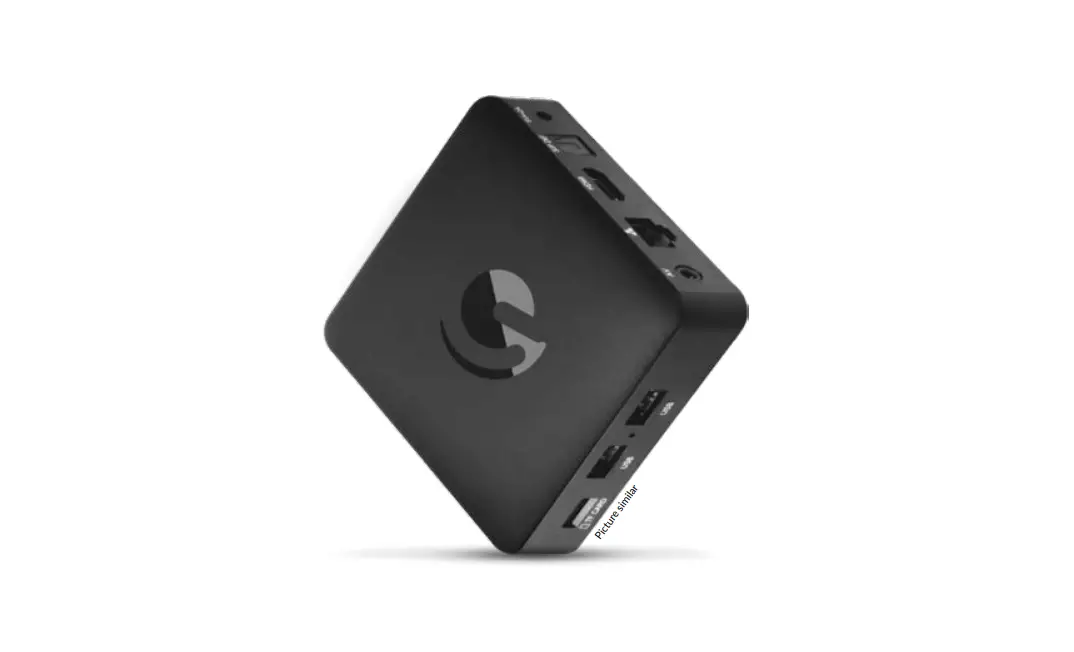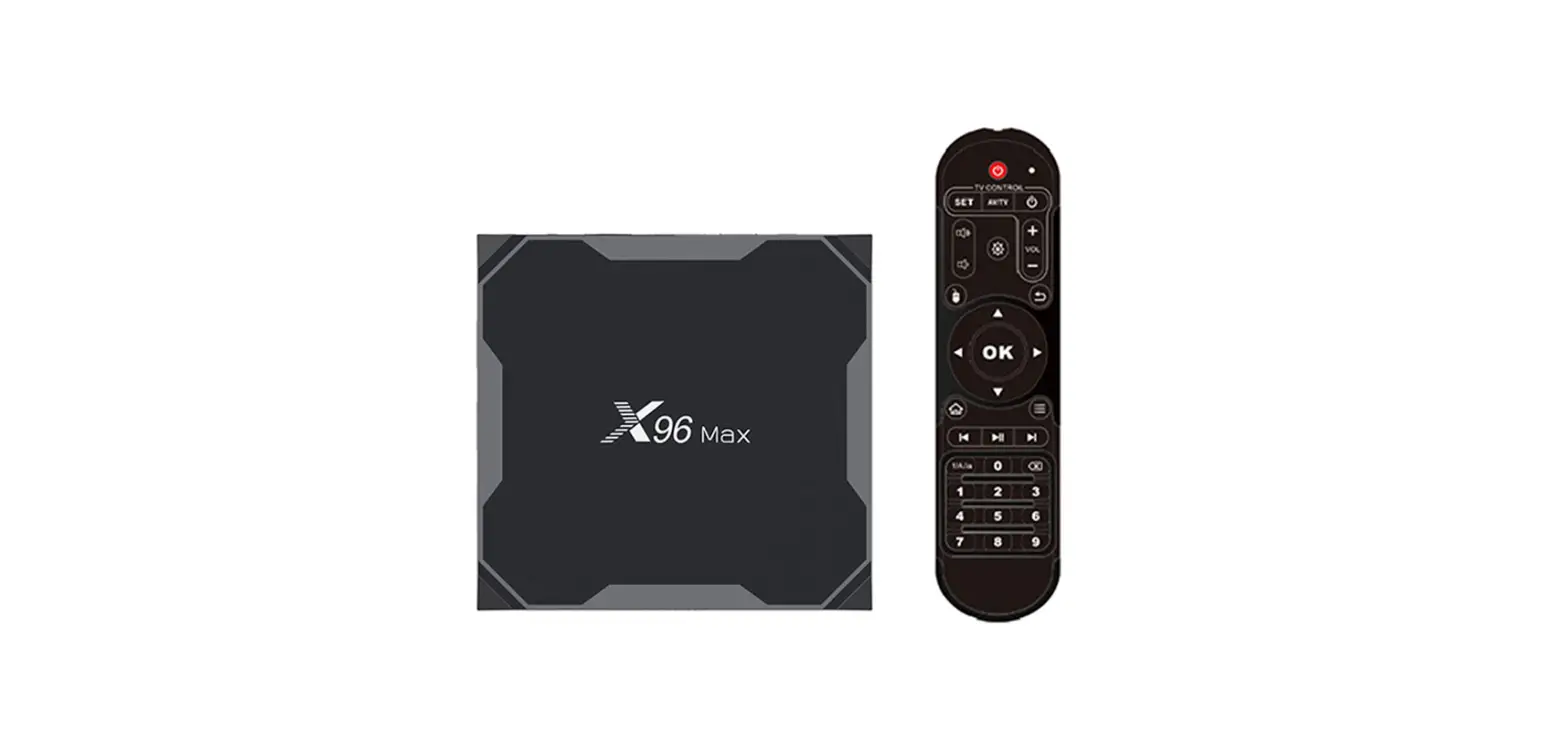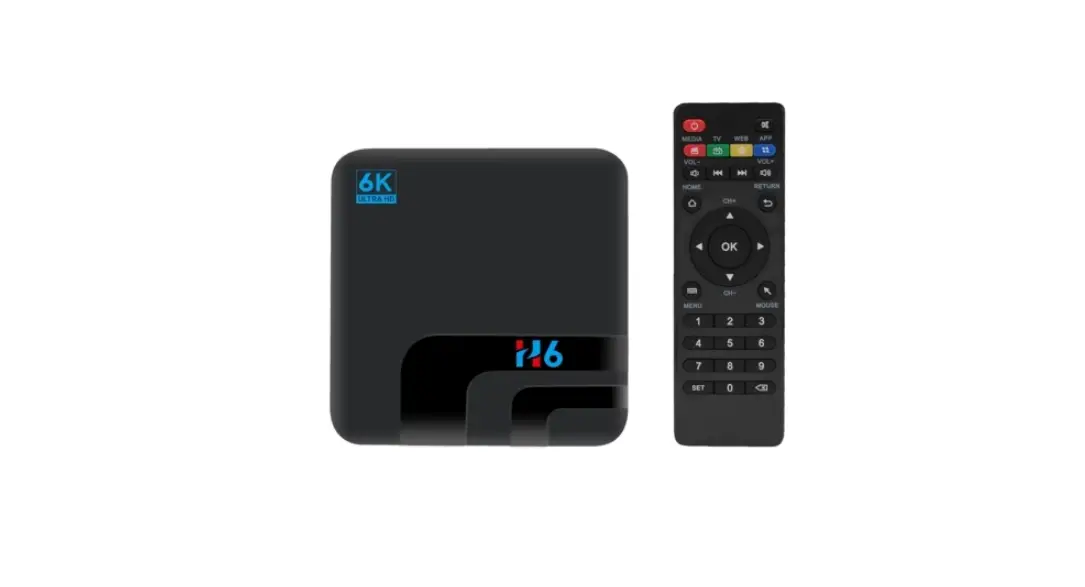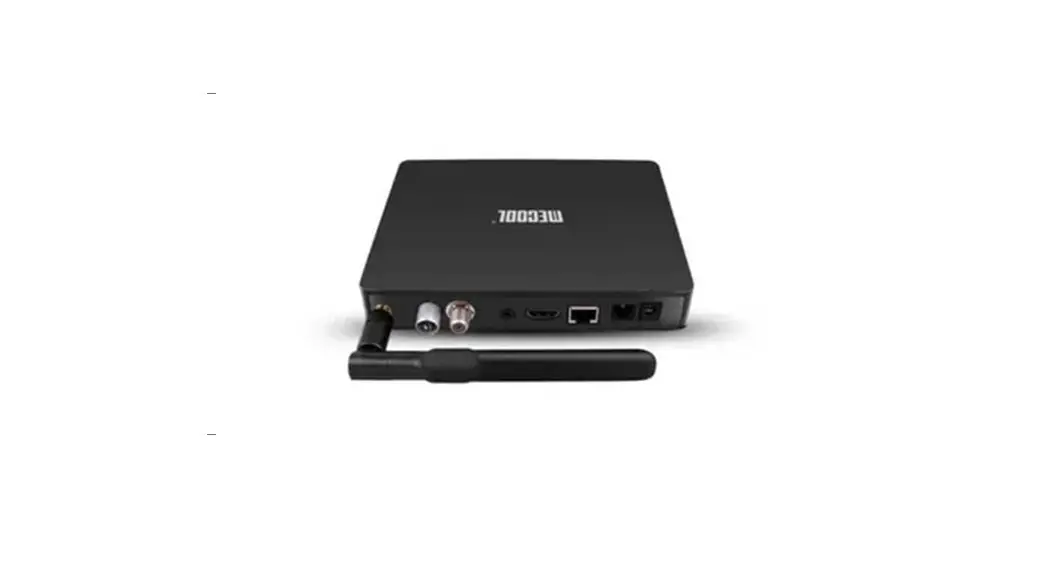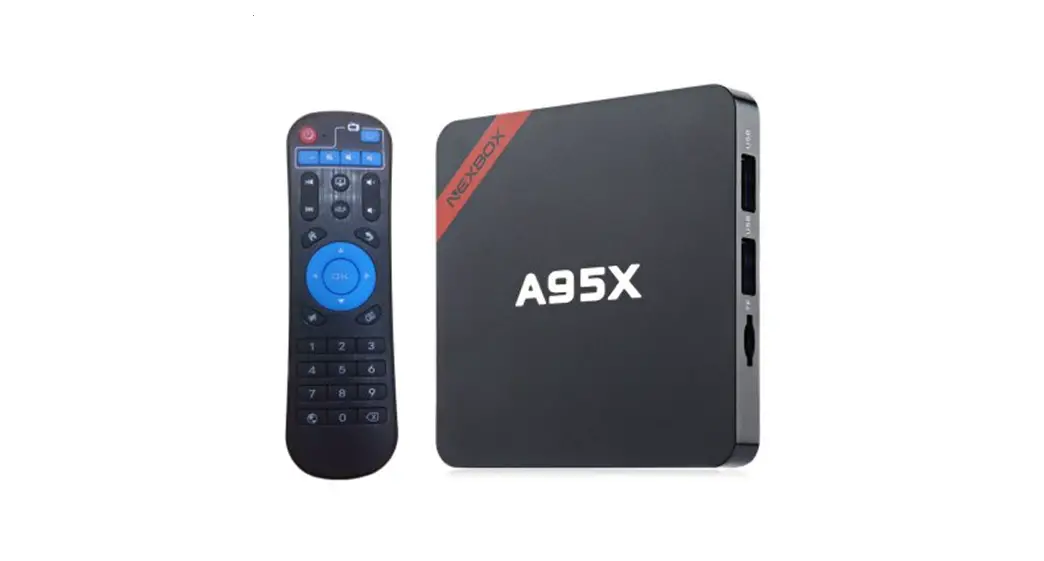
TOPLEO TVBOX8K i96 Pro Android TV Box Digital Satellite Receiver User Manual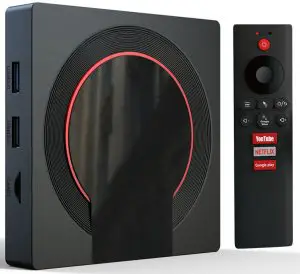
Pakage Contents
- Device x1

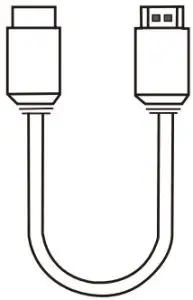
- HD Cable x1

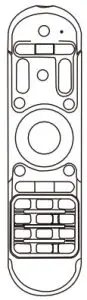
- Remote Control x1

- Power Adaptor x1



Connection Diagram
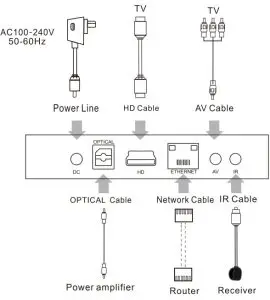
Installation Steps
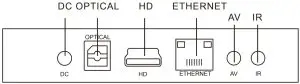
- Connect the TV Box with the power supply.
- Connect the TV Box to your TV with an HD cable or AV cable.
- For a wired connection,plug in Ethernet cable from the TV Box to your modem or router.
For wireless,choose your Wi-Fi network and input your Wi-Fi password.
Multi-screen Interaction
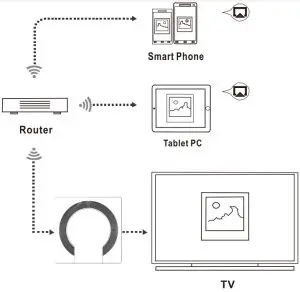
The Screen Casting
Introduction
The TV Box lets you play photos,music,and videos from your smart phone
or tablet computer on your TV.
Preparation
Make sure your device(s) and TV Box are connected to the same network.
How to use
After your device(s) and TV Box are connected to the same network, the logo will show up in the related applications of your device(s).Click the and share the photos,music and videos on TV.
Key Features
 Amlogic S905X3 64-bit quad core ARM® Cortex™ A55 CPU@G31™ MP2 GPU processor.
 8K video decoding 10-bit HEVC and AVS+codec support,H.265 up to 8K 60Hz.
 RAM 2GB:10/100M Ethernet,802.11b/g/n 2.4G WiFi.BT4.X RAM 4GB:10/100/1000M Ethernet,802.11b/g/n/ac 2.4G and 5G WiFi.BT4.X
 Android 9.0 OS,OTA upgrade support.