
neoway N2610-US LTE OBD Dongle
About N2610‐US
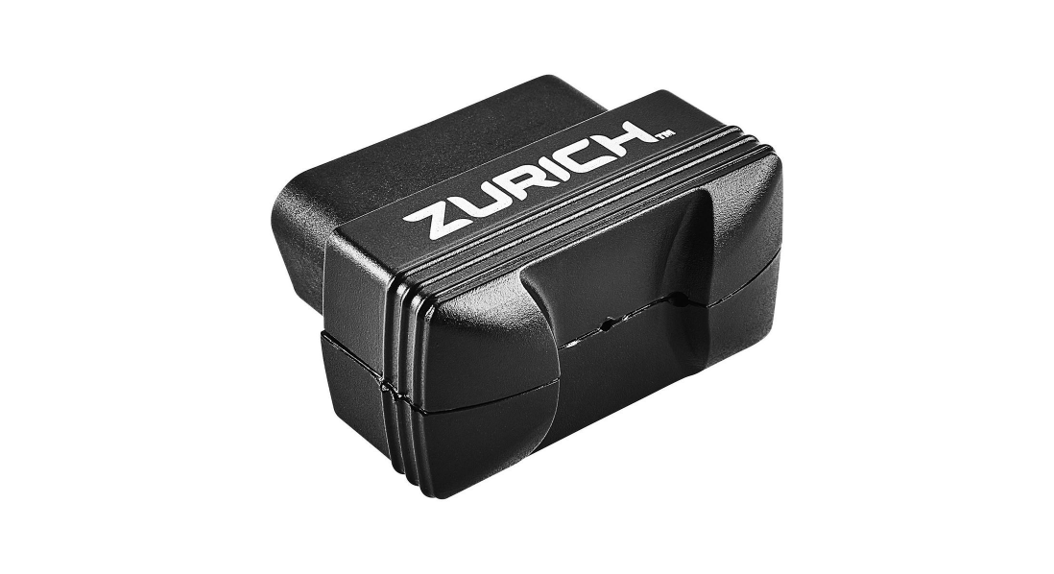
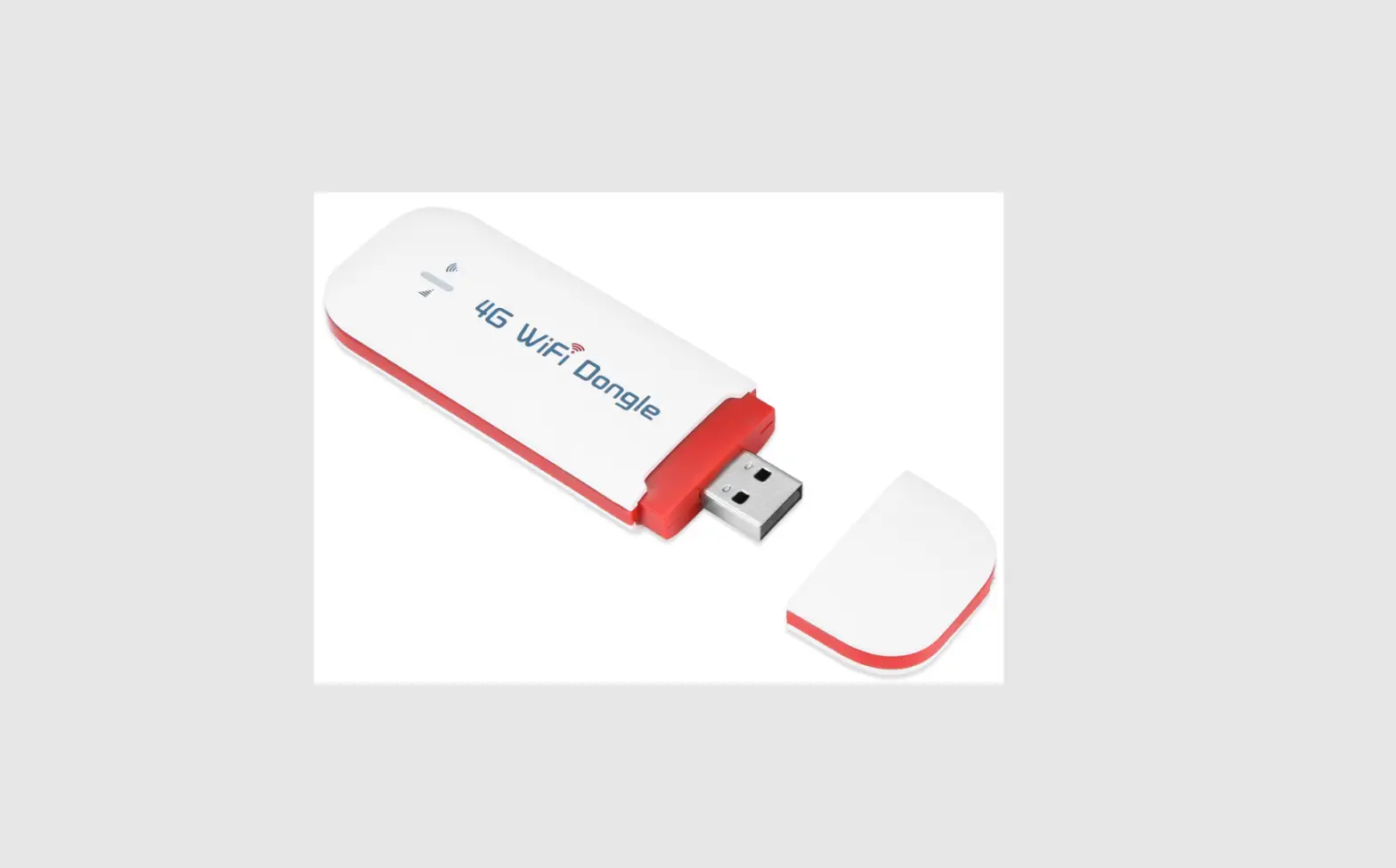
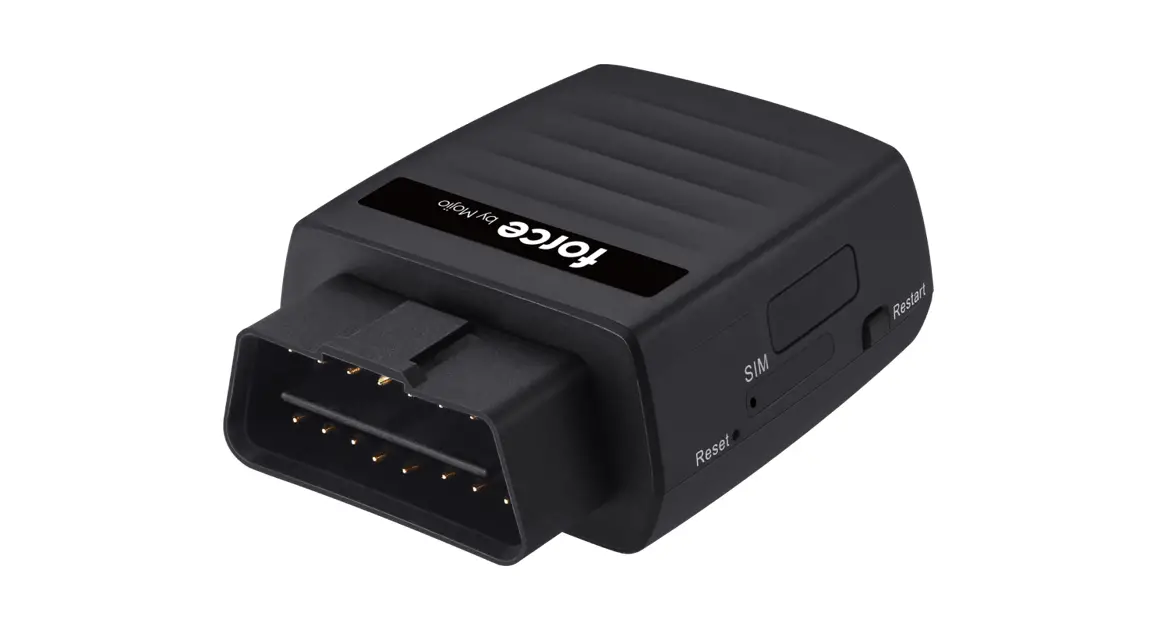
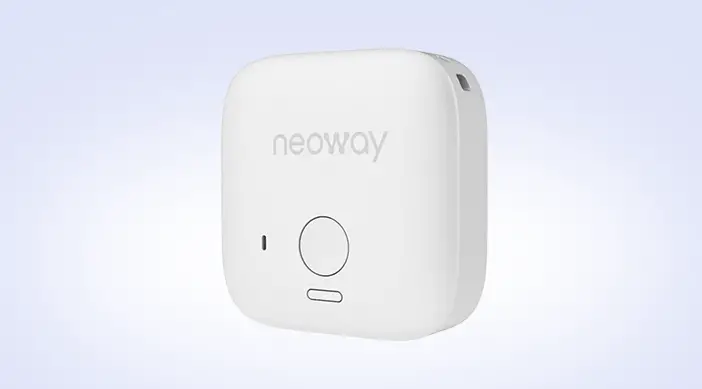
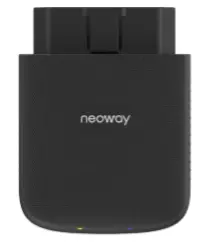
N2610‐US is an intelligent OBD solution, which integrates 2G/3G/4G modem, Wi‐Fi, BT, GPS, acceleration sensor and ECU communication module. Developed on Qualcomm chipset and ST MCU, it can provide vehicle position, collect statistics on vehicle trajectory, reconstruct driving behavior, collect statistics on fuel consumption, track vehicle to prevent theft, read vehicle status, read/clear vehicle fault codes, etc. It also supports Wi‐Fi hotspot function. This OBD solution is well applicable to individual consumers, fleet management, UBI, vehicle rental and vehicle maintenance
Product Functions
- GPRS / UMTS / LTE communications
- Real time vehicle data
- Vehicle DTC code
- GPS/GLONASS/
- BS/A‐GPS positioning
- Support Wi‐Fi hotspot
- Bluetooth communications
- Supplementary transmission for
- blind‐area data
- Swapping alarming
- FOTA upgrade
- Sleeping and awaking
- Driving behavior analysis
Package Content
| part | unit | Quantity |
| N2610‐US OBD | pcs | 1 |
| Quick start guide | Copy | 1 |
Product Features
| Features | Description |
| Developed network standards compliant | Developed on Qualcomm chipset able to operate on networks of multiple countries |
| Wide operating voltage range | 12V/24V power supply,applicable to different vehicle models |
| Driving behavior analysis | Built‐in acceleration sensor and gyroscope to collect the information about driving behaviors |
| Complete & stable Applications | Device management, position fix, vehicle diagnosis, driving behavior analysis, and other applications |
| Wi‐Fi Hotspot | In‐vehicle Wi‐Fi hotspot provides network access for in‐vehicle terminals |
| Various OBD‐II Protocols |
|
How to Install and Start
Install
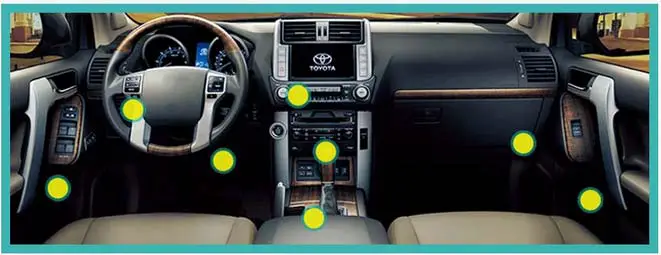
When the vehicle is shut down, insert the device into the OBDII interface. This interface is usually located under the dashboard of the vehicle and above the accelerator pedal. If not, refer to the schematic or your owner’s manual. If the installation affects driving, you can purchase the extension cable and place it in a safe place.
first use
For the first use, initialization is required: after inserting the equipment, start the engine and keep idling for 3‐5 minutes until the equipment works normally (the red and green status indicator lights are always on). Your device is ready for normal use!
WiFi on board
The on‐board WiFi supports 4G high‐speed network, and supports the access of mobile phone, pad and other equipment.
SSID and initial password is on the label of the back of the box for WiFi default name and password. The WiFi SSID and password can be modified through the App.
If you forget the password, press the key on the device for more than 10s to reset the WiFi name and password to the initial state.
LED Indicator
| Status | Colour | describe |
| GNSS | Red | positioned: always on Not positioned: on for 1 second and off for 1 second |
| Net | gree | Unregistered network: on for 1 second and off for 1 second Registered network: on for 2 seconds and off for 1 second Login platform: always on |
Platform Operation
Set the dialup prof ile, server IP address, and port through an SMS message to log in to the server. Then you can query and set the device parameters.
Safety Warning
Please use a battery specified by the device manufacturer. Otherwise, all warranty services are invalid.
The device manufacturer will not provide a warranty for damage caused by non‐OEM accessories.
- Do NOT put the device into water or f ire.
- Do NOT bend or open the battery.
- Do NOT recharge the battery.
- Do NOT disassemble the device. Improper handling might damage the device permanently.
FCC Caution
§ 15.19 Labeling requirements.
This device complies with part 15 of the FCC Rules. Operation is subject to the following two conditions:
- This device may not cause harmful interference, and
- This device must accept any interference received, including interference that may cause undesired operation.
§ 15.105 Information to the user.
Note: This equipment has been tested and found to comply with the limits for a Class B digital device, pursuant to part 15 of the FCC Rules. These limits are designed to provide reasonable protection against harmful interference in a residential installation. This equipment generates uses and can radiate radio frequency energy and, if not installed and used in accordance with the instructions, may cause harmful interference to radio communications. However, there is no guarantee that interference will not occur in a particular installation. If this equipment does cause harmful interference to radio or television reception, which can be determined by turning the equipment off and on, the user is encouraged to try to correct the interference by one or more of the following measures:
- Reorient or relocate the receiving antenna.
- Increase the separation between the equipment and receiver.
- Connect the equipment into an outlet on a circuit different from that to which the receiver is connected.
- Consult the dealer or an experienced radio/TV technician for help.
§ 15.21 Information to user.
Any Changes or modifications not expressly approved by the party responsible for compliance could void the user’s authority to operate the equipment. This equipment complies with FCC radiation exposure limits set forth for an
uncontrolled environment. This equipment should be installed and operated with minimum distance 20cm between the radiator & your body.