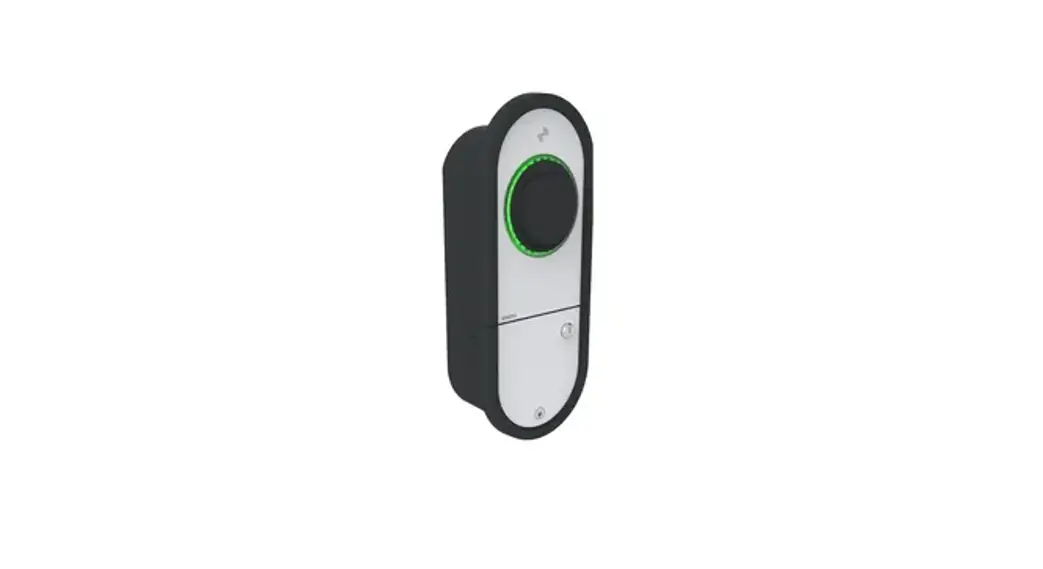
 RAK137 Charging Station
User Guide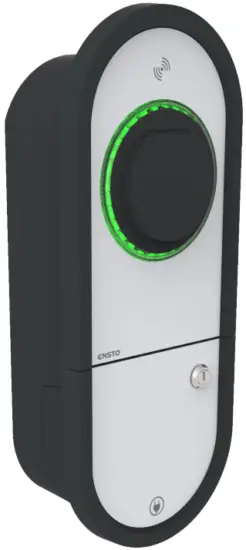
Introduction
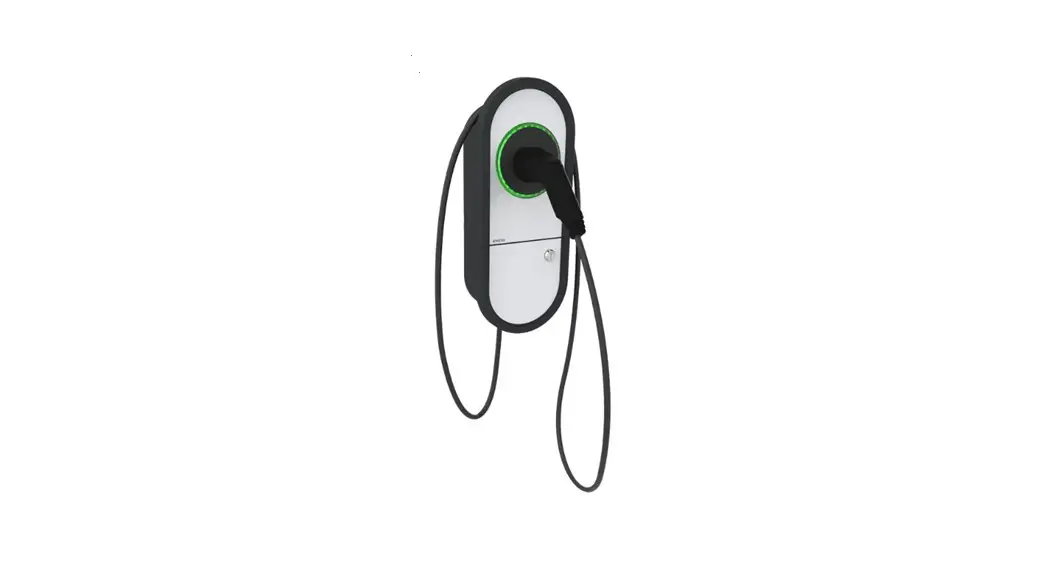
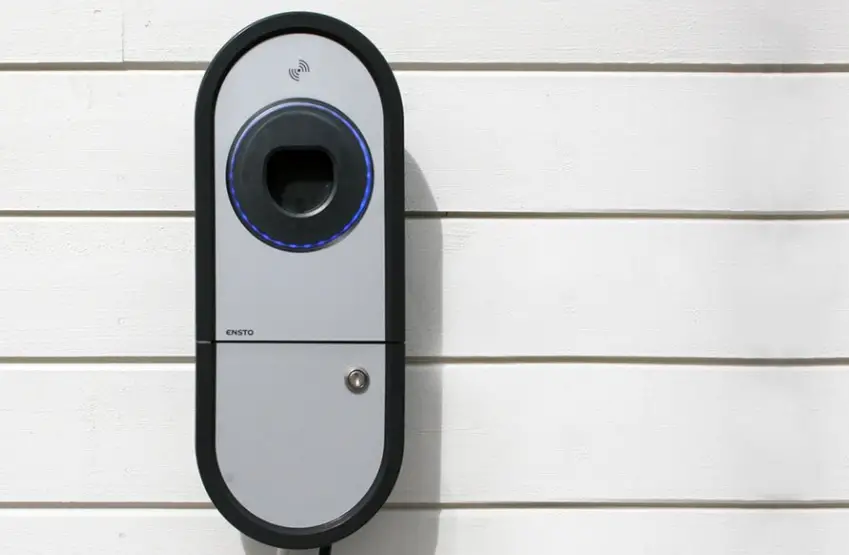
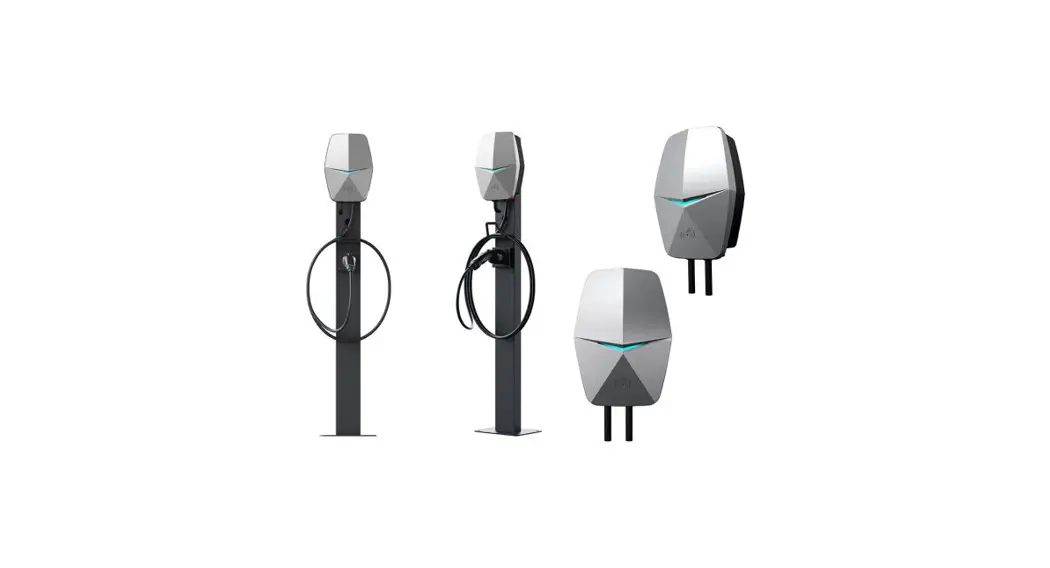
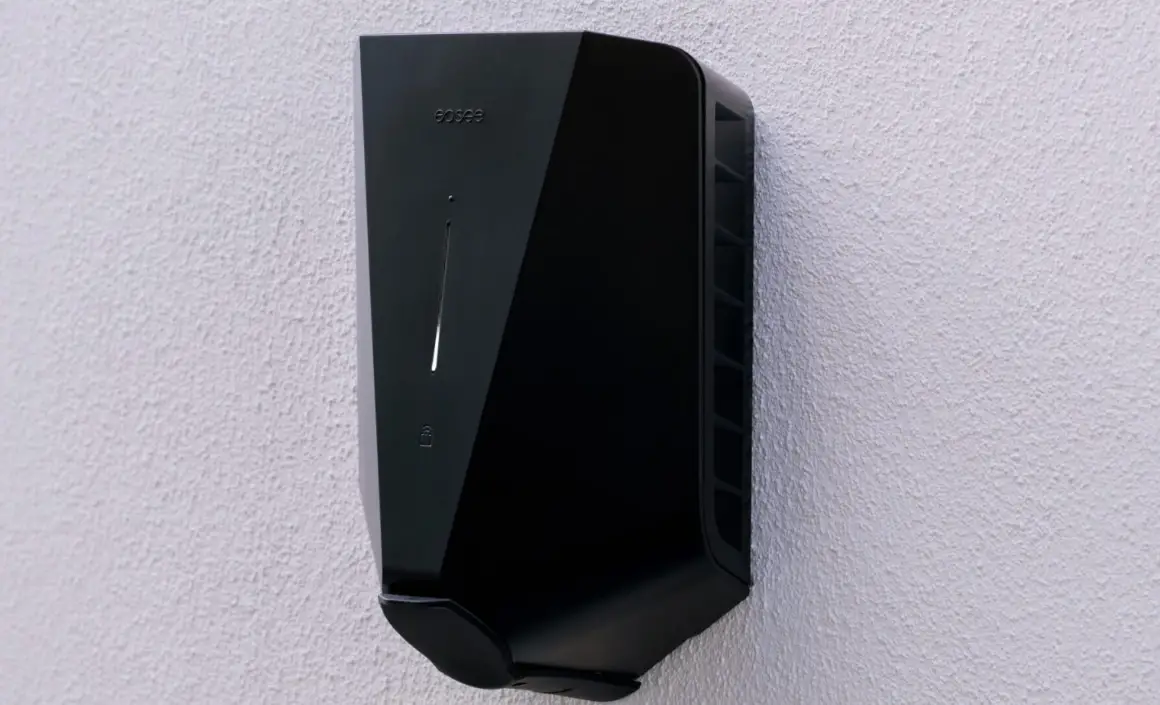
This User Guide is for the Ensto One Charger family. Even if the features and appearance of the different charger versions vary, the usage of the product always follows the principles described in this guide. Available features depend on the charger model.
Ensto collects data from the charging stations connected to the Internet. This anonymized data may be used to develop new digital services and improve user experience and Ensto’s offering.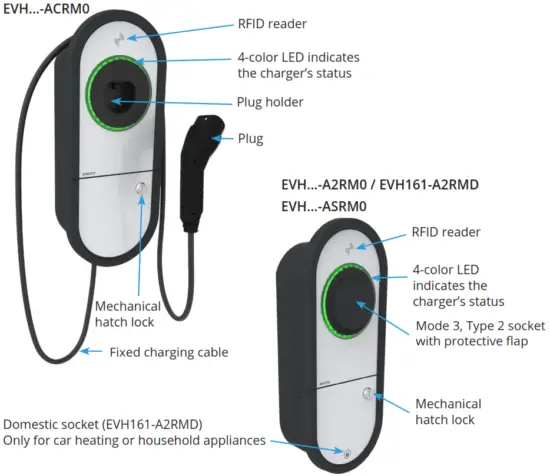
Safety instructions
 WARNING
The danger of electric shock! Risk of fire!
- Installation and maintenance must only be done by an electrically skilled person.
- People who are not able to operate according to the instructions must not use this charger.
- Do not use this charger if the charger itself or the charging cable appears to be damaged.
- Do not use the domestic socket to charge an electric vehicle.
Intended use
- The charger is intended for charging electric vehicles, both plug-in hybrids, and full battery electric vehicles.
- Do not connect to the charger other devices, such as power tools.
- Use the domestic socket only for car heating or household appliances (e.g. vacuum cleaner).
EVH161-A2RMD – Domestic socket
EVH161-A2RMD is provided with a domestic socket.
- Use the domestic socket only for car heating or household appliances.
Do not use the domestic socket to charge an electric vehicle! - You can start using the domestic socket without RFID authentification.
- You can use the domestic socket if:
The charging cable is not connected to the charger.
The timer is set to the “ON” position. - The kWh usage of each domestic socket transaction is forwarded to the EV Manager.
Note! If you connect the charging cable to the charger while you use the domestic socket, the transaction ends immediately.
EVH161-A2RMD – Timer
EVH161-A2RMD is provided with a 24-hour timer switch to control e.g. car heating.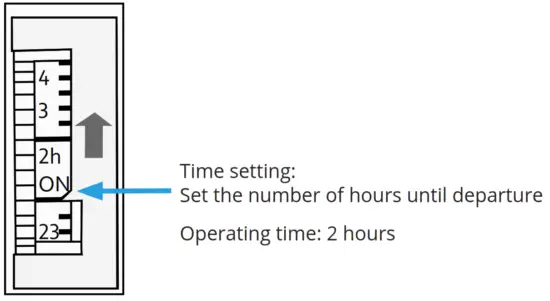
Fixed charging cable
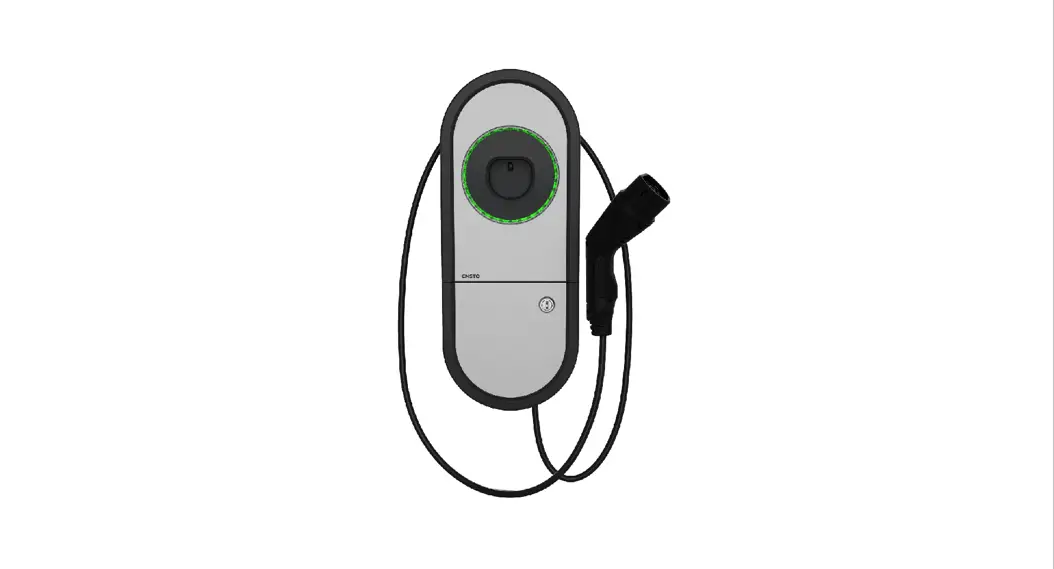
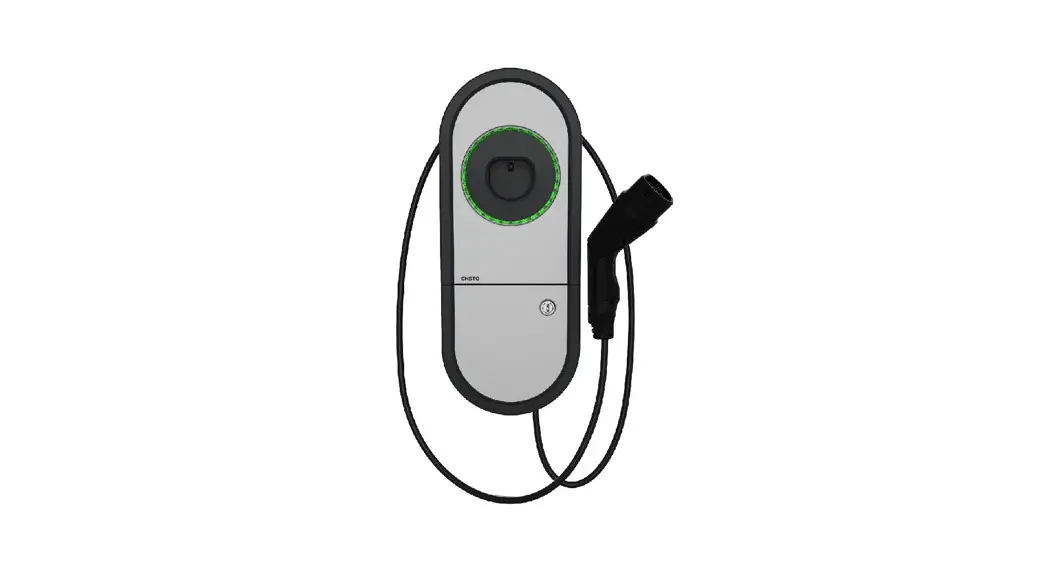
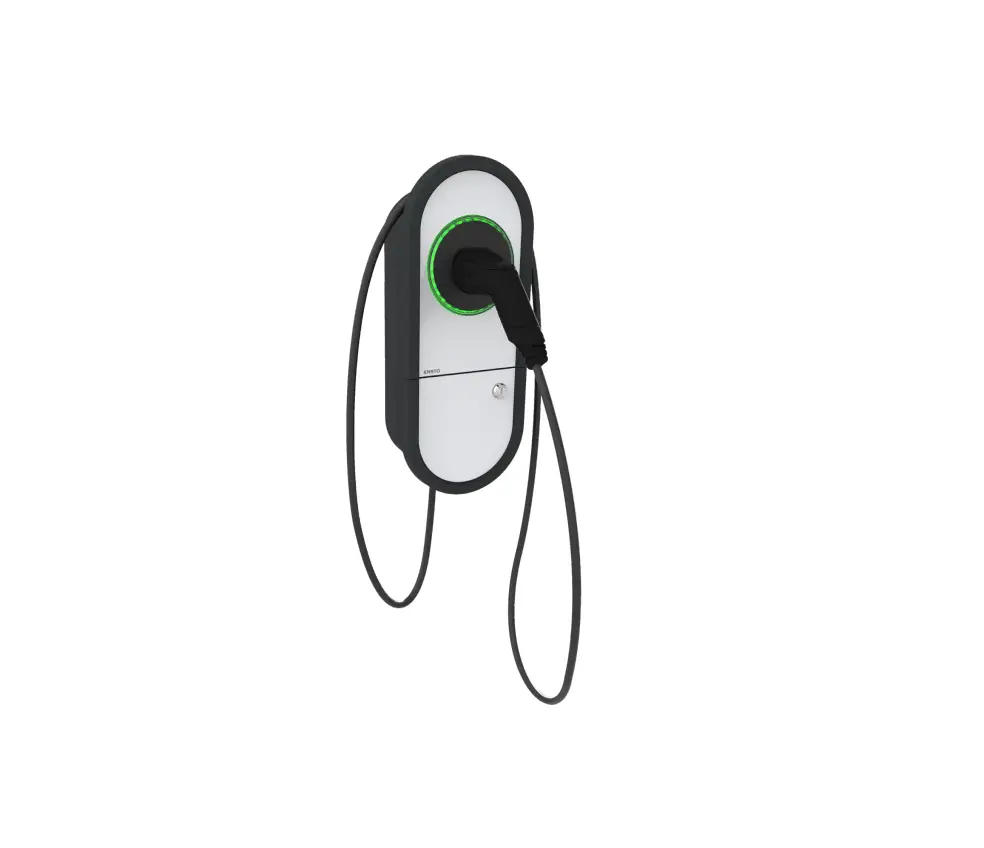
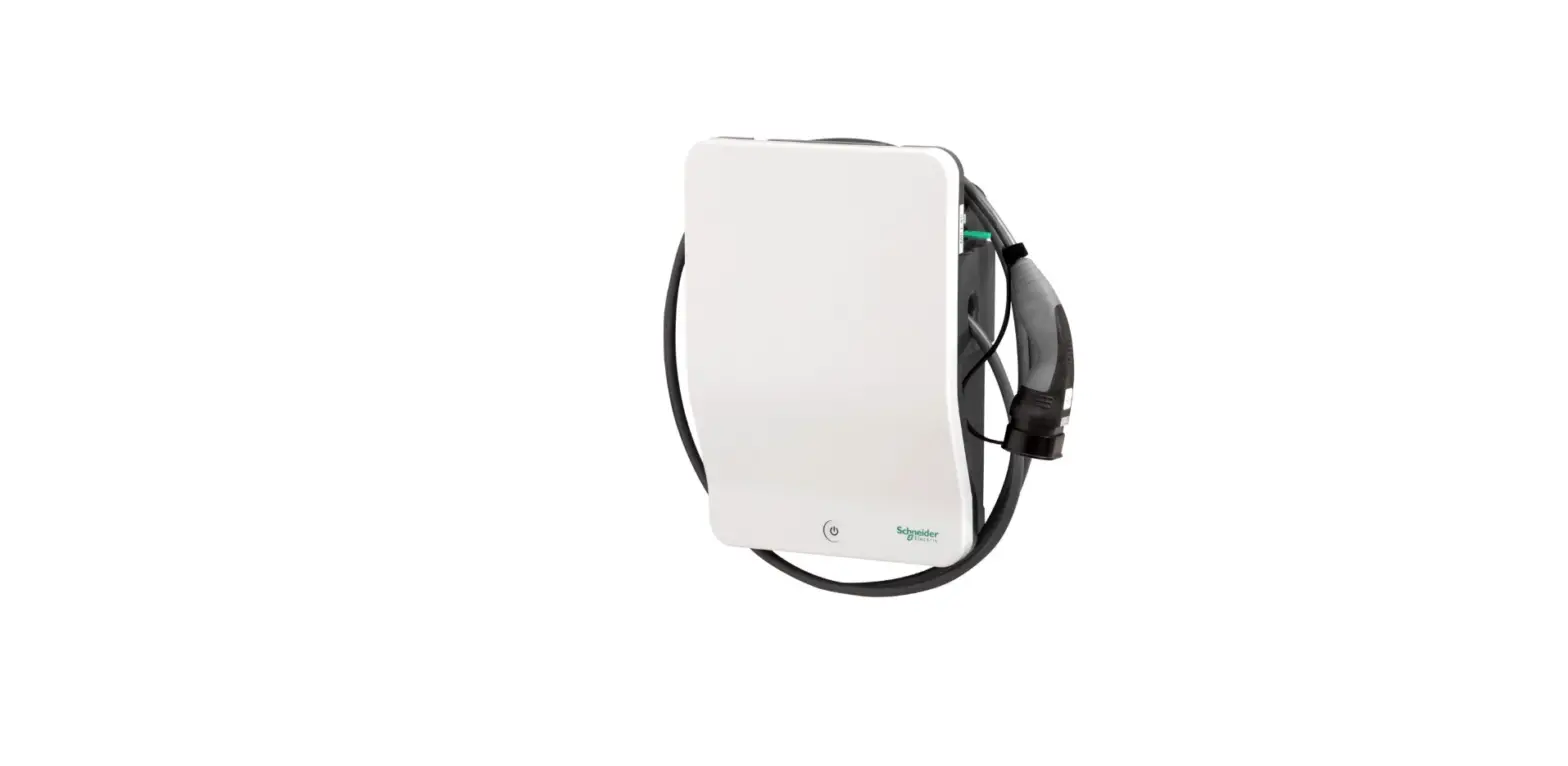
EVH161-ACRM0 and EVH321-ACRM0 are equipped with a fixed charging cable.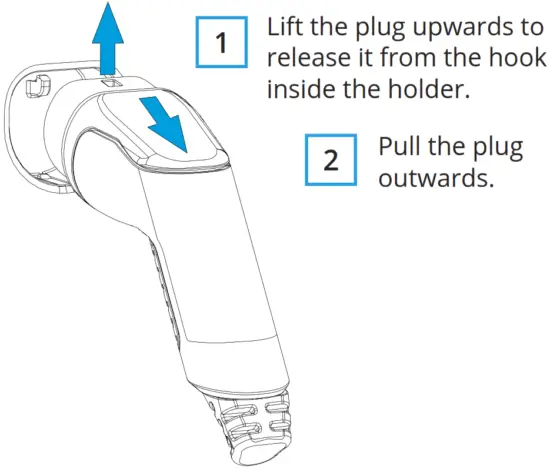
User Interfaces
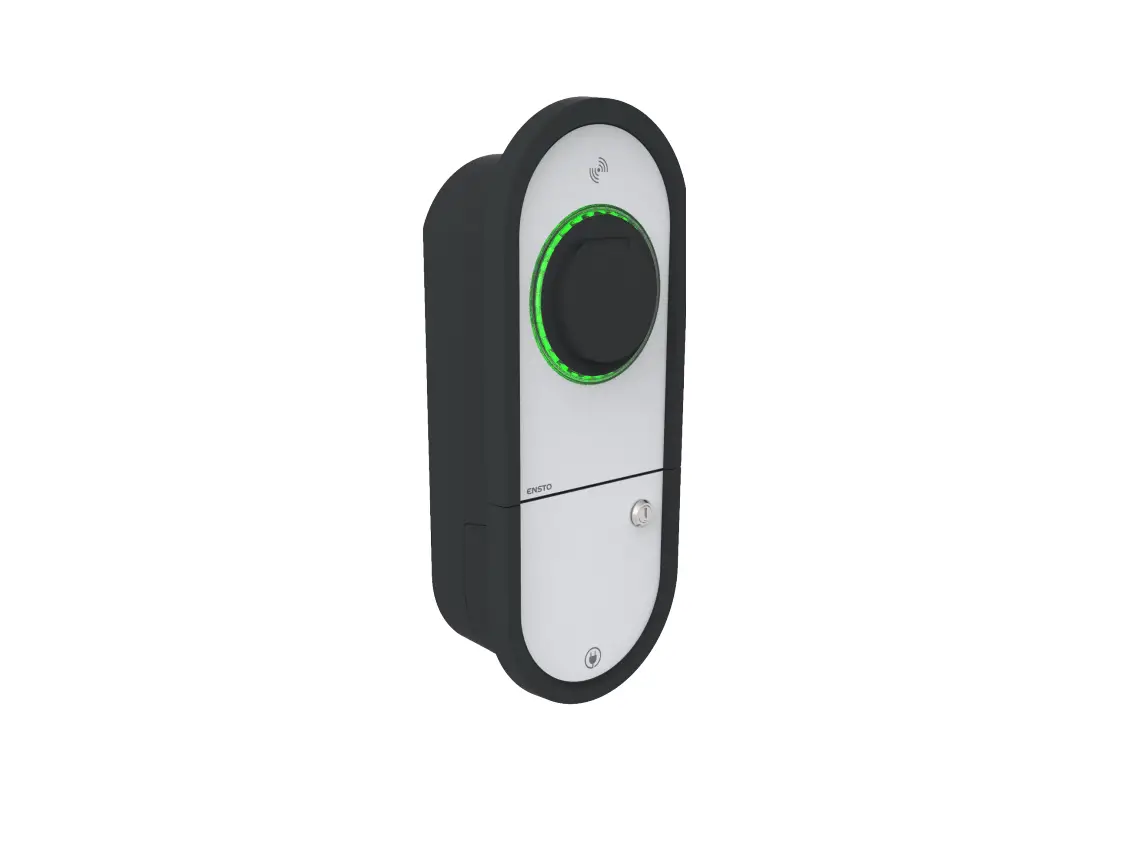
LED indicator lights will show the status of the charger as described below:
| Charger status | LED light | LED operation |
| The charger is free and ready to use | Green | Stable  |
| RFID read, authorization ongoing | Green | Flashing |
| Charging authorization rejected | Red | Flashing  |
| Authorization accepted, charging allowed | Green | Waving  |
| While you connect the charging cable | Green | Flashing twice |
| Your vehicle is connected, but charging has not started | Green | Waving |
| Your vehicle is connected and charging starts | Blue | Waving  |
| Charging ongoing | Blue | Stable  |
| Error state | Red | Stable |
| Internal maintenance of the charger is ongoing. Do not switch off the power or use the charger during maintenance. | Yellow | Stable  |
Free Charging
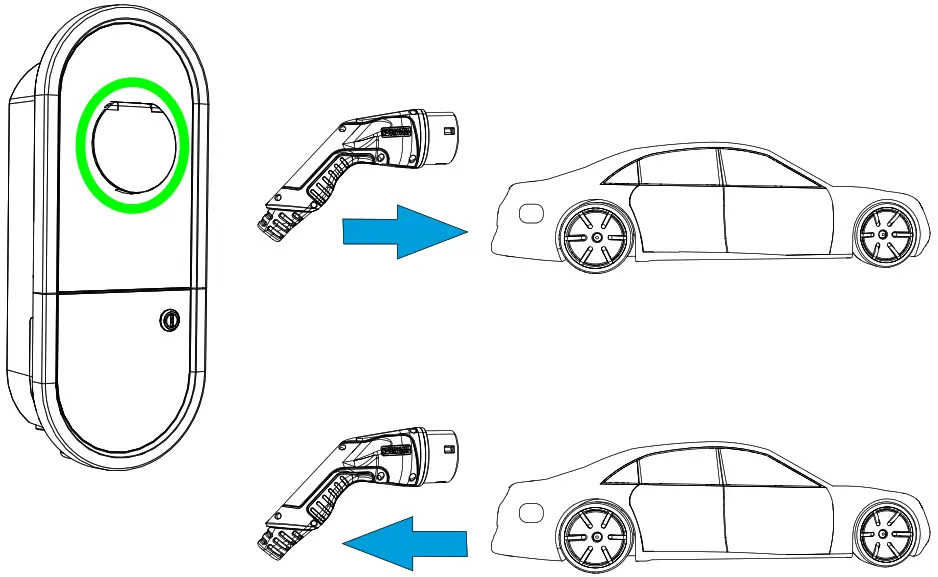
Start charging
When the charger is free and the LED indicator shows green, you can start a charging event.
Plugin your electric vehicle.
The LED indicator turns to stable blue.
Stop charging
Unplug your electric vehicle.
After you have unplugged the charger is free for the next user.
Charging with RFID
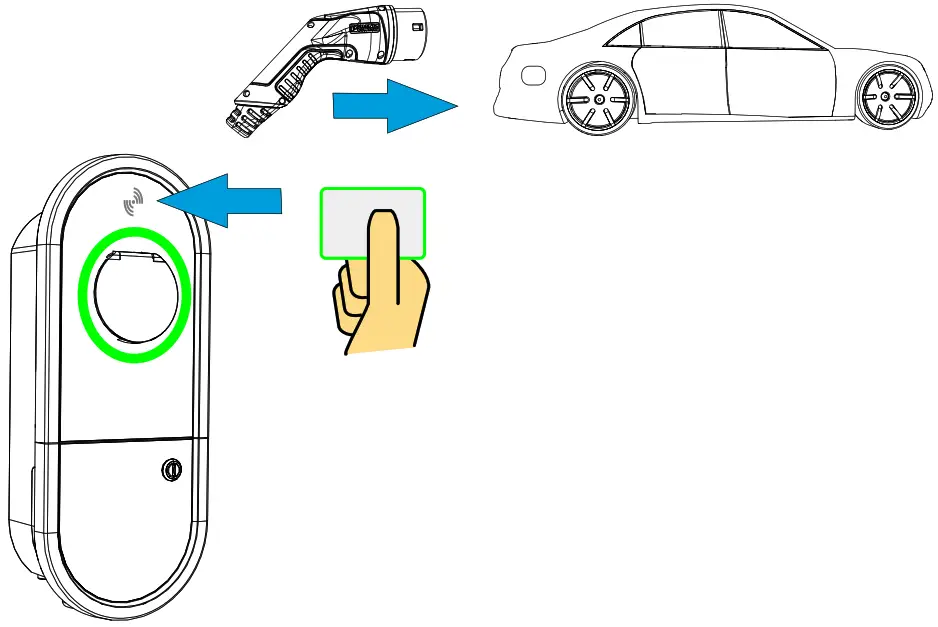
You need an RFID tag that has permission to access the charger.
Start Charging with RFID
- Plug the charging cable into your electric vehicle.
Plug the charging cable into the charger (models with a separate charging cable). - Show the RFID tag to the RFID reading area.
While the RFID tag is read, the LED indicator flashes green and verifies the user’s permission to charge.
• If the user authorization is rejected, the LED indicator flashes red.
• If the user authorization is accepted, the indicator light turns to wave green. - The charging event starts.
• The LED indicator turns to stable blue.
Stop Charging with RFID
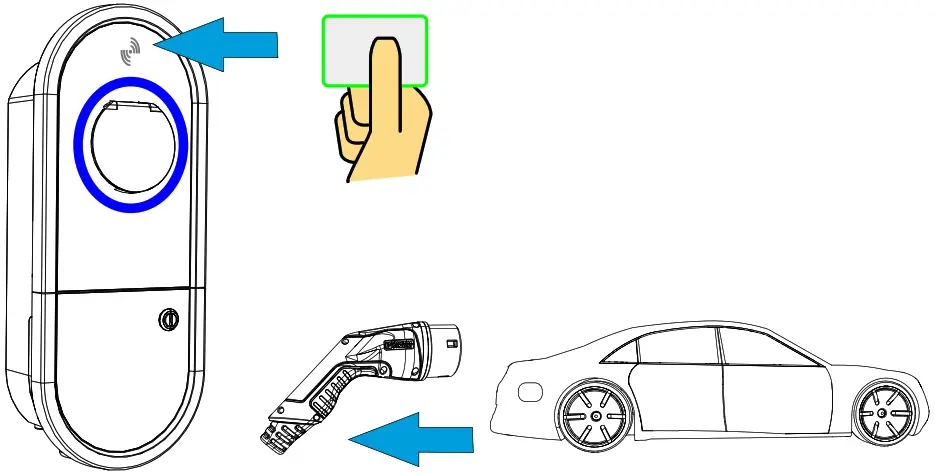
- Show the RFID tag to the RFID reading area.
The charging event ends.
• The LED indicator turns to wave green. - Unplug the charging cable from the charger (models with a separate charging cable).
Unplug the charging cable from your electric vehicle.
 https://www.ensto.com/eoinst
 Ensto Chago Oy
Ensio Miettisen katu 2, P.O. Box 77
FIN-06101 Porvoo, Finland
Tel. +358 204 76 21
 Ensto – Leading Expert for Distribution System Operators