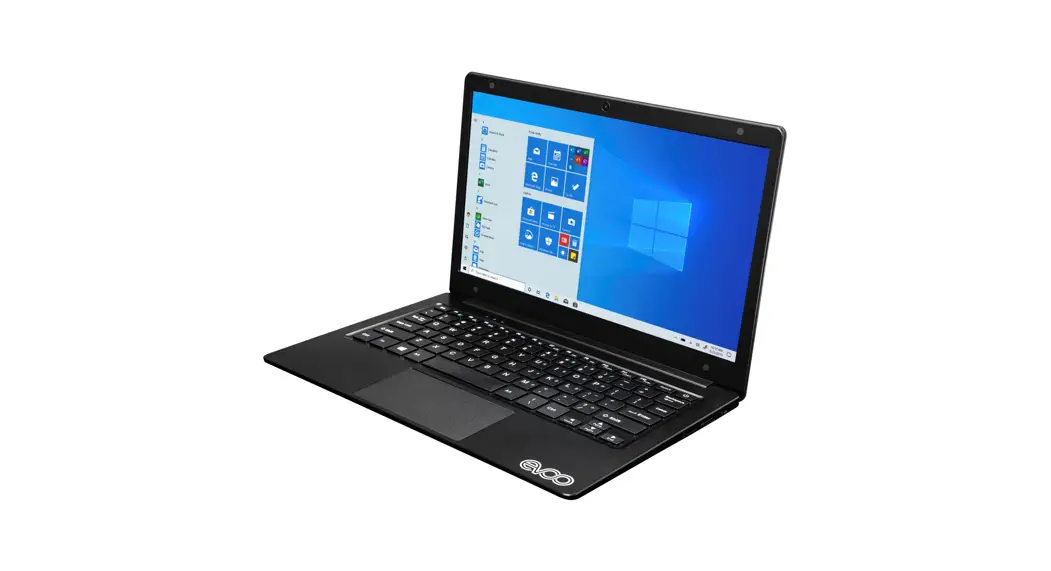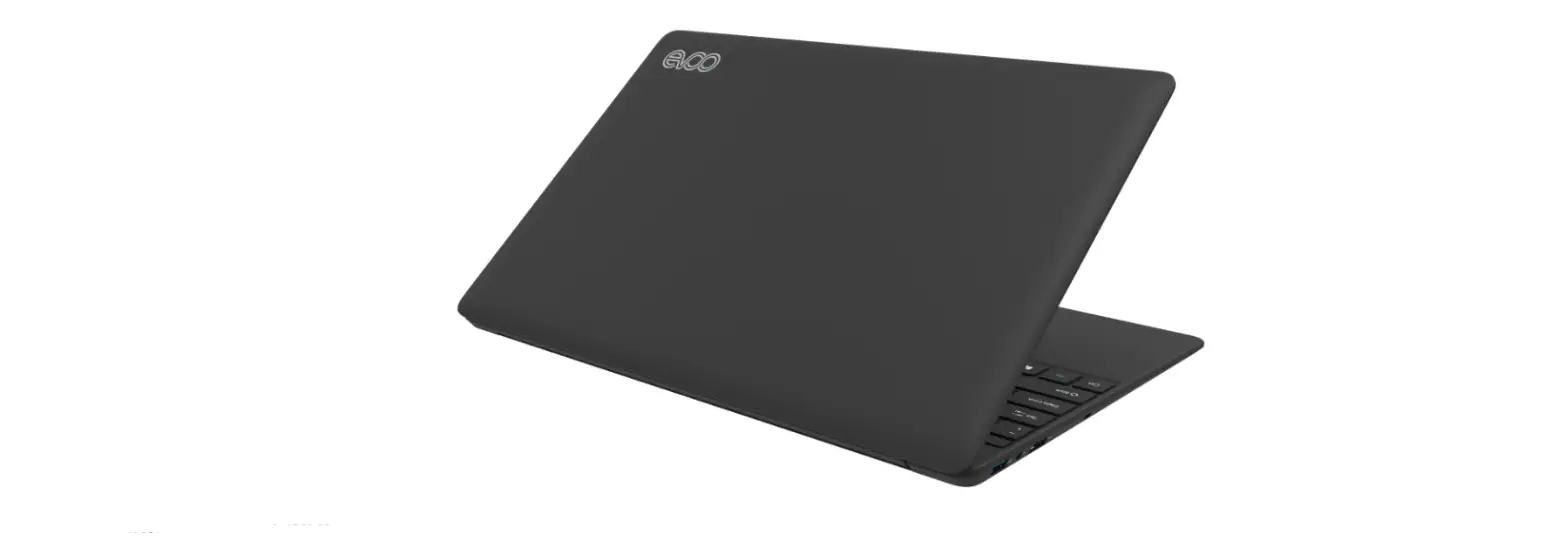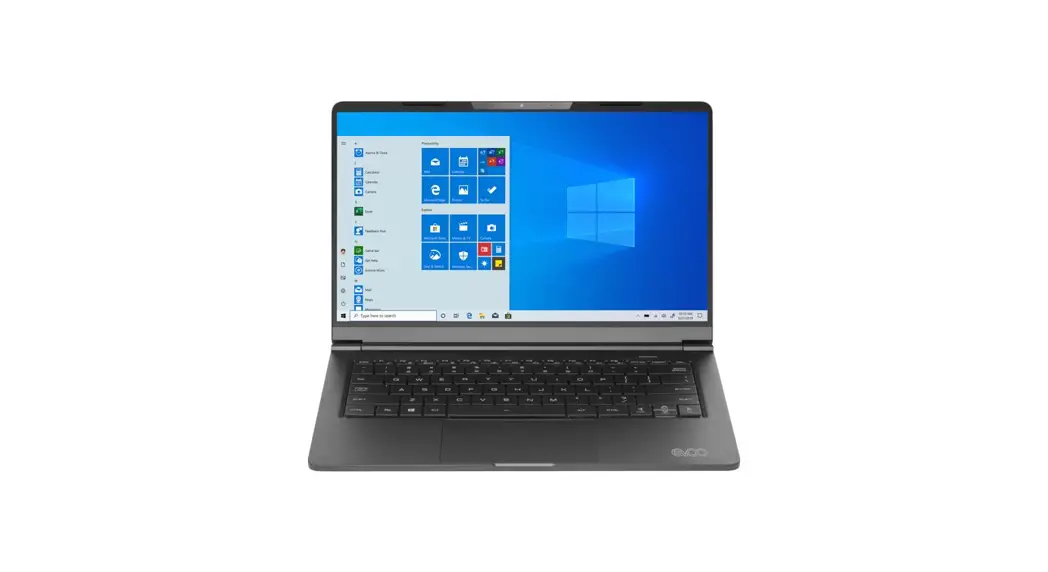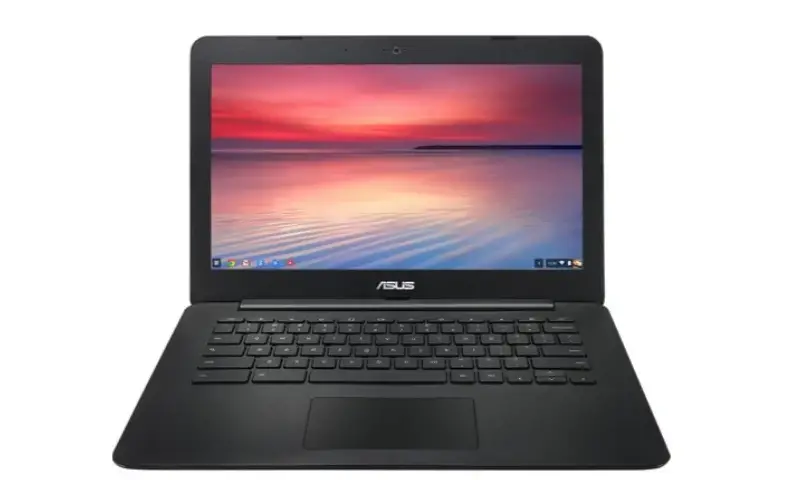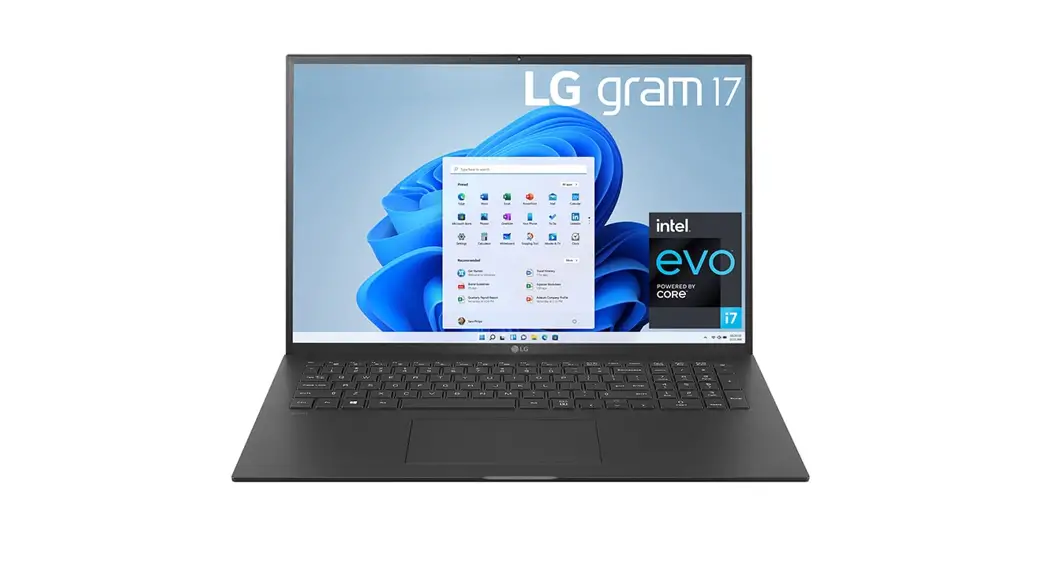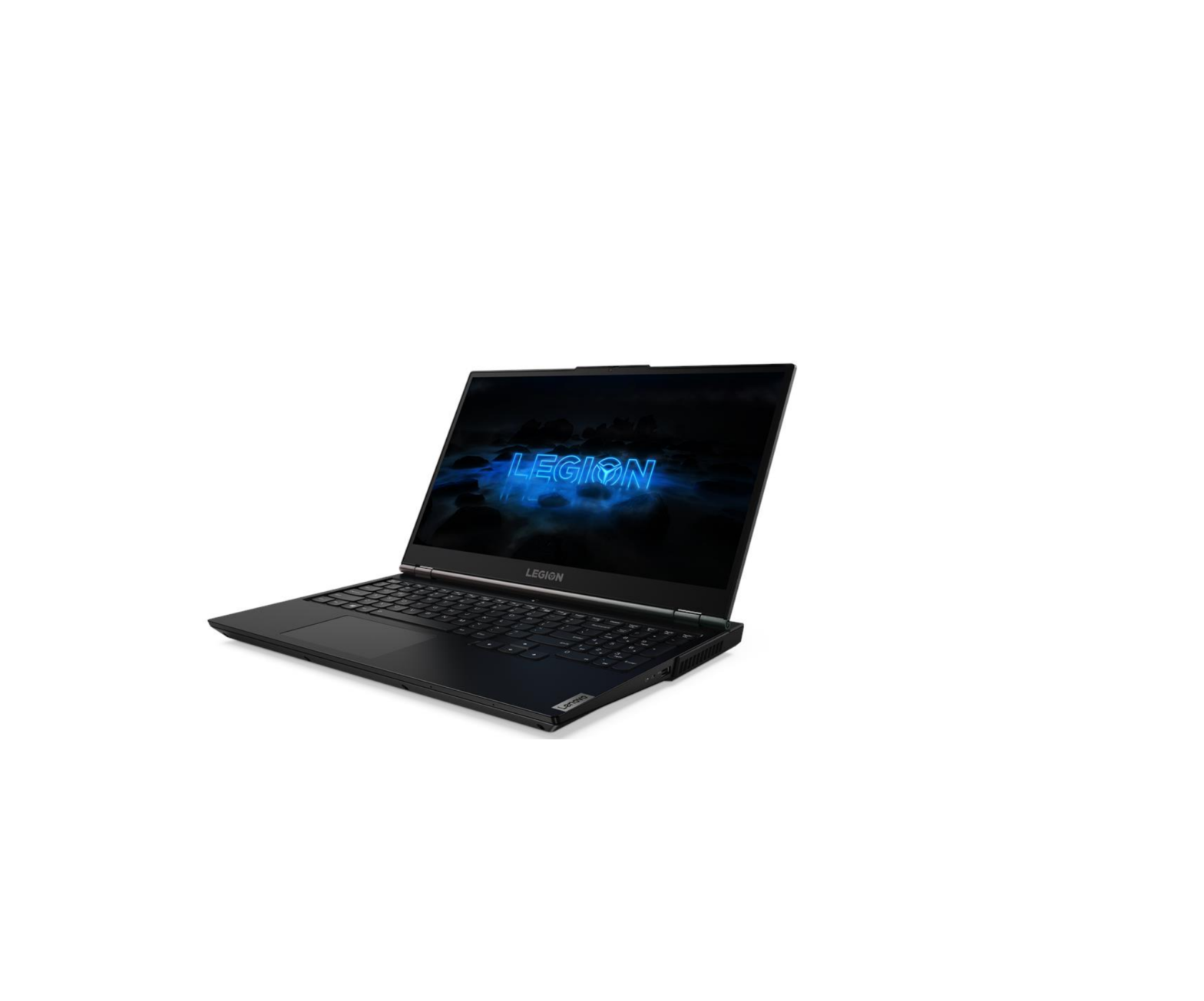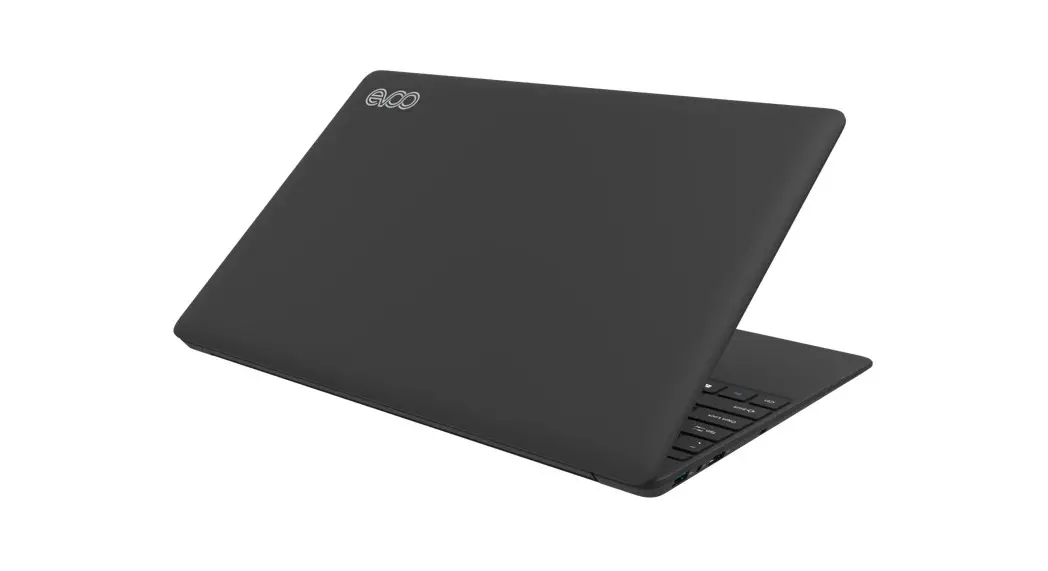

EVC156- 1& EVC156- 2
www.evooproducts.com
Start Hear
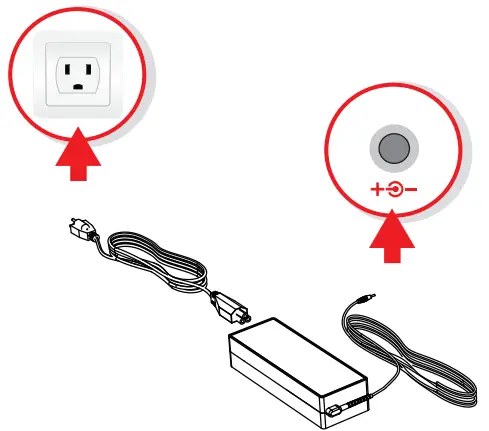
- Plug Power Adapter Into Wall Outlet

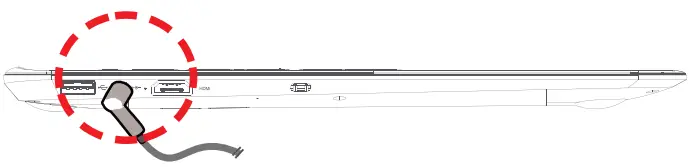
- Plug Power Adapter Into Laptop

- Plug Power Adapter Into Laptop

- Follow the on-screen Windows prompts to finish setting up
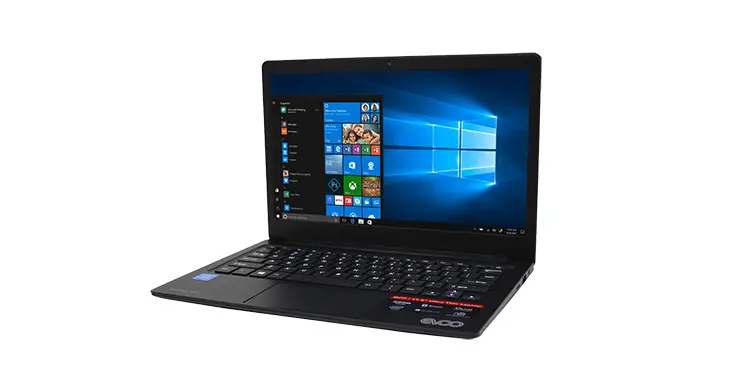
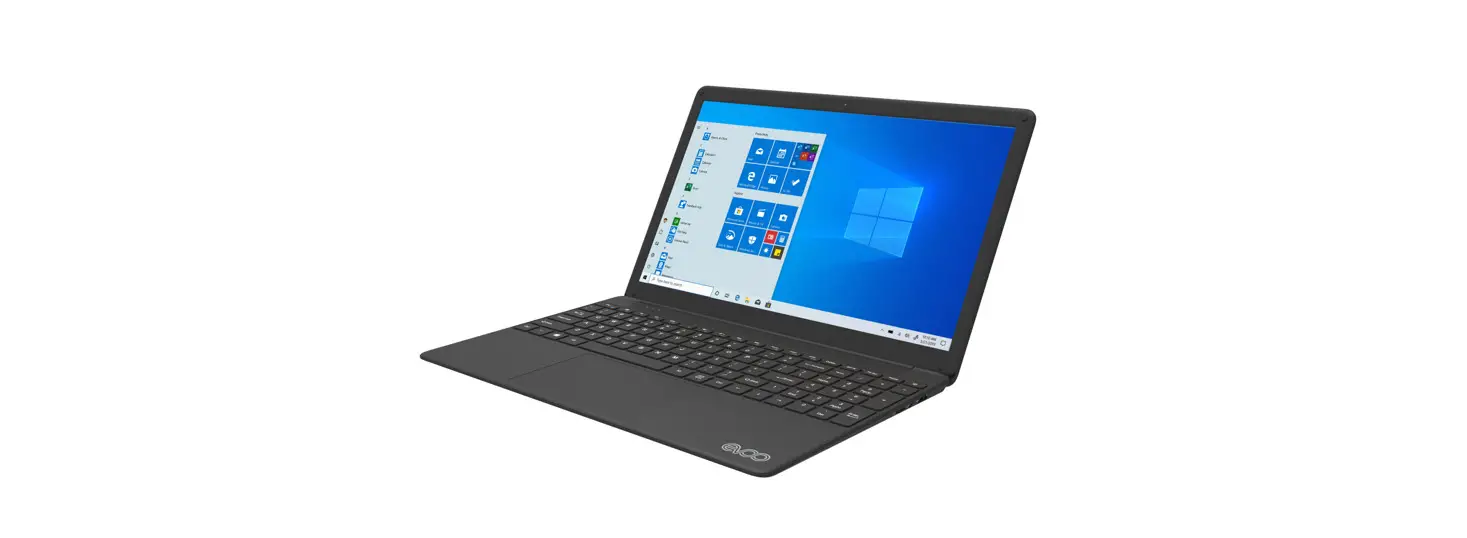
Exterior Features
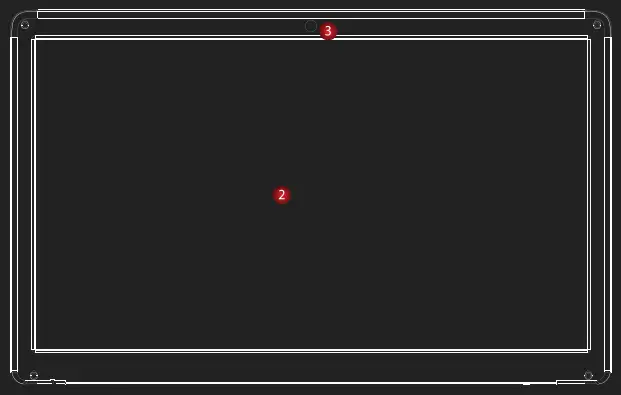
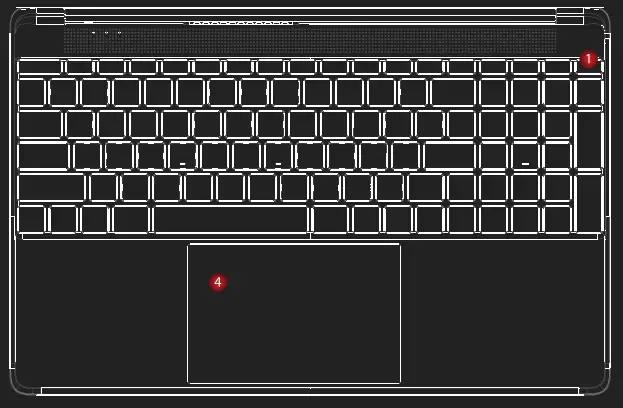
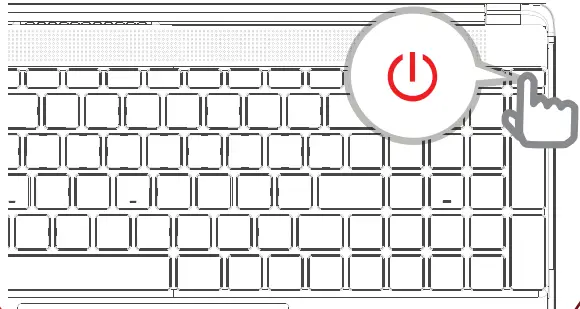
- Power Button
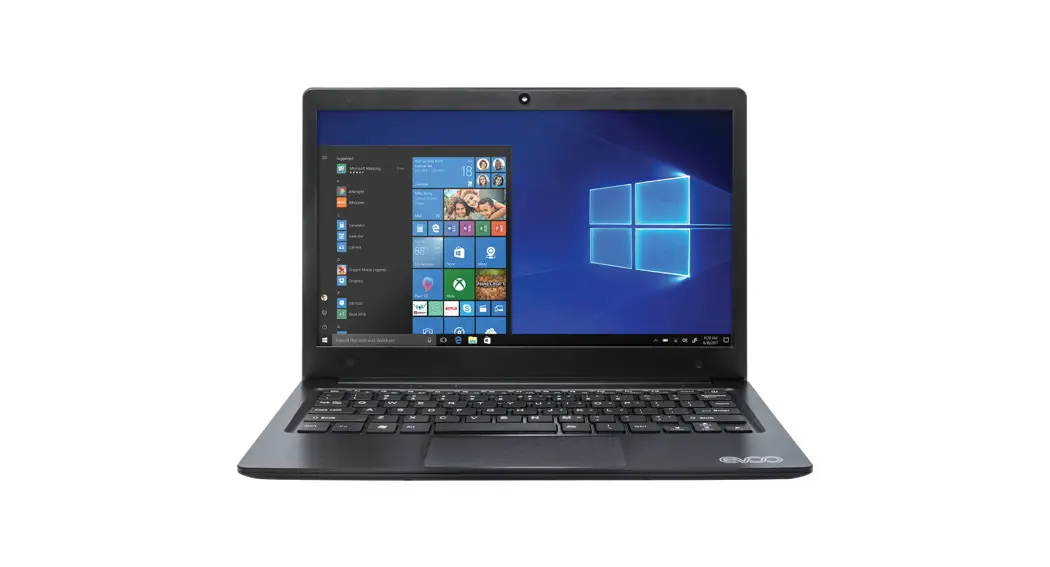
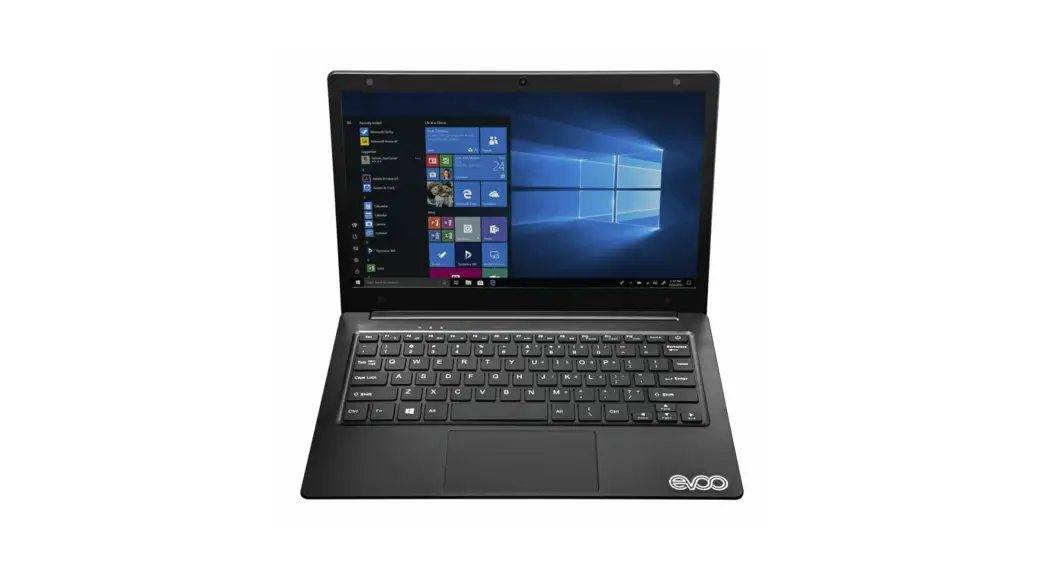
- LCD Screen
- Camera
- Touchpad7 JSB
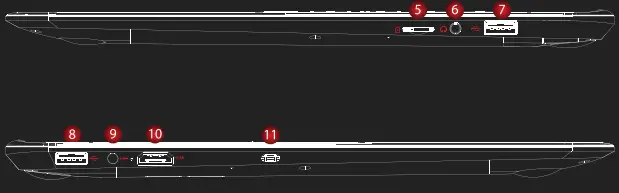
- Micro SD Slot
- Headphone Port
- USB 3.0
- USB 3.0
- Power Connector
- HDMI Output
- Kensington Lock
What’s in the box
- Laptop
- Power Adapter
- Warranty Book
- Quick Start Guide
Caution: The AC adapter included with your PC was specifically designed and approved for your model. The utilization of an after-market adapter may damage either the notebook or other devices connected to it. If damage is determined to have been caused by the utilization of an unauthorized power supply, it will not be protected under warranty. EVOO customer service center directly at [email protected] or call (888) 999-1682.