 EV-C-116-7
www.evooproducts.com
Start Here
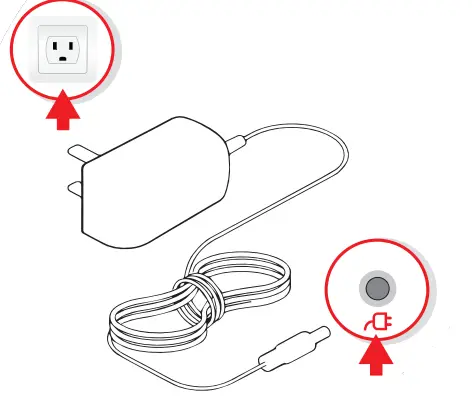
- Plug Power Adapter Into Wall Outlet

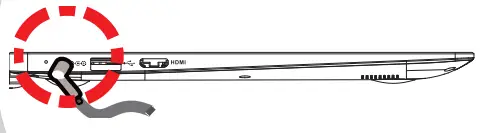
- Plug Power Adapter Into Laptop

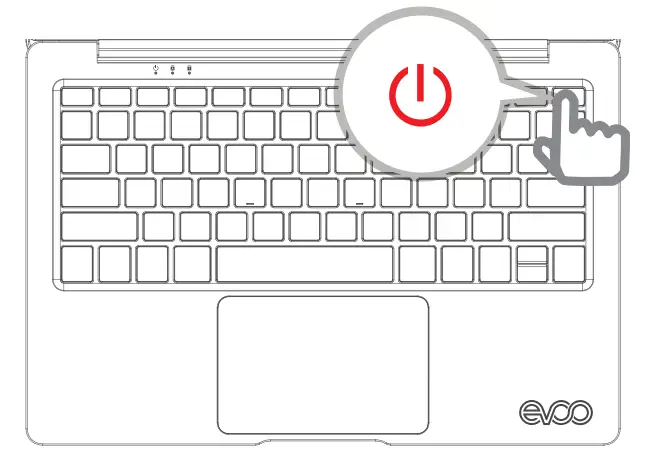
- Press and Release the Power Button

- Follow the on-screen Windows prompts to finish setting up
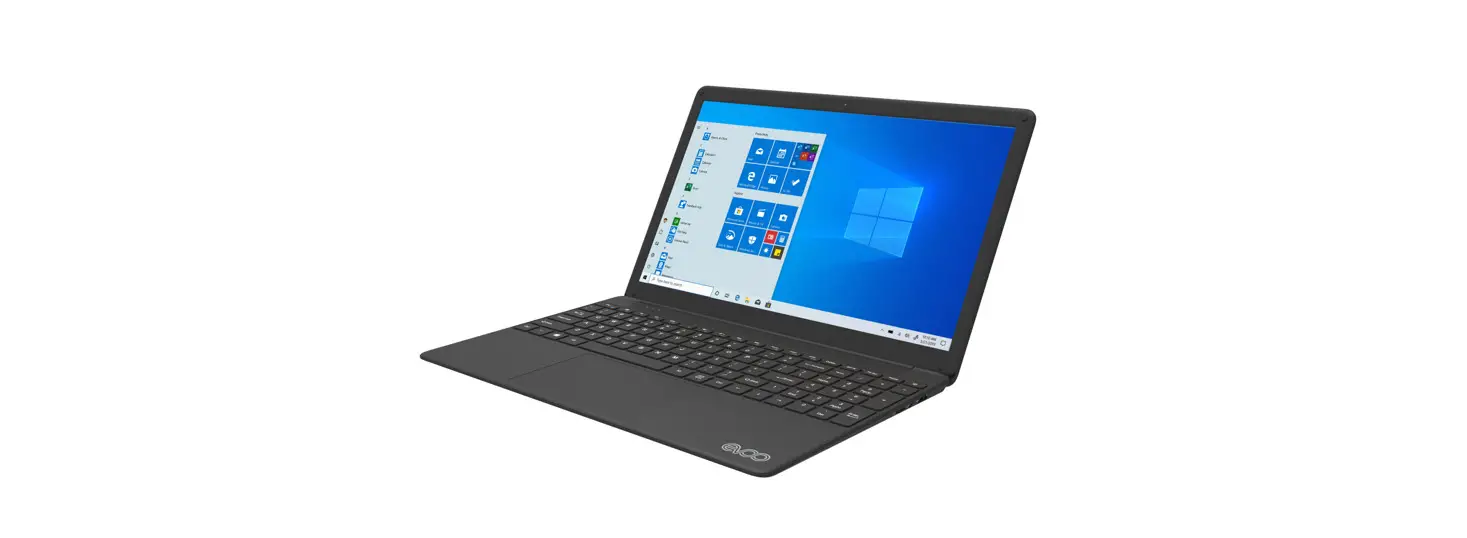
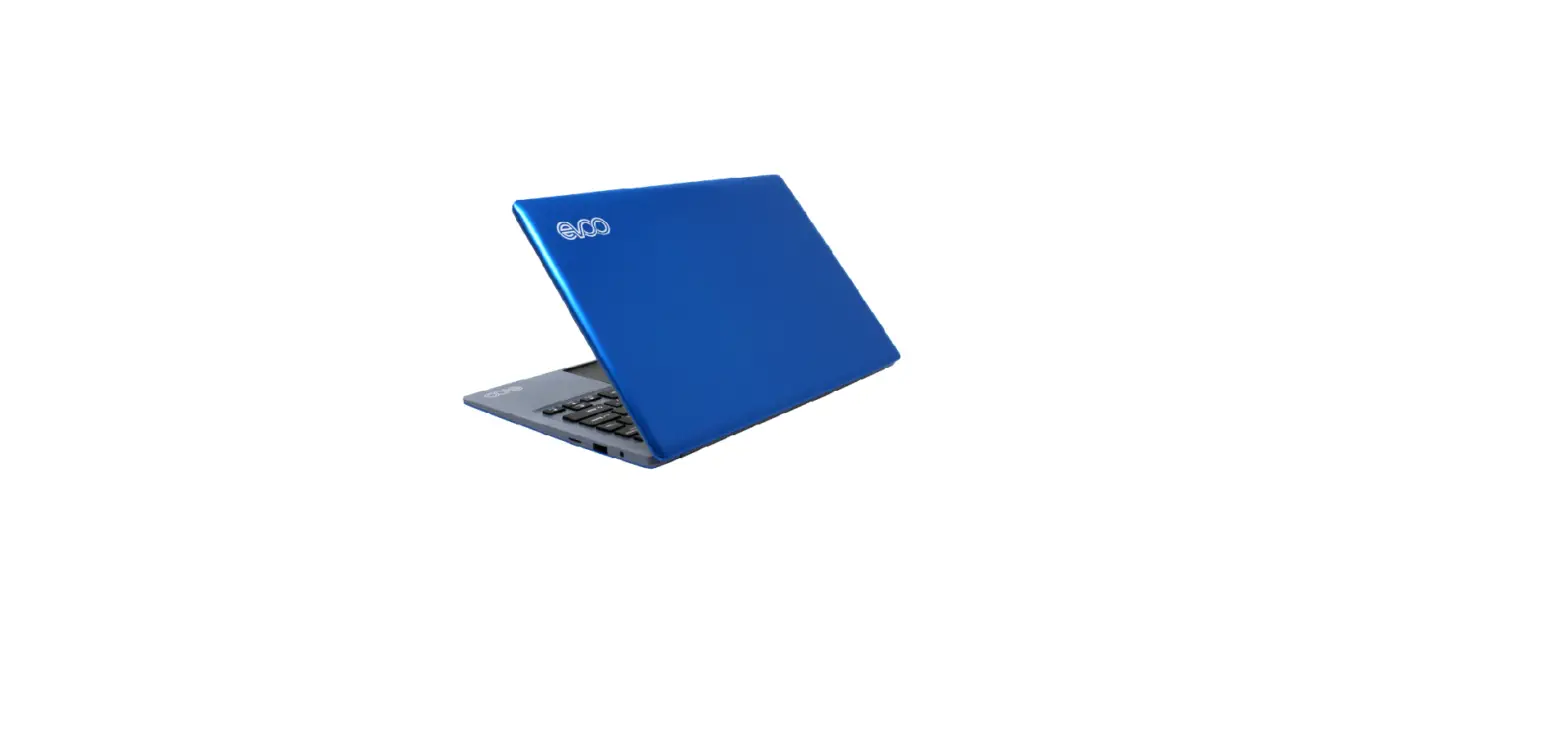
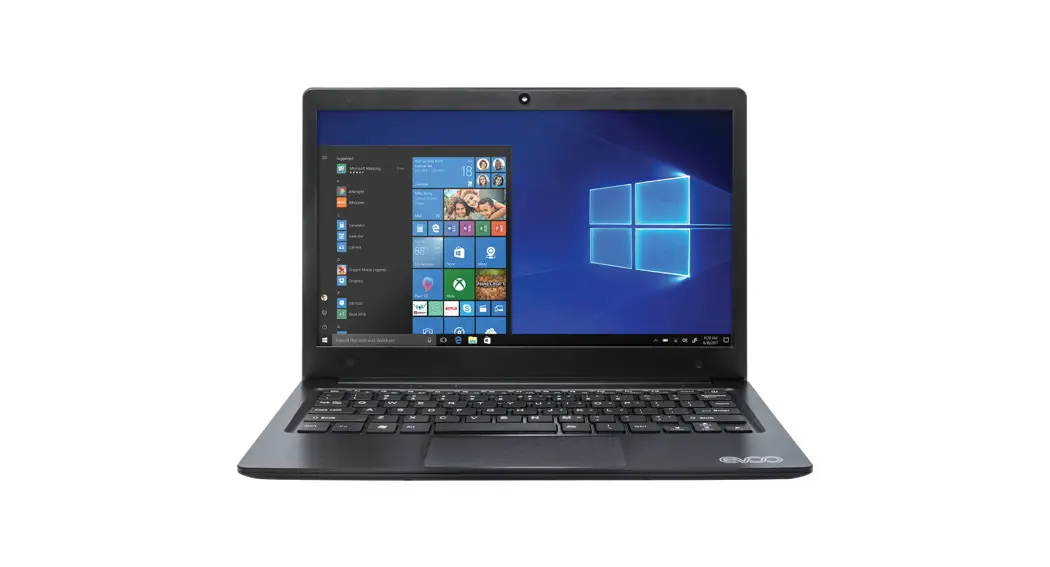
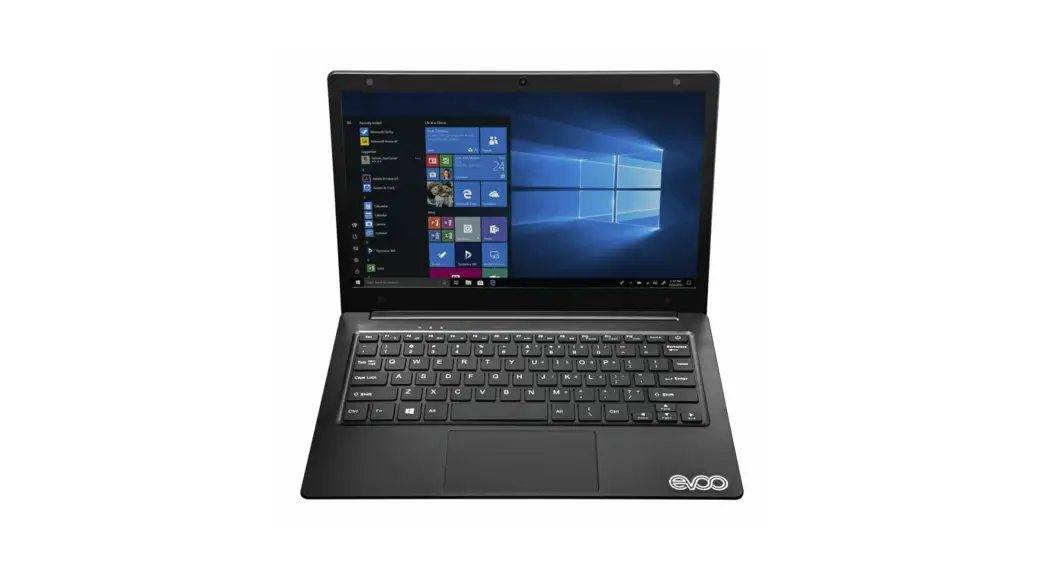
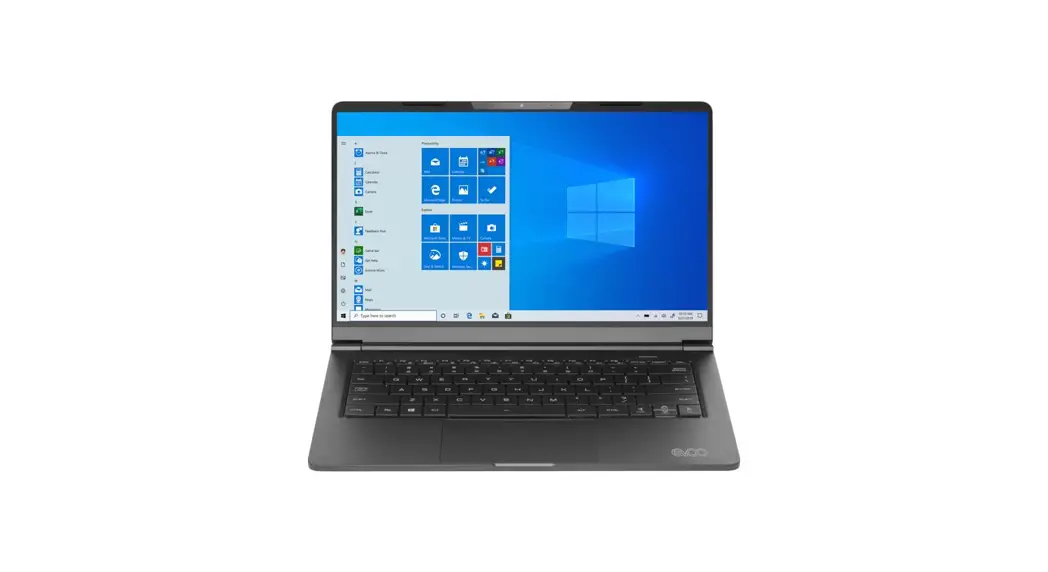
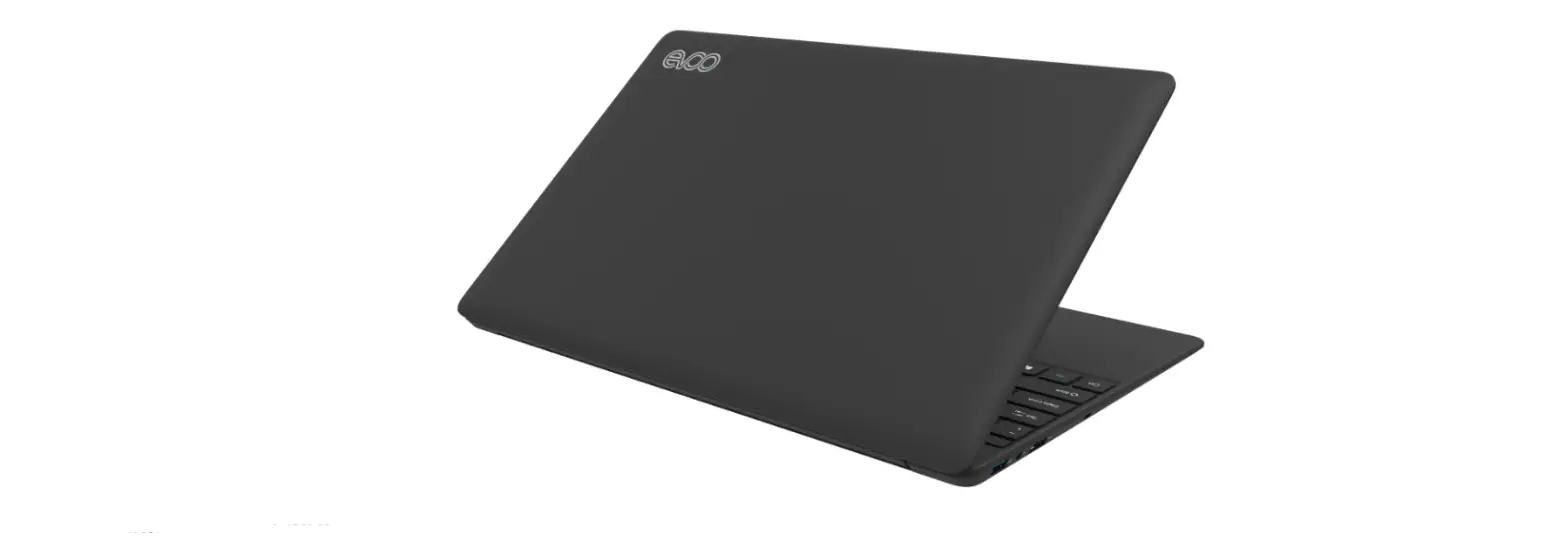
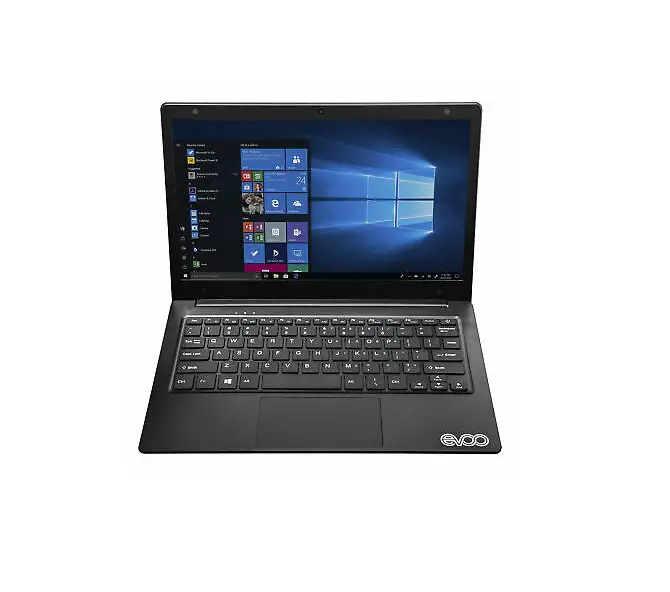
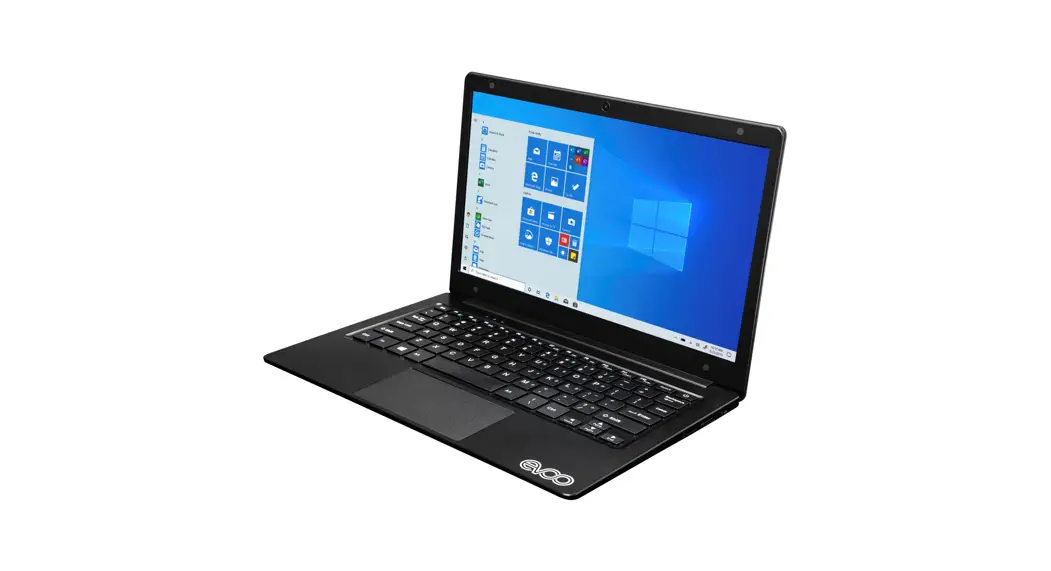
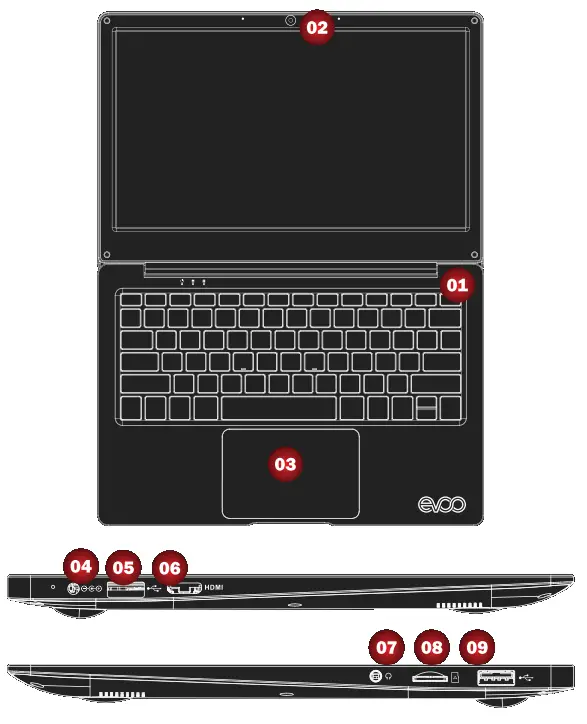
Exterior Features
 Power Button
- Camera
- Touchpad
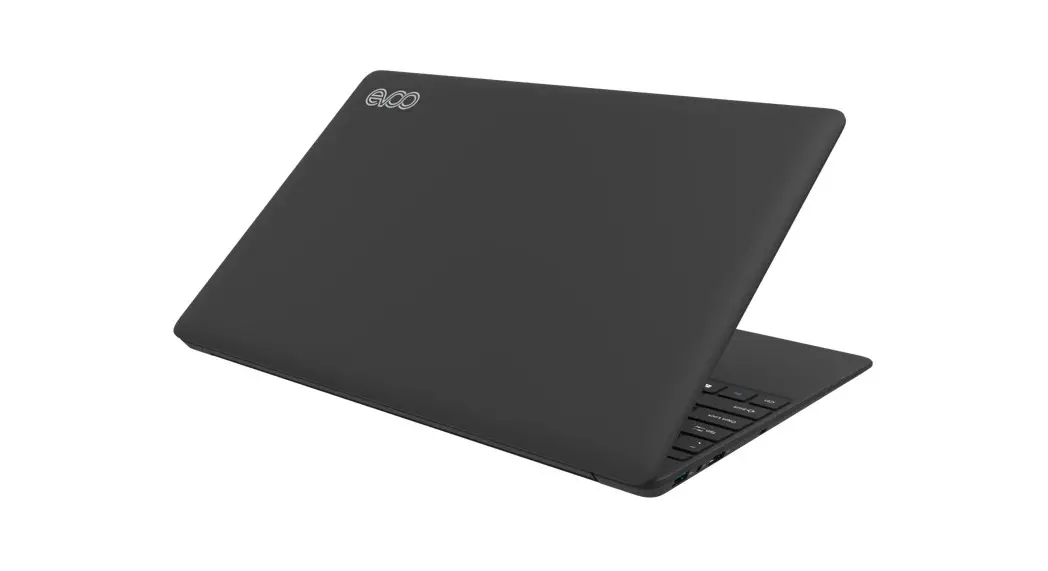
- Charging Port
- USB
- Mini HDMI
- Headphone Port
- Micro SD Slot
- USB 2.0
 Power Button
What’s in the box
- Laptop
- Power Adapter
- Warranty Book
- Quick Start Guide
Caution: The AC adapter included with your PC was specifically designed and approved for your model. The utilization of an after-market adapter may damage either the notebook or other devices connected to it. If damage is determined to have been caused by the utilization of an unauthorized power supply, it will not be protected under warranty.
EVOO customer service center directly at [email protected] or call (888) 999-1682. 2020 EVOO is a registered trademark of EVOO Products, LLC.
FCC regulatory conformance:
This device complies with Part 15 of the FCC Rules. Operation is subject to the following two conditions:
(1) This device may not cause harmful interference.
(2) This device must accept any interference received, including interference that may cause undesired operation.
NOTE: This equipment has been tested and found to comply with the limits for a Class B digital device, pursuant to part 15 of the FCC Rules. These limits are designed to provide reasonable protection against harmful interference in a residential installation. This equipment generates uses and can radiate radio frequency energy and, if not installed and used in accordance with the instructions, may cause harmful interference to radio communications. However, there is no guarantee that interference will not occur in a particular installation. If this equipment does cause harmful interference to radio or television reception, which can be determined by turning the equipment off and on, the user is encouraged to try to correct the interference by one or more of the following measures:
- Reorient or relocate the receiving antenna.
- Increase the separation between the equipment and receiver.
- Connect the equipment into an outlet on a circuit different from that to which the receiver is connected.
- Consult the dealer or an experienced radio/TV technician for help
NOTE: The manufacturer is not responsible for any radio or TV interference caused by unauthorized modifications to this equipment. Such modifications could void the user’s authority to operate the equipment.
RF Exposure
The SAR limit of USA (FCC) is 1.6 W/Kg averaged over one gram of tissue. The device has also been tested against this SAR limit. This device was tested for typical body-worn operations with the back of the device kept 0mm from the body. To maintain compliance with FCC RF exposure requirements, use accessories that maintain a 0mm separation distance between the user’s body and the back of the device. The use of accessories that do not satisfy these requirements may not comply with FCC RF exposure requirements and should be avoided.