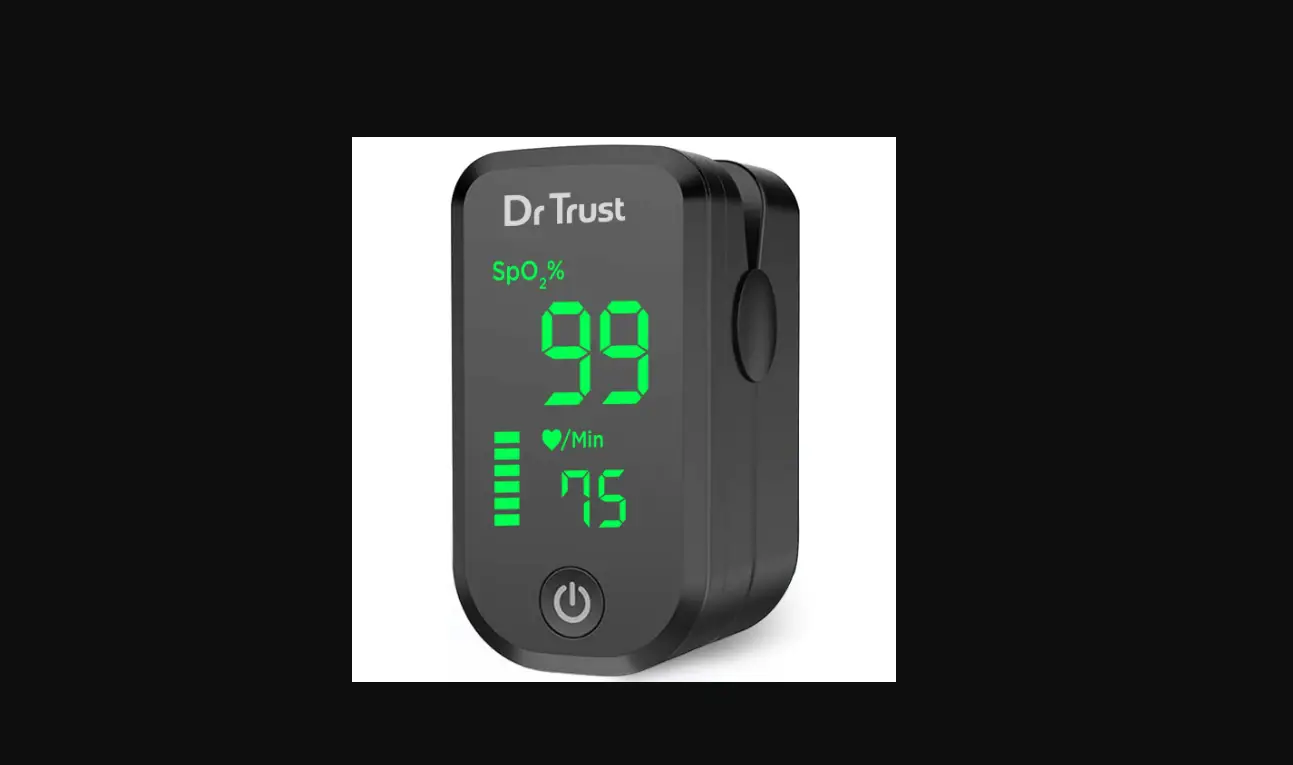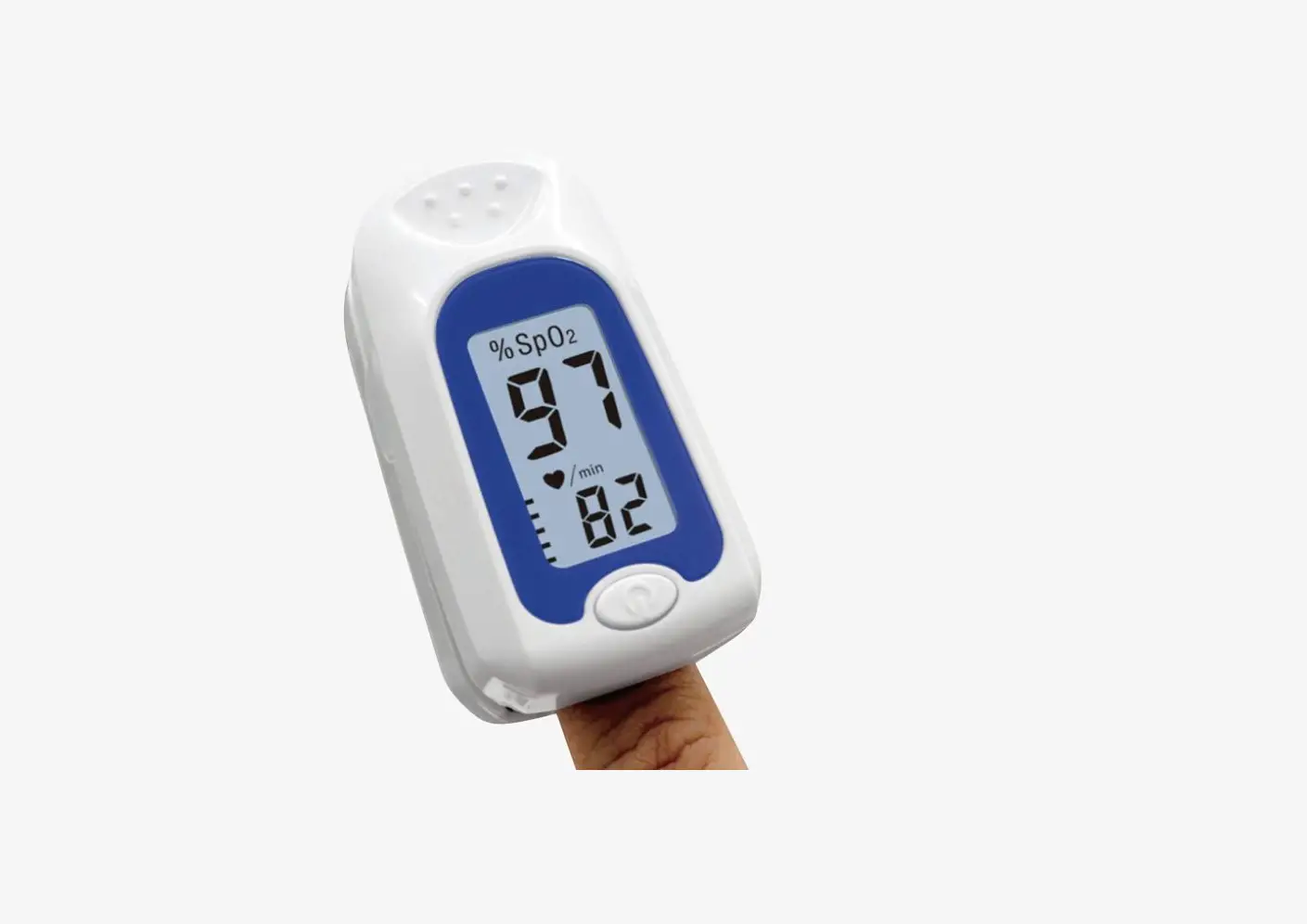
NORTH AMERICAN Wellness+ Oxygen Meter User Guide

Battery Installation
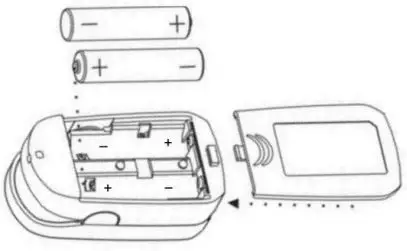
- Remove battery cover by gently sliding it away from the device
- Insert two AAA batteries with correctly aligned polarities. Note one side of battery contacts is designed with springs on both ends. Simply follow the engraving inside the battery compartment for battery orientation.
- Replace the battery cover.
Operating Guide
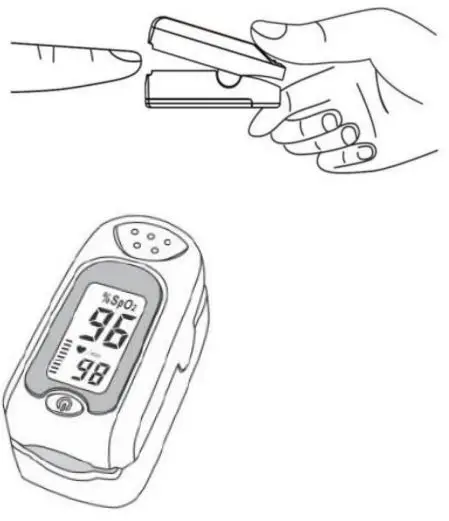
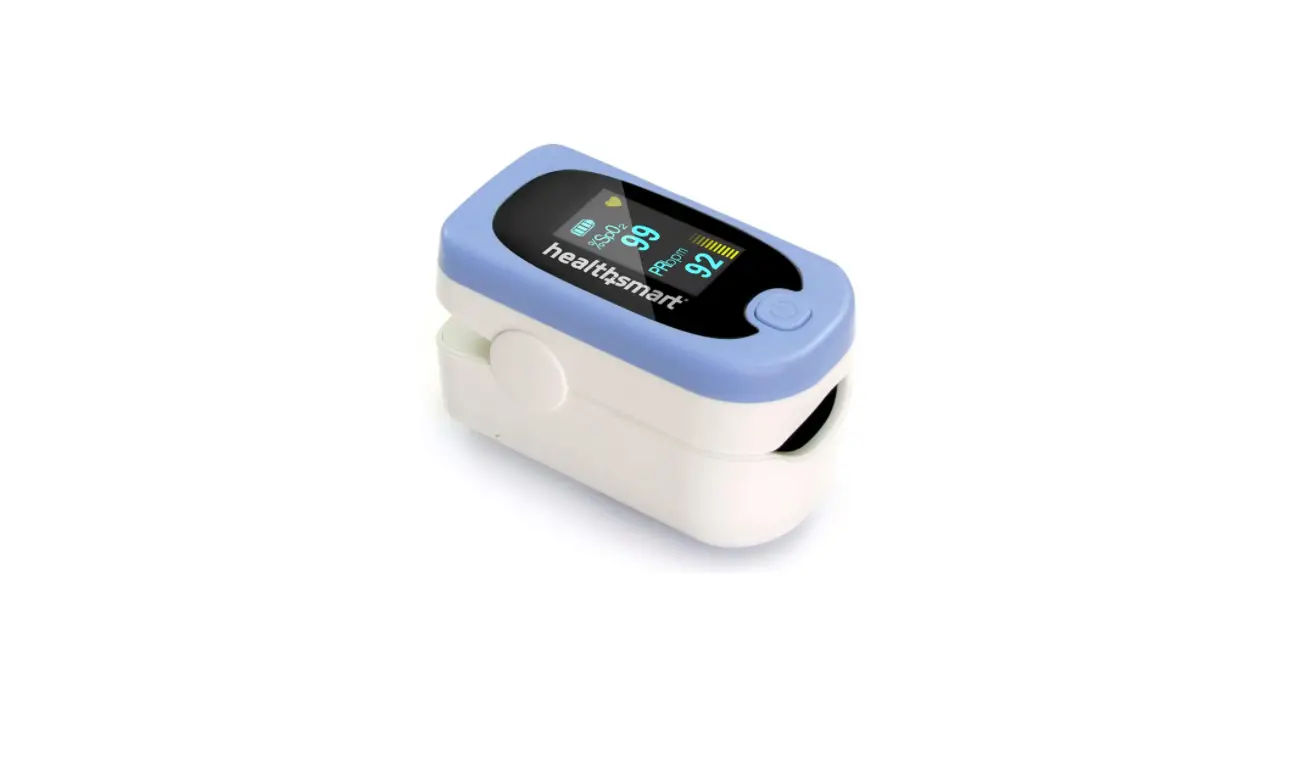
- Clamp one finger fully in to the rubber hole with nail facing upwards.
- Then press the power switch button on the front panel to start measurement.
- Read corresponding data on the display screen.
Note you must remain still and keep bright lights away from unit for accurate reading.