www.banggood.com
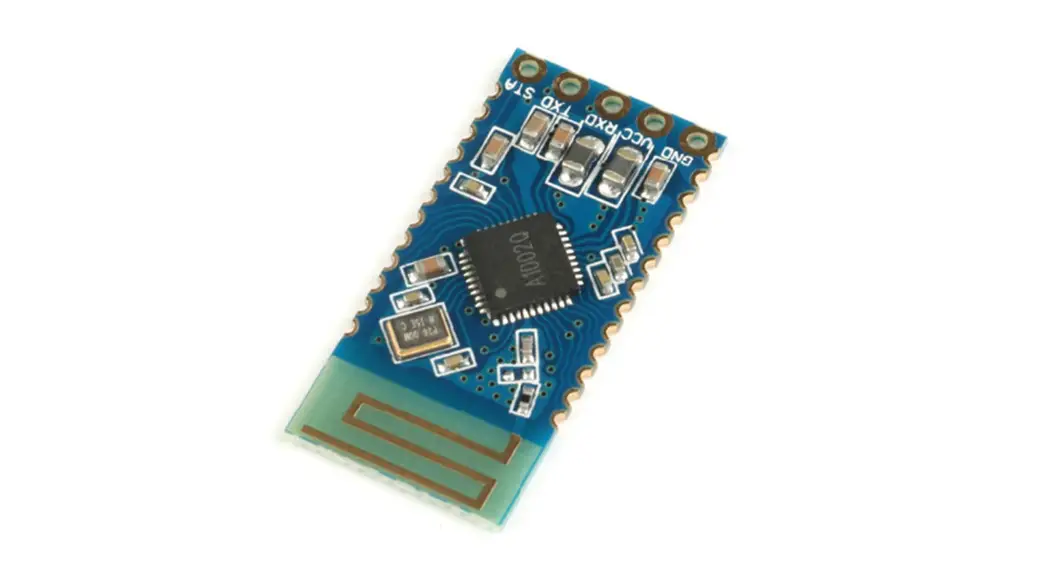
Audio + digital transmission dual-mode Bluetooth
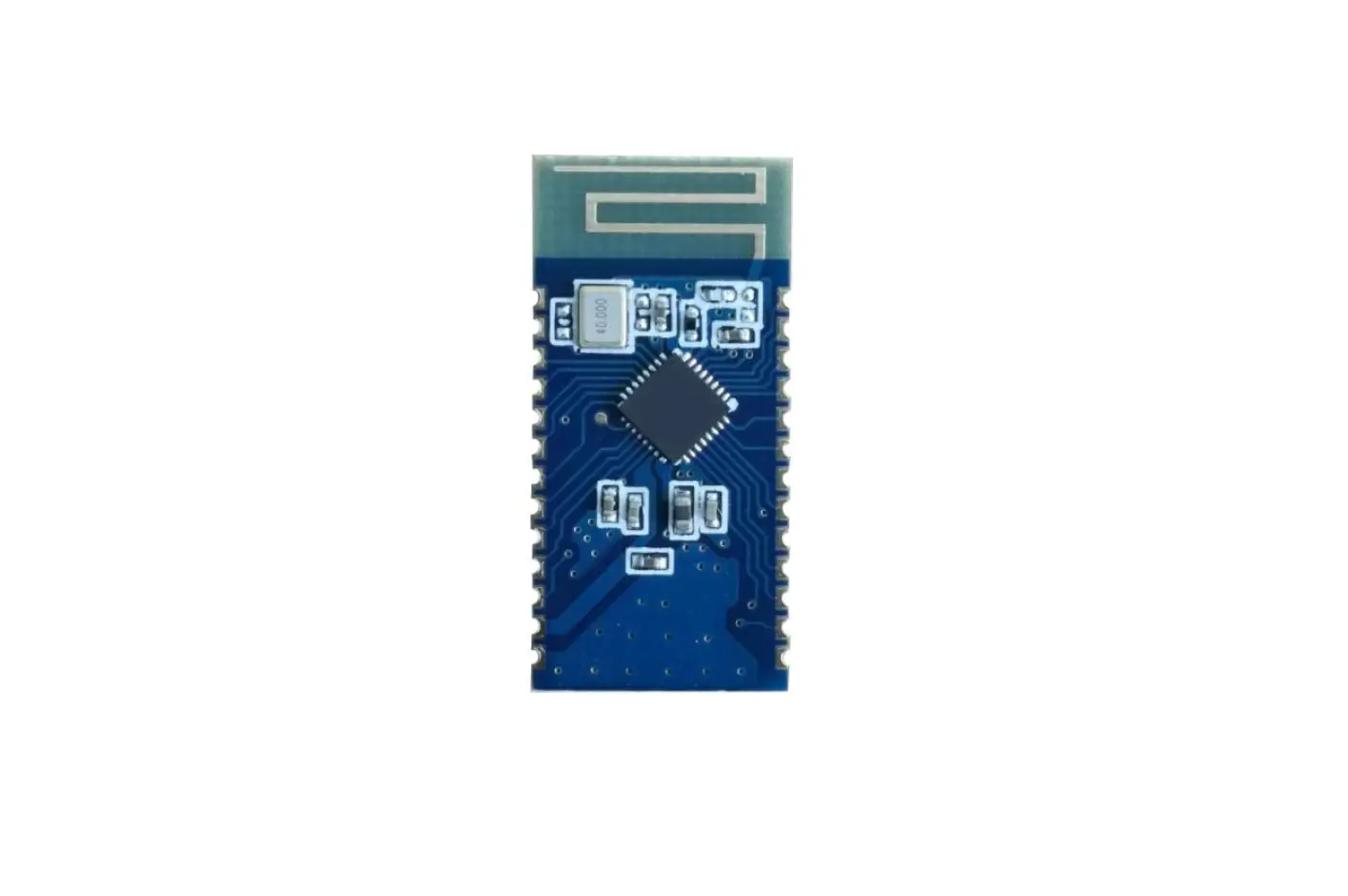
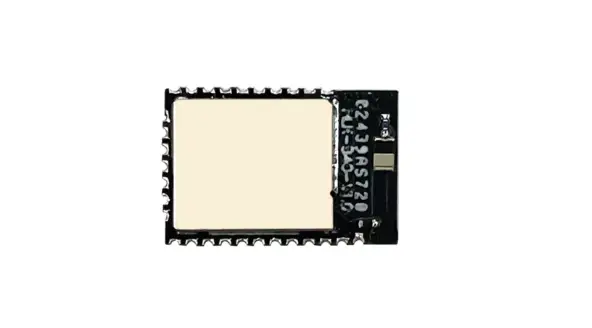
JDY-66 Bluetooth Module Manual
Release Notes:
| JDY-66-V1.2 | Release version |
| JDY-66-V1.3 | Solved the V1.2 version BLE transparent transmission can not send hex 0x00 BUG |
| Software not updated, only PDF manual updated | Updated MIC wiring pin, added MIC wiring method on the schematic |
Product introduction:
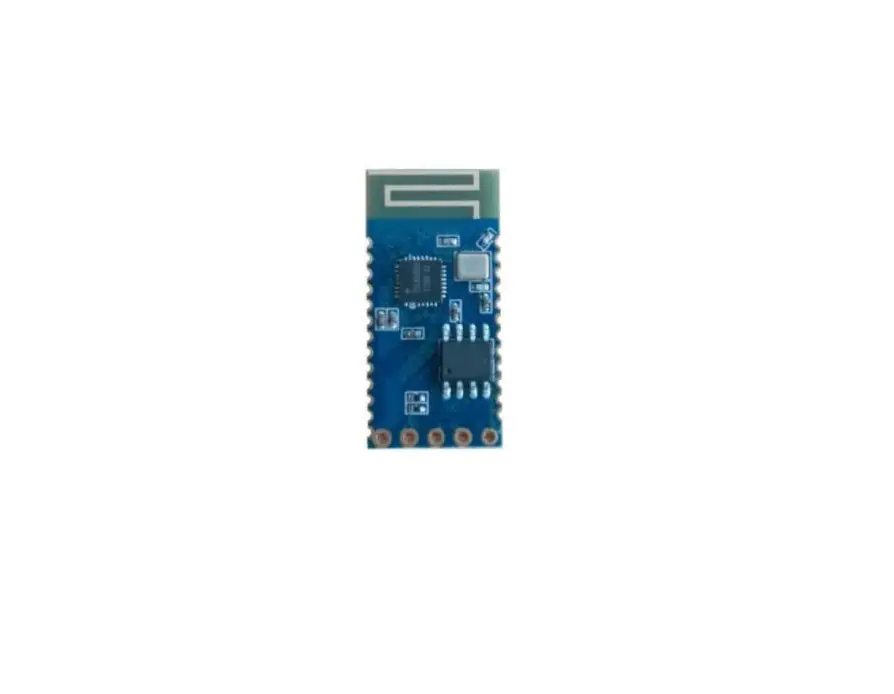
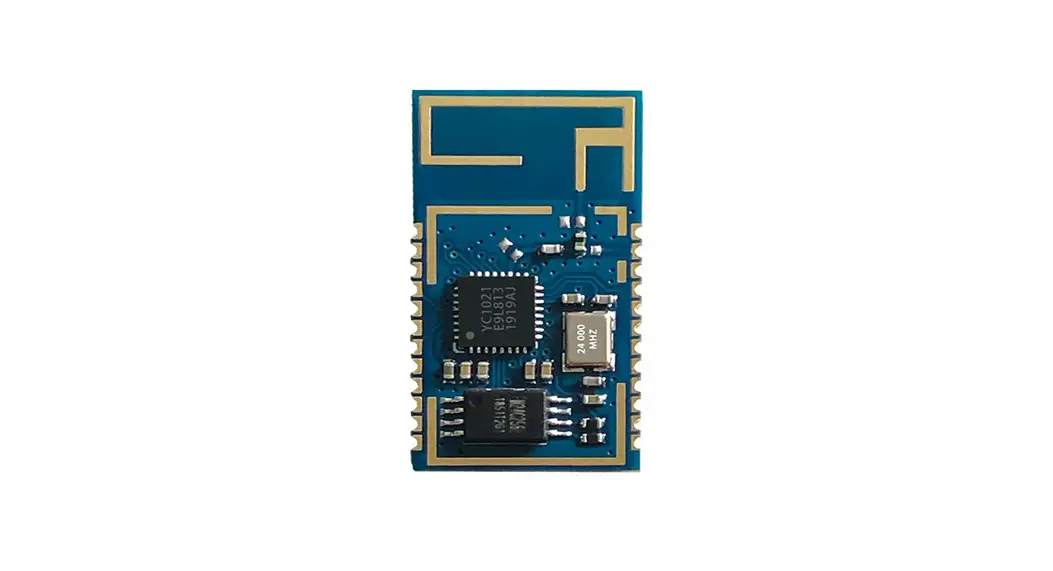
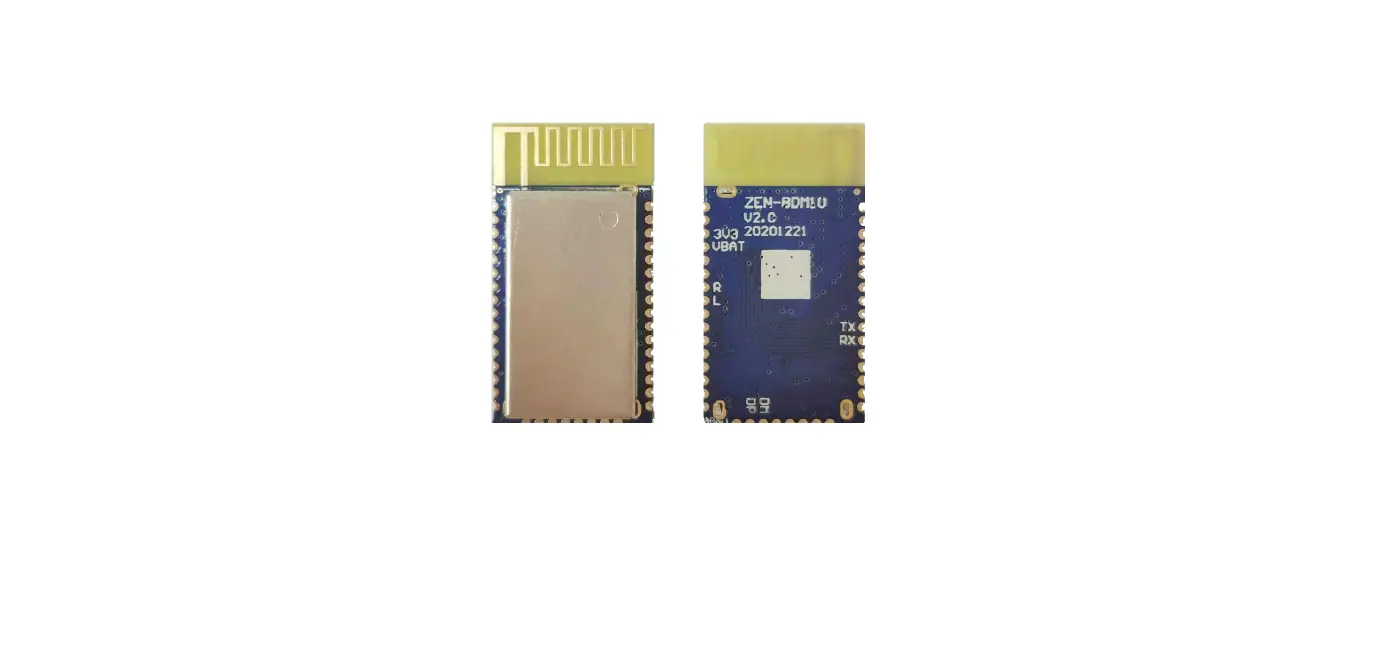
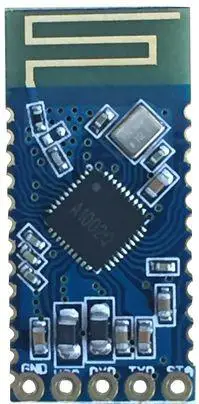
JDY-64 adopts a dual-mode Bluetooth design, and supports lossless two-channel stereo playback and BLE Bluetooth data transmission. It can set the audio Bluetooth broadcast name, volume addition and subtraction, top and bottom music playback, make a call, and refuse to answer the call through the serial AT command. , BLE broadcast name, serial port baud rate and other controls, the overall performance is very advantageous
Applications:
◆ Car DSP audio
◆Bluetooth speaker light
◆ Bluetooth audio + digital toy
◆Bluetooth speaker
◆BLE transparent transmission application
◆Share mobile power, share weight
◆Medical equipment
Feature:
| Model | JDY-66 |
| Bluetooth version | Bluetooth V4.0 |
| Operating Voltage | DC2.7-4.2V |
| Working current | 26mA |
| Operating temperature | -40°C – 80°C |
| Transmission distance | 30m |
| Sensitivity | -87dbm |
| Serial cache | 100Byte |
| Patch temperature | <260°C |
Default parameters
| Features | Command | Default parameter |
| Baud rate | AT+BAUD4 | 4 |
| BLE broadcast name | AT+NAMEJDY-66-BLE | JDY-66-BLE |
| Audio broadcast name | AT+NAMAJDY-66-Audio | JDY-66-Audio |
| APP password | AT+ISCENO | 0 |
| password | AT+PSS1234 | 1234 |
Pin Function and Schematic
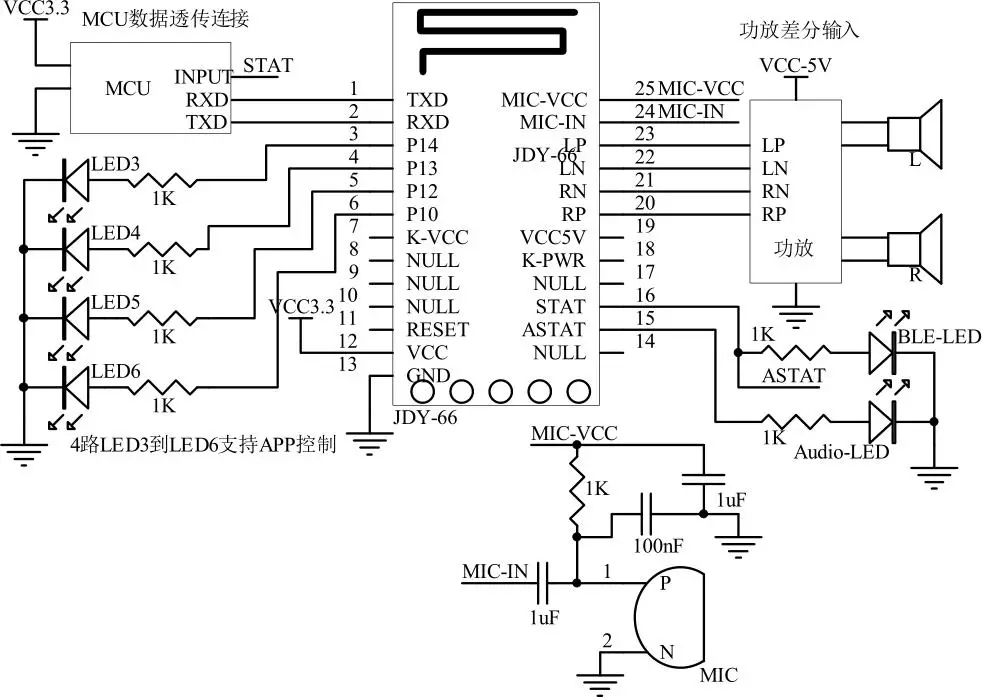
JDY-66 connection differential input (4-wire input power amplifier) power amplifier wiring diagram
Support power supply with amplifier
JDY-66 connection single-ended input (3-wire input amplifier) power amplifier wiring diagram
Support power supply with amplifier
T1 and T2 are audio transformers EI-14
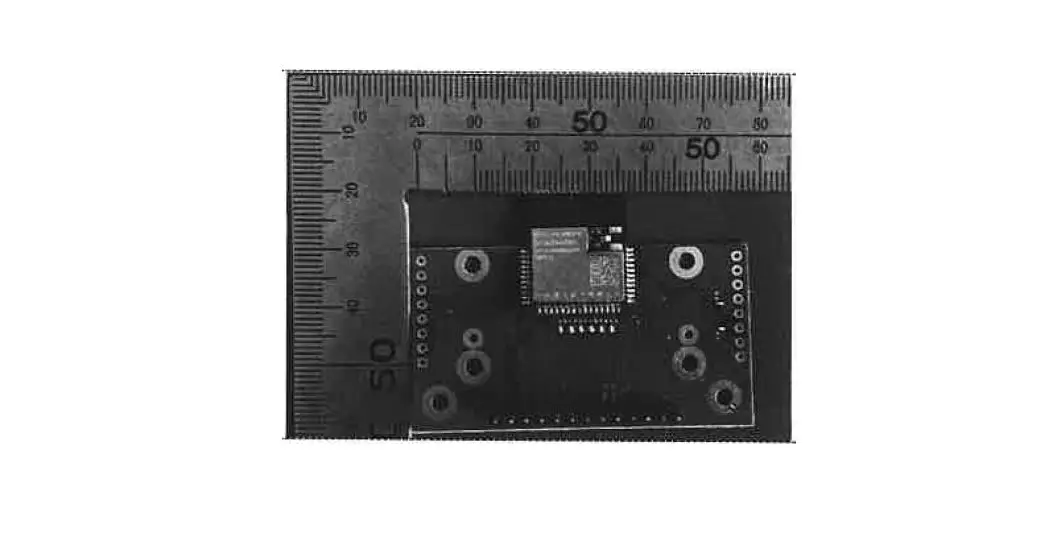
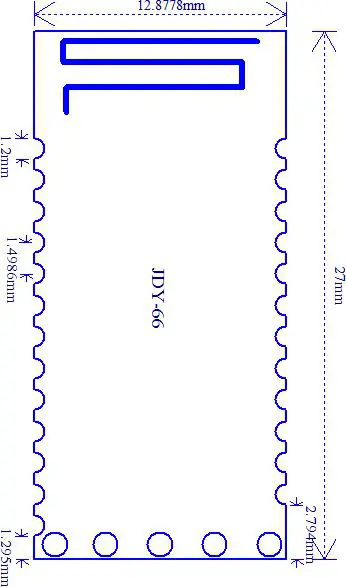
PCB package size chart
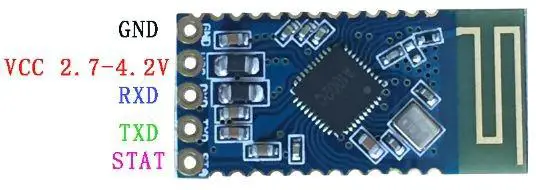
Pin function description
| PIN | Pin Function | Pin Function Description |
| 1 | TXD | Serial output |
| 2 | RXD | Serial input |
| 3 | P14 | Output 10 support APP control high and low level, default love level |
| 4 | P13 | Output 10 support APP control high and low level, default love level |
| 5 | P12 | Output 10 support APP control high and low level, default love level |
| 6 | P10 | Output 10 support APP control high and low level, default love level |
| 7 | K-VCC | Button power supply |
| 8 | NULL |
| 9 | NULL | |
| 10 | NULL | |
| 11 | RESET | Reset pin (low reset) |
| 12 | VCC | Power supply (2.7-4.2V) |
| 13 | GND | Power ground |
| 14 | NULL | |
| 15 | ASTAT | Audio connection status pin (not connected low level, connected high level |
| 16 | STAT | BLE connection status pin (not connected low, connected high |
| 17 | NULL | |
| 18 | K-PWR | Button power supply |
| 19 | VCCSV | 5 volt power supply |
| 20 | RP | Right channel differential positive output pin |
| 21 | RN | Right channel differential negative output pin |
| 22 | LN | Left channel differential positive output pin |
| 23 | LP | Left channel differential negative output pin |
| 24 | MIC-IN | MIC signal input pin |
| 25 | MIC-VCC | MIC power supply |
Serial AT instruction set
JDY-66 module serial port send AT command must be added \r\n
| Number | Command | Function | Default |
| 1 | AT+VERSION | Version number | JDY-66-V1.2 |
| 2 | AT+RESET | Soft reset | |
| 3 | AT+DISC | Disconnected (connection is valid) | |
| 4 | AT+STAT | Connection status query (connection is valid) | |
| 5 | AT+VOL+ | Volume plus | 15 |
| 6 | AT+VOL- | Volume reduction | 15 |
| 7 | AT+NEXT | Next song | |
| 8 | AT+LAST | Previous | |
| 9 | AT+PLAY | Play | |
| 10 | AT+PAUSE | Syop | |
| 11 | AT+CALL | Call the last phone number | |
| 12 | AT+REJECT | Refuse to receive calls | |
| 13 | AT+BAUD | Baud rate setting | 4 |
| 14 | AT+ISCEN | Connection password switch | 0 |
| 15 | AT+PSS | Connection password | 1234 |
| 16 | AT+LADDR | MAC address query | |
| 17 | AT+NAME | BLE broadcast name settings and JDY-66-BLE queries | |
| 18 | AT+NAMA | Audio Bluetooth broadcast name settings and queries JDY-66-Audio |
1. Query the version number
| Command | Response | Parameter |
| AT+VERSION | +VERSION=JDY-66-V1.2 | NO |
2. Reset
| Command | Response | Parameter |
| AT+RESET | OK | NO |
3. Disconnect
| Command | Response | Parameter |
| AT+DISC | OK | NO |
Valid after connection
4. Disconnect
| Command | Response | Parameter |
| AT+STAT | +STAT=x1,x2 | X1 indicates BLE connection status X2 indicates the audio Bluetooth connection status 1: indicates connection 0: indicates disconnection |
Valid after connection
5. Volume plus
| Command | Response | Parameter |
| AT+VOL+ | +VOL=<Param> | Param: (1-15) 15: indicates the maximum volume Default: 15 |
Effective after audio connection
6. Volume reduction
| Command | Response | Parameter |
| AT+VOL- | +VOL=<Param> | Param: (1-15) 15: indicates the maximum volume Default: 15 |
Effective after audio connection
7. next song
| Command | Response | Parameter |
| AT+NEXT | +NEXT=OK | NO |
Effective after audio connection
8. Previous
| Command | Response | Parameter |
| AT+LAST | +LAST=OK | NO |
Effective after audio connection
9. Play
| Command | Response | Parameter |
| AT+PLAY | +PLAY=OK | NO |
Effective after audio connection
10. Stop
| Command | Response | Parameter |
| AT+PAUSE | +PAUSE=OK | NO |
Effective after audio connection
11. Call the last phone number
| Command | Response | Parameter |
| AT+CALL | +CALL=OK | NO |
Effective after audio connection
12. Refuse to answer the call
| Command | Response | Parameter |
| AT+REJECT | +REJECT=OK | NO |
Effective after audio connection
13. Baud rate setting/query
| Command | Response | Parameter |
| AT+BAUD<Param> | OK | Param: (1-4) 4:9600 5:19200 6:38400 7:57600 8:115200 Default: 4 (9600) |
| AT+BAUD | +BAUD=<Param> |
14. APP password switch setting / query
| Command | Response | Parameter |
| AT+ISCEN<Param> | OK | Param: (0-1) 0: no password 1: Use APP password Default: 0 |
| AT+ISCEN | +ISCEN=<Param> |
15. APP connection password setting/query
| Command | Response | Parameter |
| AT+PSS<Param> | OK | Param: The password is 4 digits. Default password: 1234 |
| AT+PSS | +PSS=<Param> |
16. MAC address query
| Command | Response | Parameter |
| AT+LADDR | +LADDR=<Param> | Param: (6 bytes) |
17. BLE broadcast name setting/query
| Command | Response | Parameter |
| AT+NAME<Param> | OK | Param: BLE broadcast name Longest: 18 bytes Default broadcast name: JDY-66-BLE |
| AT+NAME | +NAME=<Param> |
18. Audio Bluetooth Broadcast Name Settings / Query
| Command | Response | Parameter |
| AT+NAMA<Param> | OK | Param: BLE broadcast name Longest: 18 bytes Default broadcast name: JDY-66-Audio |
| AT+NAMA | +NAMA=<Param> |
Description of APP instructions (IO, password)
9.1: Password Settings
Format: AABBE551 + 4Byte native password + 4Byte new password //hexadecimal format The new password can be set only if the local password is the same as the module password.
9.2: APP password sent
Format: AABBE552 + 4Byte APP password //hexadecimal format
When AT+ISCEN1 is turned on, it means that the APP password is used. After each connection, the APP will send a password to the module. After the password is correct, the APP can control the module’s IO or transparent transmission (the module default APP password is off).
9.3: APP Control Module IO Level (Feature UUID: FFE1)
| Command | Output Level | |
| IO1 | AABBE7F101 | IO1 is set to high |
| AABBE7F100 | IO1 is set low | |
| IO2 | AABBE7F201 | IO2 is set to high |
| AABBE7F200 | IO2 is set low | |
| IO3 | AABBE7F301 | IO3 is set to high |
| AABBE7F300 | IO3 is set low | |
| IO4 | AABBE7F401 | IO4 is set to high |
| AABBE7F400 | IO4 is set low |
Note: The data format is in hexadecimal format.
9.4: Transparent transmission UUID
Service UUID: FFE0
Feature UUID: FFE1 attribute (WRITE, NOTIFY)