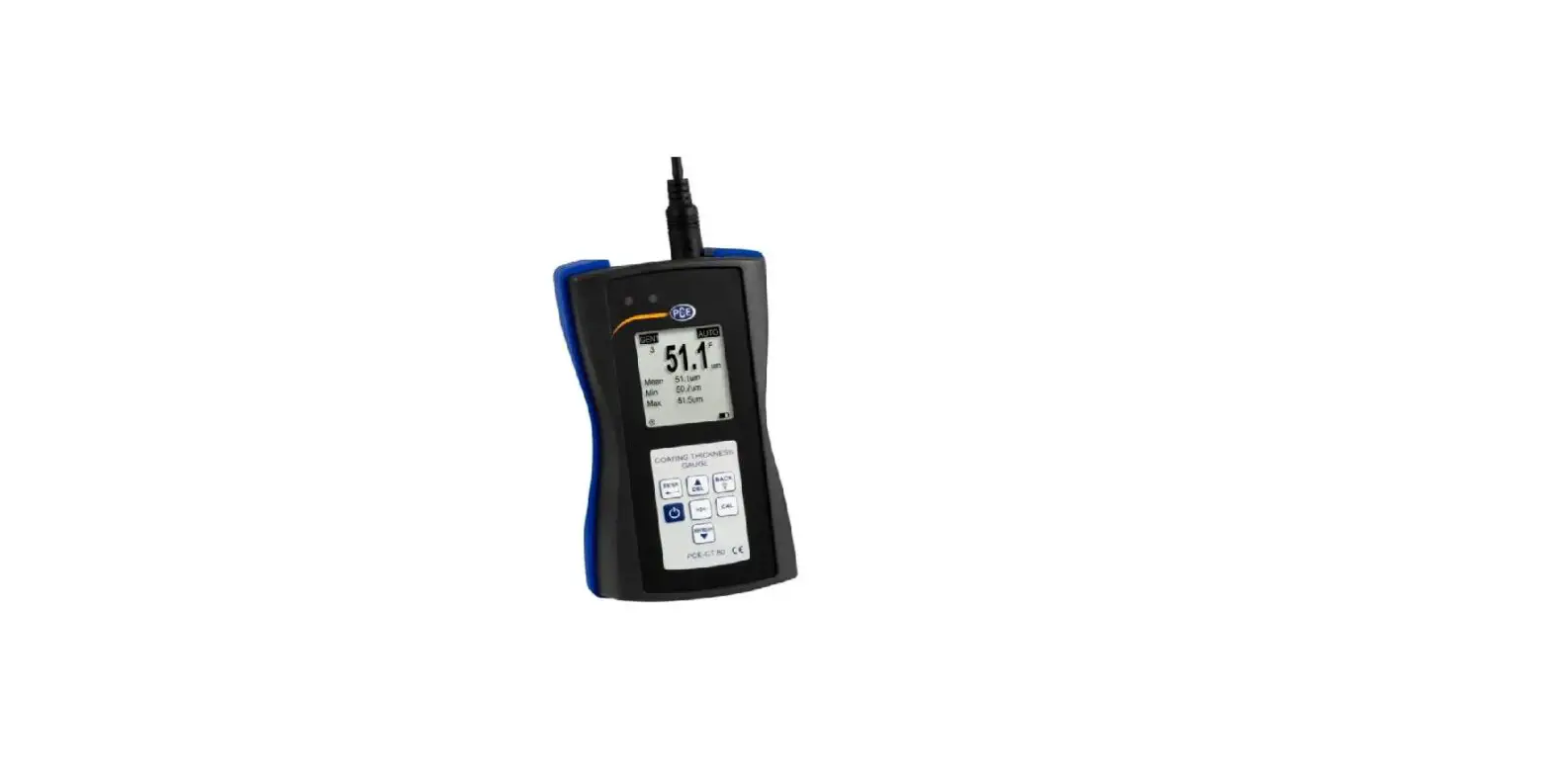
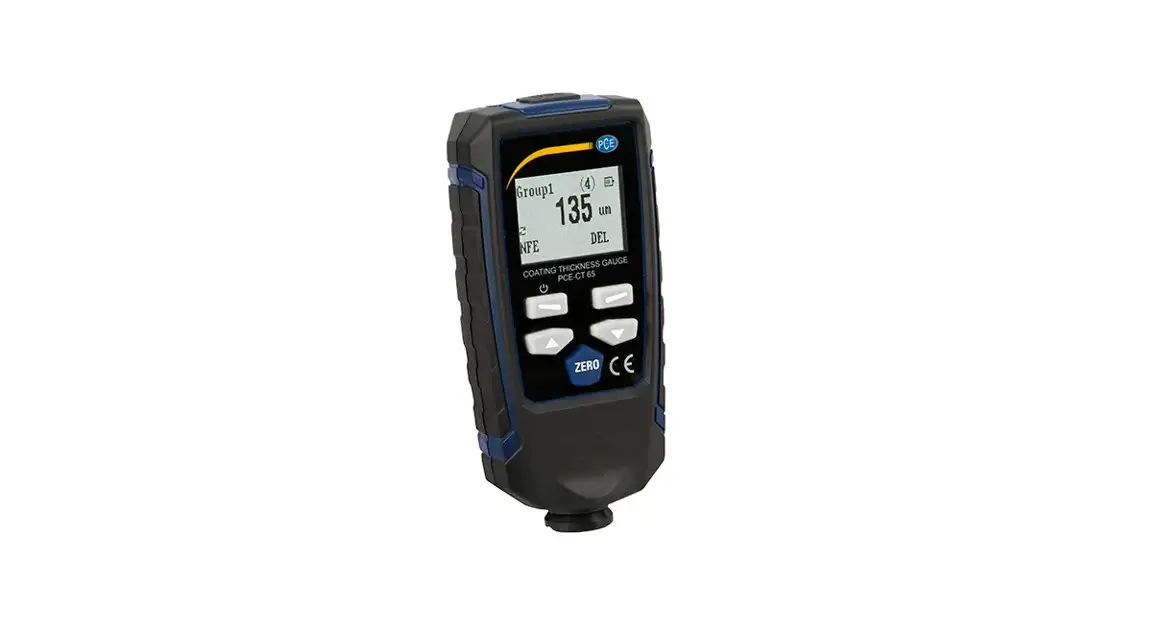
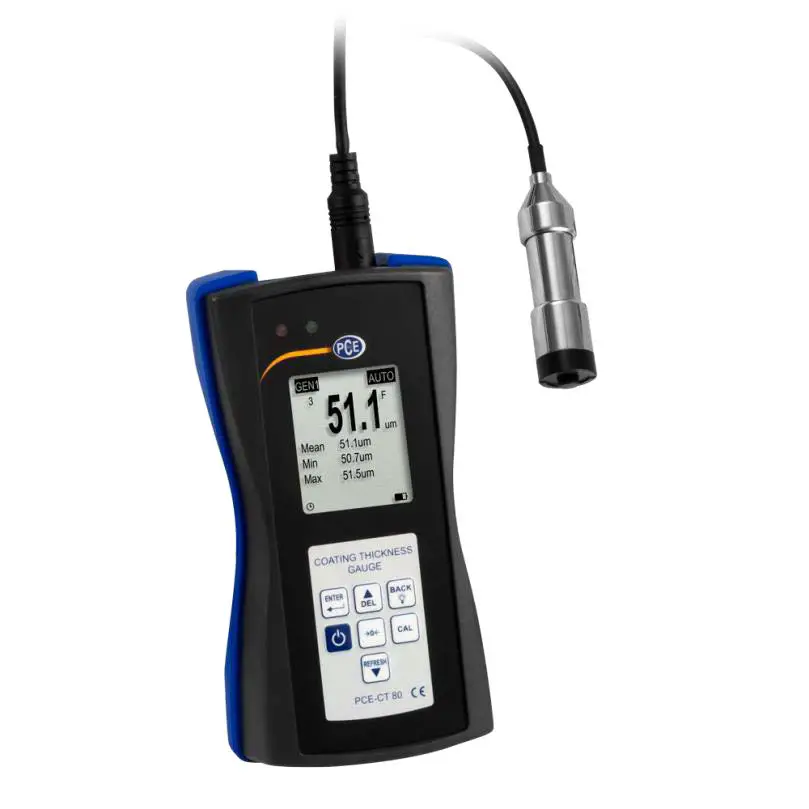
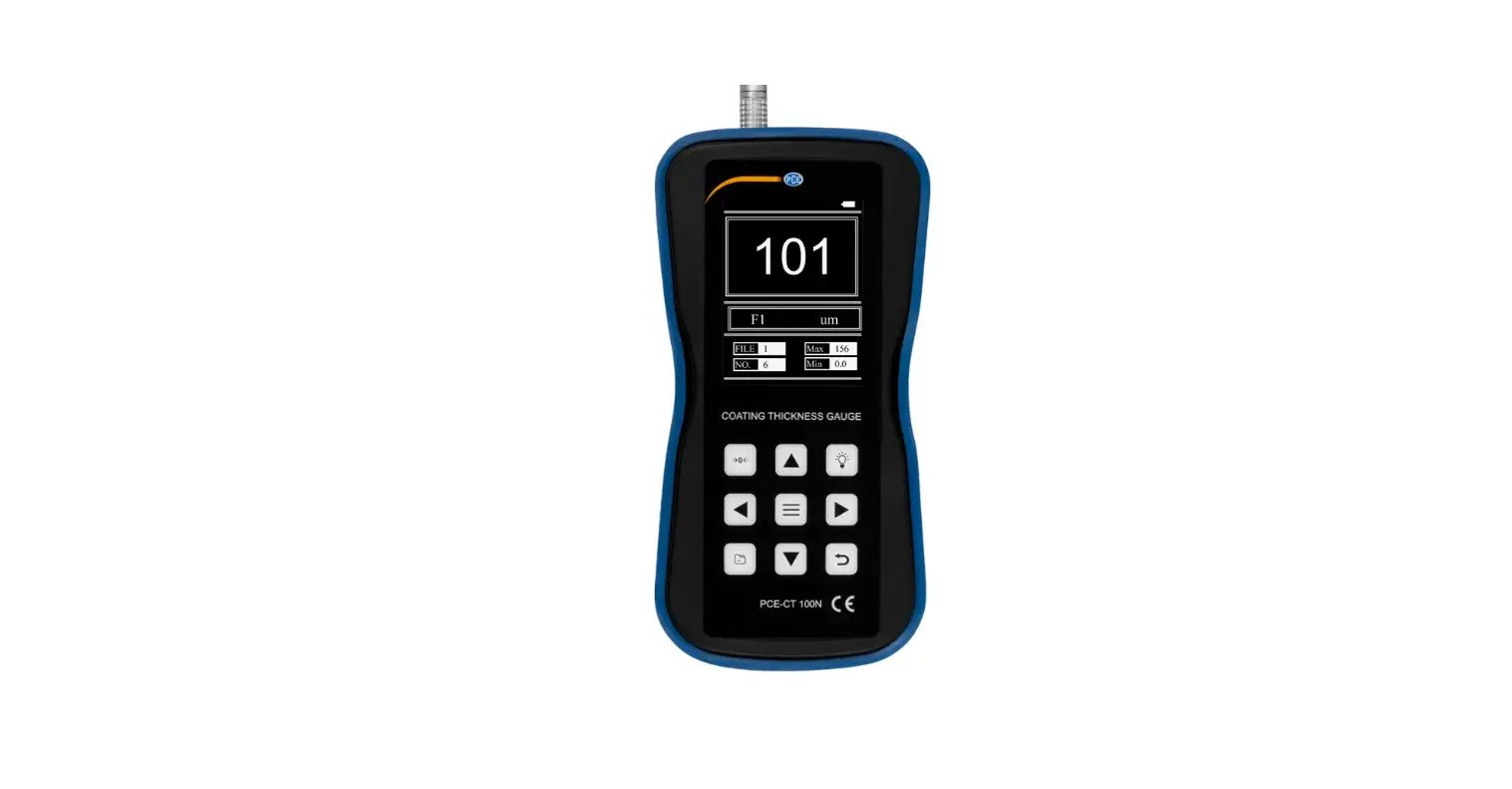
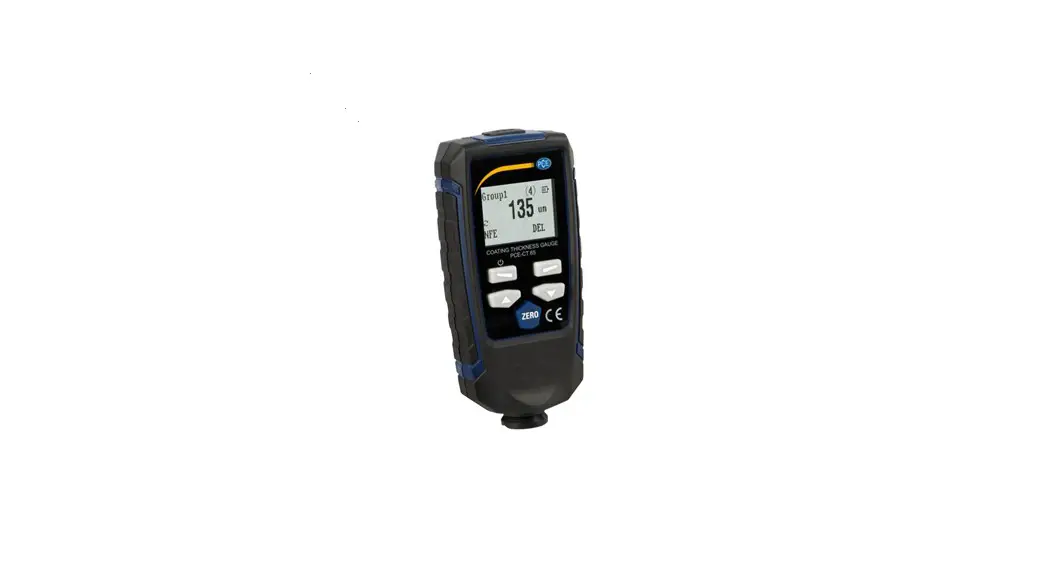
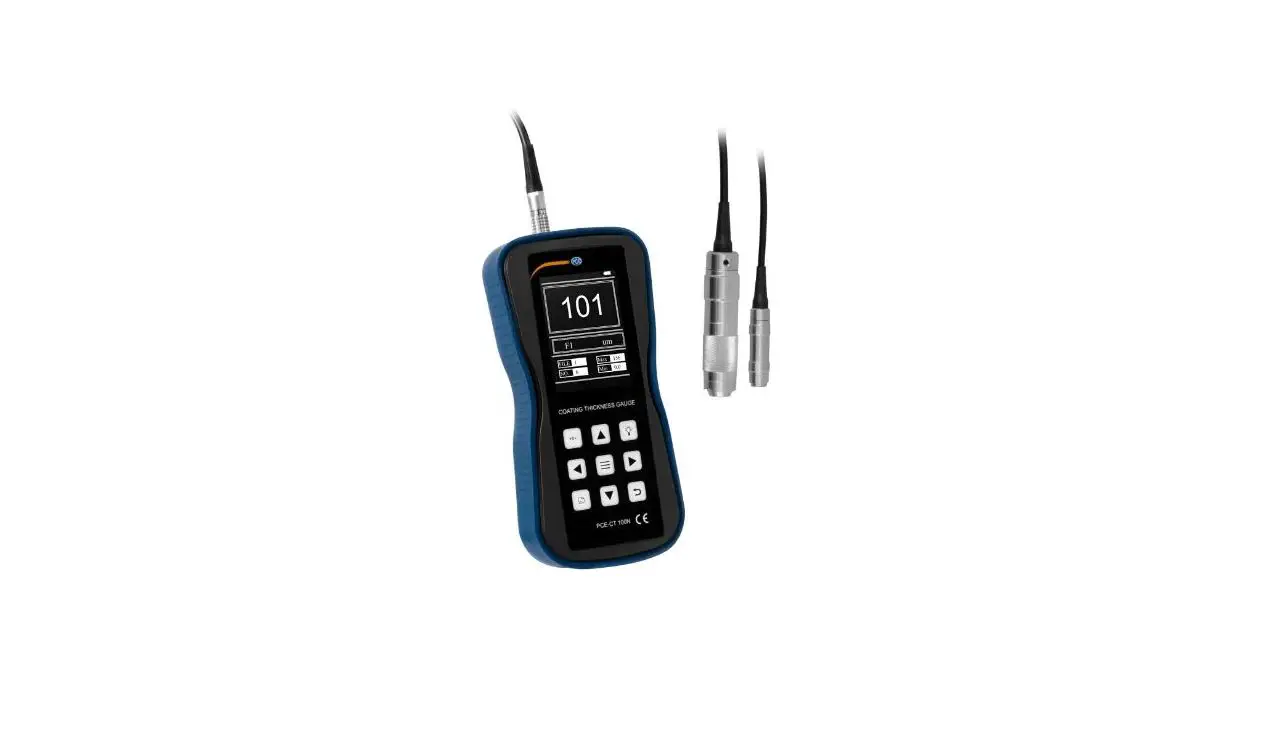
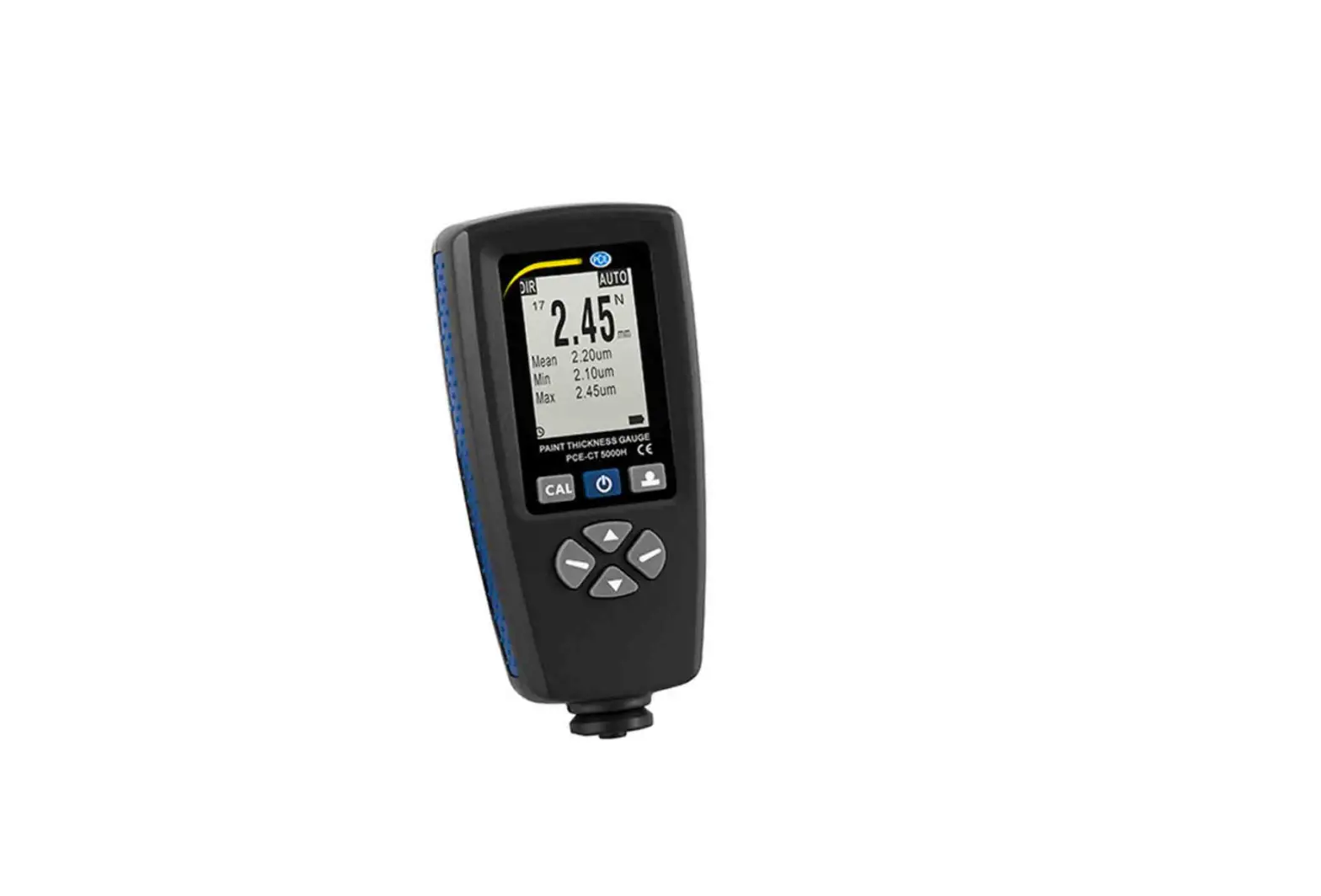
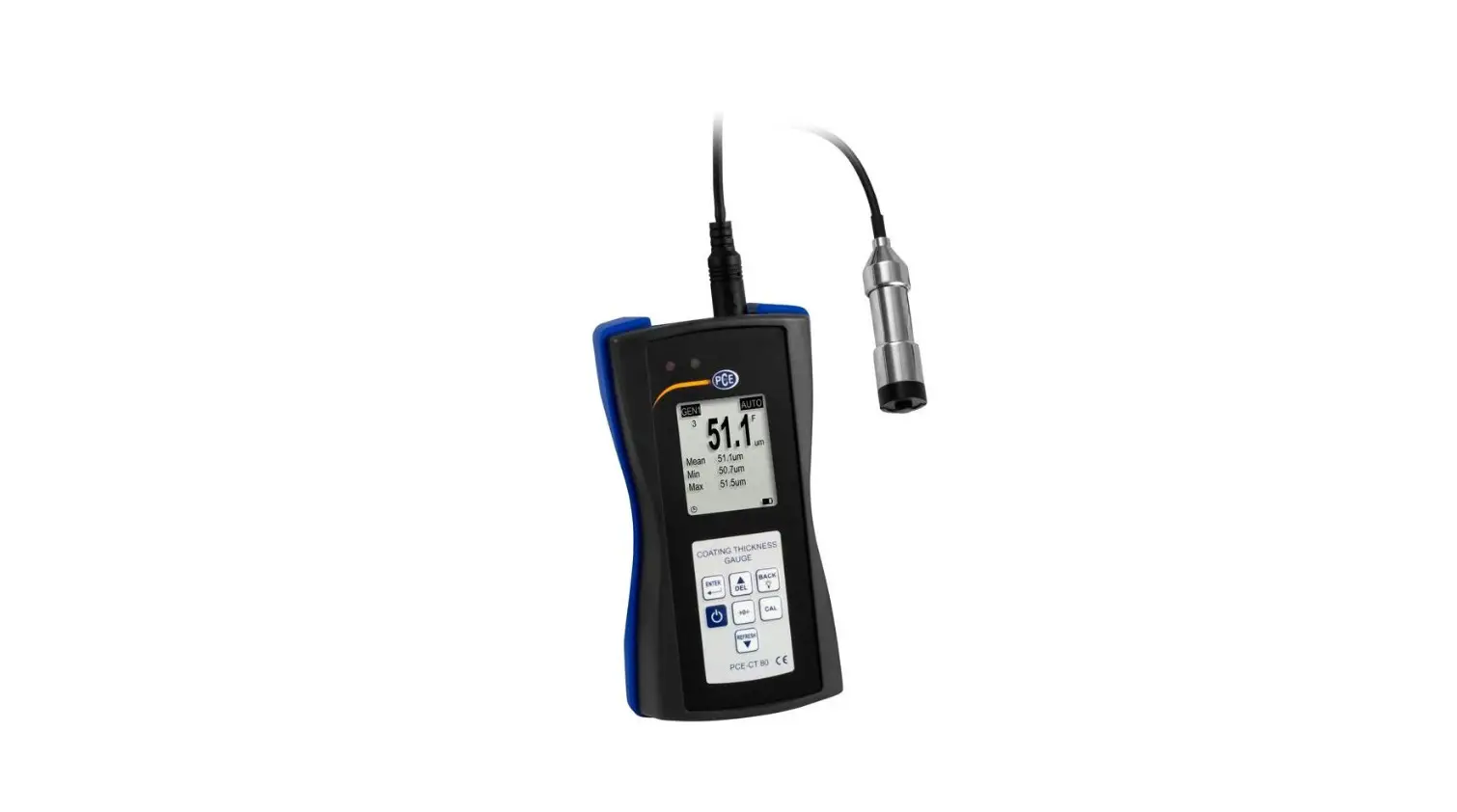
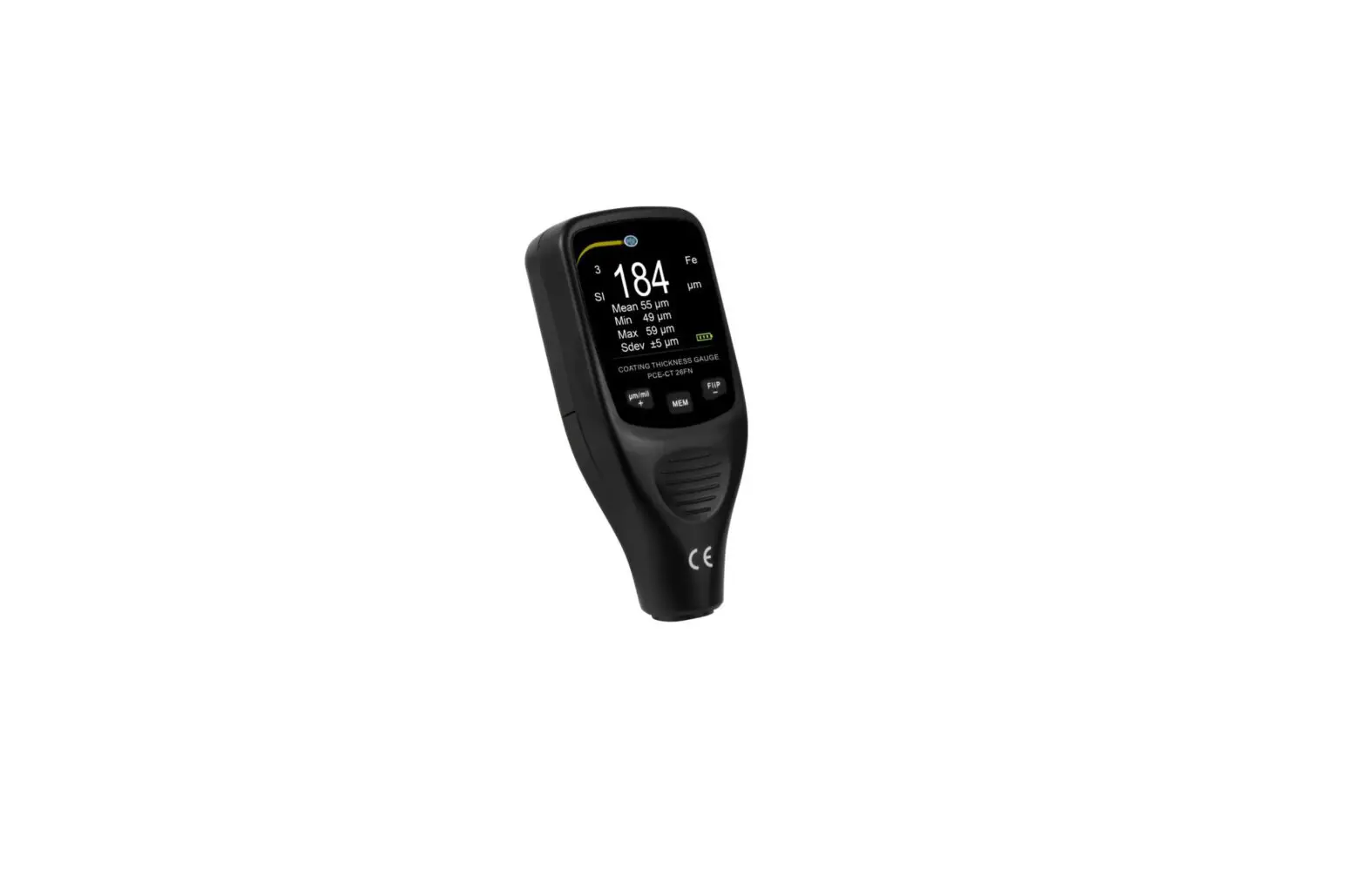
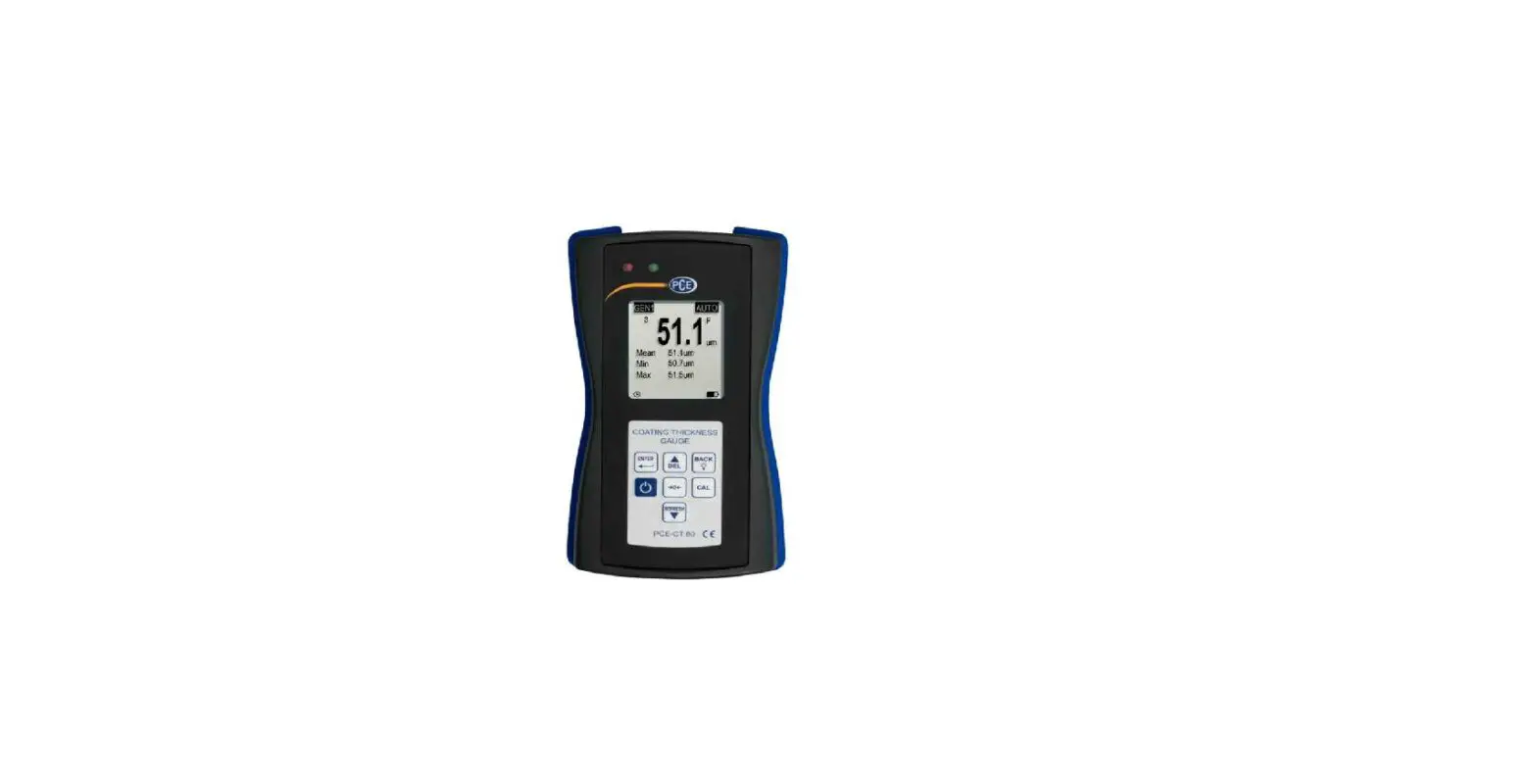
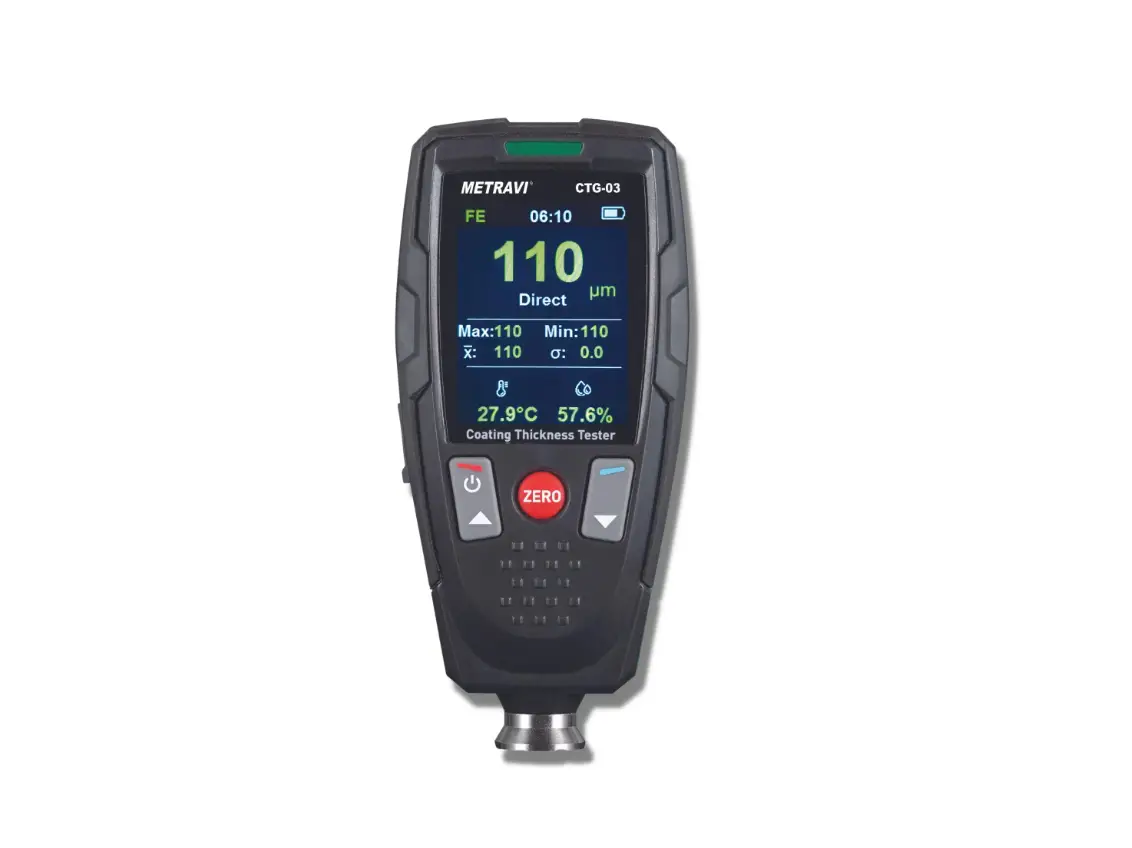
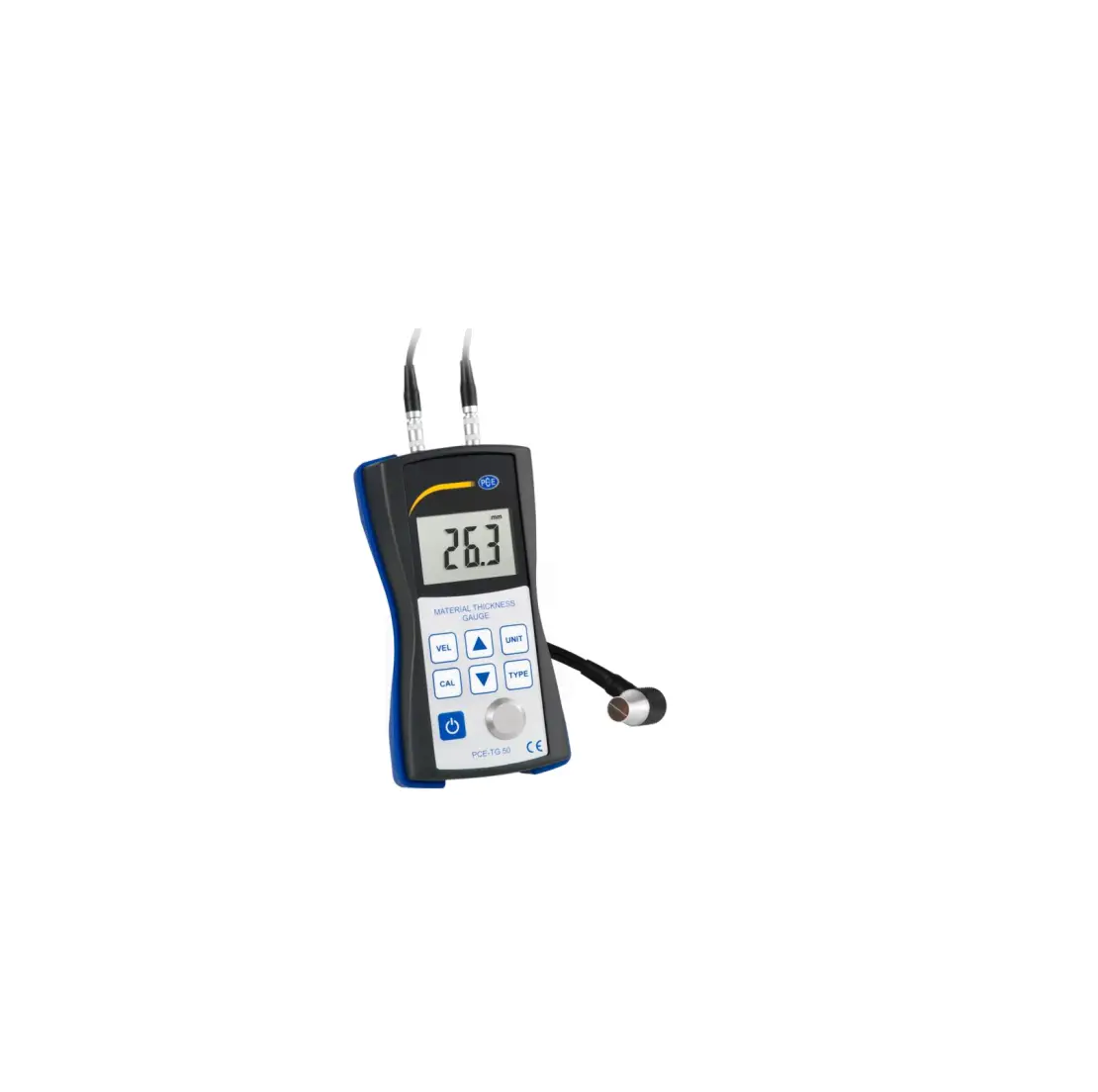
PCE-CT 80 Coating Thickness Gauge
Product Information: The product is a multi-functional instrument
that is designed to measure various parameters. It comes with a
user manual that provides detailed instructions on its usage and
specifications. The manual is available in both Deutsch and English
languages. The product can be searched for on the website
www.pce-instruments.com. Specifications: – The technical
specifications of the product are provided in section 2.1 of the
user manual. – The delivery contents of the product are listed in
section 2.2. – Optional accessories for the product are mentioned
in section 2.3. Usage Instructions: 1. Safety notes: It is
important to read and understand the safety information provided in
section 1 of the user manual before using the product. 2. Getting
started: a. Power supply: Connect the appropriate power source as
described in section 4.1. b. Preparation: Follow the instructions
in section 4.2 to prepare the instrument for operation. c. Options:
Refer to section 4.3 to learn about any optional accessories that
can enhance the functionality of the product. 3. Operation: a.
Calibration: To ensure accurate measurements, perform calibration
as explained in section 5.1. b. Measurement: Use the instrument to
measure various parameters following the instructions provided in
section 5.2. c. Further functions: Explore additional measurement
functions and features described in section 5.3. 4. Contact: If you
have any questions or need assistance, refer to the contact
information provided in section 6 of the user manual. 5. Disposal:
Properly dispose of the product according to the guidelines
mentioned in section 7. Please note that for more detailed
information and step-by-step instructions, it is recommended to
refer to the user manual available in Deutsch or English languages.
Deutsch
Englis h
Bedienungsanleitung User Manual
PCE-CT 80 Schichtdickenmessgerät | Coating Thickness Gauge
User manuals in various languages (français, italiano, español, português, nederlands, türk, polski,
, ) can be found by using our product search on: www.pce-instruments.com
Letzte Änderung / last change: 4 August 2020 V3.0
© PCE Instruments
Deutsch Inhaltsverzeichnis 1 Sicherheitsinformationen…………………………………………………………… 1 2 Spezifikationen ………………………………………………………………………….. 2
2.1 Technische Spezifikationen…………………………………………………………………………………. 2 2.2 Lieferumfang …………………………………………………………………………………………………….. 3 2.3 Zubehör …………………………………………………………………………………………………………… 3
3 Systembeschreibung…………………………………………………………………. 4
3.1 Messgerät ………………………………………………………………………………………………………… 4 3.2 Anschlüsse……………………………………………………………………………………………………….. 4 3.3 Display …………………………………………………………………………………………………………….. 5 3.4 Funktionstasten…………………………………………………………………………………………………. 5
4 Vorbereitung ……………………………………………………………………………… 6
4.1 Stromversorgung……………………………………………………………………………………………….. 6 4.2 Inbetriebnahme …………………………………………………………………………………………………. 6 4.3 Optionen ………………………………………………………………………………………………………….. 6
5 Betrieb ………………………………………………………………………………………. 7
5.1 Kalibrieren………………………………………………………………………………………………………… 8 5.2 Messen ……………………………………………………………………………………………………………. 9 5.3 Weitere Messfunktionen……………………………………………………………………………………..10
6 Kontakt…………………………………………………………………………………… 13 7 Entsorgung ……………………………………………………………………………… 13
© PCE Instruments
English Contents 1 Safety notes …………………………………………………………………………….. 14 2 Specifications ………………………………………………………………………….. 15
2.1 Technical specifications ……………………………………………………………………………………..15 2.2 Delivery contents……………………………………………………………………………………………….16 2.3 Optional accessories ………………………………………………………………………………………….16
3 System description ………………………………………………………………….. 17
3.1 Device……………………………………………………………………………………………………………..17 3.2 Interfaces …………………………………………………………………………………………………………17 3.3 Display …………………………………………………………………………………………………………….18 3.4 Function keys ……………………………………………………………………………………………………18
4 Getting started…………………………………………………………………………. 19
4.1 Power supply ……………………………………………………………………………………………………19 4.2 Preparation ………………………………………………………………………………………………………19 4.3 Options ……………………………………………………………………………………………………………19
5 Operation ………………………………………………………………………………… 20
5.1 Calibration………………………………………………………………………………………………………..21 5.2 Measurement ……………………………………………………………………………………………………22 5.3 Further functions ……………………………………………………………………………………………….23
6 Warranty………………………………………………………………………………….. 26 7 Disposal ………………………………………………………………………………….. 26
© PCE Instruments
Deutsch
1 Sicherheitsinformationen
Bitte lesen Sie dieses Benutzer-Handbuch sorgfältig und vollständig, bevor Sie das Gerät zum ersten Mal in Betrieb nehmen. Die Benutzung des Gerätes darf nur durch sorgfältig geschultes Personal erfolgen. Schäden, die durch Nichtbeachtung der Hinweise in der Bedienungsanleitung entstehen, entbehren jeder Haftung.
· Dieses Messgerät darf nur in der in dieser Bedienungsanleitung beschriebenen Art und Weise verwendet werden. Wird das Messgerät anderweitig eingesetzt, kann es zu gefährlichen Situationen kommen.
· Verwenden Sie das Messgerät nur, wenn die Umgebungsbedingungen (Temperatur, Luftfeuchte, …) innerhalb der in den Spezifikationen angegebenen Grenzwerte liegen. Setzen Sie das Gerät keinen extremen Temperaturen, direkter Sonneneinstrahlung, extremer Luftfeuchtigkeit oder Nässe aus.
· Setzen Sie das Gerät keinen Stößen oder starken Vibrationen aus. · Das Öffnen des Gerätegehäuses darf nur von Fachpersonal der PCE Deutschland
GmbH vorgenommen werden. · Benutzen Sie das Messgerät nie mit nassen Händen. · Es dürfen keine technischen Veränderungen am Gerät vorgenommen werden. · Das Gerät sollte nur mit einem Tuch gereinigt werden. Verwenden Sie keine
Scheuermittel oder lösungsmittelhaltige Reinigungsmittel. · Das Gerät darf nur mit dem von der PCE Deutschland GmbH angebotenen Zubehör
oder gleichwertigem Ersatz verwendet werden. · Überprüfen Sie das Gehäuse des Messgerätes vor jedem Einsatz auf sichtbare
Beschädigungen. Sollte eine sichtbare Beschädigung auftreten, darf das Gerät nicht eingesetzt werden. · Das Messgerät darf nicht in einer explosionsfähigen Atmosphäre eingesetzt werden. · Der in den Spezifikationen angegebene Messbereich darf unter keinen Umständen überschritten werden. · Wenn die Sicherheitshinweise nicht beachtet werden, kann es zur Beschädigung des Gerätes und zu Verletzungen des Bedieners kommen.
Für Druckfehler und inhaltliche Irrtümer in dieser Anleitung übernehmen wir keine Haftung. Wir weisen ausdrücklich auf unsere allgemeinen Gewährleistungsbedingungen hin, die Sie in unseren Allgemeinen Geschäftsbedingungen finden. Bei Fragen kontaktieren Sie bitte die PCE Deutschland GmbH. Die Kontaktdaten finden Sie am Ende dieser Anleitung.
© PCE Instruments 1
Deutsch
2 Spezifikationen
2.1 Technische Spezifikationen Spezifikationen des Messgeräts PCE-CT 80
Spezifikation
Erläuterung
Messbereich Genauigkeit Auflösung
Messbare Werkstoffe Min. Krümmungsradius konvex Min. Krümmungsradius konkav Min. Messfläche Min. Grundmaterialstärke Sondenmodus
Messmodus Kalibrierung
Einheiten Datenübertragung Speicher
Statistikfunktionen
Alarm
Betriebsdauer Spannungsversorgung Display
Sensorabhängig, s. Sensortabelle Sensorabhängig, s. Sensortabelle 0,1 µm (<100 µm) 1 µm (>100 µm) nicht magnetische Schichten auf FE (Stahl, Eisen) nicht elektrisch leitende Schichten auf NFE (Aluminium, Kupfer) 5 mm
25 mm
Ø 17 mm 0,2 mm (magnetische Werkstoffe) 0,05 mm (nicht magnetische Werkstoffe) Automatischer Modus mit Werkstofferkennung (Fe + NFe) Magnetmodus (Fe) Wirbelstrommodus (NFe) Einzelmessung Mehrpunktkalibrierung (1 … 4 Punkte für jede Gruppe) Nullpunktkalibrierung µm / mm / mils Datenübertragung über USB 2.0
Eine Messgruppe (DIR Modus), die beim Ausschalten verloren geht Vier Messgruppen mit automatischer Speicherung und max. 2000 Messwerten (GEN Modus) Hinweis: Jede Messgruppe verfügt über individuelle Statistiken, Alarmgrenzwerte und Kalibrierung Anzahl der Messwerte, Mittelwert, Minimum, Maximum, Standardabweichung Anzeige bei Über- bzw. Unterschreiten der einstellbaren oberen und unteren Alarmgrenzen Automatischer Abschaltmodus 3 x 1,5 V AAA Batterien
128 x 128 LCD Anzeige
Anzeige Betriebsbedingungen Lagerbedingungen Abmessungen Gewicht mit Sensor
Batteriestatus Fehlererkennung 0 °C… +50 °C 20 %… 90 % r. F. nicht kondensierend -10 °C… +60 °C 20 %… 90 % r. F. nicht kondensierend 143 x 71 x 37 mm (L x B x H)
ca. 271 g
© PCE Instruments 2
Deutsch
Spezifikationen der wählbaren Sensoren
Spezifikation
Erläuterung
Typ PCE-CT 80-FN0.5* PCE-CT 80-FN1.5* PCE-CT 80-FN2* PCE-CT 80-FN2.5* PCE-CT 80-FN3* PCE-CT 80-F5N3*
Ø [mm] 17
17 17 17
17
17
Messbereich [µm] Fe: 0 … 500 NFe: 0 … 500 Fe: 0 … 1500 NFe: 0 … 1500 Fe: 0 … 2000 NFe: 0 … 2000 Fe: 0 … 2500 NFe: 0 … 2500 Fe: 0 … 3000 NFe: 0 … 3000 Fe: 0 … 5000 NFe: 0 … 3000
Genauigkeit ±(1 % v. Mw. + 1 µm) ±(2 % v. Mw. + 1 µm) ±(2 % v. Mw. + 1 µm) ±(2 % v. Mw. + 1 µm) ±(2 % v. Mw. + 1 µm) ±(2 % v. Mw. + 1 µm)
* Fe und NFe: für ferromagnetische und nicht ferromagnetische Untergründe
2.2 Lieferumfang
1 x Schichtdickenmessgerät PCE-CT 80 1 x Sensor FN1.5 3 x AAA Batterien 1 x Transportkoffer 1 x Satz Standardfolien 1 x Kalibrierplatten (Fe und NFe) 1 x ISO-Kalibrierzertifikat 1 x Bedienungsanleitung
2.3 Zubehör
Sensor PCE-CT 80-FN0.5 Sensor PCE-CT 80-FN2 Sensor PCE-CT 80-FN2.5 Sensor PCE-CT 80-FN3 Sensor PCE-CT 80-F5N.3 PC Software mit Datenkabel
© PCE Instruments 3
3 Systembeschreibung
3.1 Messgerät
Deutsch
1. LC Display 2. LED rot 3. LED grün
3.2 Anschlüsse
4. Folientastatur 5. Sensor
1. Sensorbuchse
2. Micro-USB 2.0 Anschluss
© PCE Instruments 4
3.3 Display
Deutsch
1. Messwert 2. Anzahl Messwerte
3. Speichergruppe
4. Grenzwertanzeige 5. Sensormodus
6. Materialeinstellung
7. Einheit 8. Statistik (Mittelwert, Minimum, Maximum)
9. Batteriestatus
10. USB Kommunikationsstatus 11. Automatische Abschaltung
3.4 Funktionstasten
Taste
Bezeichnung
Funktionen Messmodus
Menümodus
Ein/Aus
Ein/Aus (2 s)
Ein/Aus (2 s)
Kalibrieren
Nullpunktkalibrierung
Enter
Kalibrierung starten und beenden
/
Nullpunktkalibrierung starten und beenden
Direkt zurück in den Messmodus
Beim Gerätestart gedrückt halten, um das Messgerät auf
Werkseinstellungen zurückzusetzen
Menü öffnen
Sichern, Auswählen, Bestätigen
Zurück
Hintergrundbeleuchtung ein/aus
Abbrechen, Zurück, Beenden
Auf
Löschen von Messwerten Nach oben, Wert erhöhen
Ab
Bildschirm aktualisieren
Nach unten, Wert verringern
© PCE Instruments 5
Deutsch
4 Vorbereitung
4.1 Stromversorgung
Als Stromversorgung werden drei AAA-Alkalibatterien benötigt. Bevor Sie die Batterien tauschen, schalten Sie das Gerät aus. Das Batteriefach befindet sich auf der Rückseite des Geräts und ist mit zwei Schrauben gesichert. Lösen Sie die Schrauben, heben Sie die Abdeckung ab, legen Sie die Batterien wie gekennzeichnet ein und verschließen Sie das Batteriefach wieder, indem Sie die Schrauben anziehen.
4.2 Inbetriebnahme
Um das Gerät zu starten, drücken Sie , bis das Display reagiert. Das Messgerät zeigt nach dem Laden den Messbildschirm an. Zum Ausschalten drücken Sie . Verbinden Sie den im Lieferumfang enthaltenen Sensor FN1.5 mit der Anschlussbuchse des Geräts. Achten Sie dabei auf die korrekte Positionierung des Steckers (Pfeil muss von Gerätevorderseite zu sehen sein).
4.3 Optionen Um die Standardeinstellungen zu ändern, müssen Sie in das Untermenü ,,Optionen” navigieren. Gehen Sie dafür wie folgt vor:
1. Drücken Sie , um ins ,,Menü” zu gelangen.
2. Navigieren Sie mit
zu ,,Optionen” und bestätigen Sie
mit .
3. Navigieren Sie mit
zu den gewünschten
Einstellungen und bestätigen Sie mit .
4. Wählen Sie mit
ein Element aus und bestätigen Sie
mit .
Einstellung Messmodus Speichermodus
Sensormodus
Element
Einzeln DIR, GEN Block 1, Block 2, Block 3, Block 4
Auto, FE, NFE
Erläuterung
Aufnahme einzelner Messwerte
DIR (Direkt): Die Daten gehen beim Ausschalten des Geräts verloren. Bei vollem Speicher werden die letzten Messwerte gelöscht. GEN (Block 1-4): Die Daten werden in einem der 4 Blöcke abgespeichert und gehen beim Ausschalten nicht verloren. Bei vollem Speicher
kann weiter gemessen werden, jedoch wird ,,fl” angezeigt und die Messwerte werden nicht gespeichert.
Auto: Das Untergrundmaterial wird automatisch erkannt. FE: Es kann nur auf magnetischen Materialien gemessen werden. N-FE: Es kann nur auf nicht-magnetischen Materialien gemessen werden. Wenn ein magnetisches Material erkannt wird, zeigt das Gerät ein ,,F” an, bei nicht magnetischen Materialien ein ,,N”.
© PCE Instruments 6
Deutsch
Einstellung Einheit Geschwindigkeit Sprache
Autom. Abs.
Element
µm, mils, mm
Normal, Schnell
Englisch, Deutsch, Russisch, Chinesisch
Deaktivieren Aktivieren
Erläuterung Auswahl der Einheit des Messgeräts
Je höher die Geschwindigkeit, desto geringer ist die Genauigkeit. Auswahl zwischen 4 verschiedenen Sprachen
Nach längerer Nichtbenutzung schaltet das Gerät automatisch ab. Vor dem Abschalten gibt das Gerät mehrere Pieptöne ab. Der Benutzer kann durch Drücken einer beliebigen Taste den Vorgang abbrechen.
5 Betrieb
Vor der Durchführung einer Messung oder Kalibrierung sollten Sie die Einflüsse kennen, die die Messgenauigkeit beeinflussen können. Die möglichen Einflüsse sind in der folgenden Tabelle aufgeführt.
Messeinfluss
Magnetische Eigenschaften Elektrische Eigenschaften Materialradius
Grundmaterialstärke
Größe der Messfläche
Oberflächenrauheit Position und Form Probenverformung
Klebstoff Starke Magnetfelder Temperatur und Luftfeuchtigkeit Messvorgänge Niedriger Batteriestatus Sensorverschleiß
Messprinzip Magnetisch Wirbelstrom
x
x
x
x
x
x
x
x
x
x
x
x
x
x
x
x
x
x
x
x
x
x
x
x
x
Empfehlung
Kalibrierung durchführen
Kalibrierung durchführen
Kapitel 2.1 Kalibrierung durchführen Kapitel 2.1 Kalibrierung durchführen Kapitel 2.1 Kalibrierung durchführen
Nicht auf zu weichen oder zu dünnen Messobjekten messen Sensor und Messoberfläche reinigen Starke Magnetfelder vermeiden Bei den gleichen Umgebungsbedingungen neu kalibrieren Kapitel 5.1.3 Batterie wechseln PCE Instruments kontaktieren
© PCE Instruments 7
Deutsch
5.1 Kalibrieren
Eine Kalibrierung (Nullpunkt / Mehrpunkt) ist vor jeder Messung einer neuen Probe erforderlich. Dabei müssen die Materialeigenschaften und der Krümmungsradius der unbeschichteten Kalibrierfläche so ähnlich wie möglich zur Probe sein. Nicht nur, aber vor Allem bei Messungen an Ecken und Kanten kleiner Teile sollte darauf geachtet werden, dass an möglichst ähnlichen Stellen kalibriert bzw. gemessen wird. Der Krümmungsradius, die Mindestmaterialstärke und der Mindestmessbereich aus Kapitel 2.1 sollten eingehalten werden. Das Gerät bietet eine Nullpunktkalibrierung und eine Mehrpunktkalibrierung. Jede Speichergruppe verfügt über eine individuelle Nullpunkt- und Mehrpunktkalibrierung. Die zuvor aufgenommenen Messwerte werden durch eine neue Kalibrierung nicht beeinflusst.
5.1.1 Nullpunktkalibrierung
Bei der Nullpunktkalibrierung wird die Kalibrierung auf einer unbeschichteten Kalibrierfläche durchgeführt. Wenn es keine Möglichkeit gibt, auf der Probe zu kalibrieren, nutzen Sie die mitgelieferten Kalibrierplatten. Wenn bei der Messung ein Messfehler von ±(2 % + 1 µm) auftritt, wird die Nullpunktkalibrierung empfohlen. Gehen Sie wie folgt vor:
1. Halten Sie gedrückt, bis Sie drei Pieptöne hören und auf dem Display ,,ZERO” erscheint.
2. Platzieren Sie den Sensor auf der unbeschichteten Kalibrierfläche und heben Sie ihn wieder an, wenn Sie einen Piepton hören.
3. Wiederholen Sie den Schritt mehrmals, um einen Mittelwert zu erhalten.
4. Drücken Sie , um die Nullpunktkalibrierung zu verlassen.
5.1.2 Mehrpunktkalibrierung
Bei der Mehrpunktkalibrierung können bis zu 4 Punkte zur Kalibrierung aufgenommen werden. Bei einer Einpunktkalibrierung sollte der Kalibrierwert möglichst nah am zu erwartenden Messwert liegen. Bei einer Mehrpunktkalibrierung sollten die zu erwartenden Messwerte zwischen den Kalibrierwerten liegen. Der zulässige Messfehler beträgt maximal ±(2 % + 1 µm).
1. Wenn Sie schon eine Kalibrierung vorgenommen haben,
müssen Sie zunächst, wie in Kapitel 5.1.3 beschrieben, die
schon aufgenommenen Kalibrierwerte löschen. Anderenfalls starten Sie mit dem nächsten Schritt.
2. Drücken Sie im Messmodus , um das Kalibrierdialogfeld
zu öffnen. Dies können Sie zudem in den
Kalibriereinstellungen aktivieren und deaktivieren. 3. Wenn Sie zuvor die Nullpunktkalibrierung durchgeführt
haben, wird der Nullpunkt als erster Kalibrierpunkt
angezeigt. Anderenfalls führen Sie die in Kapitel 5.1.1 beschriebenen Schritte durch.
4. Legen Sie eine der mitgelieferten Standardfolien auf die unbeschichtete
Kalibrierfläche. 5. Platzieren Sie den Sensor auf der Folie und entfernen Sie ihn nach dem Piepton
wieder. Der Messwert wird angezeigt.
6. Stellen Sie mit
den Messwert auf die tatsächliche Foliendicke ein (blinkender
Wert) und bestätigen Sie mit . Der Kalibrierpunkt wird danach im Dialogfeld
angezeigt (nicht blinkender Wert). Mit kann der Vorgang abgebrochen werden.
© PCE Instruments 8
Deutsch
7. Wiederholen Sie, wenn gewünscht, die Schritte, um alle vier Kalibrierpunkte aufzunehmen. Dazu nutzen Sie für jeden weiteren Kalibrierpunkt eine andere Standardfolie.
8. Drücken Sie , um die Mehrpunktkalibrierung zu verlassen.
5.1.3 Kalibrierung löschen
Um eine neue Kalibrierung durchzuführen, können Sie die aufgenommenen Kalibrierpunkte der Nullpunktkalibrierung und Mehrpunktkalibrierung unabhängig voneinander löschen. Gehen Sie dazu wie folgt vor:
1. Drücken Sie , um ins ,,Menü” zu gelangen.
2. Navigieren Sie mit
zu ,,Kalibrierung” und bestätigen
Sie mit .
3. Wählen Sie nach den folgenden Punkten (a, b, c) aus,
welche Werte Sie löschen möchten.
a) Mehrpunktkalibrierwerte löschen
1. Navigieren Sie mit
auf ,,Punkt Kal.” und bestätigen Sie mit .
2. Navigieren Sie mit
wie gewünscht auf ,,FE löschen” oder ,,N-FE löschen” und
bestätigen Sie mit .
3. Es öffnet sich ein Dialogfeld. Bestätigen Sie mit , um die Kalibrierwerte zu löschen
oder brechen Sie den Vorgang mit ab.
b) Nullpunktkalibrierwerte löschen
1. Navigieren Sie mit 2. Navigieren Sie mit
auf ,,Null Kal.” und bestätigen Sie mit . wie gewünscht auf ,,FE löschen” oder ,,N-FE löschen” und
bestätigen Sie mit .
3. Es öffnet sich ein Dialogfeld. Bestätigen Sie mit , um die Kalibrierwerte zu löschen
oder brechen Sie den Vorgang mit ab.
c) Alle Kalibrierwerte löschen
1. Navigieren Sie mit
auf ,,Alle Löschen” und bestätigen Sie mit .
2. Es öffnet sich ein Dialogfeld. Bestätigen Sie mit , um alle Kalibrierwerte zu löschen
oder brechen Sie den Vorgang mit ab.
5.2 Messen
Vorgehen: 1. Schließen Sie zu Anfang den gewünschten Sensor wie in Kapitel 4.2 beschrieben an. 2. Passen Sie die Geräteeinstellungen, wie in Kapitel 4.3 beschrieben, an Ihre Zwecke an (Messmodus, Speichermodus, Sensormodus, Geschwindigkeit). 3. Führen Sie vor der Messung eine Nullpunktkalibrierung und eine Mehrpunktkalibrierung durch (Kapitel 5.1). 4. Setzen Sie den Sensor senkrecht auf die zu messende Fläche. Warten Sie, bis das Gerät einen Piepton ausgibt und heben Sie den Sensor wieder hoch.
© PCE Instruments 9
Deutsch
5.3 Weitere Messfunktionen
5.3.1 Daten löschen
Letzten Messwert löschen
· Wenn Sie im Messmodus sind, drücken Sie die -Taste, um den zuletzt aufgenommen Wert zu löschen.
· 1. Drücken Sie , um ins ,,Menü” zu gelangen.
2. Navigieren Sie mit
zu ,,Daten löschen” und
bestätigen Sie mit .
3. Navigieren Sie mit
zu ,,Aktuelle Daten” und
bestätigen Sie mit .
4. Es öffnet sich ein Dialogfeld. Bestätigen Sie mit , um den letzten Messwert zu löschen oder brechen Sie
den Vorgang mit ab.
Aktuelle Speichergruppe löschen
· Wenn Sie im Messmodus sind, halten Sie die -Taste gedrückt, bis ein weiterer
Piepton erklingt, um die gesamten aufgenommenen Werte der Speichergruppe zu löschen.
· 1. Drücken Sie , um ins ,,Menü” zu gelangen.
2. Navigieren Sie mit
zu ,,Daten löschen” und bestätigen Sie mit .
3. Navigieren Sie mit
zu ,,Aktuelle Block” und bestätigen Sie mit .
4. Es öffnet sich ein Dialogfeld. Bestätigen Sie mit ,,Enter” , um die gesamten aufgenommenen Werte der Speichergruppe zu löschen oder brechen Sie den
Vorgang mit ab.
Um die anderen Speichergruppen und Werte zu löschen, müssen Sie, wie in Kapitel 4.3 beschrieben, die Speichergruppe wechseln und erneut die Schritte zum Löschen befolgen.
5.3.2 Werte löschen
Drücken Sie , um ins ,,Menü” zu gelangen. Navigieren Sie mit
zu ,,Werte löschen” und bestätigen Sie mit . Sie sehen nun anhand der links oben stehenden Zahl (3/4) den aktuell ausgewählten
Messwert der Speichergruppe. Mit
wählen Sie den
gewünschten Messwert aus und können diesen durch Drücken von
löschen.
© PCE Instruments 10
Deutsch
5.3.3 Statistik
Bei der Messwertaufnahme im Messmodus wird der aktuelle Mittelwert, der Maximal- und der Minimalwert unter dem Messwert angezeigt. Um in die vollständige Statistikfunktion zu gelangen,
drücken Sie zunächst . Im angezeigten Menü gehen Sie mit
auf ,,Statistik” und bestätigen Sie mit . Nun sehen Sie die Statistikwerte der aktuell ausgewählten Speichergruppe. Um die Statistik der anderen Speichergruppen zu sehen, müssen Sie, wie in Kapitel 4.3 beschrieben, die Speichergruppe wechseln und erneut in die Statistikfunktion gehen.
Das Messgerät ermittelt aus den gespeicherten Messwerten jeder Speichergruppe eine eigene
Messwertstatistik. In der Statistik werden die Anzahl der Messwerte, der Mittelwert, der Minimalwert, der Maximalwert und die Standardabweichung angezeigt. Im Direktmodus wird bei
vollem Speicher der erste Messwert gelöscht und der neue Messwert abgespeichert. Die
Statistik wird in Folge aktualisiert. Wenn der Speicher im Blockmodus voll ist, werden keine neuen Messwerte gespeichert und die Statistik wird nicht mehr aktualisiert. Falls der Benutzer
den aktuellen Messwert oder auch die gesamten Messwerte der Gruppe löscht, aktualisiert sich
die Statistik.
5.3.4 Grenzwerteinstellung
Jede Speichergruppe verfügt über einen individuellen oberen und unteren Grenzwert. Beim Wechseln der Speichergruppe werden die Grenzwerte der Gruppe automatisch übernommen. Beim Über- bzw. Unterschreiten des Grenzwertes leuchtet die linke rote LED. Zudem wird beim
oberen Grenzwert auf dem Display das Symbol und beim unteren Grenzwert angezeigt.
Um den oberen und unteren Grenzwert einzugeben, gehen Sie wie folgt vor:
1. Drücken Sie , um ins ,,Menü” zu gelangen.
2. Navigieren Sie mit
zu ,,Limit” und bestätigen Sie mit
.
3. Navigieren Sie mit
zu ,,Eingeben” und bestätigen Sie
mit .
4. Navigieren Sie mit
wie gewünscht auf ,,Oberes Limit”
oder ,,Unteres Limit” und bestätigen Sie mit .
5. Stellen Sie mit
den Grenzwert ein und bestätigen Sie
mit oder brechen Sie mit ab.
Um den oberen und unteren Grenzwert zu löschen, gehen Sie wie folgt vor:
1. Drücken Sie , um ins ,,Menü” zu gelangen.
2. Navigieren Sie mit
zu ,,Limit” und bestätigen Sie mit .
3. Navigieren Sie mit
zu ,,Löschen” und bestätigen Sie mit .
4. Es öffnet sich ein Dialogfeld. Bestätigen Sie mit , um die Grenzwerte der
Speichergruppe zu löschen oder brechen Sie den Vorgang mit
ab.
Um die Grenzwerte der anderen Speichergruppen einzugeben oder zu löschen, müssen Sie, wie in Kapitel 4.3 beschrieben, die Speichergruppe wechseln und erneut die oben
beschriebenen Schritte befolgen.
© PCE Instruments 11
Deutsch
5.3.1 USB Kommunikation (nur möglich bei Zukauf der Software) Das Messgerät kann über den Micro-USB 2.0 Anschluss an den PC angeschlossen werden und damit kommunizieren. Dazu müssen Sie zunächst die Software und den USB-Treiber für das Messgerät installieren. Danach schließen Sie das Messgerät mit dem USB-Kabel an den Computer an. Bei erfolgreicher Verbindung wird unten im Bildschirm das Symbol angezeigt. Nun können Sie die Messdaten auf dem PC verwalten, formatieren, drucken oder für andere Dokumente kopieren. 5.3.2 System zurücksetzen Um das Messgerät auf Werkseinstellungen zurückzusetzen, gehen Sie wie folgt vor:
1. Schalten Sie das Gerät mit aus. 2. Halten Sie die -Taste gedrückt und schalten Sie mit das Gerät ein. 3. Wenn das Dialogfeld zum Zurücksetzen angezeigt wird, lassen Sie die -Taste los. 4. Um das Gerät zurückzusetzen, bestätigen Sie mit oder brechen Sie den Vorgang
mit ab. Das Gerät startet automatisch neu.
© PCE Instruments 12
Deutsch
6 Kontakt
Bei Fragen, Anregungen oder auch technischen Problemen stehen wir Ihnen gerne zur Verfügung. Die entsprechenden Kontaktinformationen finden Sie am Ende dieser Bedienungsanleitung.
7 Entsorgung
HINWEIS nach der Batterieverordnung (BattV) Batterien dürfen nicht in den Hausmüll gegeben werden: Der Endverbraucher ist zur Rückgabe gesetzlich verpflichtet. Gebrauchte Batterien können unter anderem bei eingerichteten Rücknahmestellen oder bei der PCE Deutschland GmbH zurückgegeben werden. Annahmestelle nach BattV: PCE Deutschland GmbH Im Langel 4 59872 Meschede Zur Umsetzung der ElektroG (Rücknahme und Entsorgung von Elektro- und Elektronikaltgeräten) nehmen wir unsere Geräte zurück. Sie werden entweder bei uns wiederverwertet oder über ein Recyclingunternehmen nach gesetzlicher Vorgabe entsorgt. Alternativ können Sie Ihre Altgeräte auch an dafür vorgesehenen Sammelstellen abgeben. WEEE-Reg.-Nr.DE69278128
© PCE Instruments 13
English
1 Safety notes
Please read this manual carefully and completely before you use the device for the first time. The device may only be used by qualified personnel and repaired by PCE Instruments personnel. Damage or injuries caused by non-observance of the manual are excluded from our liability and not covered by our warranty.
· The device must only be used as described in this instruction manual. If used otherwise, this can cause dangerous situations for the user and damage to the meter.
· The instrument may only be used if the environmental conditions (temperature, relative humidity, …) are within the ranges stated in the technical specifications. Do not expose the device to extreme temperatures, direct sunlight, extreme humidity or moisture.
· Do not expose the device to shocks or strong vibrations. · The case should only be opened by qualified PCE Instruments personnel. · Never use the instrument when your hands are wet. · You must not make any technical changes to the device. · The appliance should only be cleaned with a damp cloth. Use only pH-neutral
cleaner, no abrasives or solvents. · The device must only be used with accessories from PCE Instruments or equivalent. · Before each use, inspect the case for visible damage. If any damage is visible, do not
use the device. · Do not use the instrument in explosive atmospheres. · The measurement range as stated in the specifications must not be exceeded under
any circumstances. · Non-observance of the safety notes can cause damage to the device and injuries to
the user. We do not assume liability for printing errors or any other mistakes in this manual. We expressly point to our general guarantee terms which can be found in our general terms of business. If you have any questions please contact PCE Instruments. The contact details can be found at the end of this manual.
© PCE Instruments 14
English
2 Specifications
2.1 Technical specifications Specifications of the meter PCE-CT 80
Specification
Description
Measurement range Accuracy Resolution
Measurable materials
Min. radius of curvature convex Min. radius of curvature concave Min. measuring surface Min. substrate thickness
Probe mode
Measure mode Calibration
Units Data transfer Memory
Statistic functions
Alarm
Operating time Power supply Display
Depending on sensor (see sensor chart) Depending on sensor (see sensor chart) 0.1 µm (<100 µm) 1 µm (>100 µm) Non-magnetic layers on Fe (steel, iron) Non-electrically conductive layers on NFe (aluminum, copper) 5 mm
25 mm
Ø 17 mm 0.2 mm (magnetic materials) 0.05 mm (non-magnetic materials) Automatic mode with material recognition (Fe + NFe) Magnetic mode (Fe) Eddy current (NFe) Single measurement Multi-point calibration (1 … 4 points per group) Zero-point calibration µm / mm / mils Data transfer via USB 2.0 One group of measurements (DIR mode) that is lost when meter is turned off Four groups of measurements with auto save and max. 2000 readings (GEN mode) Note: Each group of measurements has individual statistics, alarm thresholds and calibration Number of readings, mean value, minimum, maximum, standard deviation Indication when set upper and lower alarm thresholds are exceeded or fallen below Auto Power Off function 3 x 1.5 V AAA batteries
128 x 128 LCD
Displayed information Operating conditions Storage conditions Dimensions Weight incl. probe
Battery level Fault detection
0 °C… +50 °C 20 %… 90 % RH non-condensing -10 °C… +60 °C 20 %… 90 % RH non-condensing 143 x 71 x 37 mm (L x W x H)
approx. 271 g
© PCE Instruments 15
English
Specifications of the selectable probes
Specification
Description
Type PCE-CT 80-FN0.5* PCE-CT 80-FN1.5* PCE-CT 80-FN2* PCE-CT 80-FN2.5* PCE-CT 80-FN3* PCE-CT 80-F5N3*
Ø [mm] 17 17 17 17 17 17
Measurement range [µm] Fe: 0 … 500 NFe: 0 … 500 Fe: 0 … 1500 NFe: 0 … 1500 Fe: 0 … 2000 NFe: 0 … 2000 Fe: 0 … 2500 NFe: 0 … 2500 Fe: 0 … 3000 NFe: 0 … 3000 Fe: 0 … 5000 NFe: 0 … 3000
Accuracy ±(1 % of rdg. + 1 µm) ±(2 % of rdg. + 1 µm) ±(2 % of rdg. + 1 µm) ±(2 % of rdg. + 1 µm) ±(2 % of rdg. + 1 µm) ±(2 % of rdg. + 1 µm)
* Fe and NFe: for ferromagnetic and non-ferromagnetic substrates
2.2 Delivery contents
1 x coating thickness gauge PCE-CT 80 1 x probe FN1.5 3 x AAA batteries 1 x carrying case 1 x set of standard foils 1 x calibration plates (Fe and NFe) 1 x ISO-calibration certificate 1 x user manual
2.3 Optional accessories
Probe PCE-CT 80-FN0.5 Probe PCE-CT 80-FN2 Probe PCE-CT 80-FN2.5 Probe PCE-CT 80-FN3 Probe PCE-CT 80-F5N3 PC software with data cable
© PCE Instruments 16
3 System description
3.1 Device
English
1. LC display 2. LED red 3. LED green
3.2 Interfaces
4. Membrane keypad 5. Probe
1. Probe socket
2. Micro USB 2.0 connector
© PCE Instruments 17
3.3 Display
English
1. Reading 2. No. of readings
3. Memory group
4. Limit value display 5. Probe mode
6. Material setting
7. Unit 8. Statistics (Mean, minimum, maximum value)
9. Battery level
10. USB communication status 11. Auto Power Off
3.4 Function keys
Key
Designation
On/off
Functions Measure mode
On/off (2 s)
Menu mode On/off (2 s)
Calibration
Zero point calibration
Enter
Start and stop calibration
/
Start and stop zero point calibration
Back to measuring mode directly
Press and hold during device start-up to reset meter to factory
settings
Open menu
Save, select, confirm
Back
Backlight on/off
Cancel, back, close
Up
Delete readings
Up, increase value
Down
Refresh screen
Down, decrease value
© PCE Instruments 18
4 Getting started
4.1 Power supply
For power supply, three AAA Alkaline batteries are required. Before replacing the batteries, turn off the meter. The battery compartment is located at the rear side of the meter and fixed with two screws. Loosen the screws, remove the cover, insert the batteries as marked and close the battery compartment by tightening the screws.
4.2 Preparation
To turn on the meter, press until the display reacts. After charging, the meter will show the measuring screen. To turn off the meter, press . Connect the included probe FN1.5 to the probe socket of the meter. Make sure that the plug is in the right position. The arrow must be visible from the front side of the meter.
4.3 Options To change the standard settings, navigate to the submenu “Options”. Follow these steps:
5. Press to enter the “Root” menu.
6. Use the
key to go to “Options” and confirm with .
7. Navigate to the desired settings with the
keys and
confirm with .
8. Select an element with
and confirm with .
English
Setting Measure mode Group mode
Probe mode
Unit settings
Element Single DIR, GEN General 1, General 2, General 3, General 4
Auto, FE, NFE
µm, mils, mm
Description
Individual measurements
DIR (Direct): Data are lost when the meter is turned off. When the memory is full, the last readings are deleted. GEN (General 1-4): The data are saved to one of the 4 groups and are not lost when turning off the meter. When the memory is full, measurements are still possible but not saved and “fl” is displayed.
Auto: The substrate material is recognised automatically. FE: You can measure on magnetic materials only. N-FE: You can measure on non-magnetic materials only. When the meter recognises a magnetic material, it displays an “F”. If the material is non-magnetic, it displays an “N”. Selection of measuring unit
© PCE Instruments 19
English
Setting Speed Language
Auto Poweroff
Element
Normal, fast German, English, Russian, Chinese Deactivate Activate
Description The higher the speed, the lower the accuracy will be.
Selection of one out of four languages
After inactivity for a certain period, the device turns off automatically. Before powering off, the meter will beep several times. By pressing any key, you can cancel this process.
5 Operation
Before making a measurement or calibration, you should be aware of the factors that can influence the measuring accuracy. These influences are listed in the following chart.
Influencing factor
Magnetic properties Electrical properties Material radius
Substrate thickness
Size of measuring surface Surface roughness Position and shape Sample deformation
Glue Strong magnetic fields Temperature and air humidity Measuring processes
Low battery Probe wear
Measuring principle
Magnetic x
Eddy current x
x
x
x
x
x
x
x
x
x
x
x
x
x
x
x
x
x
x
x
x
x
x
x
Recommendation
Calibrate meter Calibrate meter Chapter 2.1 Calibrate meter Chapter 2.1 Calibrate meter Chapter 2.1 Calibrate meter
Do not measure objects which are too soft or too thin Clean probe and measuring surface Avoid strong magnetic fields Re-calibrate under the same environmental conditions Chapter Fehler! Verweisquelle k onnte nicht gefunden werden. Replace battery Contact PCE Instruments
© PCE Instruments 20
5.1 Calibration
The meter should be calibrated (zero point / multi-point calibration) each time a new sample is measured. The material properties and the radius of curvature of the uncoated calibration surface should be as similar as possible to those of the sample. Make sure to choose similar calibration/measuring points, particularly when measuring corners and edges of small parts. The radius of curvature, the minimum material thickness and minimum measurement range stated in chapter 2.1 should be observed. The meter offers zero-point and multi-point calibration. Each memory group has its individual zero-point and multi-point calibration. The values previously measured are not affected by a new calibration.
5.1.1 Zero-point calibration
A zero-point calibration must be made on an uncoated calibration surface. If it is not possible to calibrate the meter on the sample, please use the calibration plates that come with the meter. A zero-point calibration is recommended where the measuring accuracy is ±(2 % + 1 µm). To carry out a zero-point calibration, follow these steps:
1. Press and hold until you hear three beep sounds and “ZERO” is displayed.
2. Place the probe on the uncoated calibration surface and lift it as soon as you hear a beep sound.
3. Repeat that step several times in order to get a mean value.
4. Press to leave zero-point calibration.
English
5.1.2 Multi-point calibration
The meter’s multi-point calibration feature allows up to 4 calibration points to be considered. When making a single-point calibration, the calibration value should be as similar as possible to the expected measurement value. When making a multiple-point calibration, the expected measurement values should be somewhere between the calibration values. The permissible maximum measurement error is ±(2 % + 1 µm).
1. If you have already made a calibration, you have to delete the existing calibration values first, as described in chapter
5.1.3. If not, start with the next step.
2. In measure mode, press to open the calibration
dialogue which can be enabled or disabled in the
calibration settings. 3. If you have previously made a zero-point calibration, the
zero point will be used as the first calibration point. If not,
follow the steps described in chapter 5.1.1. 4. Place one of the included standard foils on the uncoated
calibration surface.
5. Place the sensor on the foil and remove it when you hear a beep sound. The reading will now be displayed.
6. Use the
keys to adapt the reading to the actual foil thickness (flashing value)
and confirm with . The calibration point will then be displayed in the dialogue box
(non-flashing value). You can cancel the procedure with . 7. Repeat these steps if you wish to get all four calibration points. Use a different
standard foil for each calibration point.
8. Press to exit the multi-point calibration.
© PCE Instruments 21
English
5.1.3 Delete calibration
To start a new calibration, you can delete the calibration points recorded during zero-point calibration and during multi-point calibration individually. Follow these steps:
1. Press to enter the “Root” menu.
2. Use the
keys to navigate to “Calibration” and confirm
with .
3. Select according to the following subsections (a, b, c) what
values you would like to delete.
a) Delete multi-point calibration values
1. Navigate to “Point Cal” by using the
keys and confirm with .
2. Use the
keys to navigate to “Clear Magnetic” or “Clear Magnetic” as required
and confirm with .
3. A dialogue box opens. Confirm with to delete the calibration values or cancel the
procedure with .
b) Delete zero-point calibration values
1. Use the
keys to navigate to “Zero Cal” and confirm with .
2. Use the
keys to navigate to “Clear Magnetic” or “Clear Magnetic” as required
and confirm with .
3. A dialogue box opens. Confirm with to delete the calibration values or cancel the
procedure with .
c) Delete all calibration values
1. Use the
keys to navigate to “Clear All” and confirm with .
2. A dialogue box opens. Confirm with to delete all calibration values or cancel the
procedure with .
5.2 Measurement
Procedure: 1. First connect the desired probe as described in chapter 4.2. 2. Make the required device settings (measure mode, group mode, probe mode, speed, etc.) as described in chapter 4.3. 3. Make a zero-point calibration and a multi-point calibration before the measurement (chapter 5.1). 4. Place the probe vertically on the surface to be measured. Lift the probe when you hear the beep sound.
© PCE Instruments 22
English
5.3 Further functions
5.3.1 Delete data
Delete last reading
· In measure mode, press to delete the last recorded reading.
· 1. Press to enter the “Root” menu.
2. Use the
keys to navigate to “Delete Data” and
confirm with .
3. Use the
keys to navigate to “Current Data” and
confirm with .
4. A dialogue box opens. Confirm with to delete the
last reading or cancel the procedure with .
Delete current memory group
· In measure mode, press and hold until you hear another beep sound if you want to delete all values saved in a memory group.
· 1. Press to enter the “Root” menu.
2. Use the
keys to navigate to “Delete Data” and confirm with .
3. Use the
keys to navigate to “Current Group” and confirm with .
2. A dialogue box opens. Confirm with to delete all readings saved in the
memory group or cancel the procedure with .
To delete other memory groups and values, change the memory group as described in chapter 4.3 and follow the steps above again.
5.3.2 Delete values
Press to enter the “Root” menu. Navigate to “Recall” with the
keys and confirm with . In the upper left part of the display, you will now see what value of a memory group has been selected (1/4).
Select the desired reading with
. You can delete that reading by
pressing .
© PCE Instruments 23
English
5.3.3 Statistics
When making a measurement in measure mode, the current mean value, the maximum and the minimum values will be displayed below
the current reading. To view the complete statistics, press first. In
the menu that is now displayed, go to “Browse Stat.” by using the keys and confirm with . You can now see the statistical values
of the currently selected memory group. To view the statistics of the other memory groups, change the memory group as described in chapter 4.3 and go back to the statistics function.
The meter creates individual statistics based on the saved readings of each memory group. In the statistics, the number of readings, the mean value, the minimum
and maximum values as well as the standard deviation will be displayed. When the memory is
full in direct mode, the first reading will be deleted and the new reading will be saved. The statistics will be updated accordingly. When the memory is full in general mode, no new
readings will be saved and the statistics will not be updated. If you delete the current reading or
all readings of the group, the statistics will update.
5.3.4 Limit settings
Each memory group has its own upper and lower limit value. When changing the memory group, the limit values will be switched automatically. When a limit value is exceeded/fallen
below, the red LED on the left will flash. Moreover, a will be displayed when the upper limit
has been exceeded or a if the lower limit has been fallen below.
To enter the upper and lower limit value, follow these steps:
1. Press to enter the “Root” menu.
2. Navigate to “Limit” with the
keys and confirm with .
3. Navigate to “Settings” with the
keys and confirm with
.
4. Use the
keys to navigate to “High Limit” or “Low
Limit” and confirm with .
5. Set the limit value with
and confirm with or cancel
the procedure with .
To enter the upper and lower limit value, follow these steps:
1. Press to enter the “Root” menu.
2. Navigate to “Limit” with the
keys and confirm with .
3. Navigate to “Clear” with the
keys and confirm with .
4. A dialogue box opens. Confirm with to delete the readings of the memory group or
cancel
the
procedure
by
pressing
.
To enter or delete the limit values of other memory groups, change the group as described in chapter 4.3 and follow the steps described above again.
© PCE Instruments 24
English
5.3.5 USB communication (only possible with optional software) The meter can be connected to a PC for communication via the micro USB 2.0 connector. To do so, first install the software and the USB driver for the meter. Then connect the meter to your computer by using the USB cable. If the connection has been successful, you will see the icon at the bottom of the display. You can now organise, format, print or copy the measured data on your PC. 5.3.6 System reset To reset the meter to its factory default settings, follow these steps:
5. Press to turn off the meter. 6. Press and hold while turning on the meter with . 7. Release the key when the dialogue box for the system reset is displayed. 8. To reset the meter, confirm with or cancel the procedure with . The meter will
restart automatically.
© PCE Instruments 25
English
6 Warranty
You can read our warranty terms in our General Business Terms which you can find here: https://www.pce-instruments.com/english/terms.
7 Disposal
For the disposal of batteries in the EU, the 2006/66/EC directive of the European Parliament applies. Due to the contained pollutants, batteries must not be disposed of as household waste. They must be given to collection points designed for that purpose. In order to comply with the EU directive 2012/19/EU we take our devices back. We either re-use them or give them to a recycling company which disposes of the devices in line with law. For countries outside the EU, batteries and devices should be disposed of in accordance with your local waste regulations. If you have any questions, please contact PCE Instruments.
© PCE Instruments 26
English
PCE Instruments contact information
Germany
PCE Deutschland GmbH Im Langel 4 D-59872 Meschede Deutschland Tel.: +49 (0) 2903 976 99 0 Fax: +49 (0) 2903 976 99 29 [email protected] www.pce-instruments.com/deutsch
Germany
Produktions- und Entwicklungsgesellschaft mbH Im Langel 26 D-59872 Meschede Deutschland Tel.: +49 (0) 2903 976 99 471 Fax: +49 (0) 2903 976 99 9971 [email protected] www.pce-instruments.com/deutsch
The Netherlands
PCE Brookhuis B.V. Institutenweg 15 7521 PH Enschede Nederland Telefoon: +31 (0)53 737 01 92 Fax: +31 53 430 36 46 [email protected] www.pce-instruments.com/dutch
United States of America
PCE Americas Inc. 711 Commerce Way suite 8 Jupiter / Palm Beach 33458 FL USA Tel: +1 (561) 320-9162 Fax: +1 (561) 320-9176 [email protected] www.pce-instruments.com/us
France
PCE Instruments France EURL 23, rue de Strasbourg 67250 Soultz-Sous-Forets France Téléphone: +33 (0) 972 3537 17 Numéro de fax: +33 (0) 972 3537 18 [email protected] www.pce-instruments.com/french
United Kingdom
PCE Instruments UK Ltd Units 11 Southpoint Business Park Ensign Way, Southampton Hampshire United Kingdom, SO31 4RF Tel: +44 (0) 2380 98703 0 Fax: +44 (0) 2380 98703 9 [email protected] www.pce-instruments.com/english
Chile
PCE Instruments Chile S.A. RUT: 76.154.057-2 Calle Santos Dumont N° 738, Local 4 Comuna de Recoleta, Santiago Tel. : +56 2 24053238 Fax: +56 2 2873 3777 [email protected] www.pce-instruments.com/chile
Turkey
PCE Teknik Cihazlari Ltd.ti. Halkali Merkez Mah. Pehlivan Sok. No.6/C 34303 Küçükçekmece – stanbul Türkiye Tel: 0212 471 11 47 Faks: 0212 705 53 93 [email protected] www.pce-instruments.com/turkish
Spain
PCE Ibérica S.L. Calle Mayor, 53 02500 Tobarra (Albacete) España Tel. : +34 967 543 548 Fax: +34 967 543 542 [email protected] www.pce-instruments.com/espanol
Italy
PCE Italia s.r.l. Via Pesciatina 878 / B-Interno 6 55010 Loc. Gragnano Capannori (Lucca) Italia Telefono: +39 0583 975 114 Fax: +39 0583 974 824 [email protected] www.pce-instruments.com/italiano
Hong Kong
PCE Instruments HK Ltd. Unit J, 21/F., COS Centre 56 Tsun Yip Street Kwun Tong Kowloon, Hong Kong Tel: +852-301-84912 [email protected] www.pce-instruments.cn
China
PCE (Beijing) Technology Co., Limited 1519 Room, 6 Building Zhong Ang Times Plaza No. 9 Mentougou Road, Tou Gou District 102300 Beijing China Tel: +86 (10) 8893 9660 [email protected] www.pce-instruments.cn
© PCE Instruments 27
© PCE Instruments
User manuals in various languages (français, italiano, español, português, nederlands, türk, polski, , ) can be found by
using our product search on: www.pce-instruments.com Specifications are subject to change without notice.
© PCE Instruments
References
 France.fr : Actualités, destinations et infos du tourisme en France
-
iberica.es
 Computer Instruments | Home
 Discover Italy: Official Tourism Website - Italia.it
-
N.E.E.D.S., (Nutritional Ecological Environmental Delivery System) specializes in providing products, information, and education
-
PCE(北京)科技有é™å…¬å¸
-
Industrial Measurement Products and Solutions | PCE Instruments
-
Improtek LTDA Distribuidor oficial de PCE Instruments | PCE Instruments
-
PCE Deutschland GmbH Prüfgeräte vom Hersteller | PCE Instruments
-
PCE Brookhuis B.V. | PCE Instruments
-
PCE Americas Inc. : Test Instruments | PCE Instruments
-
PCE Iberica S.L. Instrumentación | PCE Instruments
-
PCE Instruments France | PCE Instruments
-
PCE Italia s.r.l. / Strumenti di Misura | PCE Instruments
-
PCE Teknik Cihazlar Paz. Tic. Ltd.Şti. | PCE Instruments
-
PCE Americas Inc. : Test Instruments | PCE Instruments
-
PCE Deutschland GmbH Prüfgeräte vom Hersteller | PCE Instruments
-
PCE Americas Inc. : Test Instruments | PCE Instruments
 France.fr : Actualités, destinations et infos du tourisme en France
 iberica.es
 Computer Instruments | Home
 Discover Italy: Official Tourism Website - Italia.it
 N.E.E.D.S., (Nutritional Ecological Environmental Delivery System) specializes in providing products, information, and education
 PCE(北京)科技有é™å…¬å¸
 Industrial Measurement Products and Solutions | PCE Instruments