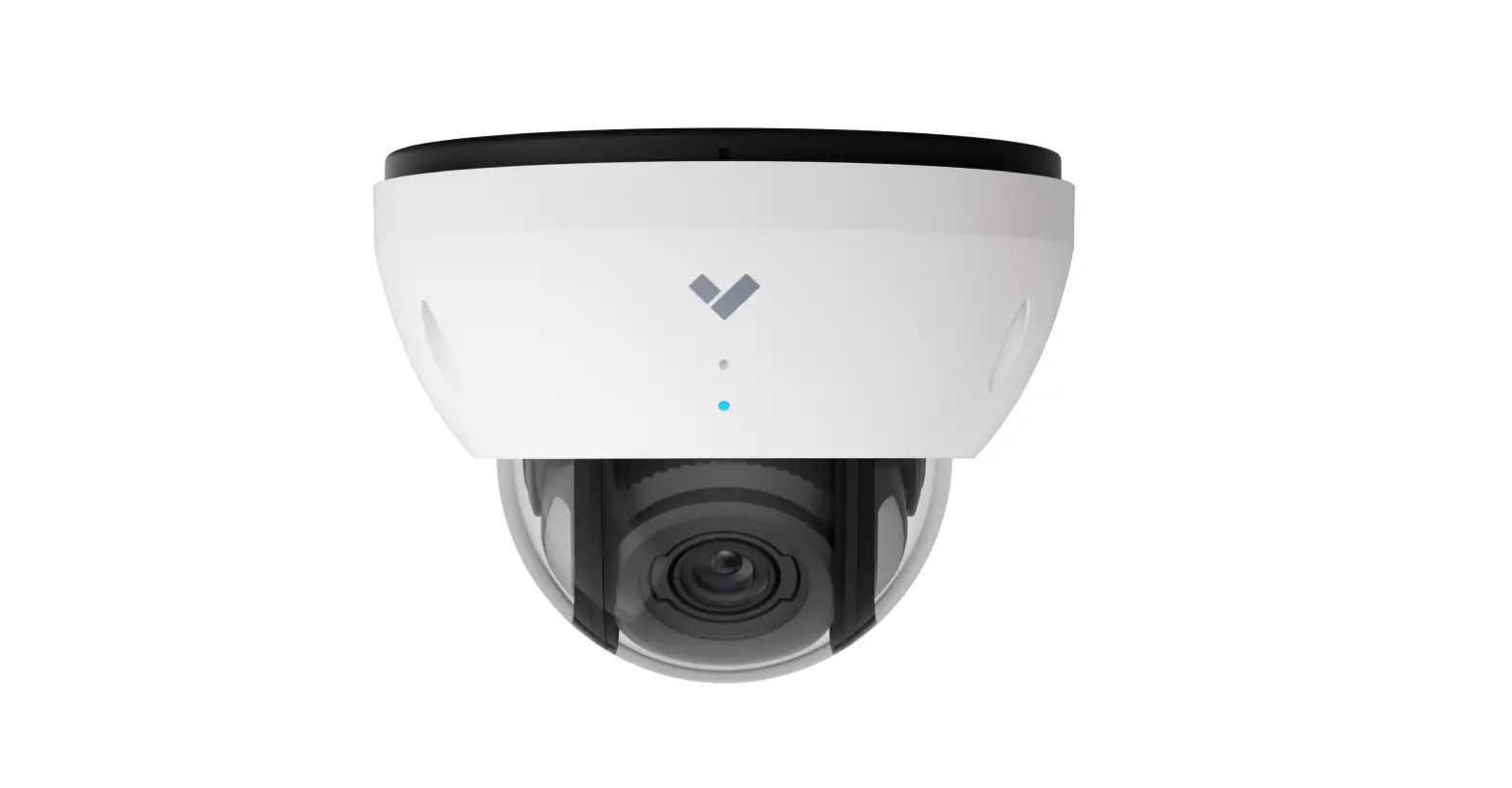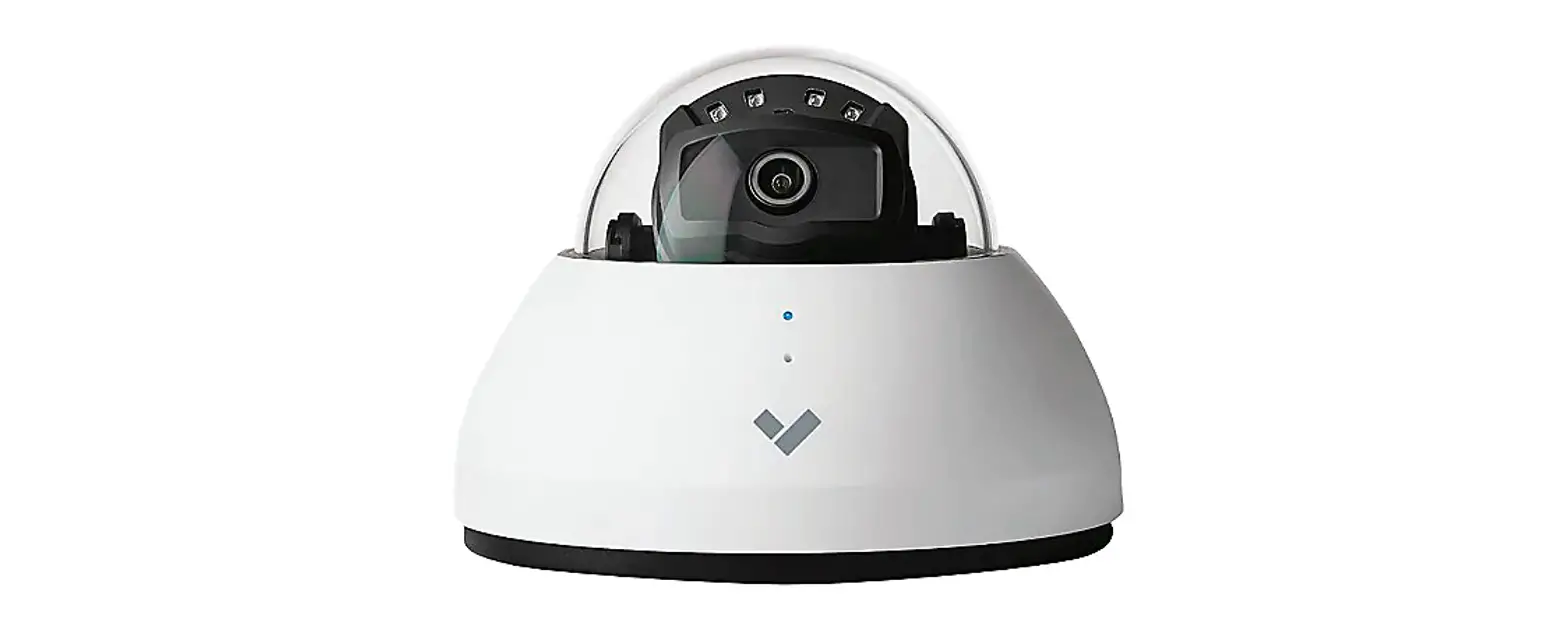

VERKADA CM61 4K IR Indoor Mini IP Security Camera User Guide
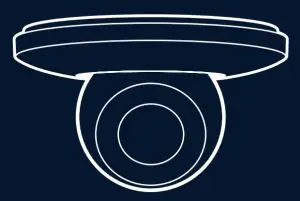
CM61 Camera
In the box
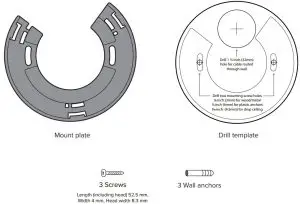

What you’ll need
- A working internet connection
- 802.3af Power over Ethernet (PoE) switch, or a PoE injector
- A smartphone or laptop
- A Phillips screwdriver or power drill with a Phillips driver bit
- Ž⁄’ inch (6.5mm) drill bit for wall anchors
- Ž⁄“ inch (3mm) drill bit for pilot holes
- ”⁄•– inch (4.5mm) drill bit for machine screws
- 1 Ž⁄’ inch (32mm) drill bit if ethernet cable is routed through mounting surface
Connect
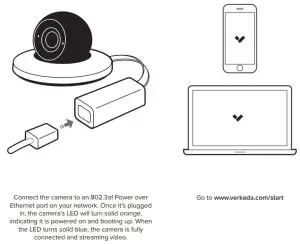
Mount
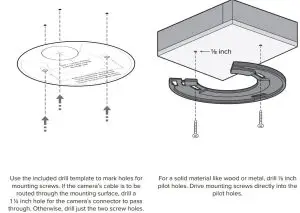
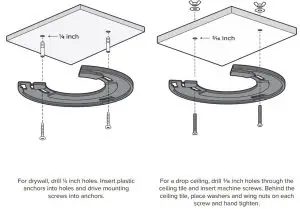
Secure
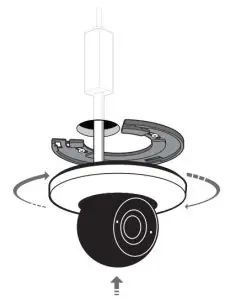
If the ethernet cable is routed through the mounting surface, plug the cable into the camera’s cable connector and insert the connector through the 1 Ž⁄’ inch cable hole. Place the camera over the mount plate and rotate it clockwise until it locks.
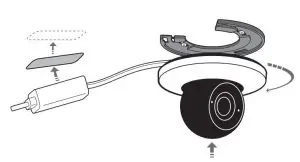
If the ethernet cable is to be routed along the mounting surface, plug the cable into the camera’s cable connector, place the camera over the mount plate and rotate it clockwise until it locks into place.
Mount the cable connector with the included adhesive to a clean, dry, and dust-free surface. Peel
oœ the first protective layer and press the adhesive against the connector. Then peel oœ the second
protective layer, press firmly against the mounting surface, and hold for 10 seconds.
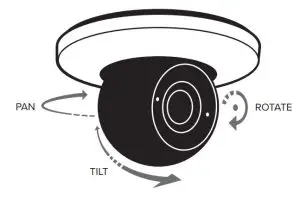
To adjust the camera view, pan the camera by spinning the entire camera sphere. Tilt the camera by tilting the entire camera sphere. Rotate the camera by rotating only the front half of the camera sphere.
Support
Thank you for purchasing a Verkada camera. If for any reason things don’t work right or you need assistance, please contact us immediately.
Sincerely –
The Verkada Team
+1 (833) 837-5232
[email protected]
Read More About This Manual & Download PDF: