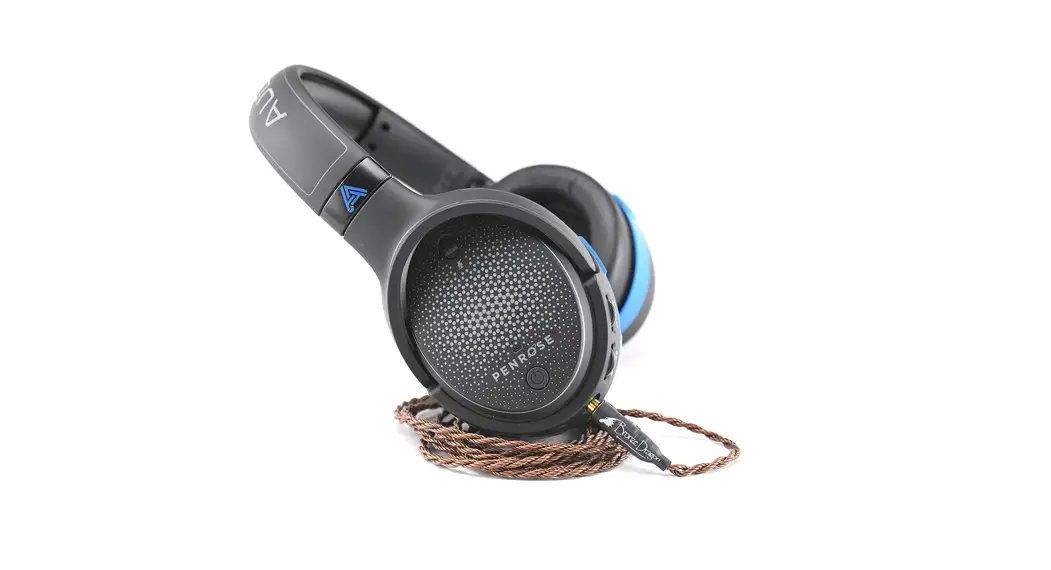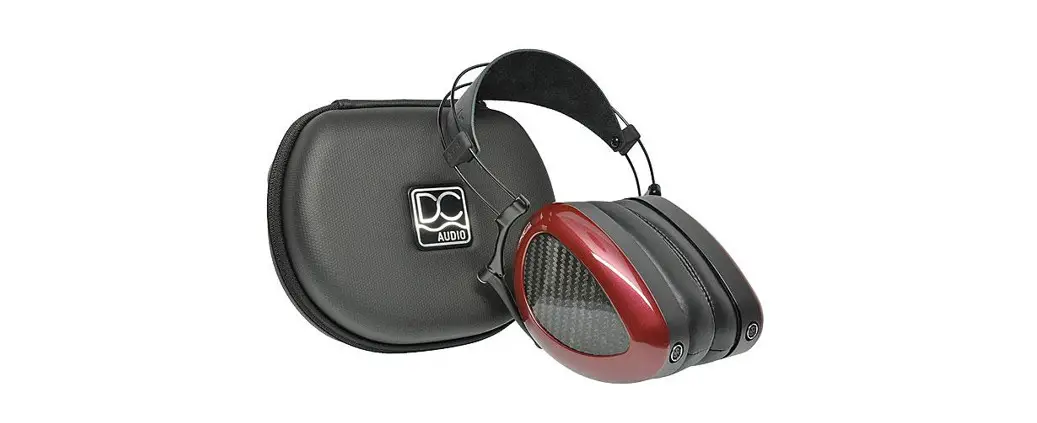

ACC1081 Penrose Headphone
User Guide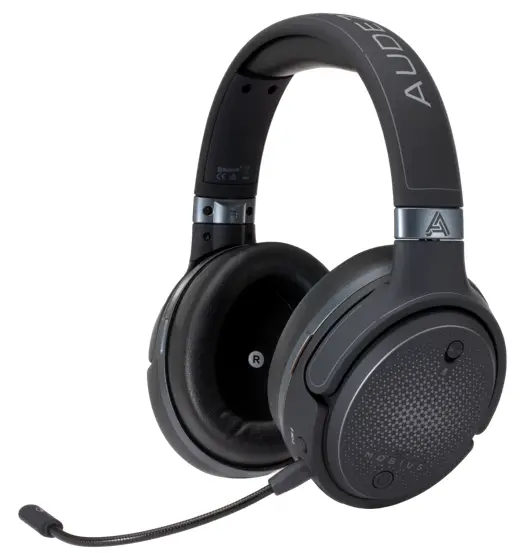
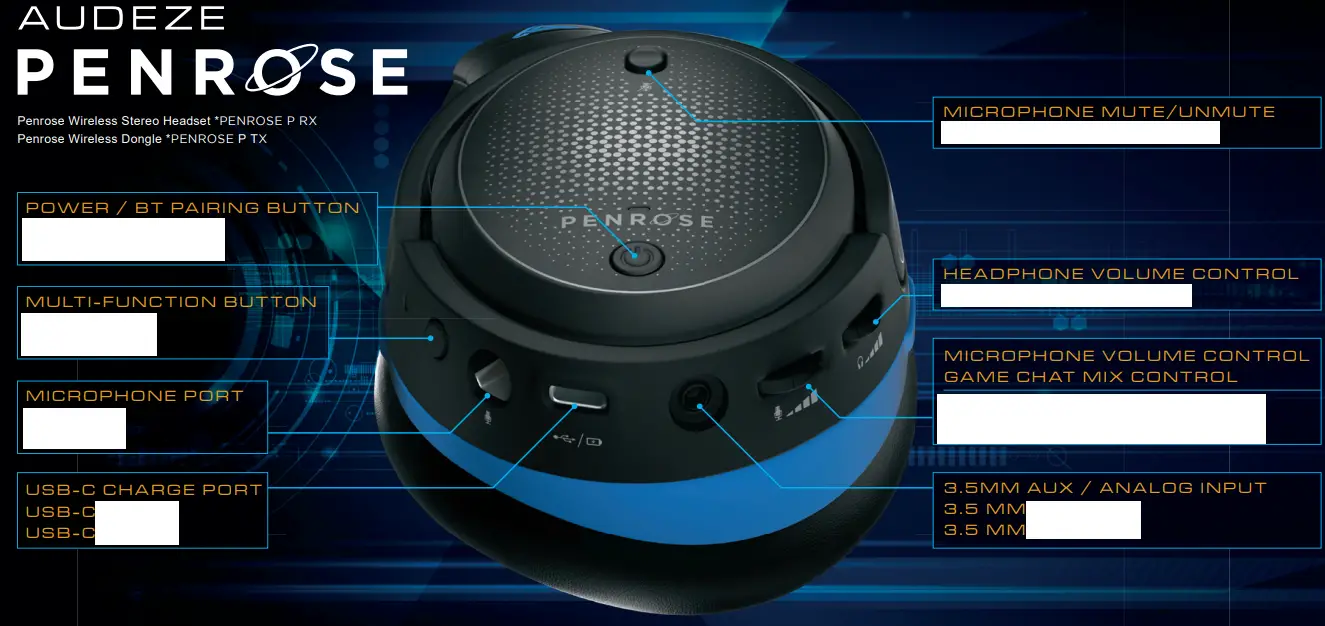
QUICK REFERENCE
| BUTTON | ACTION | FUNCTION |
 Power Button Power Button | Single Click (Short Press) Double Click (in BT mode) Long Press (3 seconds) Long Press (5 seconds) | Pause or Play Audio/Answer or End Call Begin Bluetooth Pairing Power On/Reject Incoming Call Power Off |
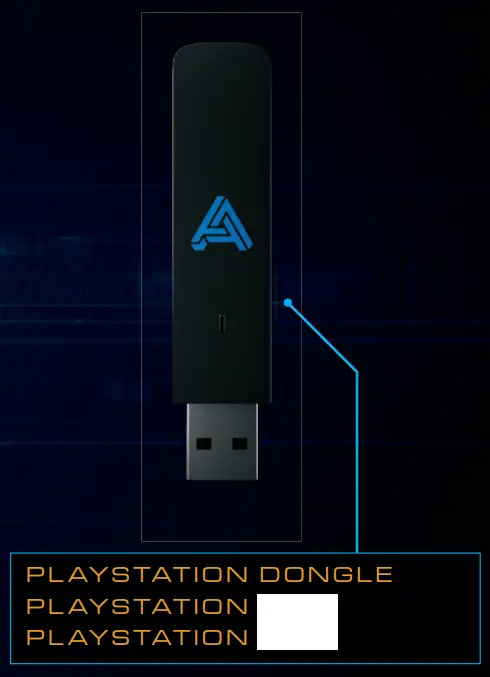
 Multi-Function Button Multi-Function Button | Single Click Long Press (3 seconds) | Toggle sources (Wireless/Bluetooth/Aux) Wireless dongle pairing |
 Headphone Volume Wheel Headphone Volume Wheel | Scroll Up/Down Double Click | Change Audio Volume (Increase/Decrease) Link back to the last Bluetooth host device |
 Microphone Volume Wheel Microphone Volume Wheel | Scroll Up/Down Press + Scroll Up/Down | Microphone Gain Adjustment Game Chat Mix Adjustment |
 Mic Mute Switch Mic Mute Switch | Toggle | Mute/Unmute Microphone |
 User Manual www.audeze.com/userguides
Unlock Advanced Penrose Features with the Audeze HQ
Desktop or Mobile App. PENROSE PENROSE,
DOWNLOAD NOW
www.audeze.com/AudezeHQ
 Audeze HQ Download