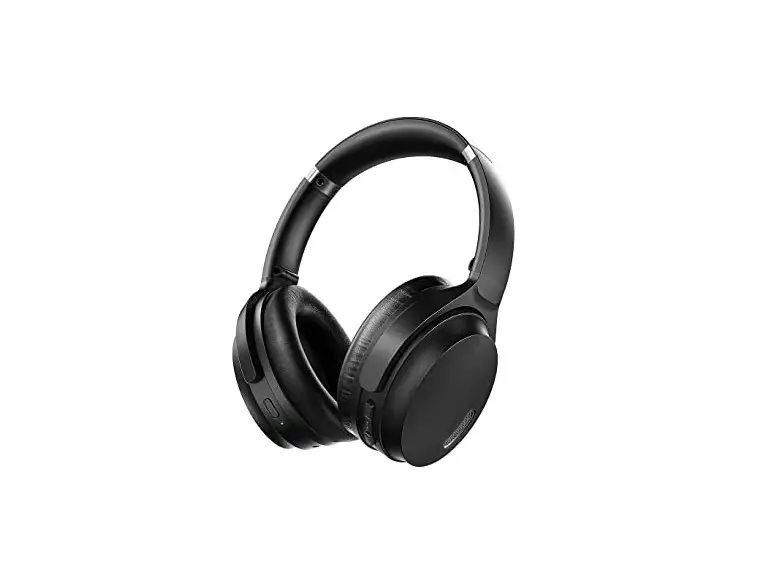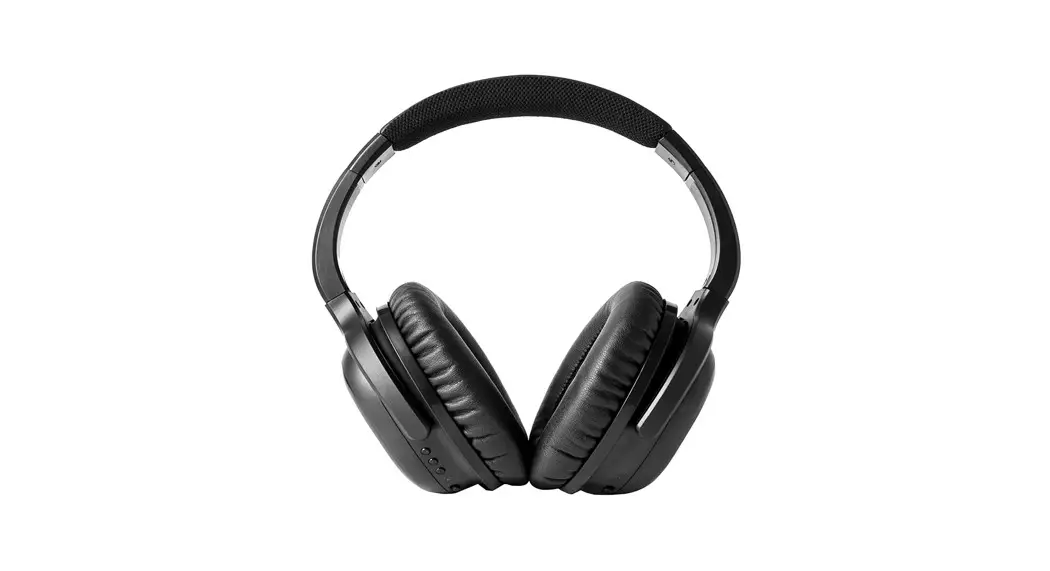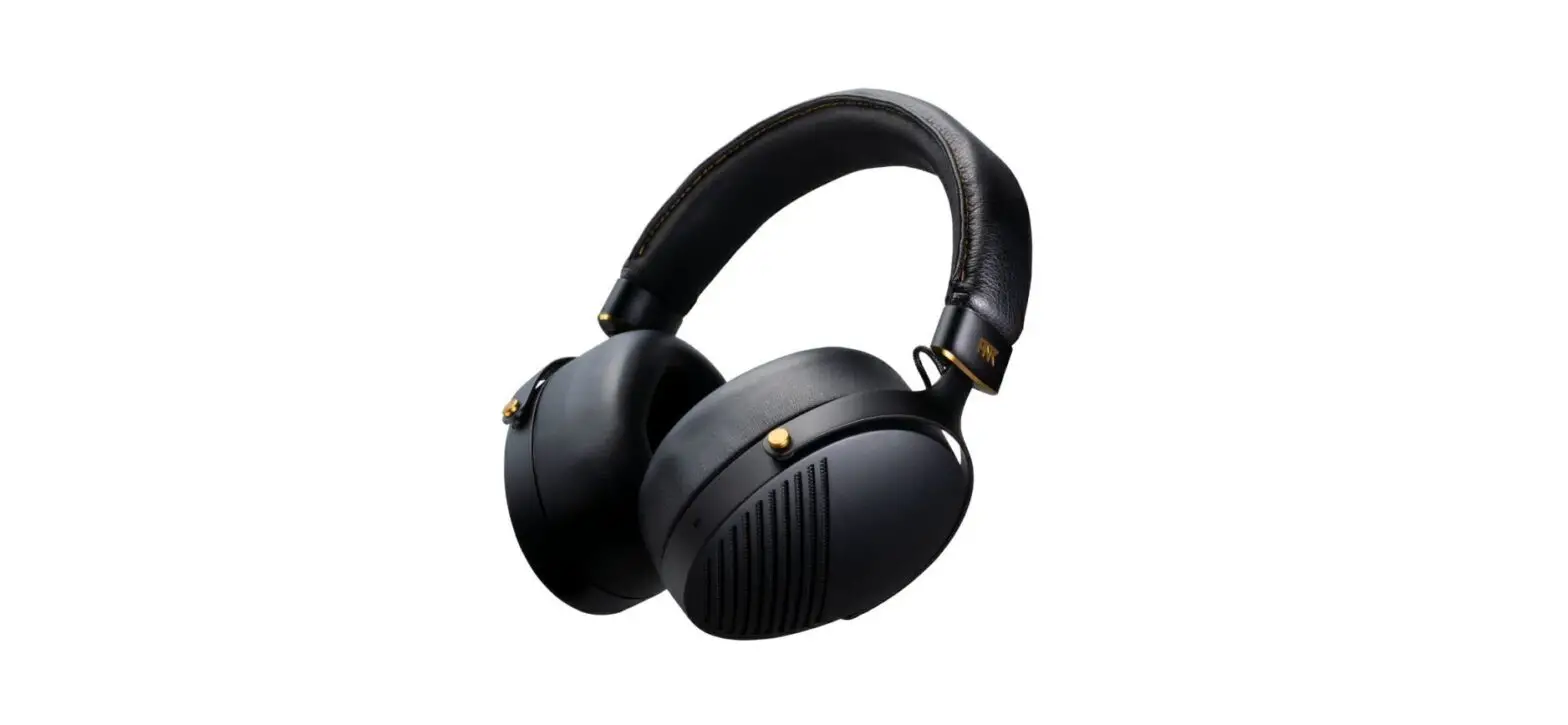
 QUDO SEYOO AV200 Headphone
 QUDO SEYOO AV200 Headphone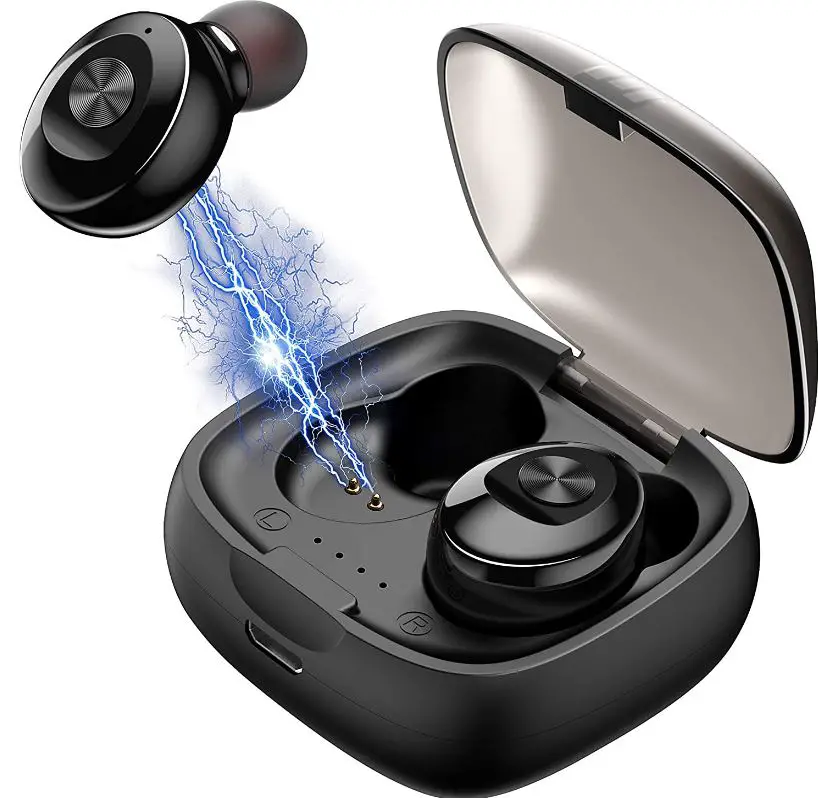
Specifications
- Bluetooth controller: CSR64110 V4.2 version
- Received distance: Up to 10 meters (distance may vary due to external electronic interference and obstacle)
- Working frequency: 2.402GHz – 2.480GHz
- Transmit power: CLASS 2, MAX 4dbm
- Audio decoding mode: SBC
- Input voltage: OC5±0.25V/1.0A
- Battery capacity (Earbuds): 3.7V/50mAh per side
- Battery capacity (Charging Case): 3.7Vl400mAh
- Operating voltage: 3.7V (3.3–4.2V)
- Charging time (Earbuds): s1H
- Speaker specification: 320±15%
- Playtime for continuous music: S4H
- Talking time: S4H
- Standby connection time: s1 OOH
- Operating current: s25mA=
- Matching name: QDSLTMC12B

Introduction
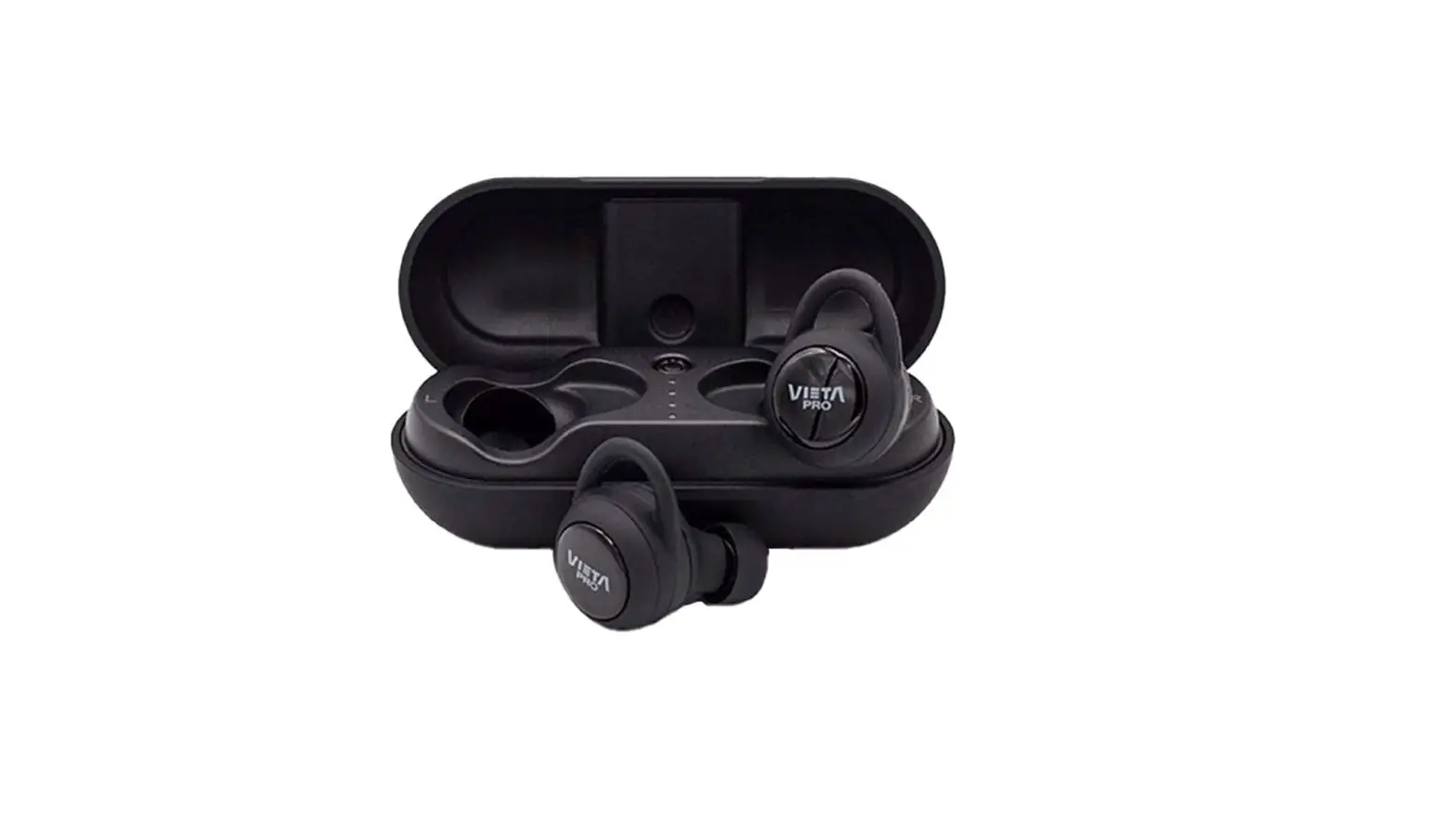
Headphones can play music for up to 16 hours at a time while charging in a compact case for up to 4 hours of continuous playback. The length of the playback depends on the use and connection circumstances.
The most recent version of Qualcomm’s cVc 8.0 Noise Cancellation technology can perfectly pick up your speech during a phone call even in noisy environments like a street, office, or busy traffic. Additionally, mics included inside each earbud’s tail guarantee the highest call quality.
Product Description
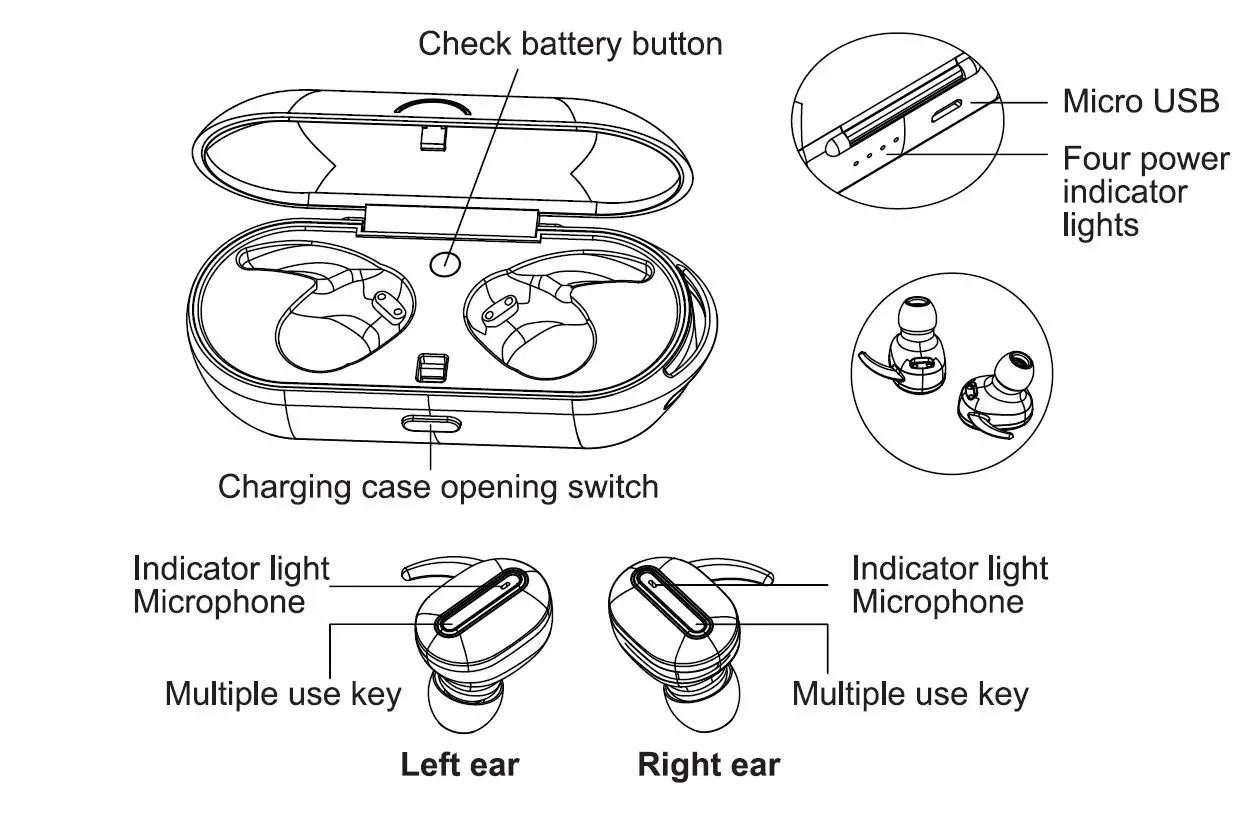
Using the earbuds In mono mode
They can be used as a complete and independent Bluetooth earbud when the left & right units are used independently.
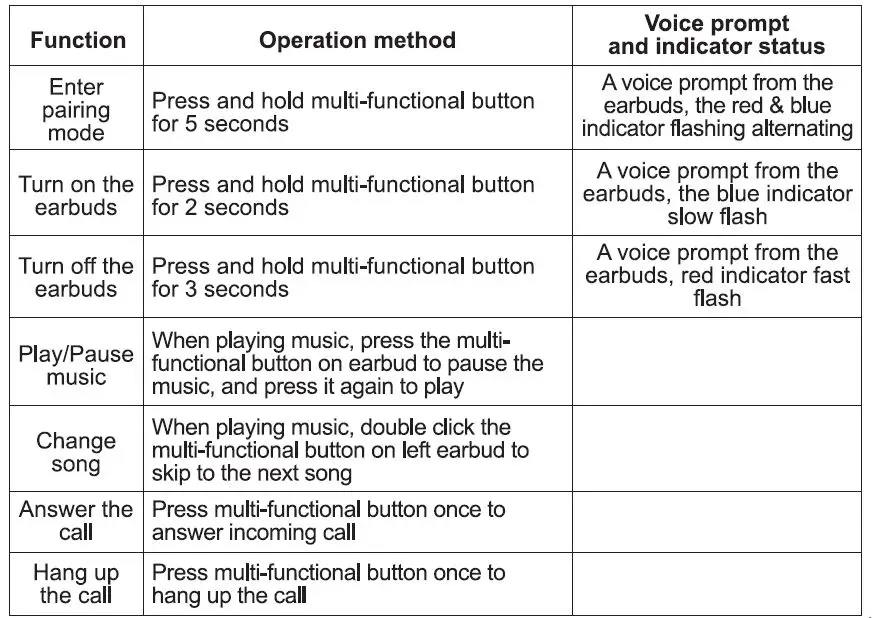
- Long press the multi-functional button on a selected side of the unit for 5 seconds to turn on the earbud (red & blue indicator flash alternately)
- Tum on your mobile phone’s Bluetooth and search for the name “QDSLTMC12B” and connect it (blue indicator flash as pairing success).
After first use, just long press for 2 seconds until the blue indicator slowly flashes, and the earbud will re-connect with the mobile phone automatically once Bluetooth is turned on a mobile phone.
Using the earbuds In stereo mode
- Take any side of earbuds as a main earbud. Long press the multi-functional button for 5 seconds to enter pairing mode (red & blue indicator flash alternately)
- Tum on your mobile phone’s Bluetooth and search for the name “QDSLTMC12B” and connect it. (blue indicator flash as pairing success)
- Long press second earbuds’ multi-functional button for 2 seconds until the blue indicator slowly flashes as pairing success, and the left & right earbuds are paired successfully and can play back stereo music.
Using the earbuds as hands-free
- The earbud can be used to answer the call hands-free when it connects to the mobile phone successfully. (Only the left side earbud supports phone calls).
- An incoming call beep tone will go off when a phone call comes in. Users can answer a phone call by short pressing the multi-functional button to answer the incoming call, and pressing it again to end the call.
Music Playing Function
- In playing the music process, press the multi-functional button once to pause the music, and press it once again to play.
- Please adjust the volume of music through the volume control keys on the phone.
Charging operation
Recharging the charging case:
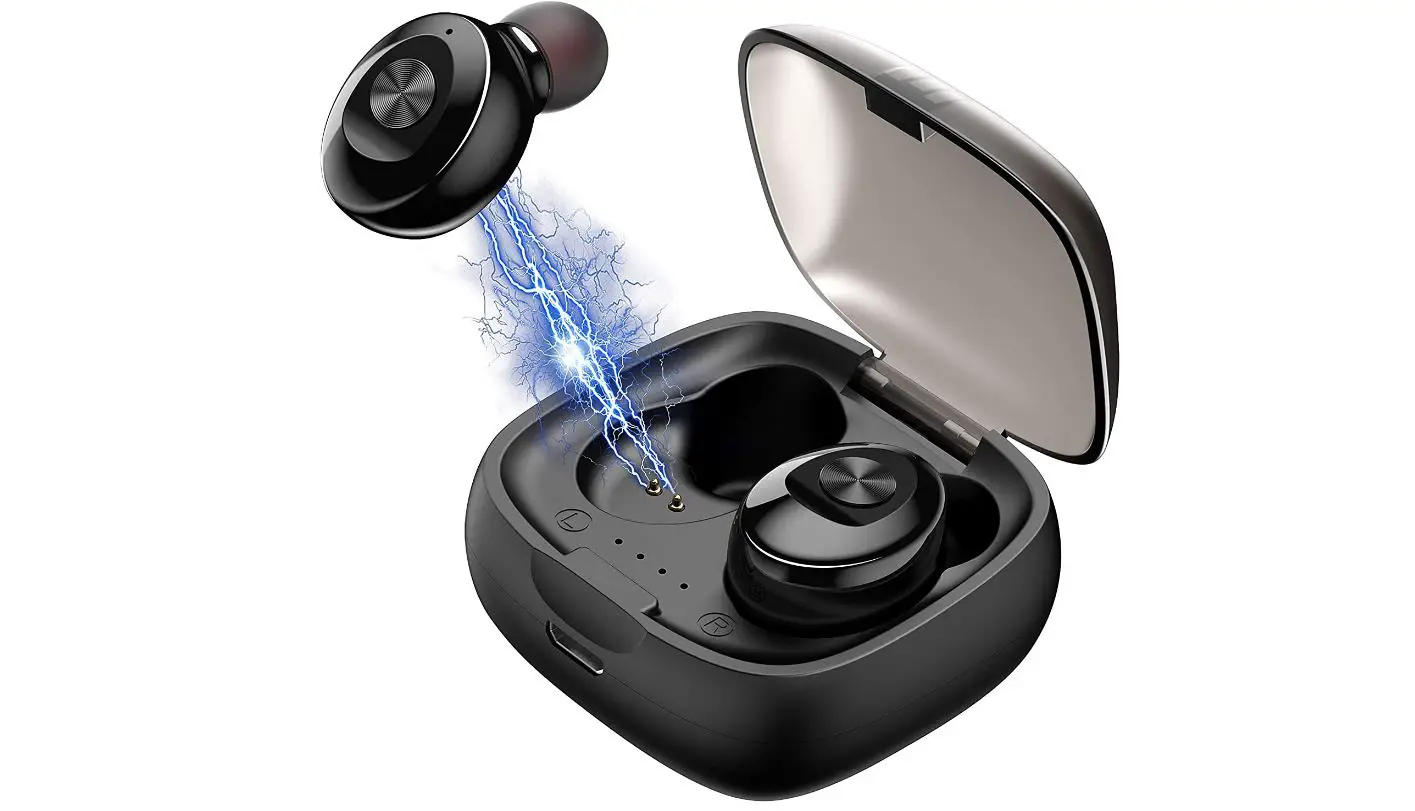
- First initial use of the unit, with the earbuds being placed inside the charging case, connecting the charging cable (included) to the Micro USB receptacle on the back of the charging case. Plug in the USS end of the cable to the USS port of the power source.
- Four power indicator lights will be in solid blue once the charging case is fully charged.
Recharging earbuds:
- Placing the earbuds inside the charging case, charging will commence automatically.
- Earbuds charging time: approximately one hour. (Charging may vary based on the battery level of the charging case.)
- Charging status: The red charging indicator light on the earbuds will be on while charging, and the blue indicator light on the earbuds will last for 20 seconds after the battery is fully charged, then tum off.
Low voltage: A Battery Low” prompts once every minute until it is out of power and turns off automatically. To ensure optimal performance and prolong battery life, recharge the battery while the battery level is low.
Check to charge case battery level: Press “check battery butt.on• the inside charging case to review battery status indicators.
FAQs
Some quality earphones can last for up to two to three years. But if your new pair stops working after just a few months, this could be due to one or a combination of these factors: You purchased a low-quality device.
All in all, just don’t expect true wireless earbuds to pack a superior sound as similarly priced regular wireless earbuds. Yes, they’re pricier, but in this case the additional money does not translate to better performance
Most of the cases are powered with a lithium-ion battery which keeps charging the earbuds until they are fully charged. It is always the best practice to keep the earbuds in case.
The case can be charged without inserting the earbuds; when they are inserted, the earbuds and case will charge simultaneously.
Earphones/earbuds typically stop working due to wire strain, faulty wiring from the manufacturer, moisture damage, or damage to the drivers that produce the sound. These occurrences may cause shorts in the electrical flow of audio or complete disconnection between the drivers and the audio source.
There’s one key difference between earbuds and earphones. Earbuds rest on the concha – the opening outside the ear canal. Earphones – also known as in-ear headphones – are inserted in the ear canal. While this may seem like a minor detail, one is better for comfort, durability, and sound quality
You can try gently putting your fingers in your ears starting with your smallest finger. Move to the next finger on each hand until you get a good seal and outside noise sounds muffled. Then try to match the size of that finger to one of the provided ear tip sizes.
There are TWS headsets that charge without a case. But they have another feature – a special cable is used to connect the device to a USB input or charging. For example, for the I7 TWS model, the bundled double cord is used
Wireless earbuds can last quite a long time when cared for property. Most can last somewhere between 2-3 years, while others can even last 5+ years. If an accident occurs, most manufacturers supply a great warranty.
All Bluetooth headsets work differently. But generally, the earphones show the light once your headsets get fully charged. The most common light used in headsets is red and green. The red light indicates the low battery level as so the green light indicates a full charge