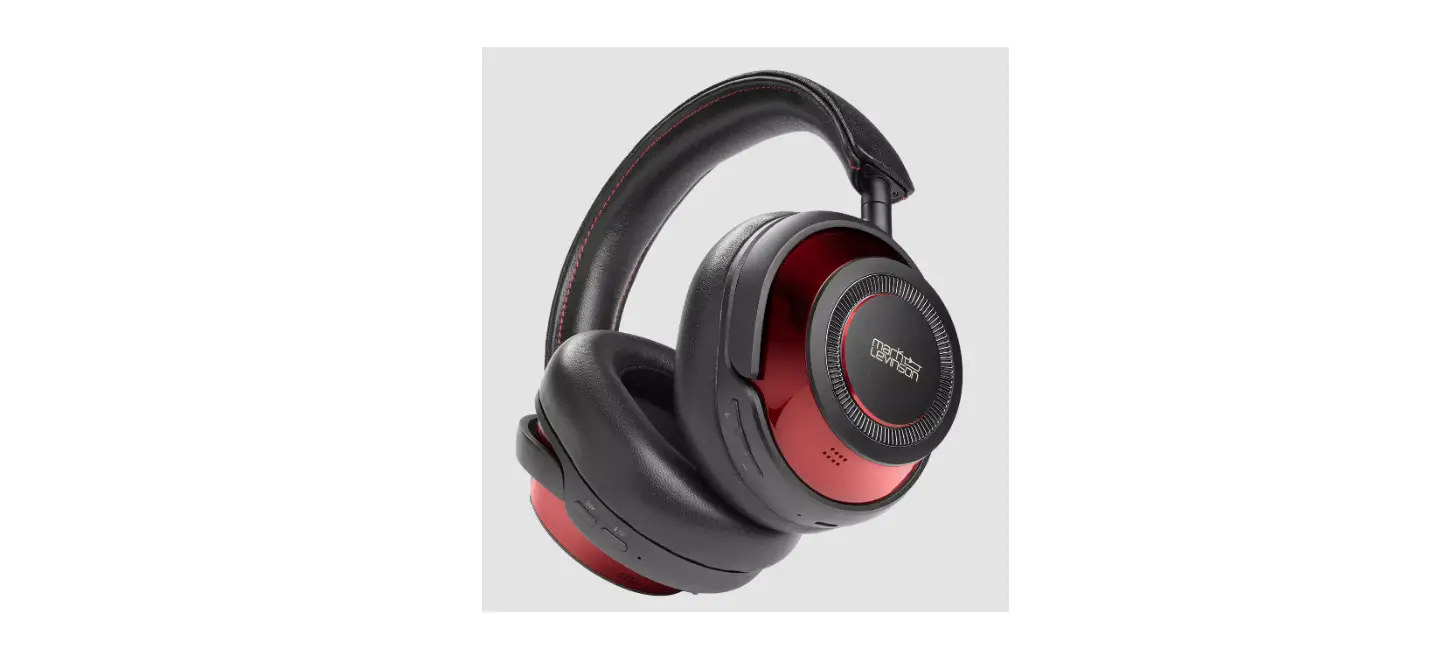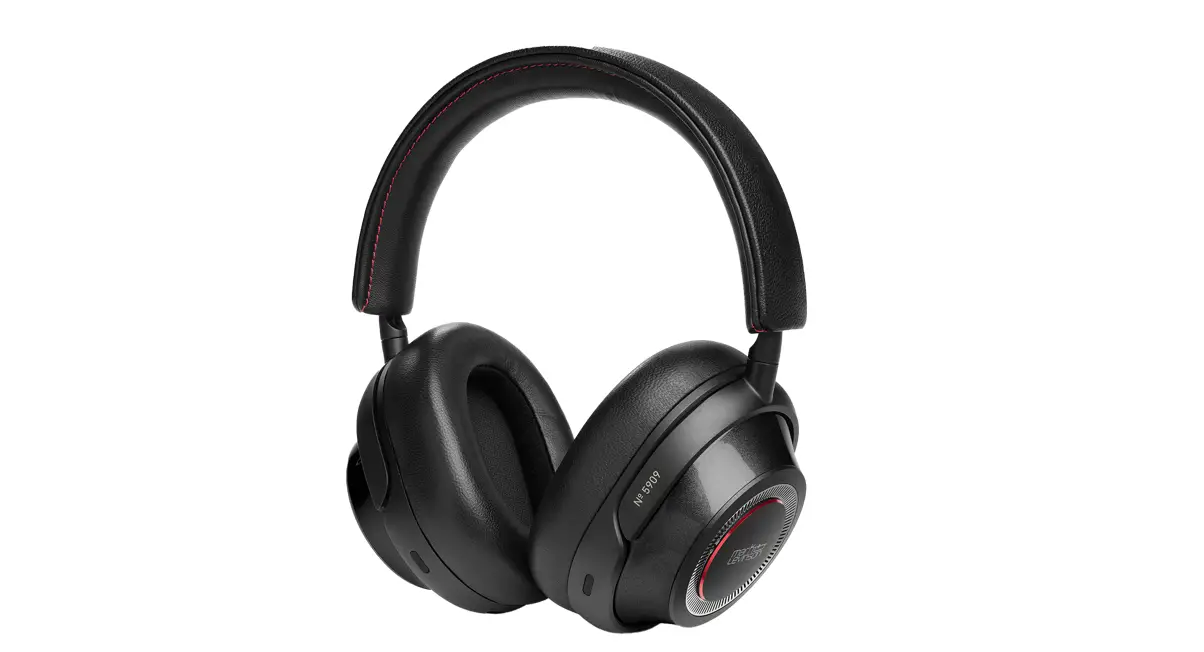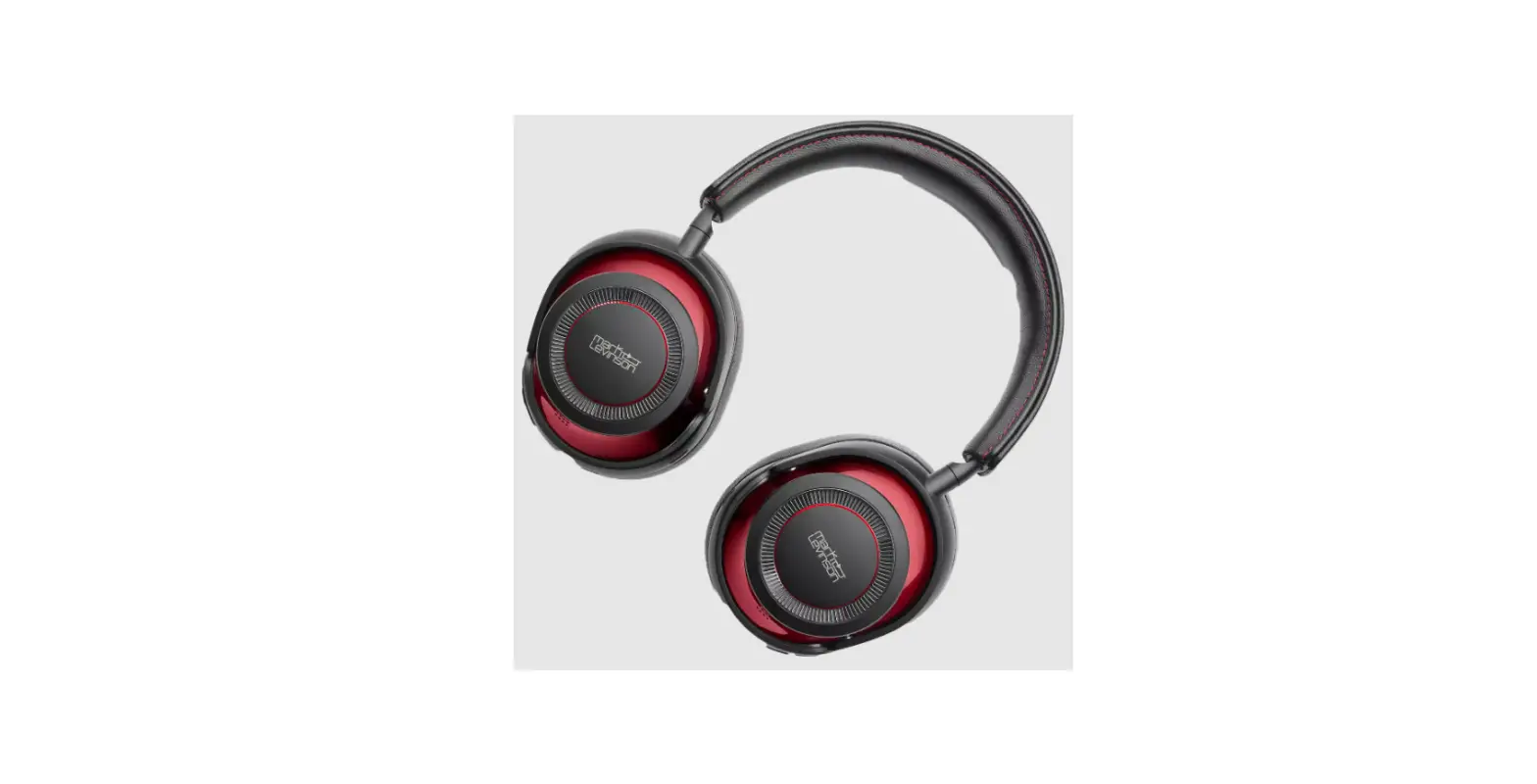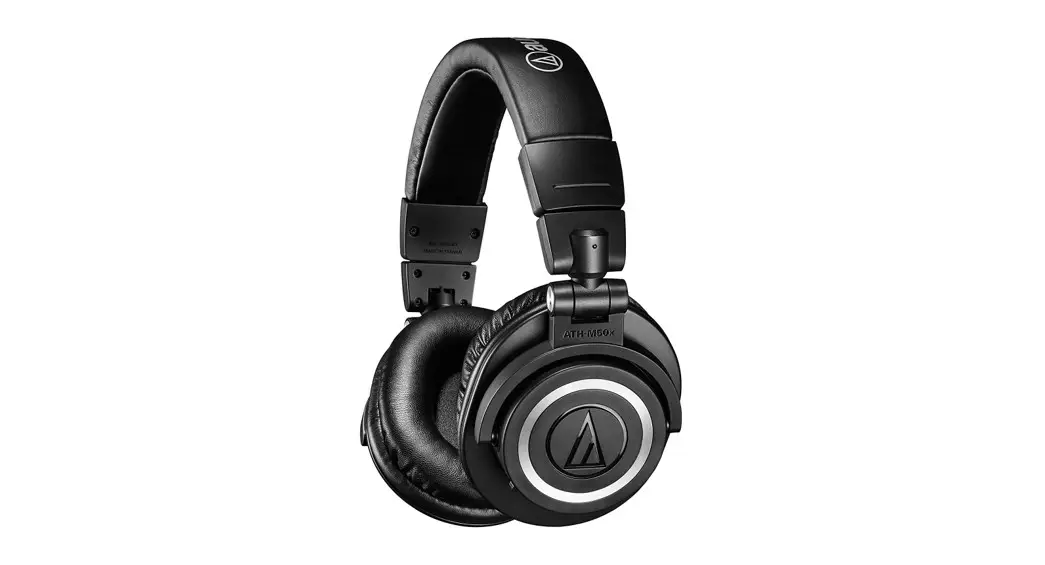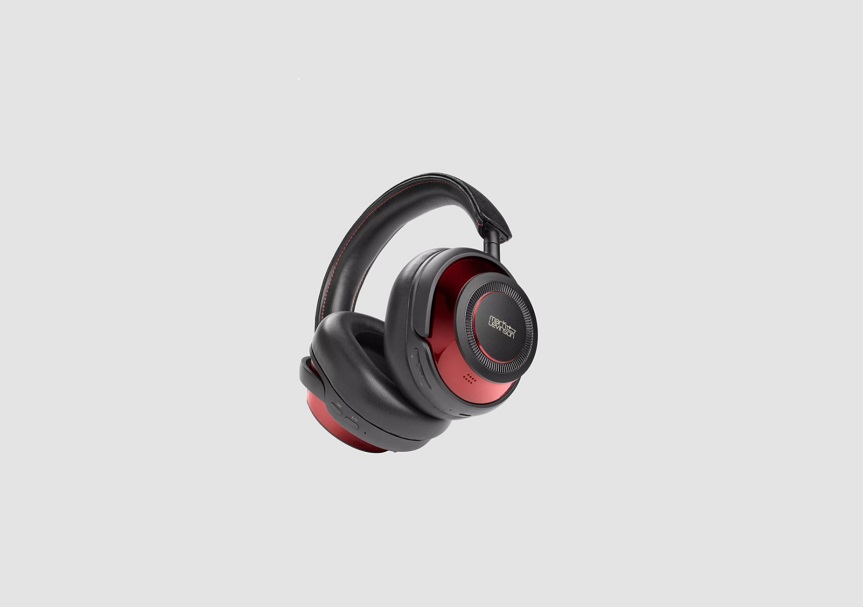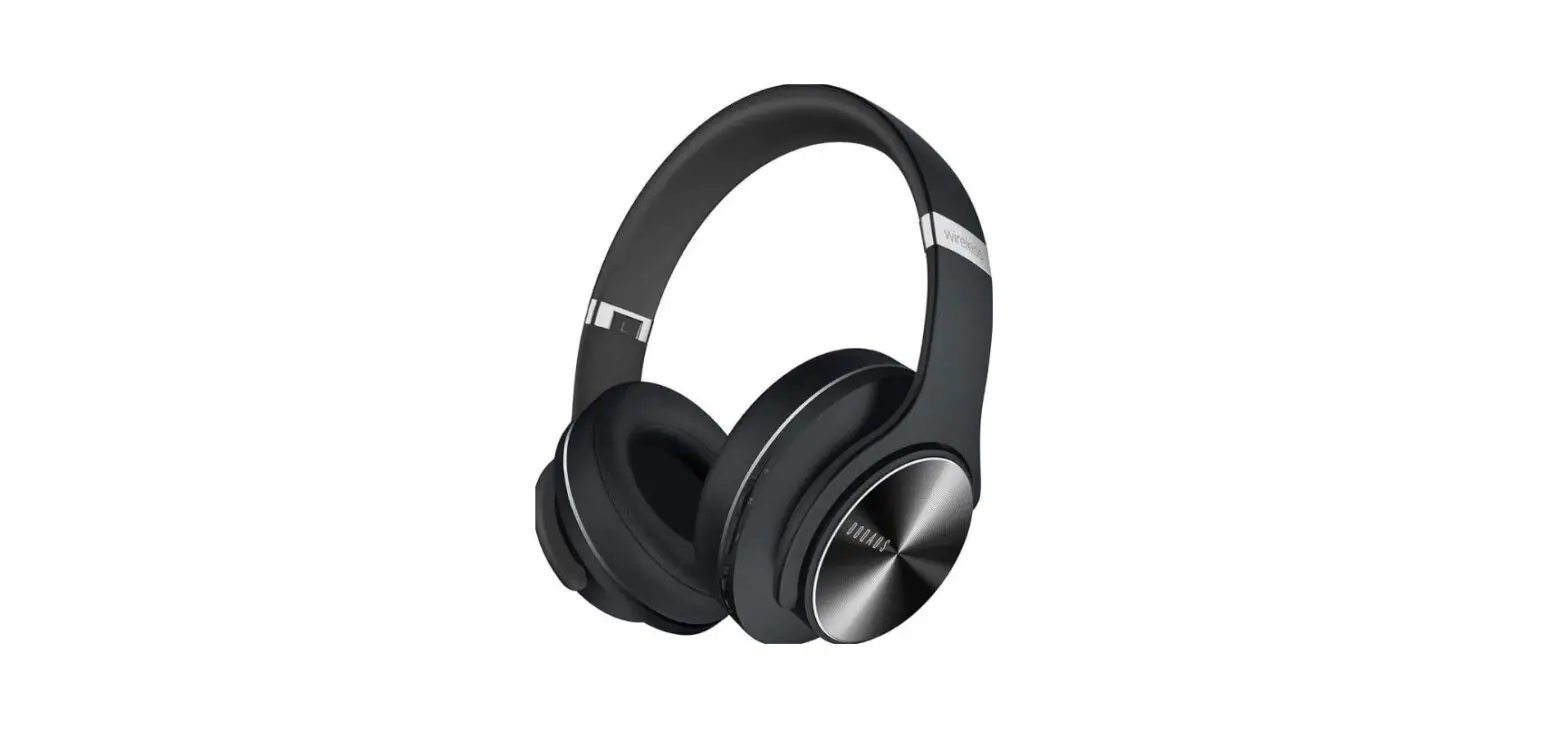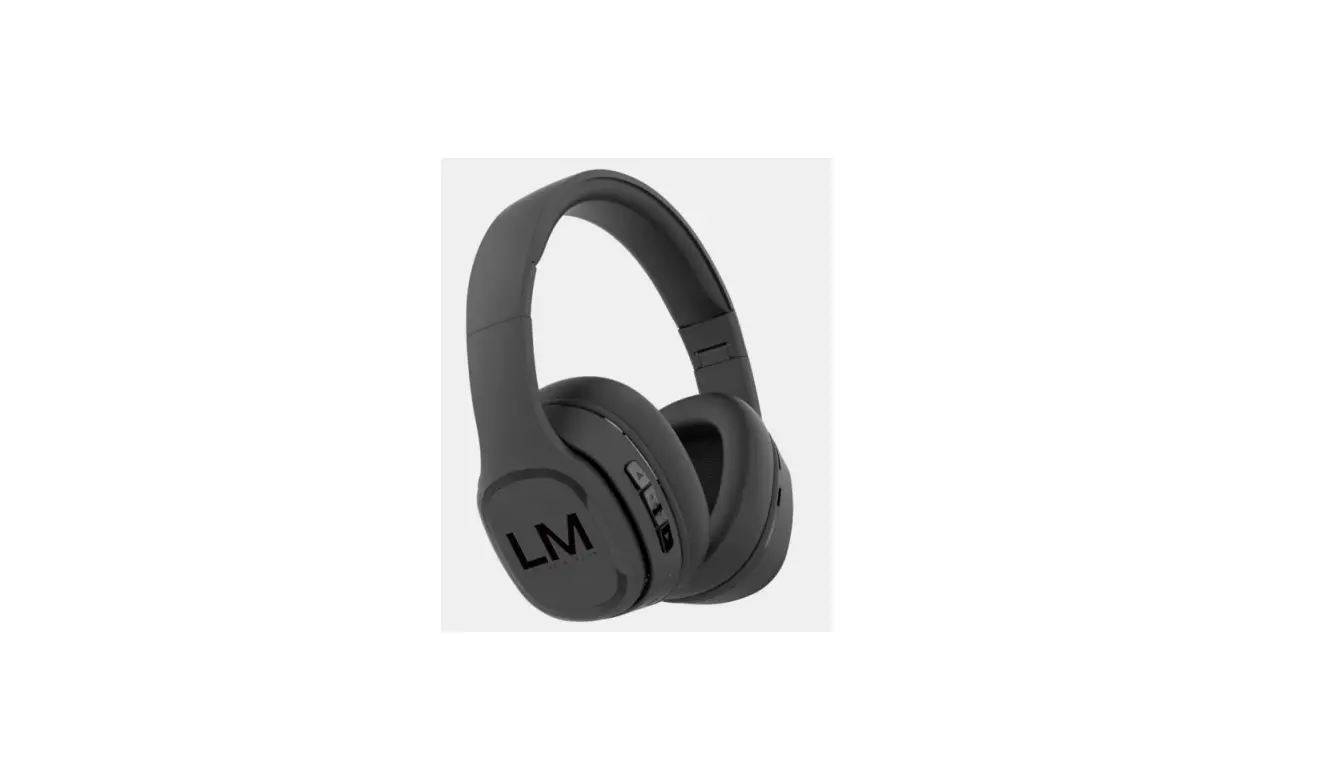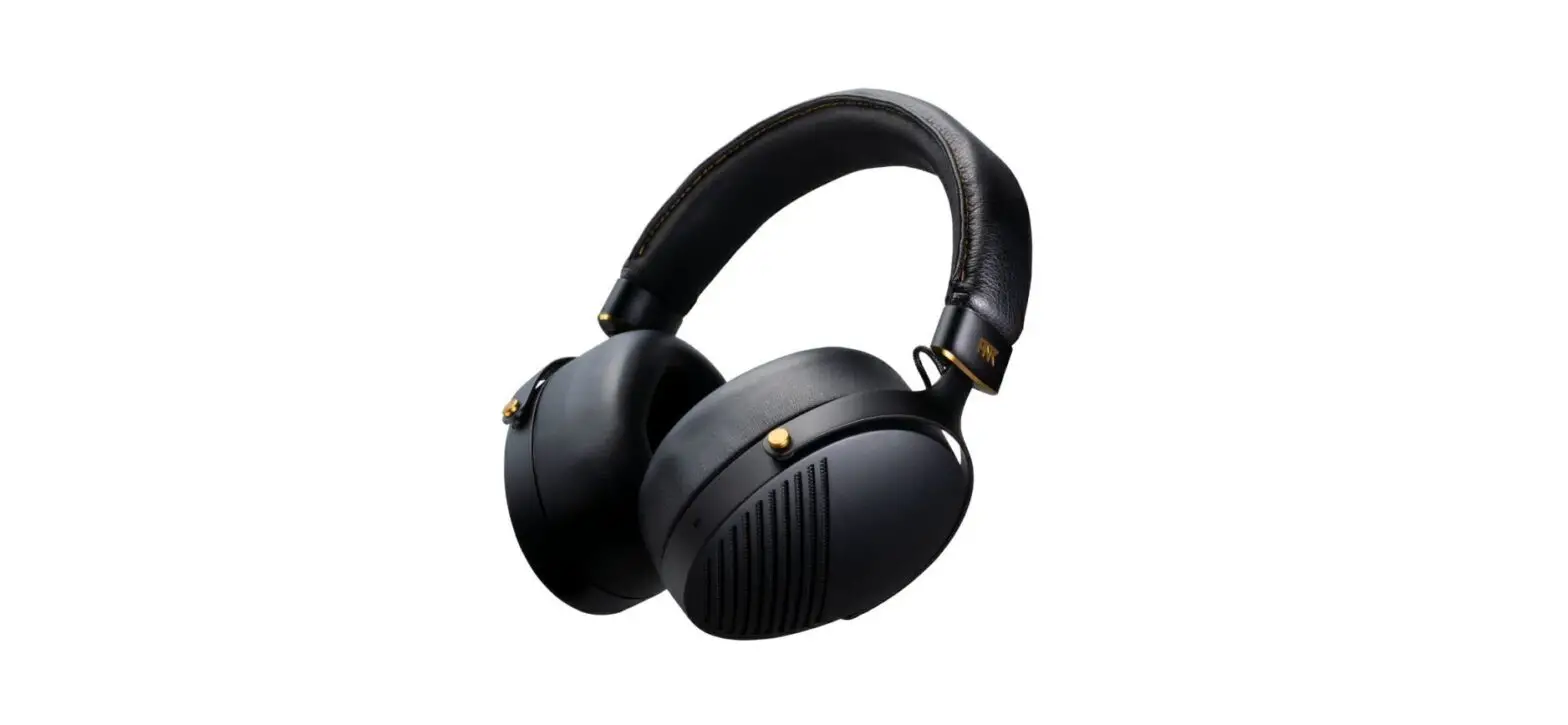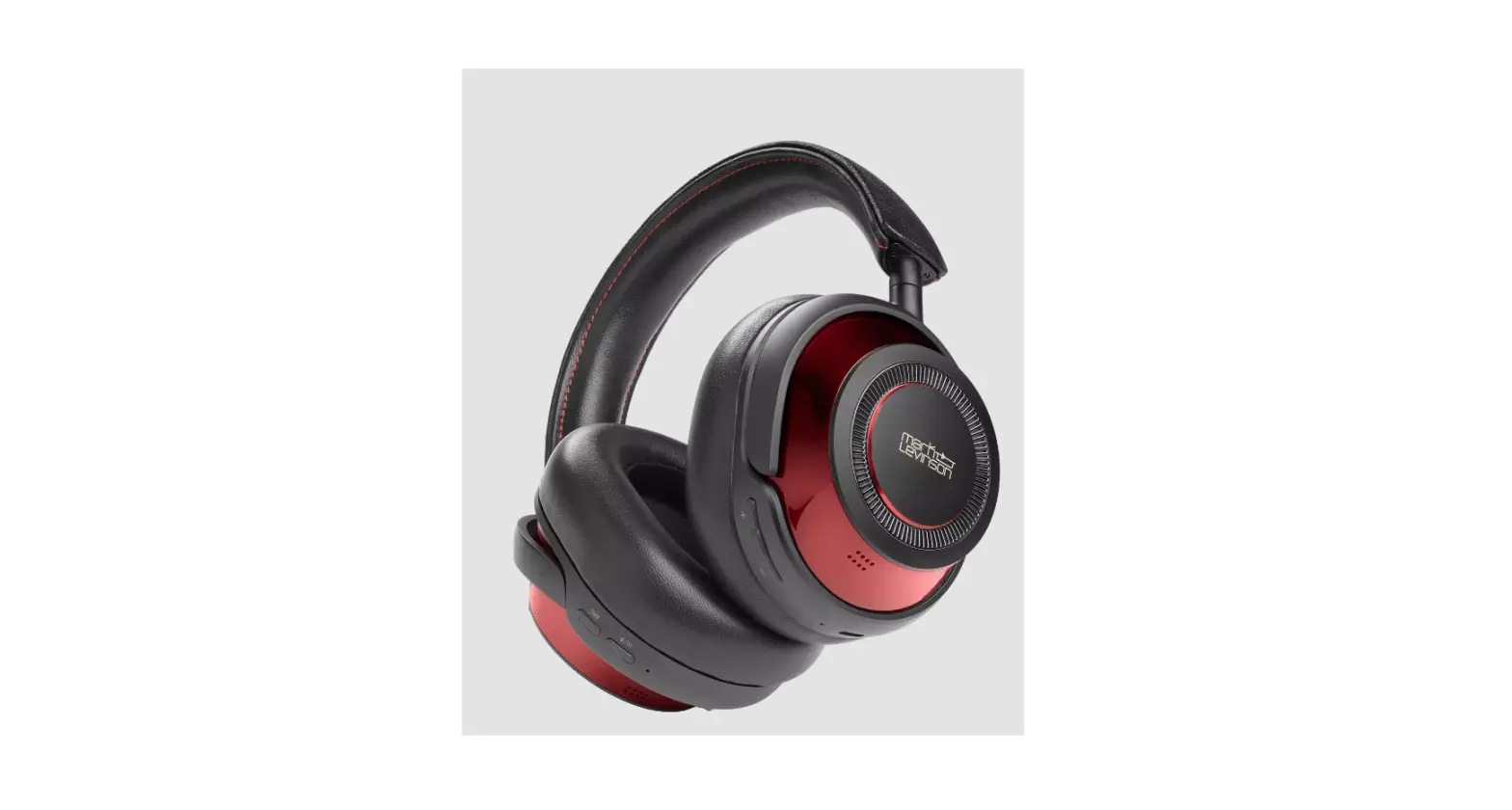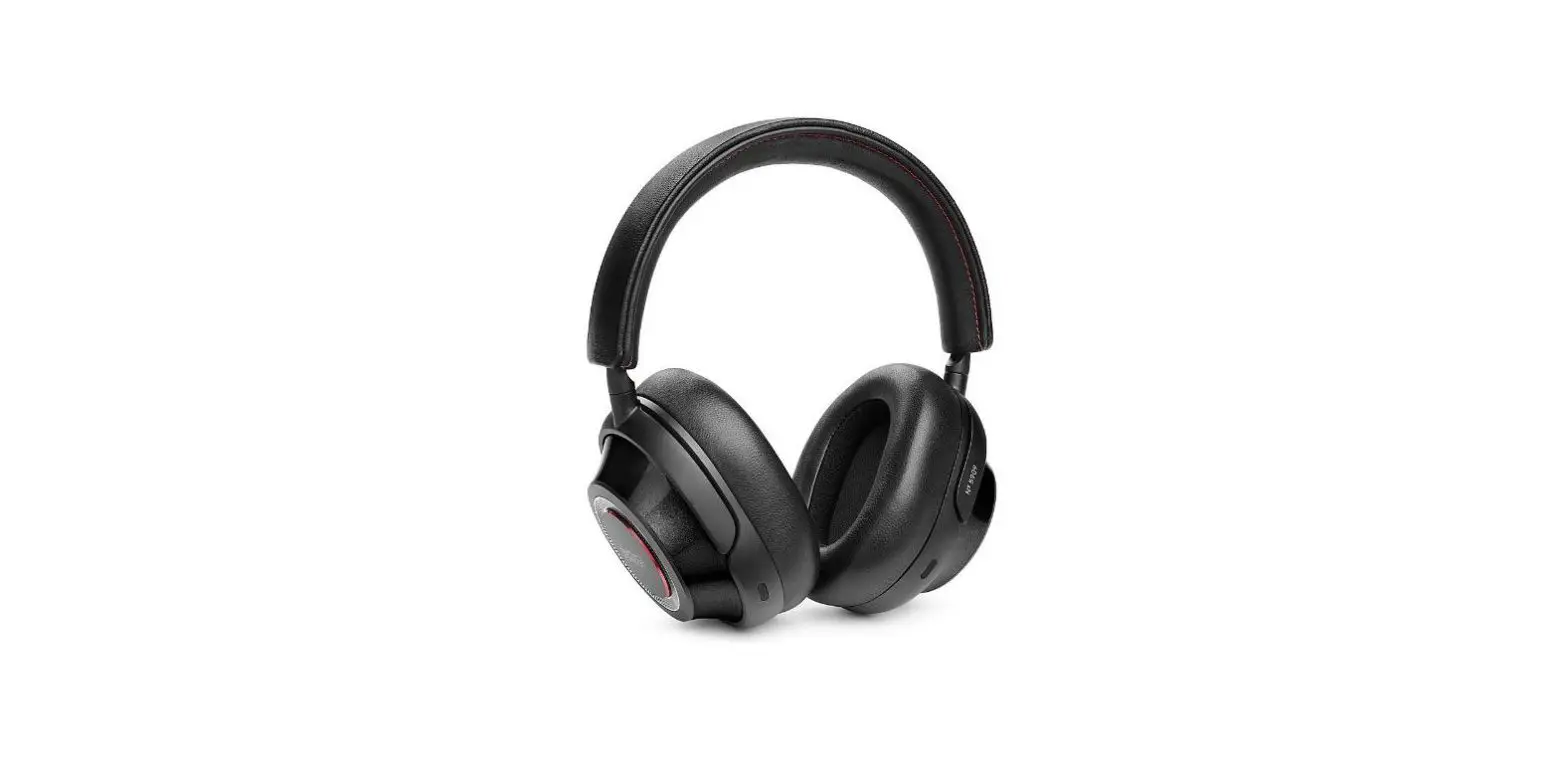

Mark Levinson No 5909 Wireless Headphone
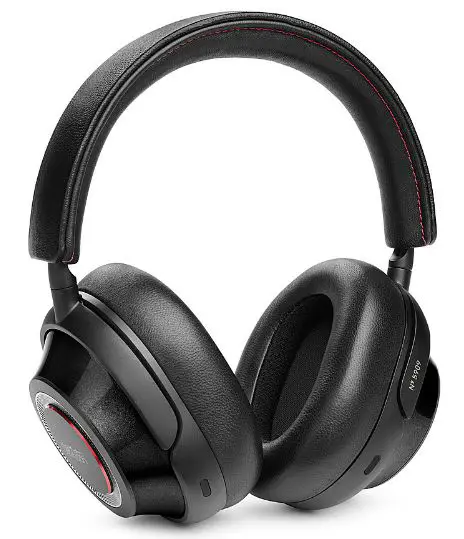
TURN ON
- Press and Hold (>1 second) Bluetooth button to power ON.
- The battery level will be displayed at startup.
- To conserve battery power, the headphones will power OFF after 3 hours of inactivity.
NOISE-CANCELING /AMBIENT AWARE
Select your default ANC and Ambient Aware settings in the Mark Levinson Headphones App.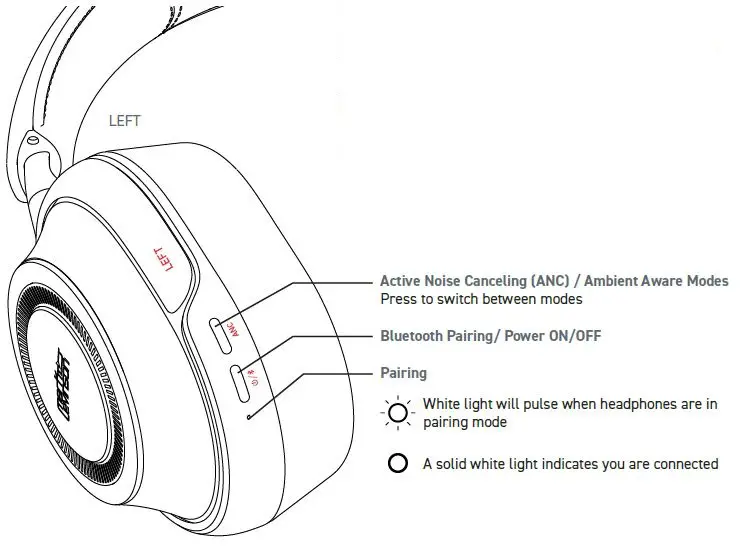
PAIRING
The first time you power ON your headphones they will enter pairing mode. Simply connect through your Bluetooth menu on your device and select “˜ 5909”. To manually activate pairing mode, power headphones OFF, then hold ON/OFF button for 4 more seconds. Access Bluetooth settings on your source device. Locate ˜ 5909 and connect. A solid white light indicates you are connected.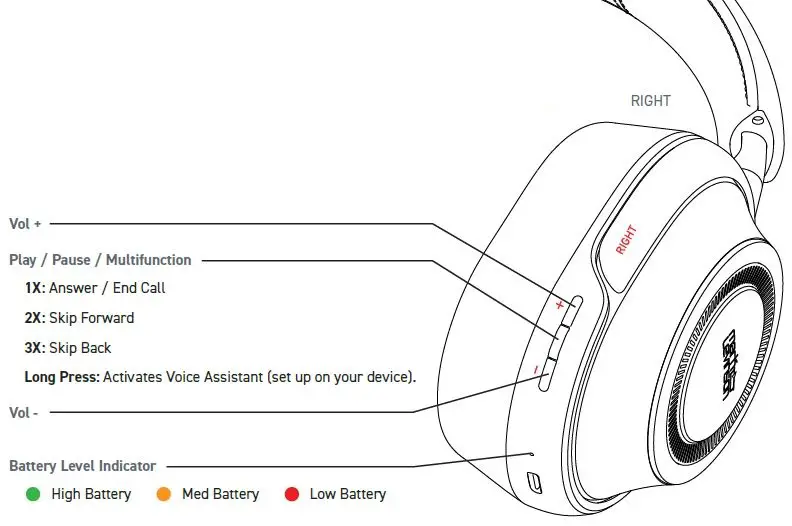
 Sites-ML-US-Site