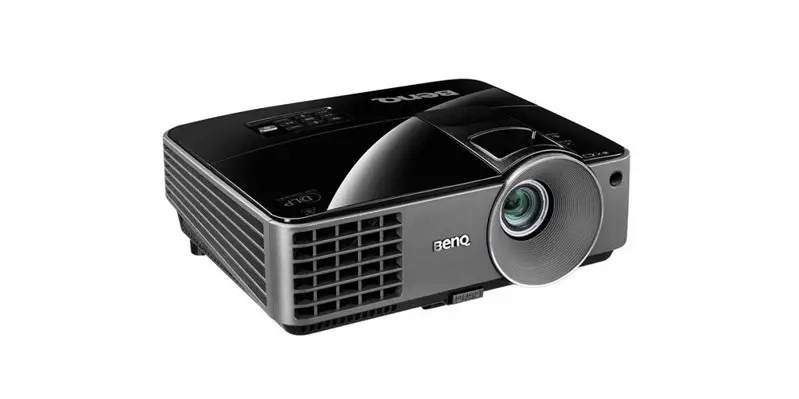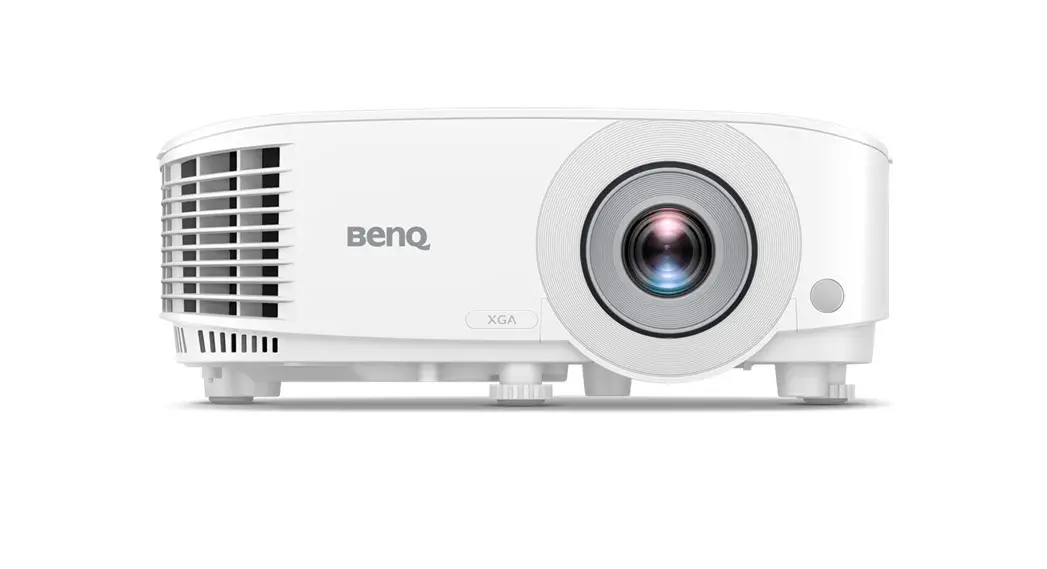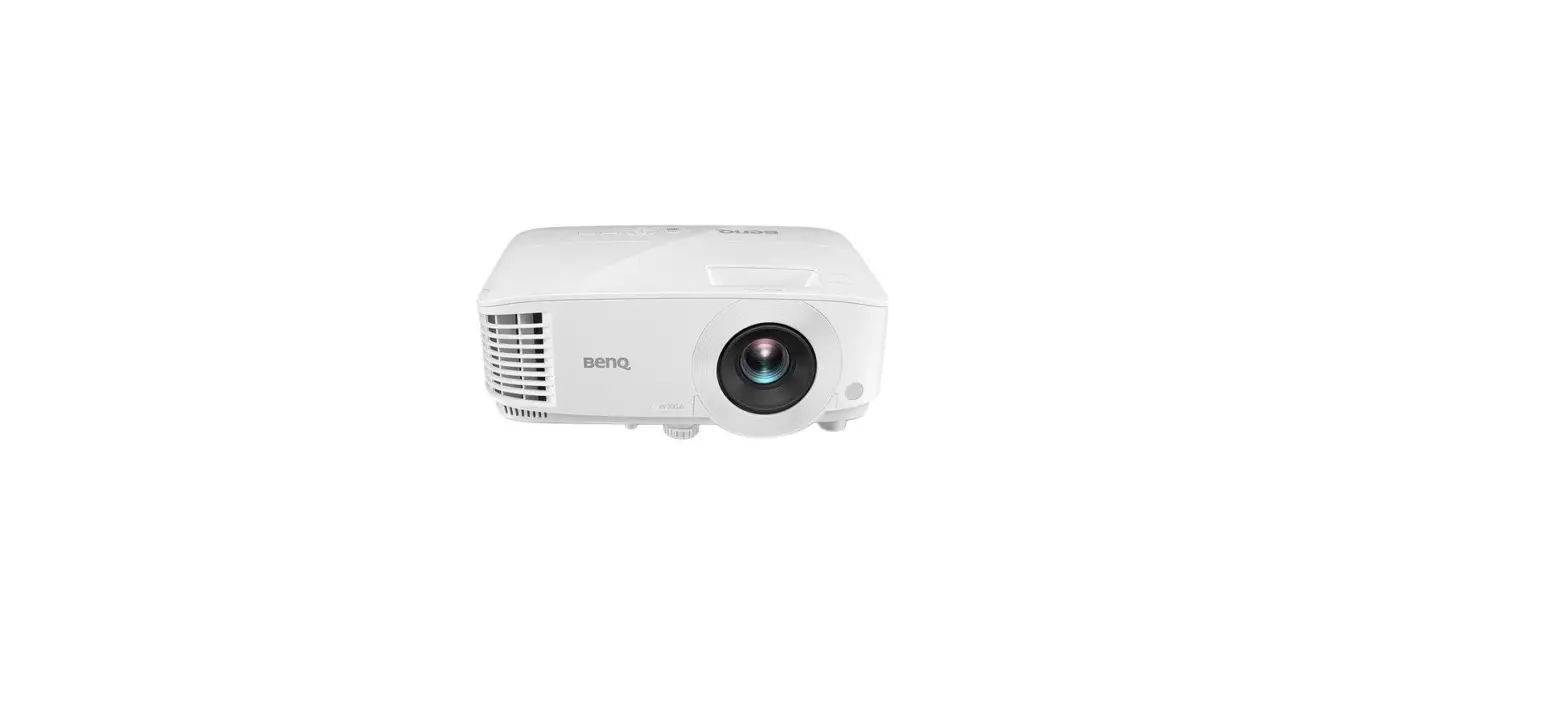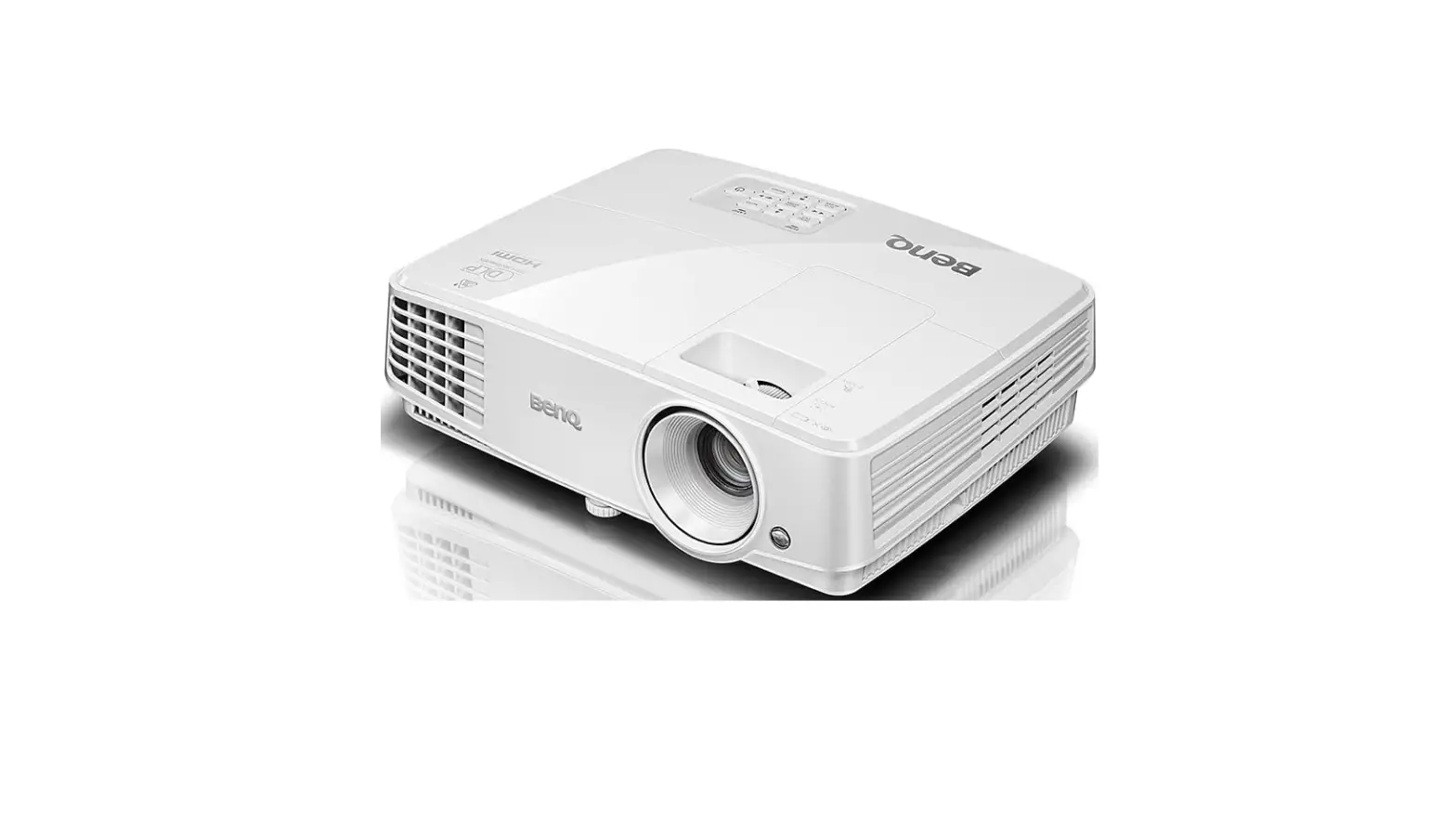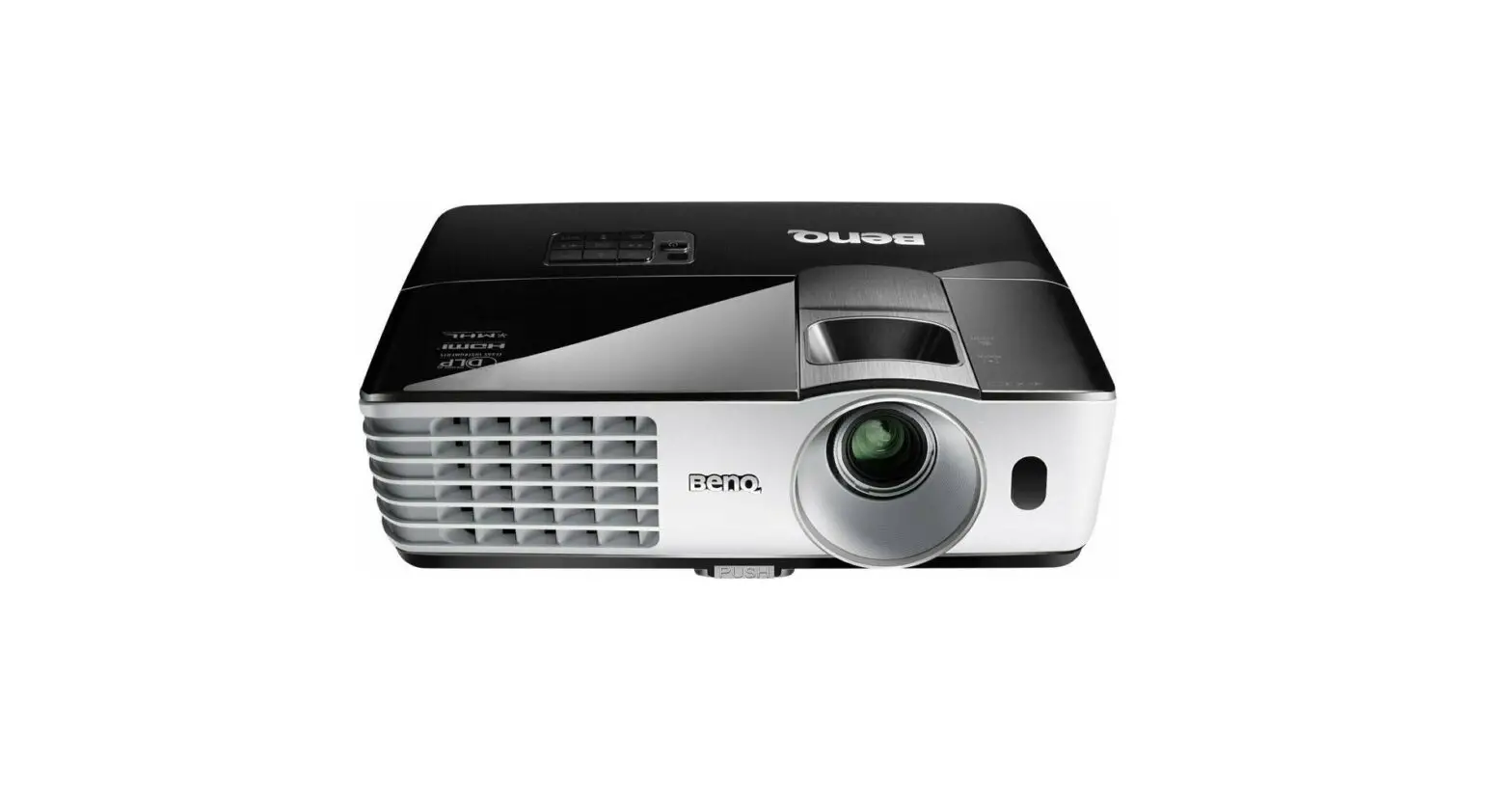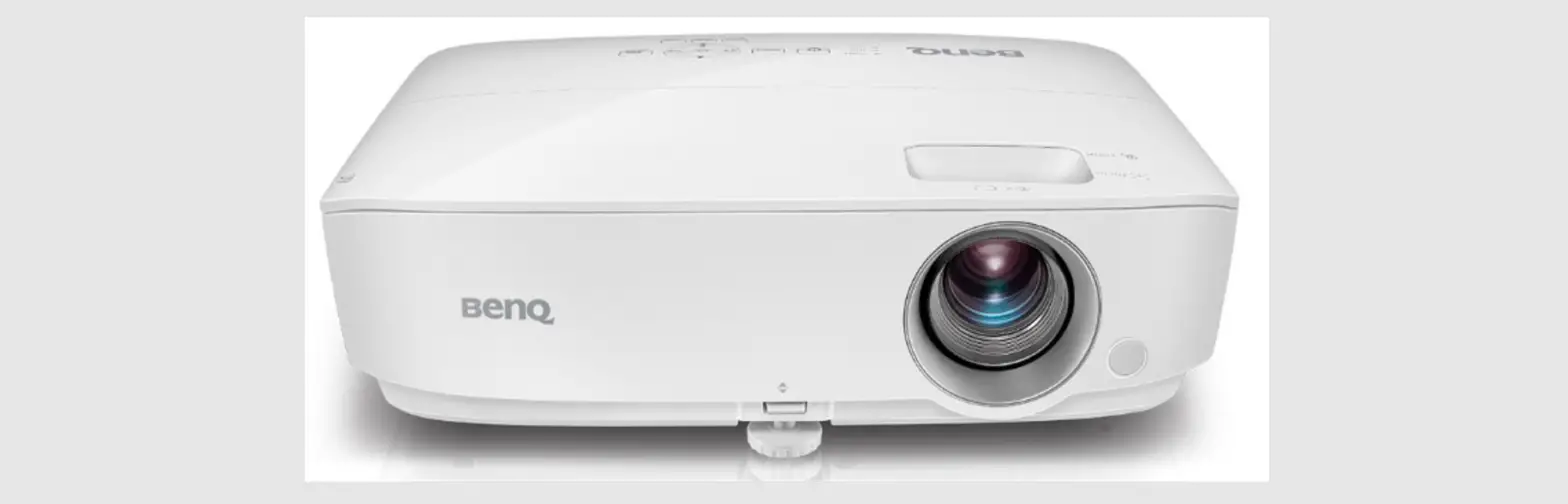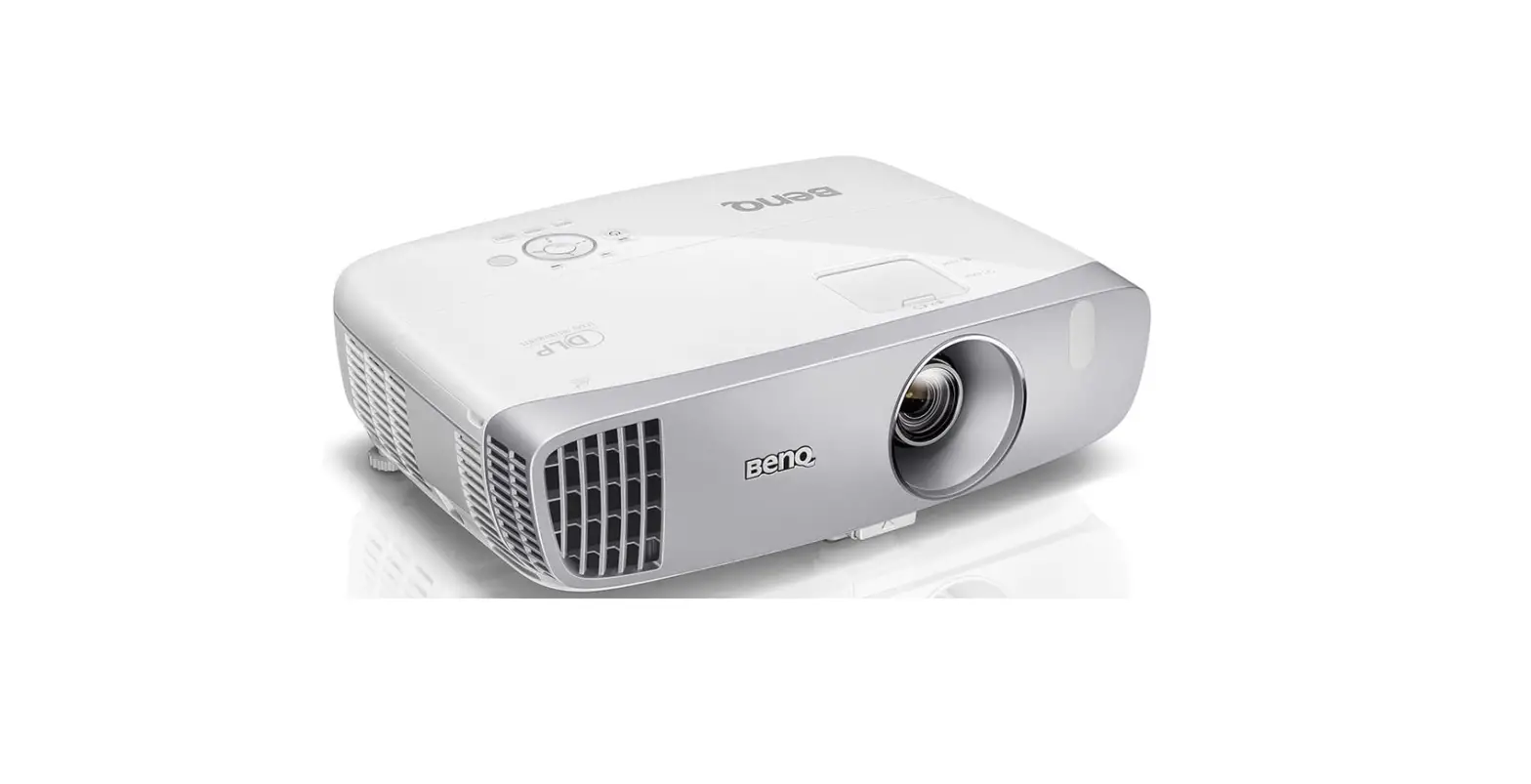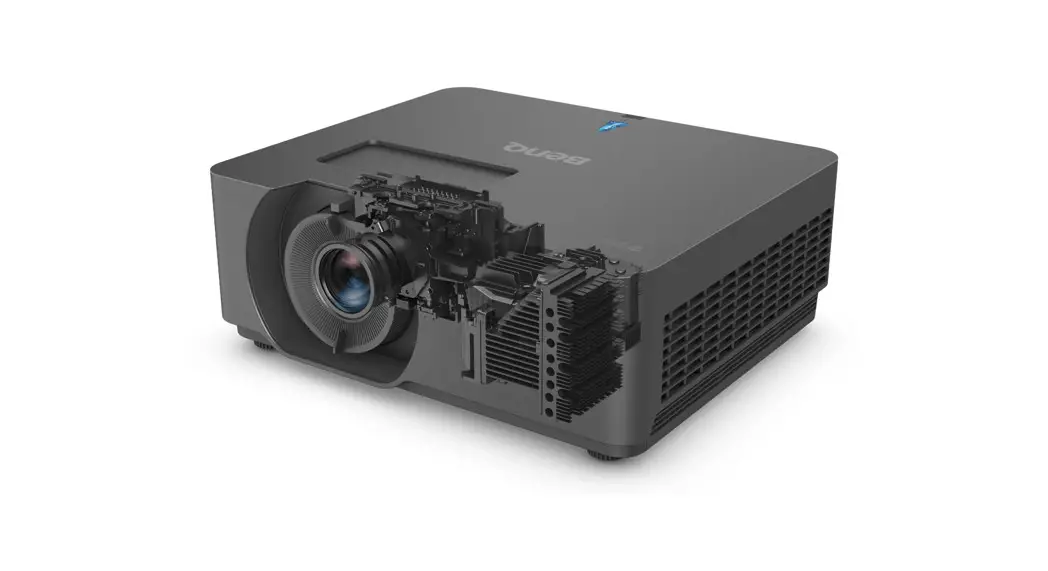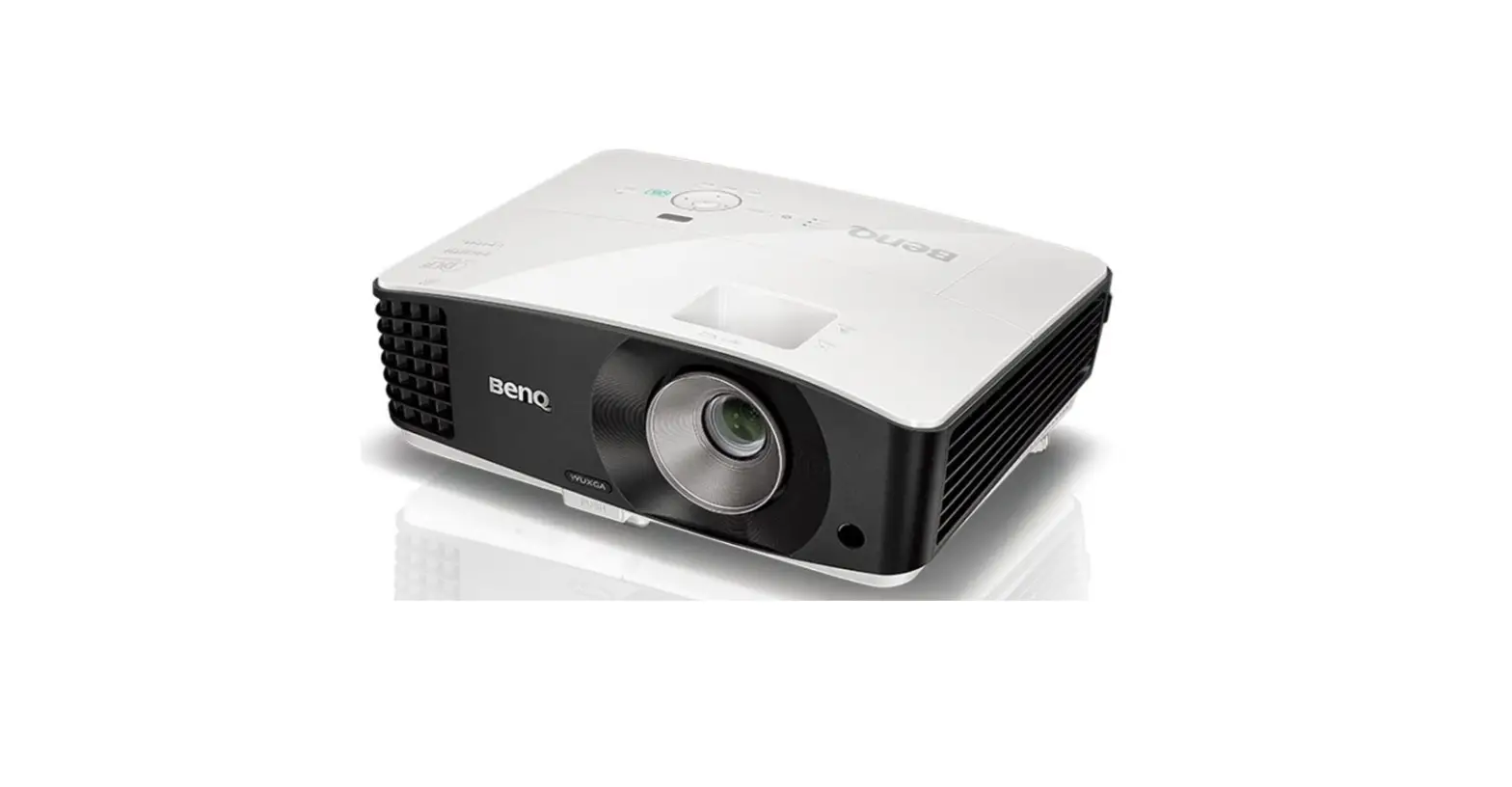

BenQ MX854UST Digital Projector
INSTALLATION
INSTALLATION
Projection dimensions
Projection dimensions
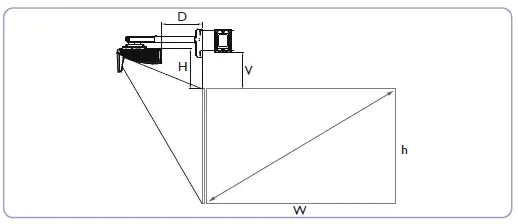
MX854UST The screen aspect ratio is 4:3 and the projected picture is 4:3.
| Screen size (Diagonal) | Screen width (W) | Screen height (H) | Projection distance (D) | Offset (H) | Distance between Wall plate & projection screen (V) | |||||
| inch | mm | inch | mm | inch | mm | inch | mm | inch | mm | |
| 68 | 1727 | 54 | 1382 | 40 | 1036 | 11.16 | 283.4 | 11.86 | 301.3 | 273.5 |
| 70 | 1778 | 55 | 1422 | 42 | 1067 | 11.91 | 302.4 | 12.15 | 308.5 | 280.7 |
| 75 | 1905 | 59 | 1524 | 45 | 1143 | 13.83 | 351.4 | 12.88 | 327.2 | 299.4 |
| 77 | 1956 | 61 | 1565 | 46 | 1173 | 14.62 | 371.4 | 13.18 | 334.8 | 307 |
| 80 | 2032 | 63 | 1626 | 48 | 1219 | 15.72 | 399.4 | 13.60 | 345.4 | 317.6 |
| 82 | 2083 | 65 | 1666 | 49 | 1250 | 16.51 | 419.4 | 13.90 | 353 | 325.2 |
| 85 | 2159 | 67 | 1727 | 51 | 1295 | 17.61 | 447.4 | 14.32 | 363.7 | 335.9 |
MW855UST The screen aspect ratio is 16:10 and the projected picture is 16:10.
| Screen size (Diagonal) | Screen width (W) | Screen height (H) | Projection distance (D) | Offset (H) | Distance between Wall plate & projection screen (V) | |||||
| inch | mm | inch | mm | inch | mm | inch | mm | inch | mm | |
| 80 | 2032 | 67 | 1723 | 42 | 1077 | 11.11 | 282.3 | 11.81 | 300 | 274.7 |
| 85 | 2159 | 71 | 1831 | 45 | 1144 | 12.73 | 323.3 | 12.37 | 314.3 | 289 |
| 87 | 2210 | 73 | 1874 | 46 | 1171 | 13.40 | 340.3 | 12.61 | 320.2 | 294.9 |
| 90 | 2286 | 76 | 1939 | 47 | 1212 | 14.38 | 365.3 | 12.95 | 328.9 | 303.6 |
| 92 | 2337 | 77 | 1982 | 48 | 1239 | 15.01 | 381.3 | 13.17 | 334.4 | 309.1 |
| 95 | 2413 | 80 | 2046 | 50 | 1279 | 15.98 | 405.8 | 13.50 | 343 | 317.7 |
| 97 | 2464 | 81 | 2089 | 51 | 1306 | 16.65 | 422.8 | 13.74 | 348.9 | 323.6 |
| 100 | 2540 | 85 | 2154 | 53 | 1346 | 17.55 | 445.8 | 14.05 | 356.9 | 331.6 |
MH856UST The screen aspect ratio is 16:9 and the projected picture is 16:9.
| Screen size (Diagonal) | Screen width (W) | Screen height (H) | Projection distance (D) | Offset (H) | Distance between Wall plate & projection screen (V) | |||||
| inch | mm | inch | mm | inch | mm | inch | mm | inch | mm | |
| 89 | 2258 | 77.5 | 1968 | 43.6 | 1107 | 13.40 | 340.3 | 13.04 | 331.2 | 273 |
| 90 | 2286 | 78.4 | 1991 | 44.1 | 1120 | 13.73 | 348.8 | 13.17 | 334.5 | 277 |
| 95 | 2413 | 82.8 | 2103 | 46.6 | 1183 | 15.35 | 389.8 | 13.80 | 350.5 | 294 |
| 97 | 2464 | 84.5 | 2148 | 47.6 | 1208 | 15.98 | 405.8 | 14.04 | 356.7 | 300 |
| 100 | 2540 | 87.1 | 2213 | 49 | 1245 | 16.94 | 430.3 | 14.42 | 366.2 | 309 |
| 102 | 2594 | 89.1 | 2262 | 50.1 | 1272 | 17.65 | 448.3 | 14.70 | 373.3 | 319 |
There is 5% tolerance among these numbers due to optical component variations. BenQ recom-mends that if you intend to permanently install the projector, you should physically test the projection size and distance using the actual projector before you permanently install it, so as to make allowance for this projector’s optical characteristics. This will help you determine the exact mounting position so that itbest suits your installation location.
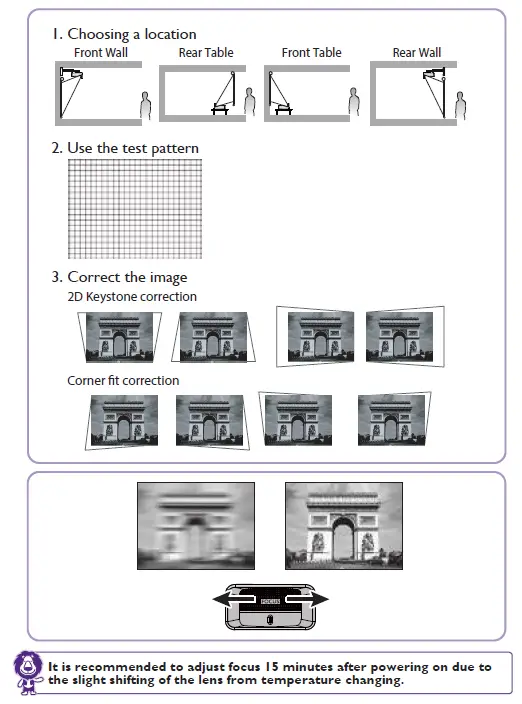
It is recommended to adjust focus 15 minutes after powering on due to the slight shifting of the lens from temperature changing. The above numbers are approximate and may be slightly different from the actual measurements. Only the recommended screen sizes are listed. If your screen size is not in the table above, please contact your dealer for assistance.
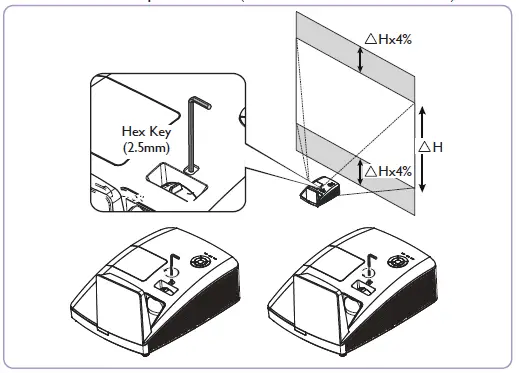
Limited lens shift specification (No available in MH856UST)
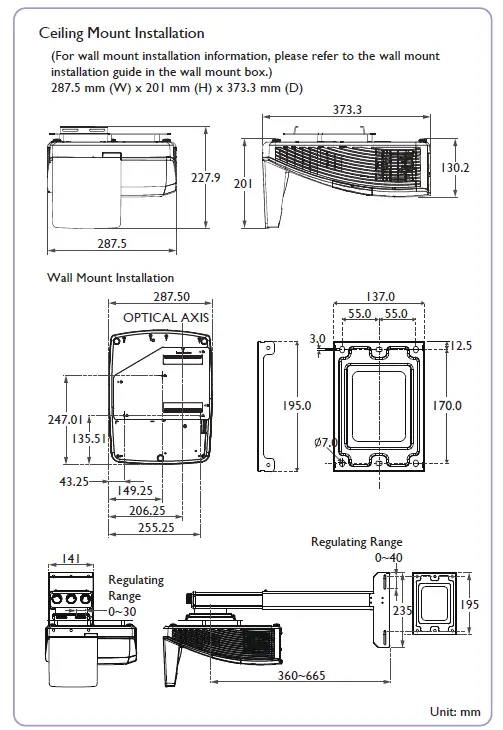
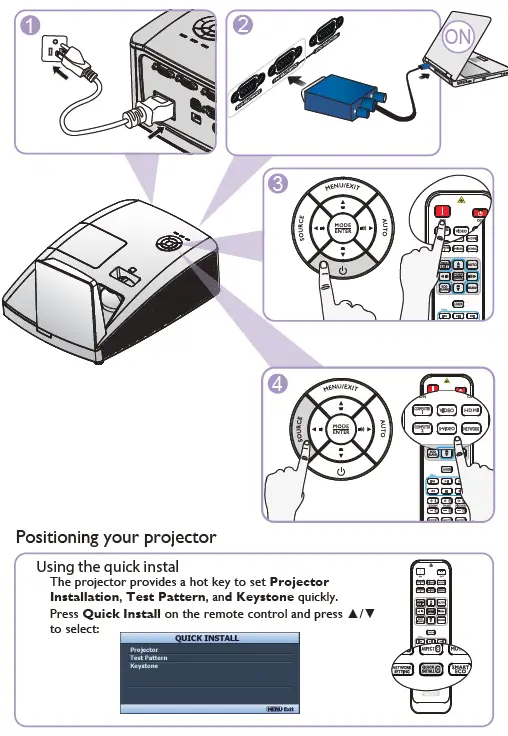
Specifications
All specifications are subject to change without notice.
Optical
- Resolution
- MX854UST 1024 x 768 XGA
- MW855UST 1280 x 800 WXGA
- MH856UST 1920 x 1080 1080p
- Display system Single-chip DLP™ system
- Lens F/Number F = 2.5, f = 5.1 mm
- Clear focus range (from IO to screen)
- MX854UST/MW855UST 0.28m~0.45m
- MH856UST 0.34m~0.51m
Lamp - MX854UST/MW855UST 240W lamp
- MH856UST 280W lamp
Electrical - Power supply
- AC100–240V, 3.8A 50–60 Hz (Automatic)
- Power consumption
- MX854UST/MW855UST 350W (Max); < 0.5W (Standby)
- MH856UST 400W (Max); < 0.5W (Standby)
Mechanical - Weight 11 lbs (5 Kg)
Output terminals - Speaker 10 watt x 2
- Audio signal output PC audio jack x 1
- Monitor Out D-Sub 15-pin (female) x 1
Control - USB
- Type-B mini USB (Optional PointWrite kit)
- Type-A power supply 5V /2A (Optional PointWrit Touch module)
- RS-232 serial control 9 pin x 1 IR reciver x 1
- LAN control RJ45 x 1
Input terminals - Computer input RGB input
- D-Sub 15-pin (female) x 2 Video signal input
- S-VIDEO Mini DIN 4-pin port x 1
- VIDEO RCA jack x 1
- SD/HDTV signal input Analog-Component (through RGB input)
- Digital – HDMI x1
- HDMI/MHL x 1 Audio signal input
- Audio in PC audio jack x 1 RCA audio jack (L/R) x 1
Environmental Requirements - Operating temperature 0°C–40°C at sea level
- Operating relative humidity 10%–90% (without condensation)
- Operating altitude 0–1499 m at 0°C–35°C 1500–3000 m at 0°C–30°C (with High Altitude Mode on)
 BenQ.com