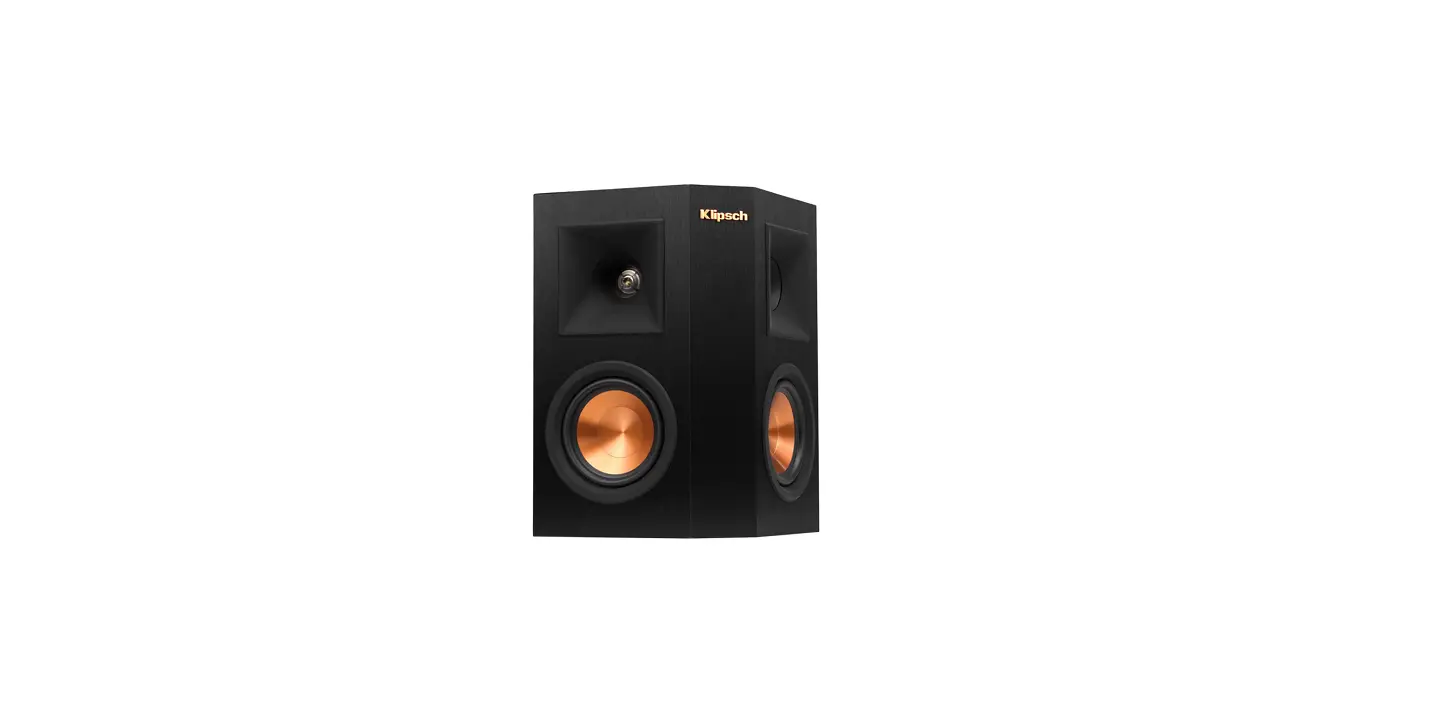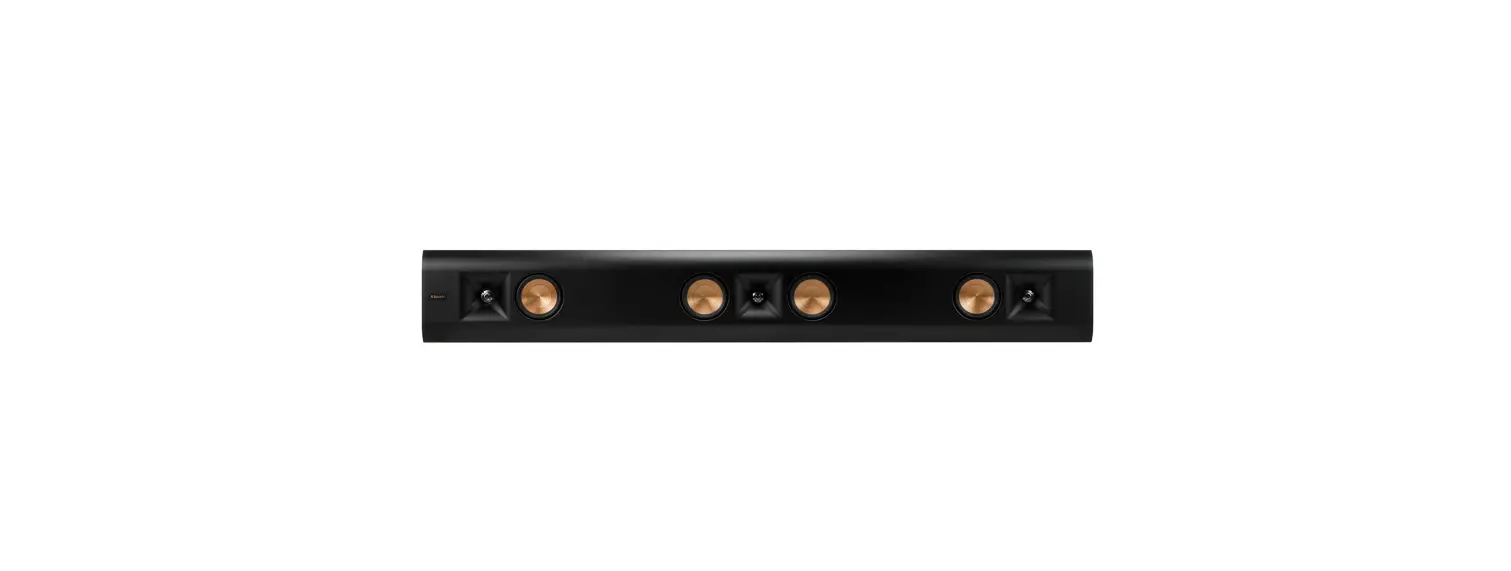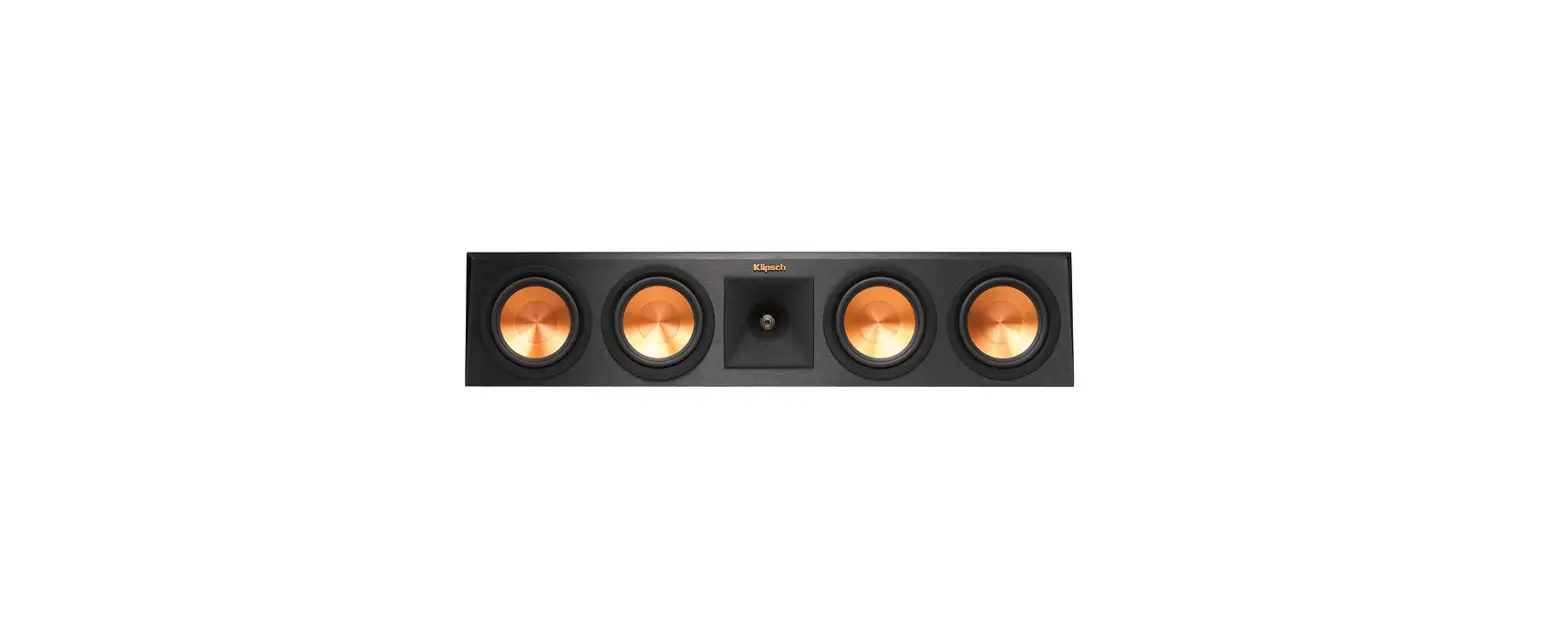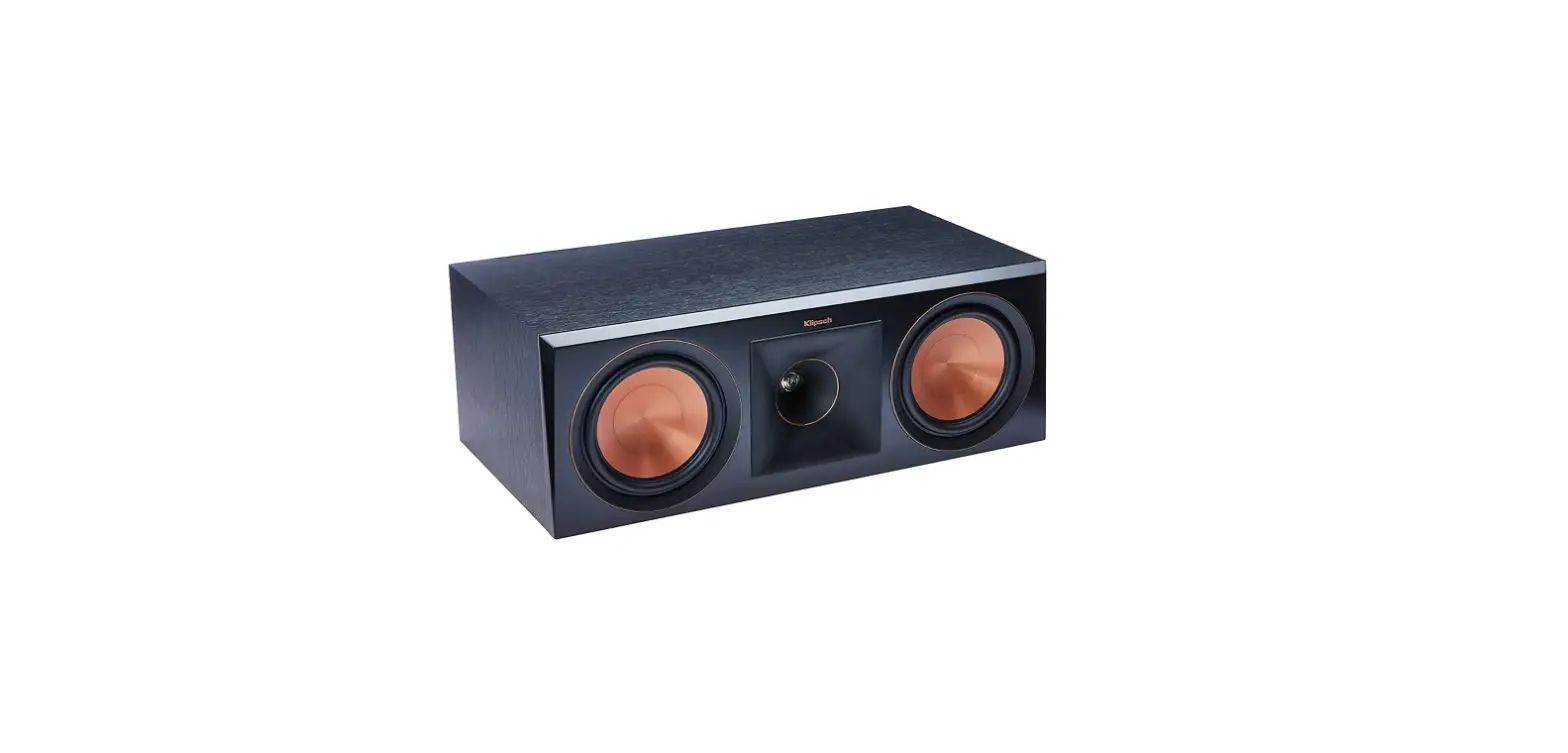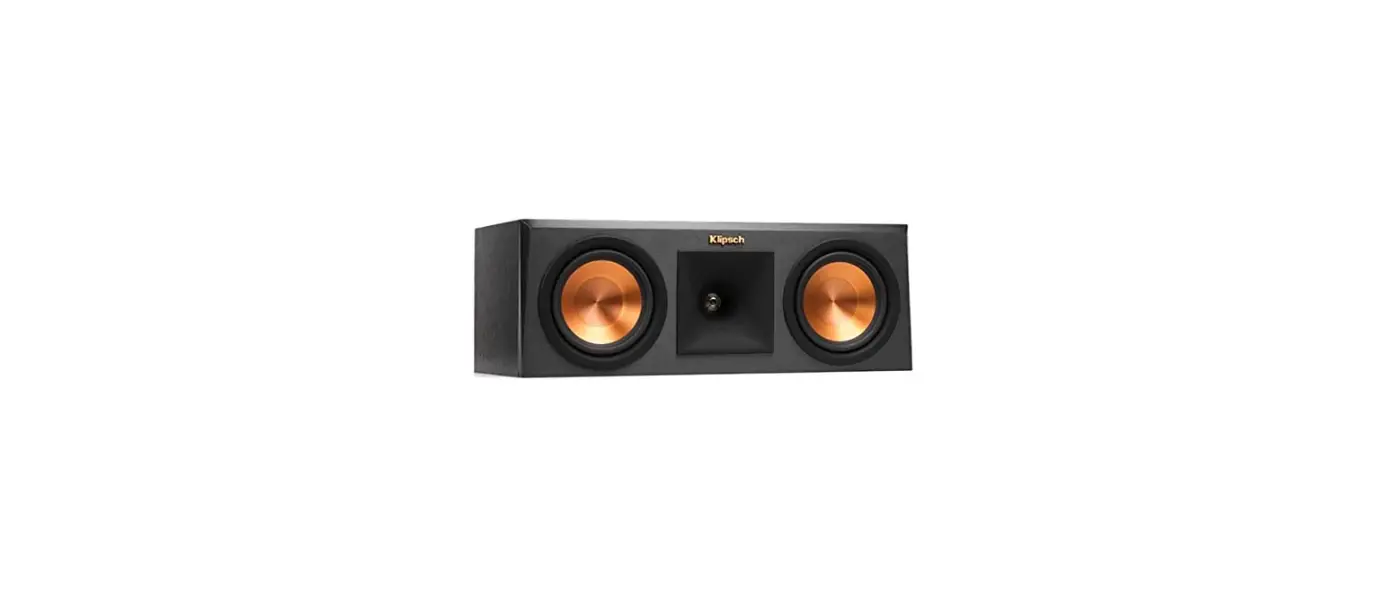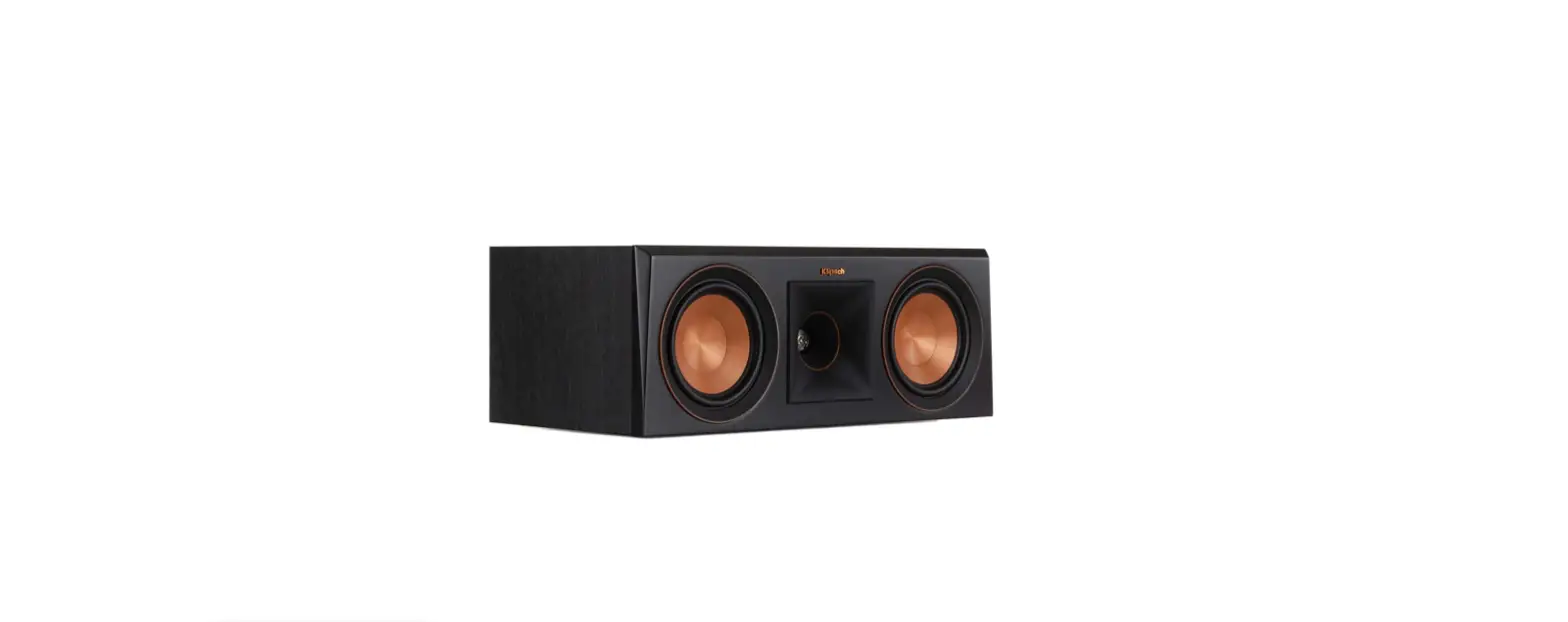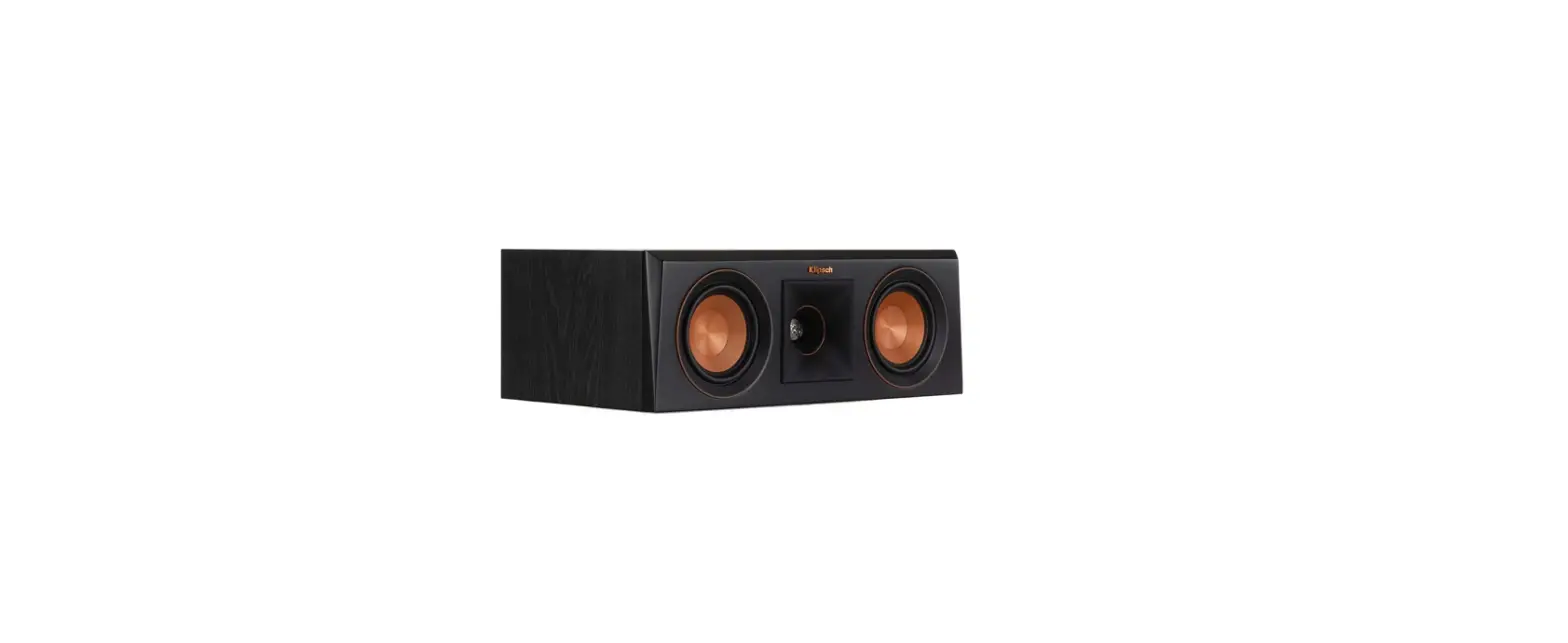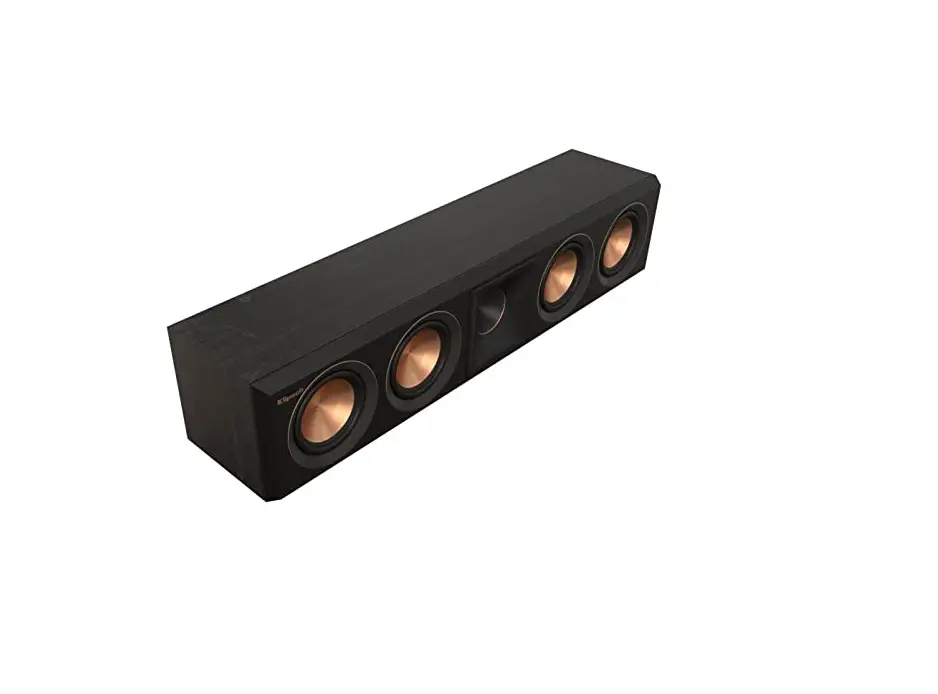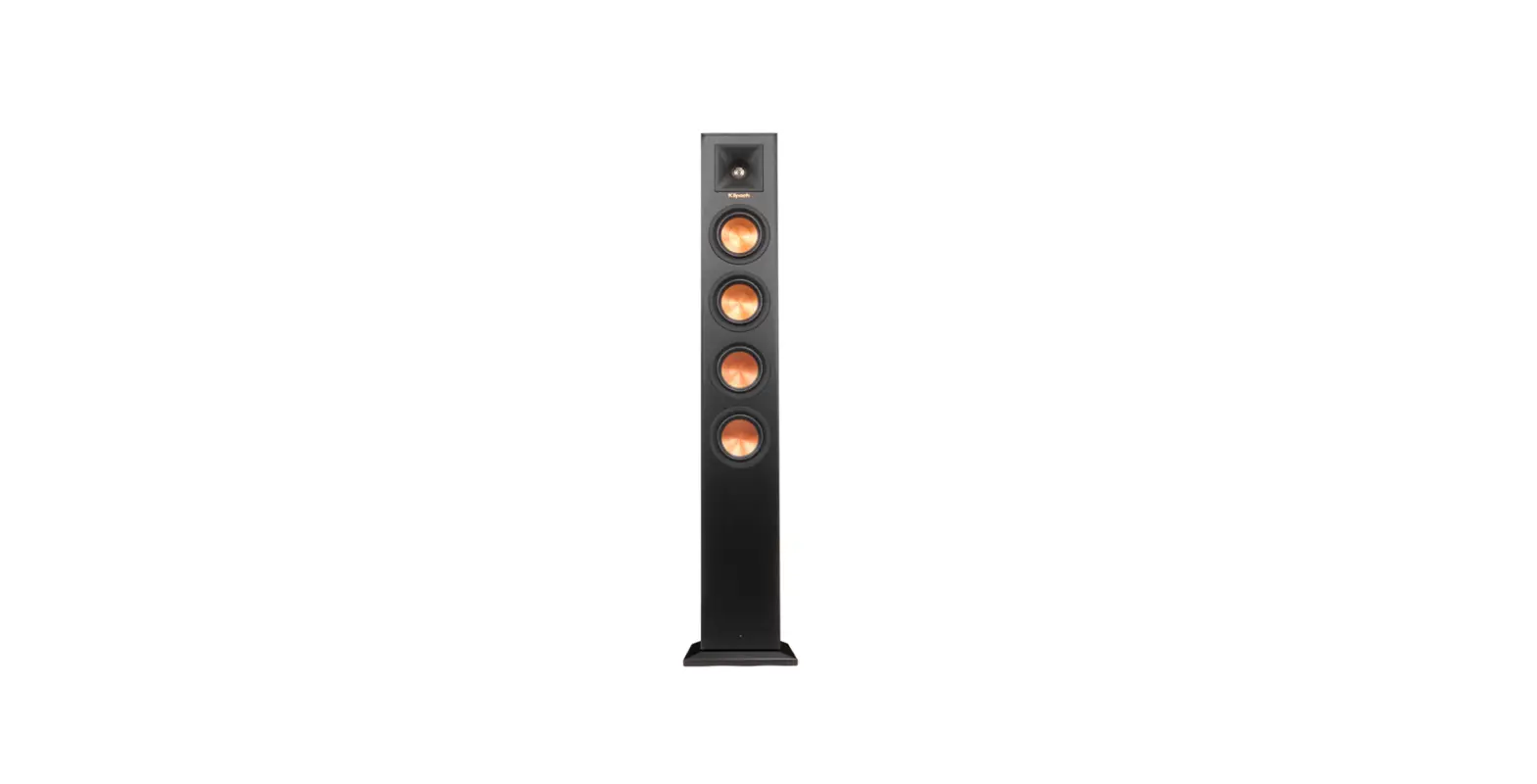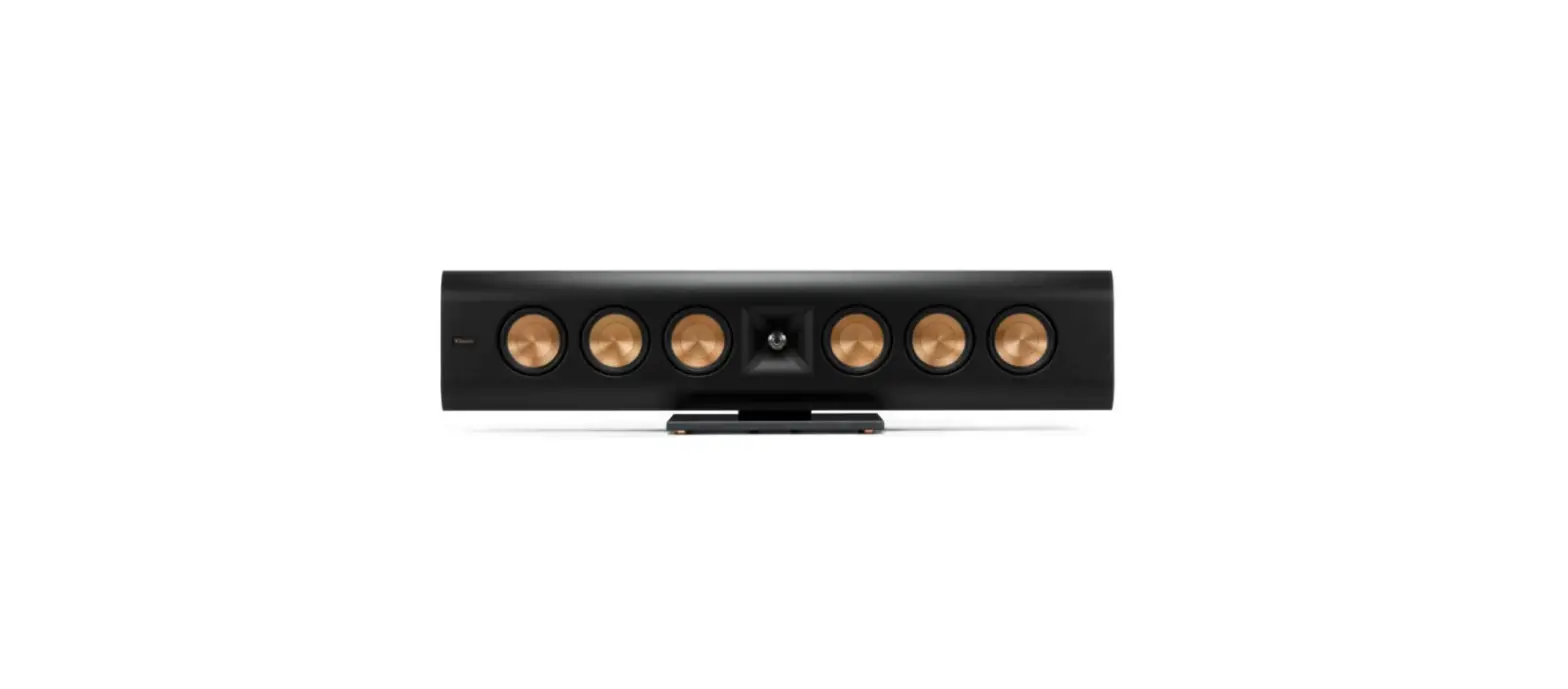

Klipsch RP-640D Black Home Speaker
IMPORTANT SAFETY INSTRUCTIONS
- READ these instructions.
- KEEP these instructions.
- HEED all warnings.
- FOLLOW all instructions.
- DO NOT use this apparatus near water.
- CLEAN ONLY with dry cloth.
- DO NOT block any ventilation openings. Install in accordance with the manufacturer’s instructions.
- Do not install near any heat sources such as radiators, heat registers, stoves, or other apparatus (including amplifiers) that produce heat.
- ONLY USE attachments/accessories specified by the manufacturer.
- USE only with a cart, stand, tripod, bracket, or table specified by the manufacturer, or sold with the apparatus. When a cart is used, use caution when moving the cart/apparatus combination to avoid injury from tip over.
- DO NOT expose this apparatus to dripping or splashing and ensure that no objects filled with liquids, such as vases, are placed on the apparatus.
Warning: The exclamation point, within an equilateral triangle, is intended to alert the user to the presence of important operating and maintenance (servicing) instructions in the literature accompanying the product.
Danger: The lightning flash with arrowhead symbol within an equilateral triangle, is intended to alert the user to the presence of uninsulated dangerous voltage within the products enclosure that may be of sufficient magnitude to constitute a risk of electrical shock to persons.
WARNING: To reduce the risk of fire or electrical shock, do not expose this apparatus to rain or moisture.
WARNING: No naked flame sources – such as candles – should be placed on the product.
WARNING: Do Not Open! Risk of Electrical Shock. Voltages in this equipment are hazardous to life. No user-serviceable parts inside. Refer all servicing to qualified service personnel.
THANK YOU
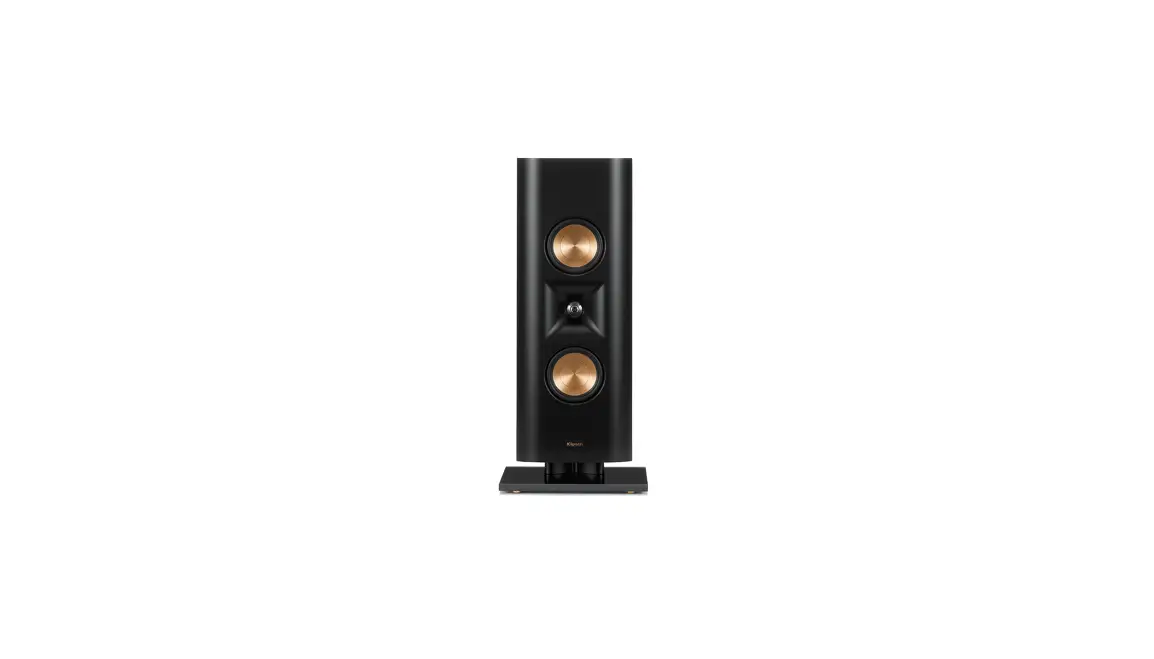
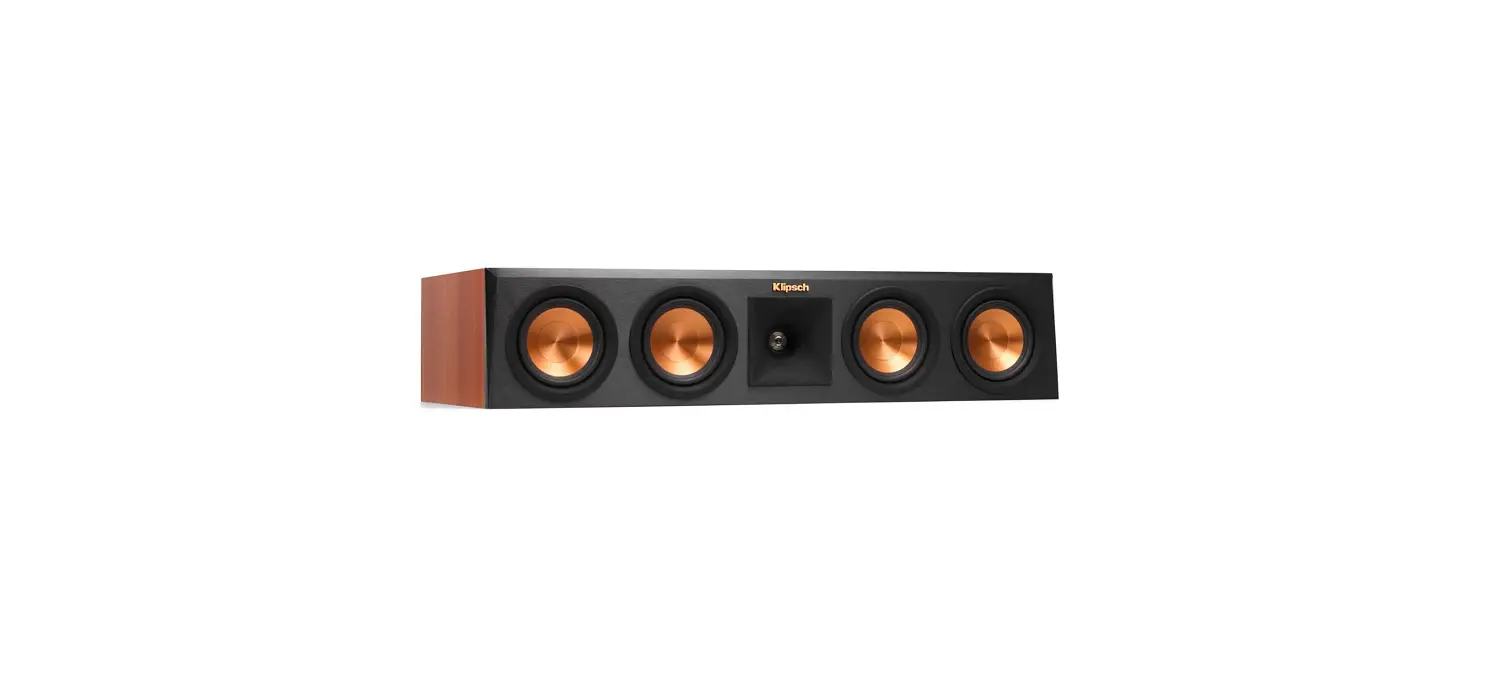
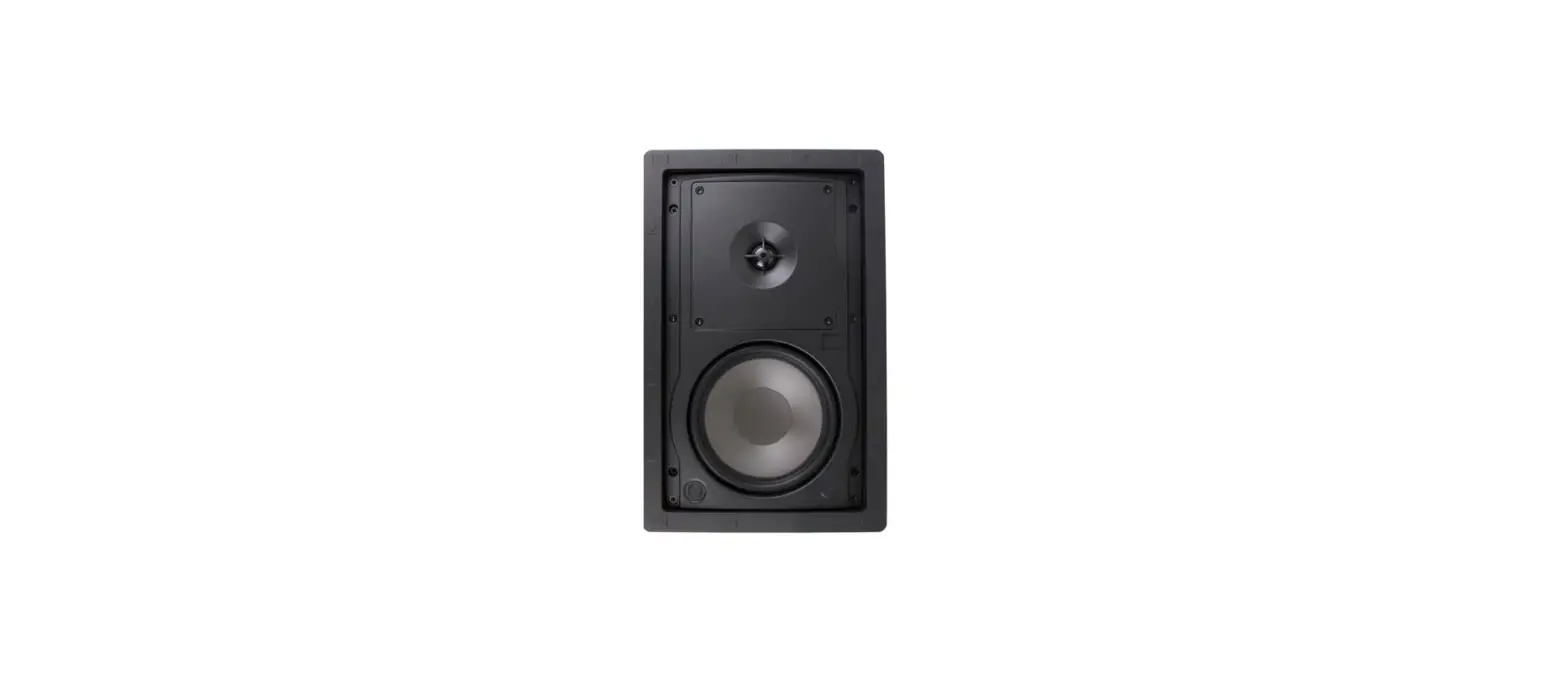
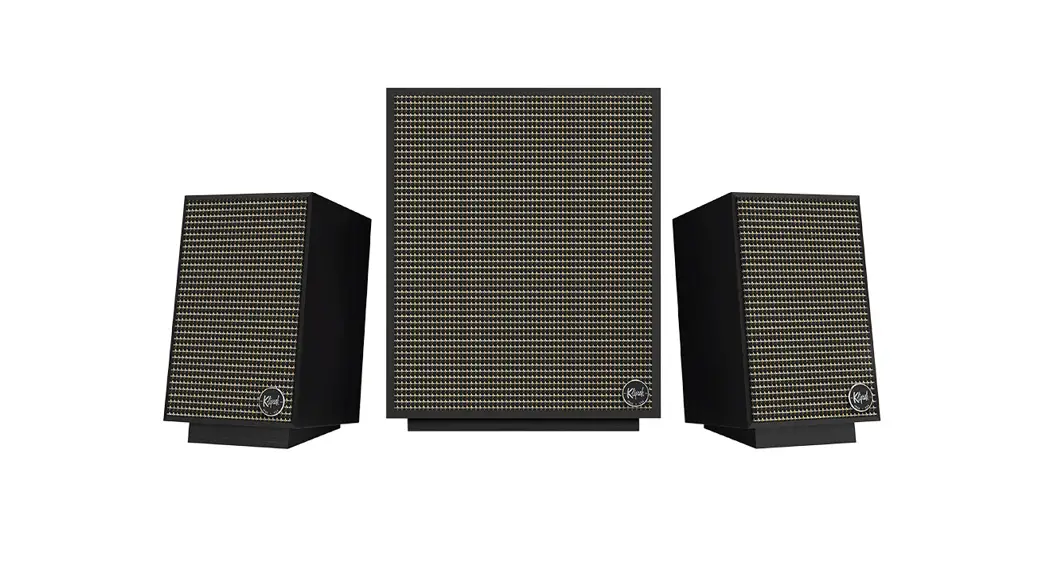
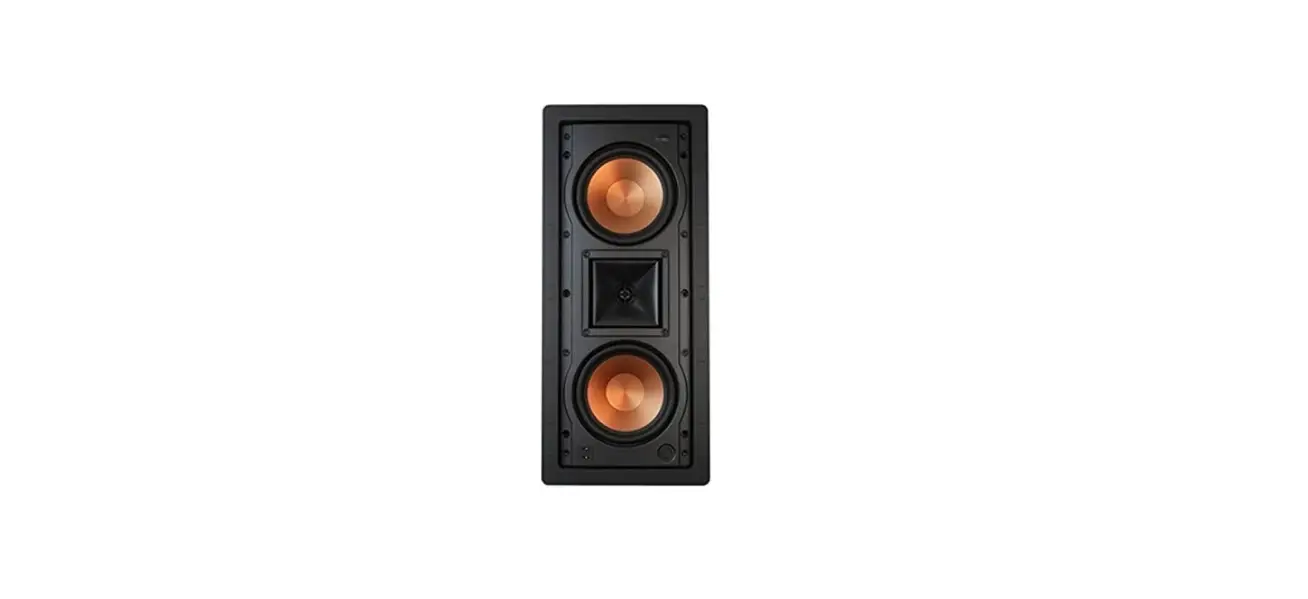
Thank you for your purchase of the Klipsch Reference Premiere Designer On-Wall speakers! Each speaker blends versatile, superior styling with legendary Klipsch® lifelike sound for seamless integration into any décor. The RP-640D speakers are designed to operate vertically or horizontally as left, center, right or surround speakers while the sound bar combines the three front channels in one aesthetic cabinet. Each model comes with a high quality, elegant, tempered glass base for stand, table or bookshelf placement and keyhole mounts for on-wall placement.
PRODUCT REGISTRATION
Register your product online at www.klipsch.com/register
- Klipsch Group Inc, (KGI) will keep you up-to-date on new products and promotions
- Your personal information will never be resold
- This registration information is not used for warranty purposes. Please retain your receipt for warranty claims.
ROOM PLACEMENT
Before You Start
Some Klipsch speakers have feet and other accessories that may need to be installed prior to use.
Left and Right Main Channel Speakers
For the most spacious sound KGI suggests placing the RP-640D front left/right speakers six to 15 feet (2 to 4.5m) apart with the listening position about 1 to 1.5 times the distance separating the speakers. Excellent sound can still be achieved by placing/wall-mounting these speakers close to both sides of your TV if that is more aesthetically pleasing.
Center Channel Speakers
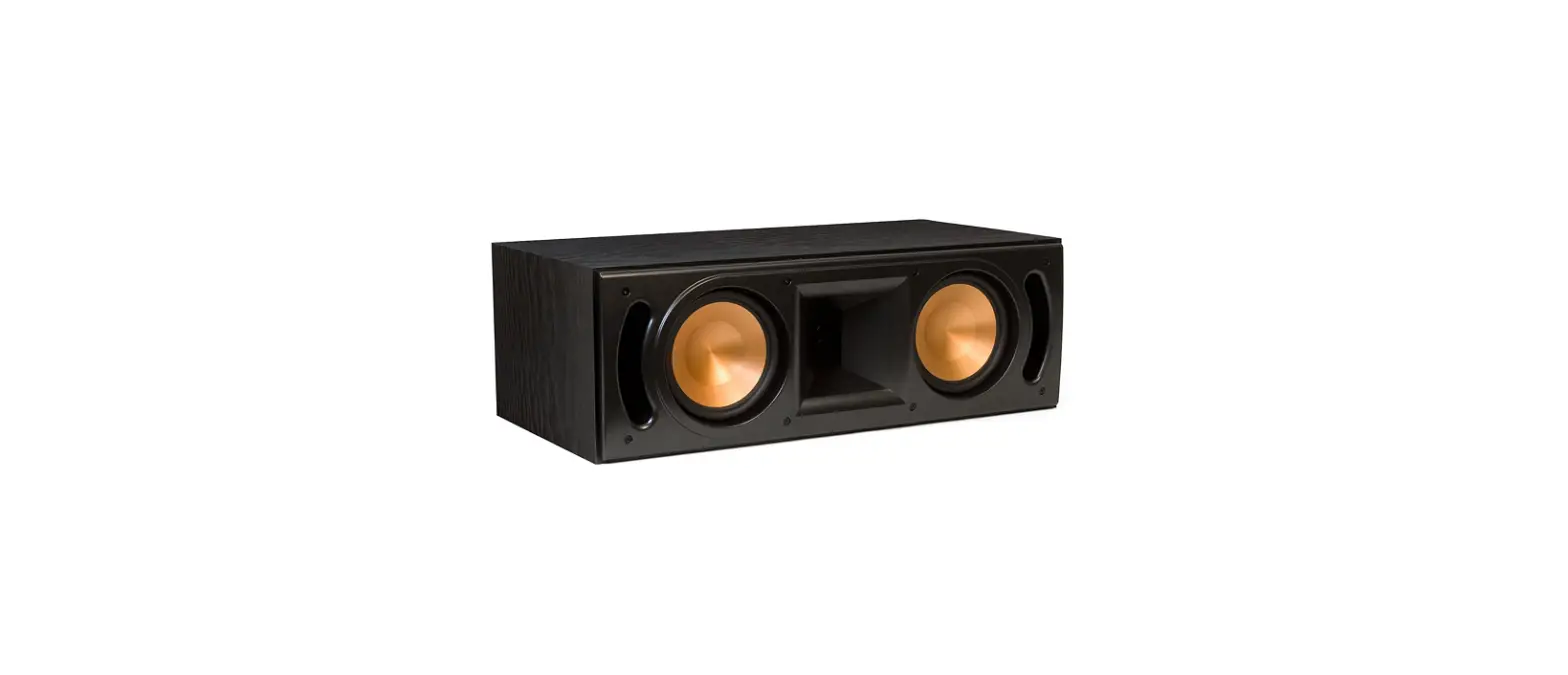
Speakers used as center channel speakers are designed to place dialogue and primary sounds so that they appear to come from the video screen. These speakers should therefore be placed/wall-mounted horizontally, as close to the screen as possible, preferably at least 1″ directly below the screen. The three-channel sound bar should also be placed/wall-mounted this way.
Rear Surround Channel Speakers
Speakers used as surround speakers should be placed approximately 2 feet above the listening position. Typically this will be about 5-7 feet above the floor. The surrounds should be placed on the walls directly adjacent to the listening position. Another option would be on the wall behind the listening position. The final surround speaker placement depends on your room’s characteristics.
SPEAKER/SOUND BAR PEDESTAL INSTALLATION
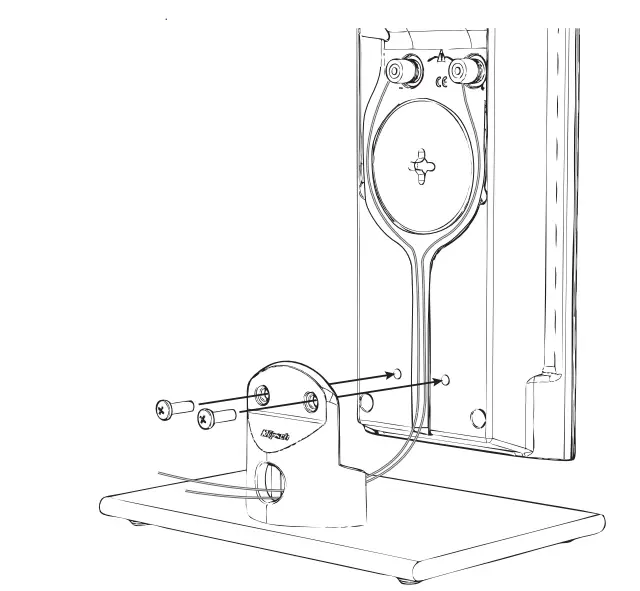
If you place your RP-640D speakers sound bar on a stand, table, etc. (vs. mounting on the wall), you will need to attach the provided tempered glass pedestals with the included screws.
Before you attach a pedestal, have the speaker wire that will attach to that speaker available since attaching the pedestal and connecting the speaker wire to a speaker are done at the same time (see “Connecting” section for proper wire connection).
The RP-640D speakers can be attached vertically or horizontally onto their pedestals and, therefore, have threaded inserts in two different positions on the rear of these speakers. The sound bar can only be attached horizontally to its pedestal. Attach the pedestal as follows:
- Insert speaker wires RP-640D and three sets, left, right and center channel for sound bar) inside hole in pedestal back and pull through pedestal top (See Diagram 2).
- Position speaker/sound bar on ridge on pedestal top, lining up the holes in the top with the threaded inserts on the speaker the has just one insert when in horizontal position and it should lineup with left hole on pedestal top). (See Diagram 2)
- Using a Phillips screwdriver, screw the screws partially into the speaker inserts, without tightening them. (See Diagram 2)

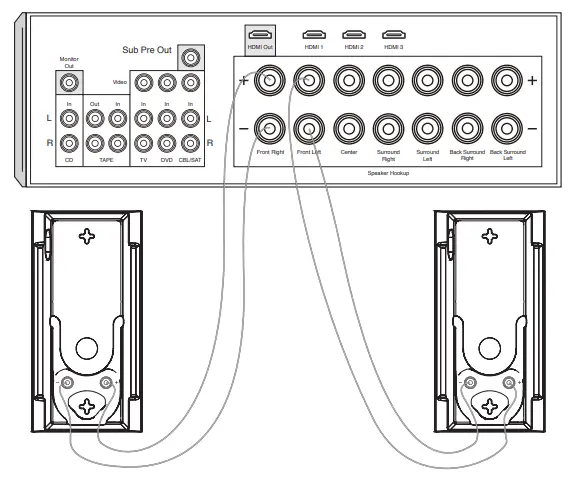
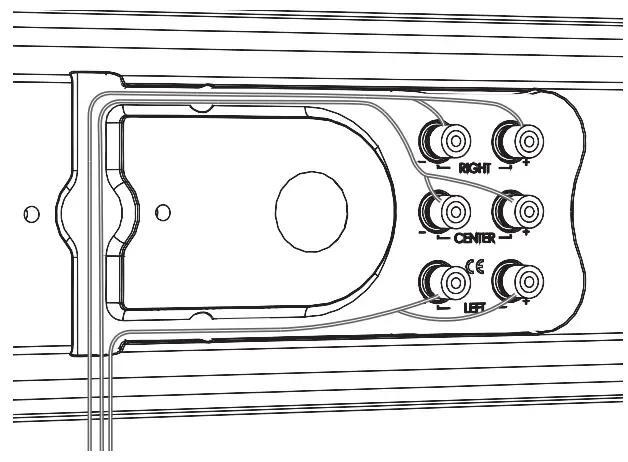
- If vertical mounting, attach speaker wires (see Diagram 1), adjust wires to fit in recessed area around terminals and tighten Phillips screws on pedestal. If horizontal mounting, route speaker wire from the rear center of speaker through channel(s) to the speaker terminals, attach speaker wires in same manner as vertical mounting, then tighten Phillips screws on pedestal. With the sound bar, use both channels to route all three sets of wires to the speaker terminals. (See Diagram 3) (Note: using speaker wire larger than 18 gauge on the may not allow wire(s) to completely fit in channels). If needed, use the included adhe-sive strip to hold excess wire in place. To change the Klipsch logo direction on the speaker front gently pull out one side of it and rotate 45˚.


SPEAKER/SOUND BAR ON-WALL INSTALLATION
If you mount your RP-640D speakers sound bar on a wall, do not attach the pedestals. Determine a suitable location for each speaker to wall-mount and complete all wiring to all speaker positions before mounting speakers to the wall. Do not ceiling-mount.
- If you have the RP-640D use included template and choose mount position for the speaker (horizontal or vertical). Pin template to wall, making sure it is level (when horizontally mounting) or plumb (when vertically mounting) and positioned correctly, centered with the TV’s center points for example. Mark on wall the pilot hole locations through the template and remove template. If you have the mark on wall 2 pilot hole points 9.26”apart for the 25”apart for the (make sure the points are lined up so that the speaker hangs straight up and down vertically or level horizontally). For all speakers, Leave a minimum of one inch space between speaker cabinet and TV. Keep in mind that, when mounted, the speaker will “lock” into position 5/16” lower than where the pilot holes are drilled.
- Pre-drill pilot holes in marked locations. If drilling into a wall stud (ideal) it is recommended to use #10 mounting screws (not included) to mount the speaker bracket RP-640D or the speaker itself. If there is no stud where a pilot hole is located, install wall anchors (not included) into the pilot holes to hold the bracket or speaker instead. Wall anchors should be rated to at least 6 pounds 12 pounds RP-640D.
- If vertical wall-mounting, feed speaker wire into speaker bottom area and attach each wire to appropriate screw-terminal binding post (See Diagram 2). If horizontal wall-mounting, feed speaker wire to channel(s) that start on the back center part of the speaker, then continue running wire through the channel(s) and attach each wire to the appropriate screw-terminal binding post the same as if vertical mounting. (See Diagram 3) (Note: using speaker wire larger than 18 gauge may
not allow wire(s) to completely fit in channels). If needed, stick the included adhesive strip on a point over the channel to hold the wires in place in the channel. To change the Klipsch logo direction on the speaker front gently pull out one side of it and rotate 45˚.
- Gently push the speaker onto the two tabs on the mounted bracket through its keyholes RP-640D or onto the two screws in the wall and push 5/16” down to lock into position.
CONNECTING
RP-640D Connection
Using 16-gauge or larger speaker wire, connect the RED “positive” (+) terminal of the LEFT speaker to the RED “positive” (+) terminal of your amplifier’s LEFT channel. Connect the BLACK “negative” (-) terminal of the left speaker to the BLACK “negative” (-) terminal of your amplifier’s left channel. Repeat this procedure for connecting all remaining speakers to the appropriate amplifier channels.
sound bar Connection
Since this speaker contains the LEFT, RIGHT and CENTER channels, connect each one of these channels from your amplifier as above to the designated “Left”, “Right” and “Center” terminals.
Make sure that no bare wires from any of the connections touch each other or any other terminals as this could cause a short and damage your equipment.
SPEAKER CARE AND CLEANING
Your Klipsch Reference Premiere Designer On-Wall Speaker has a durable finish that should only require dry dusting or cleaning with a dry cloth. Avoid the use of abrasive or solvent-based cleaners and harsh detergents. The unique grille for the speaker consists of a piece of sheer rectangular cloth with metal rods along two sides. It is held in place by magnets embedded in a slot on each side of the rear of the cabinet. Carefully pull the metal rod away from one side, then the other to remove grille. The grille is designed to be as lightweight and acoustically transparent as possible so there is no rigid framework behind it. Because of this, it might be necessary to “smooth” the cloth once the grille is attached to the cabinet by using two thumbs to pull the cloth taught from top to bottom (or side to side if unit is mounted horizontally).
EU COMPLIANCE INFORMATION:
Eligible to bear the CE mark, Conforms to European Union Low Voltage Directive 2006/95/EC; Conforms to European Union EMC Directive 2004/108/EC.
WEEE NOTICE
Note: This mark applies only to countries within the European Union (EU) and Norway.
This appliance is labeled in accordance with European Directive 2002/96/EC concerning waste electrical and electronic equipment (WEEE). This label indicates that this product should not be disposed of with household waste. It should be deposited at an appropriate facility to enable recovery and recycling. Klipsch is a registered trademark of Klipsch Group Inc.
FAQs
Your speakers should be broken in after roughly 100 hours of use. The speaker’s surround and spider materials deteriorate when it is used more frequently. Not every speaker will sound noticeably different after being broken into. Some merely slightly advance, while others undergo significant alteration.
In either orientation, they ought to sound excellent. By the way, these speakers are excellent for a wide range of music. Just the right amount of bass, flawless audio quality, and outstanding imaging even at moderate level.
Dual-input terminals are provided by manufacturers so that customers can bi-wire their home theatre systems to increase audio fidelity and produce a more expansive aural environment. One dedicated cable should be run from the amplifier to each speaker by default in many home theatre configurations.
The distance between the two speakers should be at least as great as the distance between each speaker and the listener, which is normally six feet or more. He says, “Imagine yourself as the centre of an equilateral triangle, with your left and right speakers as the points.
All speakers require power, but you still need the appropriate amp for the job. Klipsch makes the appropriate amplifier for the purpose, no matter what speakers you need to power.
For the Klipsch 5.1 system, a receiver is necessary. From the projector to the receiver, an optical cable will be connected. You will choose the suitable input in your receiver while you are playing.
The speaker’s nominal impedance, according to the Klipsch manual, is 4 ohms.
Without the use of an AVR, this product is constructed and engineered to connect directly to your TV or other devices.
between two and three feet. The bass response will be more impacted by proximity to the wall. The frequency response is uneven and the bass boomy when the speaker is too close to the wall. Moving them around an inch or two at a time till it sounds best is basically the only option.
A cup with four input terminals is a characteristic of some of our premium speakers. The speaker can be “bi-amped” with the use of these extra input connections. Please take note that binding posts marked “Main” and “Height” are NOT intended to be “bi-amped.”
Not at all, no.
The Fives can link up with a computer or laptop through USB Audio and Analog/AUX. You must connect the provided USB cable from the USB port on your laptop or computer to the USB Audio input on the rear of The Fives in order to play music over USB. The Fives’ source wheel should be set to USB.
You must enable Bluetooth on your iMac and make it discoverable via Bluetooth by going to the Bluetooth menu. In the BT menu, the Klipsch Three II ought to show up as a Bluetooth device. Pair your device with it, and you should be good to go.