
A Hama COMPANY
CODA Touchscreen Interface
Quick Start Guide: Controllers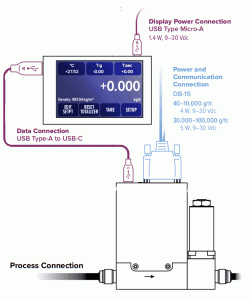
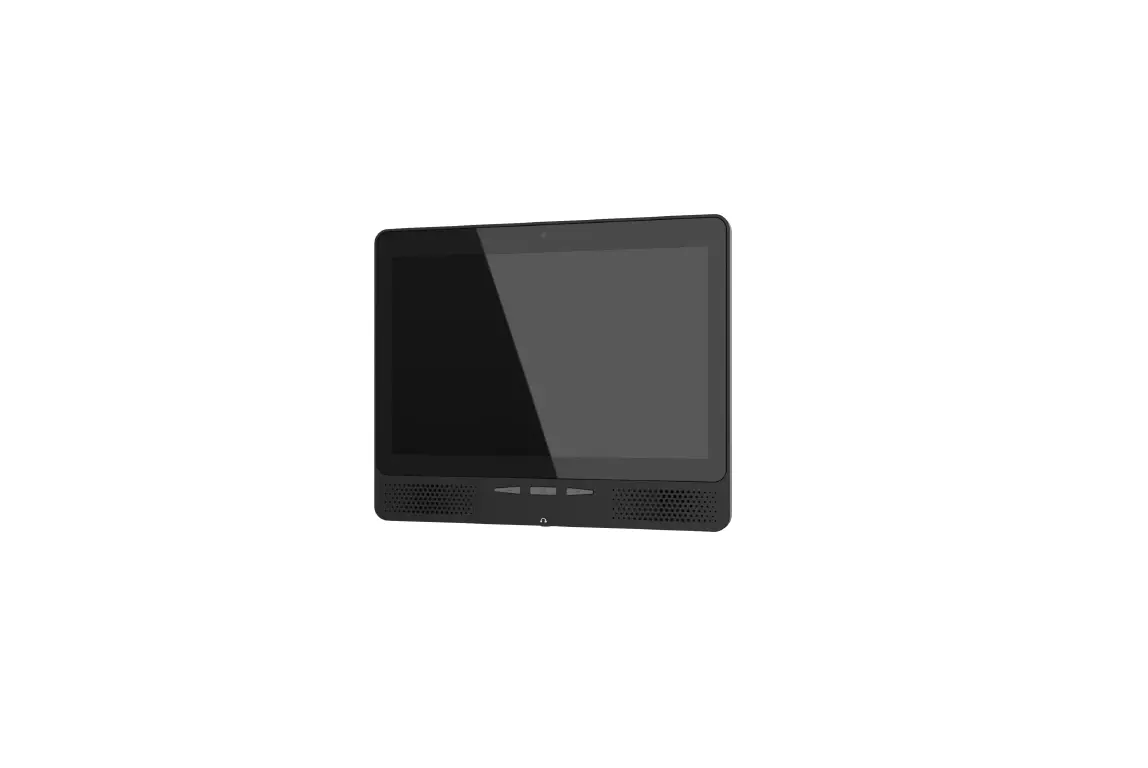
- Use a Micro-USB cable to connect power to the display, and wait for the device to initialize. You may see a “device not found” error, which s not a problem at this point.
- Connect a USB-A to a USB-C cable between the display and the controller or meter.
- Connect power to the controller via DB-15 cable.
Download the full manual: alicat.com/coda
 Use a Micro-USB cable to connect power to the display, and wait for the device to initialize. You may see a “device not found” error, which is not a problem at this point.
- Connect a USB-A to a USB-C cable between the display and the controller or meter.
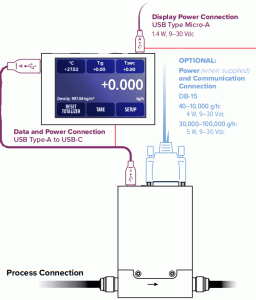 Use a Micro-USB cable to connect power to the display, and wait for the device to initialize. You may see a “device not found” error, which is not a problem at this point.
Troubleshooting
- Questions: +1 520-290-6060
- [email protected]
- Live web chat at alicat.com
DOC-MANUAL-CD-QUICK