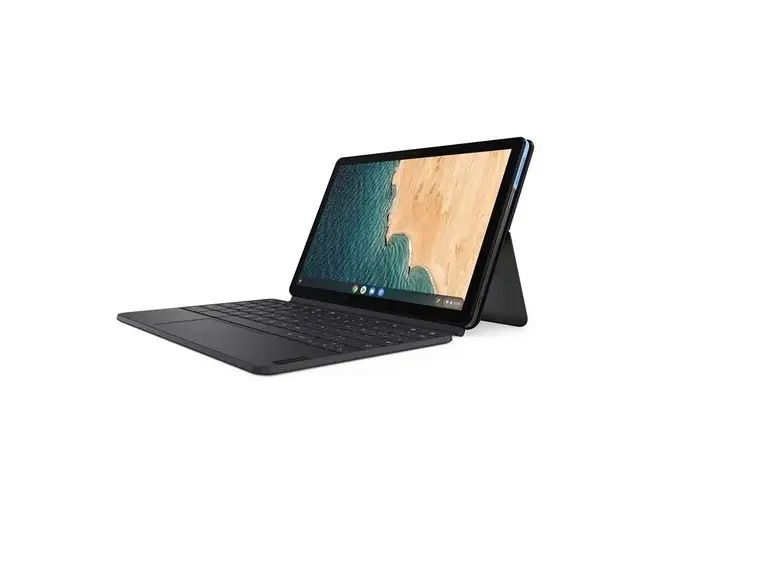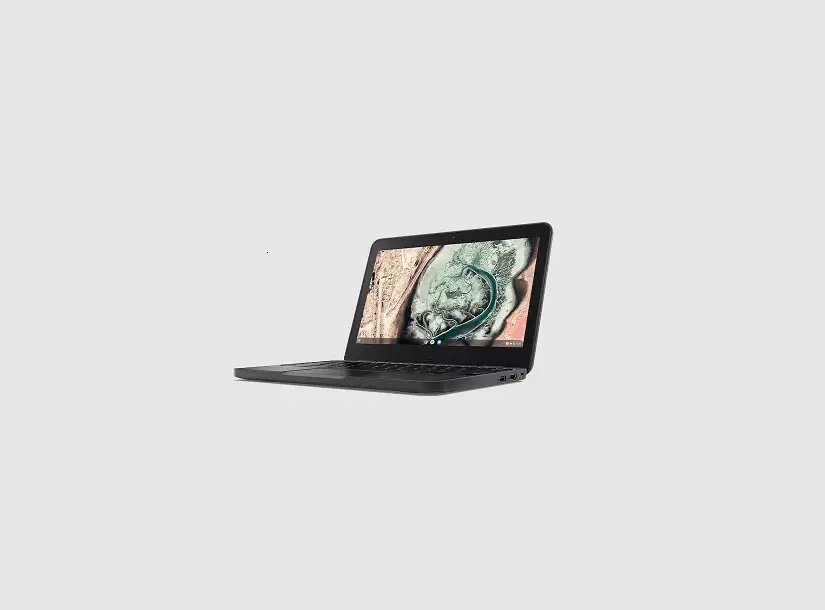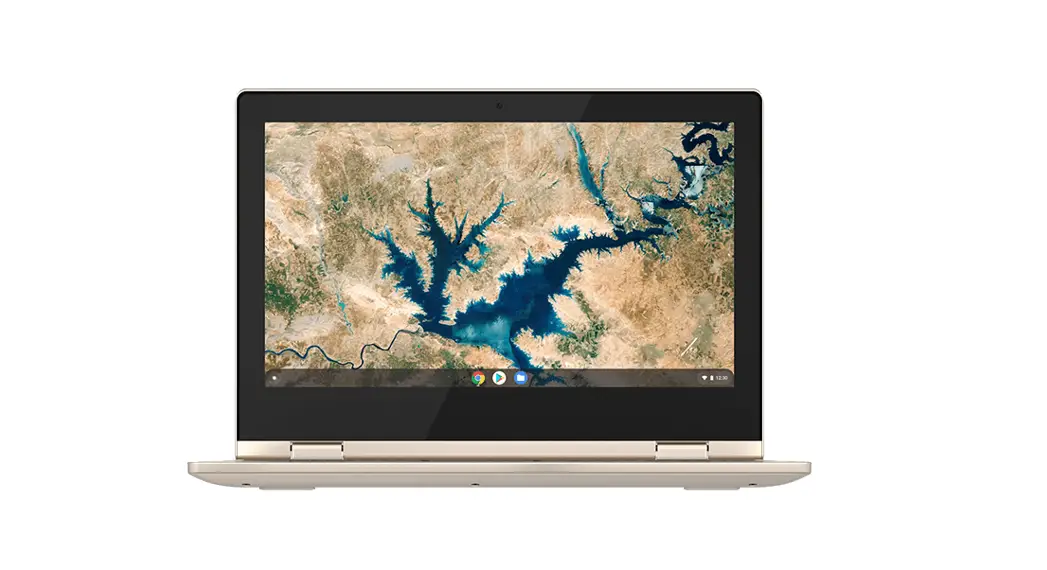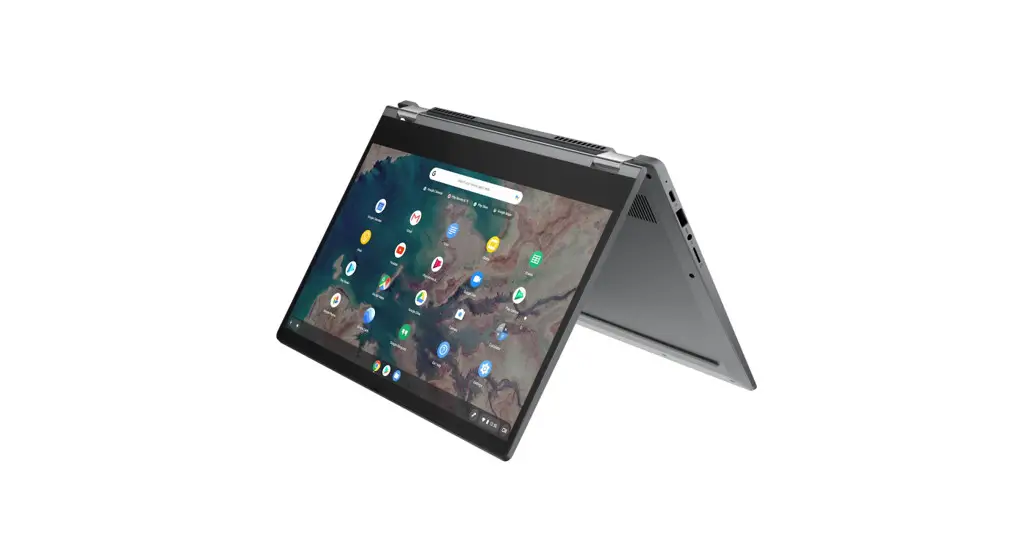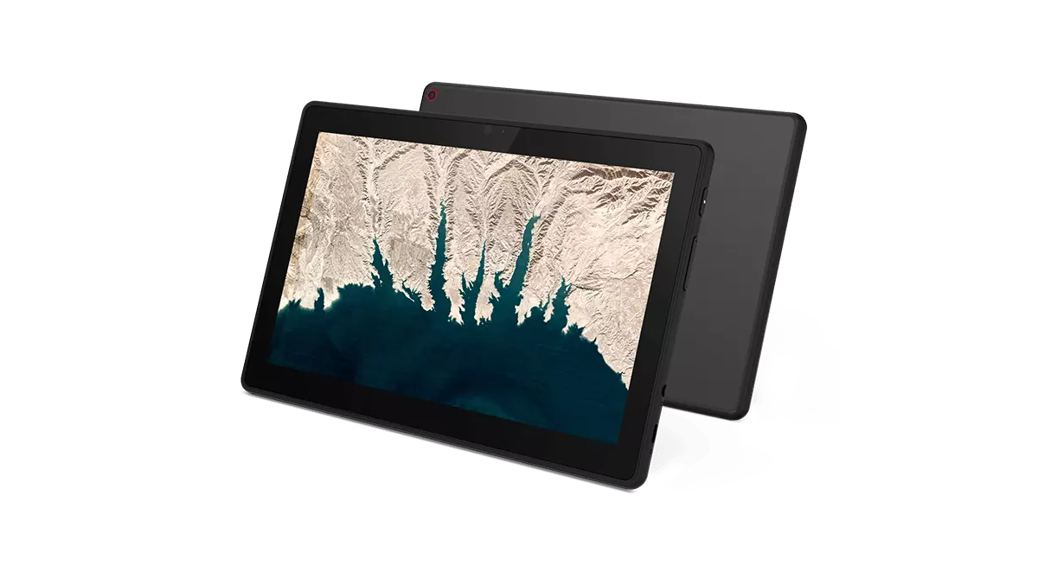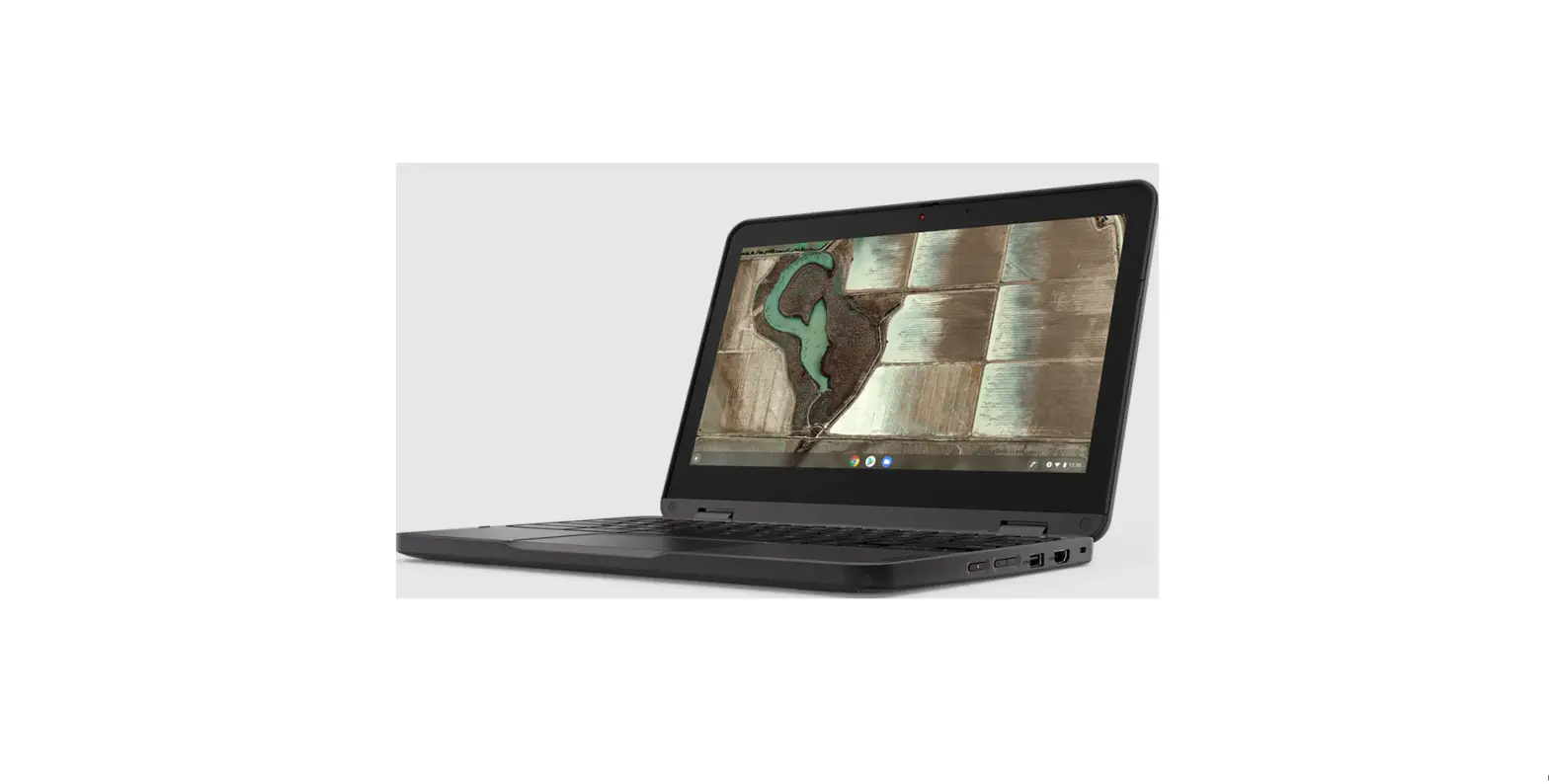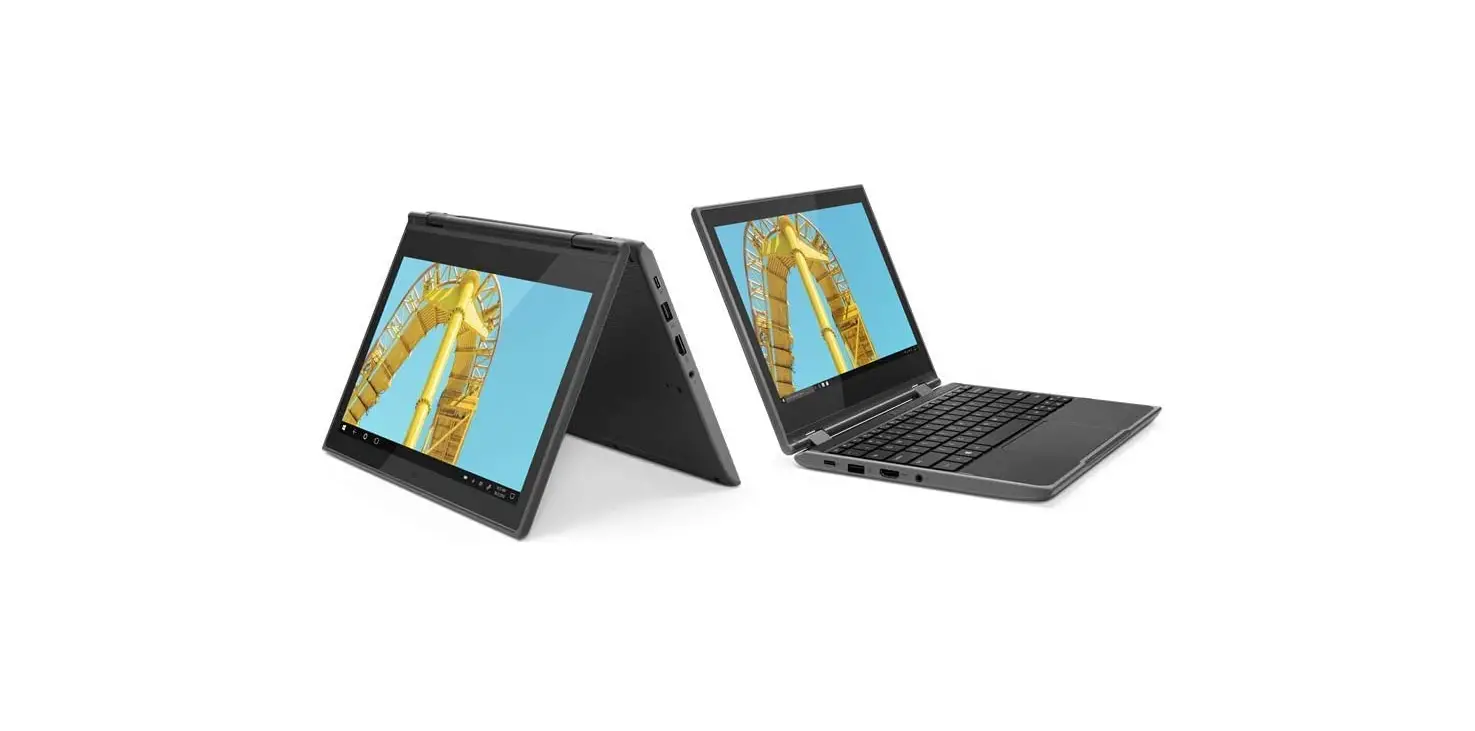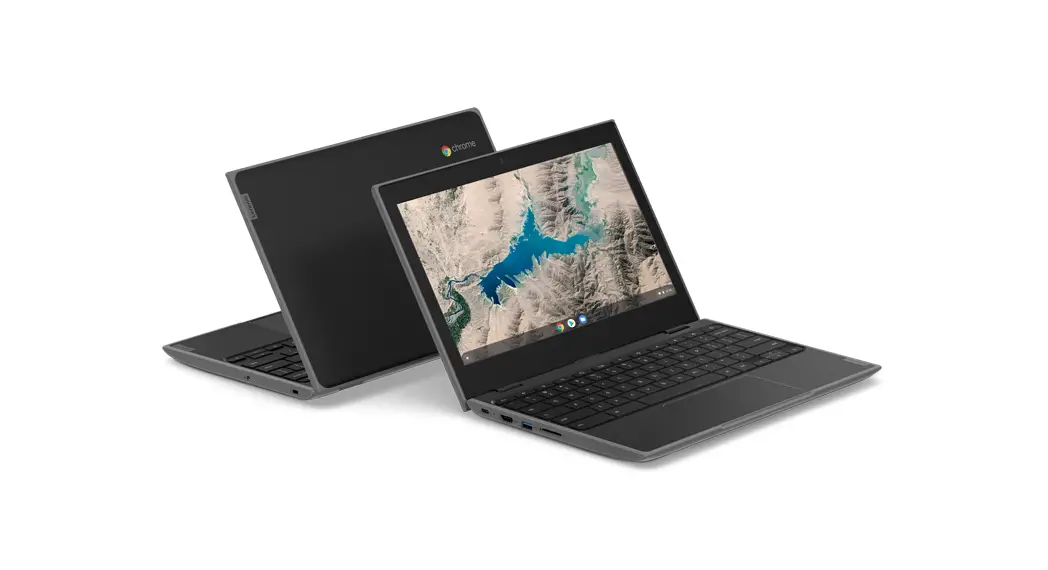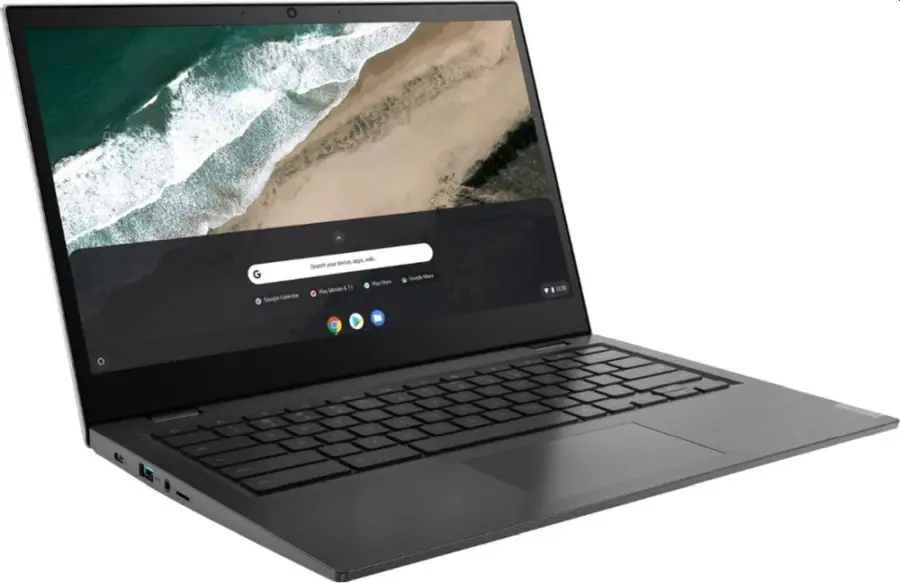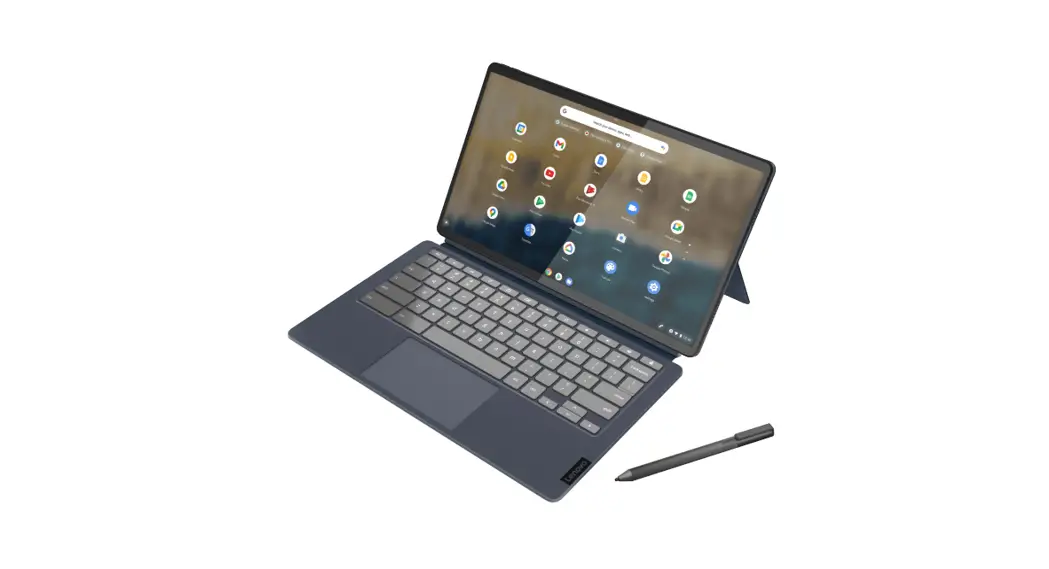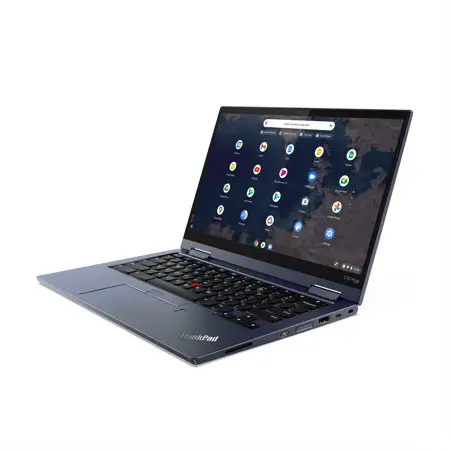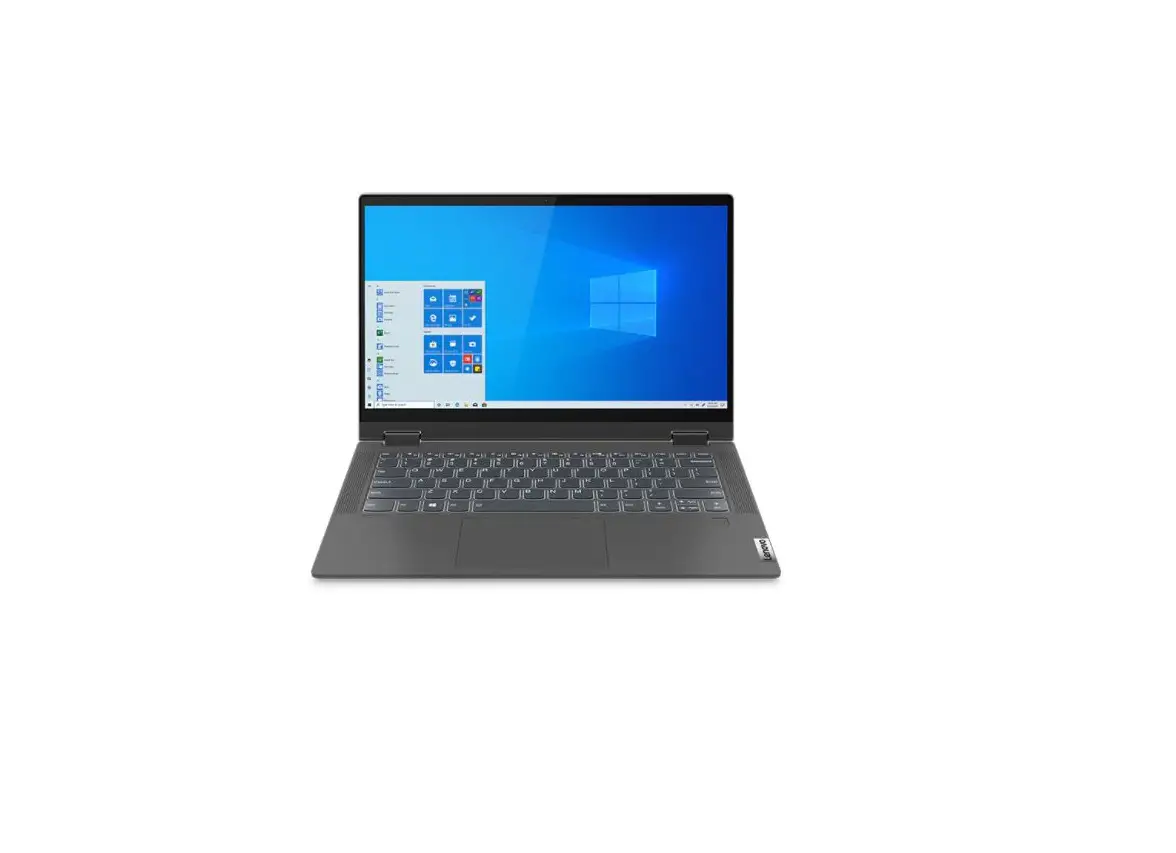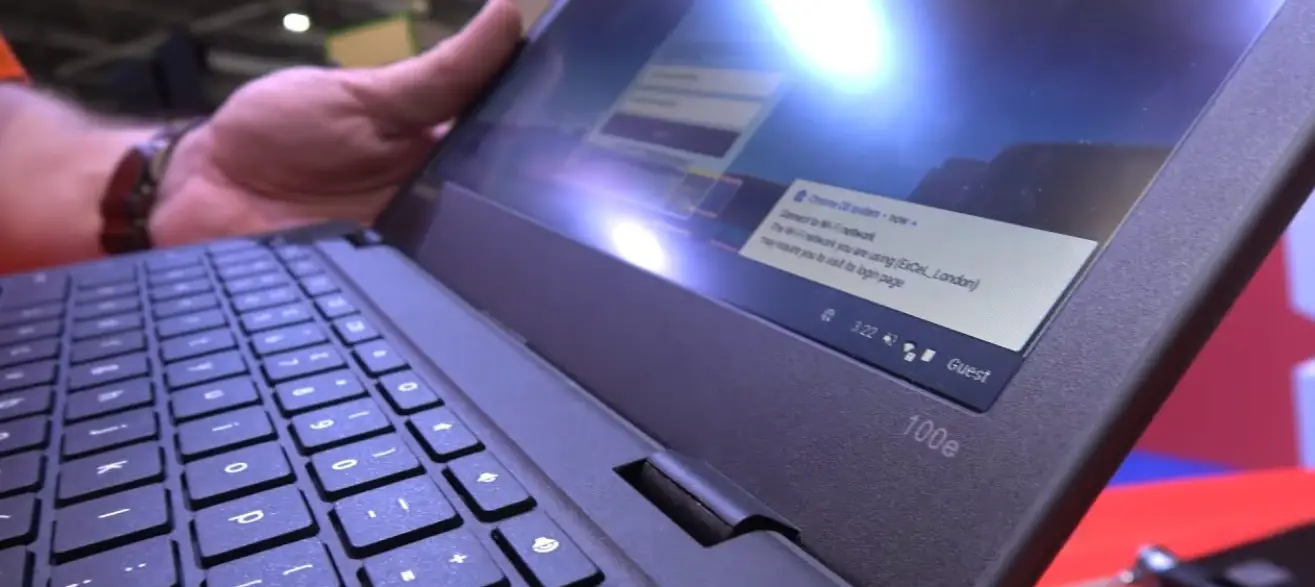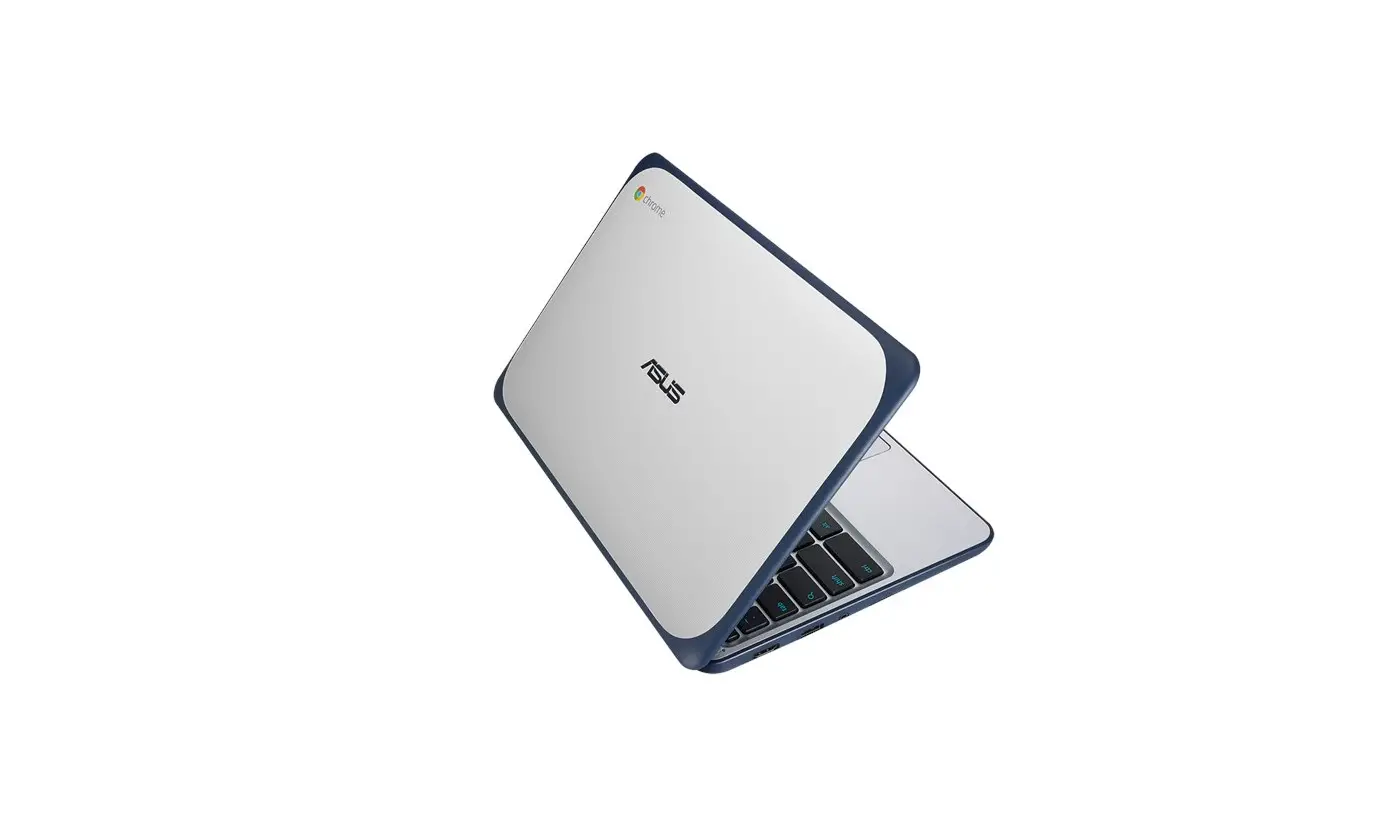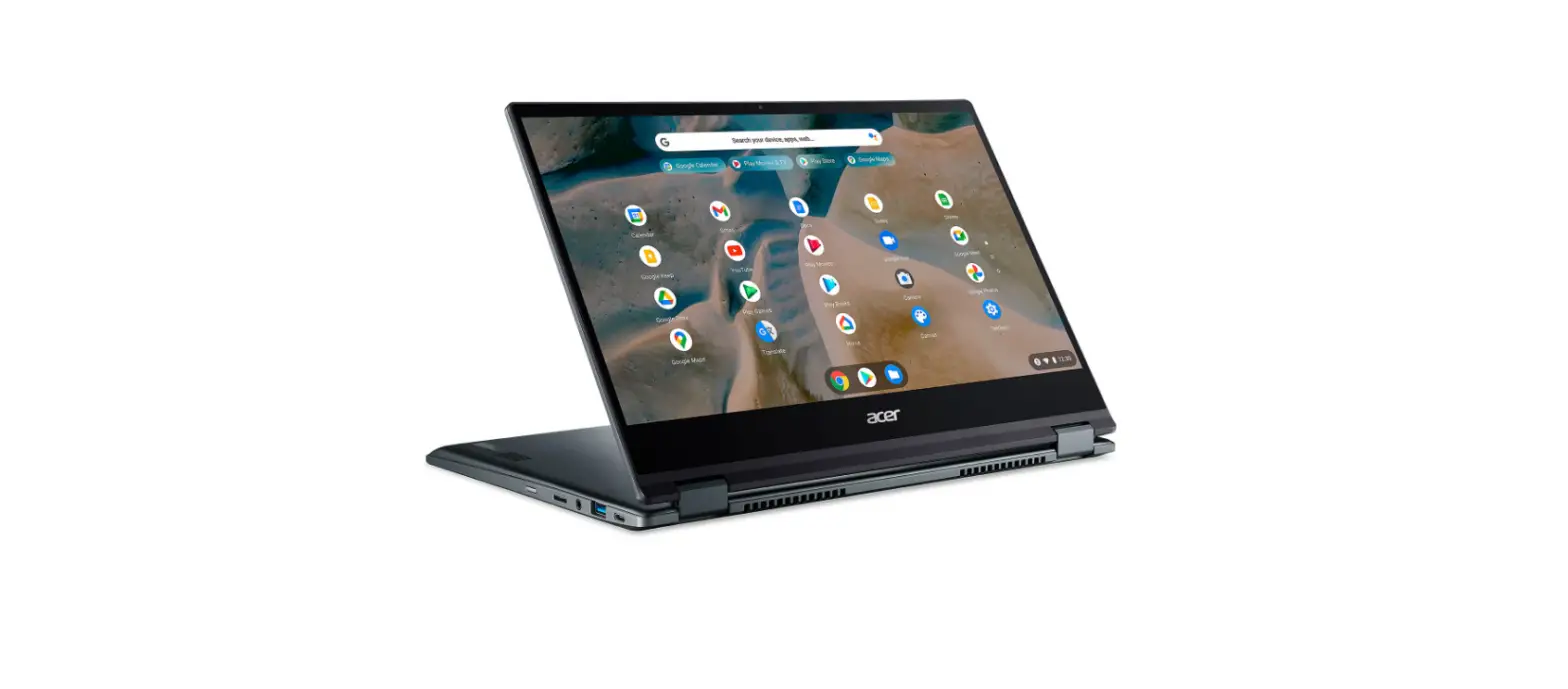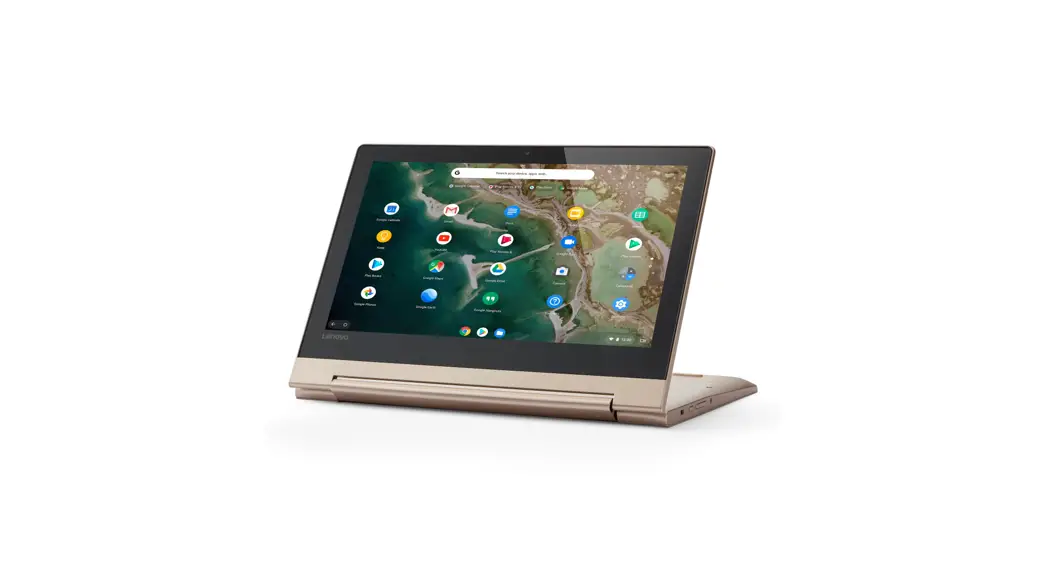

IdeaPad Flex 3 Chromebook (11″, 5)
Setup Guide Printed in China
For Barcode Position Only
PN: SP41A40318
Access User Guide
 https://support.lenovo.com/docs/flex_3cb_11igl
 The illustrations are for your reference.
 See User Guide for USB transfer rate.
Initial setup
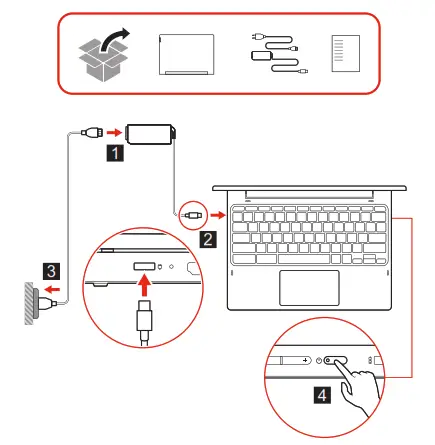
Overview
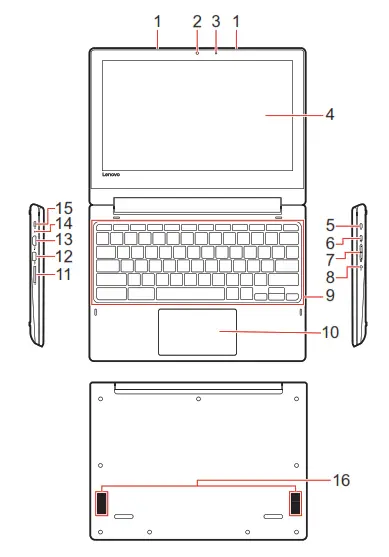
| 1. Microphones 2. Camera 3. Camera light 4. Screen 5. Security-lock slot | 6. Power button 7. Volume buttons 8. Combo audio jack 9. Keyboard |
Additional information
Specific absorption rate (SAR)
YOUR DEVICE MEETS INTERNATIONAL GUIDELINES FOR EXPOSURE TO RADIO WAVES.
Your device is designed not to exceed the limits for exposure to radio waves (radio frequency electromagnetic fields) recommended by ICNIRP international guidelines.
| Item | Body- worn SAR | Limb SAR |
| lOg SAR limit | 2 W/kg | 4 W/kg |
| Maximum SAR with 0 mm separation distance | 1.04 W/kg | 1.04 W/kg |
To limit exposure from radio waves, use the device under good radio signal conditions and keep the antennas furthest from your body and that of other people. Pregnant women should keep the antennas away from their stomach and adolescences away from their lower abdomen.
Wearers of electronic implant devices (pacemakers, insulin pumps, neurostimulators, etc.) should maintain a distance greater than 15 centimeters between the radio device and the implant device.
Obey all local restrictions when using your device in public areas, such as hospitals, airplanes, or schools.
For more information, go to https://support.lenovo.com/us/en/solutions/sar.
European Union — compliance with the Radio
Equipment Directive
Hereby, Lenovo (Singapore) Pte. Ltd., declares that the radio equipment type IdeaPad Flex 3 CB 11M735 is in compliance with
Directive 2014/53/EU.
The full text of the system EU declaration of conformity is available at the following Internet address: https://www.lenovo.com/us/en/compliance/eu-doc
This radio equipment operates with the following frequency bands and maximum radio-frequency power:
| Technology | Frequency band [MHz] | Maximum transmit power |
| WLAN 802.11b/g/n/ax | 2400 – 2483.5 | < 20 dBm |
| WLAN 802.11a/n/ac/ax | 5150 – 5725 | < 23 dBm |
| WLAN 802.11a/n/ac/ax | 5725 – 5875 | <13.98 dBm |
| Bluetooth BR/EDR/LE | 2400 – 2483.5 | < 20 dBm |
Usage of all the radio devices is limited to indoor in the band 5150 MHz to 5350 MHz (channels 36, 40, 44, 48, 52, 56, 60, 64)
First Edition (July 2020)
© Copyright Lenovo 2020.
LIMITED AND RESTRICTED RIGHTS NOTICE:
If data or software is deliveredpursuant to a General Services Administration “GSA”
contract, use, reproduction, or disclosure is subject to restrictions set forth in Contract
No. GS-35F-05925. Reduce
 Specific Absorption Rate (SAR) - Lenovo Support US
 Regulatory Compliance | EU Declaration of Conformity | Lenovo US | Lenovo US